
Knockout ‑ Hide Out Of Stock
App Introduction
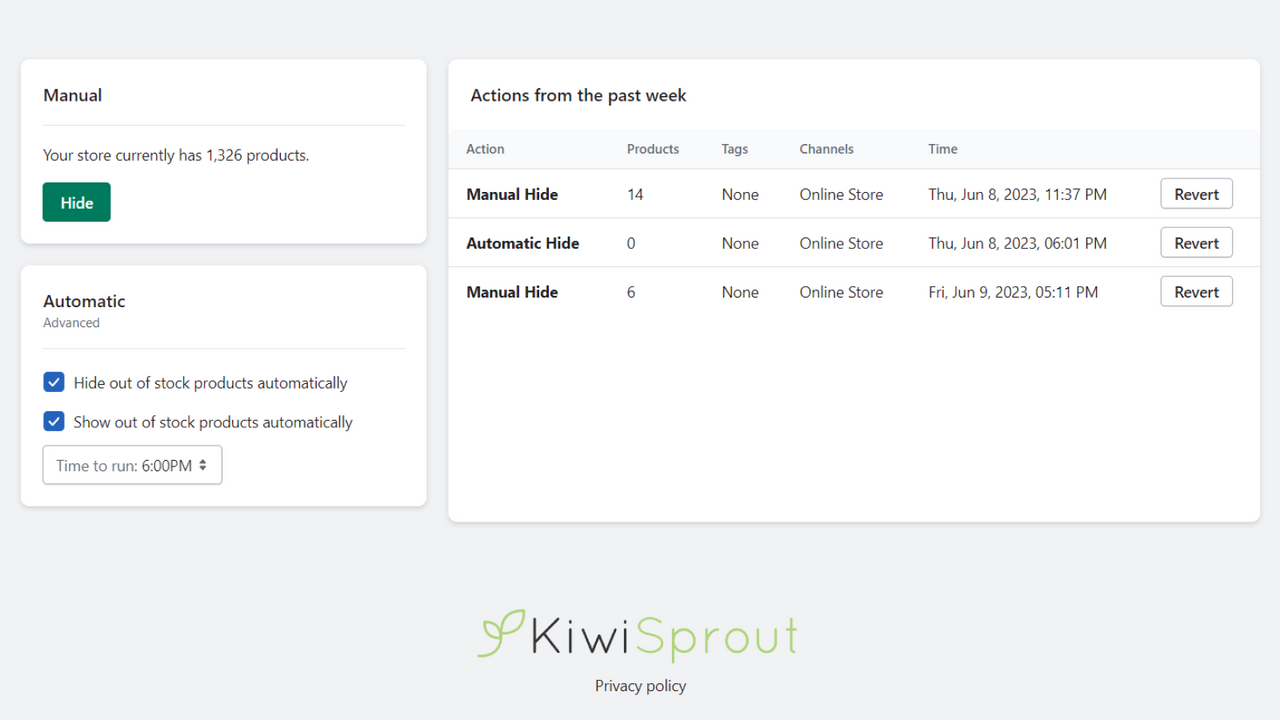
Automatically Hide Out-of-Stock Products and Publish In-Stock Products Across Multiple Sales Channels When customers find products out of stock, they often lose interest—which can significantly hurt your sales. With Knockout, you can effortlessly enhance your customers’ shopping experience. It lets you automatically hide out-of-stock products and re-launch them when they’re back in stock. Knockout integrates seamlessly with all your sales channels, helping ensure your business runs an efficient inventory management system.
Core Functionality
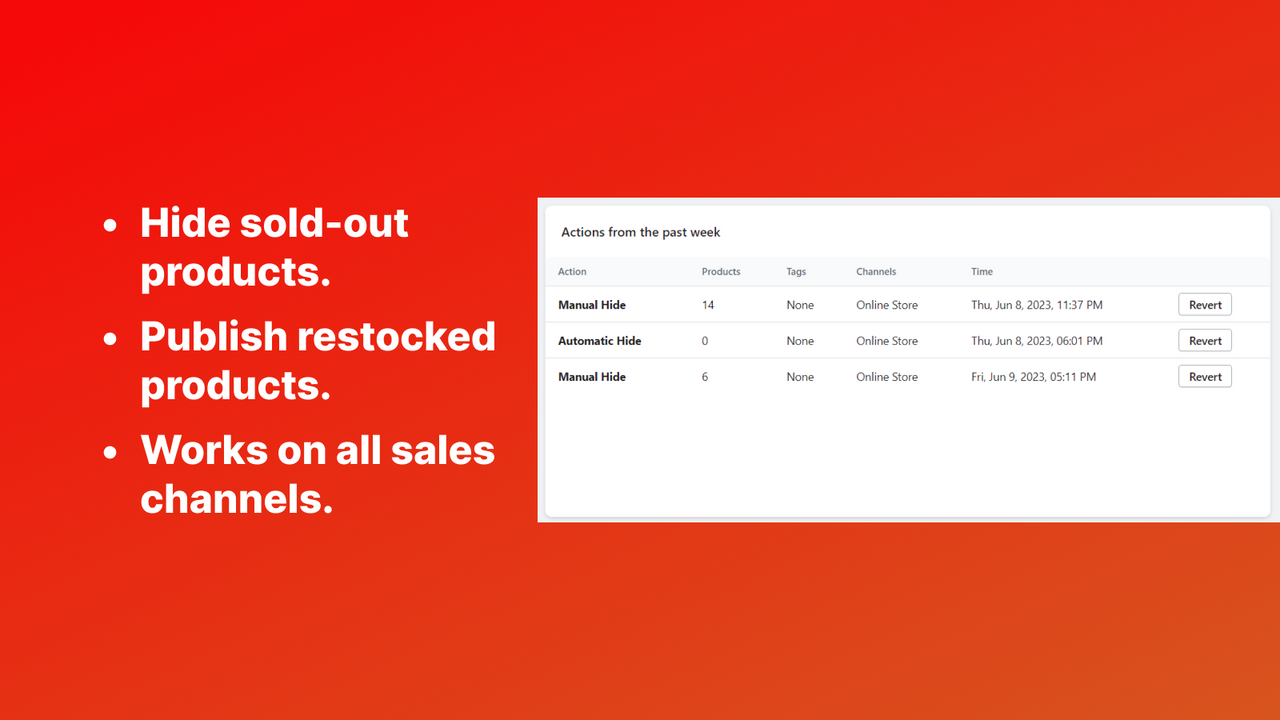
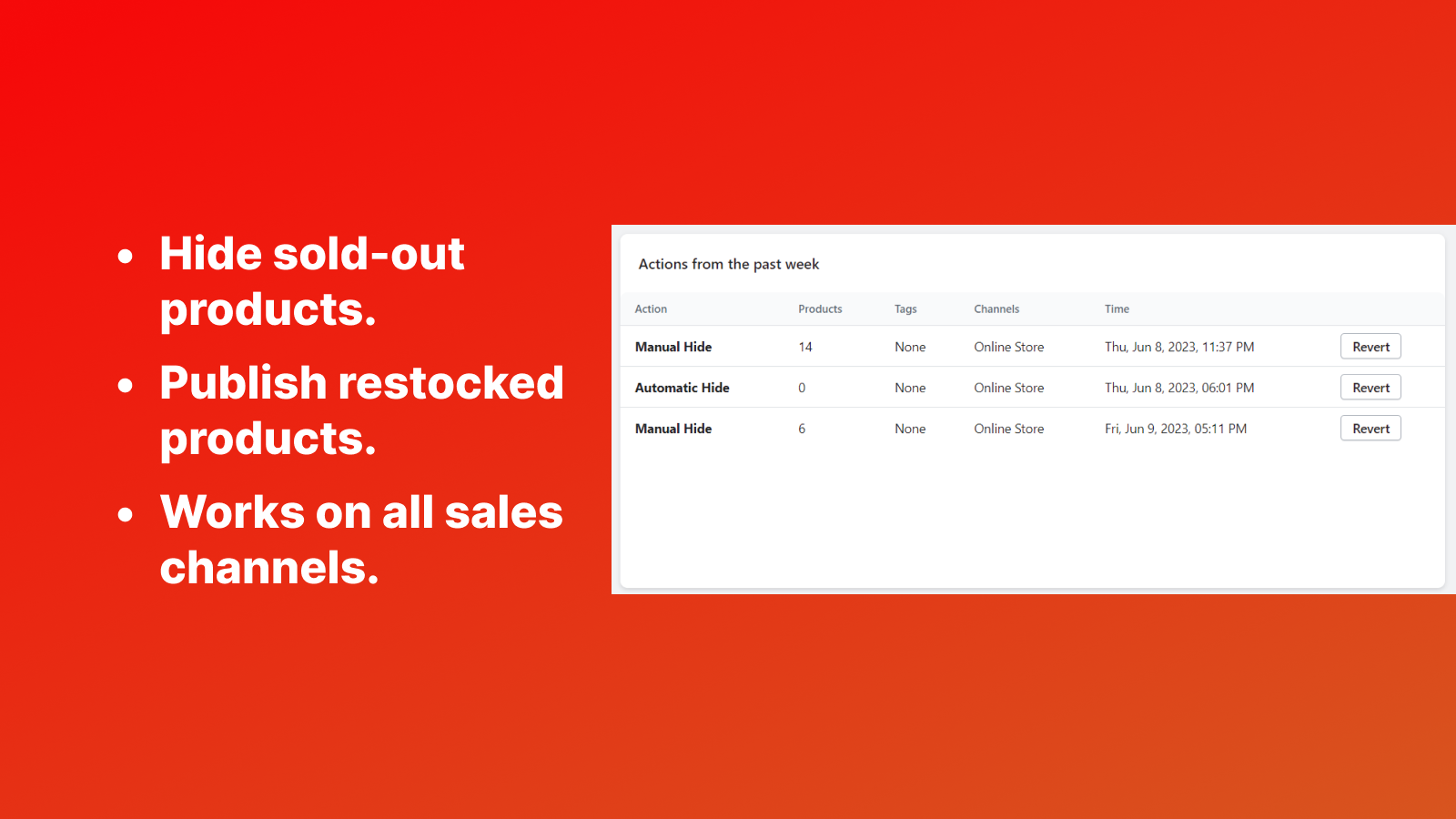
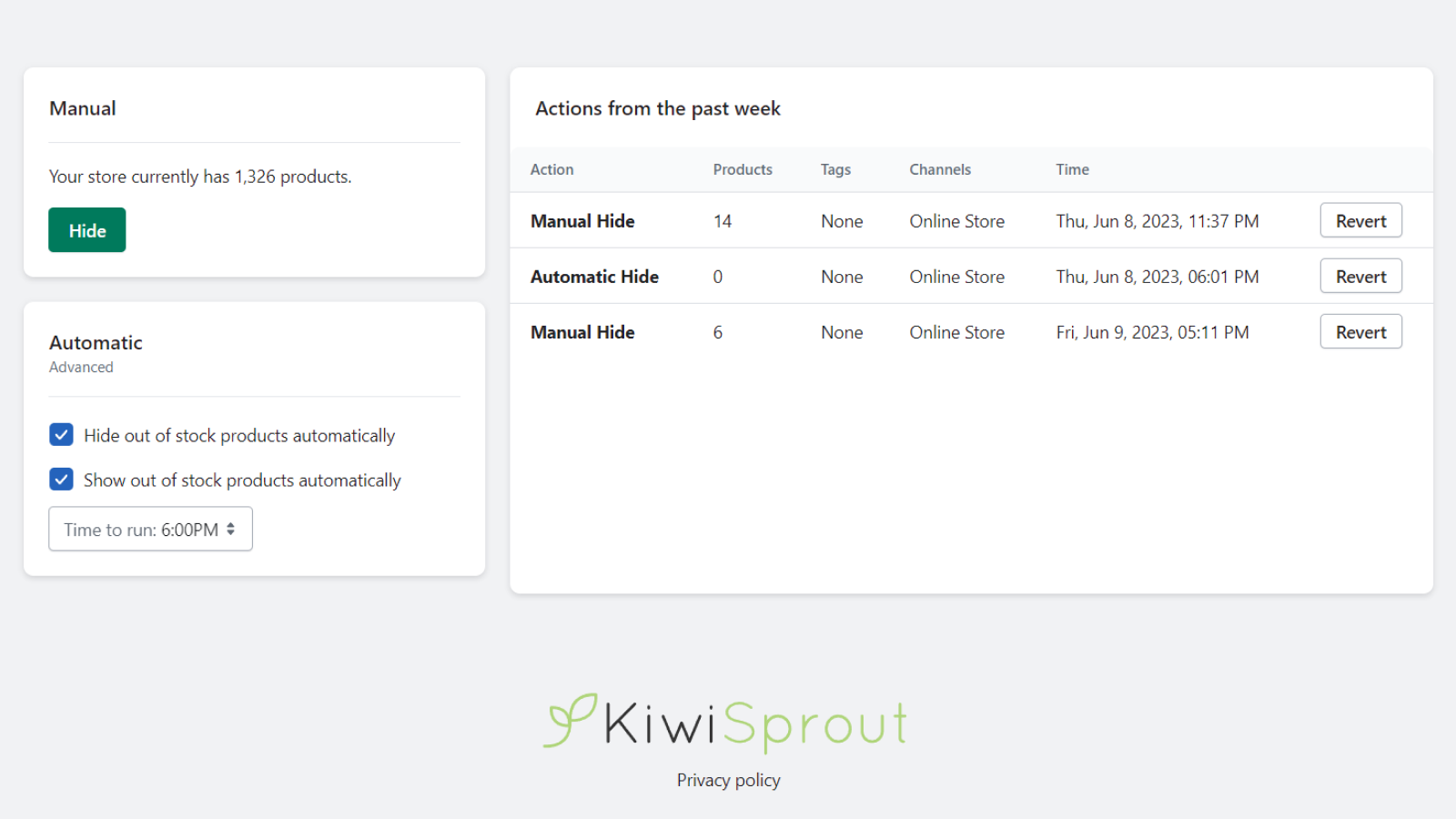
- Hide sold-out products
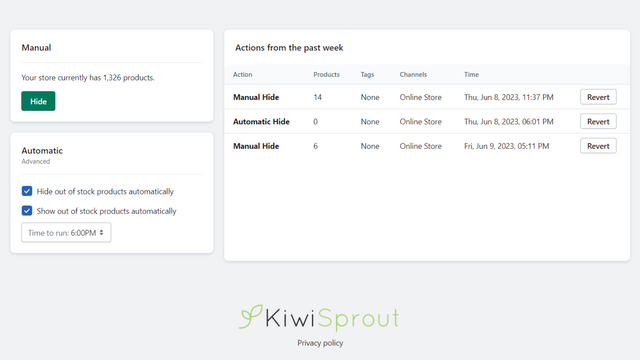
- Automatically publish restocked products
- Reverse actions from the past 7 days
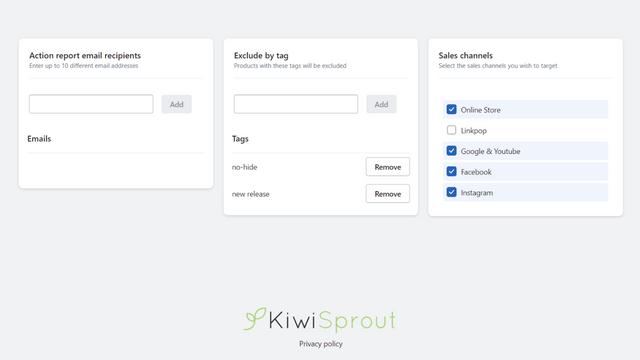
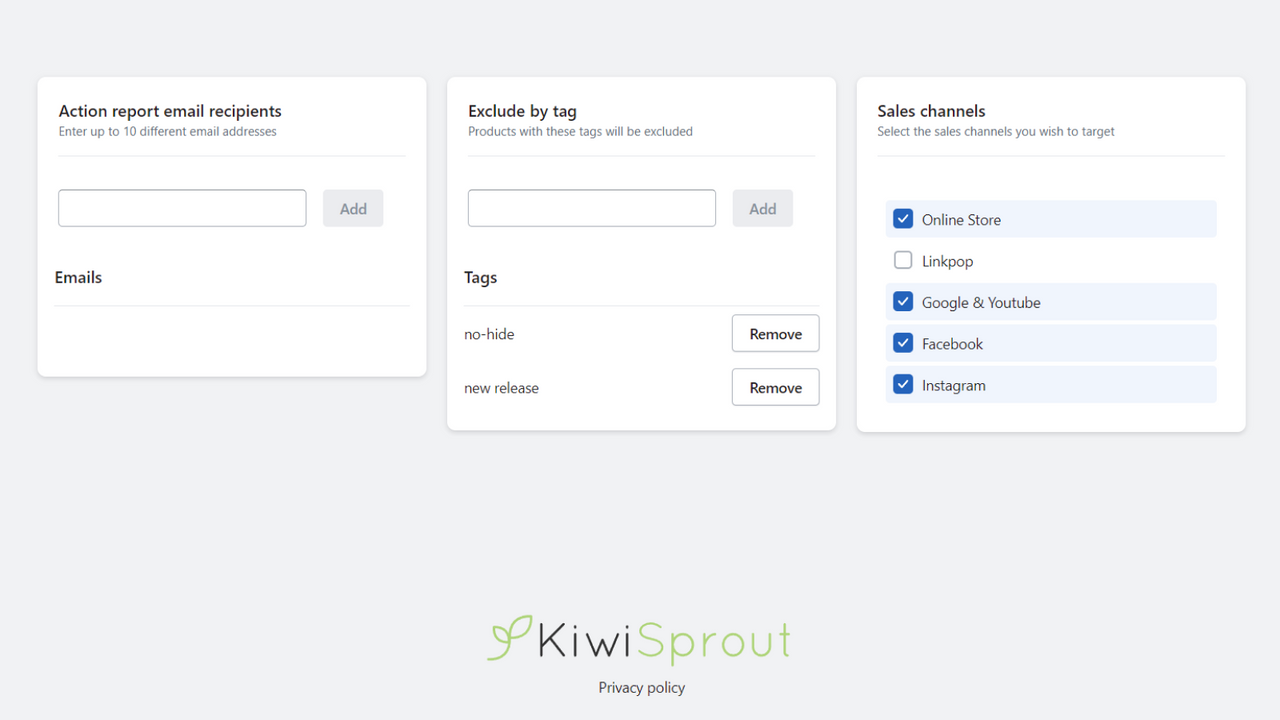
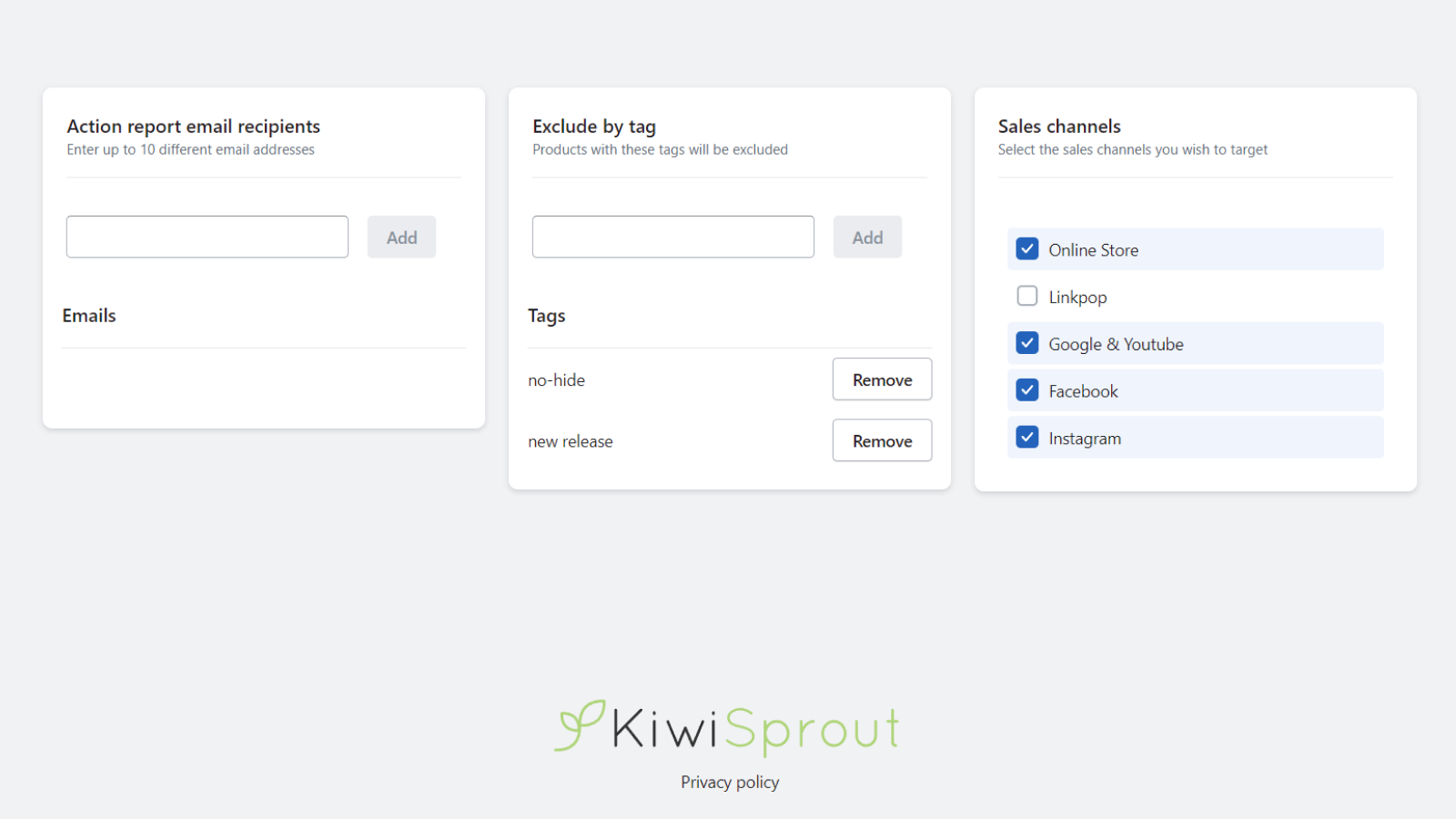
- Works across all sales channels
Merchant-Friendly
- Retail E-commerce Merchants
- Inventory Management Merchants
- Operation Adjustment Merchants
- Multi-channel Operation Merchants
Basic Information
- Developer:KiwiSprout
- Address:Lower Hutt, WGN, NZ
- Price: Free / Free plan
- Rating:0 / 5
- Comment Count:0 comment
- Release Date:2023-7-5
- Supported languages:English
- Compatible products:Shopify
Application Screenshot
Price Plan
基础版
- Manual Product Hiding
- Free for Up to 5,00 Products
- Basic Support
高级版
- Daily Auto Hide/Publish
- Ability to Exclude Products via Tags
- Priority Support
User Location & Comments
User Location
Comments
Shopify API Used
- PUT /admin/api/products/{product_id}.json
- PUT /admin/api/collections/{collection_id}/products.json
- GET /admin/api/products.json?status=sold_out
Permission:write_products,read_products,manage_collections
- PUT /admin/api/products/{product_id}.json
- POST /admin/api/products/{product_id}/publish.json
- GET /admin/api/products.json?status=restocked
Permission:write_products,read_products,manage_channels
- POST /admin/api/bulk_operations/{id}/cancel.json
- GET /admin/api/bulk_operations.json?created_at_min=7days_ago
- PUT /admin/api/products/{product_id}/status.json
Permission:write_products,read_products,manage_bulk_operations
- PUT /admin/api/products/{product_id}/publish.json?all_channels=true
- GET /admin/api/channels.json
- PUT /admin/api/collections/{collection_id}/publish.json?all_channels=true
Permission:write_products,read_products,manage_channels