App Introduction
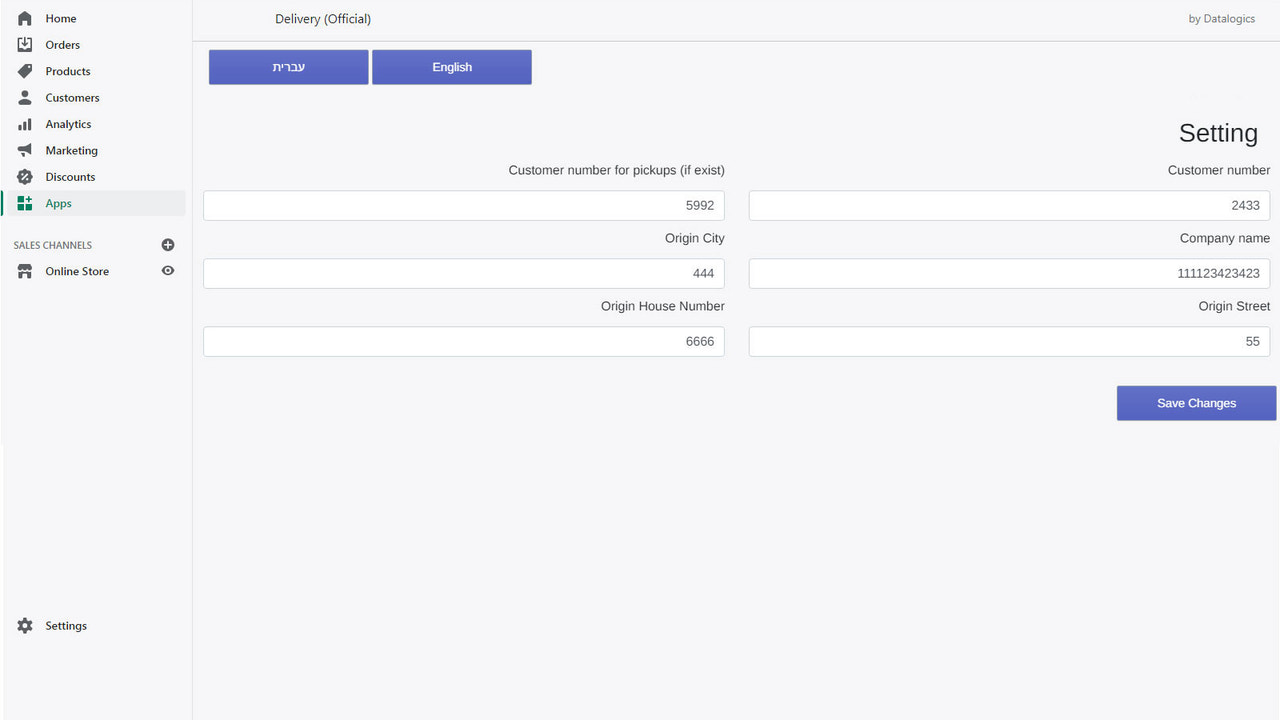
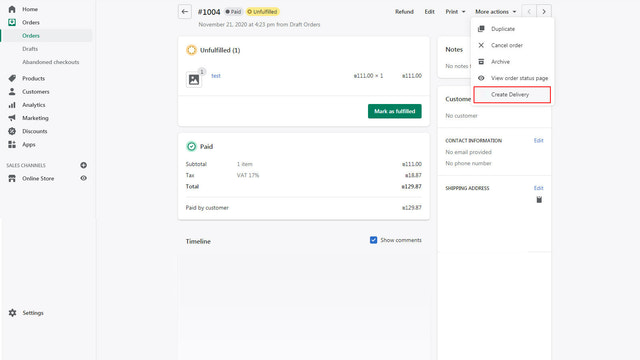
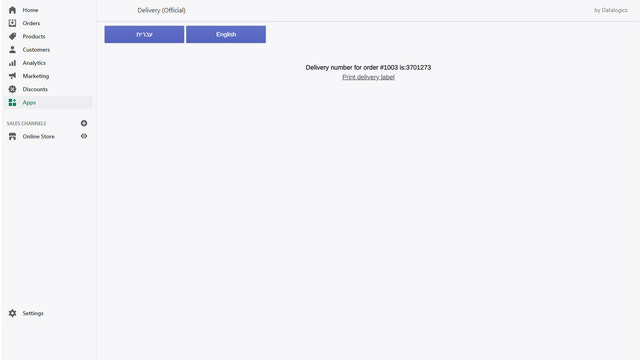
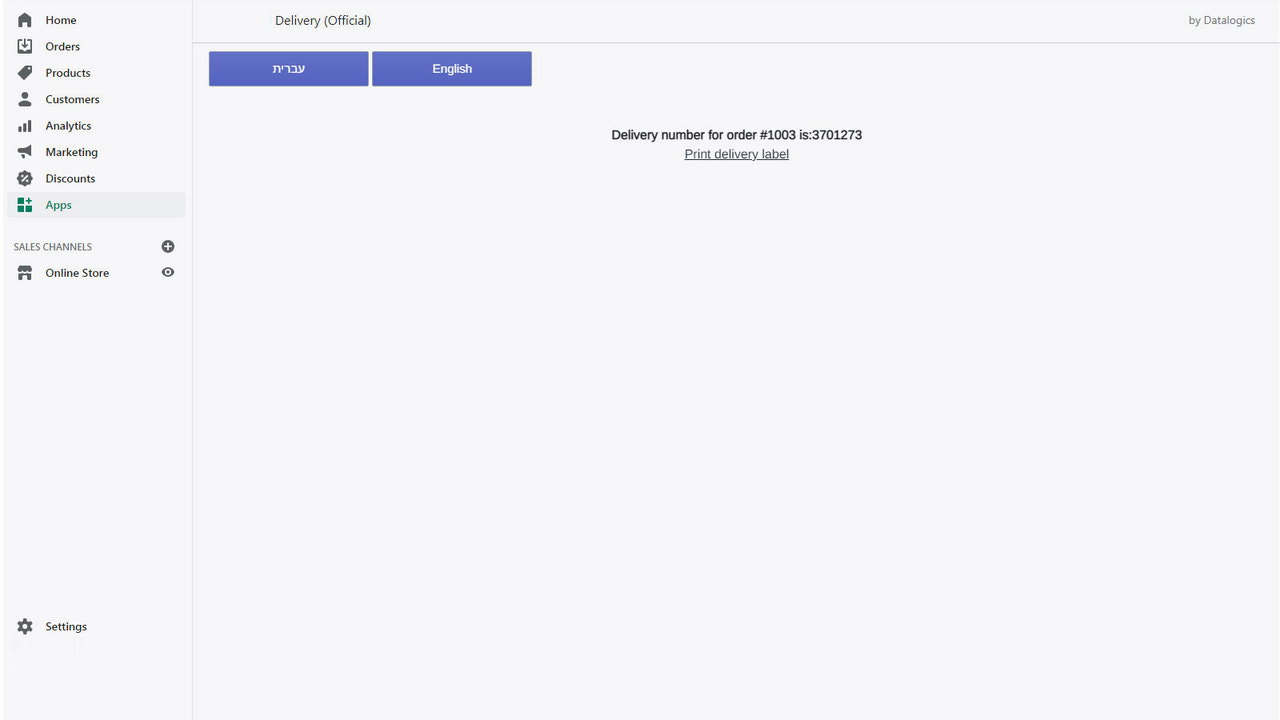
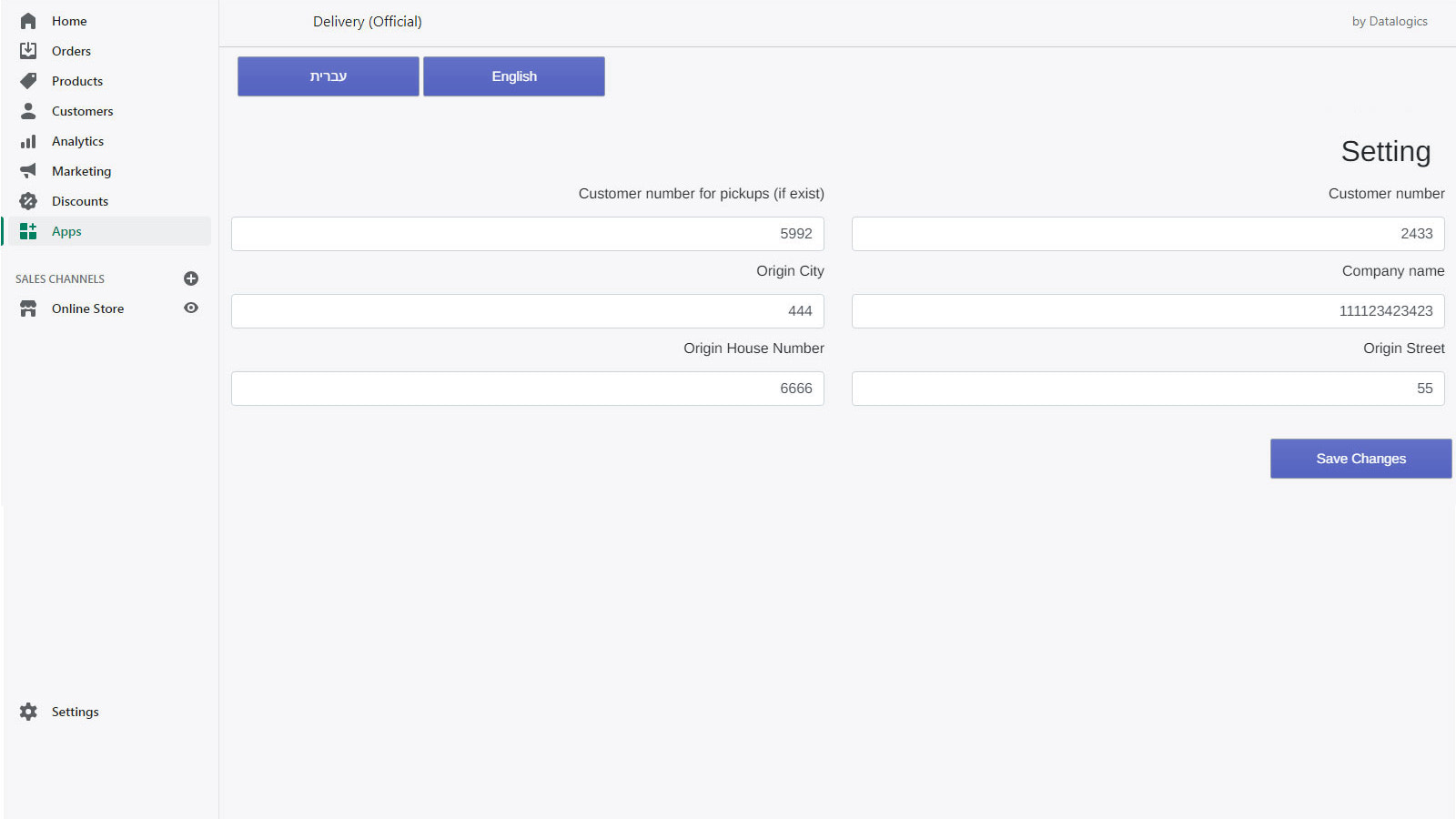
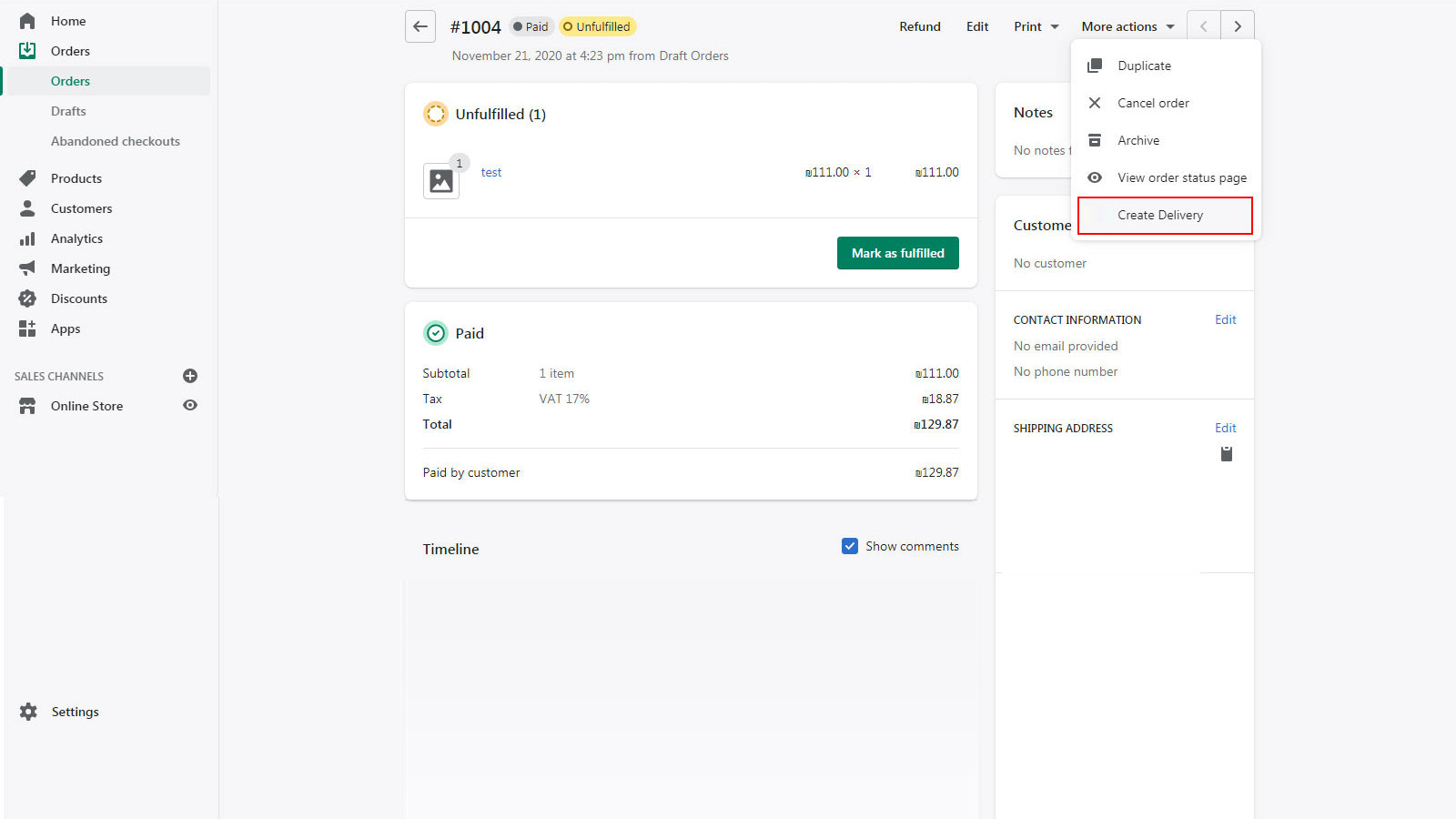
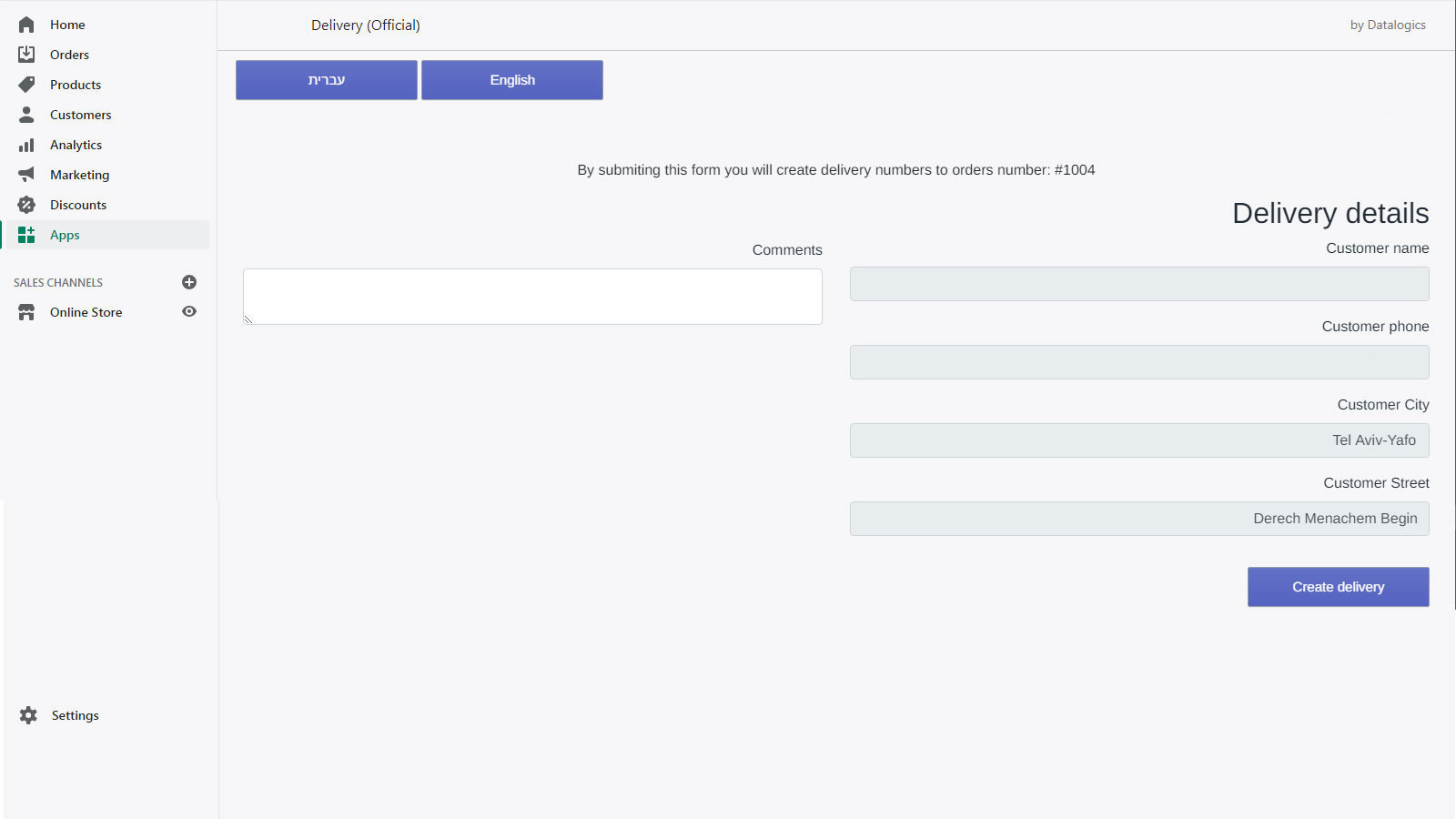
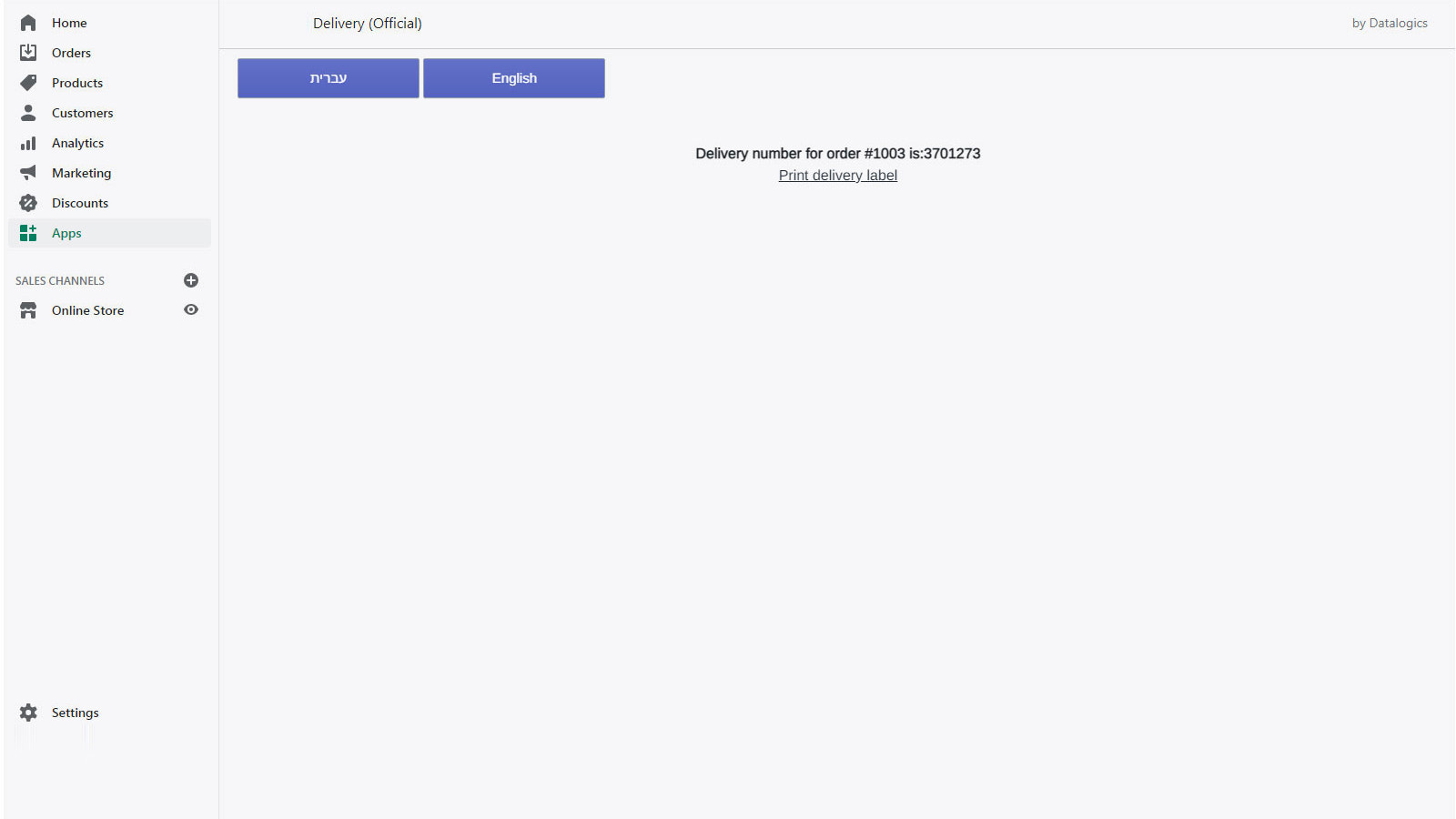
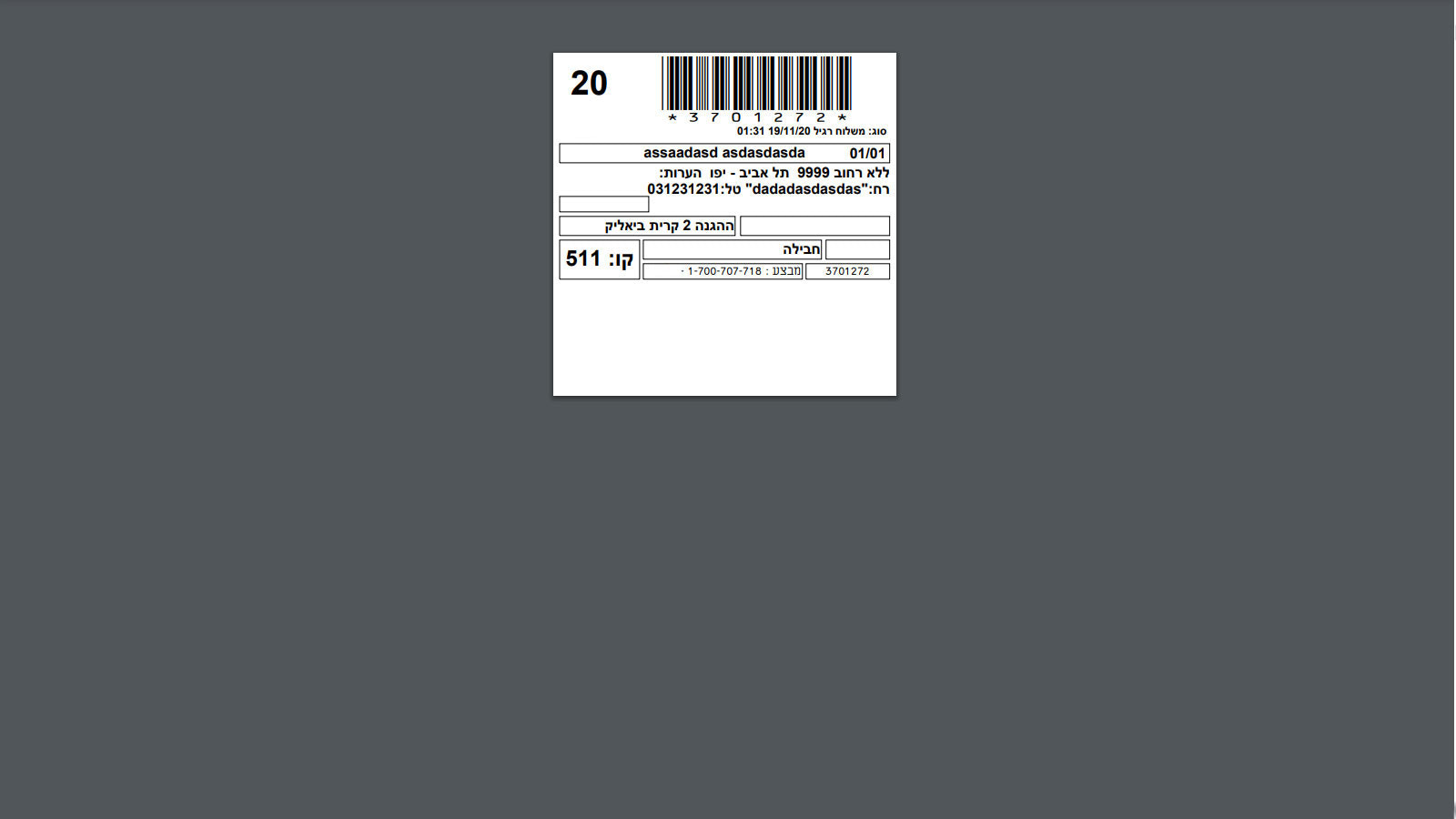
Integrated with KExpress Delivery With this app, you can easily integrate orders into the KExpress delivery system. Just one click, and you can create your shipping orders within the courier’s system—no manual entry required. Plus, you can print shipping labels directly from the app. Here are the simple steps to get started: 1. In the app’s settings page, fill in your company details. This information is crucial for couriers to know where to pick up packages. 2. Go to the Orders page, click “More Actions,” then select “Create Shipment.” 3. You can also send orders in bulk from the Orders page: just mark the orders you want to send, click “More Actions,” then select “Create Shipment.” 4. After clicking, you’ll be redirected to our app to verify all details are correct. 5. Select the correct location and click “Create Shipment.” 6. If everything goes well, you’ll see your shipment number on the screen.
Core Functionality
- No core function information available at the moment
Merchant-Friendly
- There are currently no suitable merchants available
Basic Information
- Developer:Datalogics
- Address:Rakefet, Karnash, 11223344, IL
- Price: Free / Free plan
- Rating:0 / 5
- Comment Count:0 comment
- Release Date:2021-2-9
- Supported languages:
- Compatible products:Shopify
Application Screenshot