
App Introduction
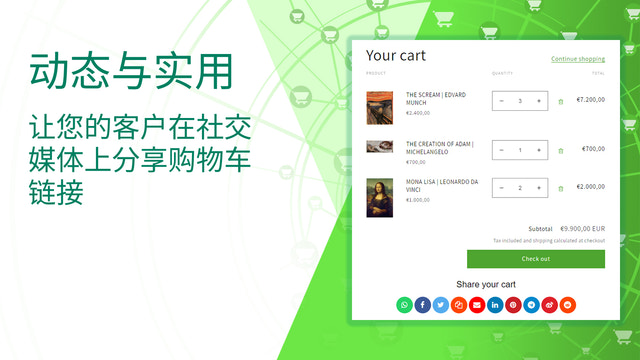
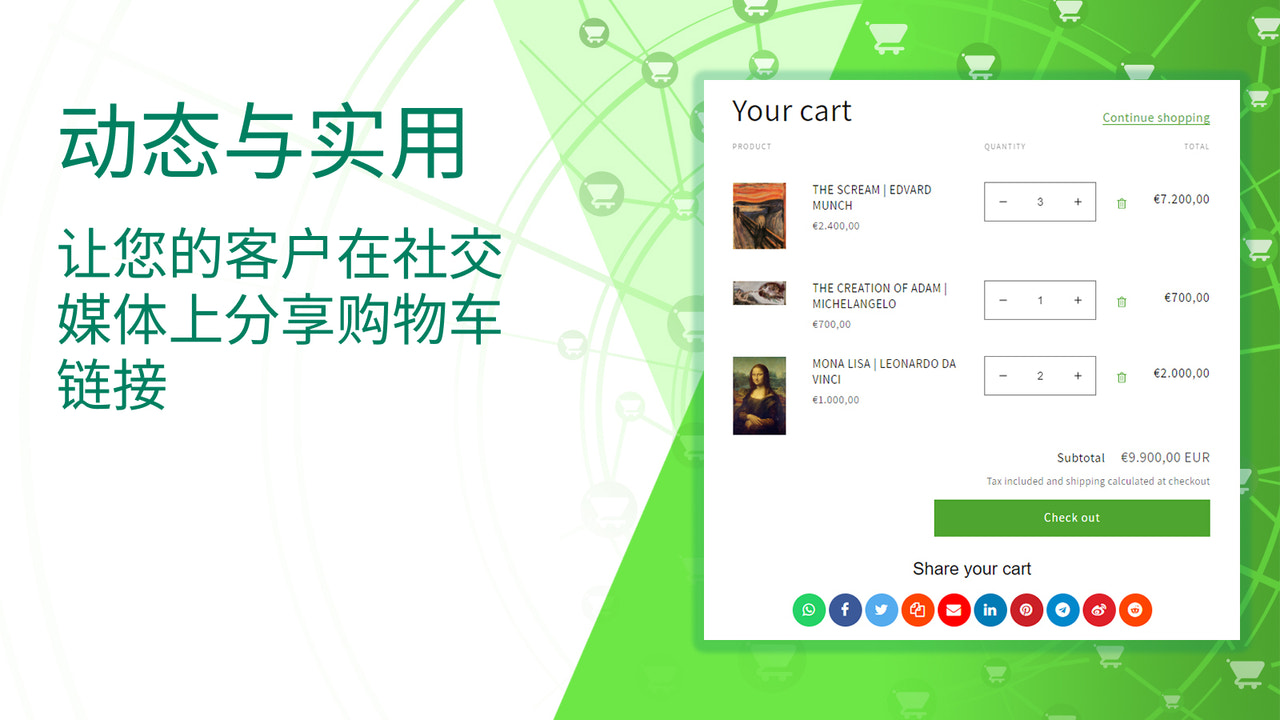
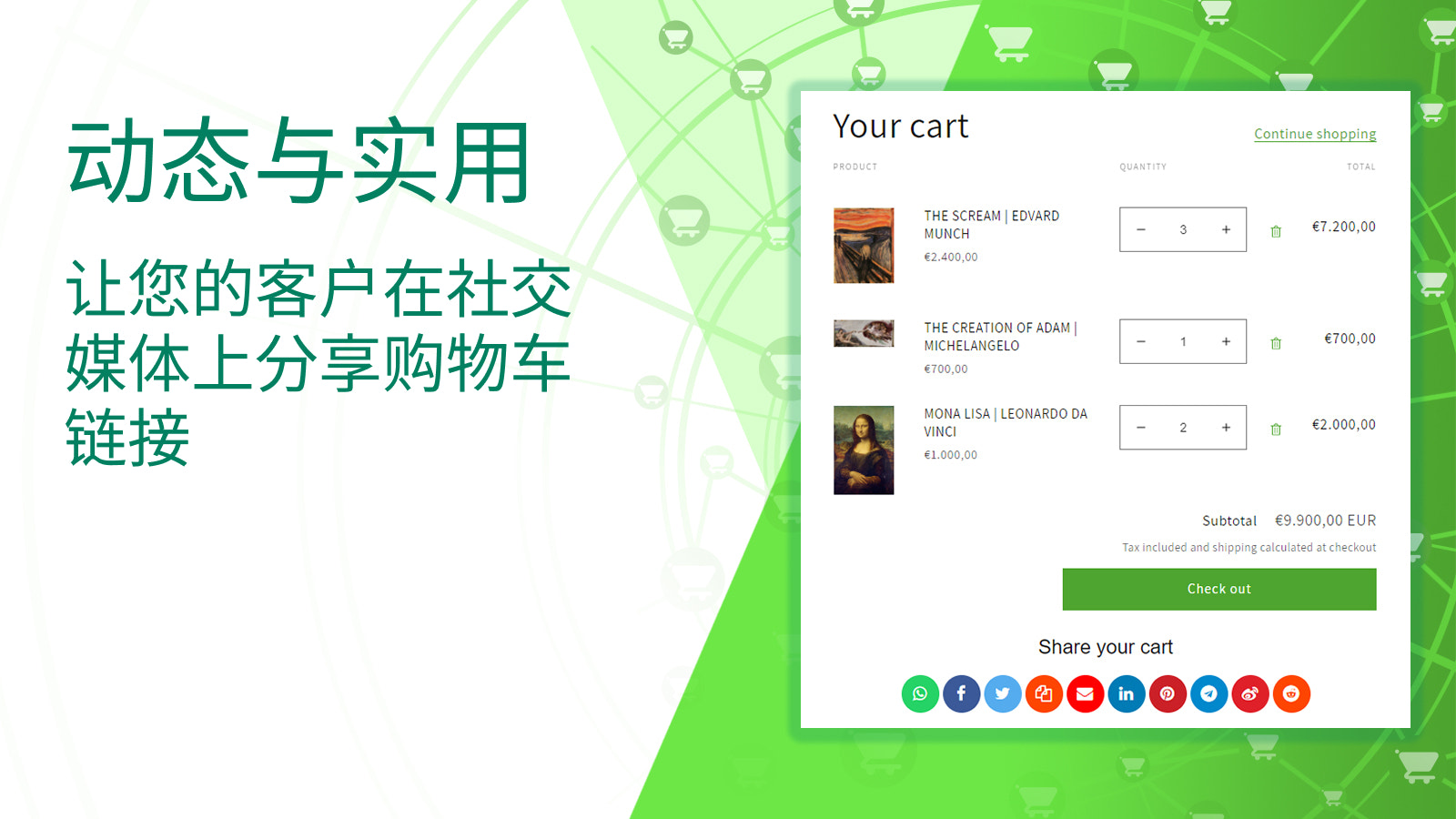
Empower your customers to build brand awareness and boost visibility by sharing their cart content With **"Save & Share Your Cart"**, your customers can share their cart contents with family and friends via email, direct links, or social media platforms like WhatsApp, Facebook, Twitter, LinkedIn, Pinterest, Telegram, Weibo, or Reddit. Simply install with one click to add the highly demanded "share cart" feature to your store, and start displaying social sharing buttons on your cart page. This makes it easy for potential customers to share their shopping journey online, while also helping reduce cart abandonment.
Core Functionality
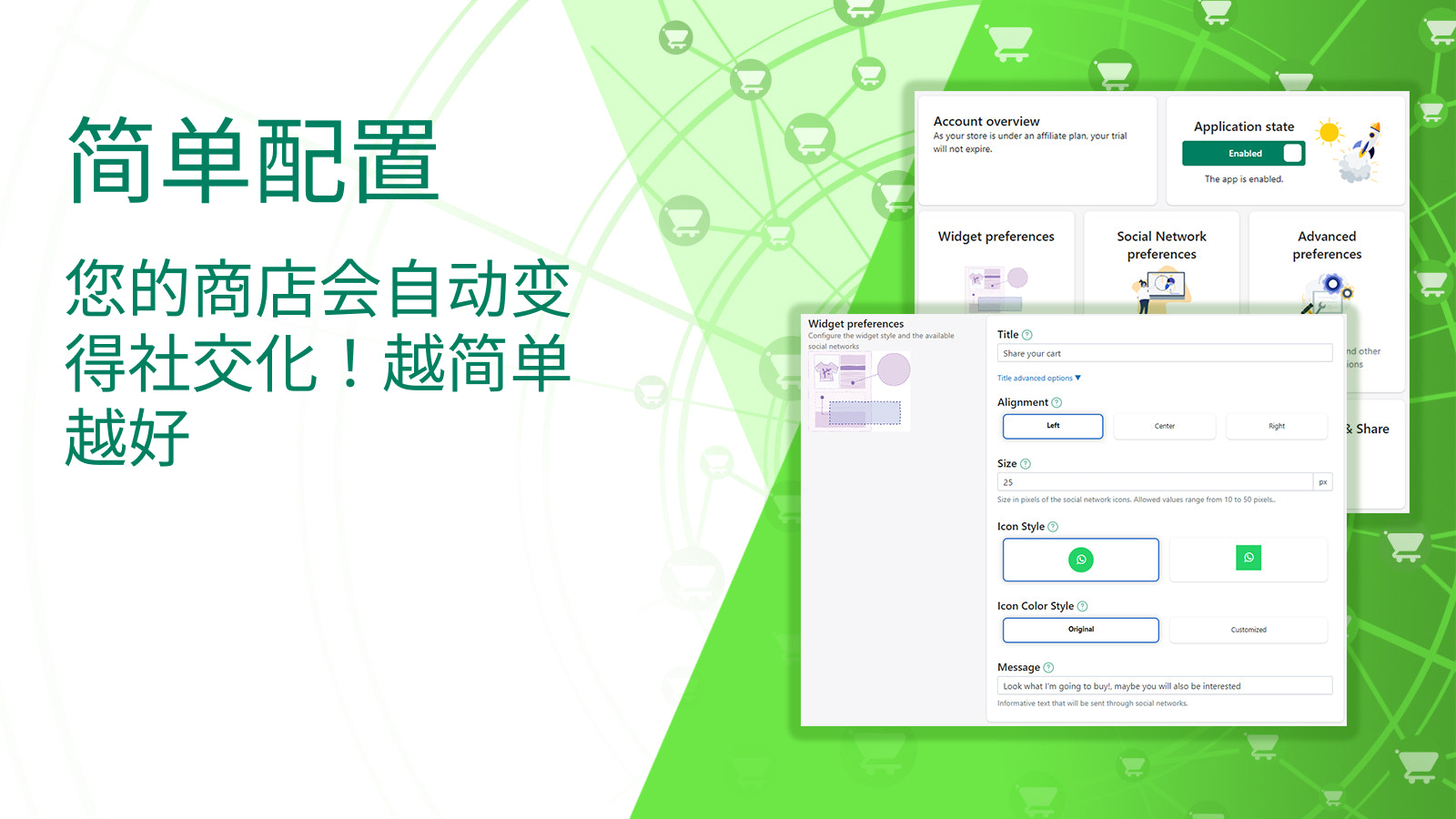
- Select preferred social sharing buttons to display on the cart page
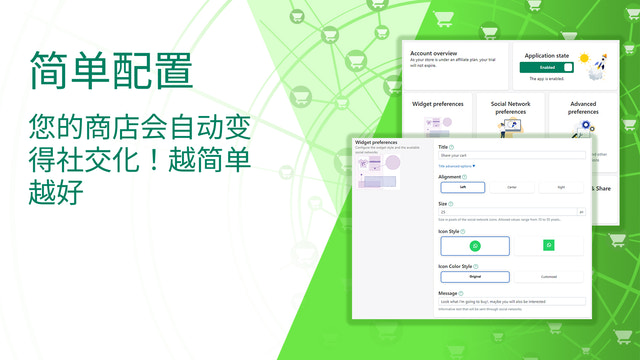
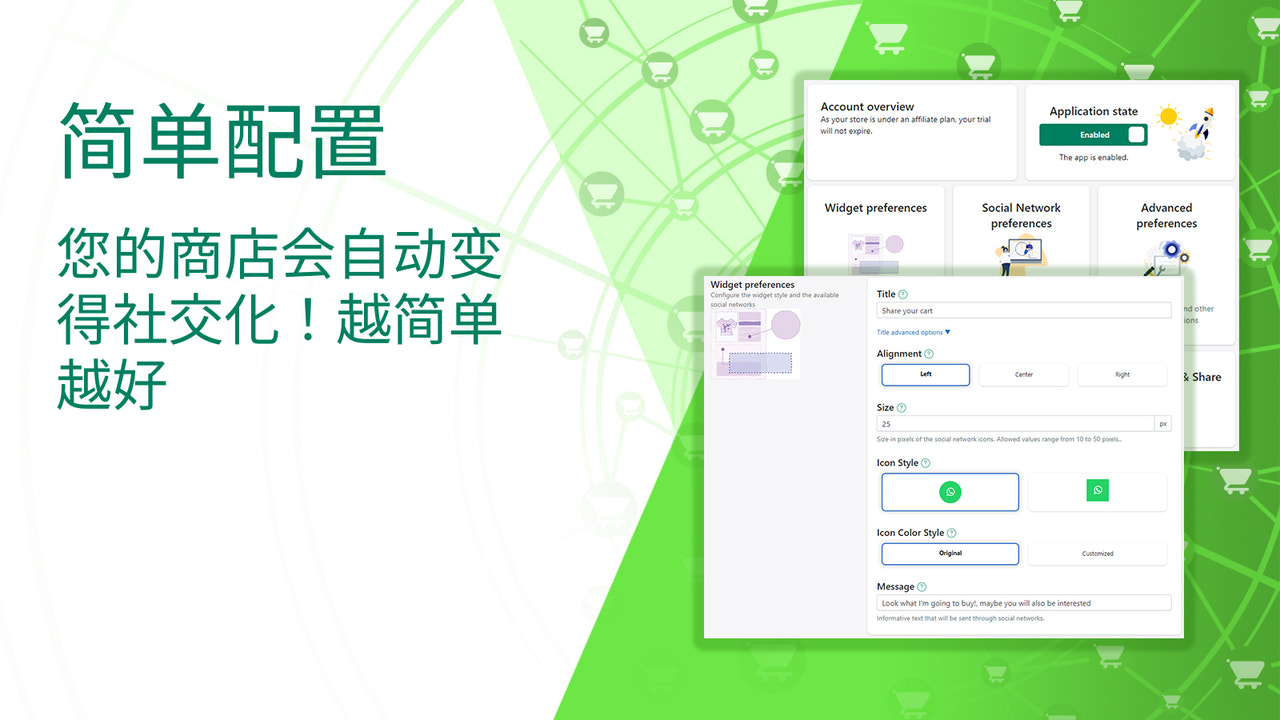
- Easily configure widget positions on the cart page
- Preview widgets before going live
- Compatible with all themes and fully customizable
- Simple installation process with no coding or template modifications required
Merchant-Friendly
- Independent Station Merchants
- Social E-commerce Merchants
- Multilingual Cross-border Merchants
- Light-asset E-commerce Entrepreneurs
Basic Information
- Developer:Code Black Belt
- Address:Paseo Independencia 3, 2 A, Zaragoza, Z, 50001, ES
- Price: Free / Free plan
- Rating:5 / 5
- Comment Count:6 comment
- Release Date:2021-5-18
- Supported languages:English、German、Spanish、French、Italian、Dutch、Portuguese (Brazil)、Portuguese (Portugal)、Simplified Chinese、Traditional Chinese
- Compatible products:Shopify
Application Screenshot





Price Plan
Starter
- Free for development stores
- Install and configure before launch
- Free during trial
Professional
- Customizable Icons
- Unlimited Clicks
- Permanent Shared Links
- No Hidden Fees
- Exceptional Support
User Location & Comments
User Location
Comments
Shopify API Used
- POST /admin/api/shop/cart_share_buttons.json
- PUT /admin/api/shop/cart_share_buttons/{id}.json
- GET /admin/api/shop/cart_share_buttons.json
Permission:write_shop,read_shop,manage_themes
- POST /admin/api/shop/cart_widget_positions.json
- PUT /admin/api/shop/cart_widget_positions/{id}.json
- GET /admin/api/shop/cart_widget_positions.json
Permission:write_shop,read_shop,manage_themes
- POST /admin/api/shop/cart_widget_preview.json
- GET /admin/api/shop/cart_widget_preview/{id}.json
- PUT /admin/api/shop/cart_widget_preview/{id}.json
Permission:read_shop,manage_themes,read_themes