
App Introduction
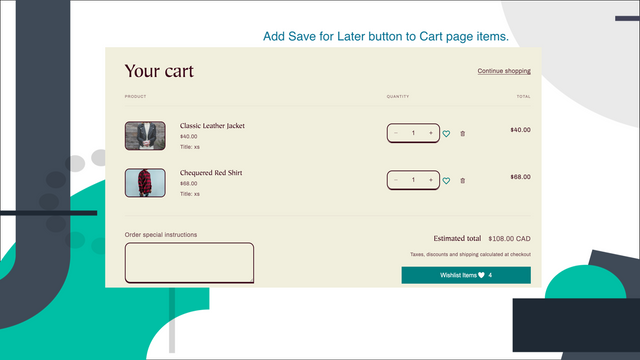
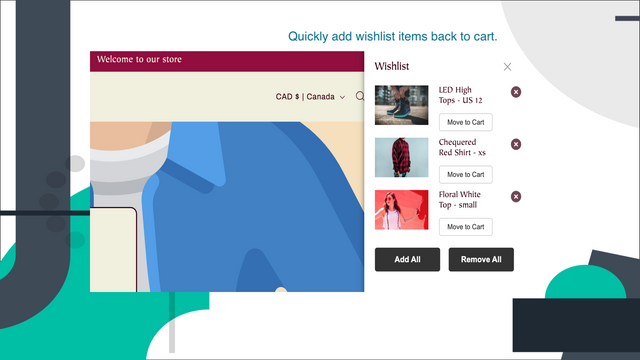
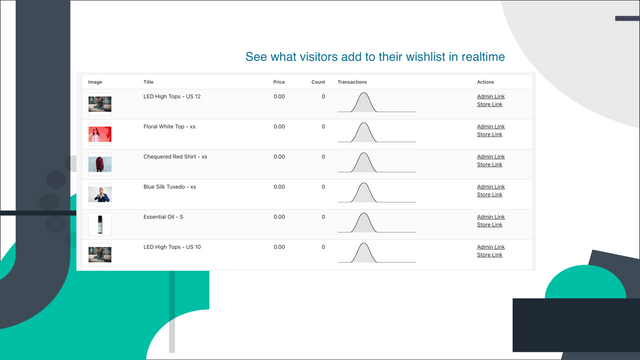
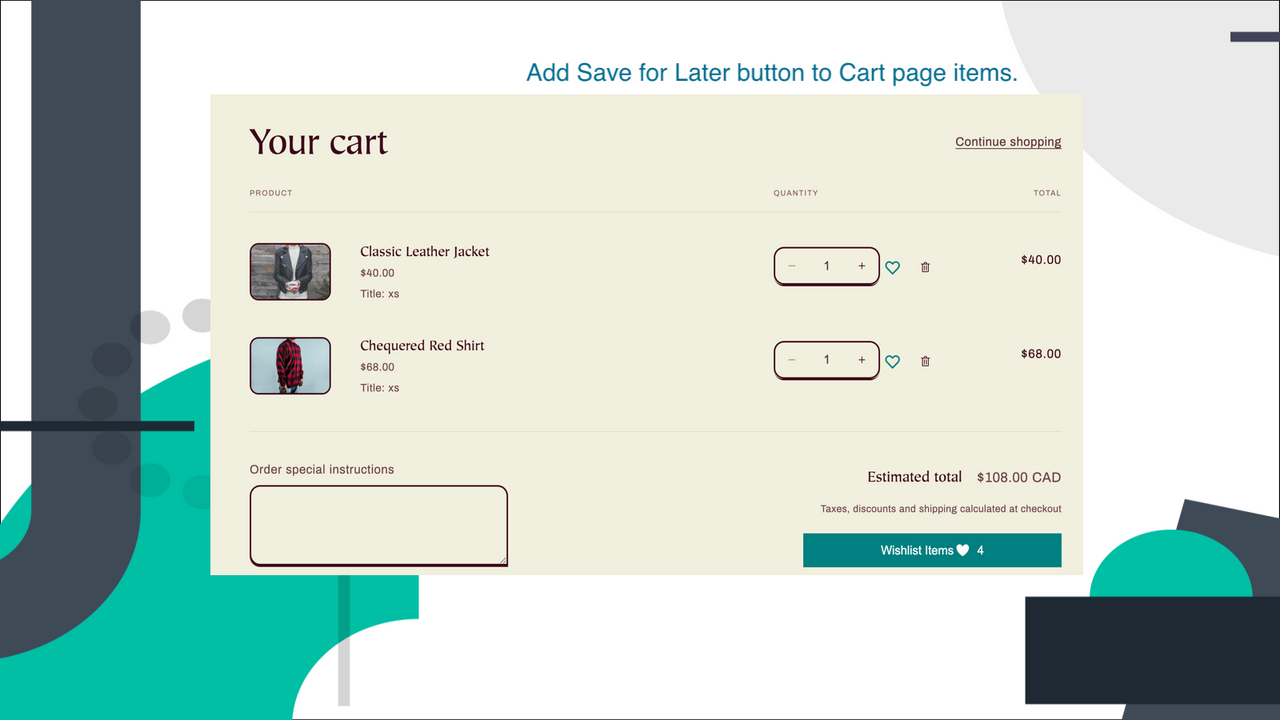
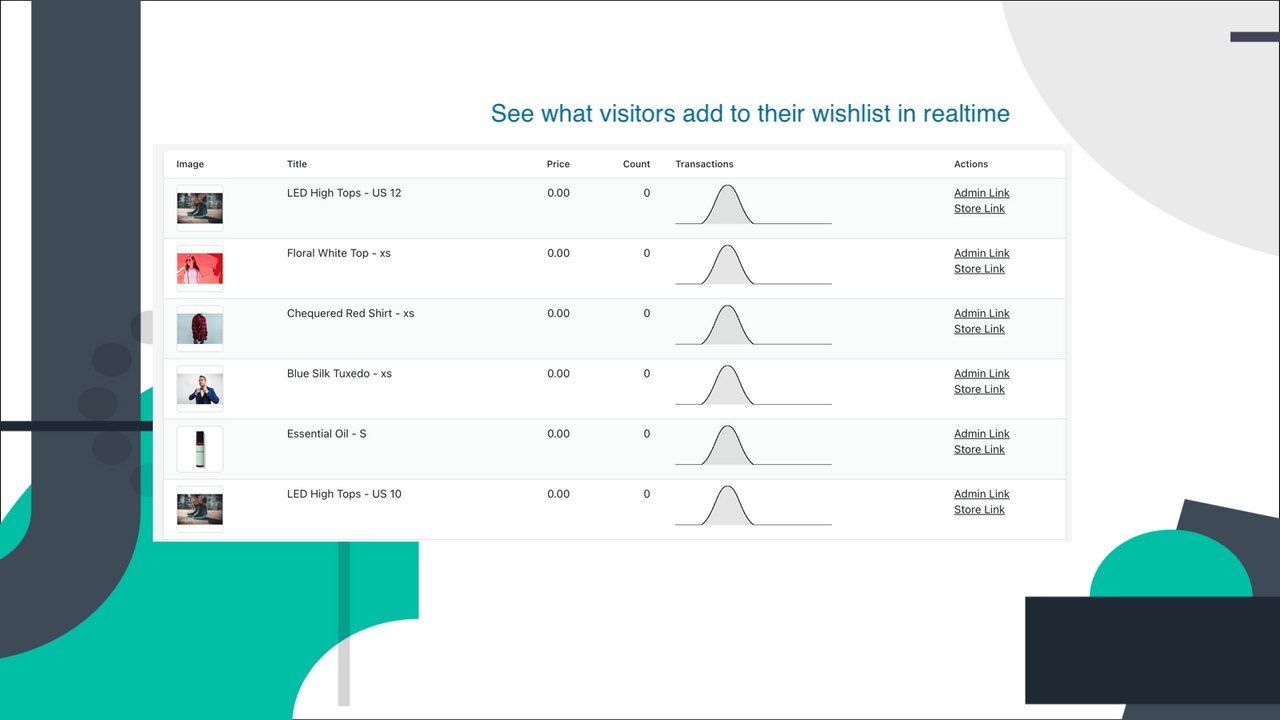
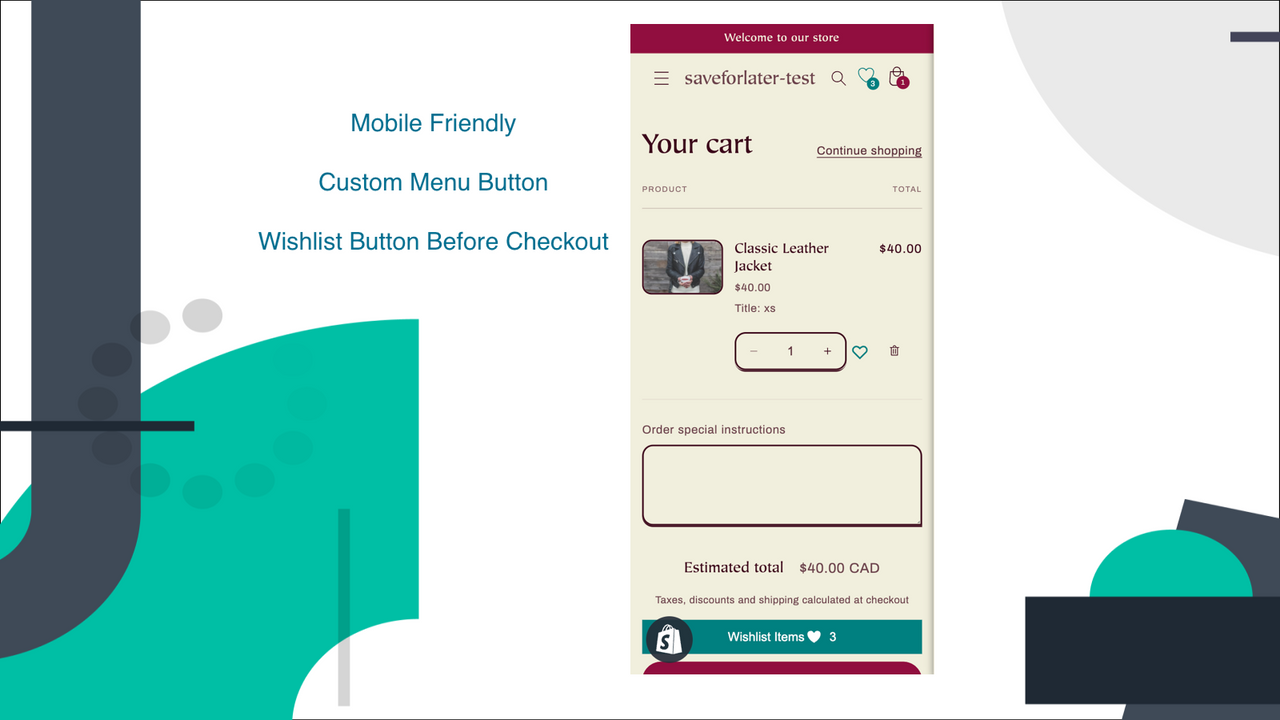
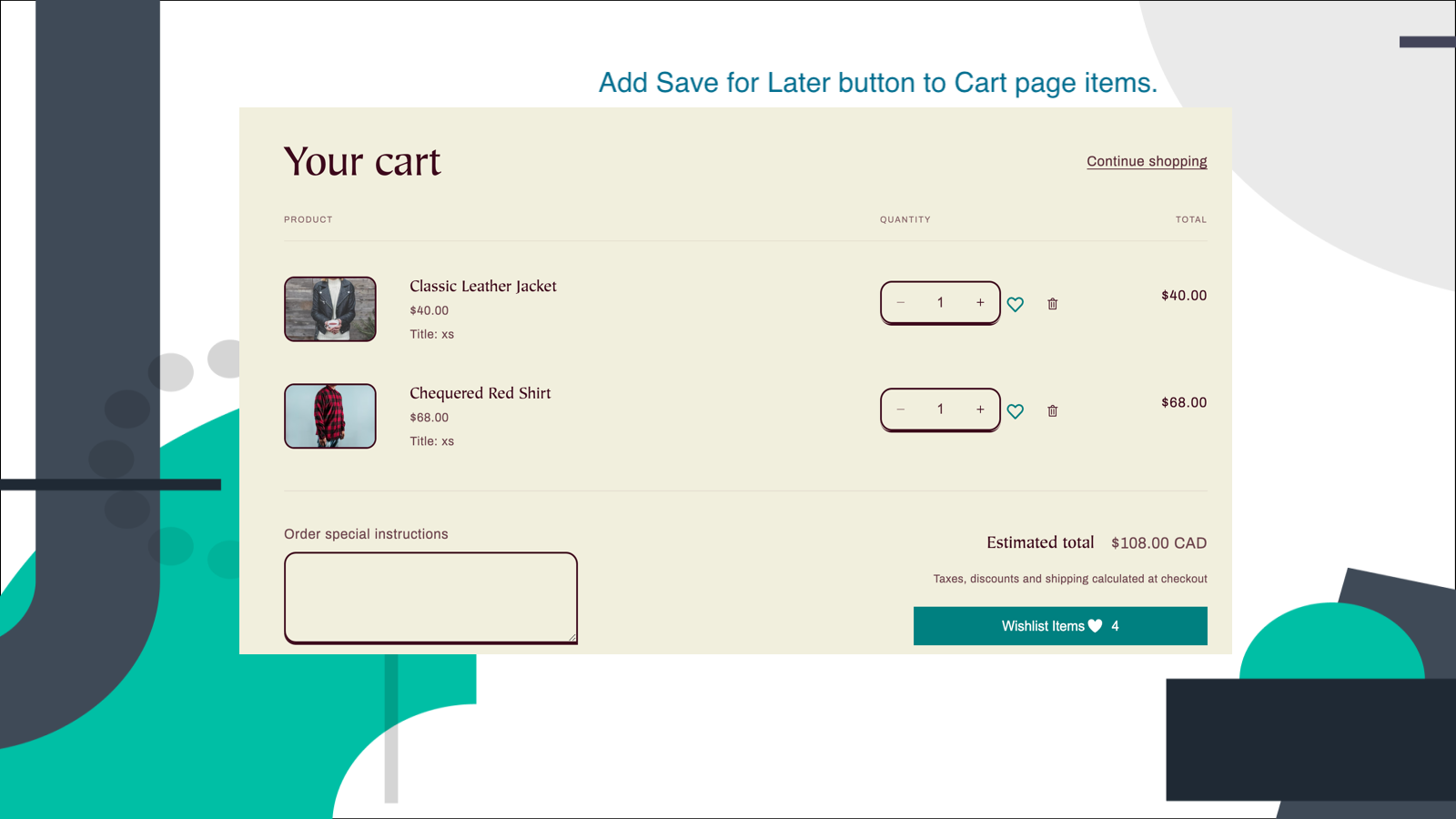
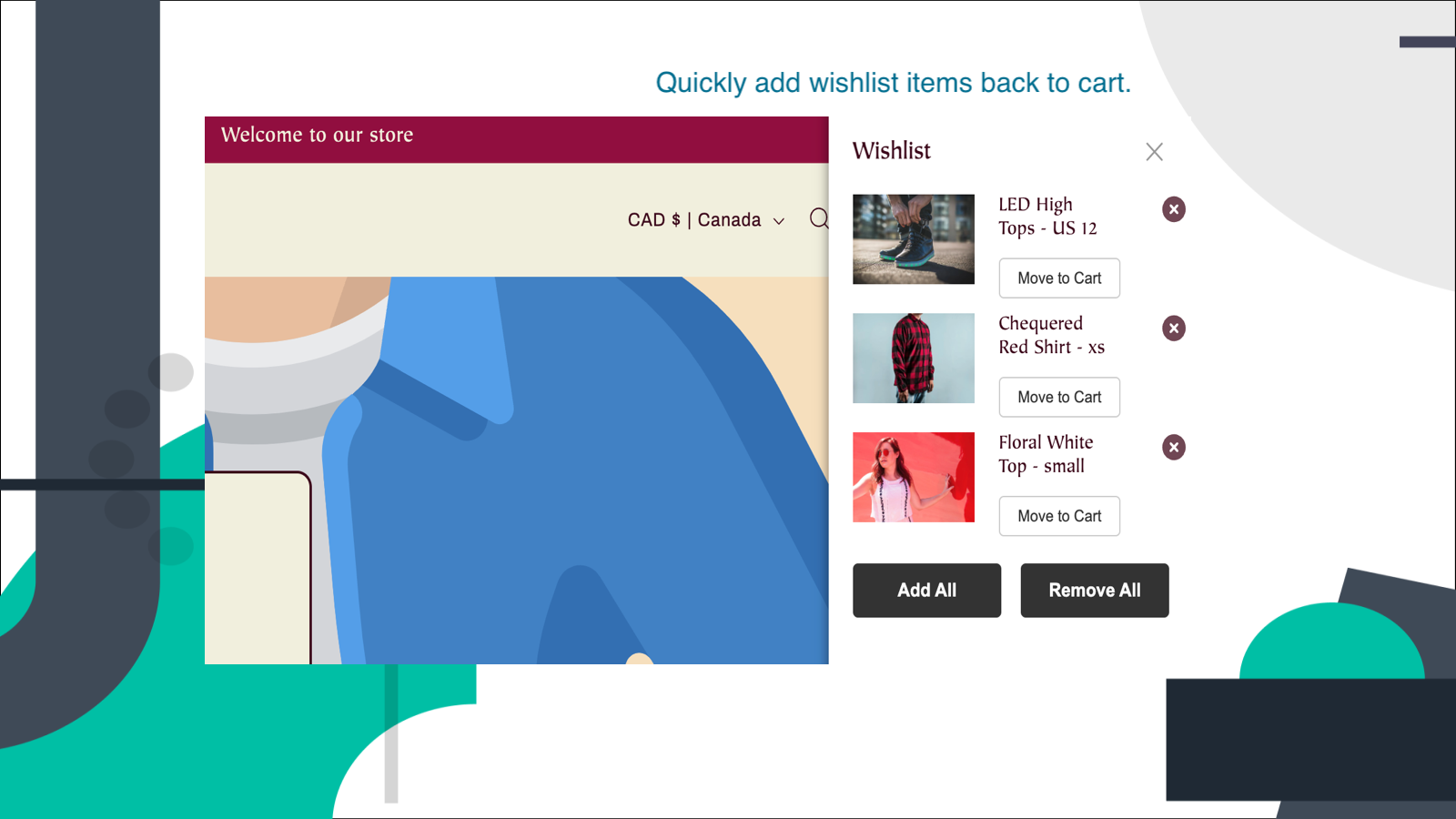
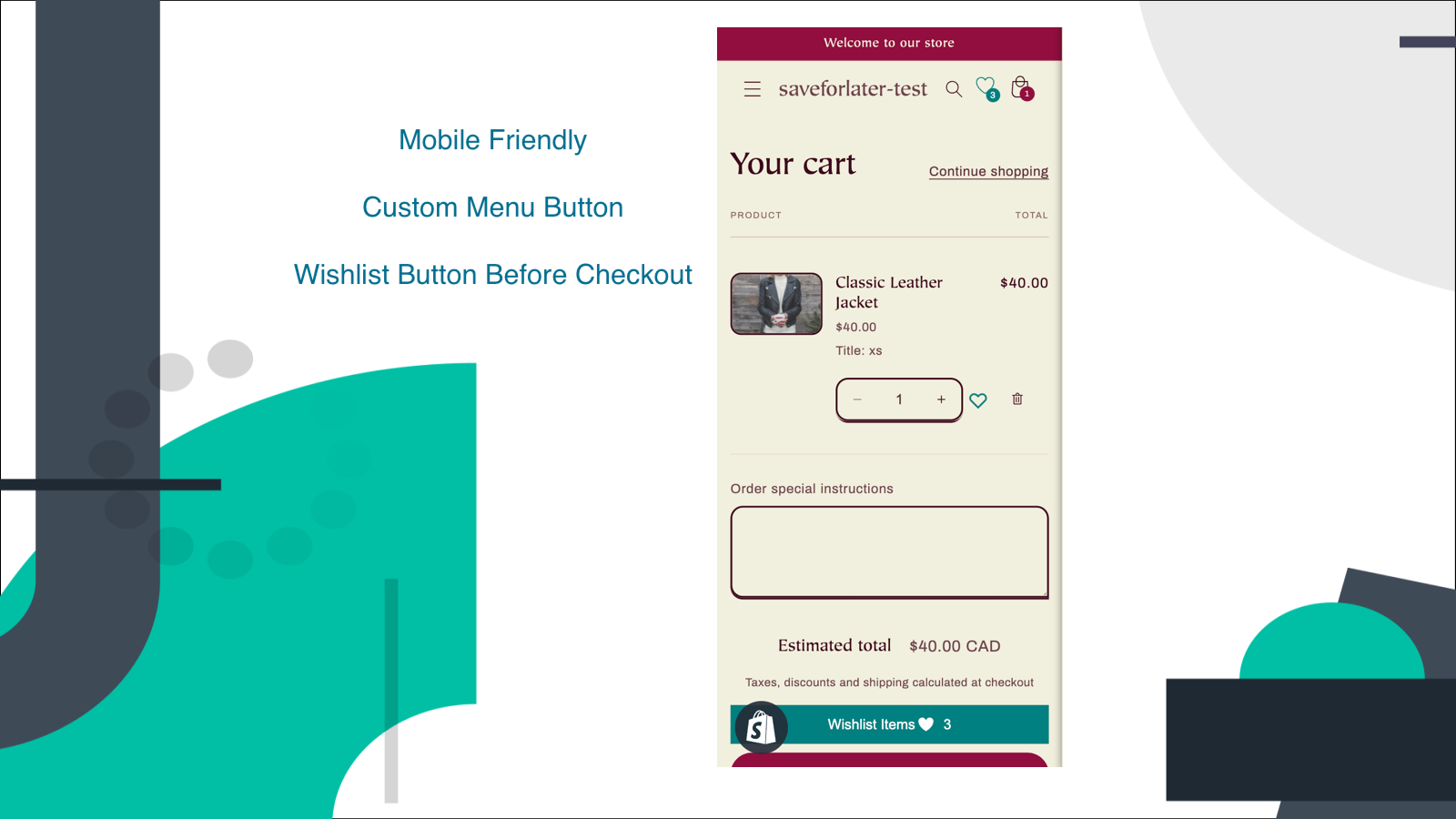
Keep on Hold adds a "Save for Later" button to the cart page and a wishlist button to the product page. Keep on Hold adds an "Add to Wishlist" button to product pages. Shoppers can "save for later" items in their cart instead of deleting them to avoid forgetting about them. Keep on Hold turns abandoned cart items into wishlists for future purchases. Integration with Shopify Login allows wishlists to be saved across multiple devices. Keep on Hold Analytics helps drive more sales by showing cart activity (additions/removals) and products in wishlists for customer follow-up.
Core Functionality
- Save removed cart items from the cart page. Wishlist button on product pages.
- Fast and compatible with all themes. Install and activate in minutes.
- Optional login for shoppers to save their wishlists across devices.
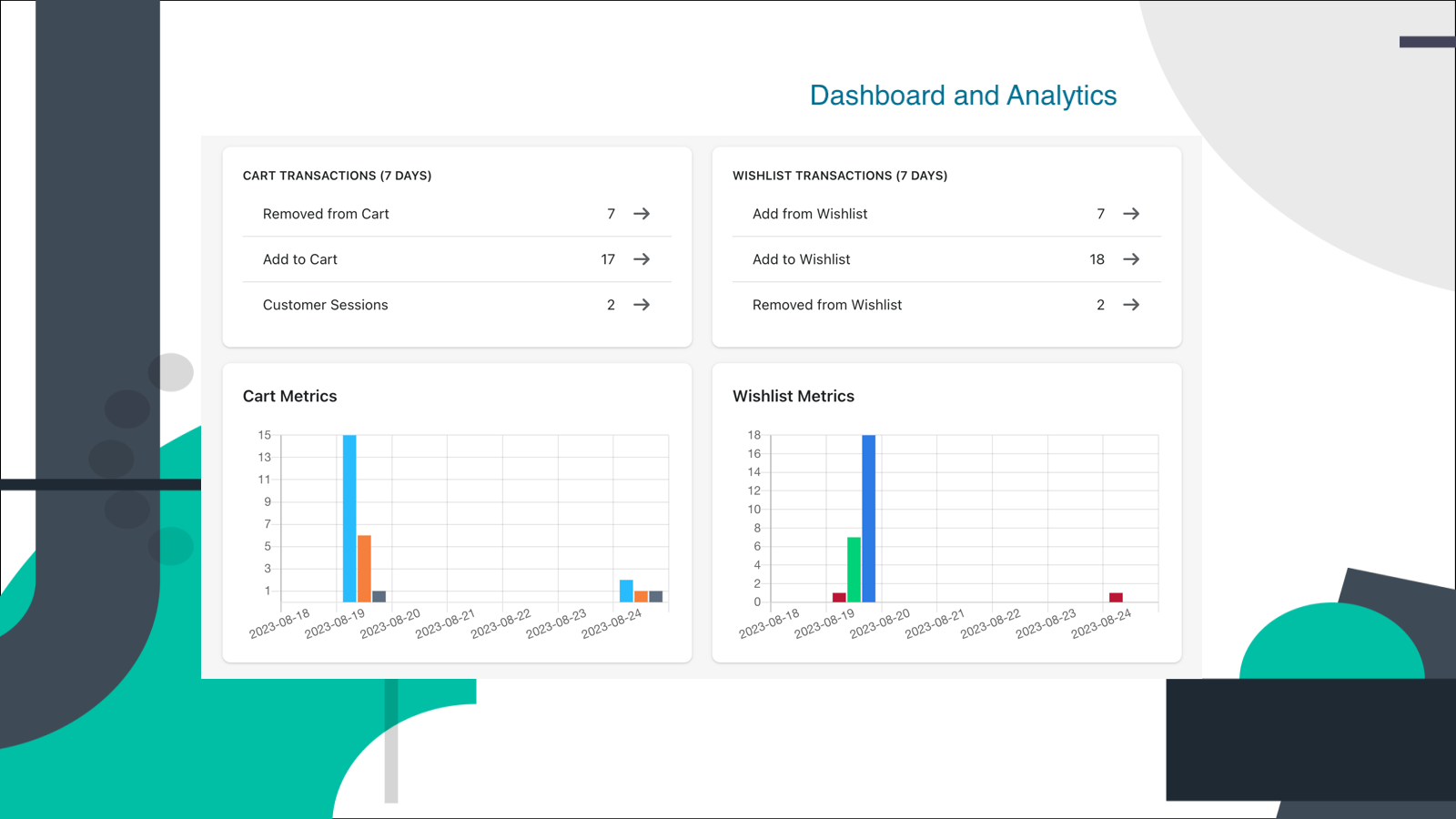
- Cart and wishlist activity reports, with product recommendations to populate your store.
- Boost sales and loyalty by letting your shoppers save items for later.
Merchant-Friendly
- Independent Station Merchants
- Small & Medium E-commerce Sellers
- Multi-category E-commerce
- Brand E-commerce
Basic Information
- Developer:Orchard Digital Solutions Inc
- Address:21 Widmer Street, Toronto, ON, M5V 0B8, CA
- Price: Free / Free plan
- Rating:4.4 / 5
- Comment Count:5 comment
- Release Date:2021-3-18
- Supported languages:English
- Compatible products:Shopify
Application Screenshot




Price Plan
Free
User Location & Comments
User Location
Comments
Shopify API Used
- POST /admin/api/cart_items/removed.json
- GET /admin/api/cart_items/removed.json
- PUT /admin/api/cart_items/removed/{id}.json
Permission:read_cart,write_cart,manage_products
- POST /admin/api/wishlist_items.json
- GET /admin/api/wishlist_items.json
- DELETE /admin/api/wishlist_items/{id}.json
Permission:read_wishlist,write_wishlist,manage_products
- POST /admin/api/wishlist/sync.json
- GET /admin/api/wishlist/sync.json
- PUT /admin/api/wishlist/user/{id}.json
Permission:read_wishlist,write_wishlist,manage_customers
- GET /admin/api/reports/cart_wishlist.json
- GET /admin/api/reports/cart_wishlist/metrics.json
- GET /admin/api/reports/cart_wishlist/products.json
Permission:read_reports,read_cart,read_wishlist