App Introduction
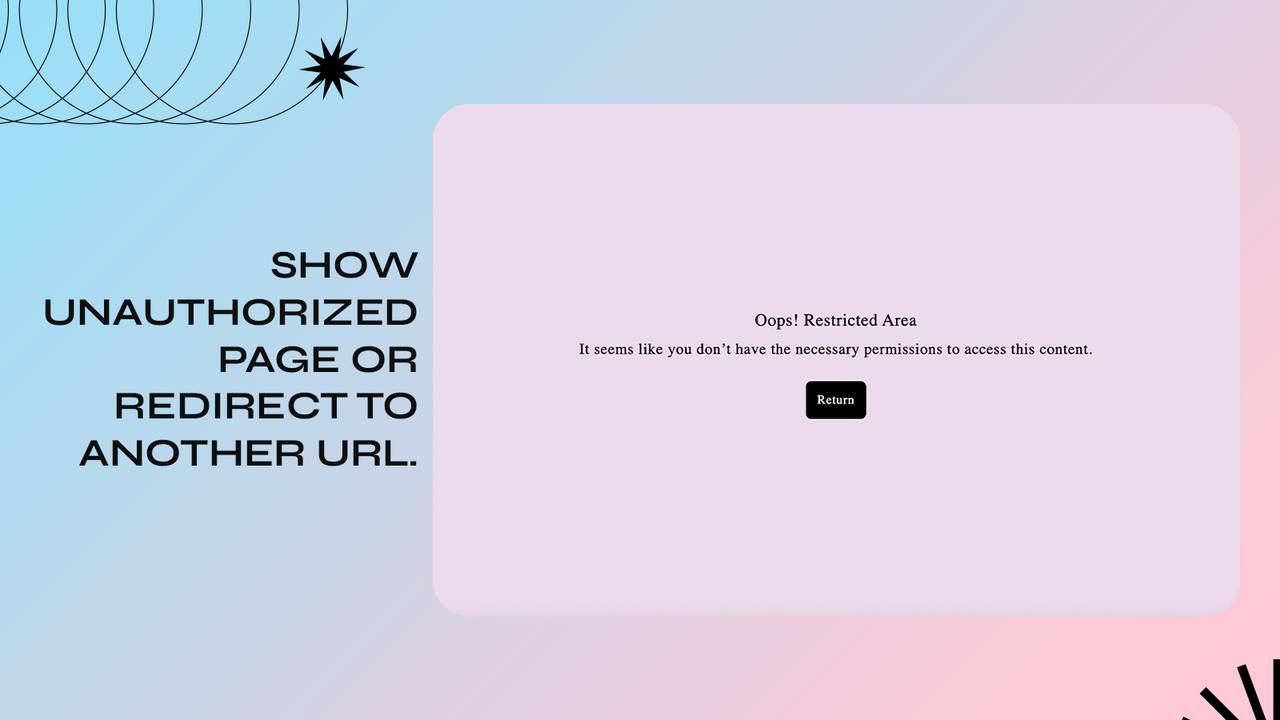
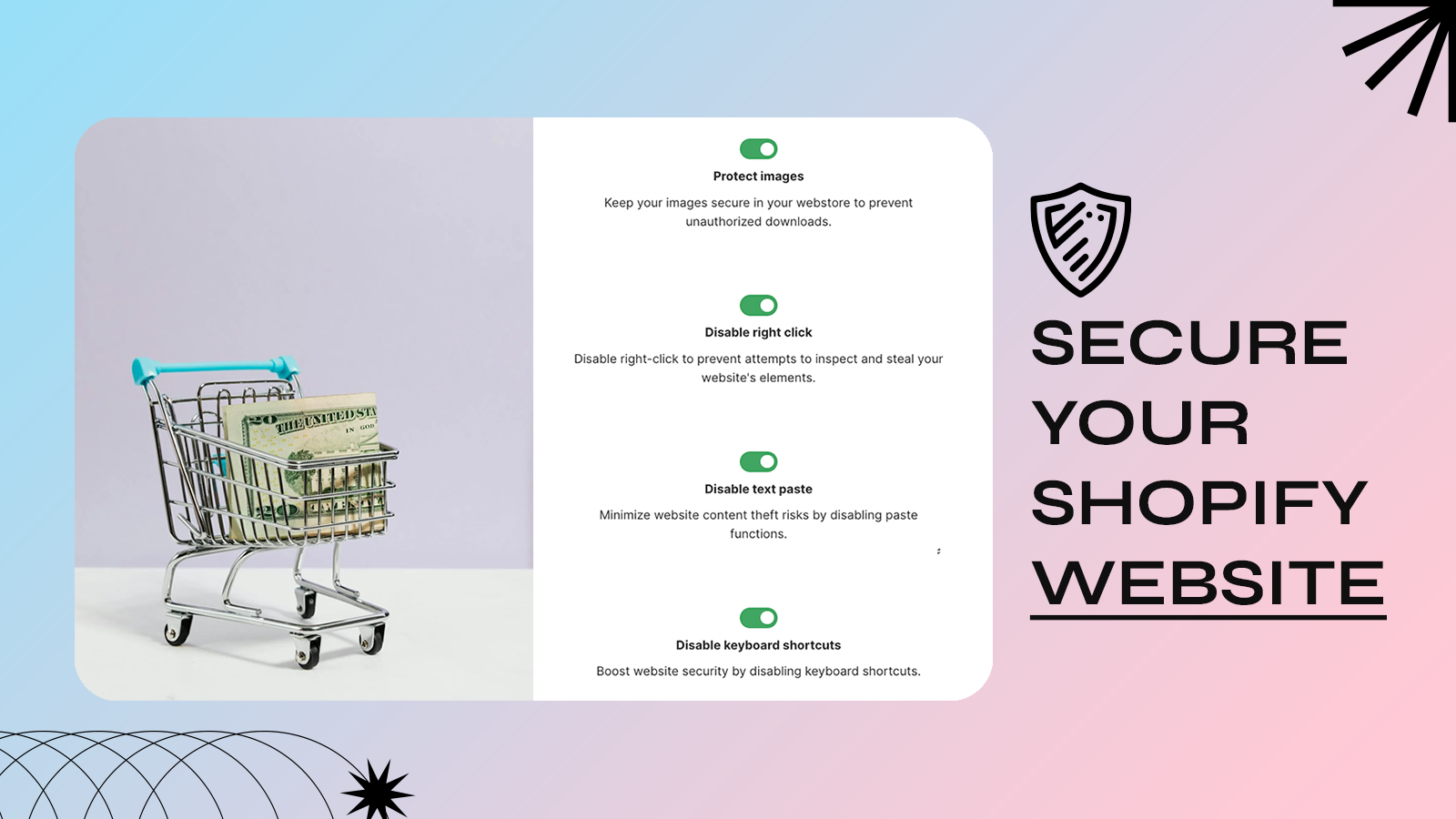
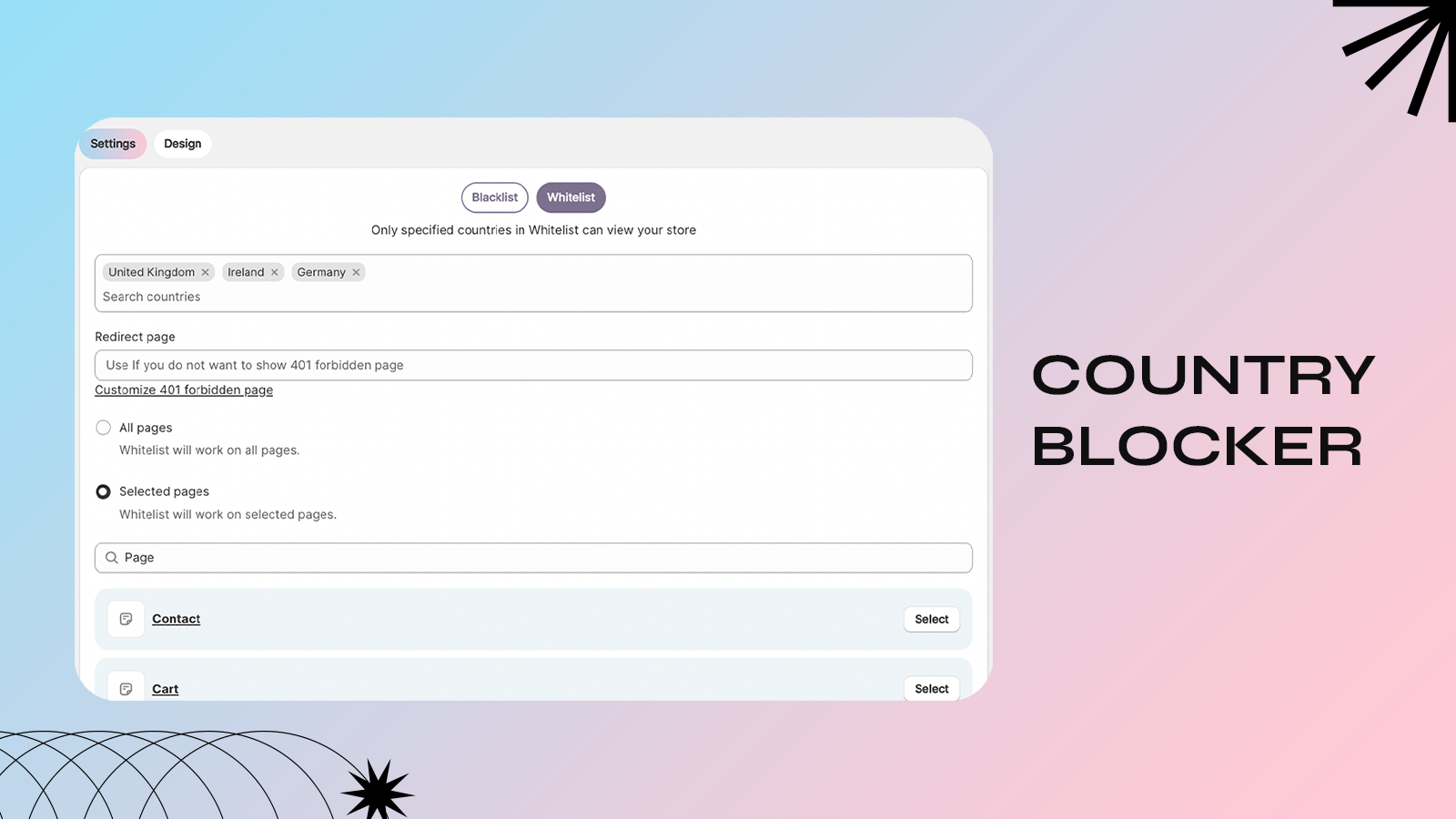
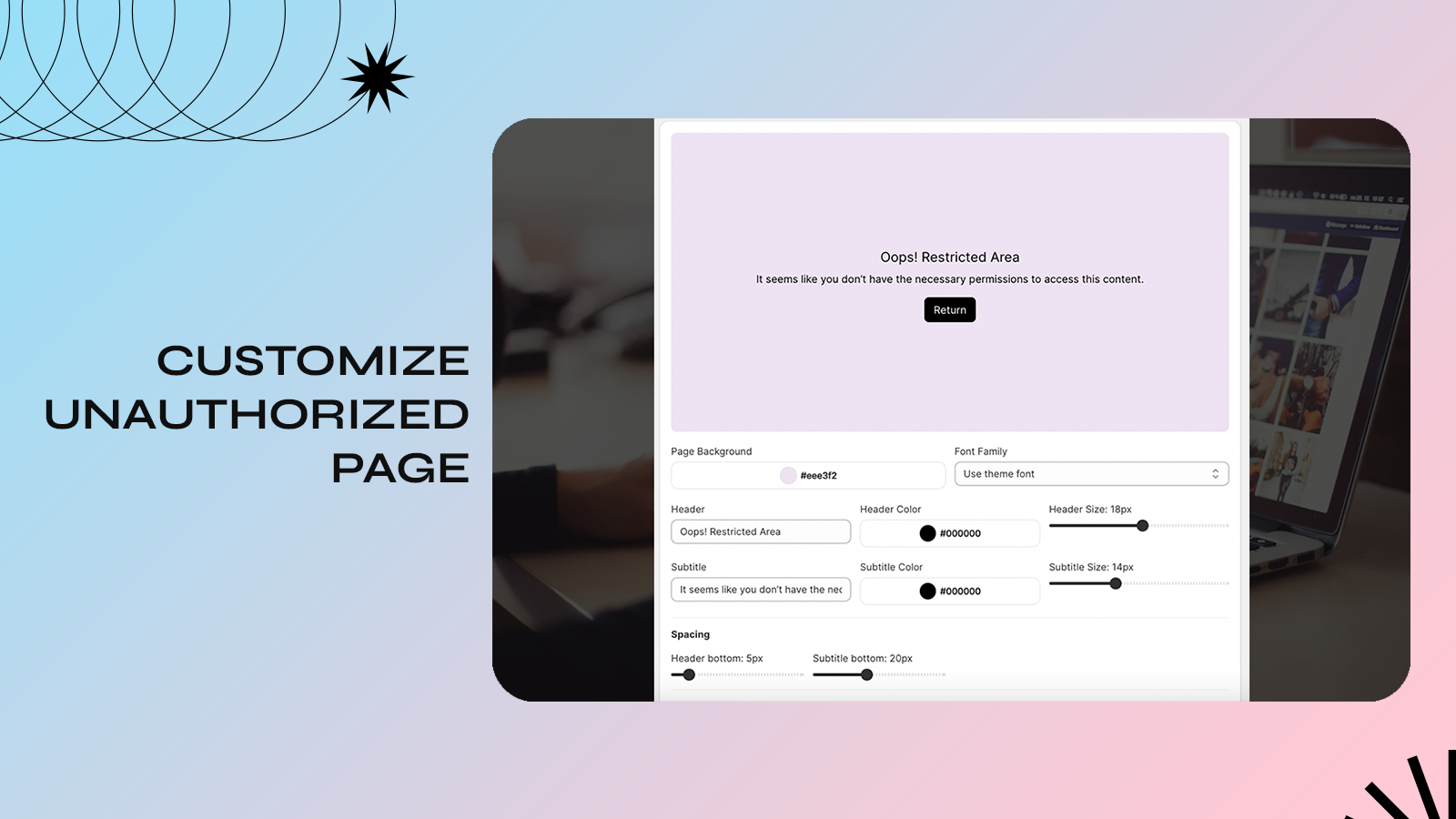
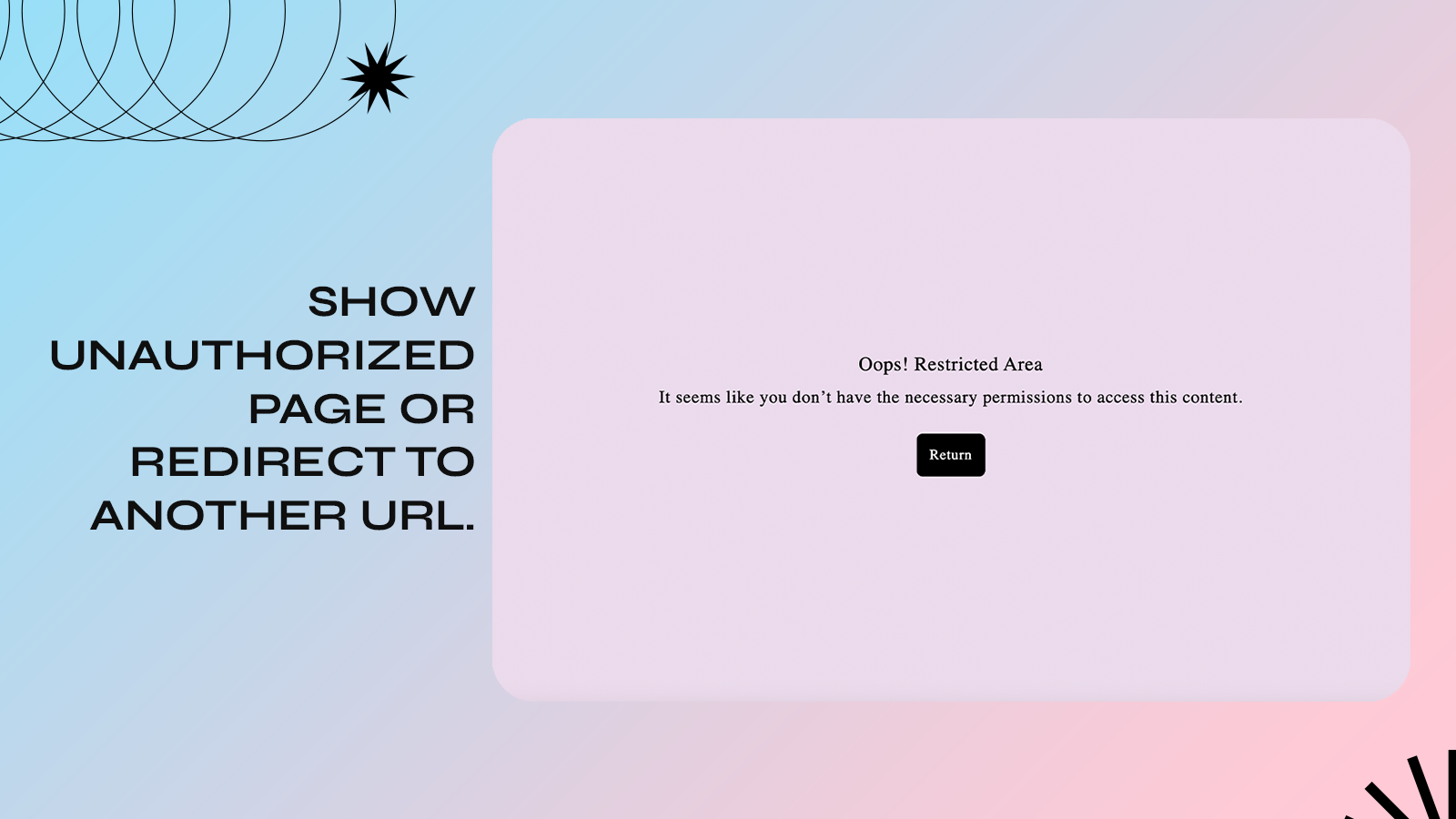
Protect your store’s content, images, and text: Disable right-click, block specific countries, and more! Secure your website with Kedra Shield. It offers IP blocking, bot detection, and VPN/proxy blocking to prevent unauthorized access, along with country blocking (whitelist or blacklist), city blocking, and content blurring for inactive users. Kedra Shield includes robust anti-theft and anti-bot measures to safeguard your text and images while preserving your SEO rankings. Additionally, the app provides statistics on blocked users, lets you view their IP addresses, and all features come with advanced bot protection.
Core Functionality
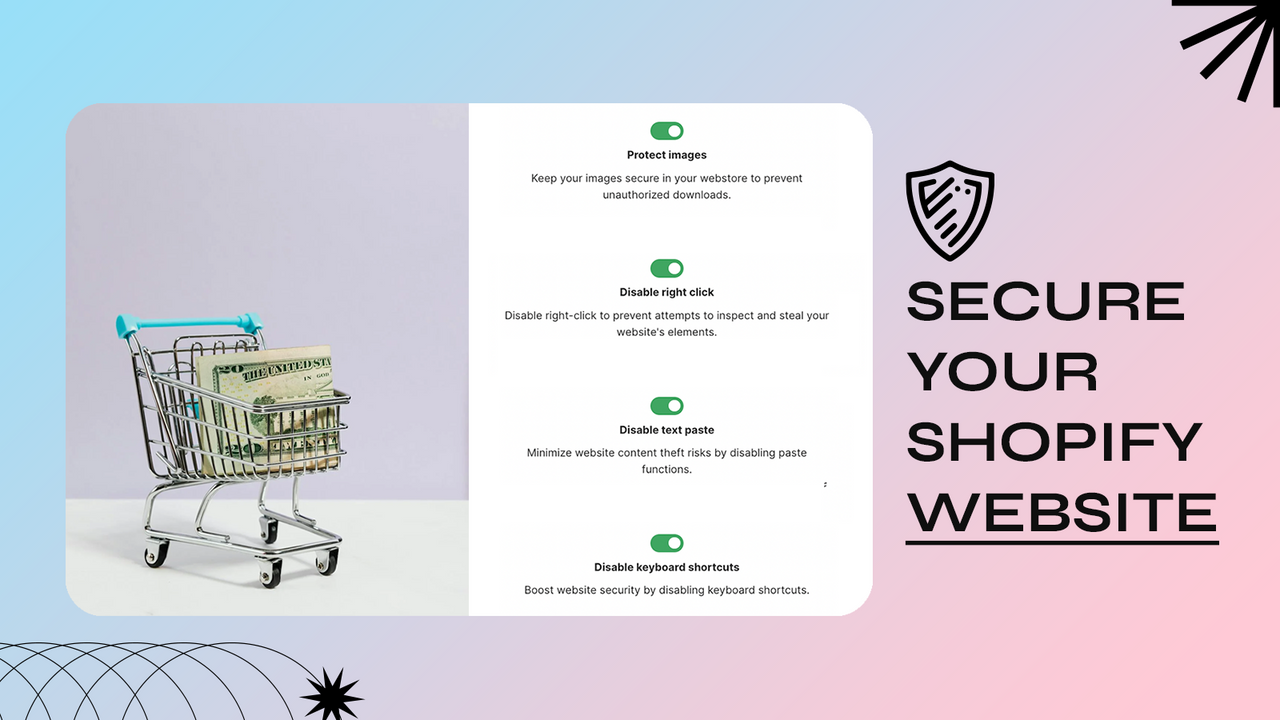
- Protect your images: Prevent others from saving your images without permission.
- Disable copy-paste, right-click, and other shortcut actions
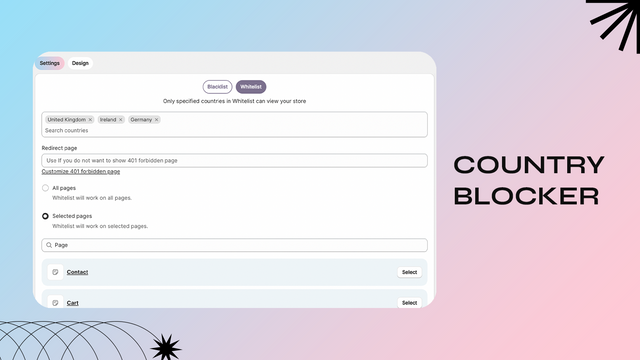
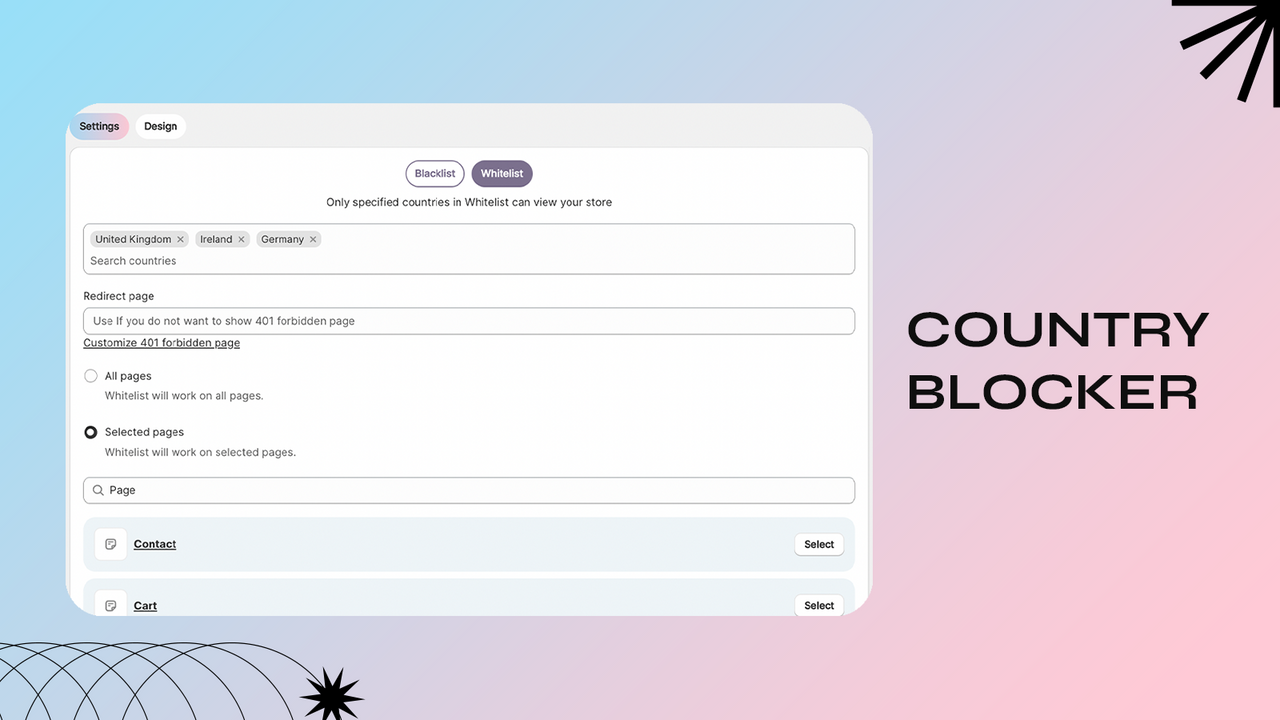
- Country blocking, city blocking, and IP blocking
- VPN blocking and bot blocking
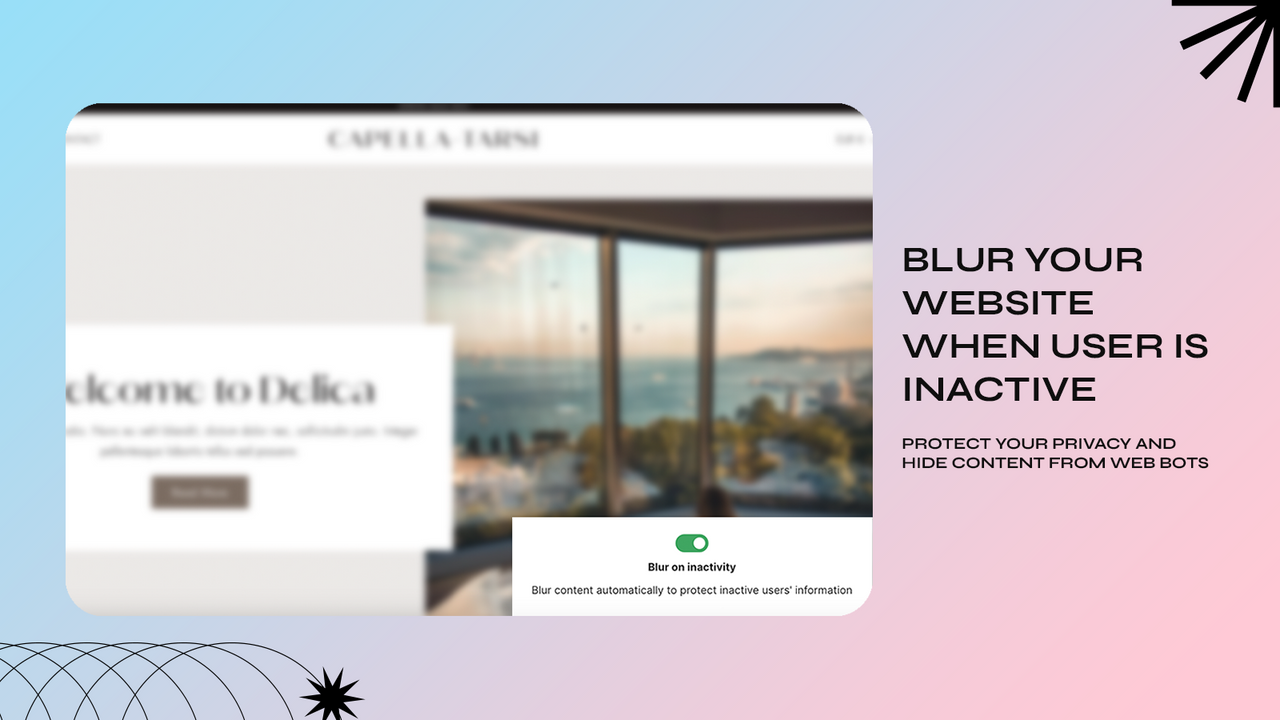
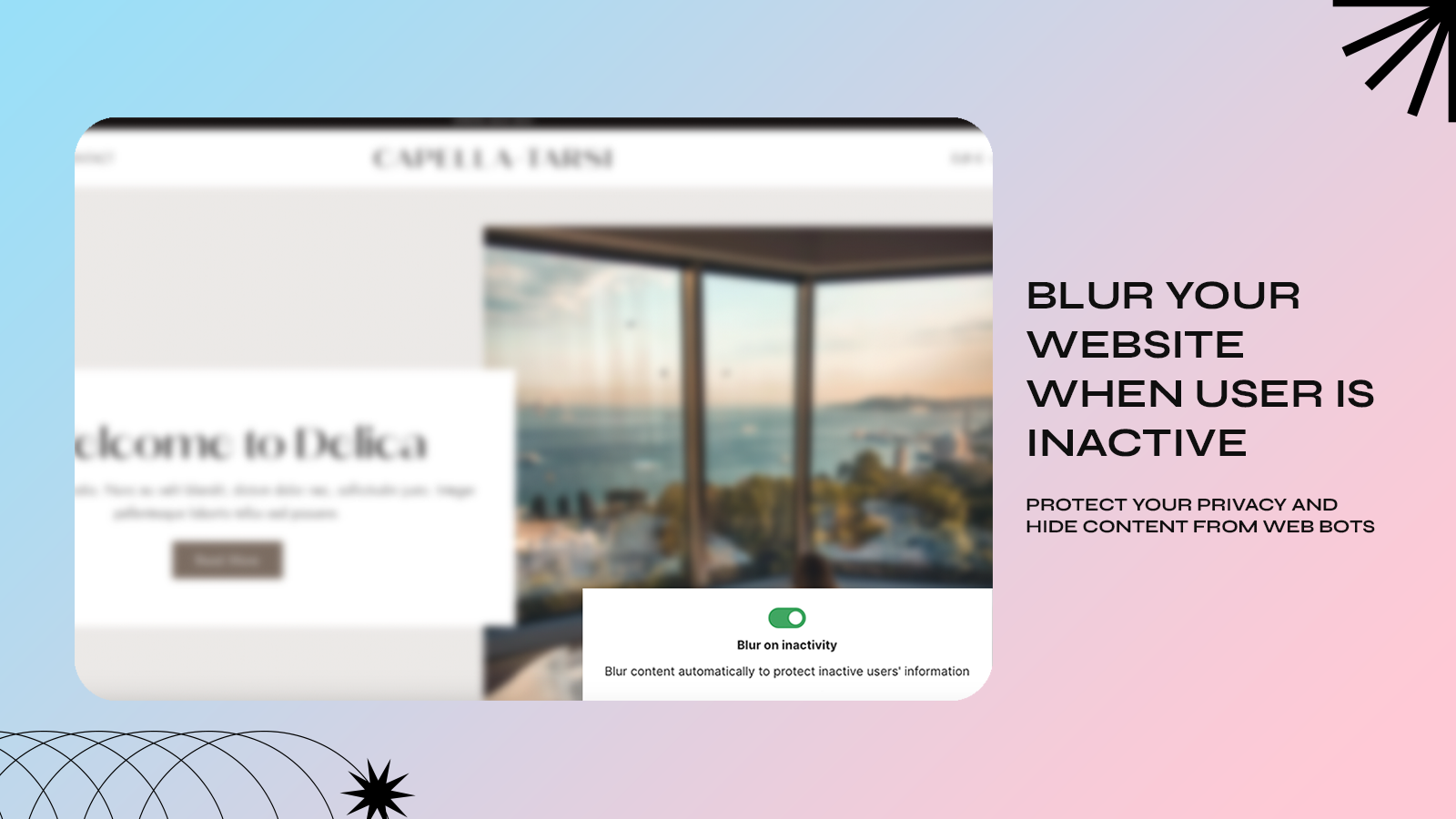
- Protect user data: Blur website content when users are inactive
Merchant-Friendly
- Independent Station Merchants
- Brand E-commerce
- Content E-commerce
- Cross-border E-commerce
Basic Information
- Developer:Kedra Apps
- Address:-, Kaunas, 00000, LT
- Price: Free / Free plan
- Rating:4.8 / 5
- Comment Count:26 comment
- Release Date:2024-7-1
- Supported languages:English
- Compatible products:Shopify
Application Screenshot
Price Plan
Free
- Block IP
- Block Country
- Protect Images and Content
- Disable Developer Tools & Shortcuts
- Disable Right-Click, Copy & Paste
- VPN Block: 3 Users
- Bot Block: 3 Users
Basic
- Suitable for Basic Shopify Stores
- Includes all features of the Free Plan
- Unlimited VPN Blocking
- Unlimited Proxy Blocking
- City Blocking
- TOR Blocking
Grow
- Applicable to Grow and Shopify stores
- Includes all features of the free version
- Unlimited VPN blocking
- Unlimited proxy blocking
- City blocking
- TOR blocking
Advanced
- Suitable for Advanced and Plus Shopify stores
- Includes all features of the free version
- Unlimited VPN blocking
- Unlimited proxy blocking
- City blocking
- TOR blocking
User Location & Comments
User Location
Comments
Shopify API Used
- POST /admin/api/shop/security/image_protection.json
- PUT /admin/api/shop/security/image_protection/{id}.json
- GET /admin/api/shop/security/image_protection.json
Permission:write_shop,read_shop,manage_online_store
- POST /admin/api/shop/security/shortcut_block.json
- PUT /admin/api/shop/security/shortcut_block/{id}.json
- GET /admin/api/shop/security/shortcut_block.json
Permission:write_shop,read_shop,manage_online_store
- POST /admin/api/shop/security/geo_block.json
- PUT /admin/api/shop/security/geo_block/{id}.json
- GET /admin/api/shop/security/geo_block.json
Permission:write_shop,read_shop,manage_online_store
- POST /admin/api/shop/security/bot_vpn_block.json
- PUT /admin/api/shop/security/bot_vpn_block/{id}.json
- GET /admin/api/shop/security/bot_vpn_block.json
Permission:write_shop,read_shop,manage_online_store
- POST /admin/api/shop/security/inactive_blur.json
- PUT /admin/api/shop/security/inactive_blur/{id}.json
- GET /admin/api/shop/security/inactive_blur.json
Permission:write_shop,read_shop,manage_online_store