
App Introduction
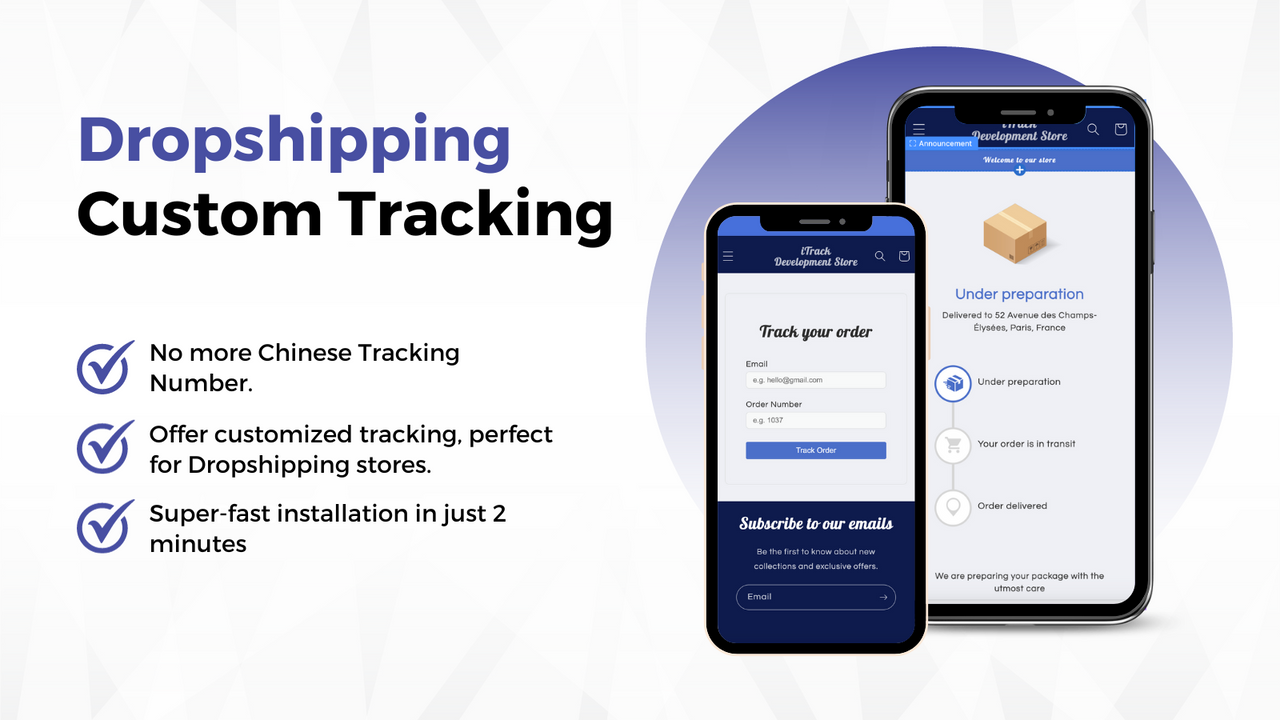
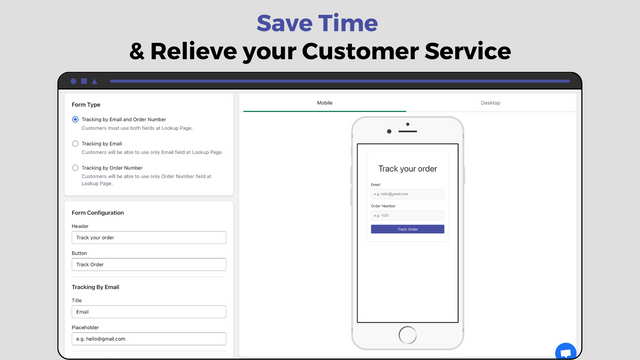
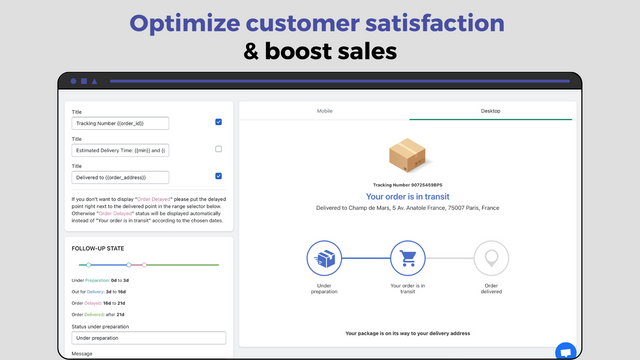
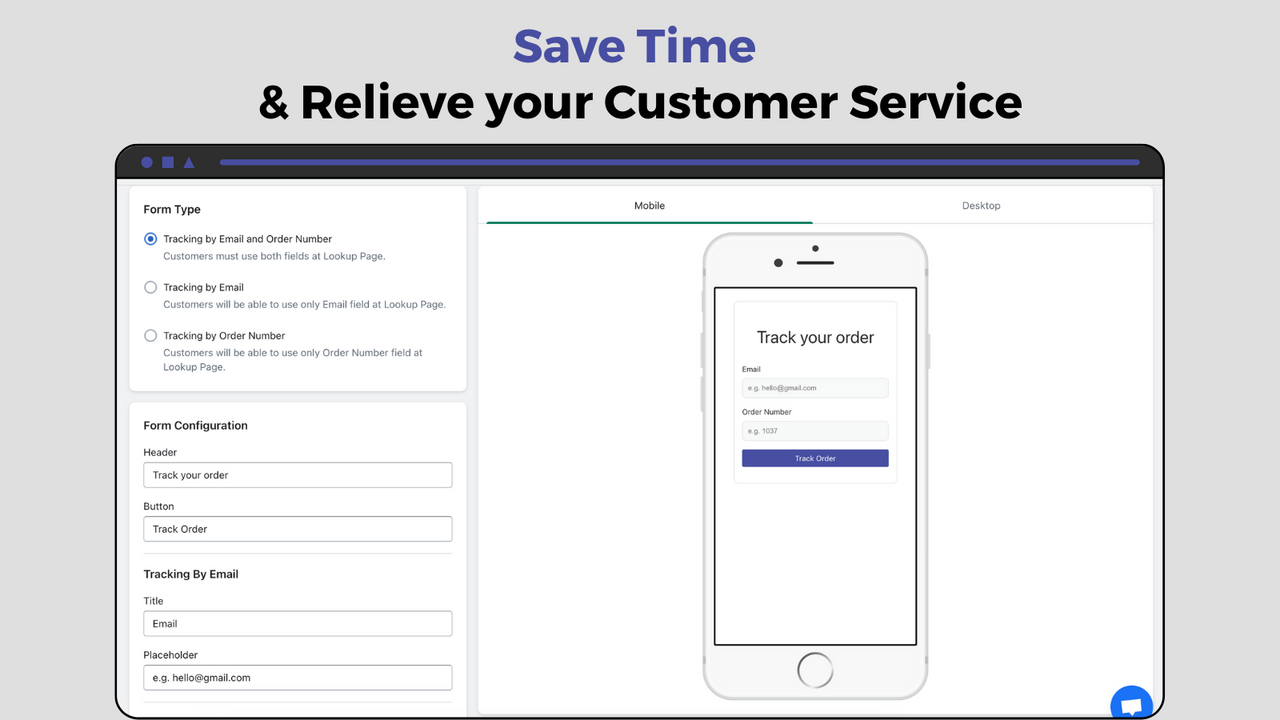
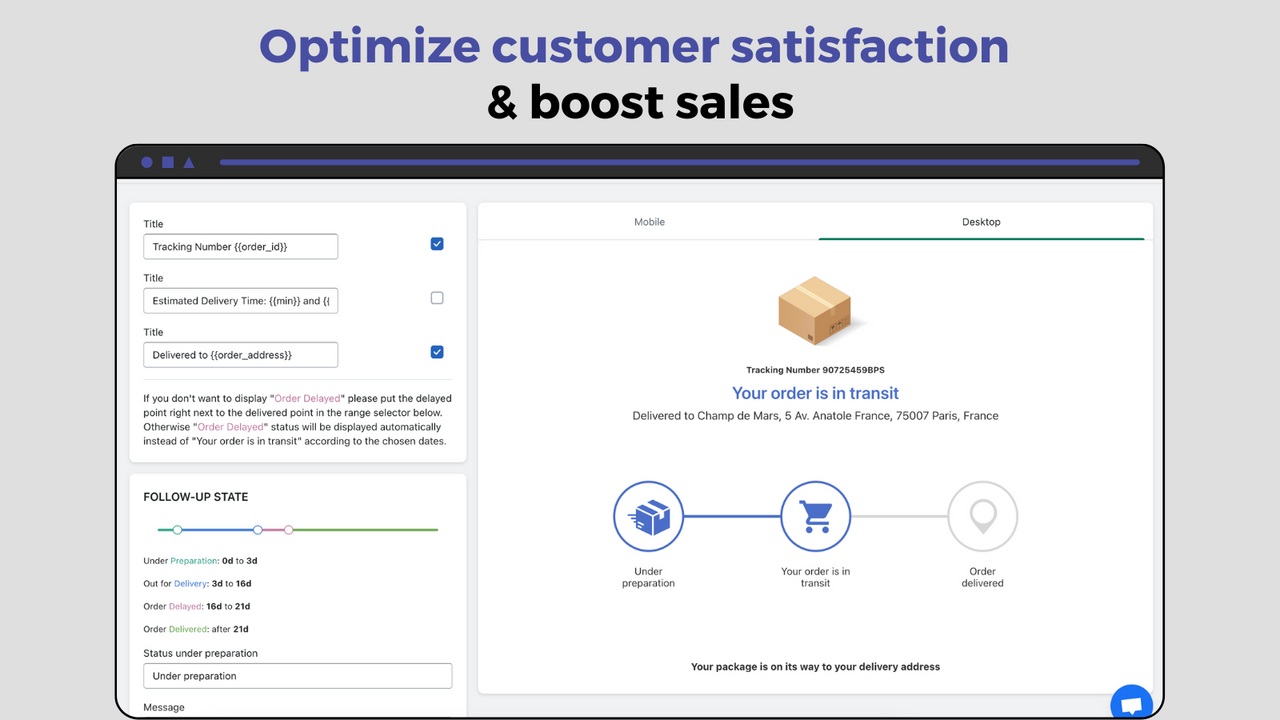
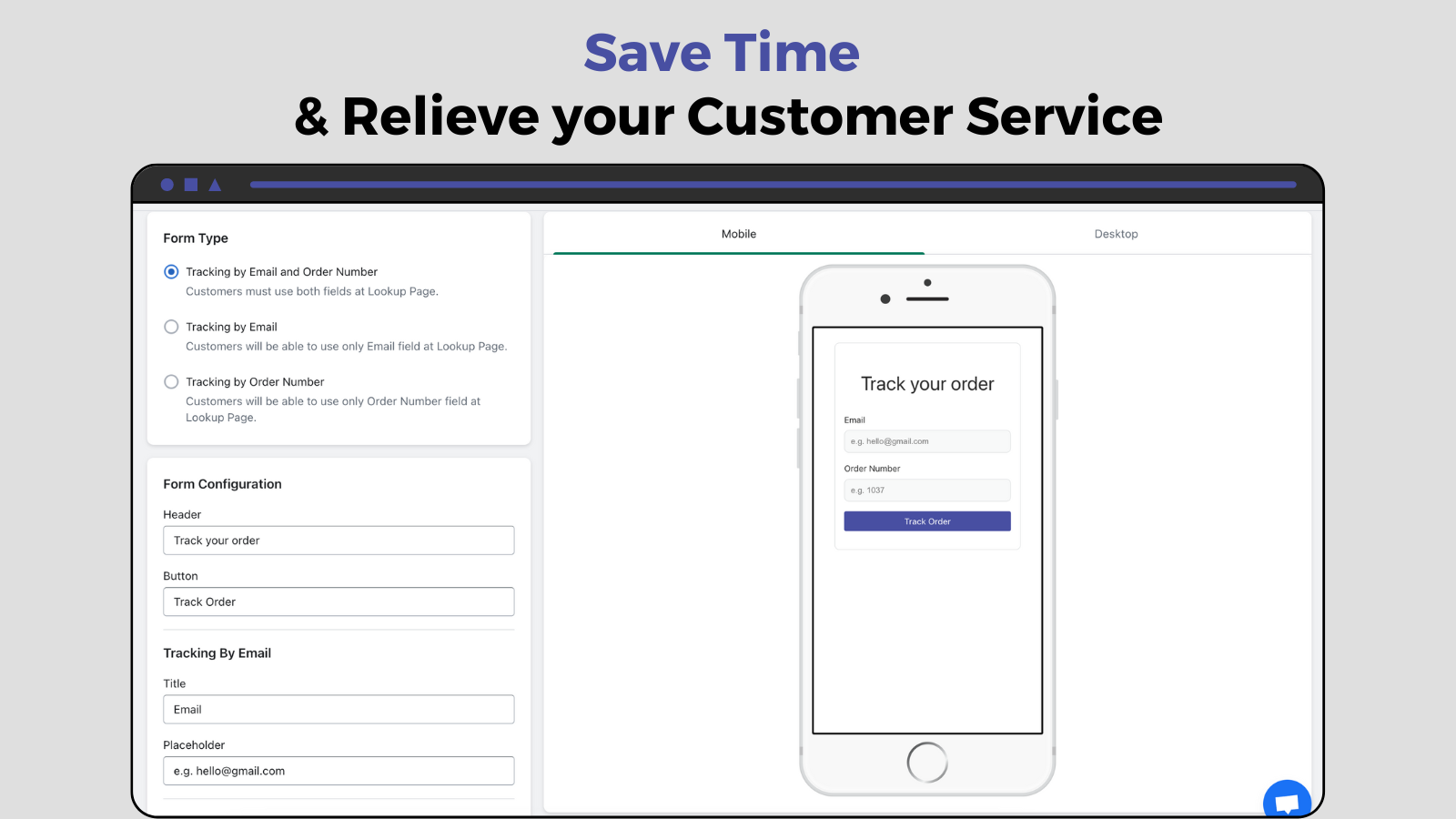
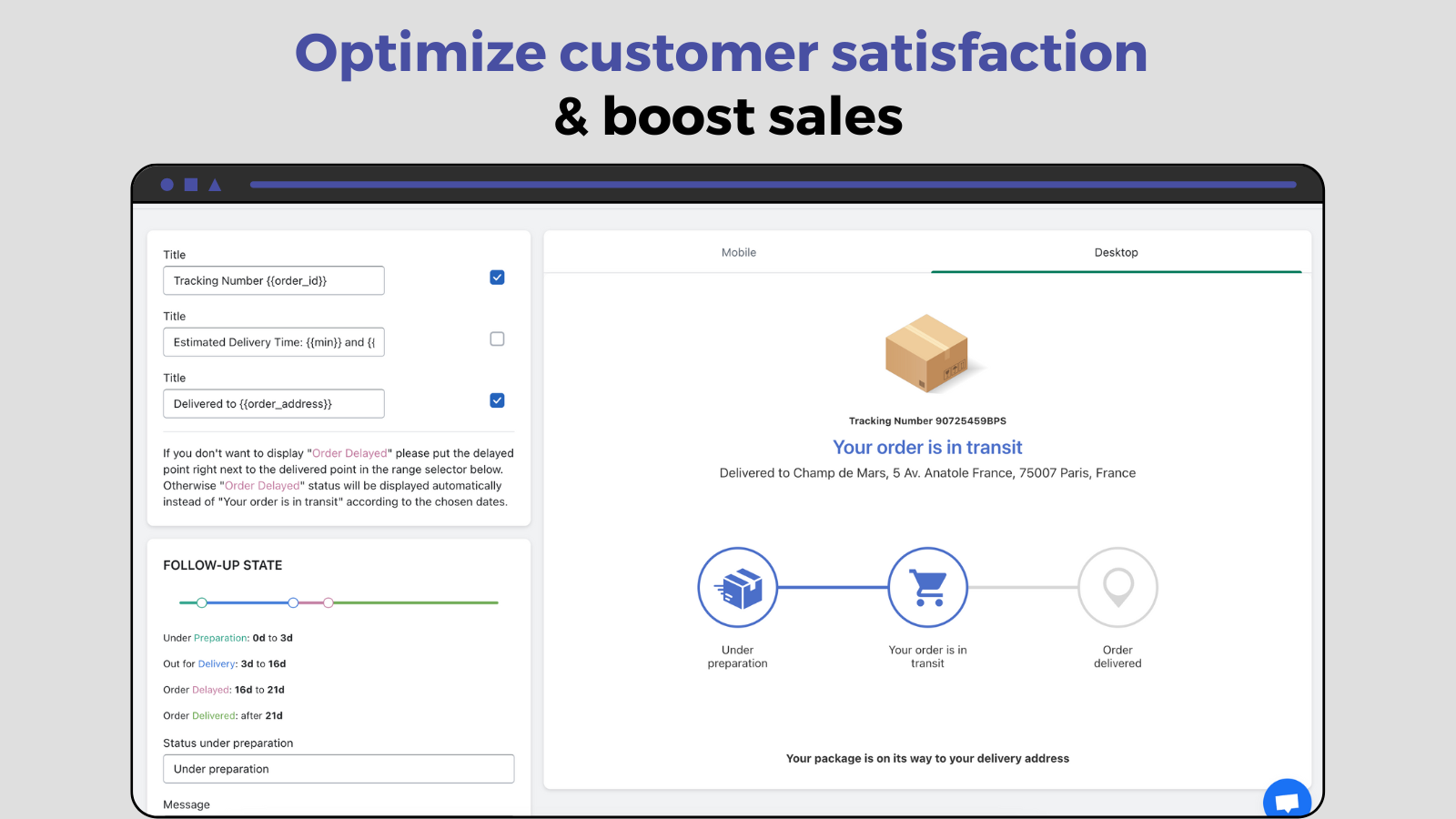
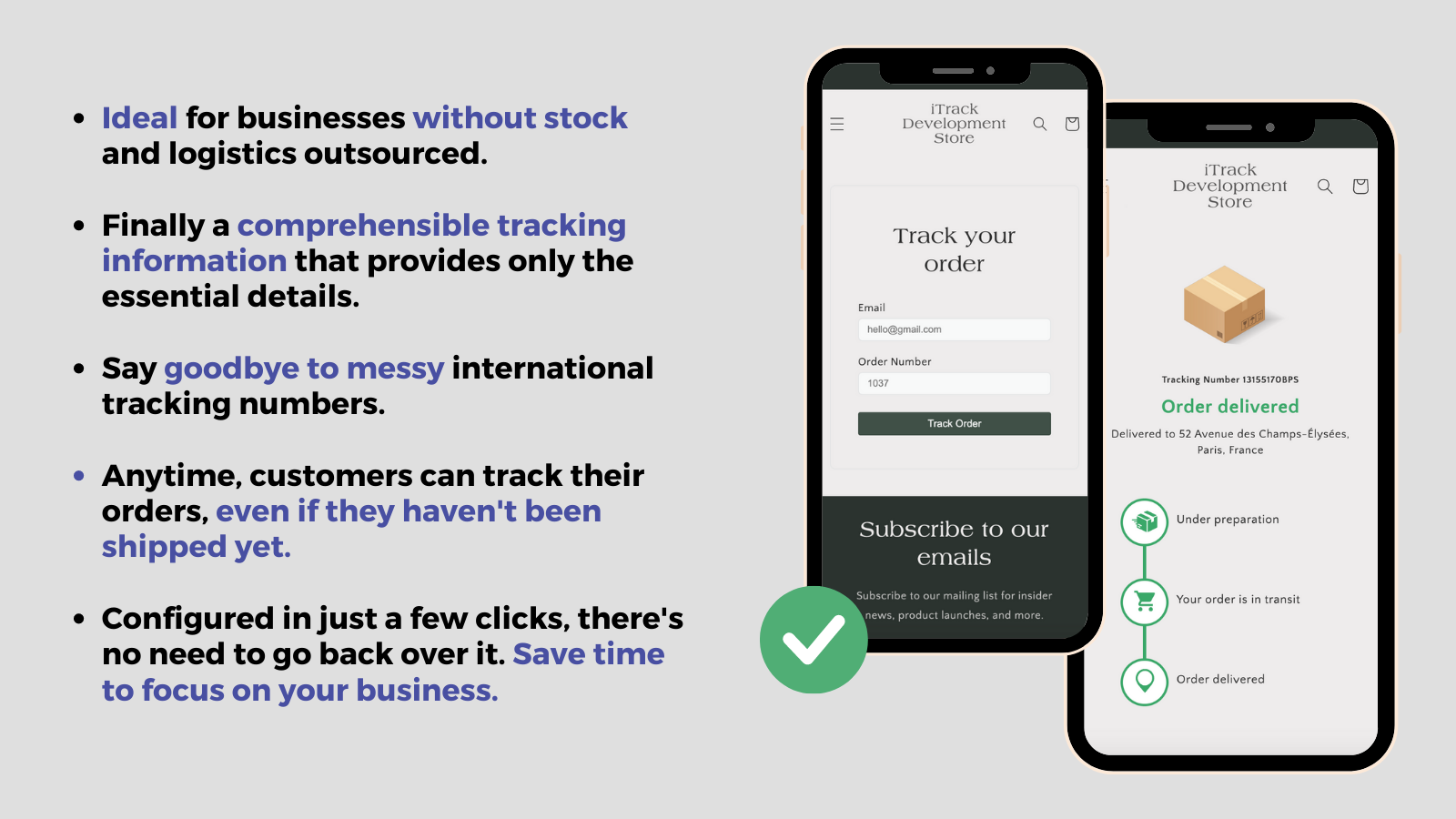
Provide fake order tracking for Dropshipping stores—no need for Chinese tracking numbers, and setup is simple. Generate and customize your tracking page. Dropshipping can get complicated due to delivery timelines, so soothe your customers by choosing the shipping times you want to display, which reduces after-sales service. There are over 17 order tracking methods available. Fully customize your inquiry page and your delivery page. Track your orders with Tracking Sprite. Add delay periods, set up order tracking, control the package panel, manage tracking pages, monitor order status, enable order inquiries, and track shipments—all for optimal shipping.
Core Functionality
- Provide fake tracking times for your customers using your chosen tracking method.
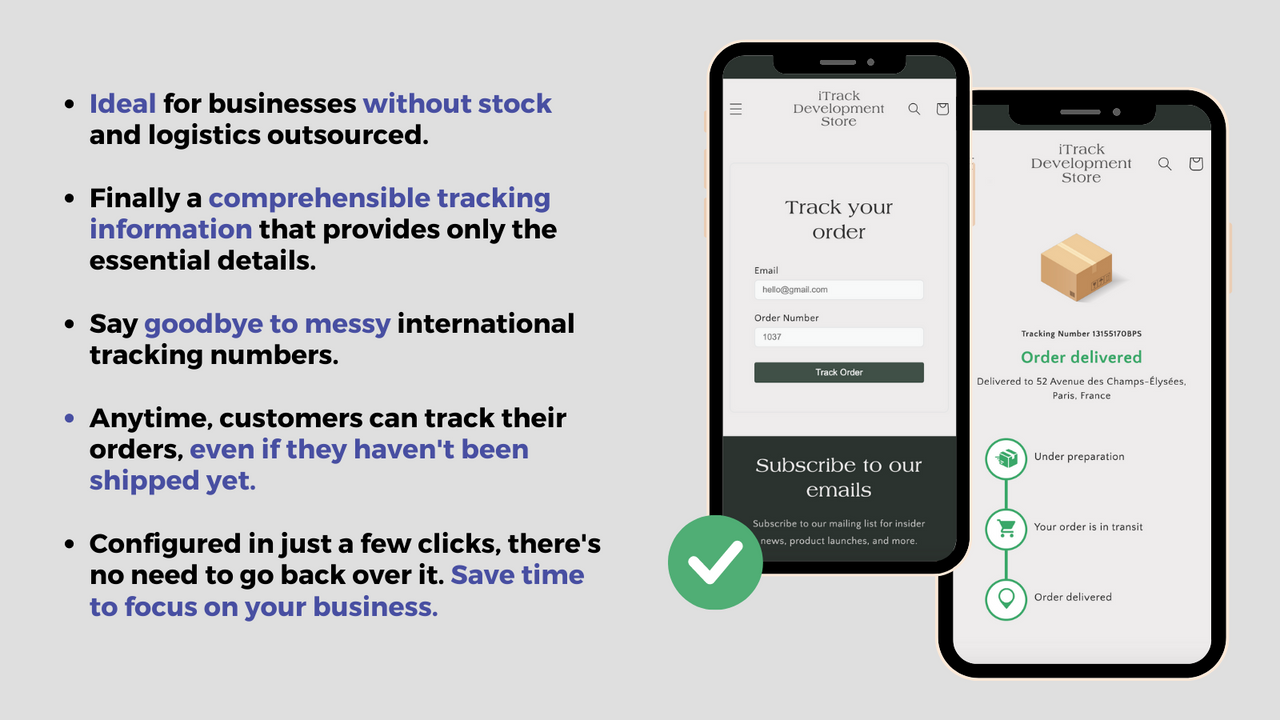
- Save a significant amount of time and reduce the need for customer support inquiries.
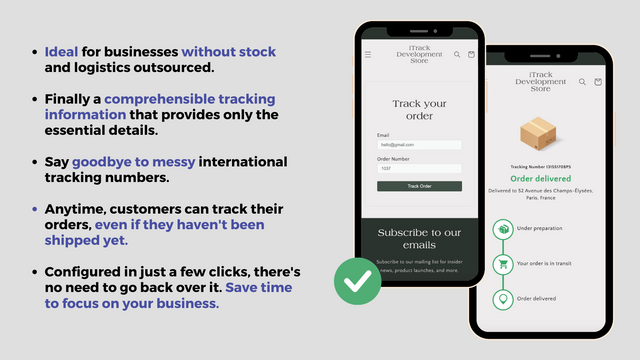
- Ideal for slow delivery times. Designed for dropshipping with no Chinese origin.
- Customize order tracking and resolve after-sales issues regarding delivery times.
- Fully configurable automated delivery tracking system and order inquiries.
Merchant-Friendly
- Dropshipping Merchants
- Slow Delivery Merchants
- Cross-border E-commerce Merchants
- Small and Medium E-commerce Merchants
Basic Information
- Developer:Moon Bundles & Upsell
- Address:5203 Juan Tabo Boulevard Northeast Suite 2B, Albuquerque, NM, 87111, US
- Price: Free / Free plan
- Rating:4.1 / 5
- Comment Count:7 comment
- Release Date:2023-5-30
- Supported languages:English
- Compatible products:Shopify
Application Screenshot

Price Plan
免费
- First 50 Page Views
- No Coding Required
- Integrate with Any Theme
- Create Your Own Tracking Page
- 24/7 Online Chat Support
- Order Inquiry
增长计划
- 500 Monthly Page Views
- Integrate with Any Theme
- Create Your Own Tracking Page
- 24/7 Live Chat Support
- Order Inquiries
- Custom URLs
专业计划
- Unlimited Browsing
- Integrate with Any Theme
- Create Your Own Tracking Page
- 24/7 Online Chat Support
- Order Inquiry
- Custom URL
User Location & Comments
User Location
Comments
Shopify API Used
- POST /admin/api/orders/{order_id}/tracking.json
- PUT /admin/api/orders/{order_id}/tracking.json
- GET /admin/api/orders/{order_id}/tracking.json
Permission:write_orders,read_orders,manage_tracking
- POST /admin/api/queries/automation.json
- PUT /admin/api/queries/automation/{id}.json
- GET /admin/api/queries/automation.json
Permission:write_orders,read_orders,manage_support
- POST /admin/api/orders/{order_id}/tracking/custom.json
- PUT /admin/api/orders/{order_id}/tracking/custom.json
- GET /admin/api/orders/{order_id}/tracking/custom.json
Permission:write_orders,read_orders,manage_tracking
- POST /admin/api/tracking/automation.json
- PUT /admin/api/tracking/automation/{id}.json
- GET /admin/api/tracking/automation.json
Permission:write_orders,read_orders,manage_tracking