
App Introduction
Easily sync multiple stores — keep your inventory, products, and orders perfectly aligned. With highly configurable real-time sync, Synkro makes managing multiple stores a breeze. Clone your products to multiple connected stores and let Synkro keep everything in sync, saving you time and effort. Custom pricing rules let you automatically adjust product prices to implement dynamic pricing strategies. Push orders from child stores back to the parent store and sync tracking information. Our team of expert professionals provides top-tier customer support, ready to assist you anytime.
Core Functionality
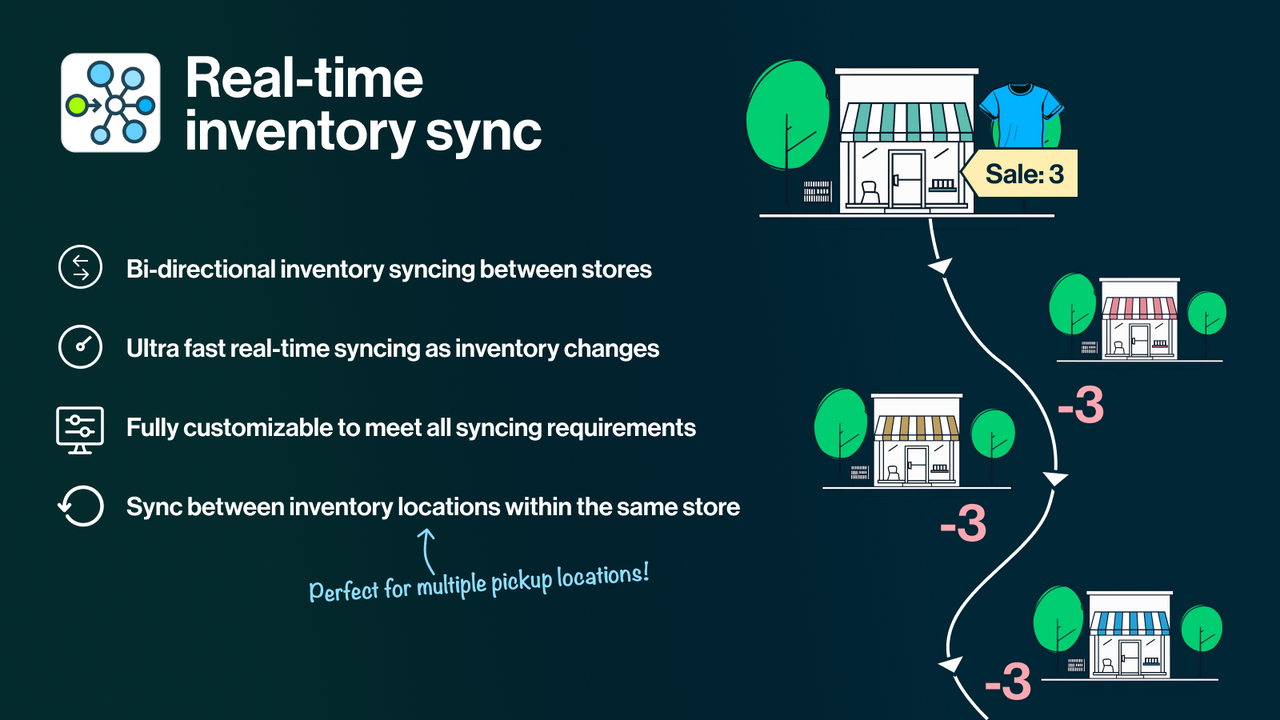
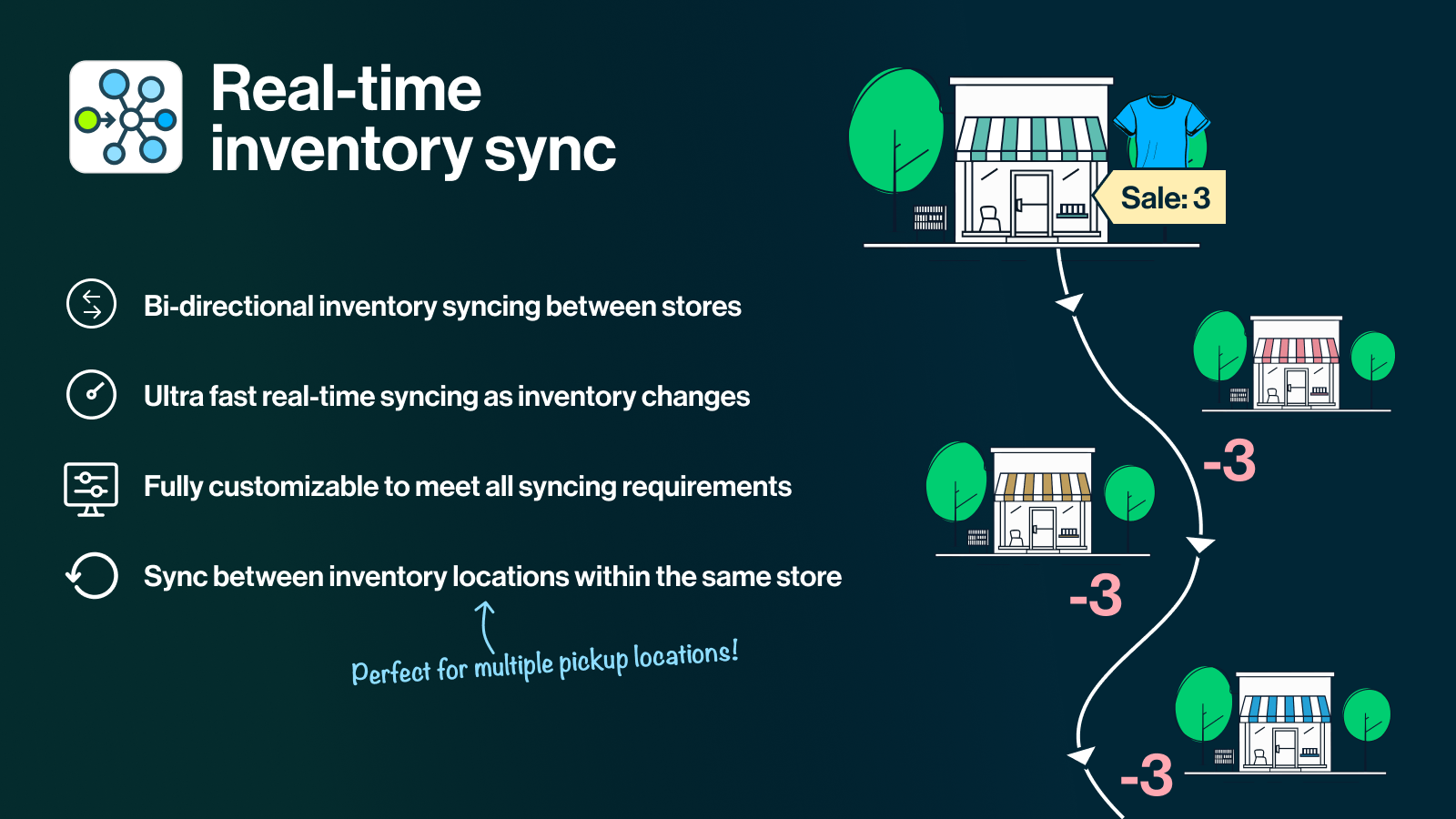
- Sync real-time inventory levels and product attributes in seconds!
- Clone products across stores with one click or use Synkro’s tag-based auto-cloning!
- Custom price rules enable automatic product price adjustments!
Merchant-Friendly
- Multi-Store Operators
- Cross-Border E-commerce Merchants
- Dynamic Pricing Merchants
- Efficient Operation Merchants
Basic Information
- Developer:Tech vom Fass
- Address:43 Church St. Unit #706B, St. Catharines, ON, L2R 7E1, CA
- Price: Free / Free plan
- Rating:5 / 5
- Comment Count:84 comment
- Release Date:2019-11-11
- Supported languages:English
- Compatible products:Shopify
Application Screenshot




Price Plan
Synkro Basic
- Sync up to 1,000 products
- Unlimited real-time inventory sync
- Clone unlimited products between stores
- 7-day free trial
- Email support
Synkro Plus
- Synchronize up to 10,00 products
- Synchronize inventory locations across stores
- Automatic price conversion for price rules
- Tag-based app automation
- Metafield synchronization
- Collection cloning and synchronization
Synkro Business
- Includes all features of Synkro Plus
- Sync up to 100,00 products
- Order routing
- Sales channel publishing sync
- Schedule inventory adjustments
- External-hosted product video sync
- White-glove onboarding
- Priority support
Synkro Pro
- Includes all features of Synkro Business
- Sync unlimited products
- Build-to-order master inventory system
- White-glove onboarding
- Dedicated support
- Custom feature support
User Location & Comments
User Location
Comments
Shopify API Used
- POST /admin/api/inventory_levels.json
- PUT /admin/api/inventory_levels/{id}.json
- GET /admin/api/inventory_levels.json
Permission:write_inventory,read_inventory,manage_products
- POST /admin/api/products.json?clone=true
- GET /admin/api/products/{id}.json?clone=true
- PUT /admin/api/products/{id}/clone.json
Permission:write_products,read_products,manage_store
- POST /admin/api/price_rules.json
- PUT /admin/api/price_rules/{id}.json
- GET /admin/api/price_rules.json
Permission:write_price_rules,read_price_rules,manage_discounts



