
App Introduction
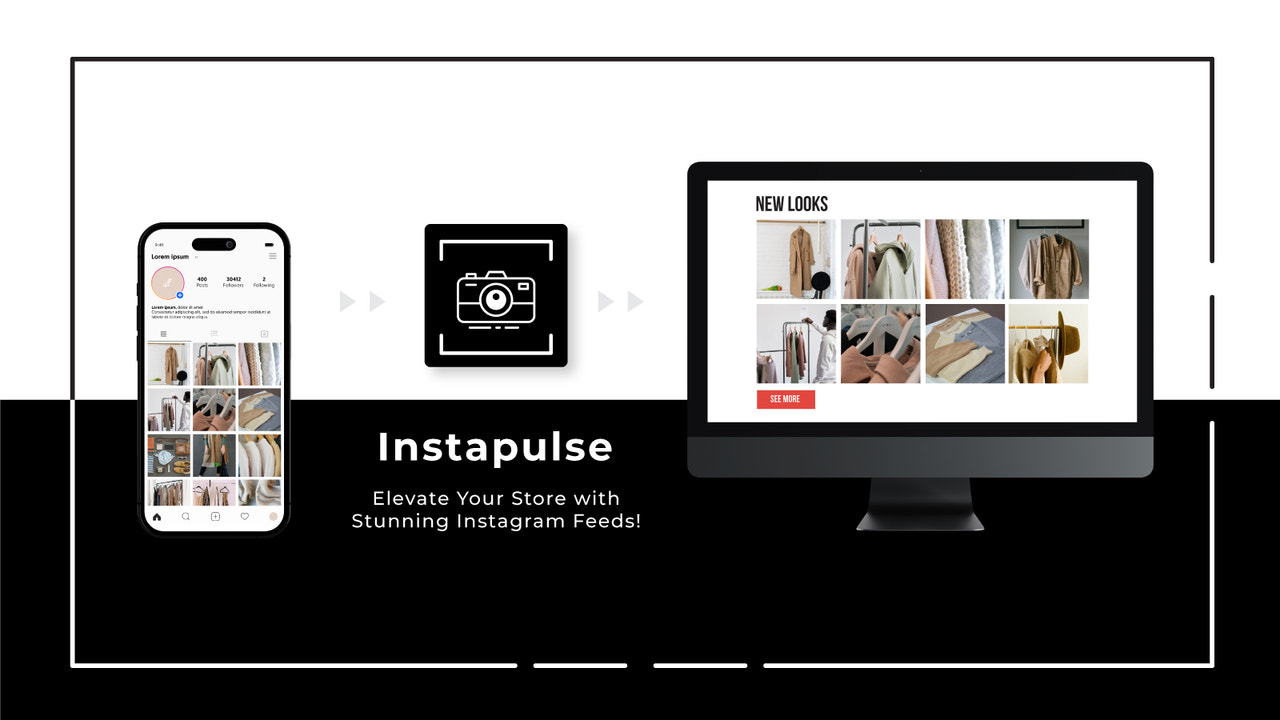
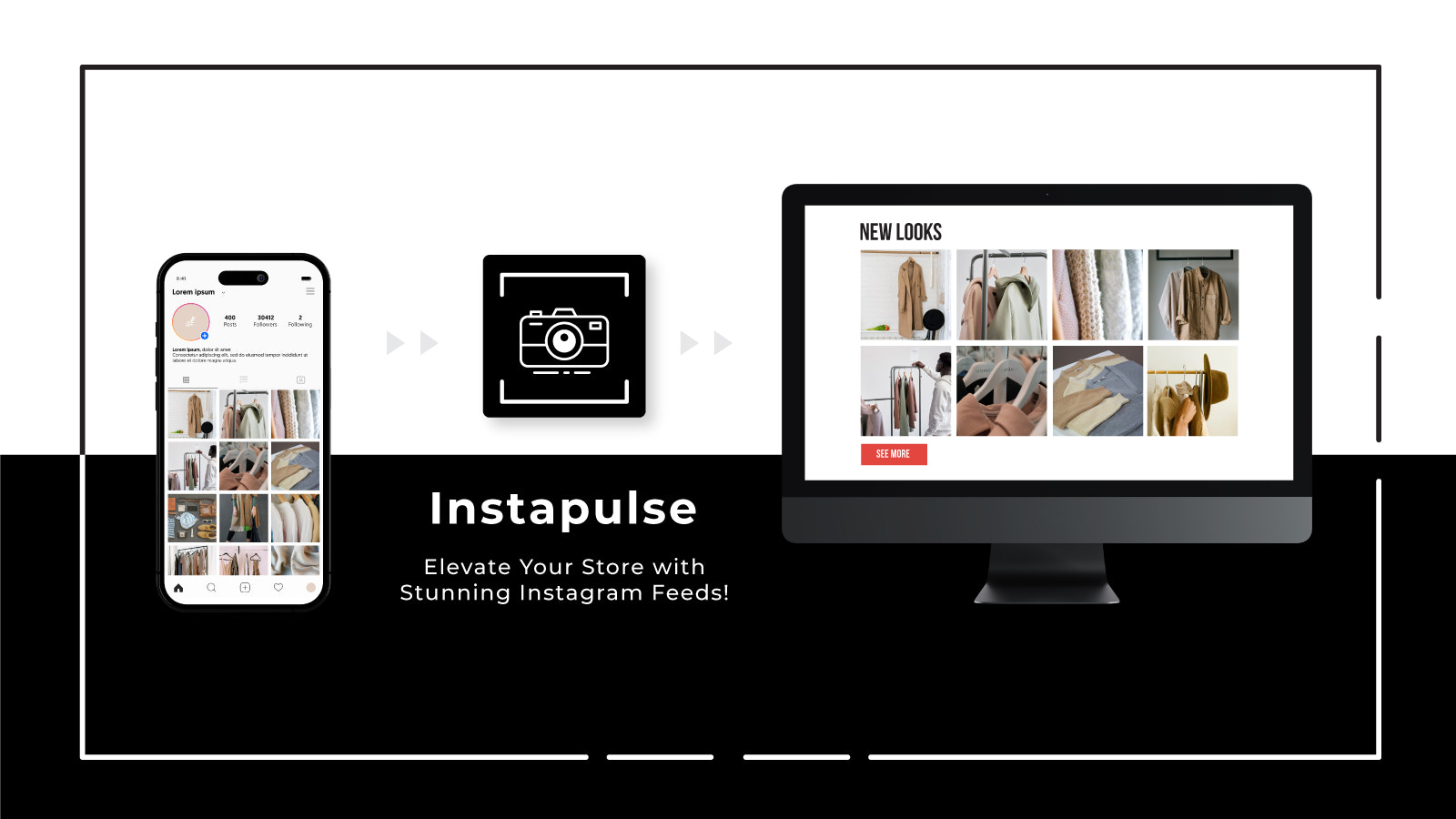
Build social proof and convert visitors into customers with your Instagram feed. Create a stunning Instagram feed block for your store in just minutes. With the Instapulse Feed app, you can seamlessly integrate your latest Instagram feed into your store to boost social proof and drive conversions. Instapulse Feed lets you showcase your latest Instagram content in an elegant, visually appealing way—making it easier than ever to turn store visitors into loyal customers and casual browsers into active Instagram followers.
Core Functionality
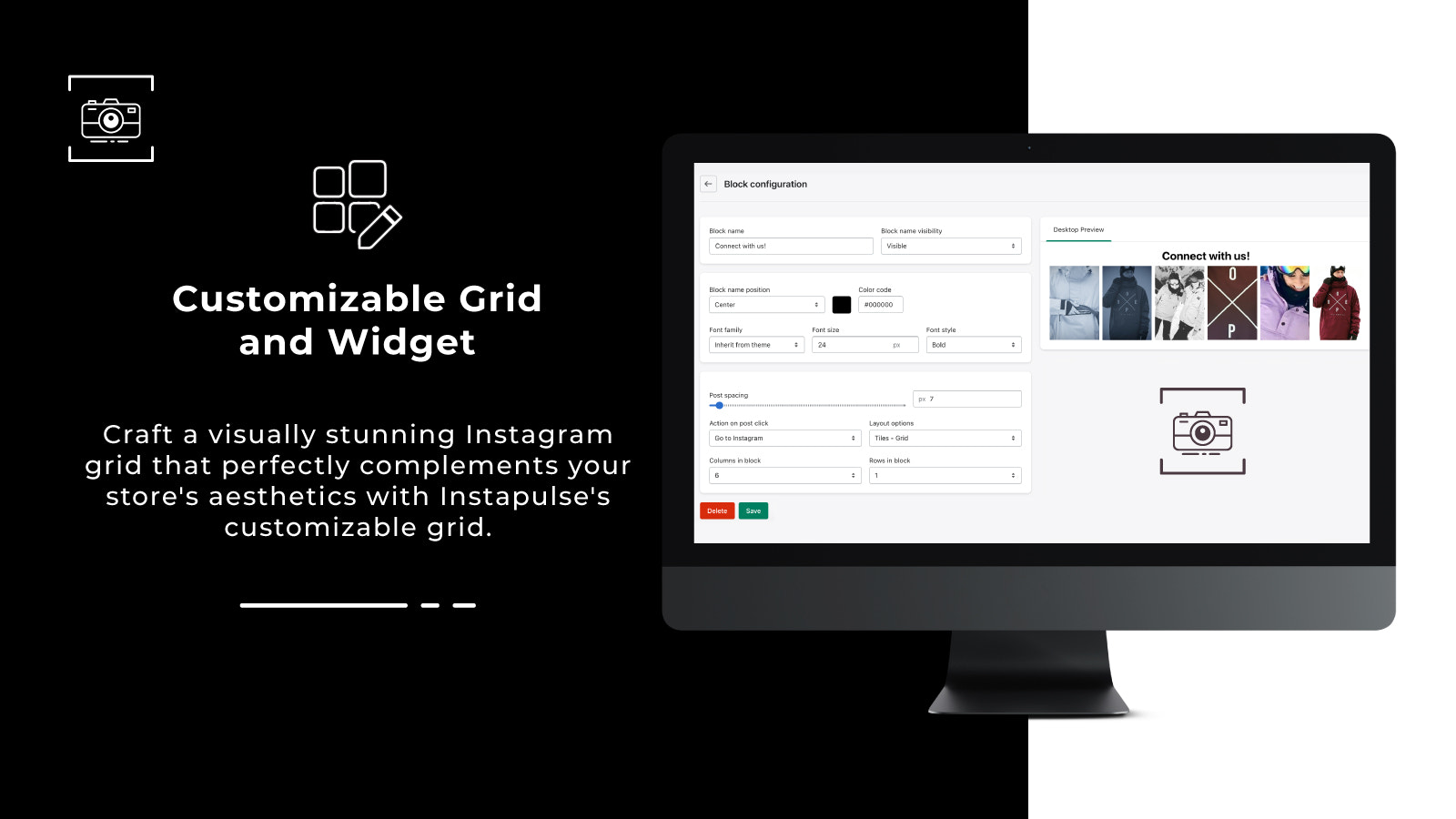
- Display your photo feed with a customizable grid layout.
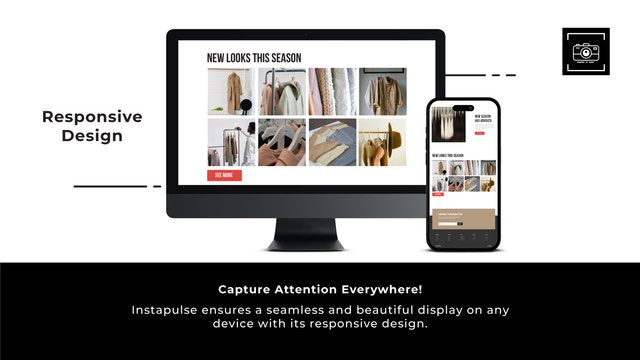
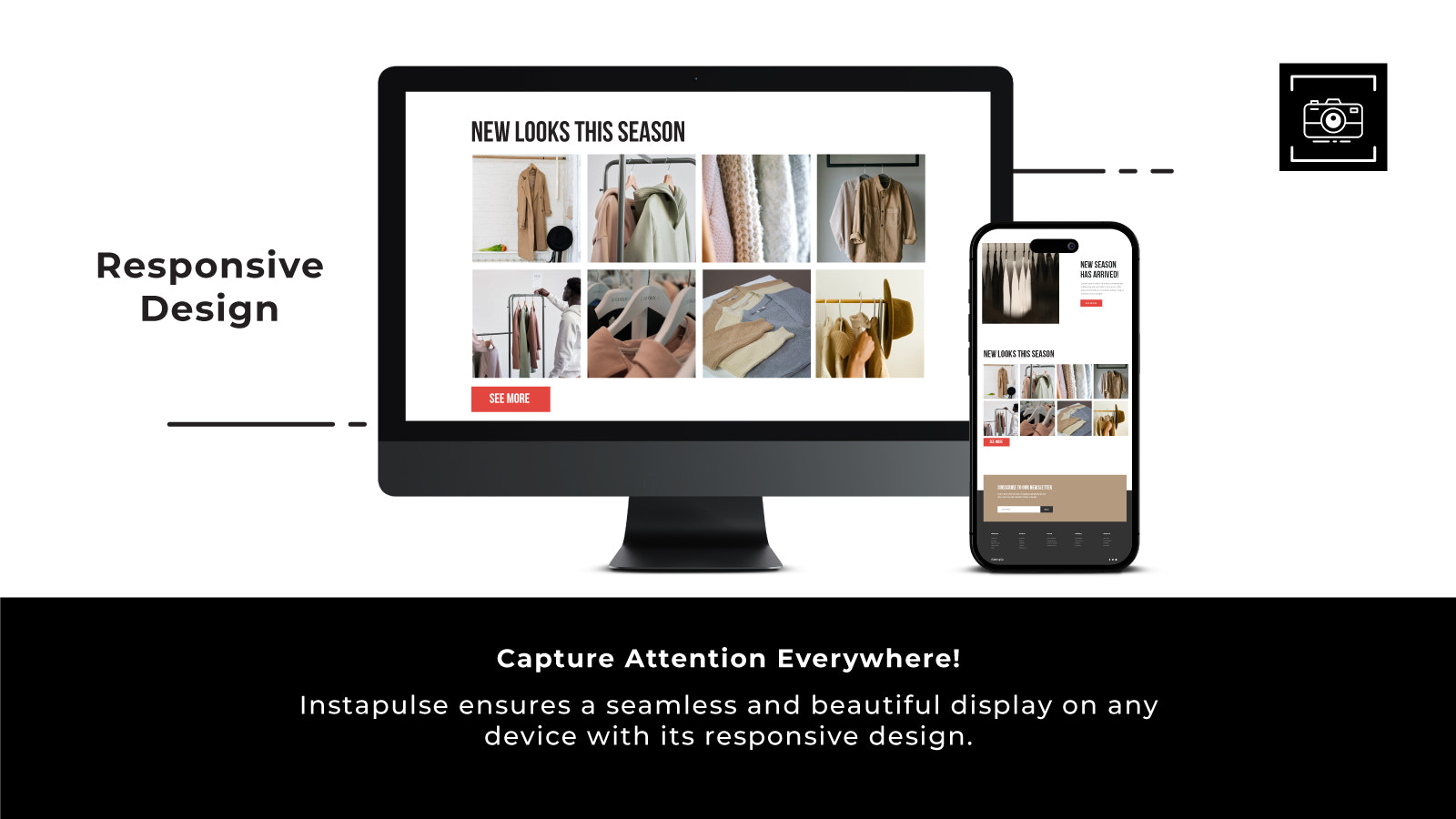
- Control rows and columns for a seamless, mobile-optimized display.
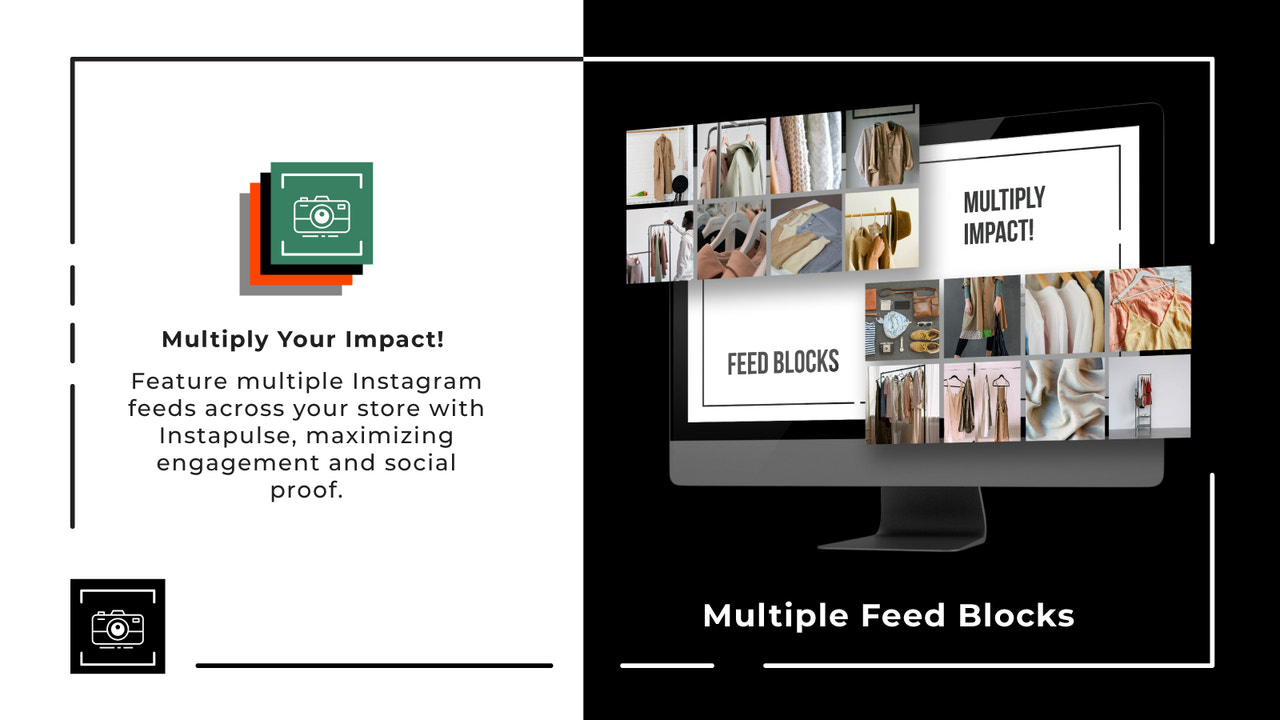
- Can be placed anywhere — landing pages, product pages, website footers, or anywhere in your theme.
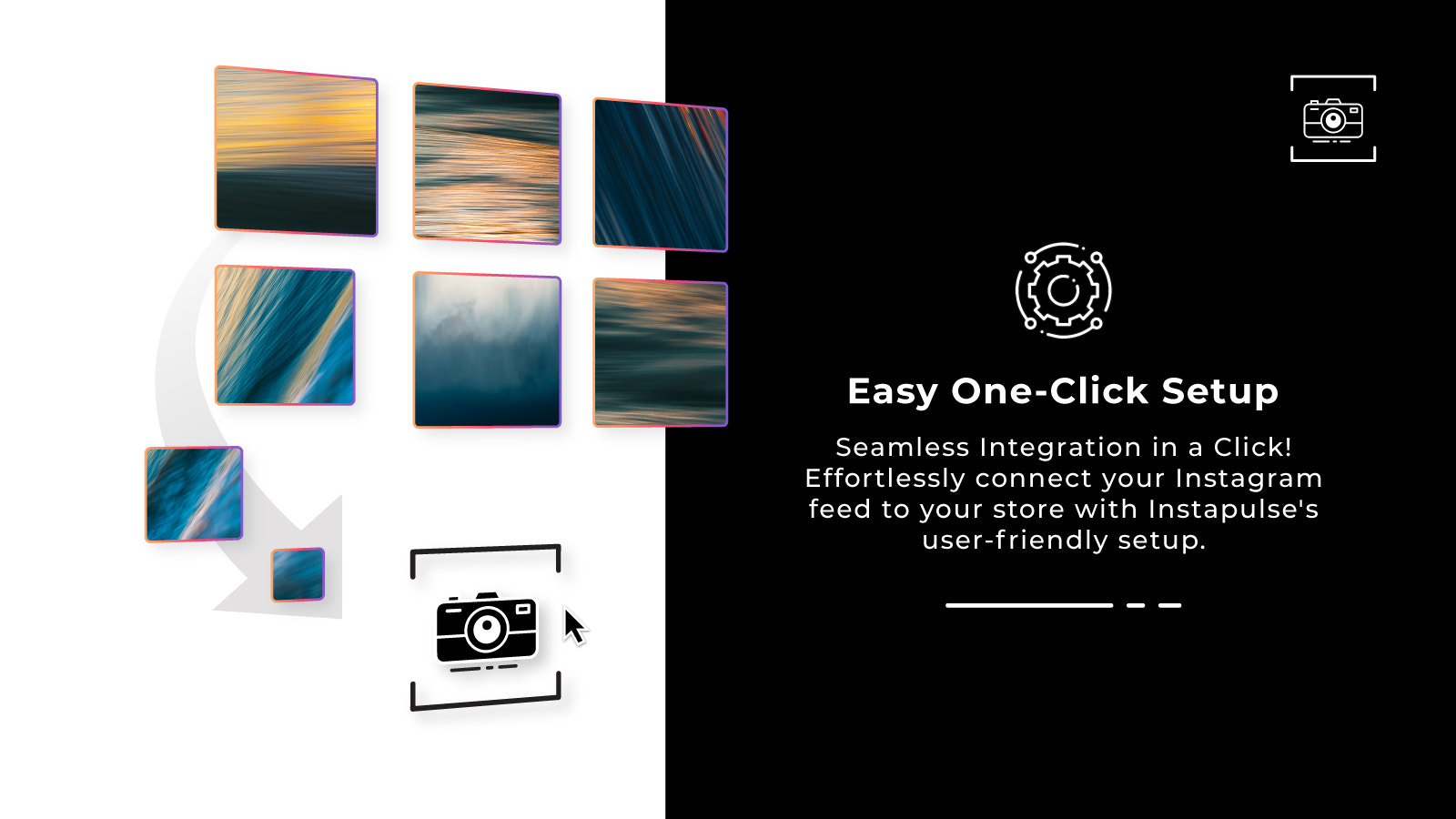
- Easy installation via the one-click "Add to Theme" feature.
Merchant-Friendly
- Visual Marketing Merchants
- Content-based Independent Stations
- Multi-page E-commerce Stores
- Mobile-friendly Merchants
Basic Information
- Developer:Osom Apps
- Address:V. Nagevičiaus g. 3, Vilnius, LT08237, LT
- Price: Free / Free plan
- Rating:5 / 5
- Comment Count:7 comment
- Release Date:2023-5-10
- Supported languages:English
- Compatible products:Shopify
Application Screenshot







Price Plan
Free
User Location & Comments
User Location
Comments
Shopify API Used
- POST /admin/api/sections.json
- PUT /admin/api/sections/{section_id}.json
- GET /admin/api/sections.json
Permission:write_themes,read_themes,manage_online_store
- PUT /admin/api/sections/{section_id}/settings.json
- GET /admin/api/sections/{section_id}/settings.json
- POST /admin/api/sections/{section_id}/metafields.json
Permission:write_themes,read_themes,manage_online_store
- PUT /admin/api/sections/{section_id}/positions.json
- GET /admin/api/themes/{theme_id}/sections.json
- POST /admin/api/sections/{section_id}/assign.json
Permission:write_themes,read_themes,manage_online_store
- POST /admin/api/themes/{theme_id}/sections.json
- PUT /admin/api/themes/{theme_id}/sections/{section_id}/publish.json
- GET /admin/api/themes/{theme_id}/sections.json
Permission:write_themes,read_themes,manage_online_store