
App Introduction
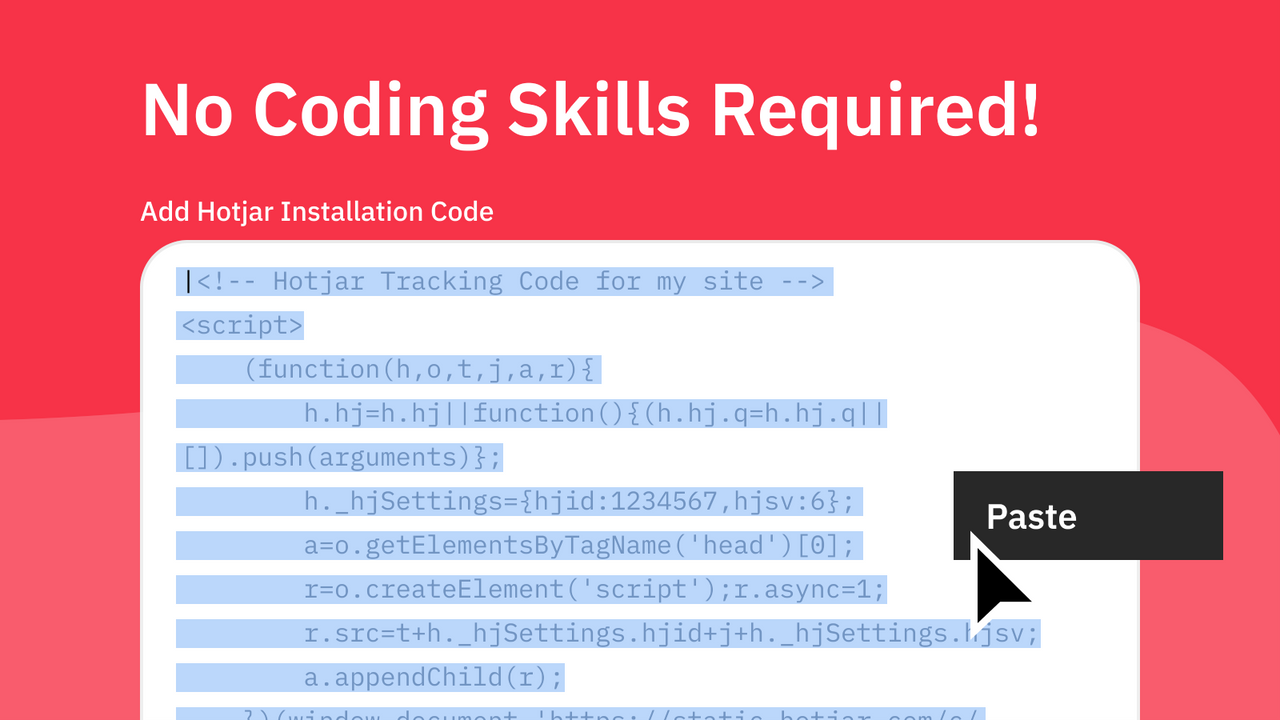
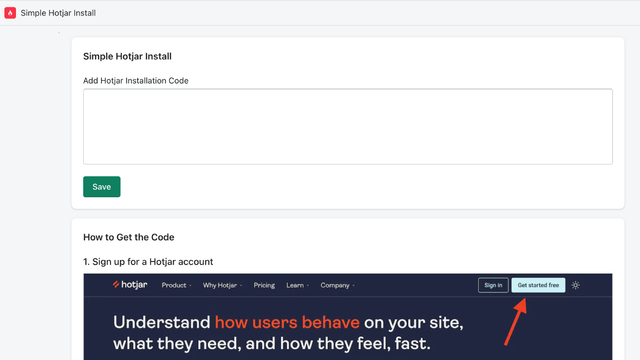
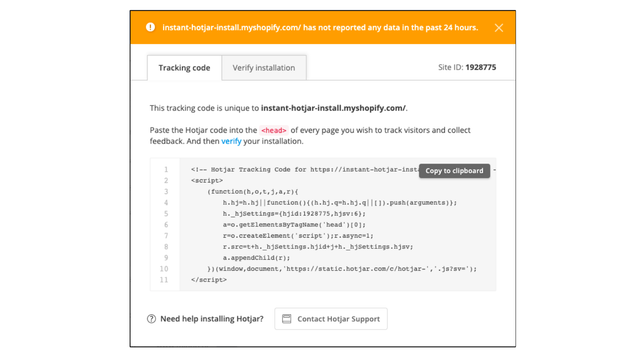
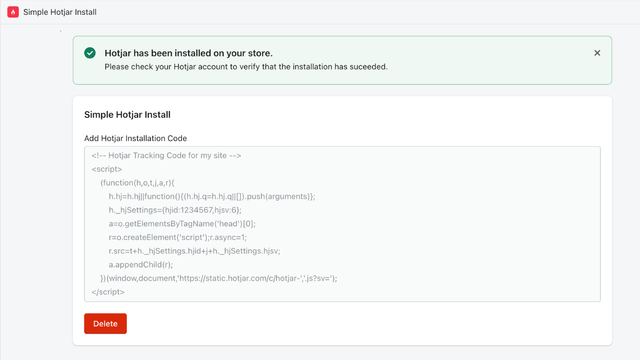
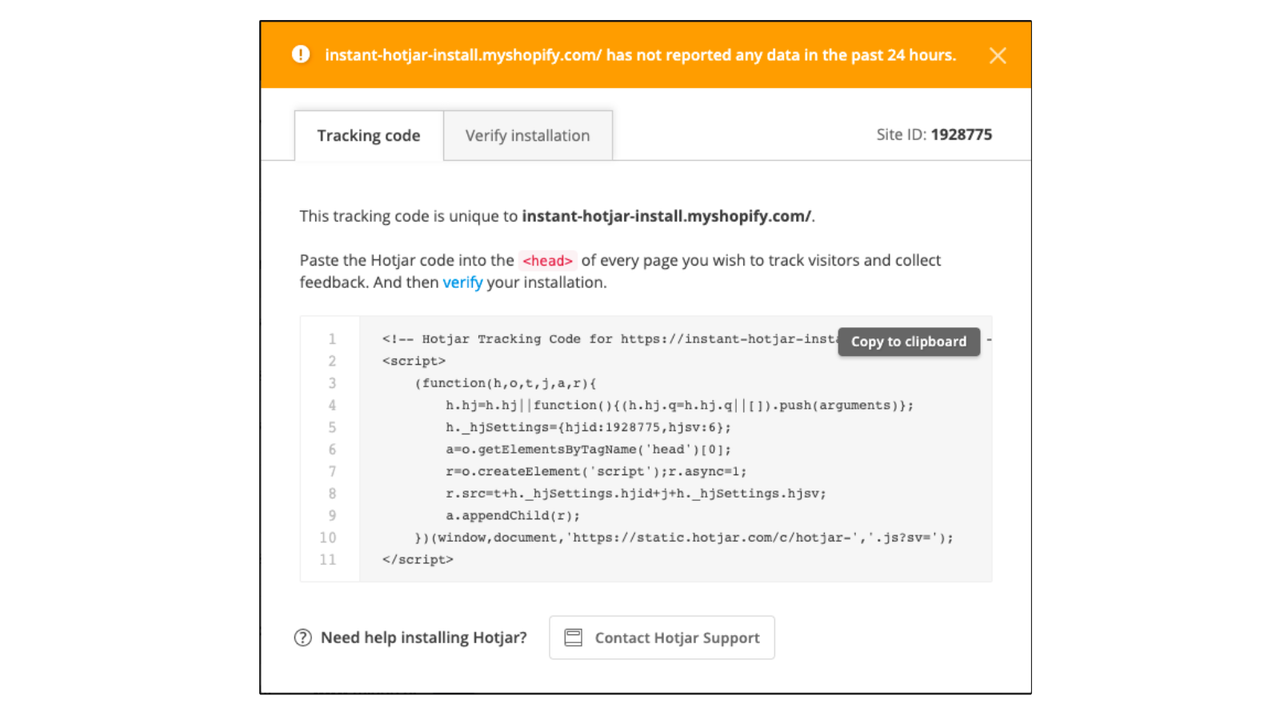
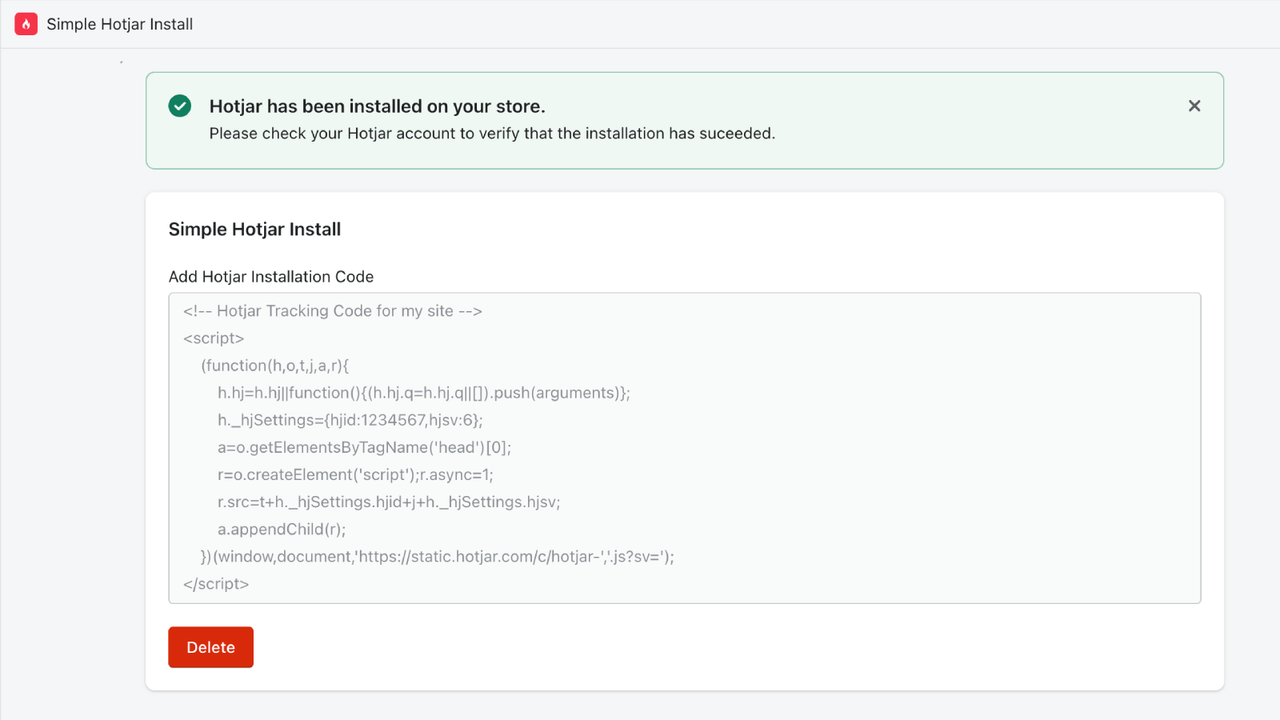
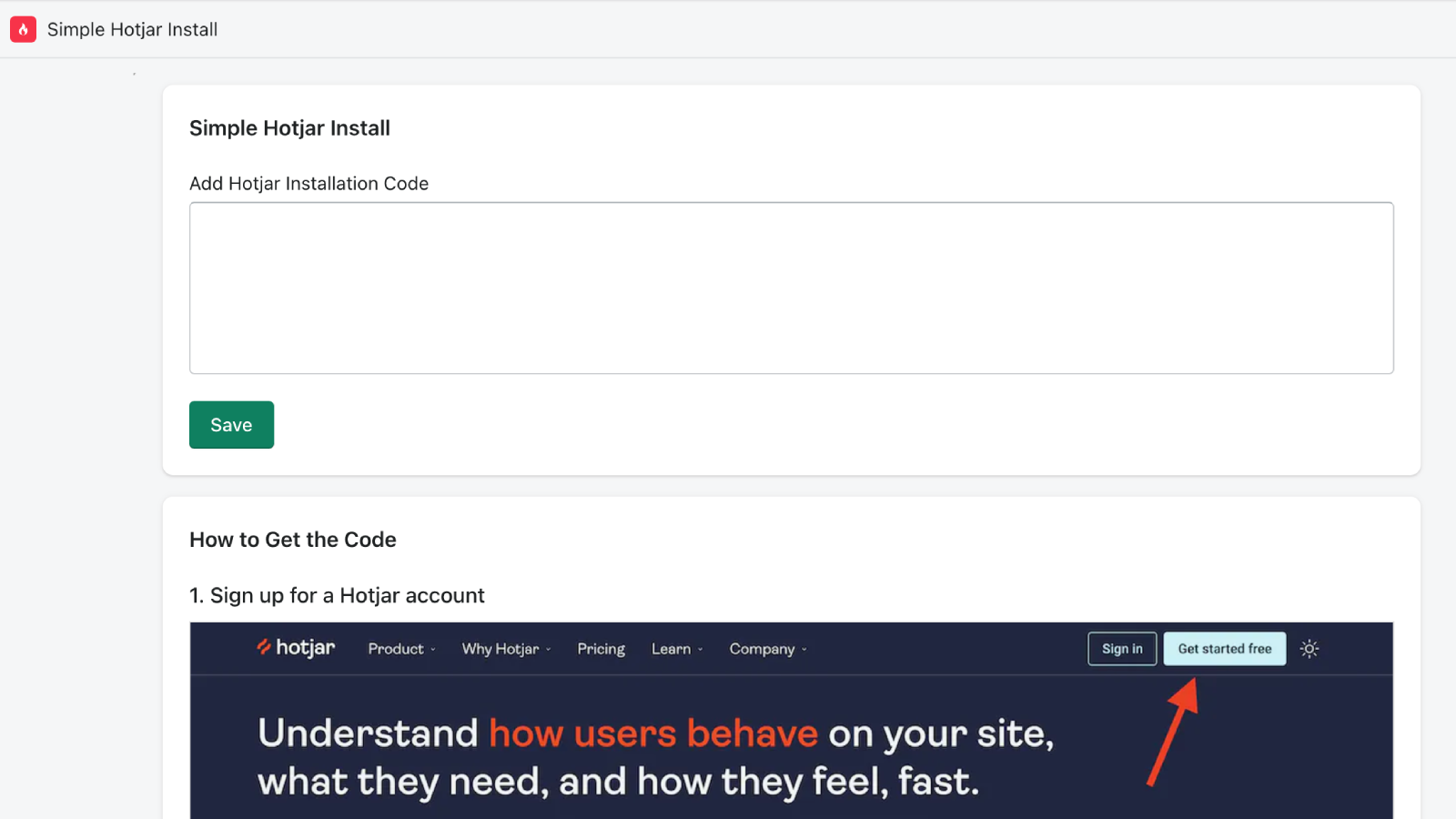
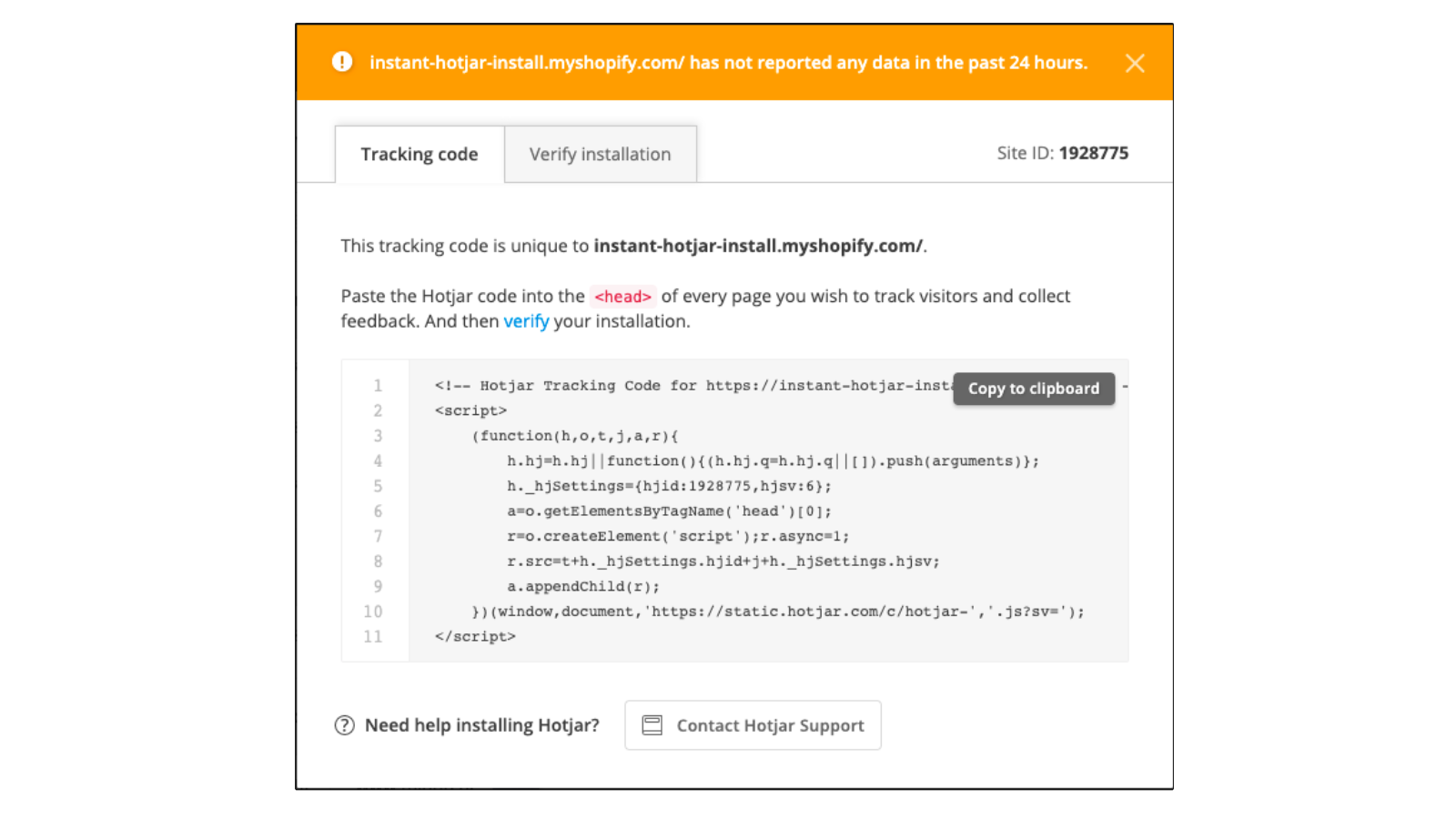
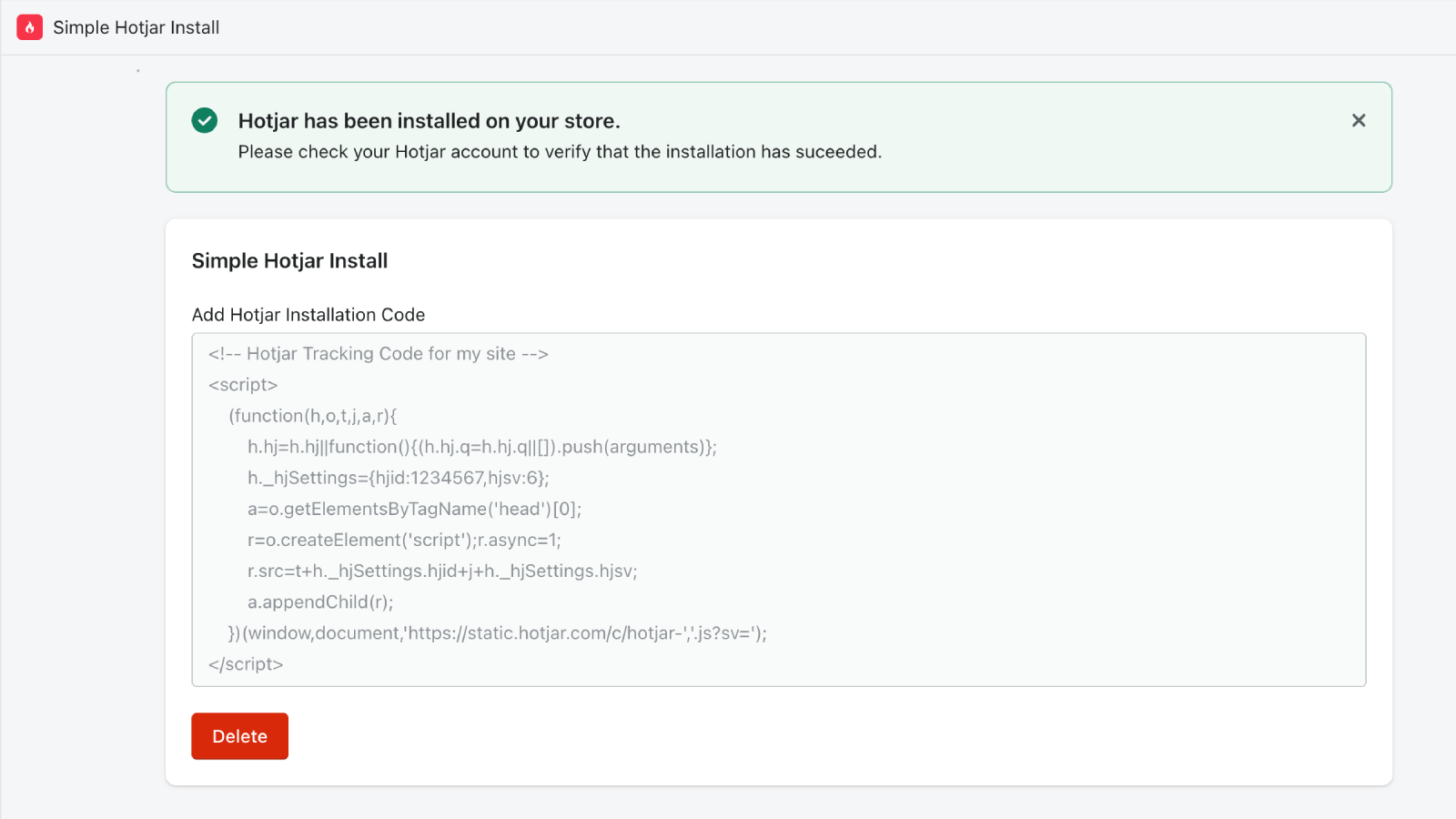
Install Hotjar without any technical skills. Start understanding customer behavior today. Simple Hotjar Install lets you set up Hotjar in 30 seconds — no theme code edits required. Just copy/paste Hotjar’s tracking code into Simple Hotjar Install, click "Save," and Hotjar will be live on your store instantly. The app handles all the technical work in the background. Please note: Our app is not officially affiliated with Hotjar. There is no official Hotjar Shopify app.
Core Functionality
- Quick: Install Hotjar in 30 seconds with just one click.
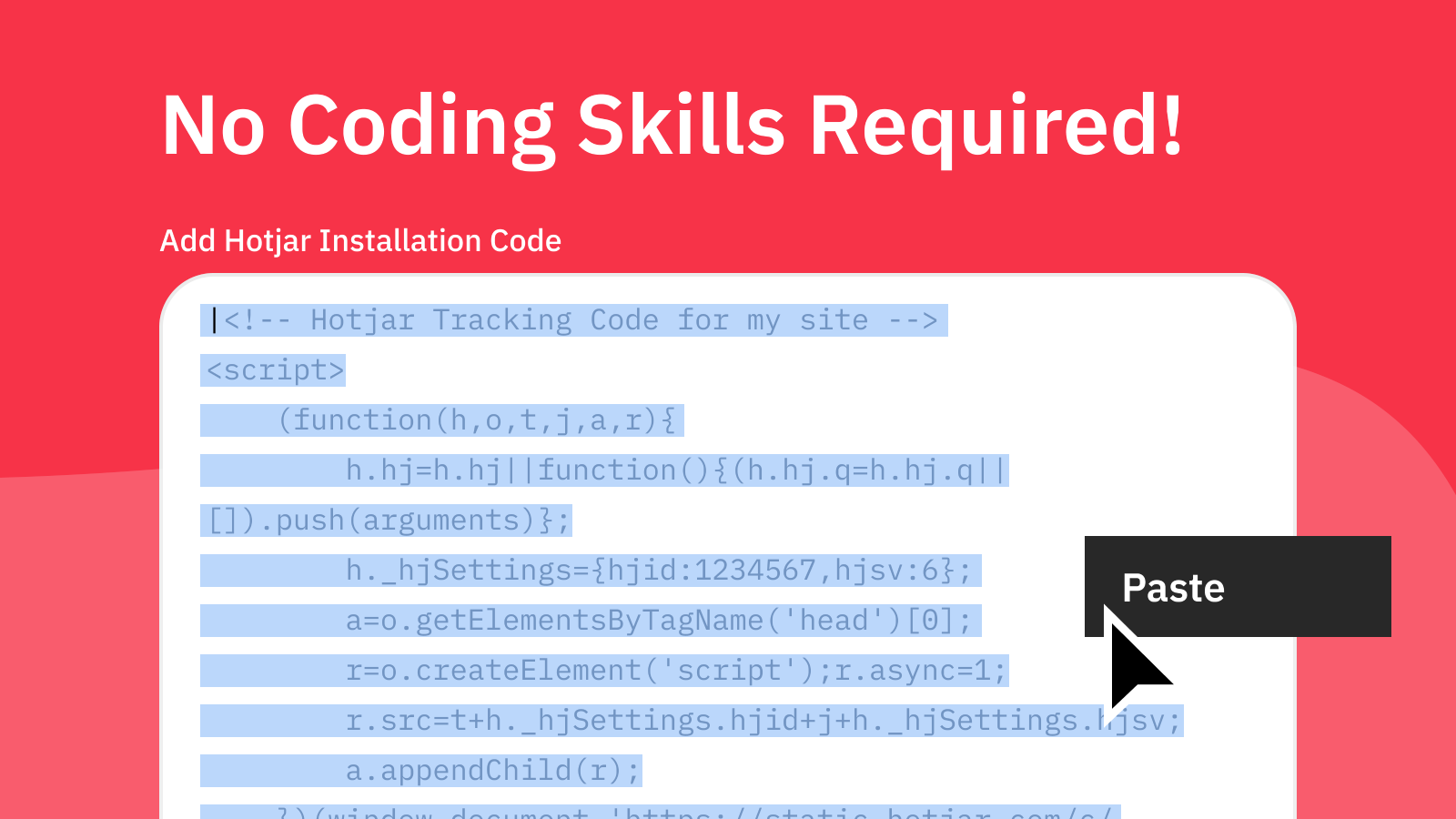
- Simple: No coding required - just paste your tracking code and save.
- Safe: Automatic installation that won’t break your existing theme.
Merchant-Friendly
- Independent Station Merchants
- Small & Medium E-commerce Sellers
- Cross-border E-commerce Merchants
- Content E-commerce Merchants
Basic Information
- Developer:Enkomion
- Address:30 N Gould St Ste N, Sheridan, WY, 82801, US
- Price: Free / Free plan
- Rating:5 / 5
- Comment Count:13 comment
- Release Date:2020-8-12
- Supported languages:English
- Compatible products:Shopify
Application Screenshot

Price Plan
Integrate
$2.99 / 或 $29.99/年(可节省 16%)
- Add Hotjar tracking code to your store
- Simple one-click installation
- No coding required
- 5-day free trial
- Cancel anytime
User Location & Comments
User Location
Comments
Shopify API Used
- POST /admin/api/shop/scripts.json
- PUT /admin/api/shop/scripts/{id}.json
- GET /admin/api/shop/scripts.json
Permission:write_shop_scripts,read_shop_scripts,manage_themes
- POST /admin/api/shop/script_tags.json
- PUT /admin/api/shop/script_tags/{id}.json
- GET /admin/api/shop/script_tags.json
Permission:write_script_tags,read_script_tags,manage_themes
- POST /admin/api/themes/{theme_id}/assets.json
- PUT /admin/api/themes/{theme_id}/assets/{asset_key}.json
- GET /admin/api/themes/{theme_id}/assets.json
Permission:write_themes,read_themes,manage_shop



