
App Introduction
Display high-quality Instagram content in your store in a gallery feed format Encourage your users to follow you on Instagram by showcasing a feed of posts from your username on your homepage. Display an inspiring feed of notable tags in your blog posts. Show Instagram posts tagged with your physical store locations on your store locator page. Or a combination of all three. The possibilities are endless! With Shopify 2.0 app blocks, you can easily install these beautiful mobile-responsive slider feeds anywhere on any page of your store.
Core Functionality
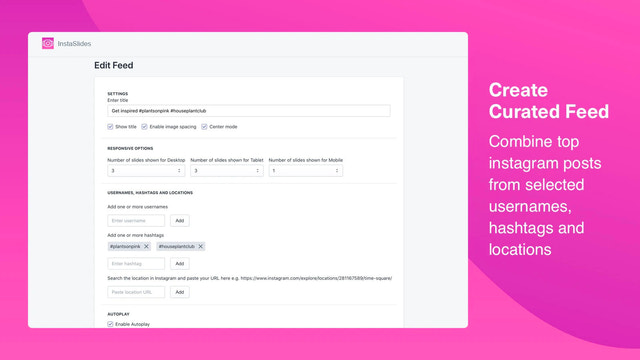
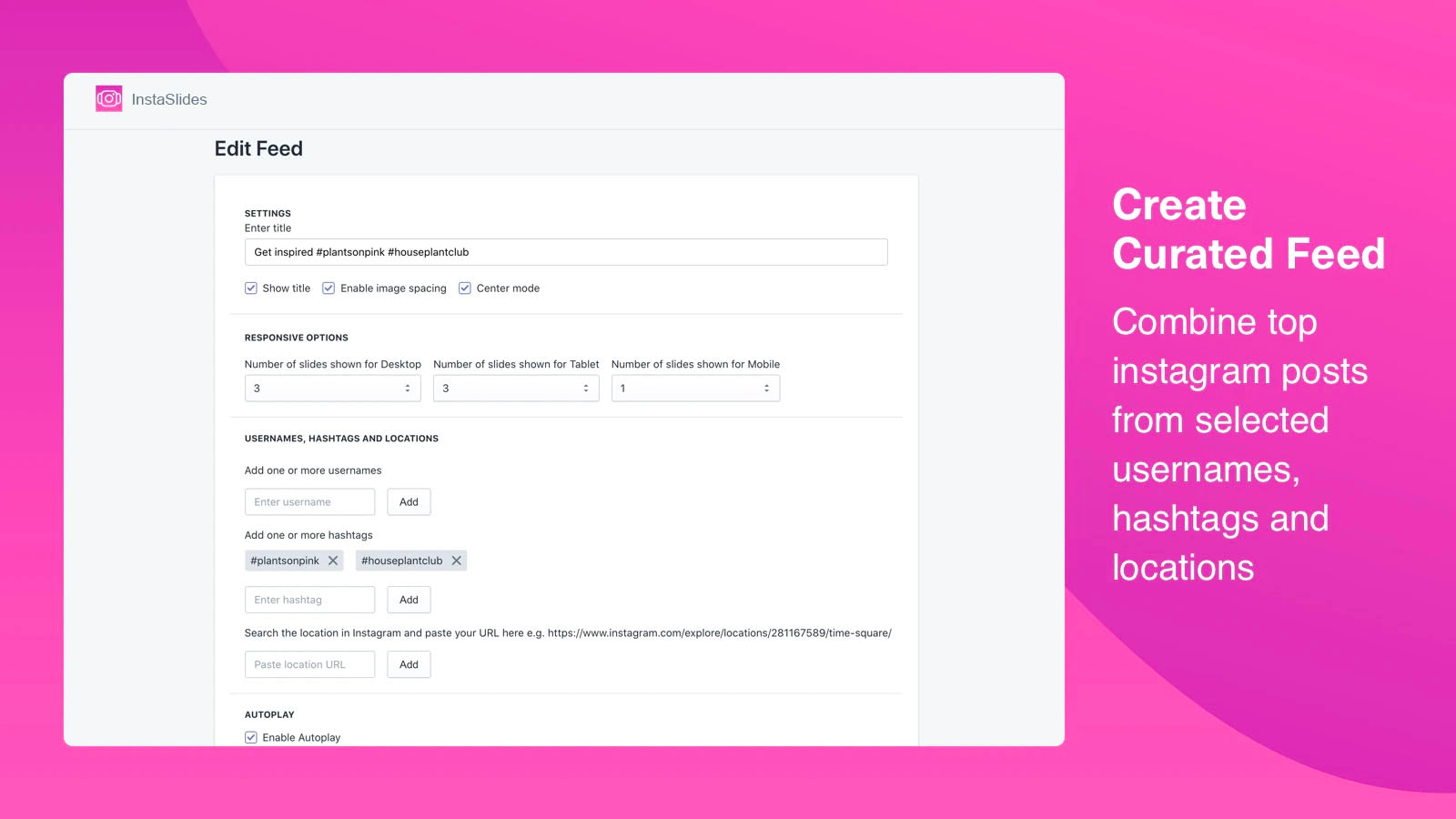
- Feed of galleries combined from multiple Instagram usernames, hashtags, and locations
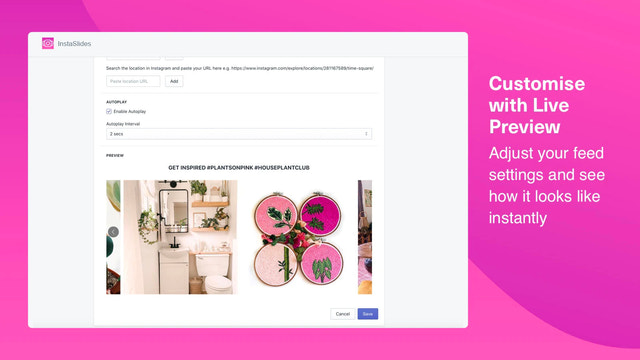
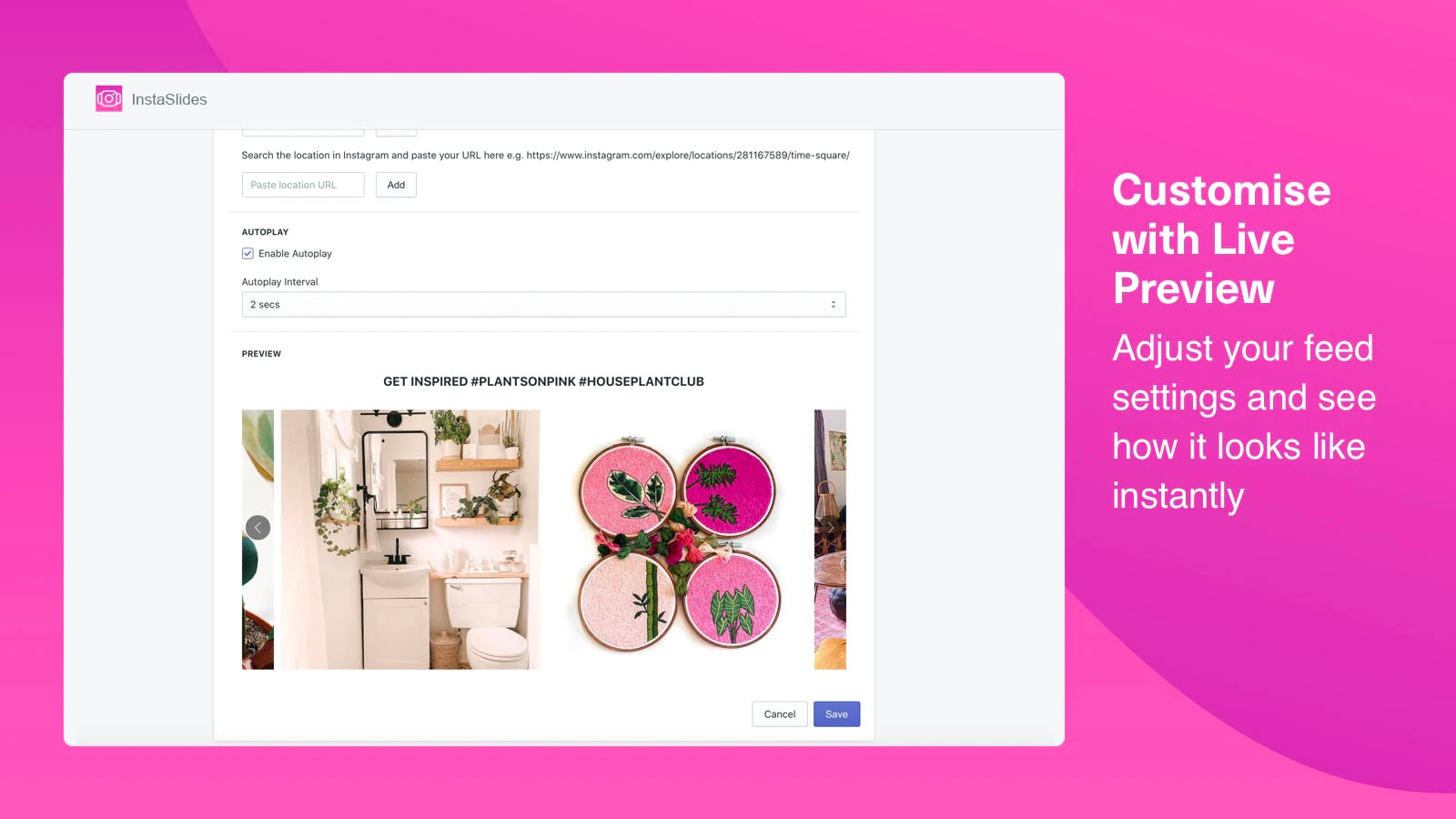
- Mobile-responsive: Displays image carousels with 2, 3, or 4 images across different screen sizes
- Show likes and comments counts on each post as social proof
Merchant-Friendly
- Social E-commerce Merchants
- Fashion Clothing Stores
- Lifestyle Brands
Basic Information
- Developer:Voidworks
- Address:101 Upper Cross Street, #05-16, People's Park Centre, Singapore, 058357, SG
- Price: Free / Free plan
- Rating:5 / 5
- Comment Count:2 comment
- Release Date:2019-5-3
- Supported languages:English
- Compatible products:Shopify
Application Screenshot






Price Plan
付费计划
$4.99
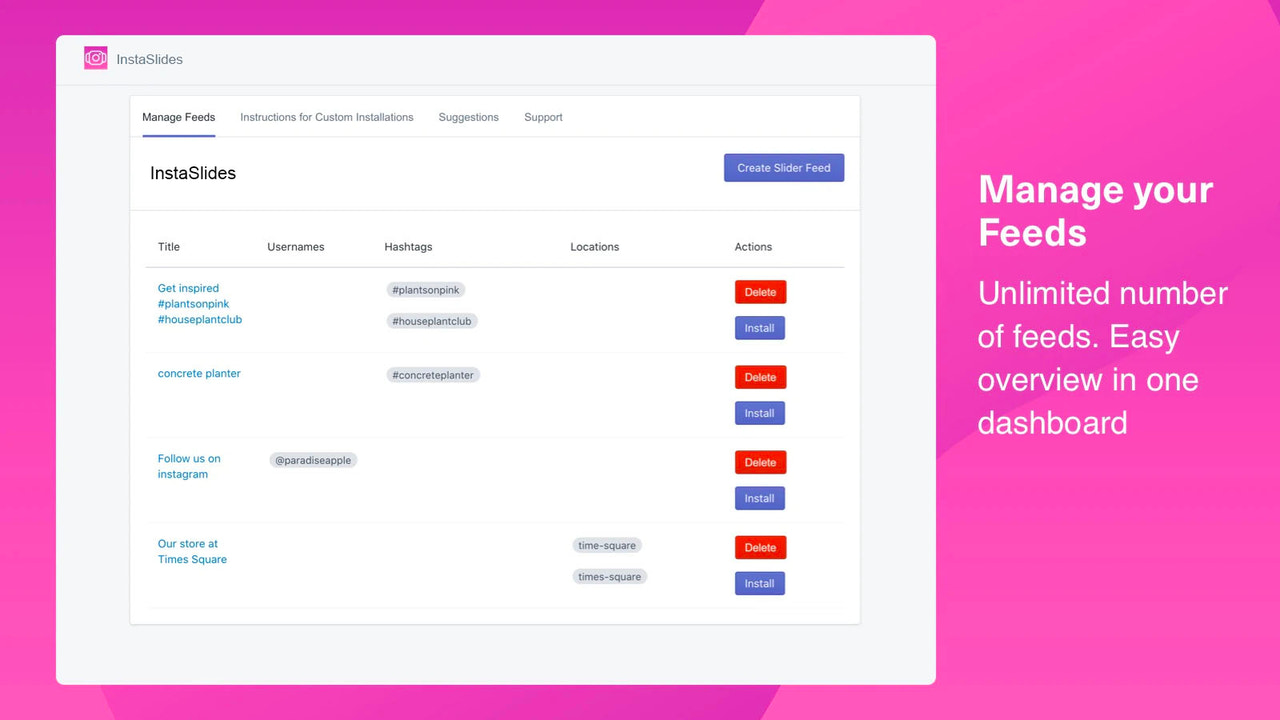
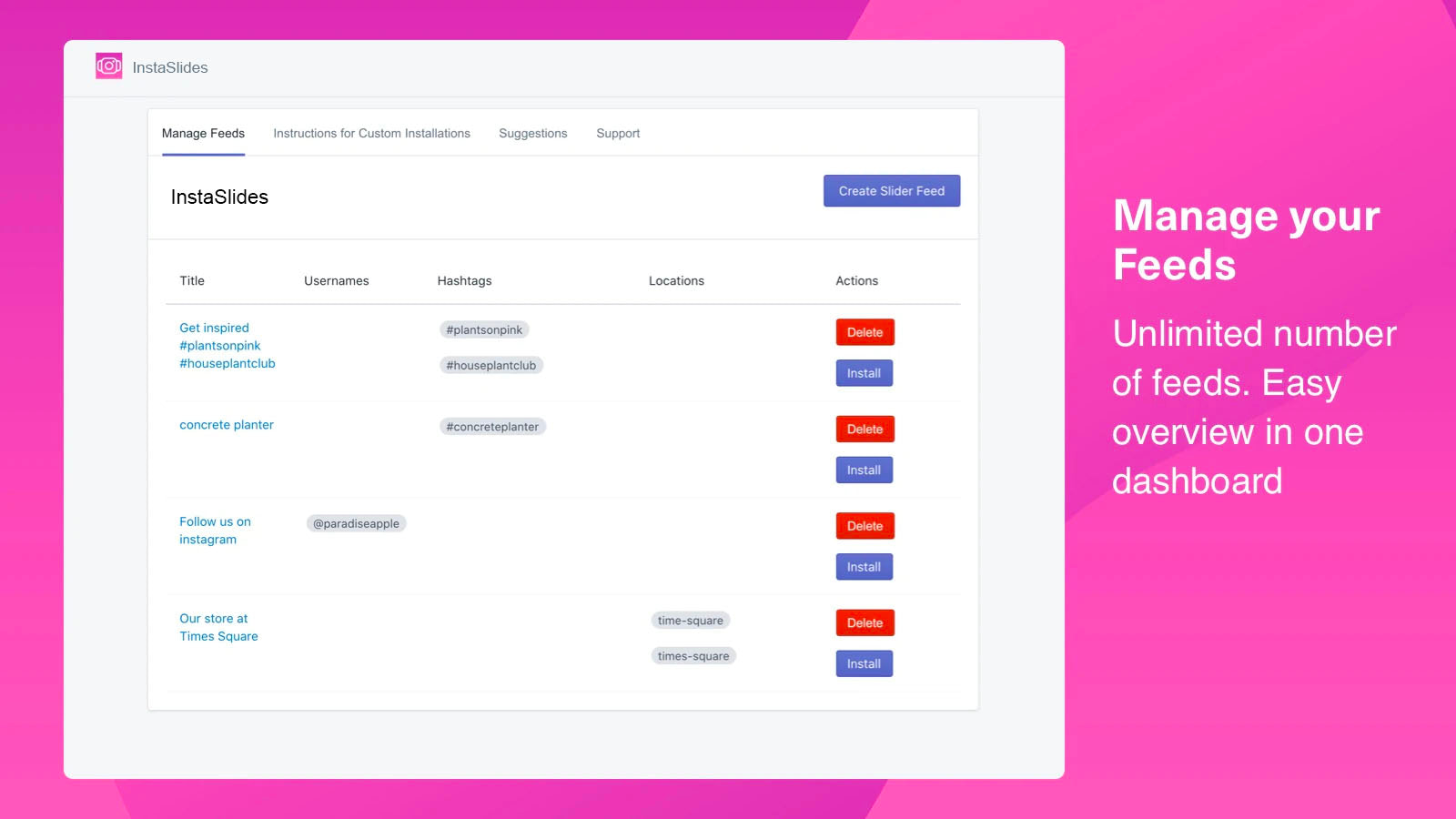
- Unlimited Feed
- Combine Username, Hashtag and Location
- Responsive Options
- Customize Slides and Settings
- Real-time Updates
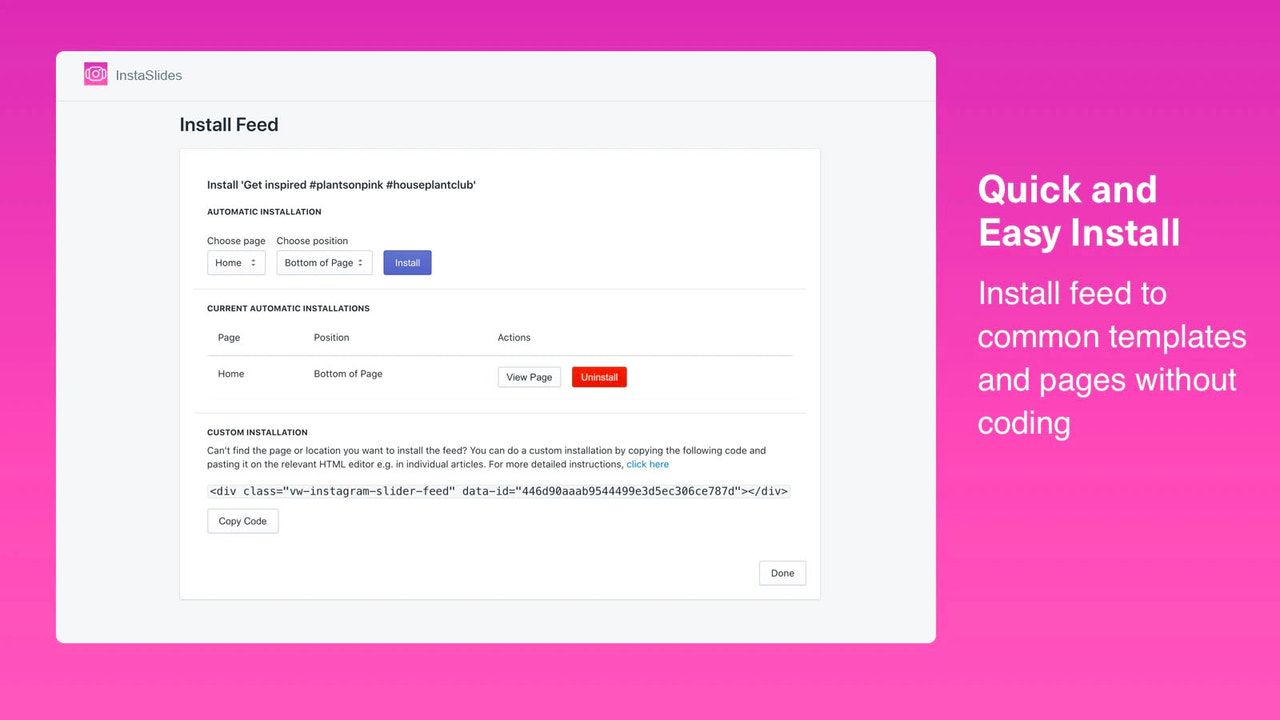
- No-Code Installation
User Location & Comments
User Location
Comments
Shopify API Used
- GET /admin/api/instagram_accounts.json
- GET /admin/api/instagram_hashtags.json
- GET /admin/api/instagram_locations.json
Permission:read_instagram_accounts,read_instagram_hashtags,read_instagram_locations
- GET /admin/api/shop.json
- GET /admin/api/themes/{theme_id}/assets.json
- GET /admin/api/products.json?limit=20
Permission:read_shop,read_themes,read_products
- GET /admin/api/instagram_media/{media_id}/likes.json
- GET /admin/api/instagram_media/{media_id}/comments.json
- GET /admin/api/shop.json?fields=domain
Permission:read_instagram_media,read_shop,read_comments



