
App Introduction
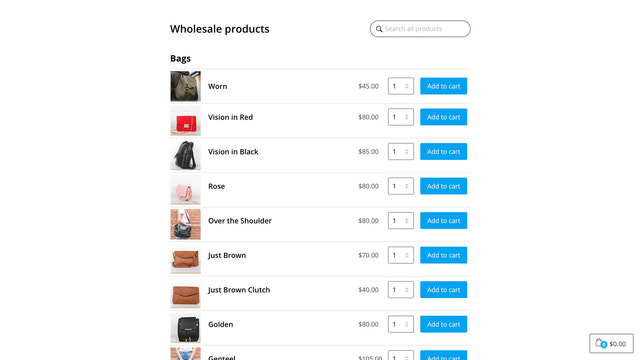
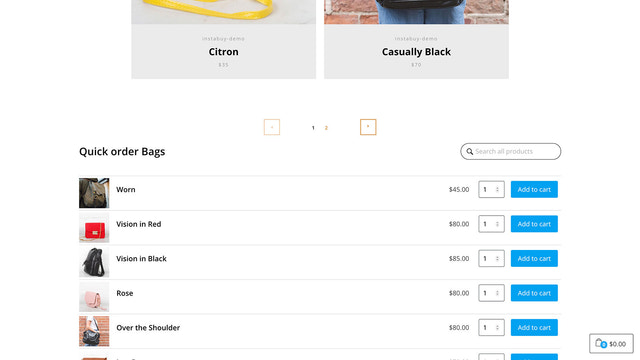
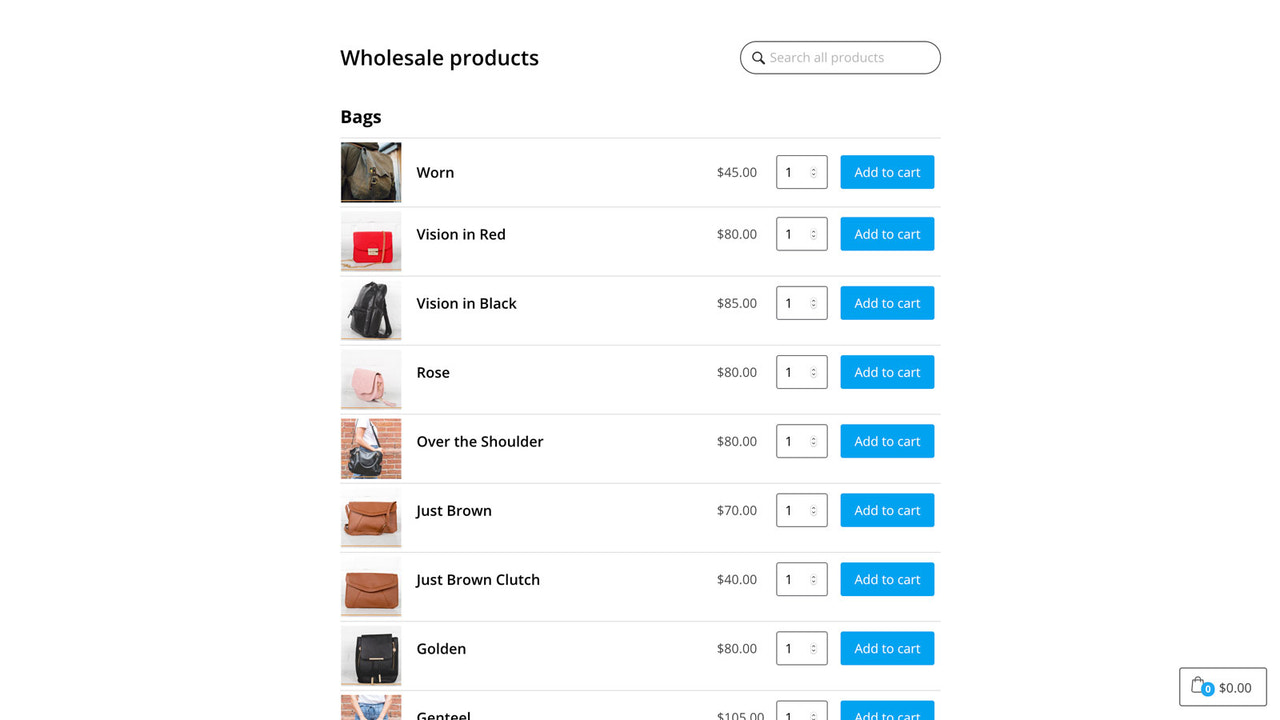
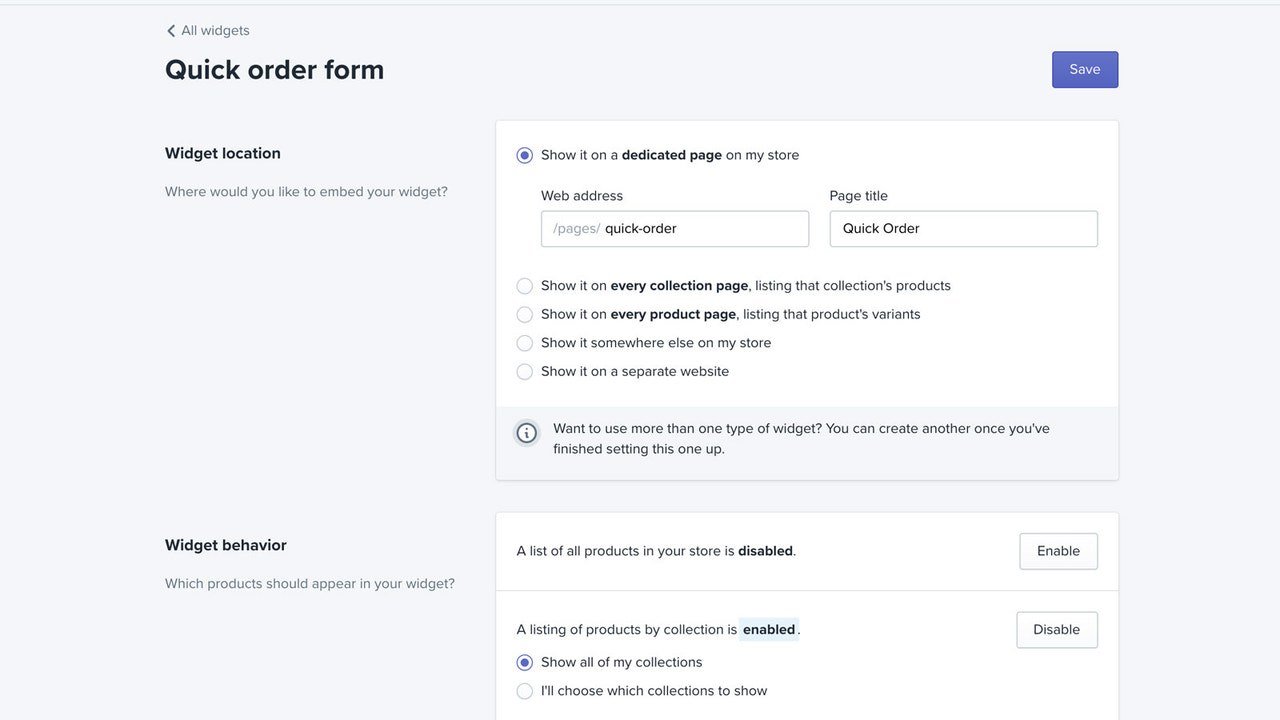
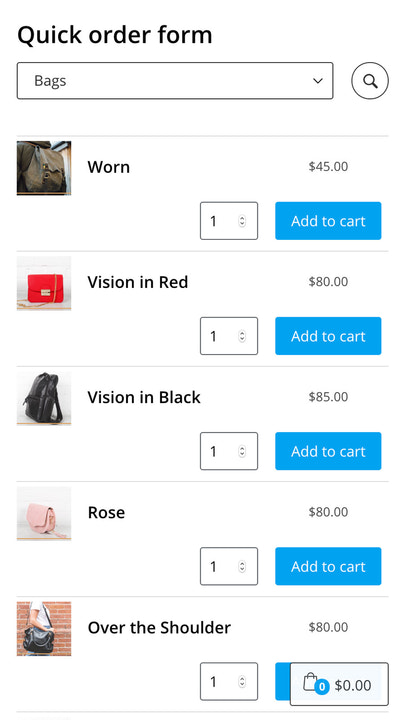
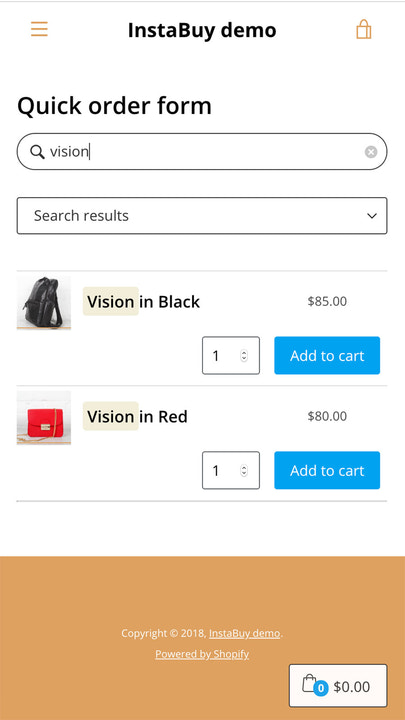
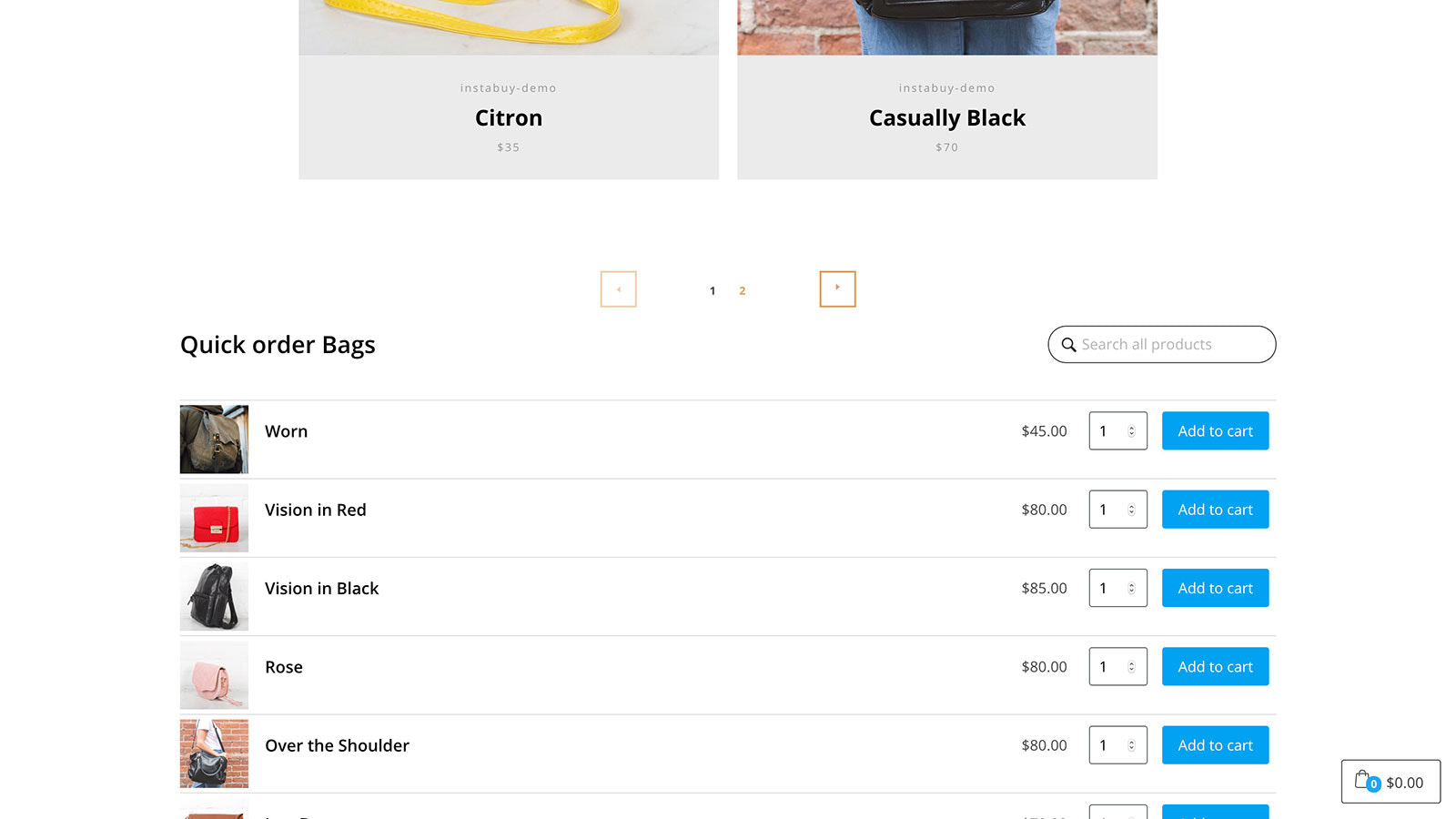
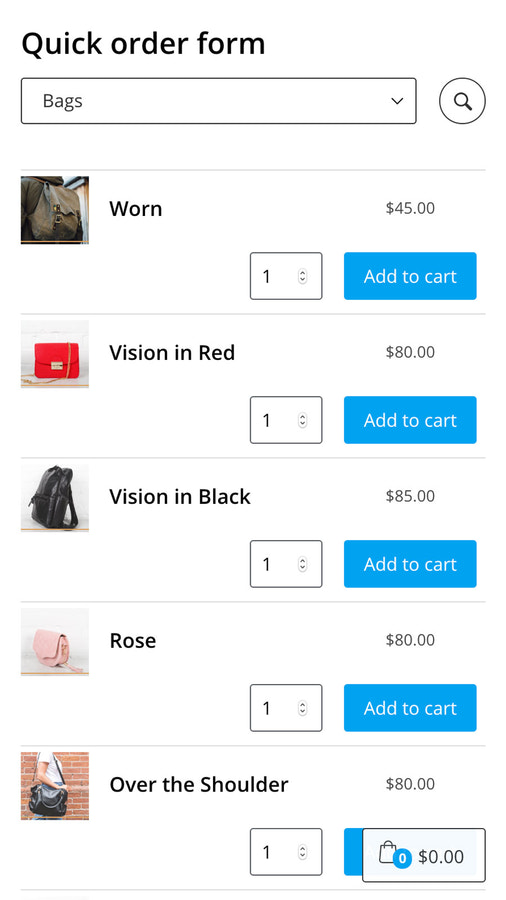
With the InstaBuy Quick Order Form, your customers can add products to their cart in an instant. The InstaBuy Quick Order Form helps regular customers speed up the ordering process, boost product page conversion rates, or create a delightful wholesale experience. Your customers can add any product from your store — or just the products and collections you select — without leaving the page. Plus, the responsive, Shopify-native search helps them find exactly what they need.
Core Functionality
- Embed a quick order form anywhere in your store
- Seamlessly works on mobile, tablet, and desktop devices
- Let wholesale customers quickly order products from your entire inventory
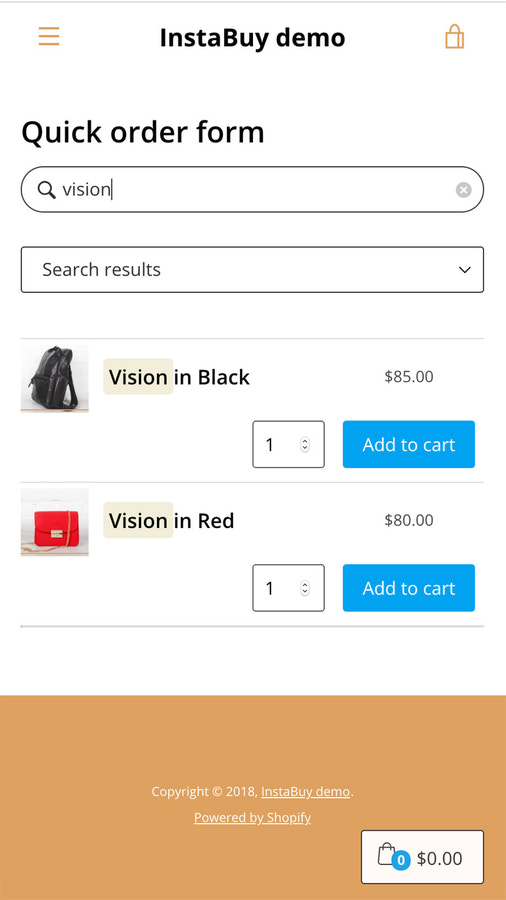
- Powerful, fast product search with highlighted results—built directly into the form
- Works with your existing theme, automatically using your styles and fonts
Merchant-Friendly
- Wholesale & Retail Merchants
- Multi-category E-commerce
- Independent Station Merchants
- B2B E-commerce Merchants
- Multi-device Operators
Basic Information
- Developer:InstaBuy
- Address:Ordered Magic, Inc, 16192 Coastal Highway, Lewes, DE, 19958, US
- Price: Free / Free plan
- Rating:3.7 / 5
- Comment Count:13 comment
- Release Date:2018-11-23
- Supported languages:English
- Compatible products:Shopify
Application Screenshot






Price Plan
InstaBuy plan
$7.99
- Unlimited Order Forms
User Location & Comments
User Location
Comments
Shopify API Used
- POST /admin/api/sections.json
- PUT /admin/api/sections/{section_id}.json
- GET /admin/api/sections.json
Permission:write_themes,read_themes,manage_products
- GET /admin/api/themes/{theme_id}/assets.json
- PUT /admin/api/themes/{theme_id}/assets.json
- POST /admin/api/sections/{section_id}/settings.json
Permission:write_themes,read_themes,manage_online_store
- GET /admin/api/products.json
- GET /admin/api/customers/{customer_id}/metafields.json
- POST /admin/api/orders.json
Permission:read_products,read_customers,write_orders
- GET /admin/api/products/search.json
- PUT /admin/api/sections/{section_id}/settings.json
- GET /admin/api/themes/{theme_id}/assets.json
Permission:read_products,write_themes,read_themes
- GET /admin/api/themes/{theme_id}/assets.json
- PUT /admin/api/themes/{theme_id}/assets.json
- GET /admin/api/sections/{section_id}.json
Permission:write_themes,read_themes,manage_online_store