
App Introduction
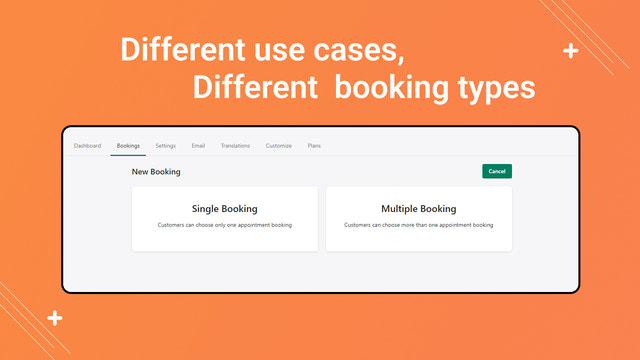
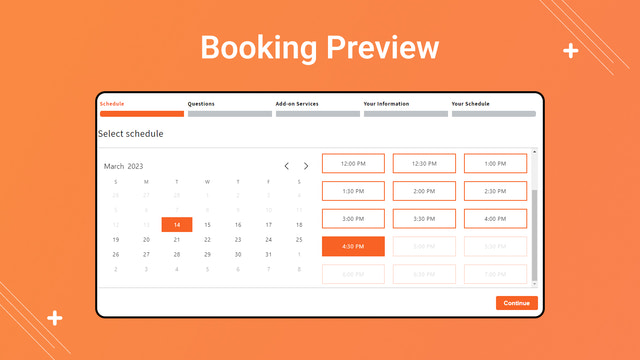
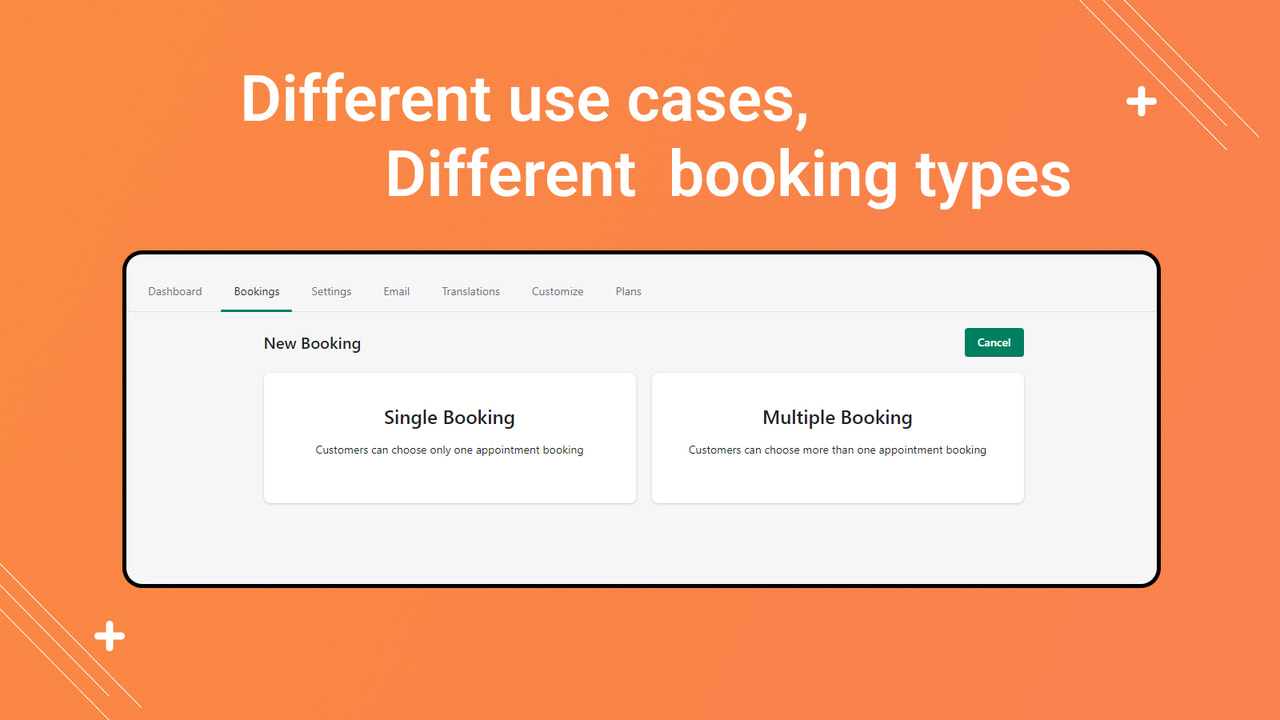
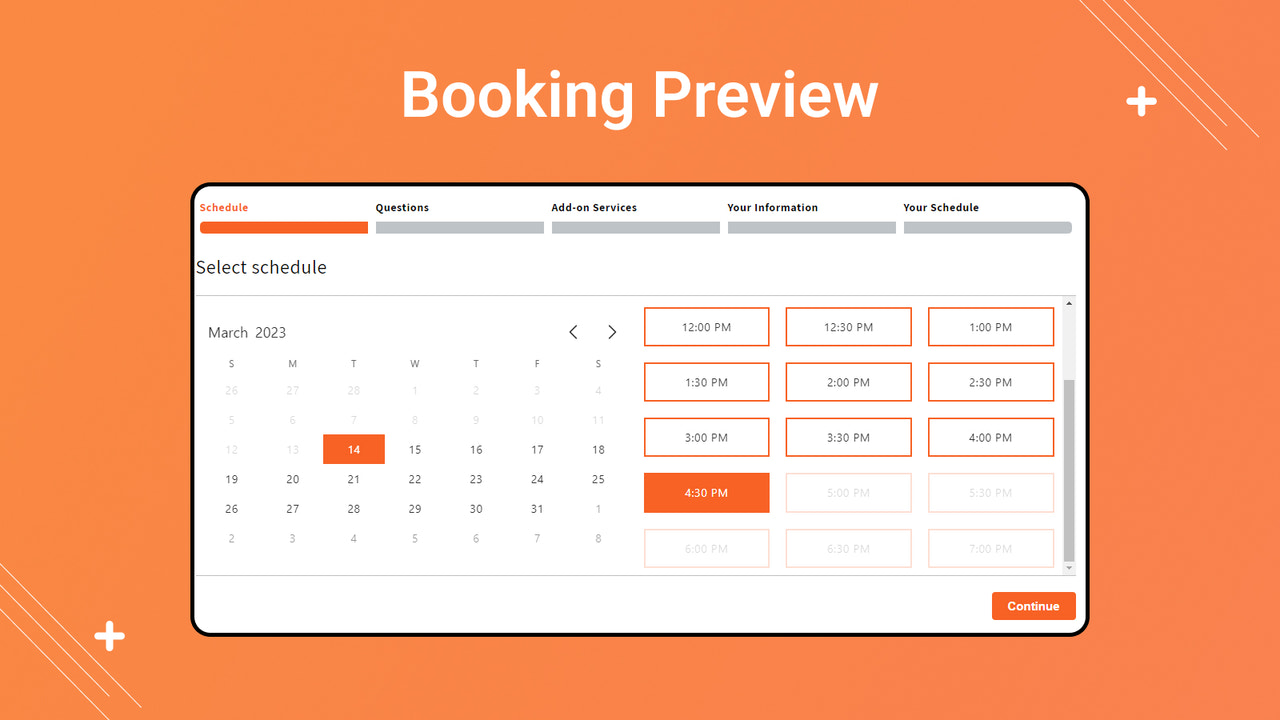
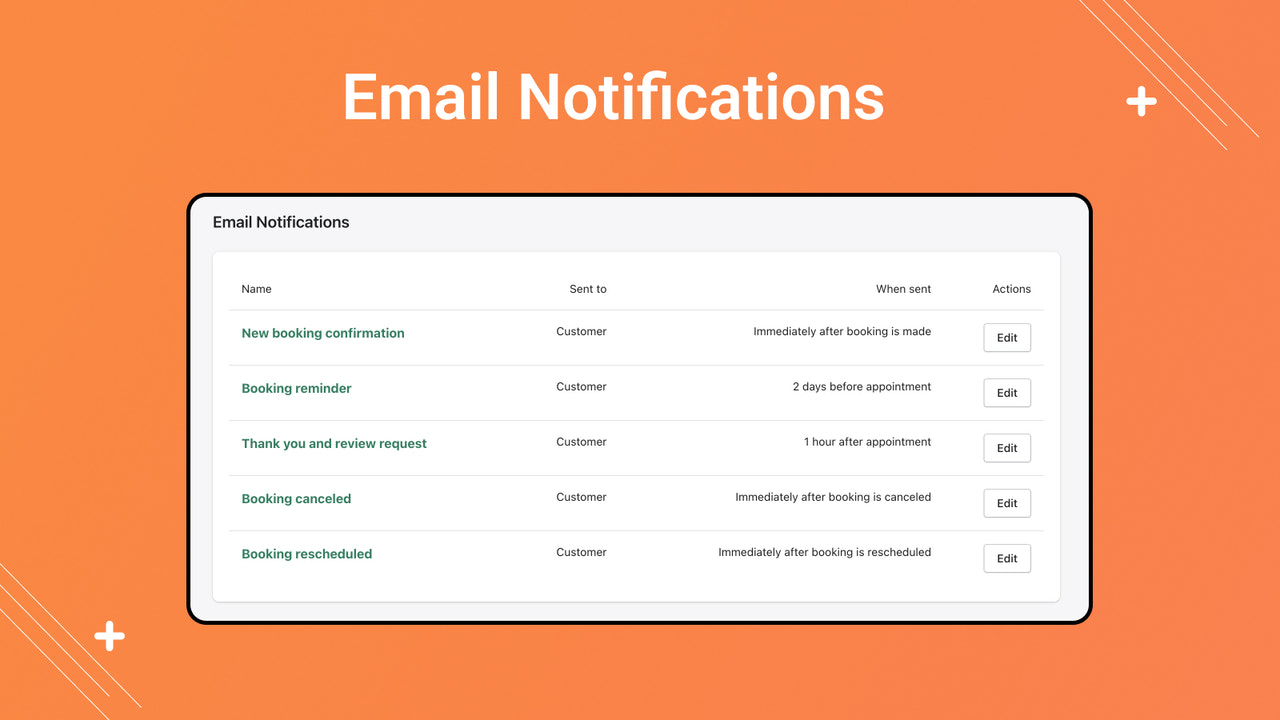
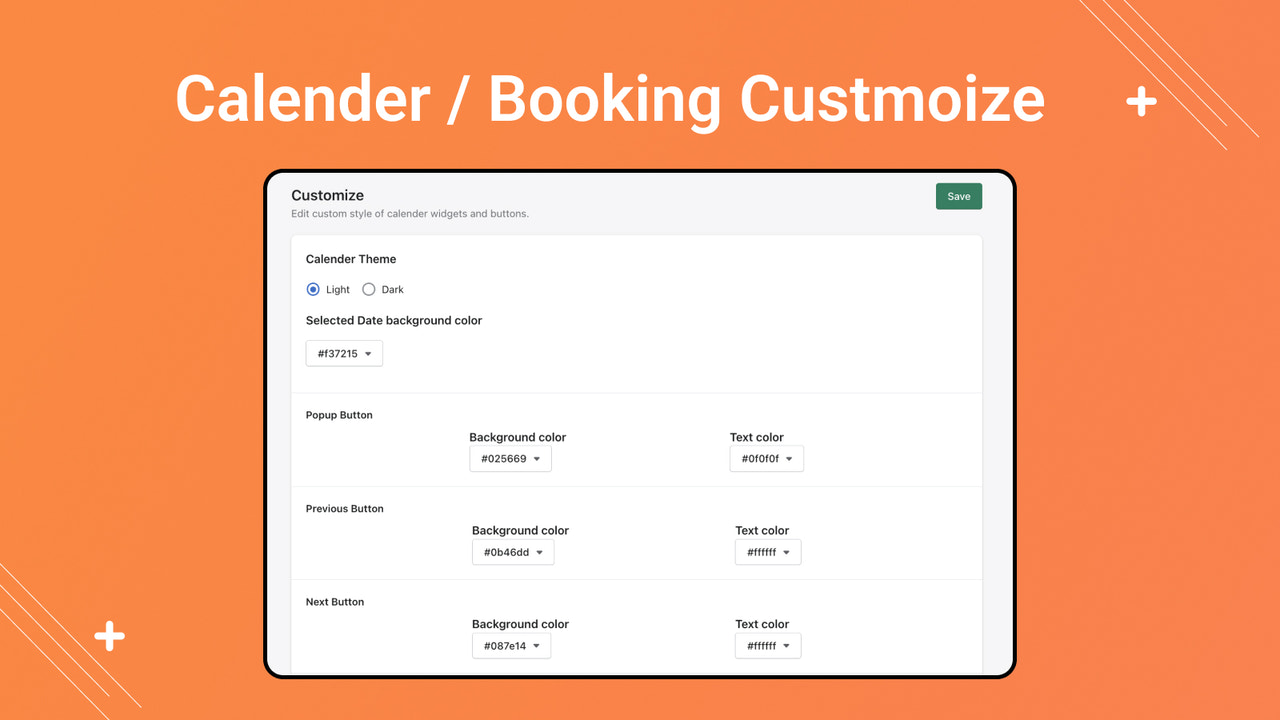
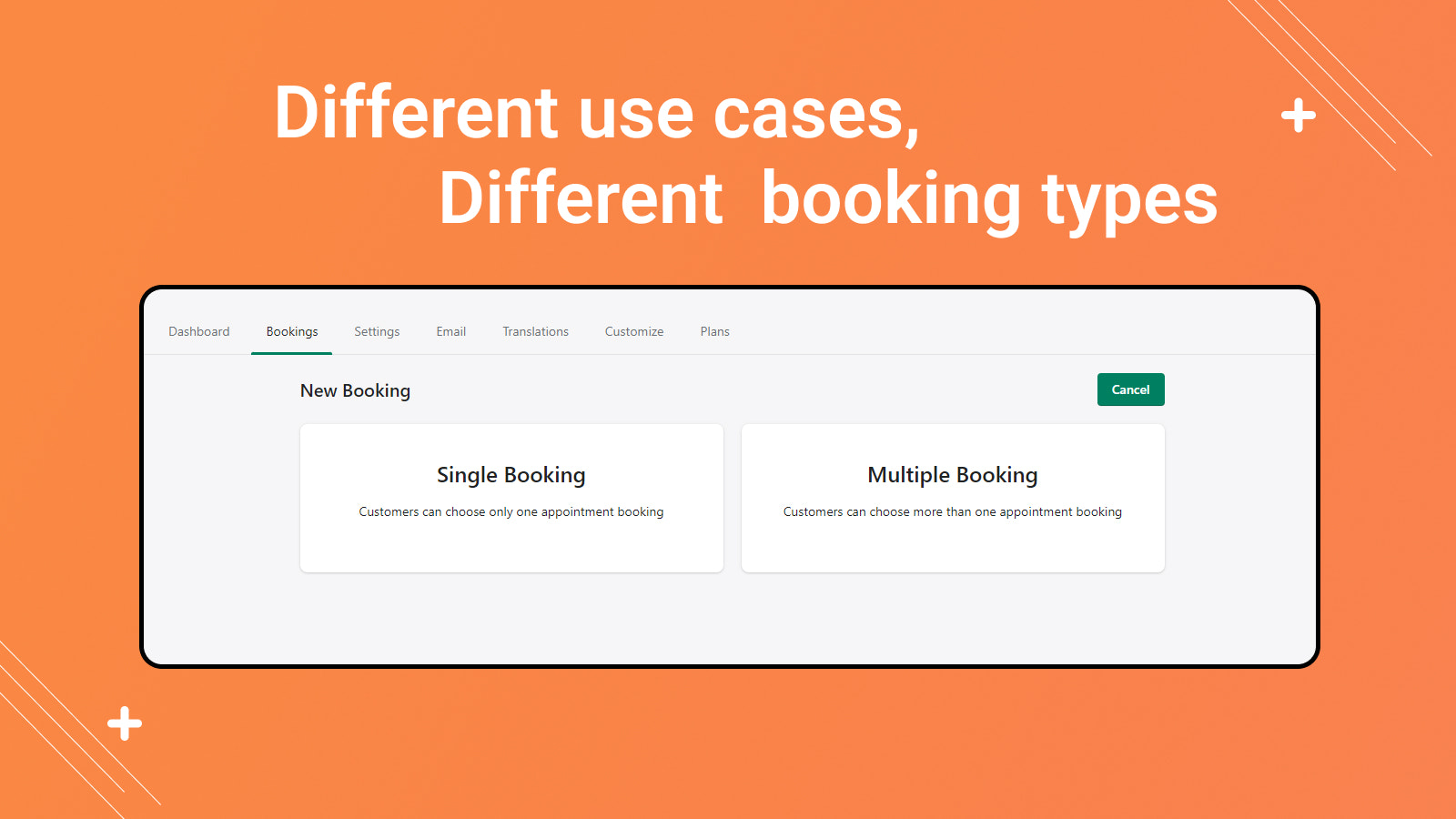
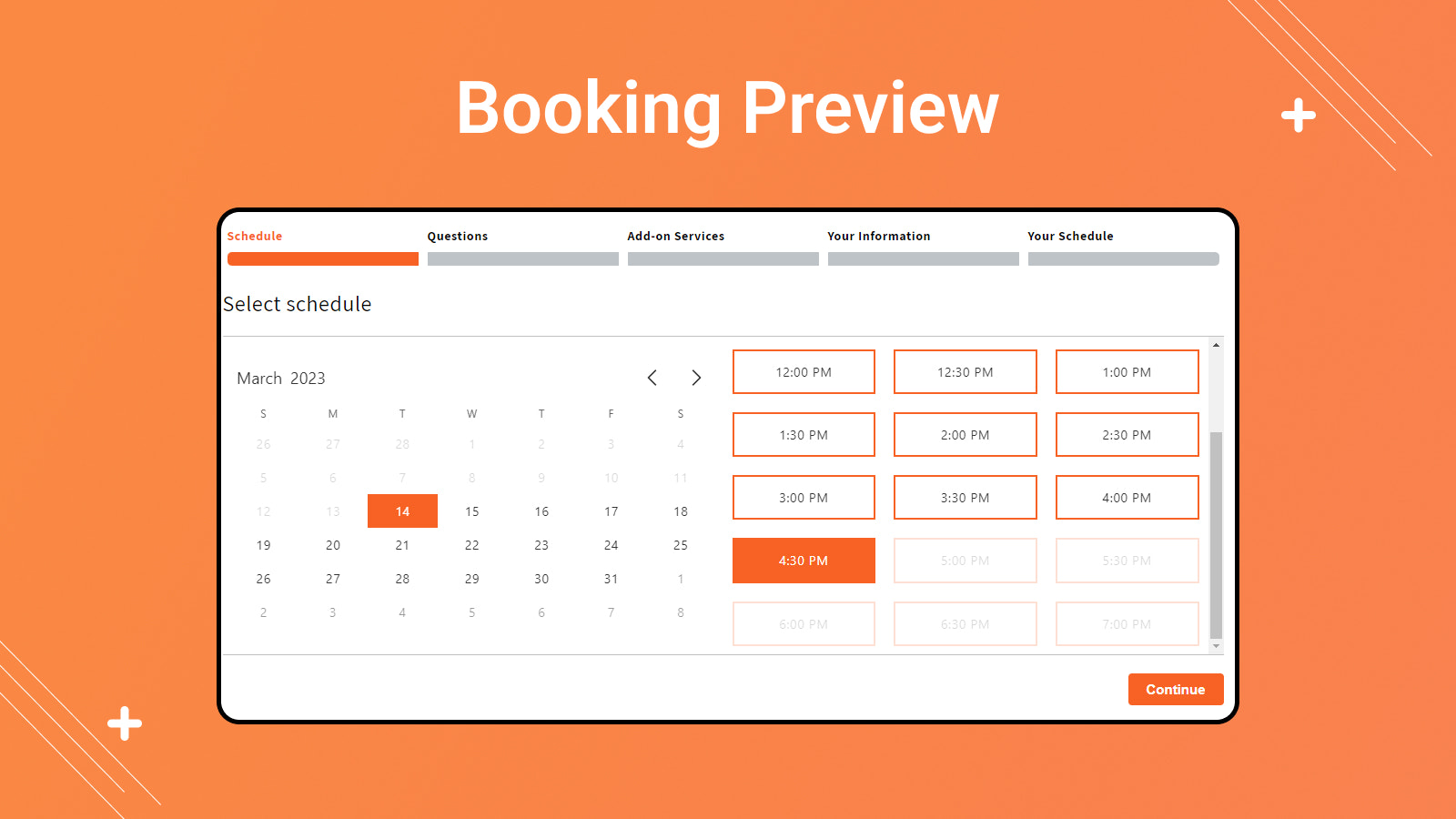
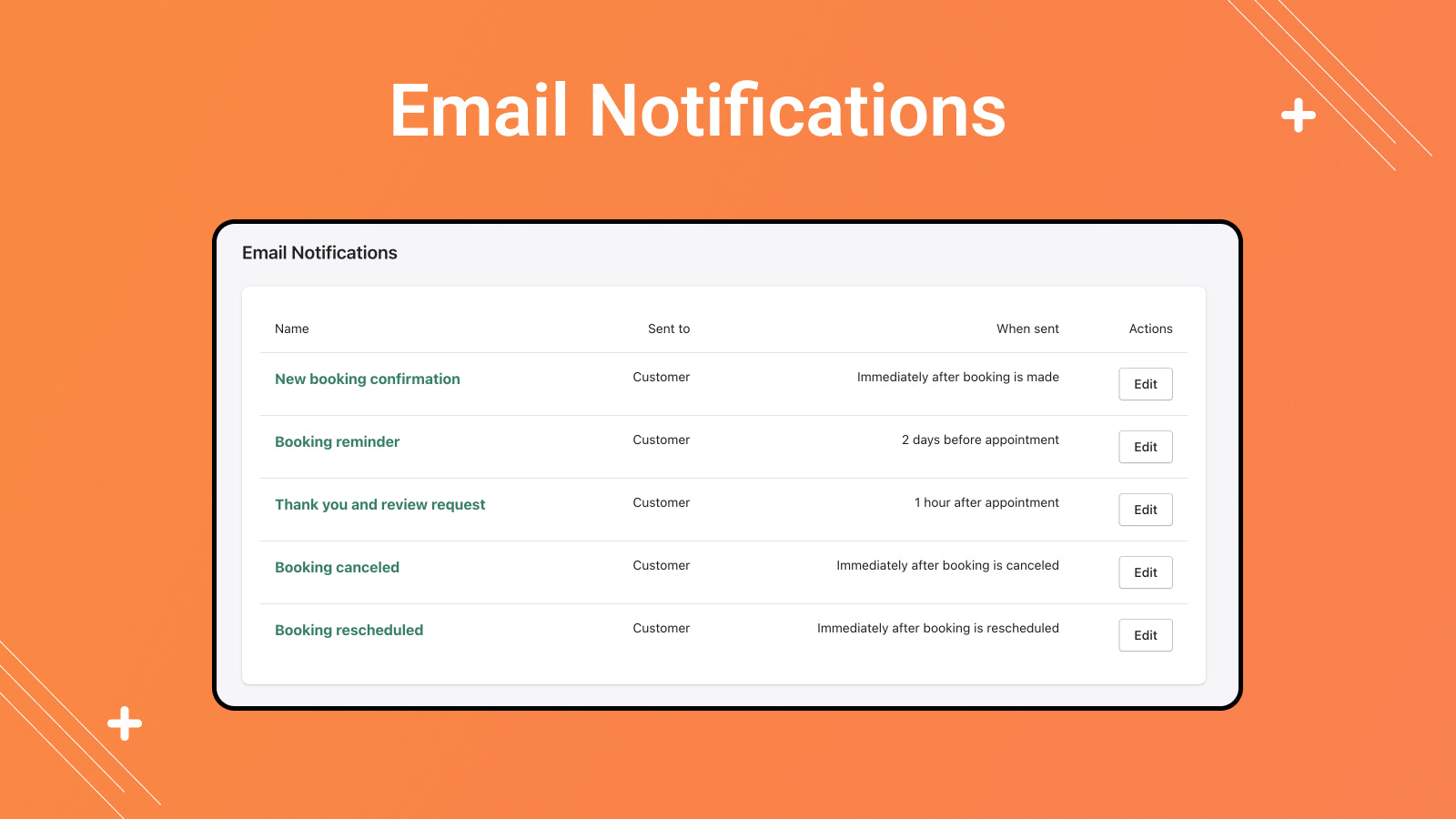
A powerful booking app that lets you create multiple types of appointments. An all-in-one business and scheduling service booking platform for services, events, and courses! The booking app comes with a range of features that make it easier for businesses to manage their appointments. These features include setting up multiple booking types and durations, managing staff availability, and sending automatic confirmation and reminder emails to clients. iBookly Booking helps you sell more and save time. Plus, customizable email notifications keep you connected.
Core Functionality
- An easy-to-use booking and reservation app that allows rescheduling and canceling customer bookings.
- iBookly’s secure bookings: Accept deposits and instant partial payments.
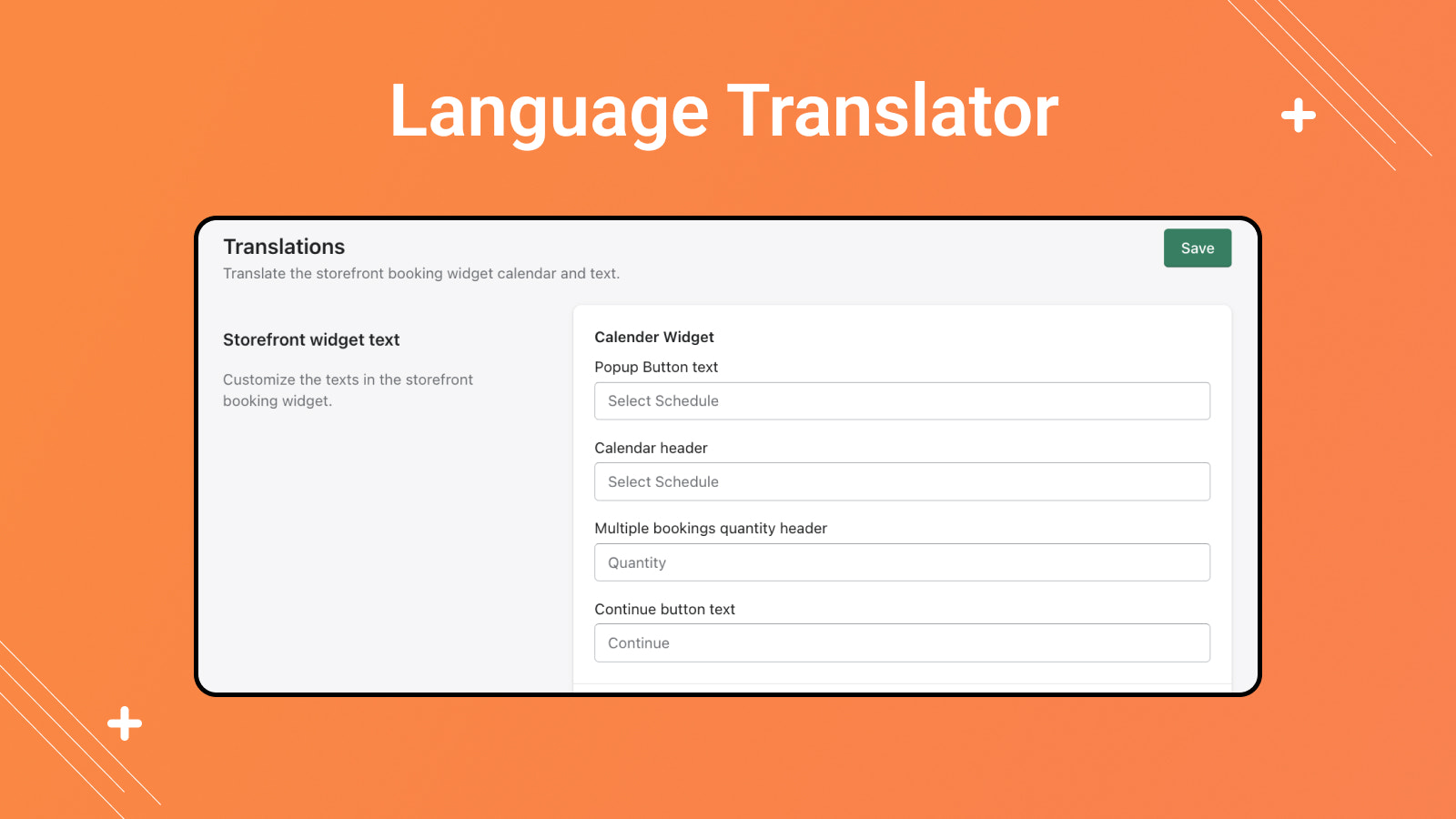
- iBookly supports multiple languages and global time zones.
- Custom fields: Collect more detailed customer information through additional fields.
- Easily schedule classes, webinars, events, and more with group bookings.
Merchant-Friendly
- Service Merchants
- Education Institutions
- Event Planning Merchants
- Cross-border Service Merchants
Basic Information
- Developer:Squared Apps
- Address:Rajkot, GJ, IN
- Price: Free / Free plan
- Rating:5 / 5
- Comment Count:3 comment
- Release Date:2023-3-29
- Supported languages:English
- Compatible products:Shopify
Application Screenshot




Price Plan
小型
- 100 Bookings per Month
- Email & SMS Notifications
- Multi-Language Translation
- Installment/Deposit Payment
- Product Add-ons
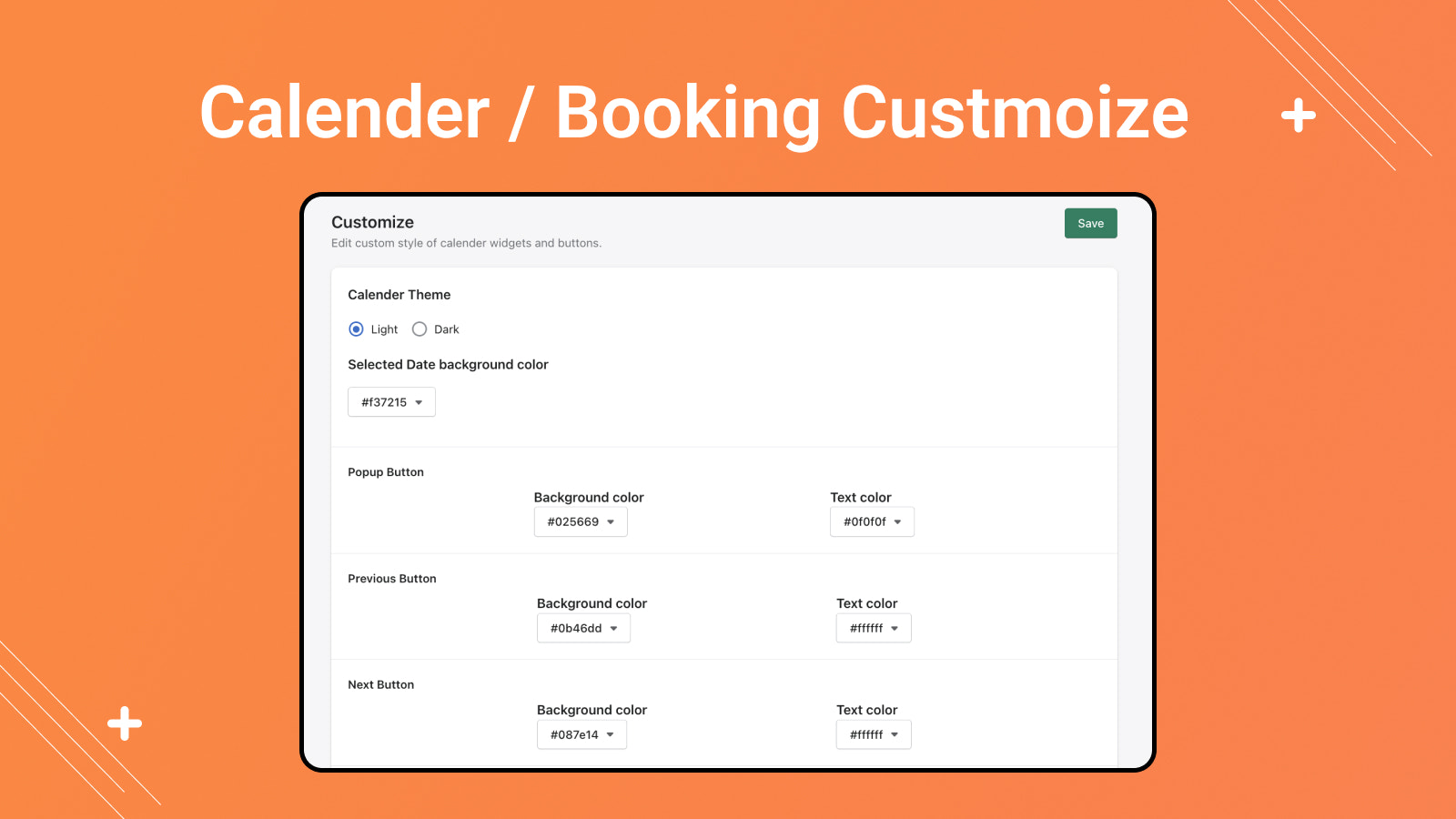
- Custom Booking Design
中型
- 500 Bookings per Month
- Email & SMS Notifications
- Multi-Language Translation
- Installment/Deposit Payment
- Product Add-Ons
- Booking Design Customization
专业版
- 1,00 bookings per month
- Email and SMS notifications
- Multi-language translation
- Installment/deposit payment
- Product add-ons
- Appointment design customization
高级版
- 1000+ Bookings Monthly
- Email & SMS Notifications
- Multi-Language Translation
- Installment/Down Payment
- Product Add-Ons
- Custom Booking Design
User Location & Comments
User Location
Comments
Shopify API Used
- POST /admin/api/bookings.json
- PUT /admin/api/bookings/{id}/reschedule.json
- DELETE /admin/api/bookings/{id}.json
Permission:write_bookings,read_bookings,manage_bookings
- POST /admin/api/bookings/{id}/deposit.json
- POST /admin/api/bookings/{id}/partial_payment.json
- GET /admin/api/bookings/{id}/payments.json
Permission:write_payments,read_payments,manage_bookings
- POST /admin/api/bookings/settings/language.json
- POST /admin/api/bookings/settings/timezone.json
- GET /admin/api/bookings/settings/locale.json
Permission:write_bookings,read_bookings,manage_translations
- POST /admin/api/bookings/custom_fields.json
- PUT /admin/api/bookings/custom_fields/{id}.json
- GET /admin/api/bookings/custom_fields.json
Permission:write_bookings,read_bookings,manage_custom_fields
- POST /admin/api/bookings/group.json
- PUT /admin/api/bookings/group/{id}.json
- GET /admin/api/bookings/group/events.json
Permission:write_bookings,read_bookings,manage_events