
App Introduction
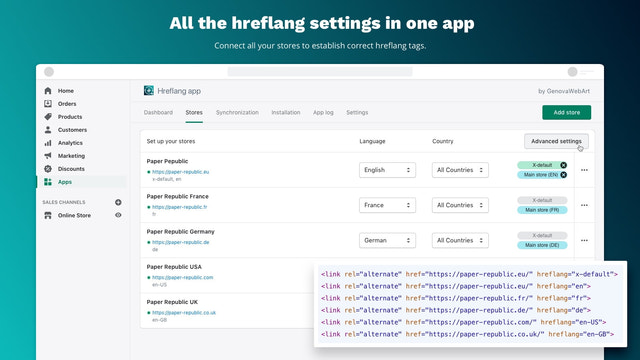
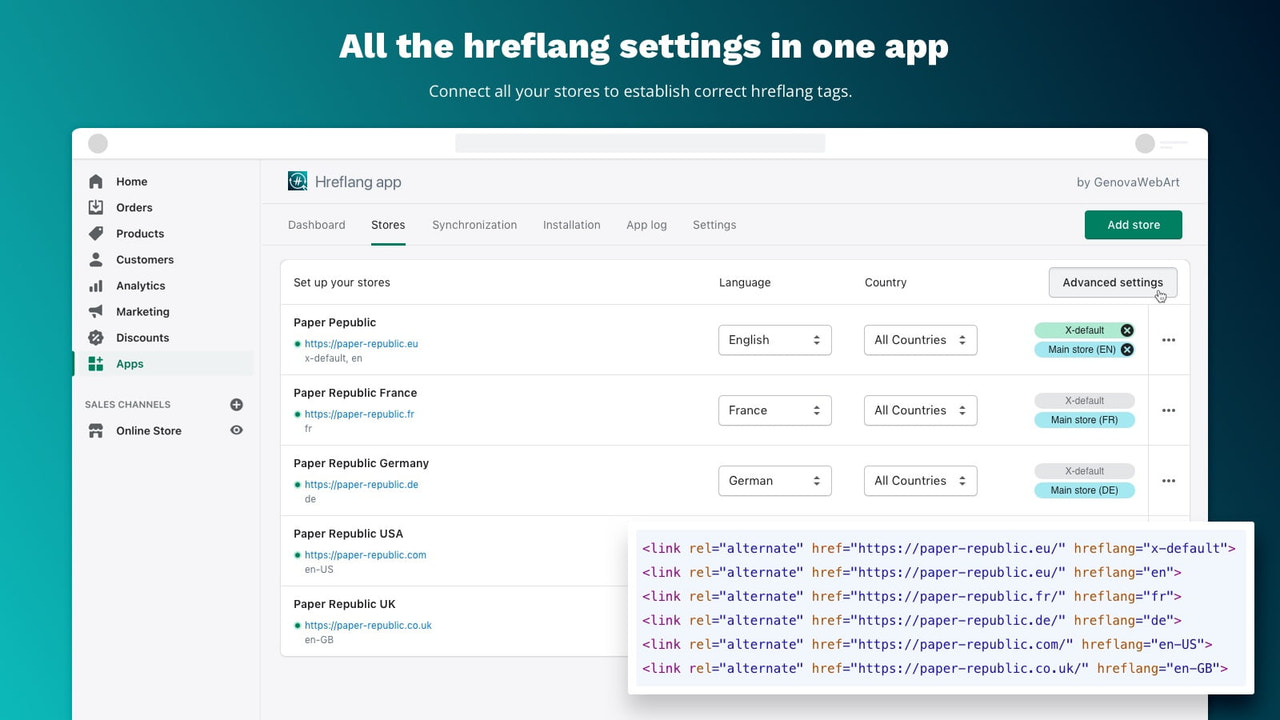
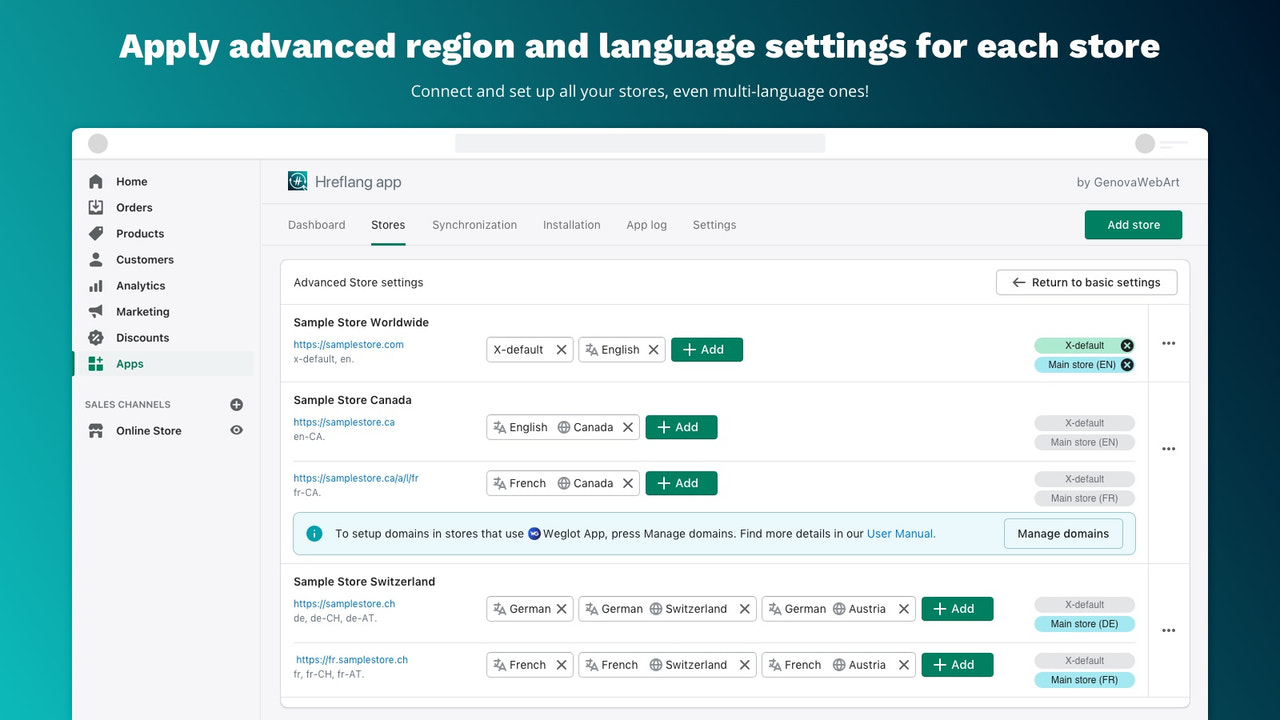
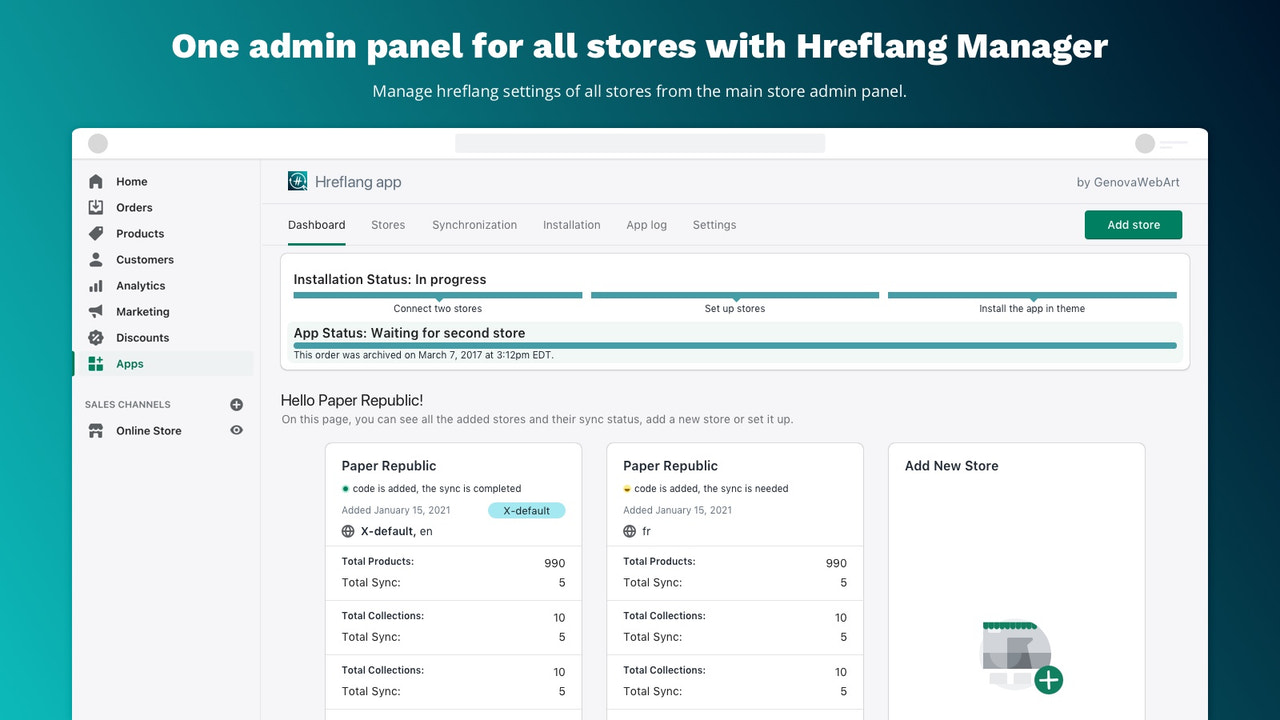
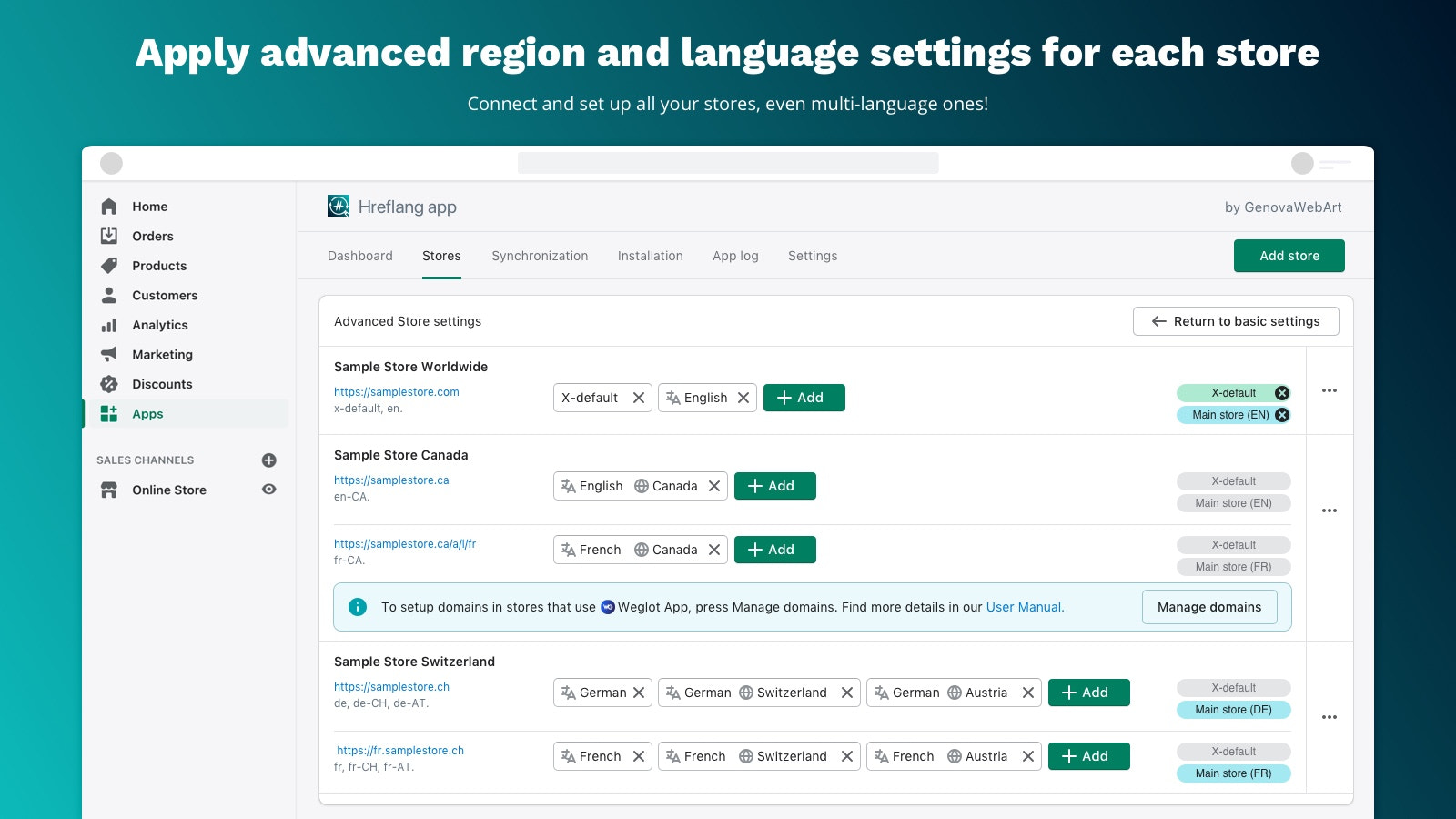
Set up and manage hreflang tags for your localized stores to boost your brand’s international SEO Hreflang tags play a crucial role in helping search engines understand which version of a webpage to display based on a user’s localization settings. If you operate 2+ Shopify stores across different languages or regions, our app provides an automated way to generate and insert these tags into the appropriate sections of each store’s theme. This lets you map specific languages and regions to their corresponding URLs, while preventing your stores from being penalized for duplicate content.
Core Functionality
- Maintain relevance of local stores and products for global customers.
- Up-to-date maintenance of hreflang tags
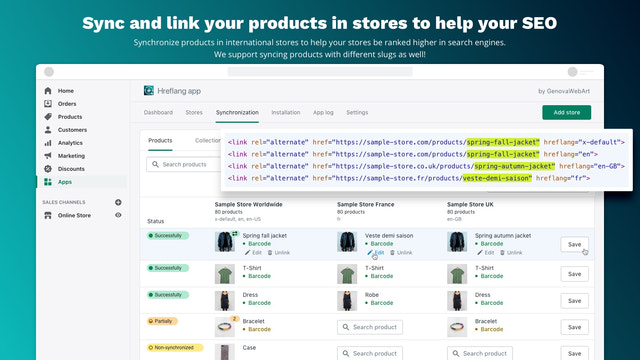
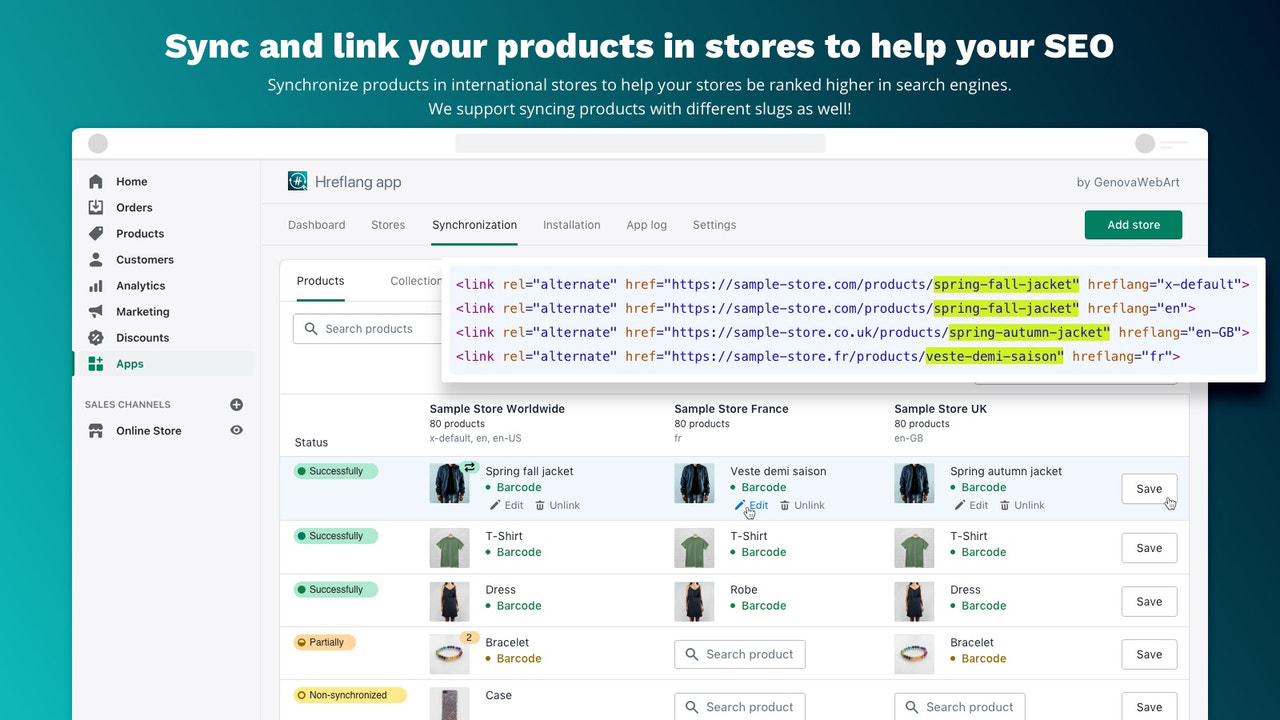
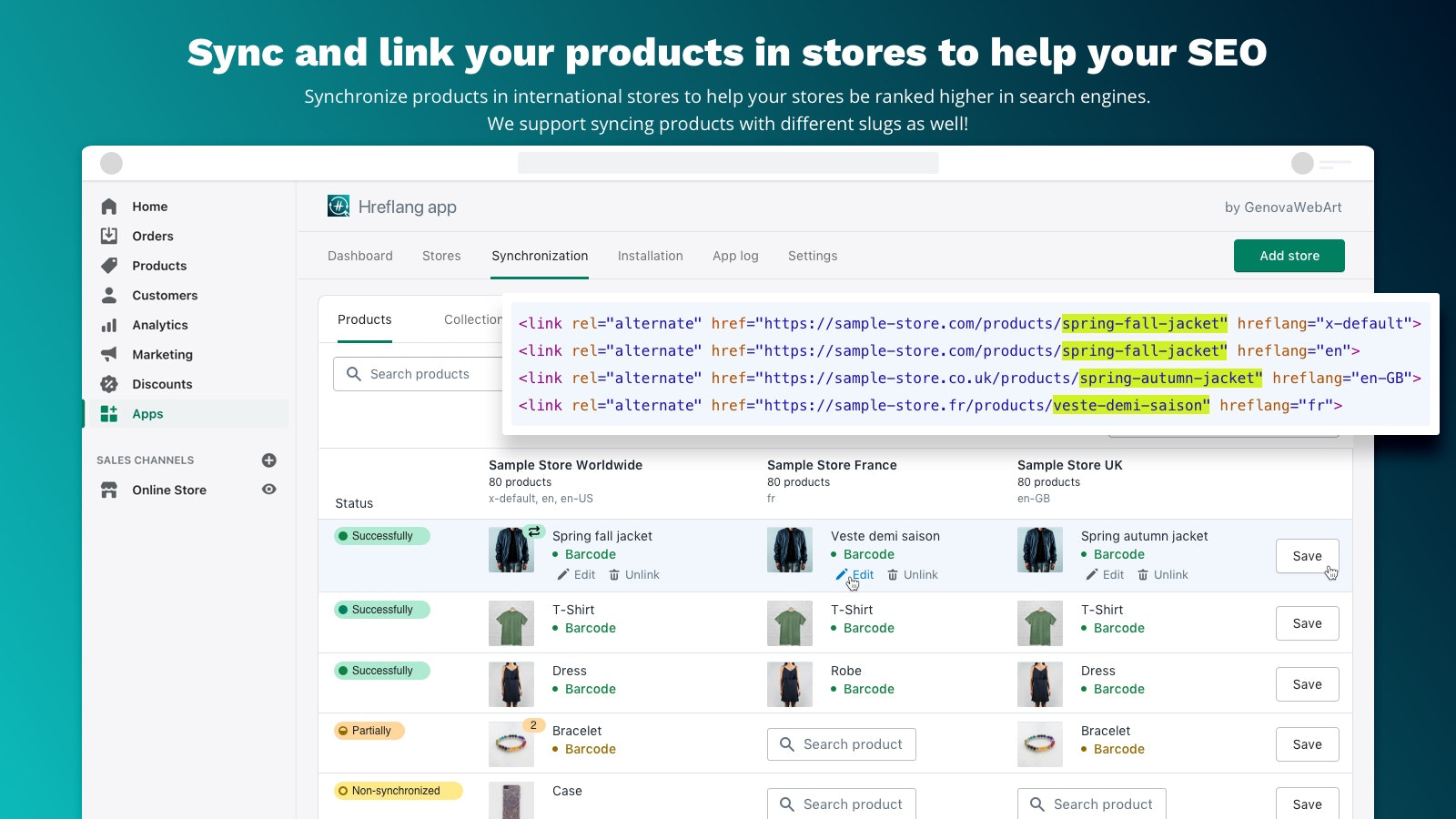
- Automatically sync products, collections, pages, blogs, tags, and articles across stores.
- Automatically find matching products via SKU, barcode, and handle.
- Support for multilingual stores, markets, and translatable URL handles
Merchant-Friendly
- Cross-Border E-commerce Merchants
- Multilingual Independent Stations
- Global Brand Retailers
- Multi-Region E-commerce Enterprises
Basic Information
- Developer:GenovaWebArt
- Address:Novokuzneckaya str.4/49, Zaporizhya, 69118, UA
- Price: Free / Free plan
- Rating:4.8 / 5
- Comment Count:13 comment
- Release Date:2021-3-2
- Supported languages:English
- Compatible products:Shopify
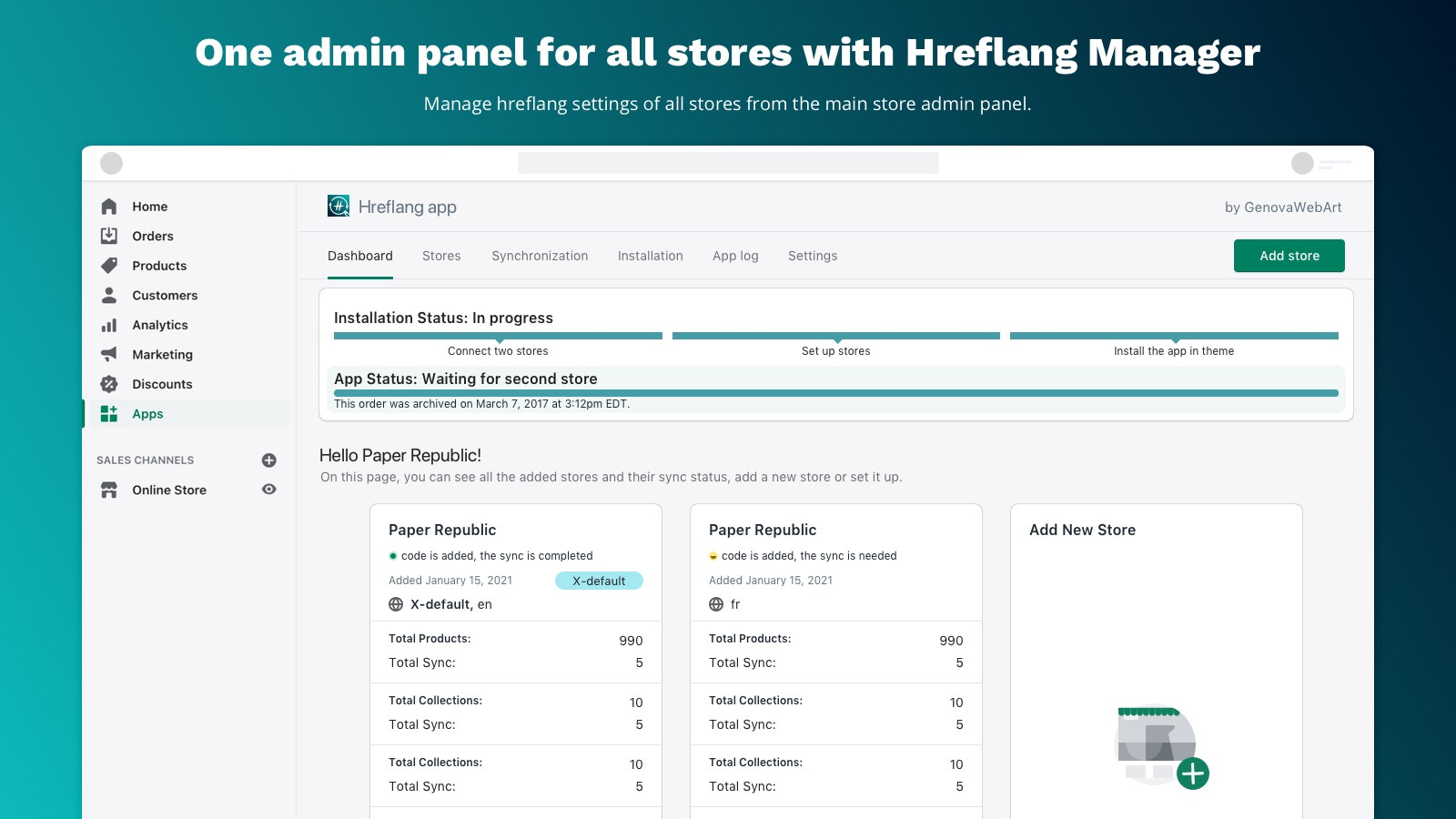
Application Screenshot




Price Plan
入门计划
- Each added store
- Up to 1000 products per store
- Page, blog, tag, and article matching
高级计划
- Each added store
- All Starter Plan features
- Unlimited locations per store
User Location & Comments
User Location
Comments
Shopify API Used
- POST /admin/api/shop/globalization/relevance.json
- PUT /admin/api/shop/globalization/relevance/{id}.json
- GET /admin/api/shop/globalization/relevance.json
Permission:manage_shops,read_products,write_products
- POST /admin/api/hreflang_tags.json
- PUT /admin/api/hreflang_tags/{tag_id}.json
- GET /admin/api/hreflang_tags.json
Permission:manage_online_store,read_themes,write_themes
- POST /admin/api/store_sync/items.json
- PUT /admin/api/store_sync/items/{item_id}.json
- GET /admin/api/store_sync/items.json
Permission:manage_shops,write_products,write_collections
- POST /admin/api/product_matching/auto.json
- PUT /admin/api/product_matching/auto/{match_id}.json
- GET /admin/api/product_matching/auto.json
Permission:read_products,write_products,manage_inventory
- POST /admin/api/translatable_urls.json
- PUT /admin/api/translatable_urls/{url_id}.json
- GET /admin/api/translatable_urls.json
Permission:manage_translations,manage_online_store,read_products