
App Introduction
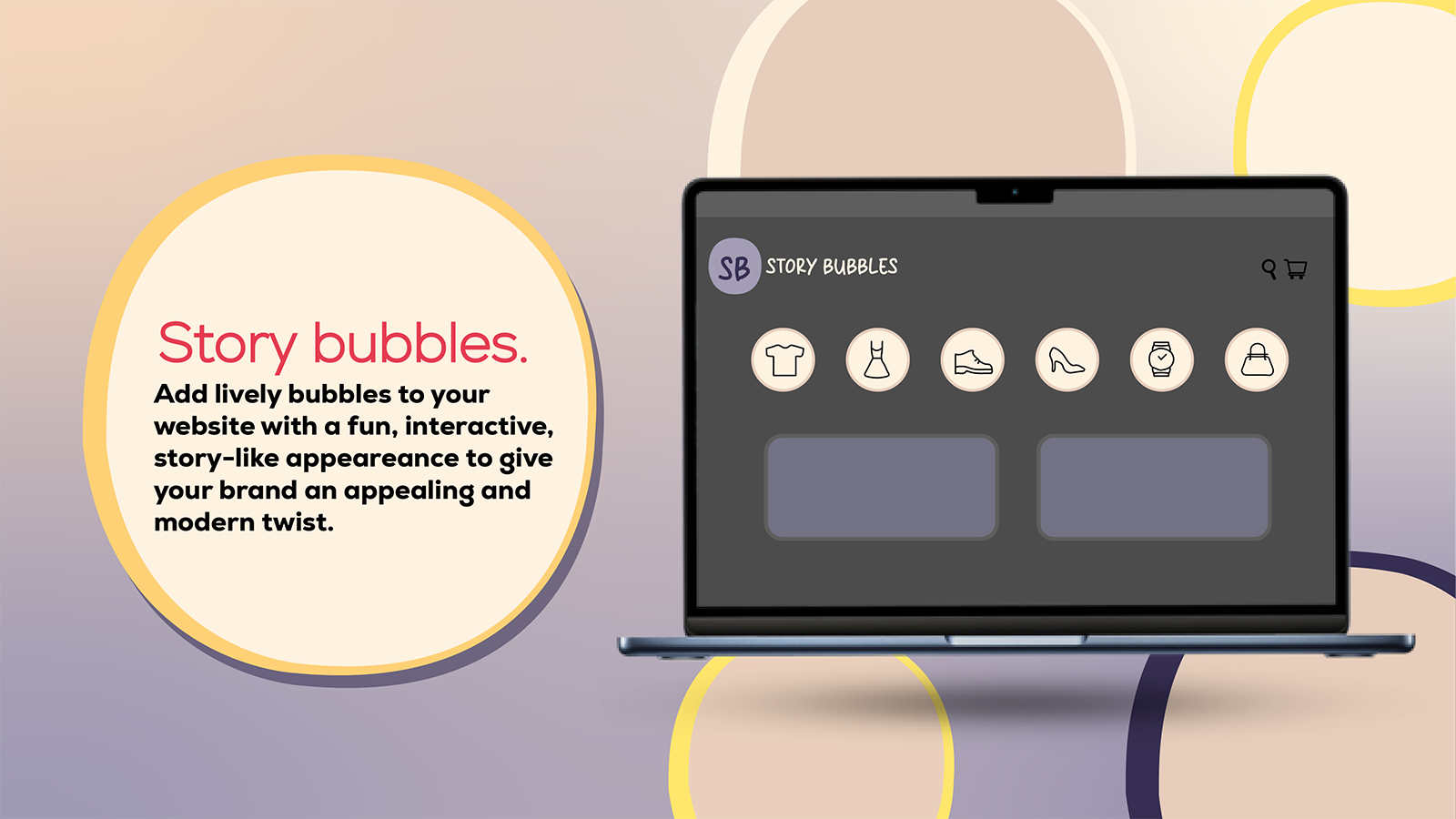
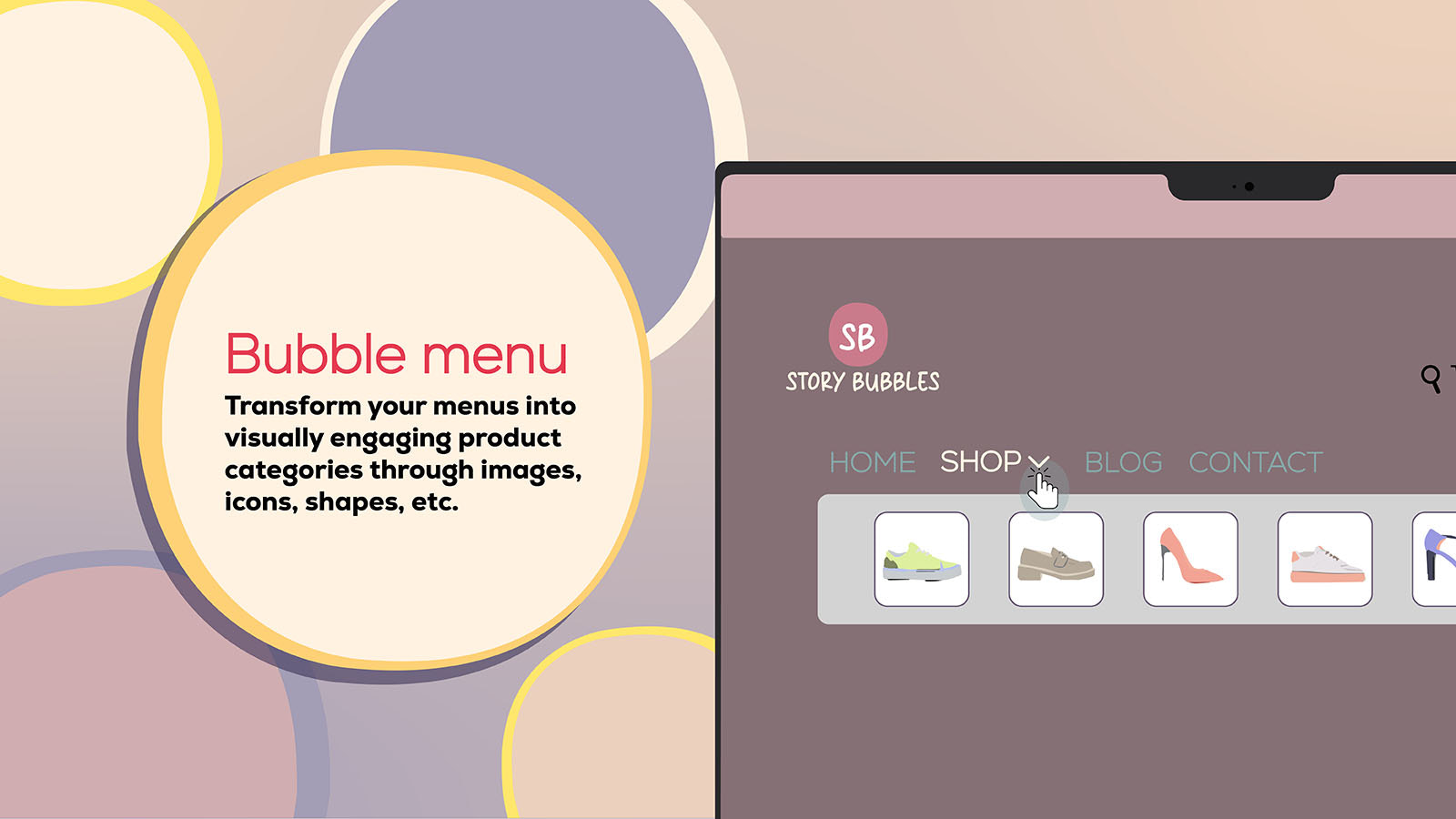
Make Your Store More Attractive! Add Fun Circular Icons & Menus, Track Clicks, Visits & Views Make it Bubble adds playful circular icons for visually on-brand clickable menus and category displays. Track clicks, views, and visits to understand customer engagement. Elevate your store’s style with easy setup, multi-language support, and custom fonts. Our analytics dashboard and live chat support help you optimize layouts and boost customer interaction, making it simple to create a unique, interactive storefront experience.
Core Functionality
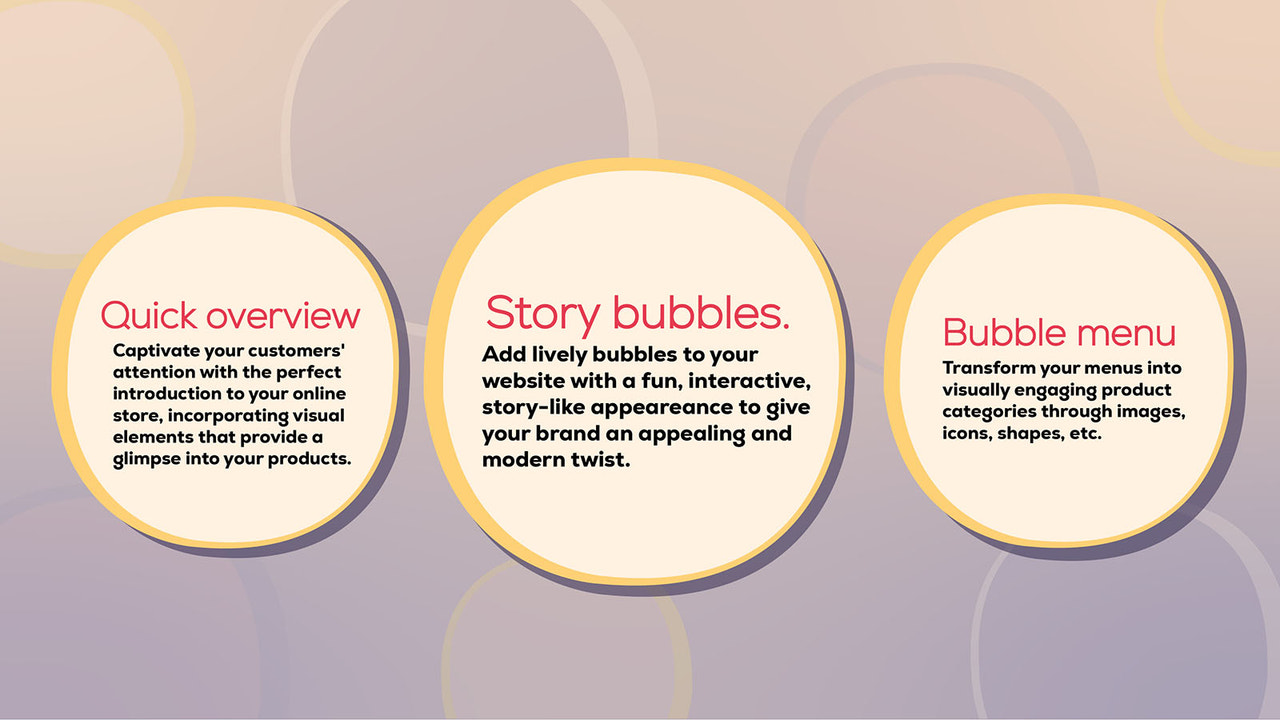
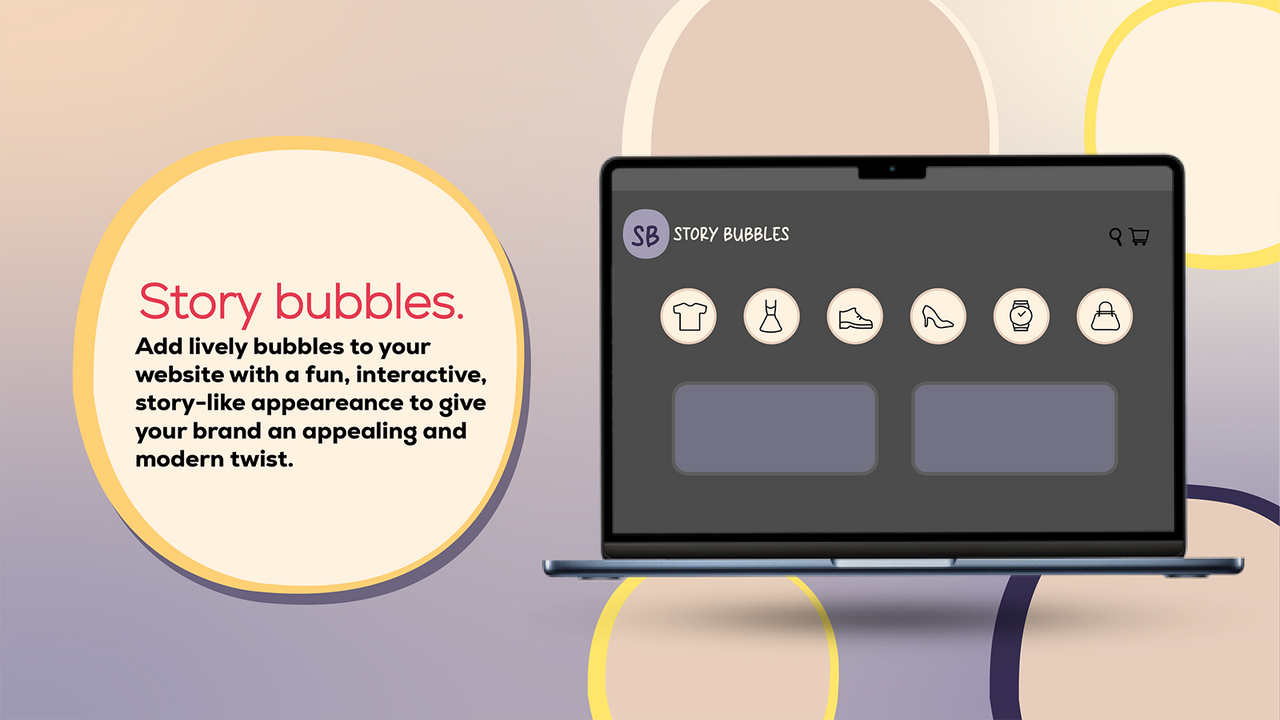
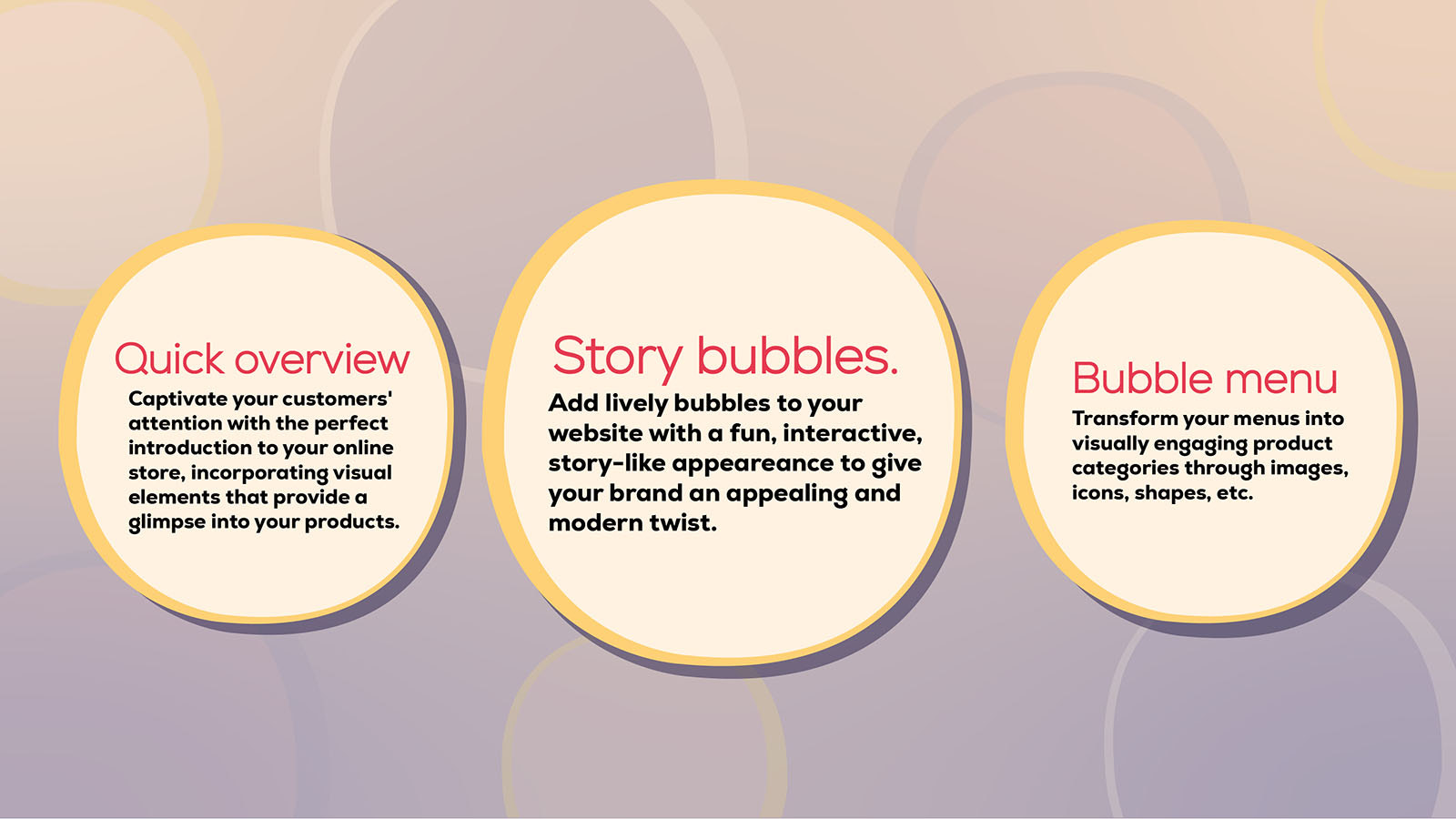
- Interactive circular icon menu for your storefront
- Real-time tracking for clicks, views, and visits
- Simple three-step setup for quick onboarding
- Multi-language support for global coverage
- Customize fonts and colors to build a unique brand
Merchant-Friendly
- Independent Station Merchants
- Global Cross-border E-commerce
- Brand Independent Station
- Multilingual E-commerce
Basic Information
- Developer:GMAppify
- Address:190 SE 5th Ave, Delray Beach, FL, 33483, US
- Price: Free / Free plan
- Rating:0 / 5
- Comment Count:0 comment
- Release Date:2024-5-17
- Supported languages:English、Simplified Chinese、Czech、German、Danish、Spanish、Finnish、French、Italian、Japanese、Korean、Dutch、Norwegian Bokmål、Polish、Portuguese (Brazil)、Portuguese (Portugal)、Thai、Turkish、Swedish
- Compatible products:Shopify
Application Screenshot







Price Plan
起步免费计划
- Unlimited Clicks During Free Trial
- 30 Clicks Per Month
- Advanced Menu Editor
- AI Image and Text Generator
- Analytics
- Customer Support
入门计划
- Unlimited clicks during free trial
- 100 clicks per month
- Advanced menu editor
- AI image and text generator
- Analytics
- Customer support
专业计划
- Unlimited Clicks During Free Trial
- 1,500 Clicks per Month
- AI Image and Text Generator
- Custom Fonts
- Customer Support
企业计划
- Unlimited clicks during free trial
- 1,300,000 clicks per month
- AI image and text generator
- Custom fonts
- Customer support
User Location & Comments
User Location
Comments
Shopify API Used
- POST /admin/api/sections.json
- PUT /admin/api/sections/{section_id}.json
- GET /admin/api/sections.json
Permission:write_sections,read_sections,manage_themes
- GET /admin/api/reports/analytics.json
- GET /admin/api/events.json
- POST /admin/api/analytics/metrics.json
Permission:read_analytics,read_events,manage_reports
- POST /admin/api/apps/{app_id}/settings.json
- PUT /admin/api/apps/{app_id}/settings.json
- GET /admin/api/apps/{app_id}/settings.json
Permission:write_apps,read_apps,manage_app_settings
- POST /admin/api/locales.json
- PUT /admin/api/locales/{locale_id}.json
- GET /admin/api/locales.json
Permission:write_locales,read_locales,manage_translations
- POST /admin/api/themes/{theme_id}/assets.json
- PUT /admin/api/themes/{theme_id}/assets.json
- GET /admin/api/themes/{theme_id}/assets.json
Permission:write_themes,read_themes,manage_assets