
App Introduction
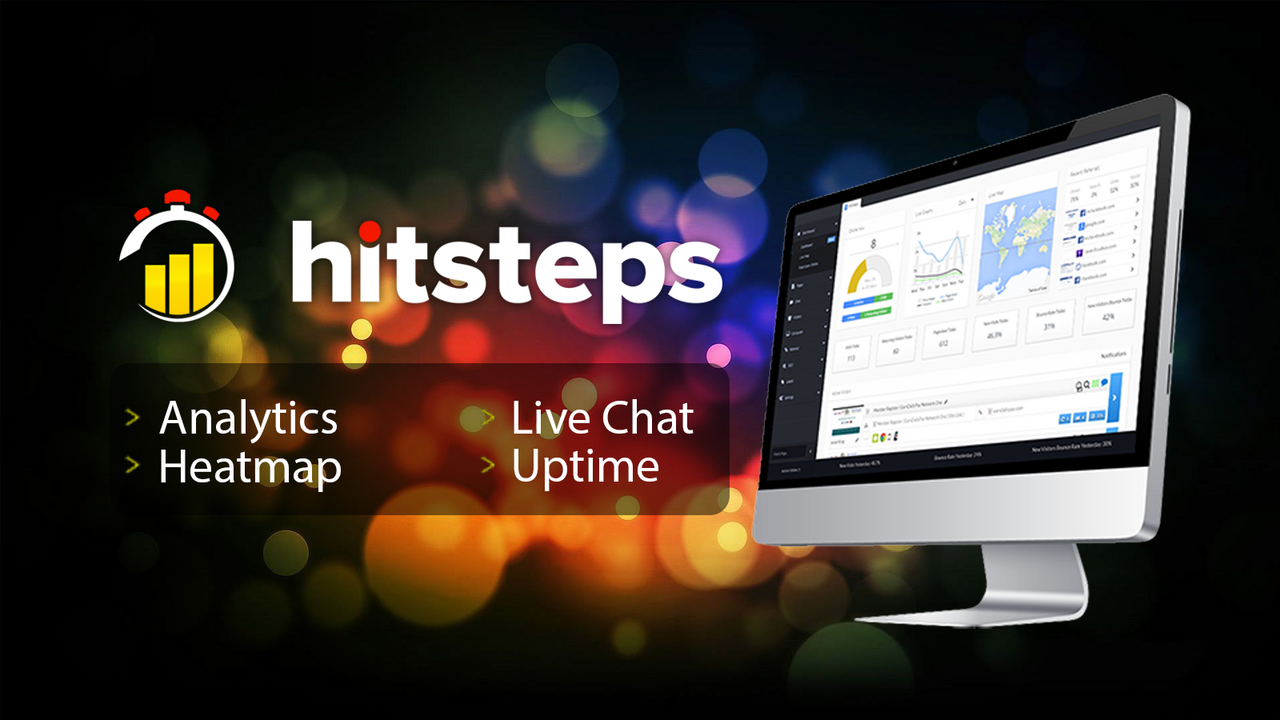
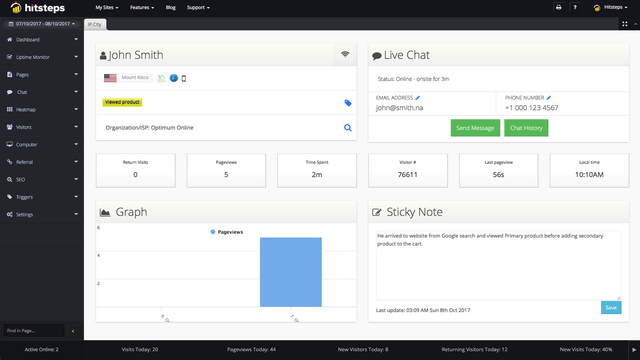
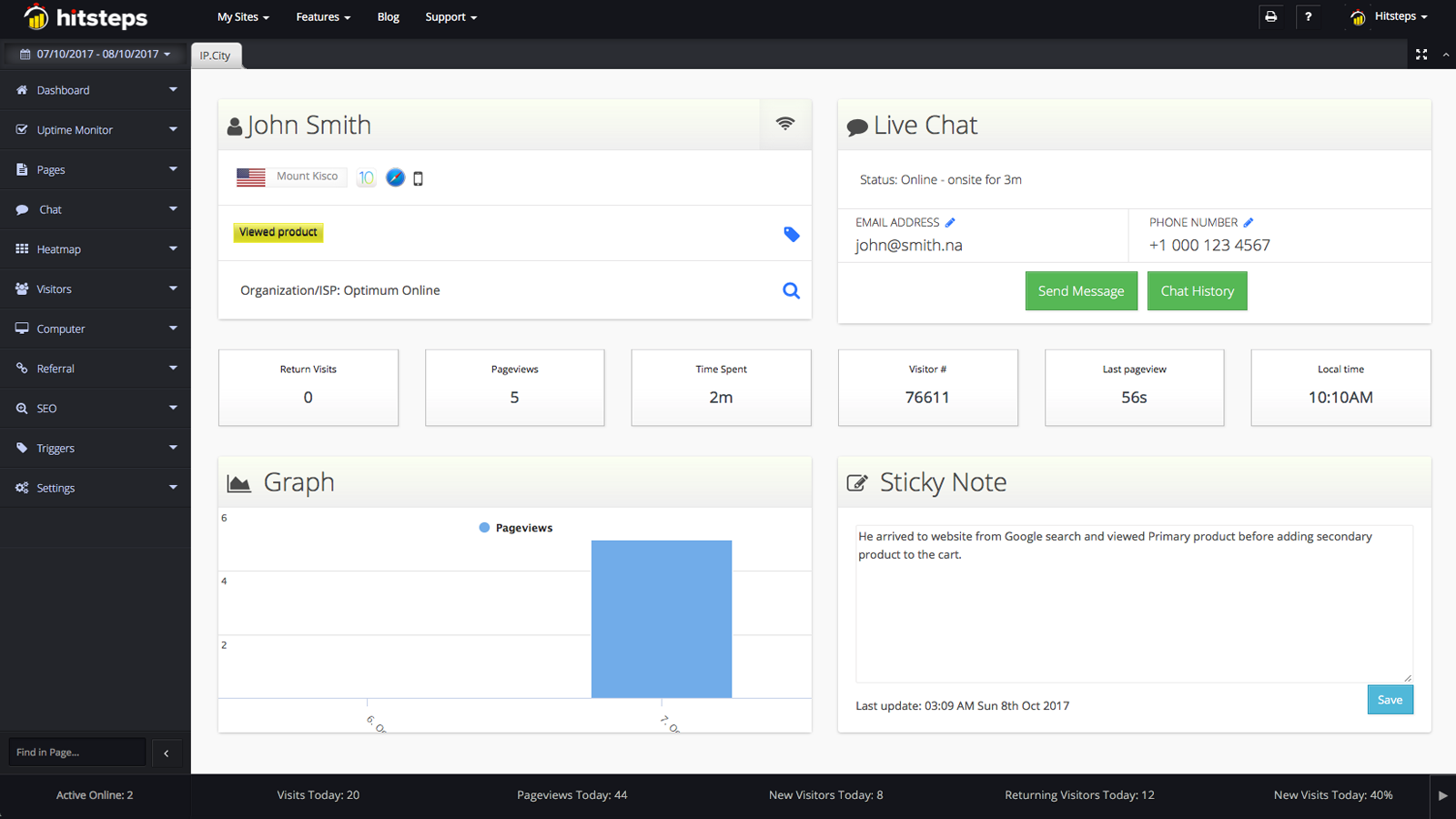
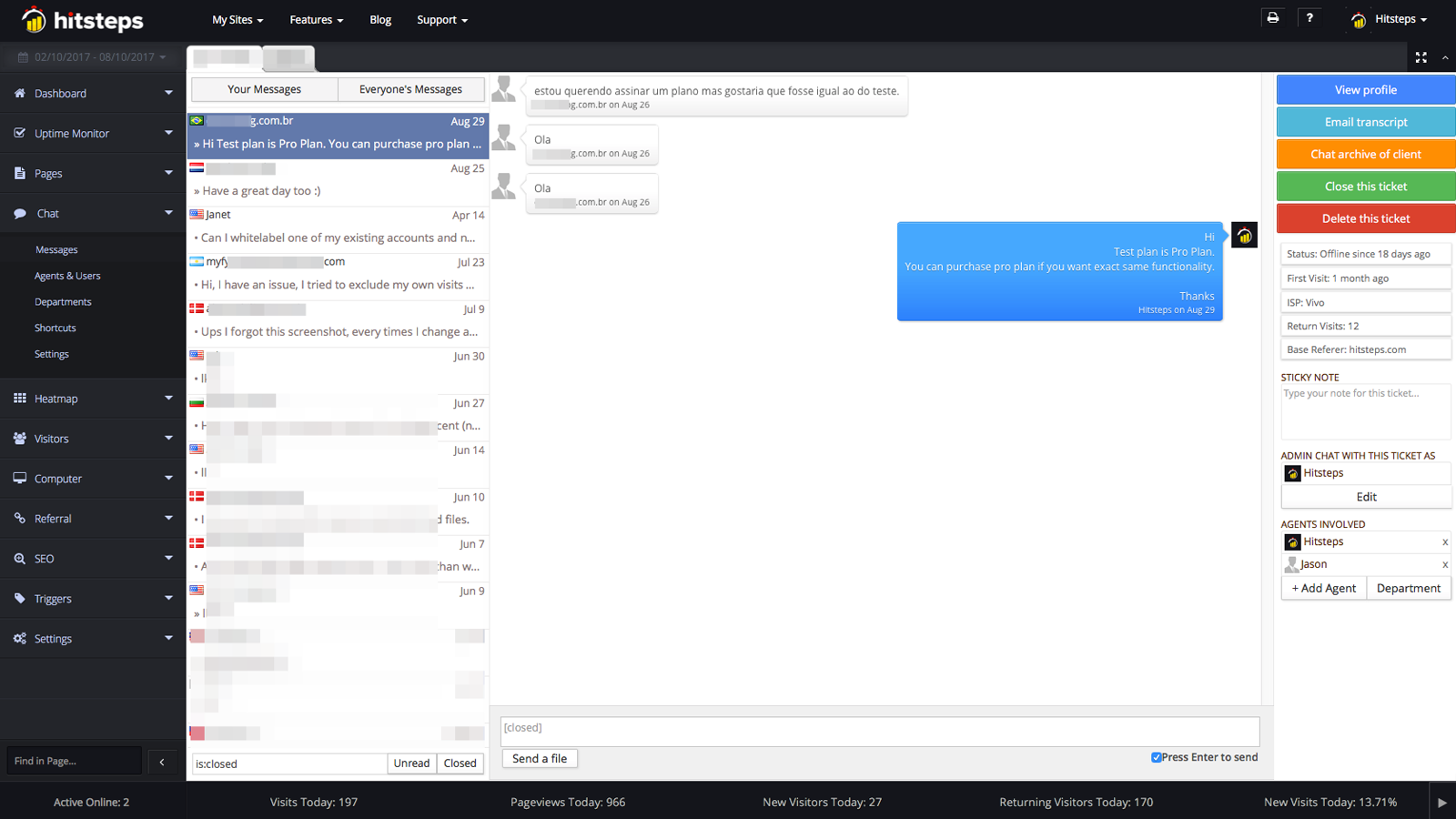
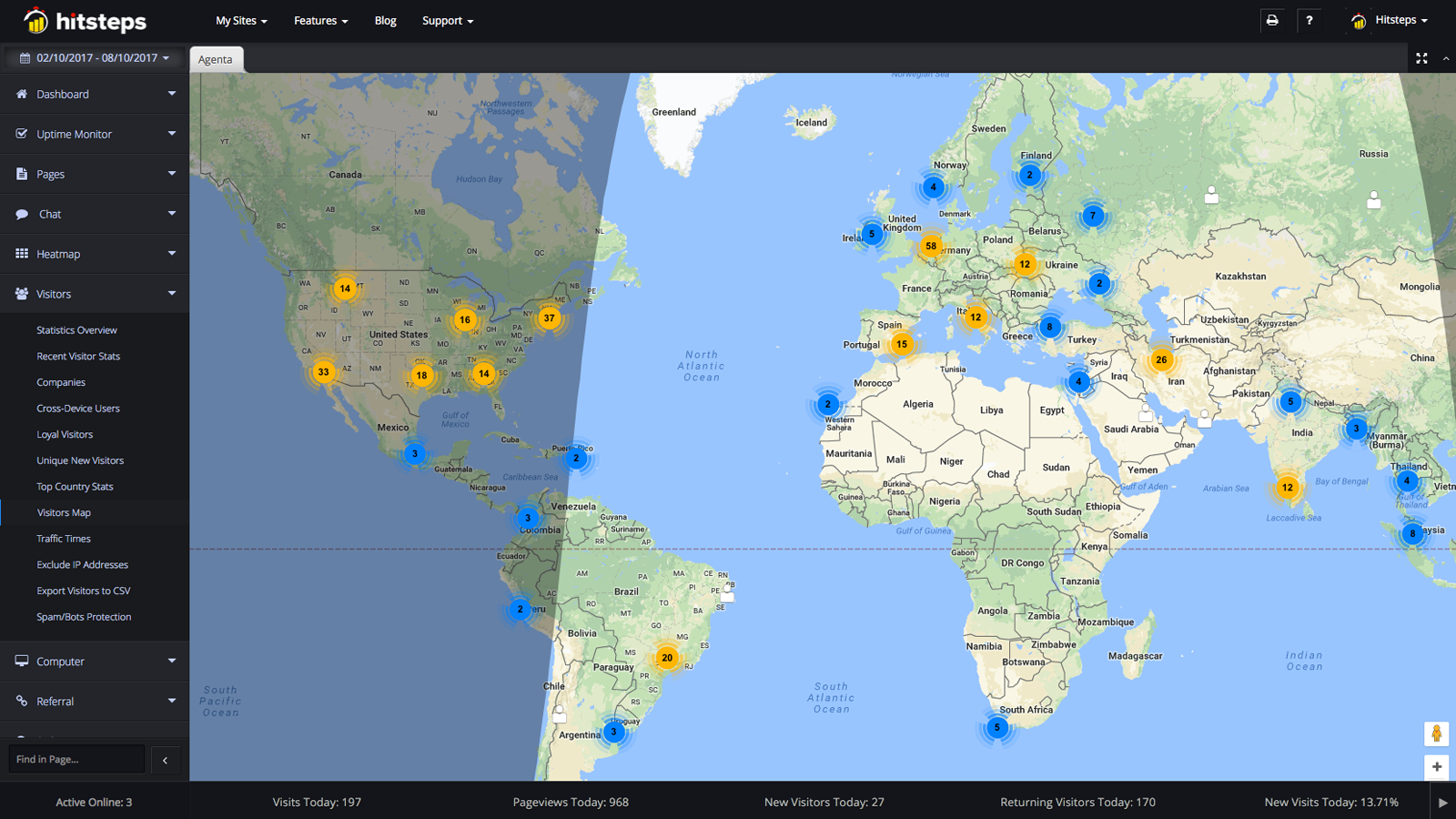
Gain insights and competitive advantages by using detailed web analytics tools like Hitsteps. You might have a great website, store, or blog. So do your competitors. We provide you with insights and analytics that support your marketing and SEO efforts. Hitsteps Analytics is a real-time visitor web statistics, analytics, and heatmap tool with an integrated live chat feature for engaging online visitors. It lets you view your web stats, track online visitor journeys, and monitor each visitor to gain deeper insights into every page they view.
Core Functionality
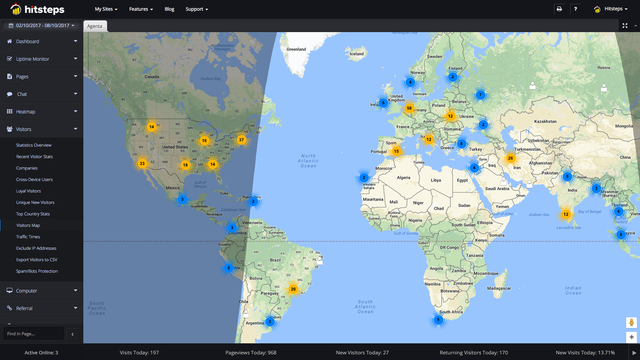
- Analyze who’s coming and going, and learn more about them.
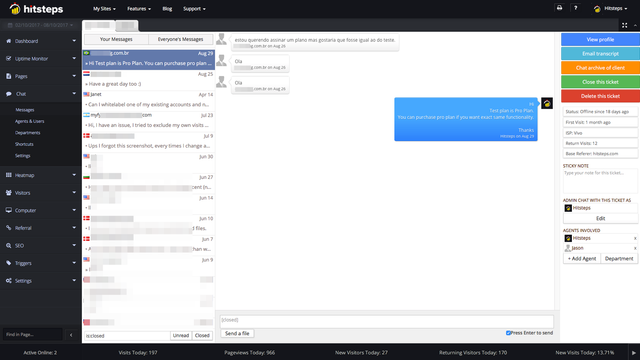
- Just like a physical store, you can start chatting with your visitors and provide real-time support.
- Easily identify which products are viewed one after another and added to the cart.
Merchant-Friendly
- Independent Station Merchants
- Online Retail Merchants
- E-commerce Operation Merchants
- Small and Medium E-commerce Sellers
Basic Information
- Developer:Hitsteps
- Address:Regalia Residence, Kuala Lumpur, KUL, 50250, MY
- Price: Free / Free plan
- Rating:5 / 5
- Comment Count:13 comment
- Release Date:2015-10-20
- Supported languages:English
- Compatible products:Shopify
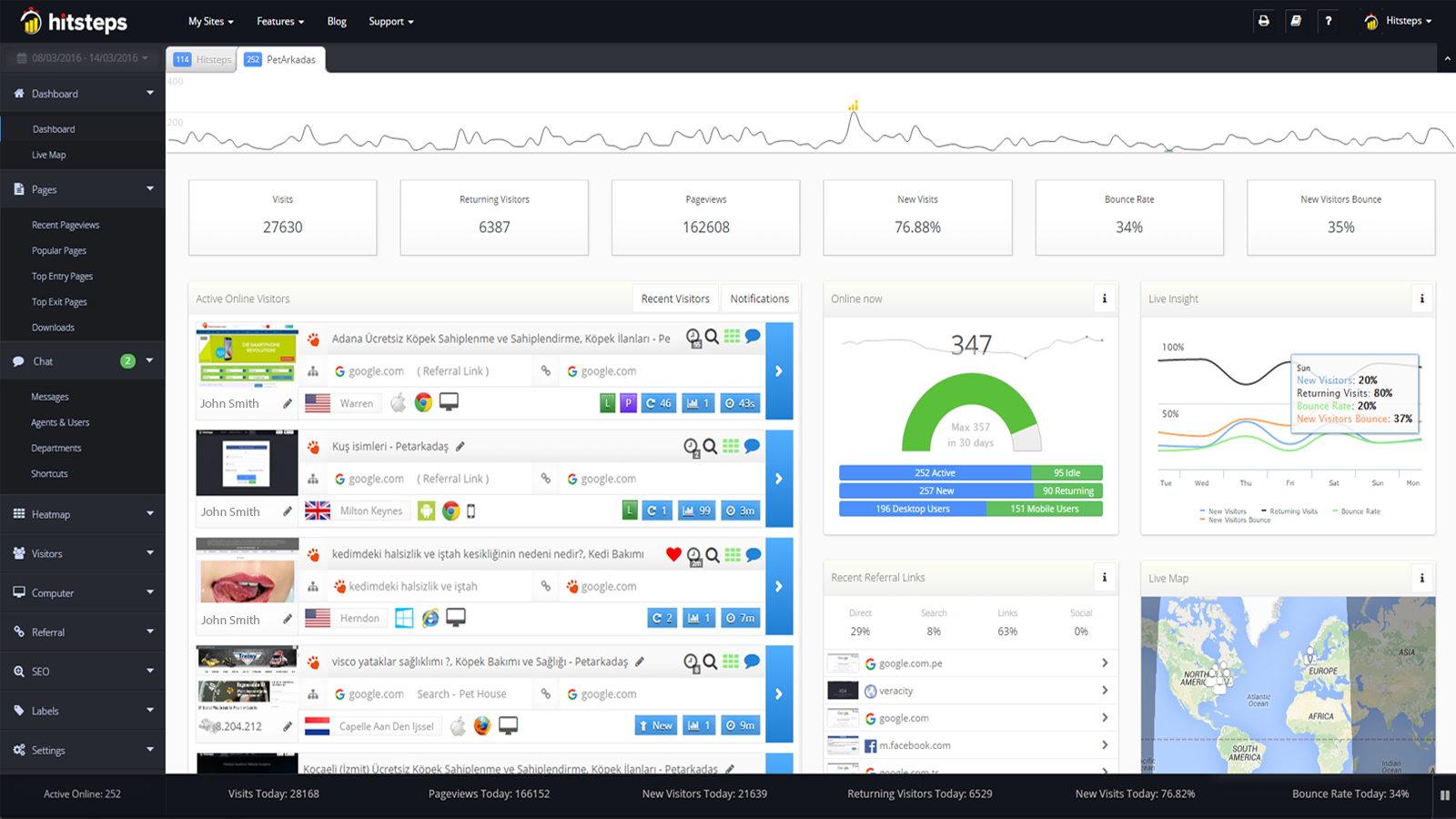
Application Screenshot
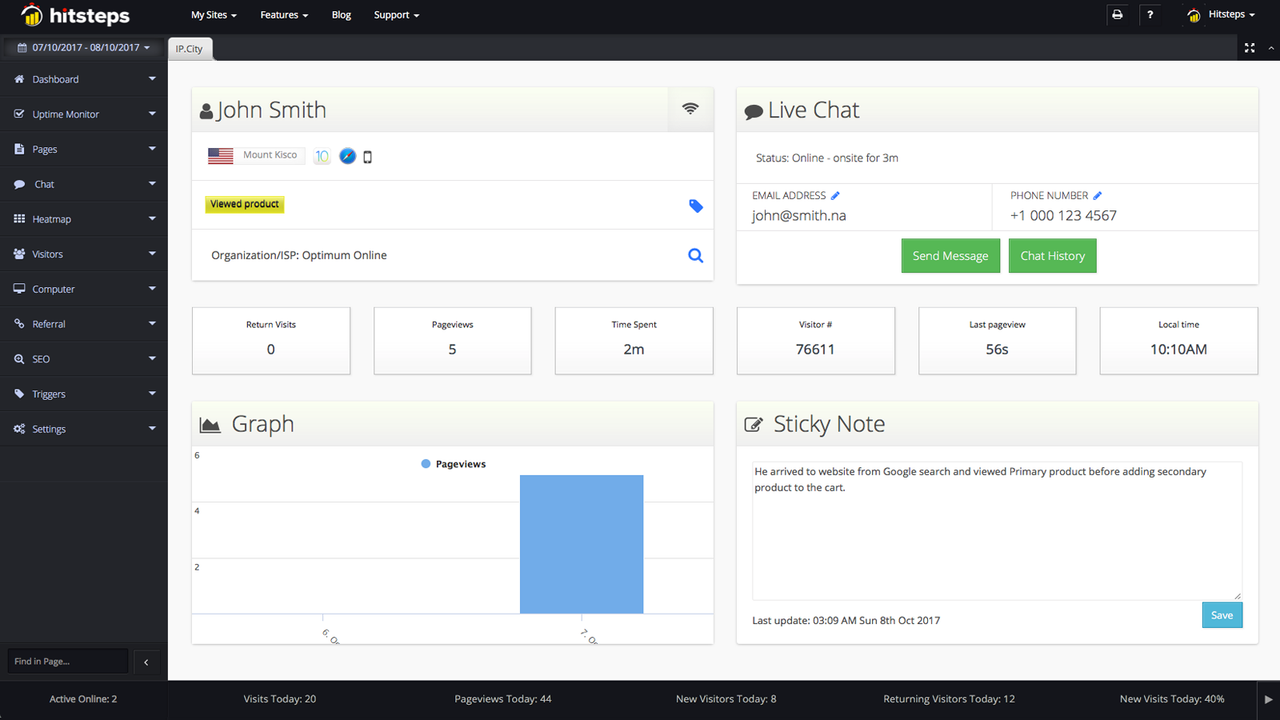
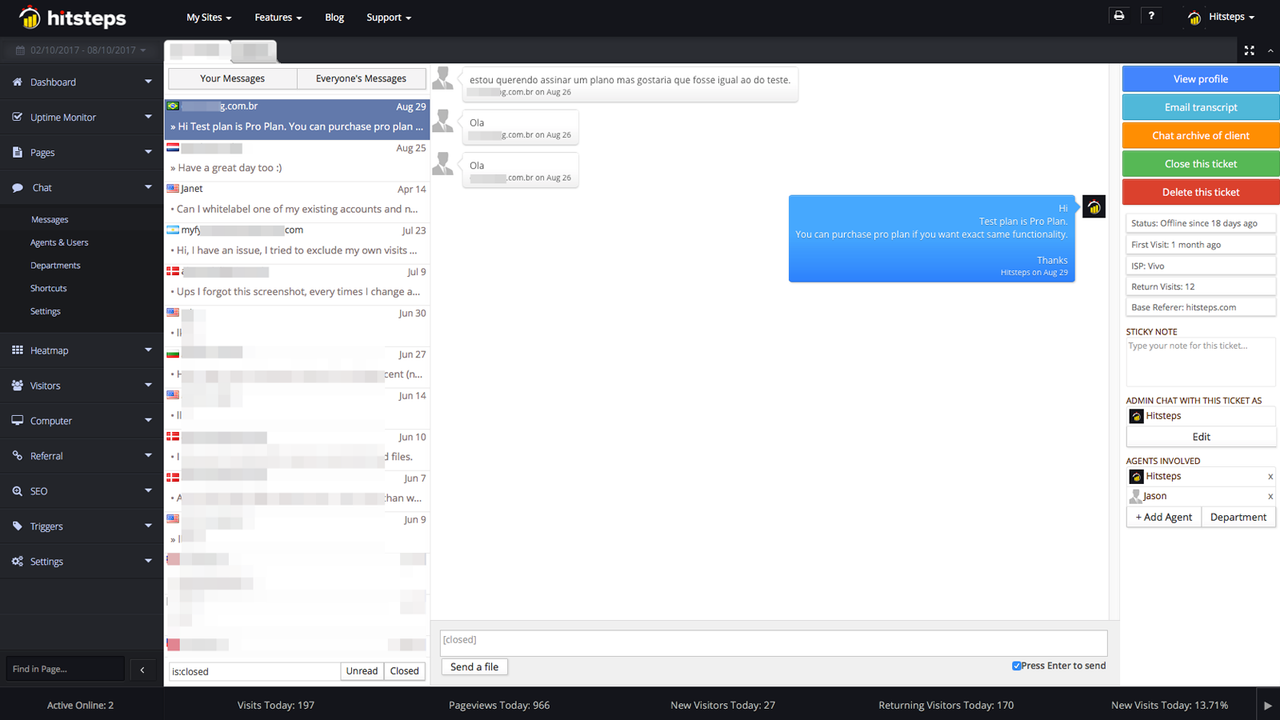
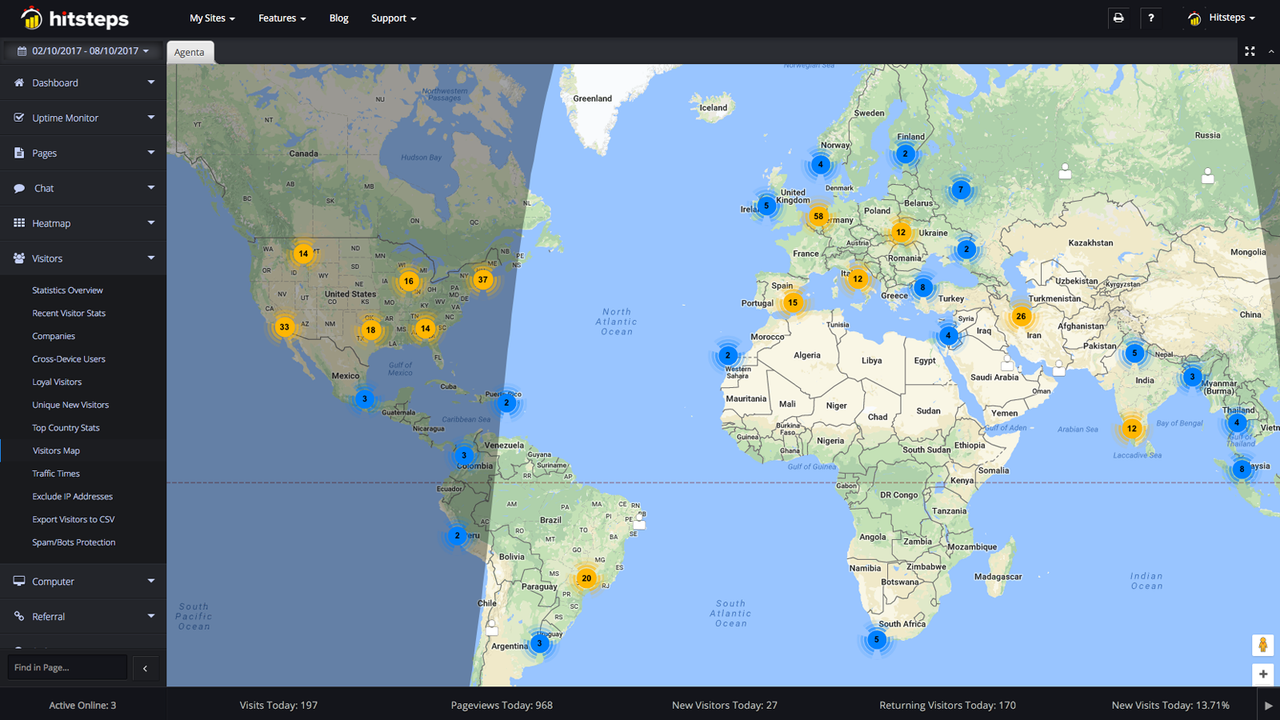
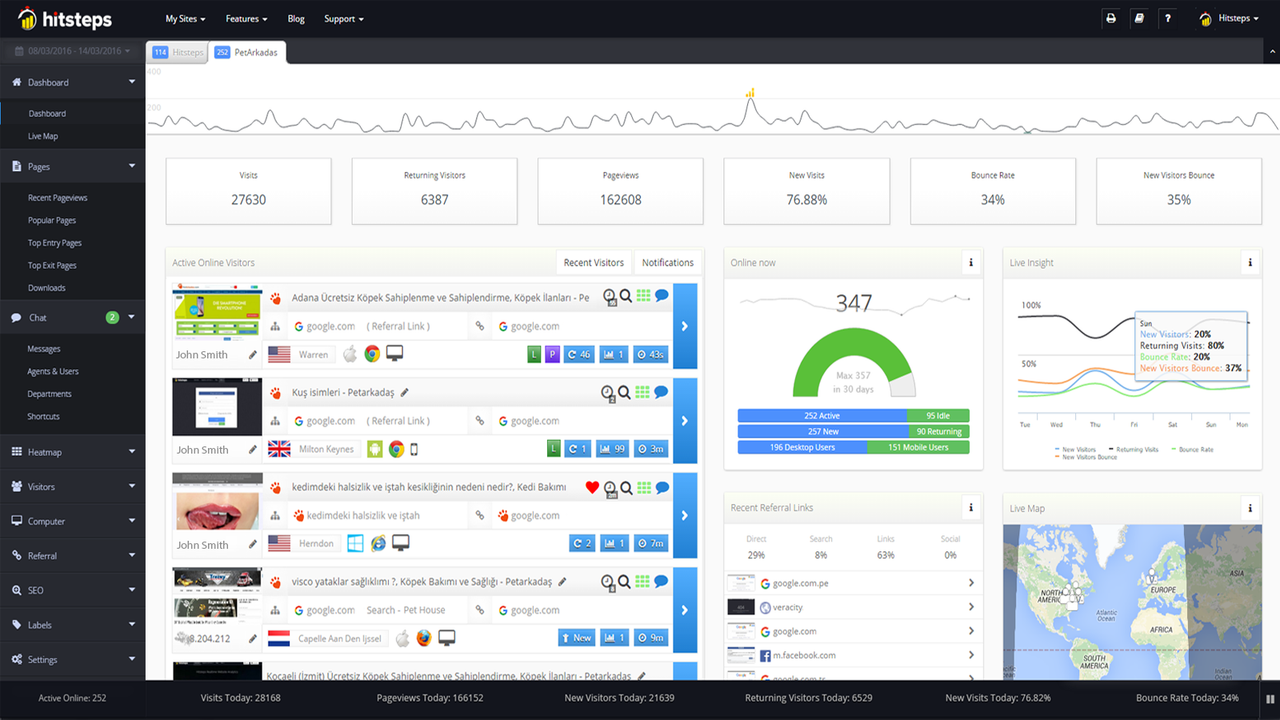
Price Plan
入门计划
免费
- Up to 2,000 page views per month
- Real-time web analytics dashboard
- Email reports
- Visitor profiles and filtering
- Page speed meter
入门计划
$4.99
- Up to 10,000 page views per month
- All from the free web analytics plan
- Real-time chat with visitors
- Triggers
基础计划
$9.99
- Up to 50,000 page views per month
- All from Starter Web Analytics Plan
- Heatmaps
- More Triggers
专业计划
$21
- Up to 500,00 page views per month
- All from the Basic Web Analytics Plan
- Uptime Monitoring
- More Heatmap Capacity
- More Triggers
User Location & Comments
User Location
Comments
Shopify API Used
- GET /admin/api/analytics/visitors.json
- GET /admin/api/analytics/visitors/{id}.json
- GET /admin/api/analytics/visitor_sessions.json
Permission:read_analytics,read_customers,read_orders
- POST /admin/api/chat/sessions.json
- PUT /admin/api/chat/sessions/{id}.json
- GET /admin/api/chat/active_sessions.json
Permission:write_chat,read_chat,manage_shop
- GET /admin/api/analytics/product_views.json
- GET /admin/api/analytics/cart_additions.json
- GET /admin/api/analytics/product_cart_flow.json
Permission:read_analytics,read_products,read_orders



