
HP: Hide Price and Add to Cart
App Introduction
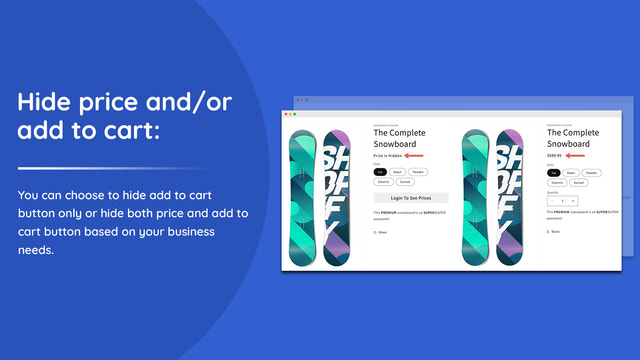
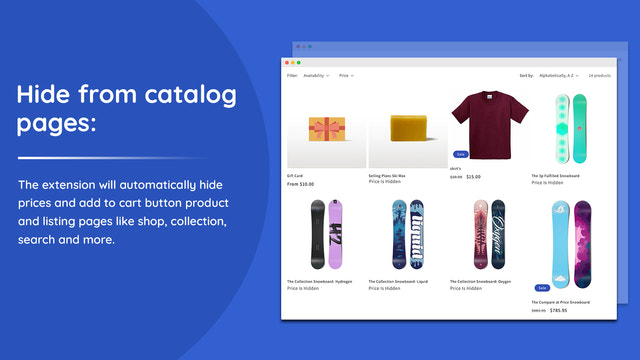
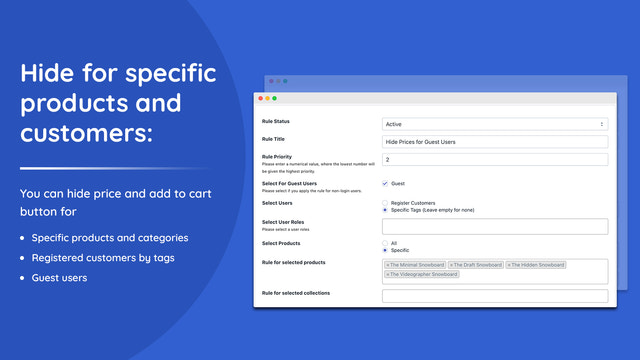
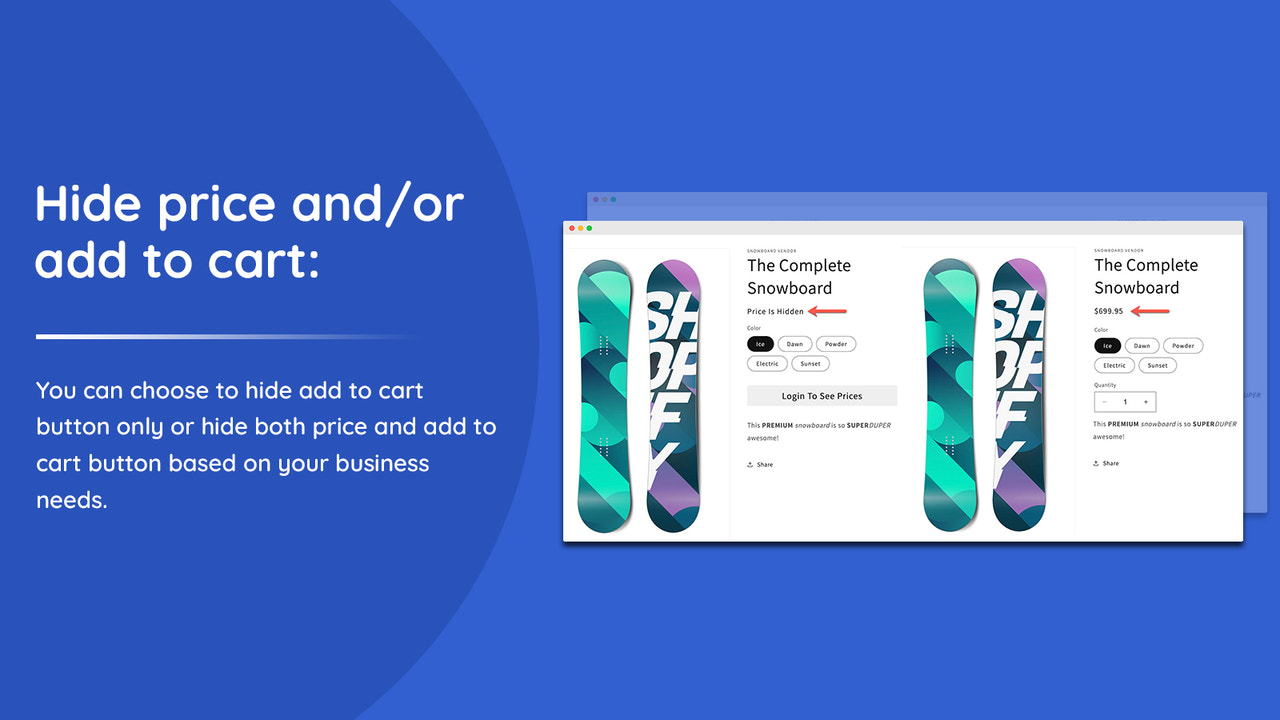
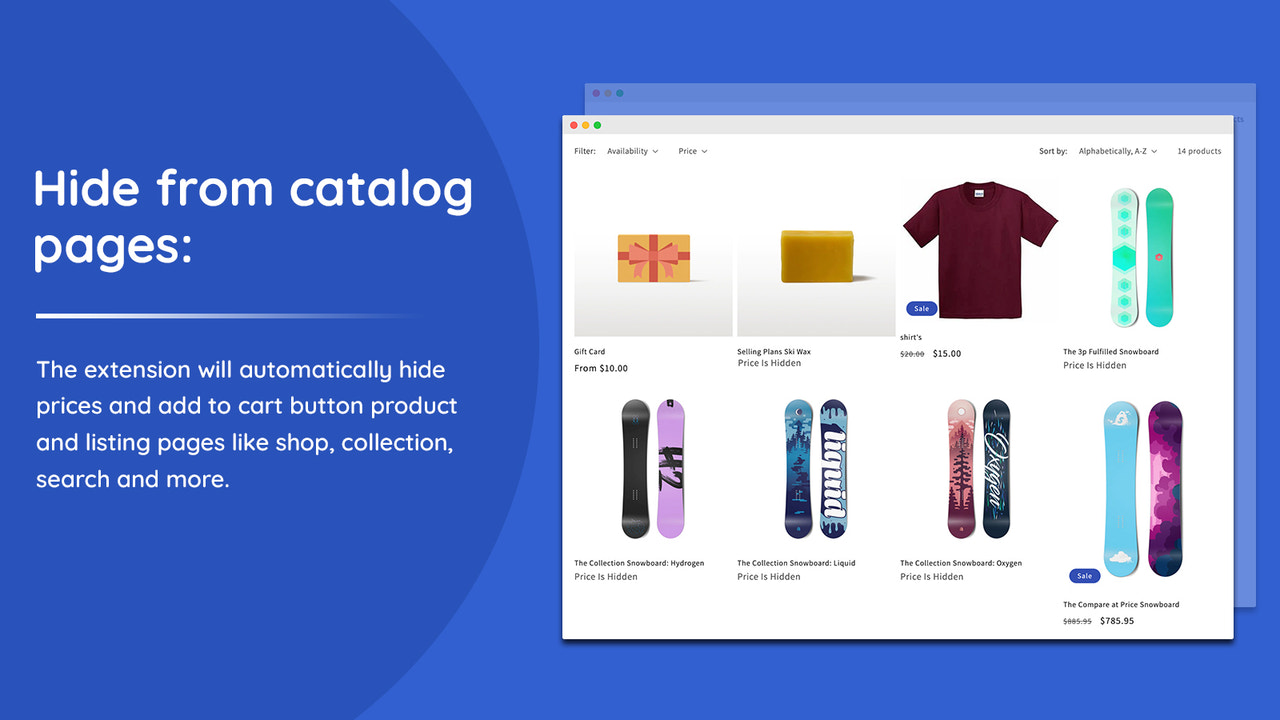
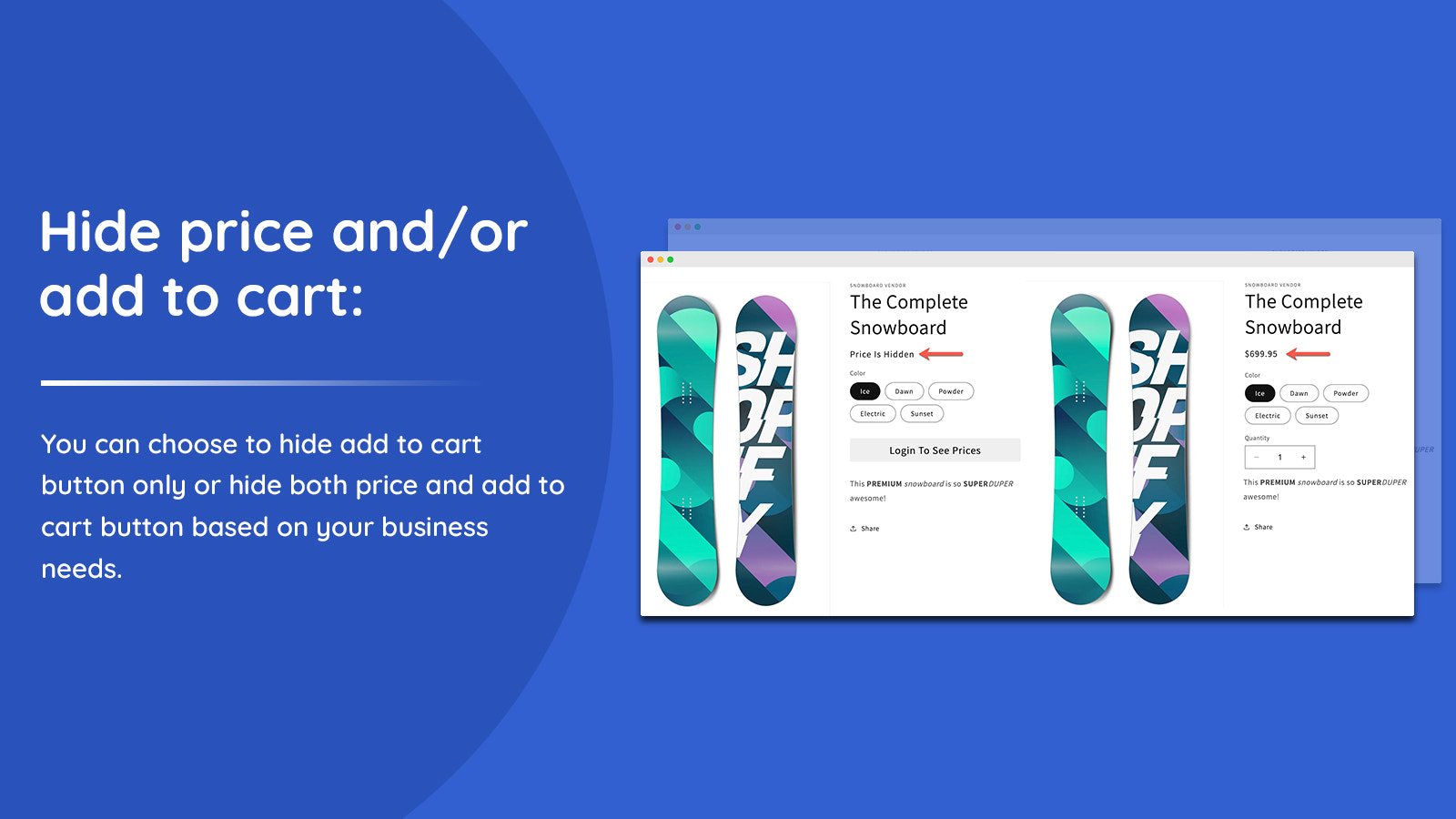
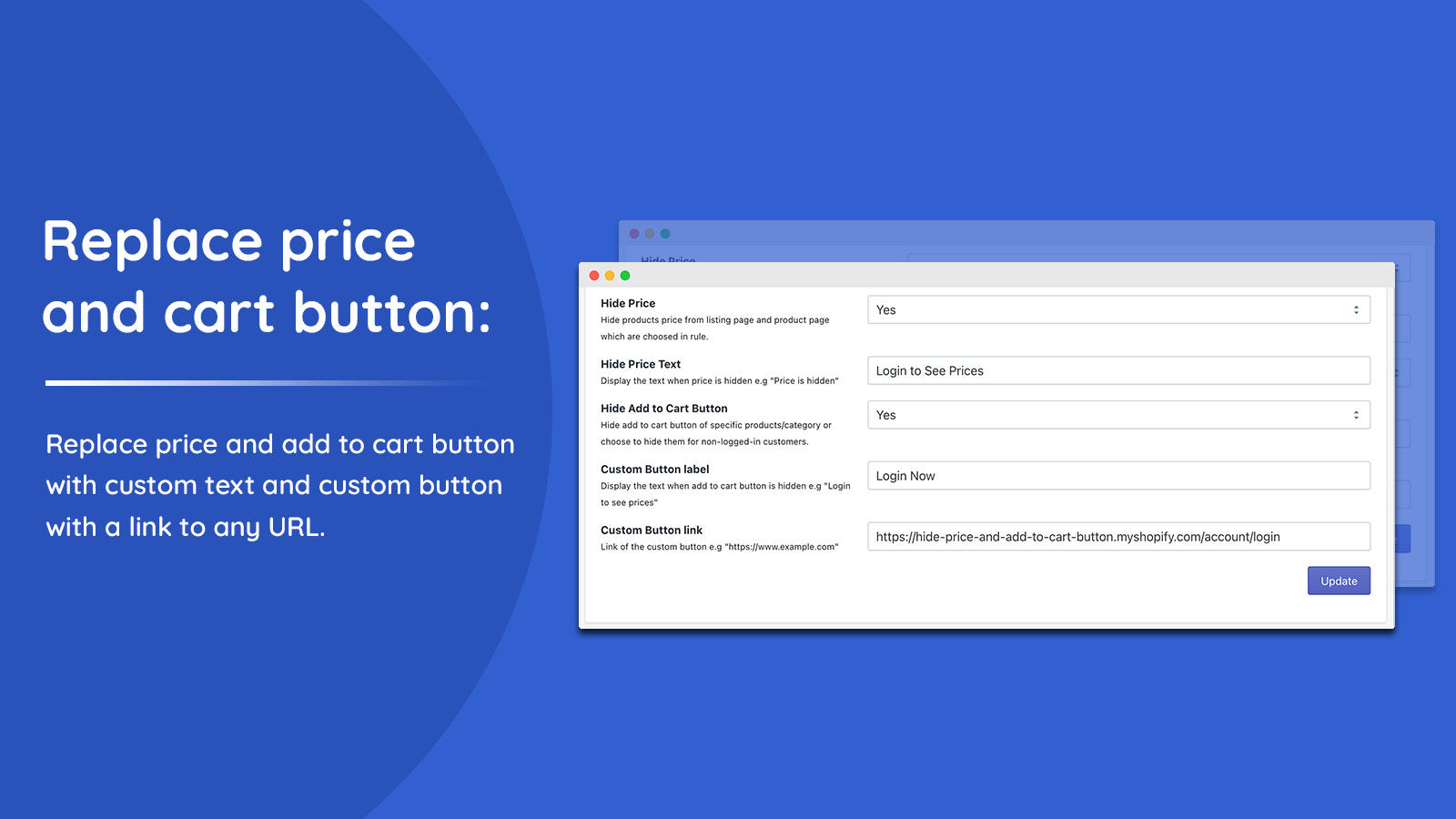
Manage your catalog visibility by hiding prices and "Add to Cart" buttons based on user types. With the **Hide Price and Add to Cart** app, you can hide prices and/or "Add to Cart" buttons from product and collection pages. You can target all customers, specific customers via tags, or non-logged-in users. Replace prices with custom text, and swap the "Add to Cart" button with a custom version. This is a perfect B2B solution that lets you control "Add to Cart" and price visibility for specific products based on various conditions. Use the app to customize the color, text, and font of your "Add to Cart" buttons.
Core Functionality
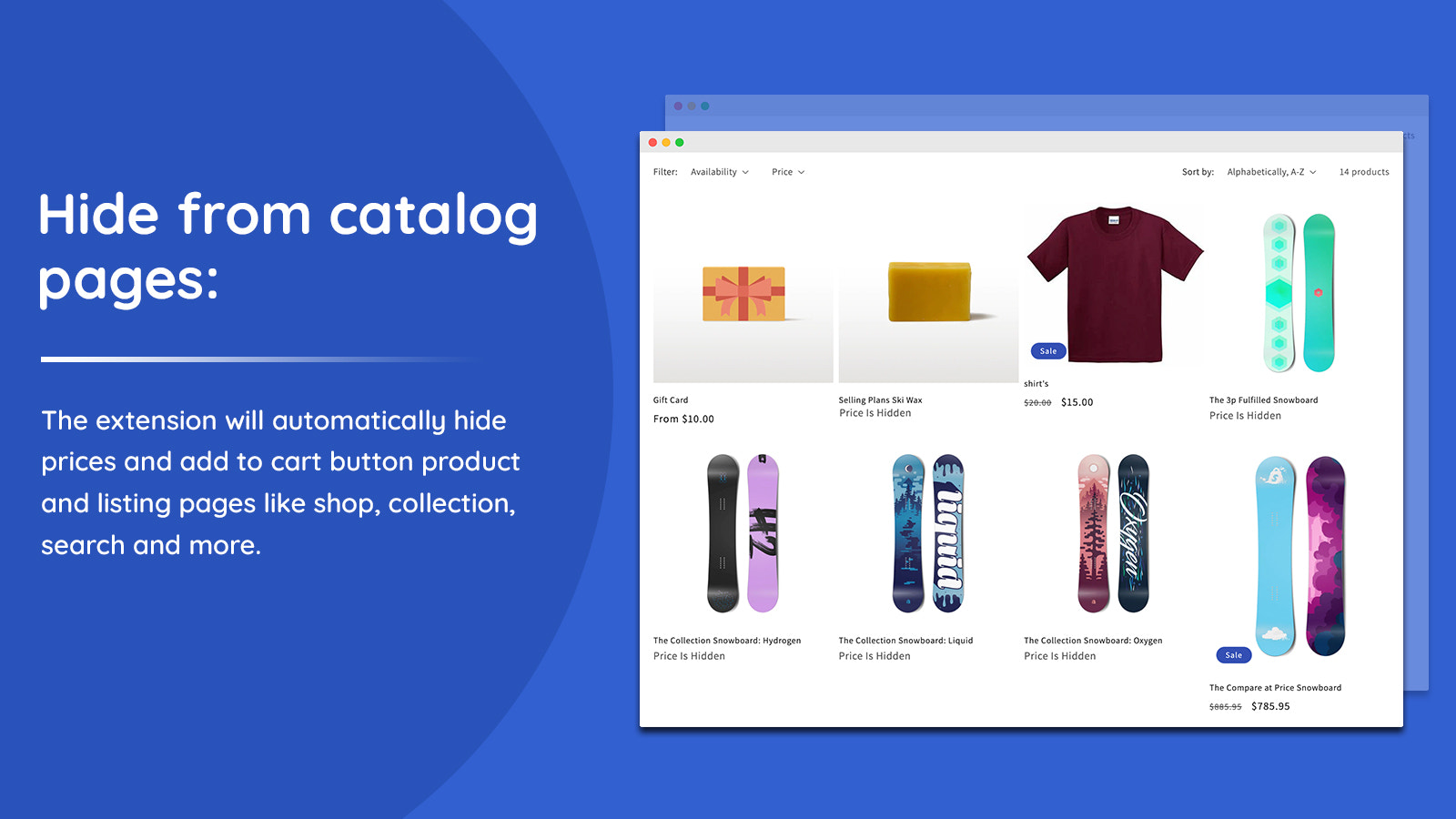
- Hide prices on collection pages and product pages. Hide and customize the Add to Cart button
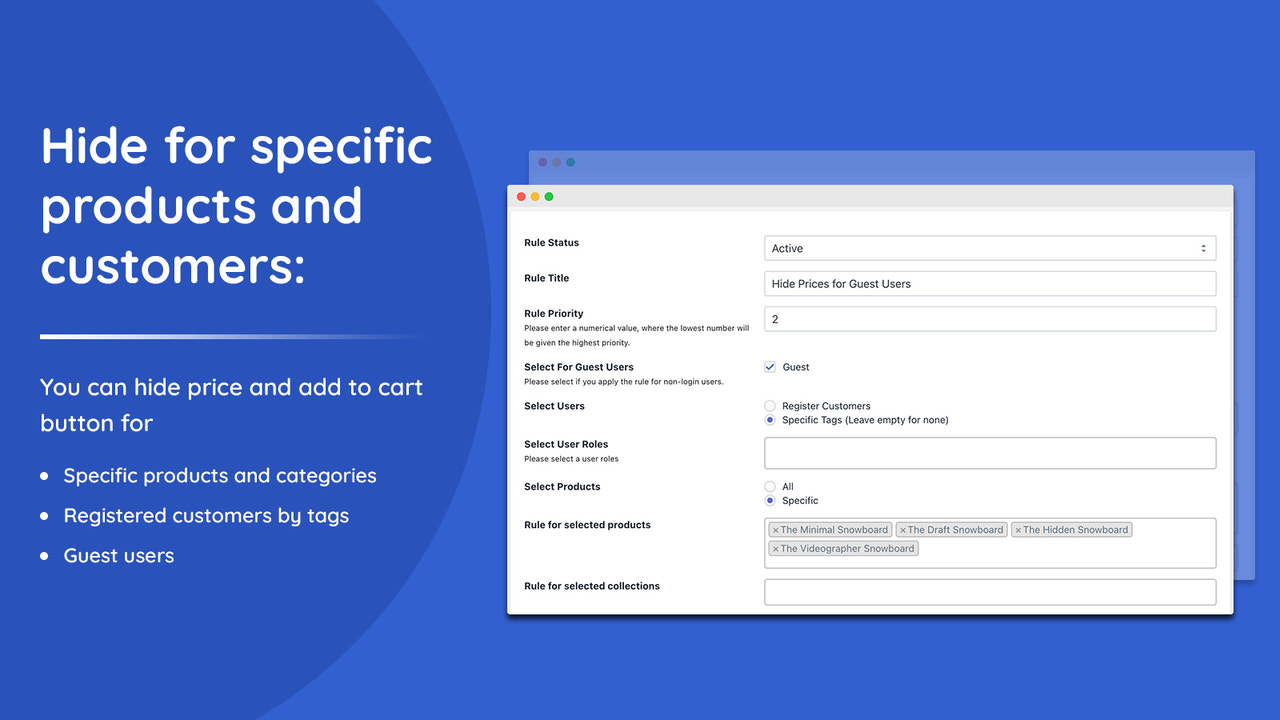
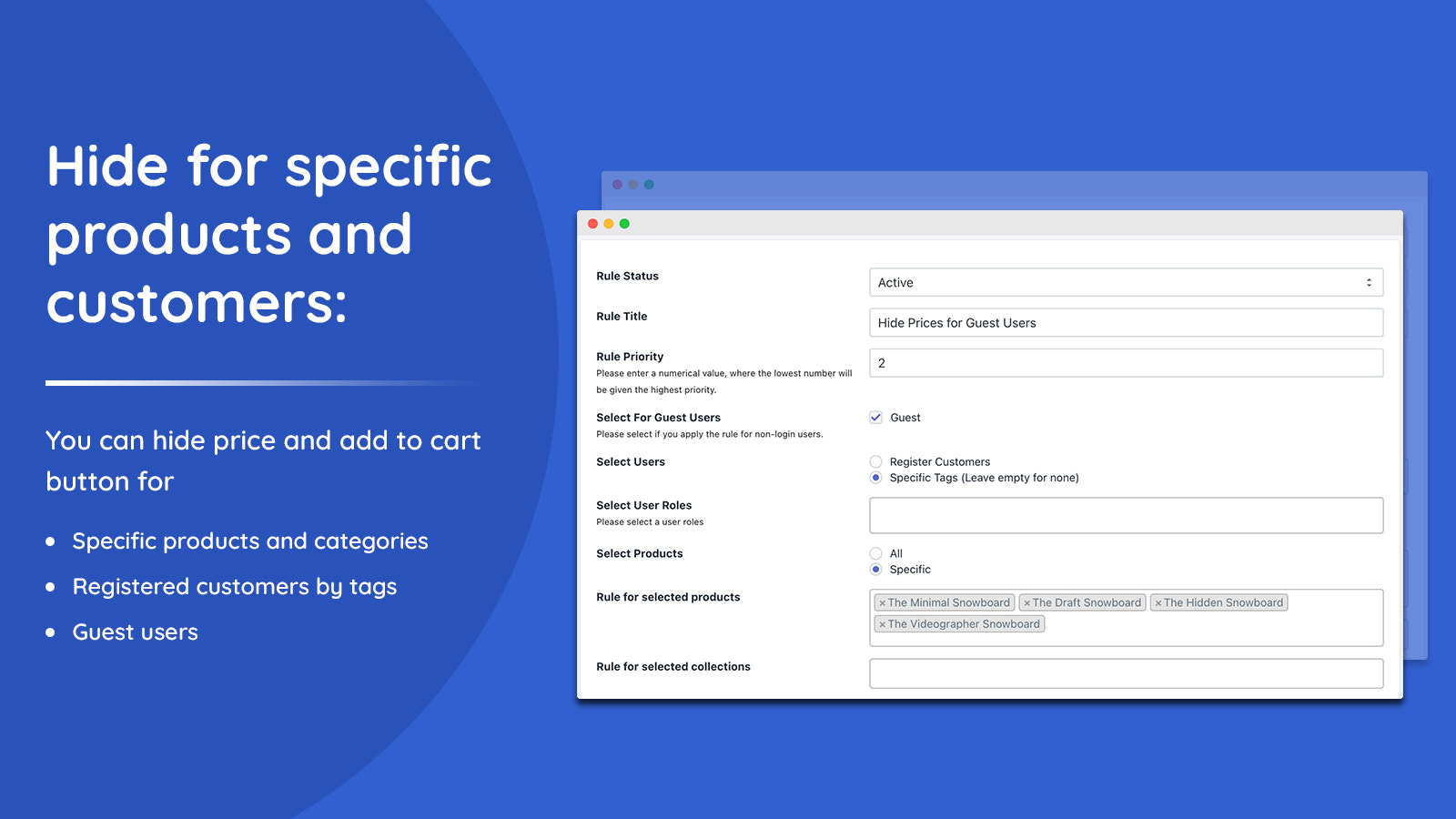
- Hide prices from guest users, all registered users, or specific registered users by tag
- Hide prices for specific products and collections
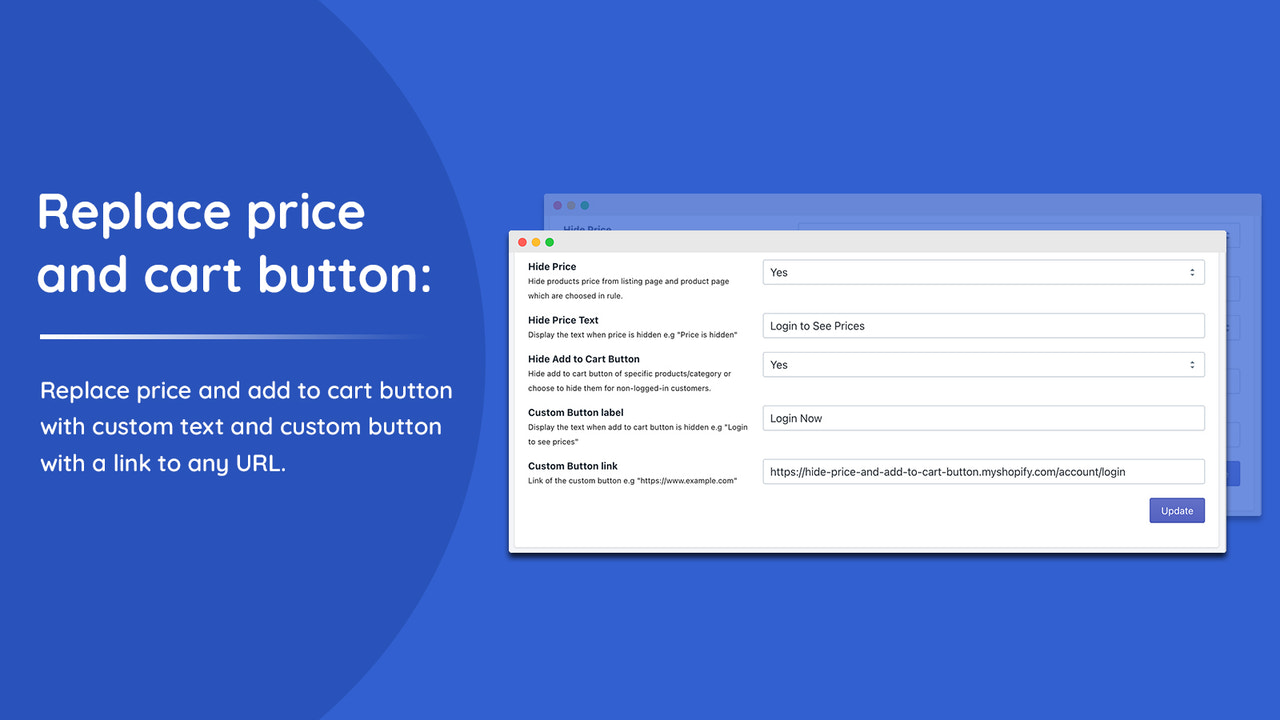
- Replace prices with custom text and replace the Add to Cart button with a custom button
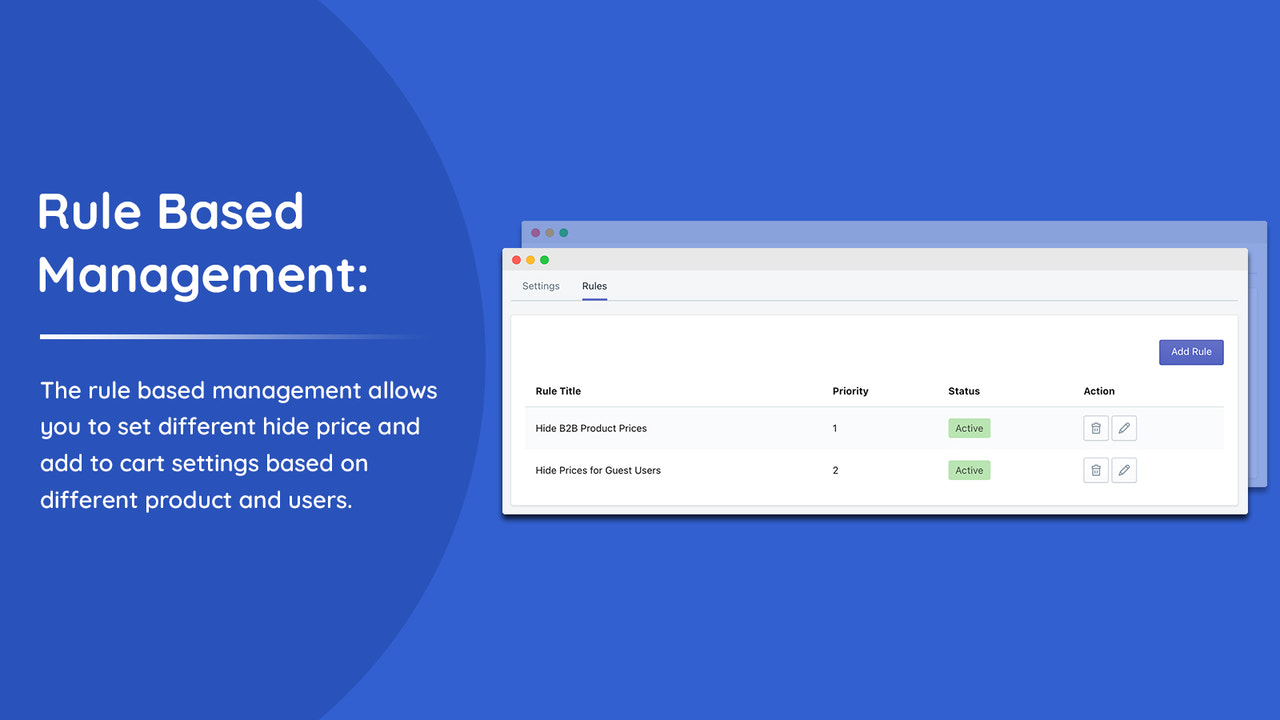
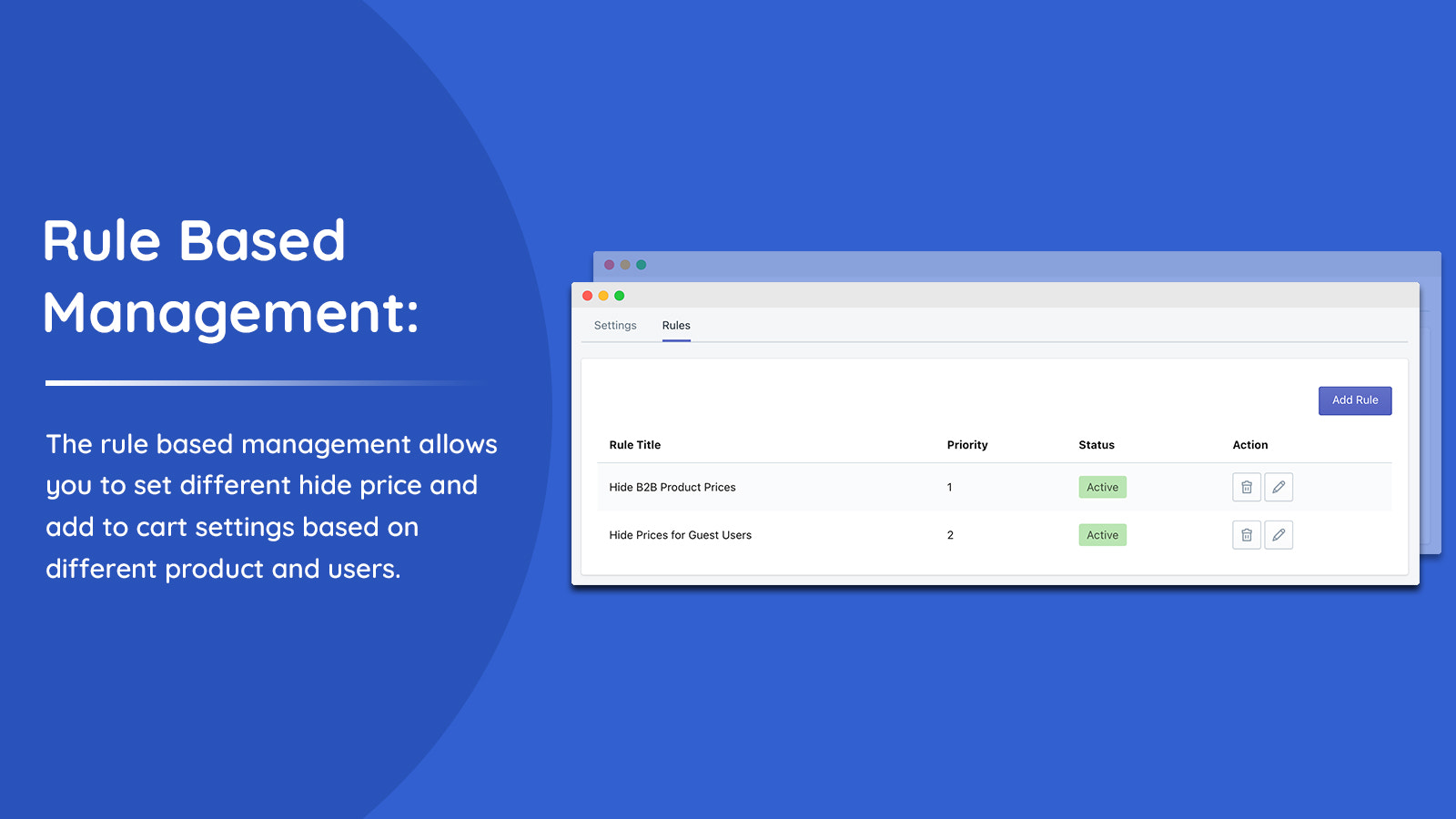
- Rule-based management to apply different settings based on user type
Merchant-Friendly
- Wholesale Merchants
- Customized E-commerce
- Membership Stores
- B2B E-commerce
Basic Information
- Developer:Addify
- Address:Premises # 001 - 35527, DSO-IFZA, IFZA Properties, Dubai Silicon Oasis, Dubai, DU, 341041, AE
- Price: Free / Free plan
- Rating:4.3 / 5
- Comment Count:14 comment
- Release Date:2024-3-4
- Supported languages:English
- Compatible products:Shopify
Application Screenshot
Price Plan
BASIC
- Suitable for Basic Shopify Plan.
STANDARD
- Applicable to Standard Shopify plans.
ADVANCED
- Available for Advanced Shopify plans.
PLUS
- Applicable to Shopify Plus plan.
User Location & Comments
User Location
Comments
Shopify API Used
- POST /admin/api/online_store/pages/{page_id}/metafields.json
- PUT /admin/api/online_store/pages/{page_id}/metafields/{metafield_id}.json
- GET /admin/api/online_store/pages/{page_id}/metafields.json
Permission:write_themes,read_themes,manage_metafields
- POST /admin/api/customers/{customer_id}/metafields.json
- PUT /admin/api/customers/{customer_id}/metafields/{metafield_id}.json
- GET /admin/api/customers/{customer_id}/metafields.json
Permission:write_customers,read_customers,manage_metafields
- POST /admin/api/products/{product_id}/metafields.json
- PUT /admin/api/products/{product_id}/metafields/{metafield_id}.json
- GET /admin/api/products/{product_id}/metafields.json
Permission:write_products,read_products,manage_metafields
- POST /admin/api/themes/{theme_id}/assets.json
- PUT /admin/api/themes/{theme_id}/assets.json
- GET /admin/api/themes/{theme_id}/assets.json
Permission:write_themes,read_themes,manage_assets
- POST /admin/api/metafield_definitions.json
- PUT /admin/api/metafield_definitions/{id}.json
- GET /admin/api/metafield_definitions.json
Permission:manage_metafields,write_themes,read_customers