
App Introduction
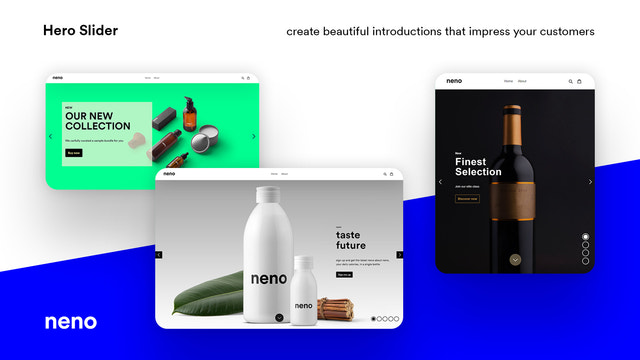
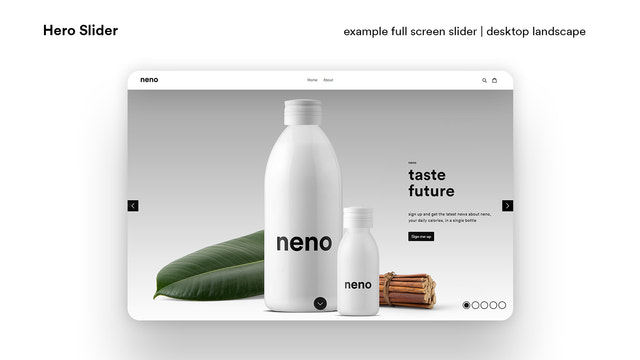
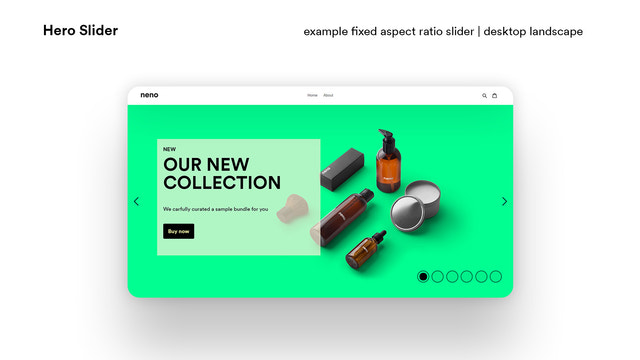
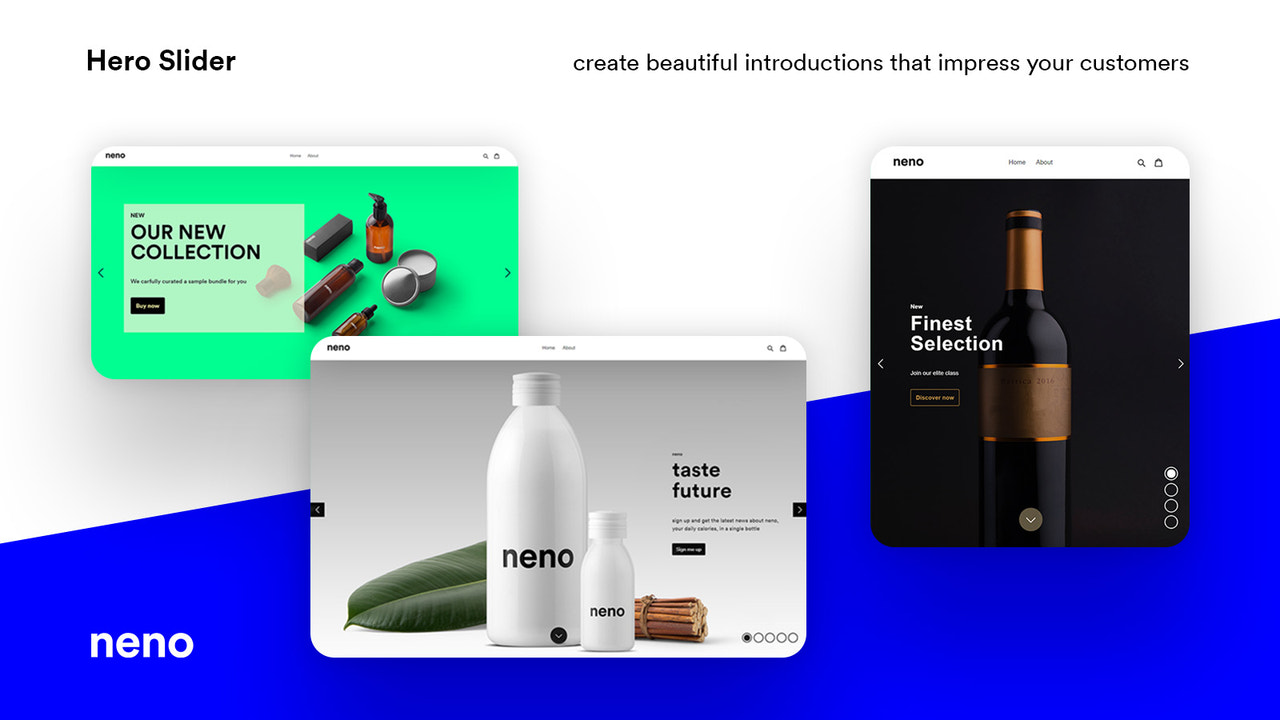
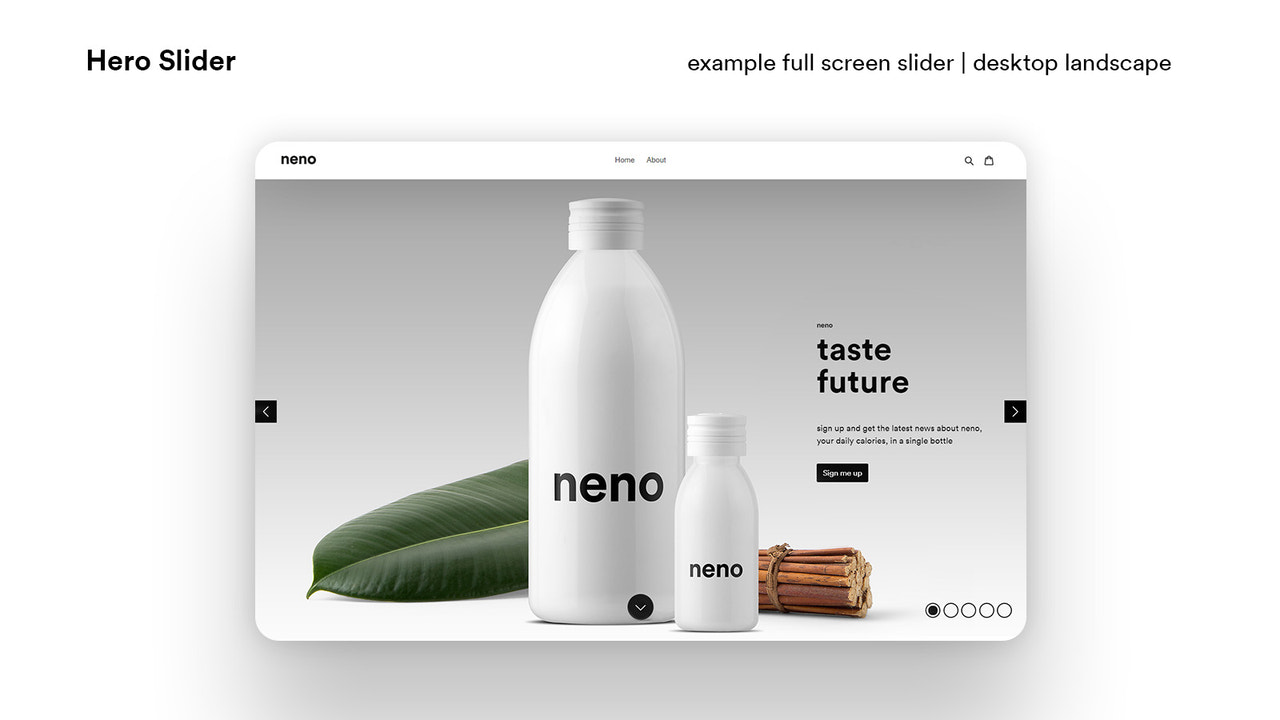
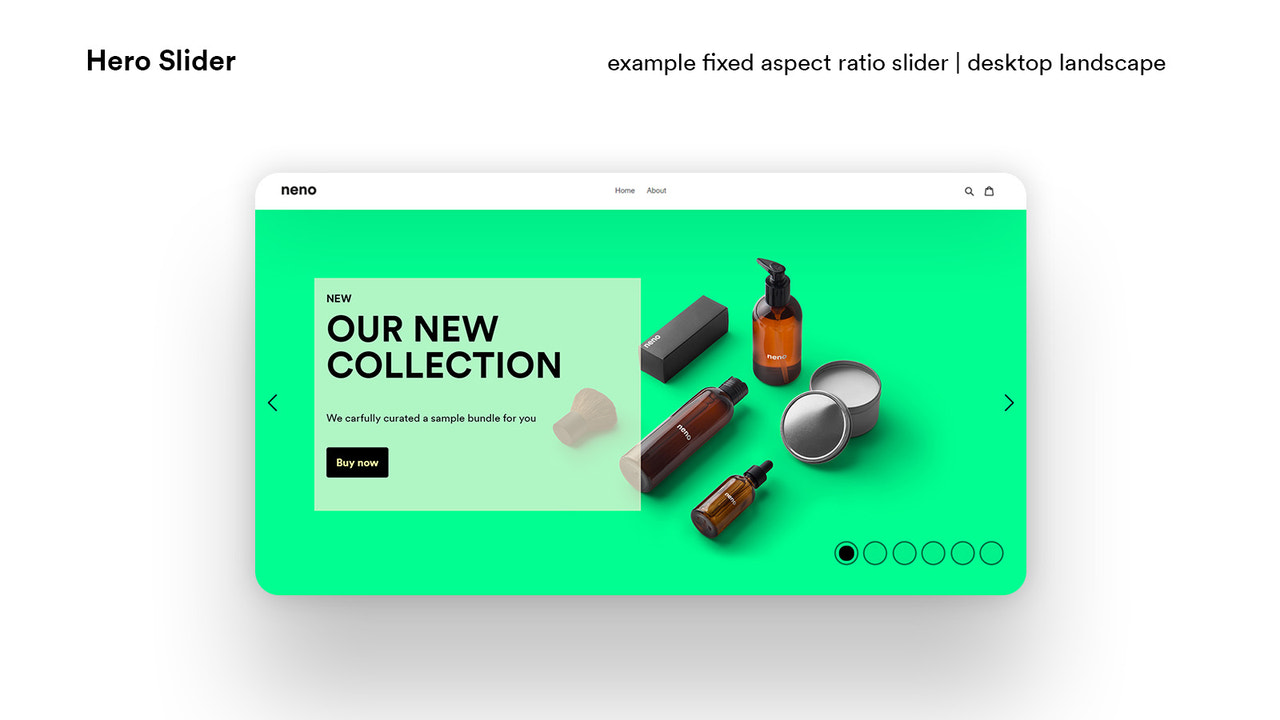
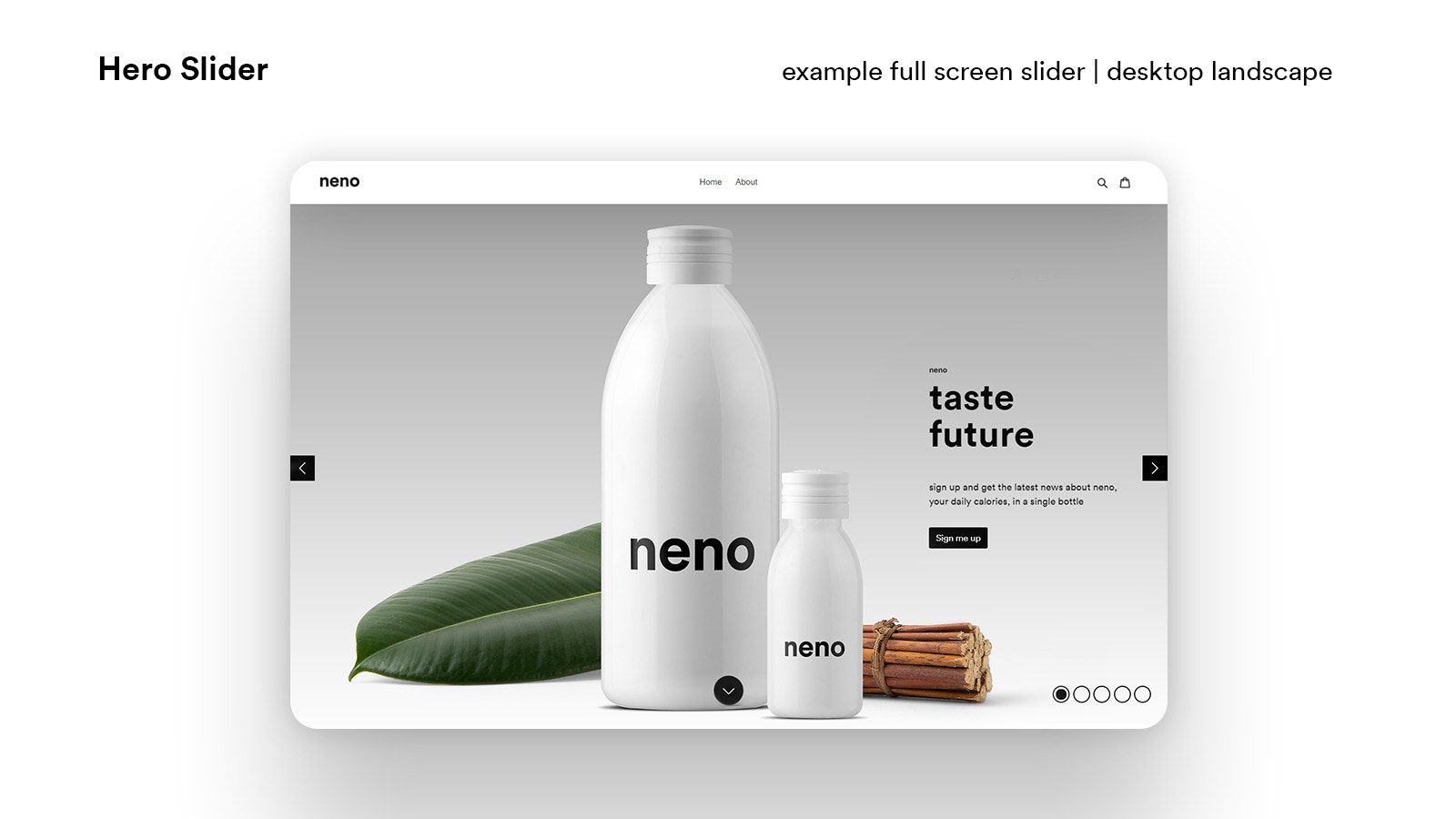
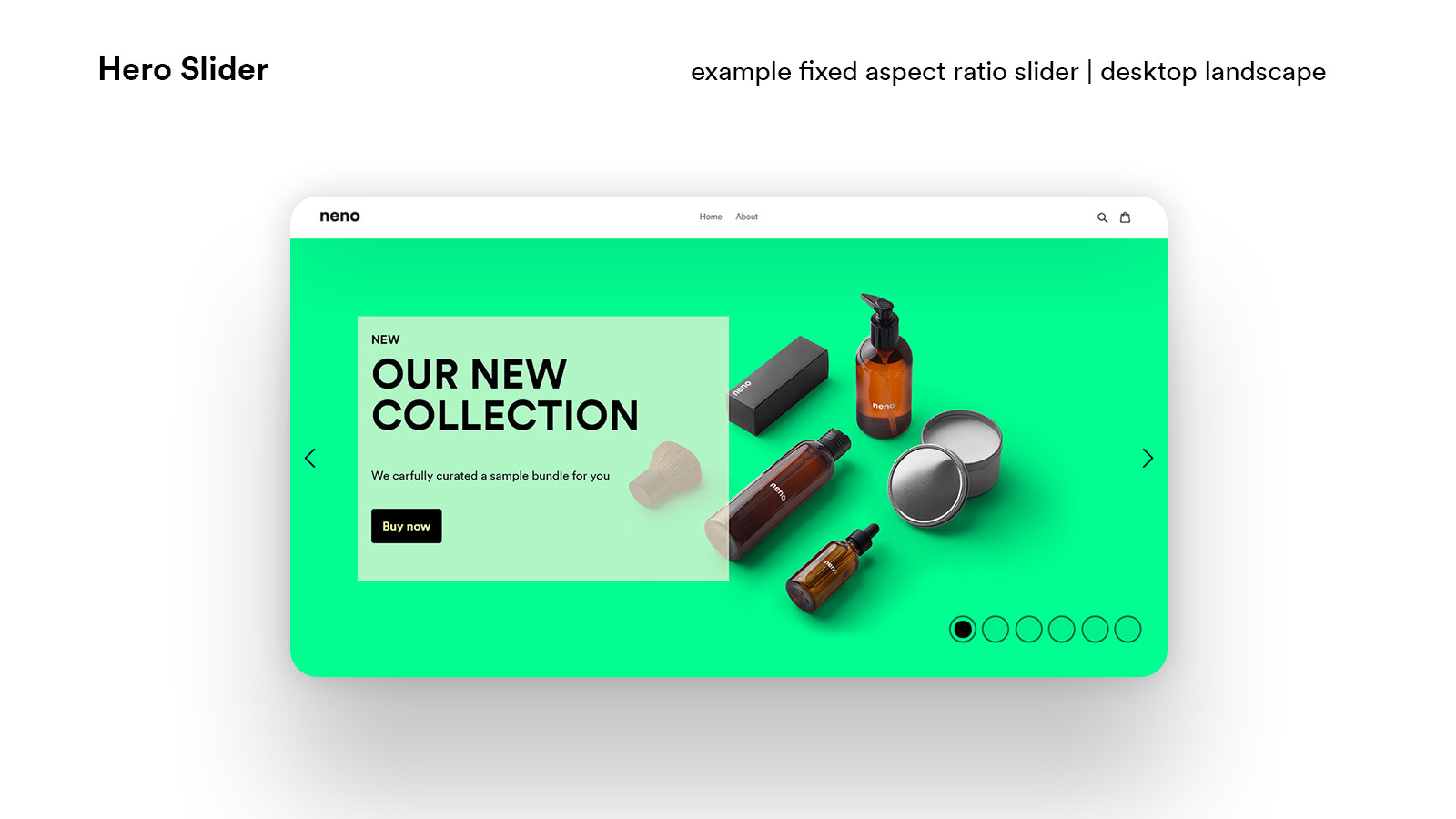
Grab Your Customers’ Attention Immediately. The Neno Hero Slider can be placed directly below your header Grab Your Customers’ Attention Immediately. The Neno Hero Slider is theme-independent and can be placed directly below your header, welcoming your customers with image-rich information or your product news. Create an Unlimited Number of Slides. For each slide, you can set vertical and horizontal images, text, and a call-to-action button. Use the included animation presets to bring your images to life. You only need to configure the slider once from a wide range of options, then simply manage its content.
Core Functionality
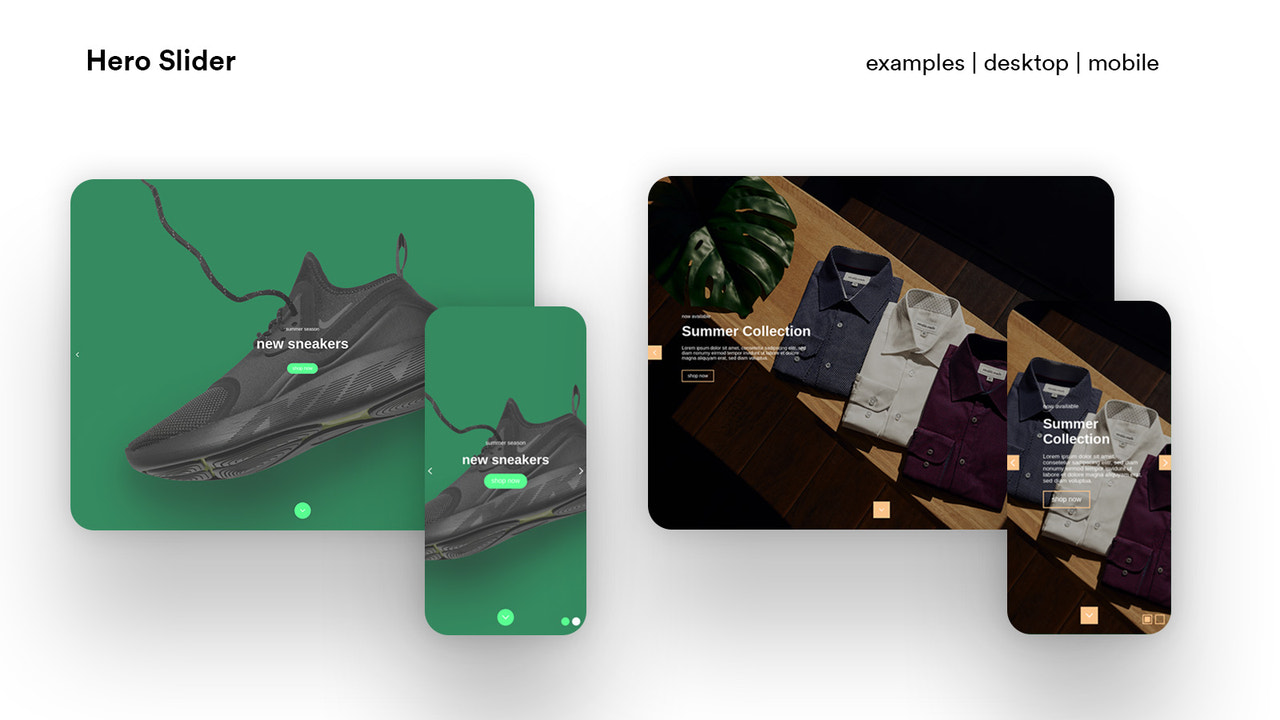
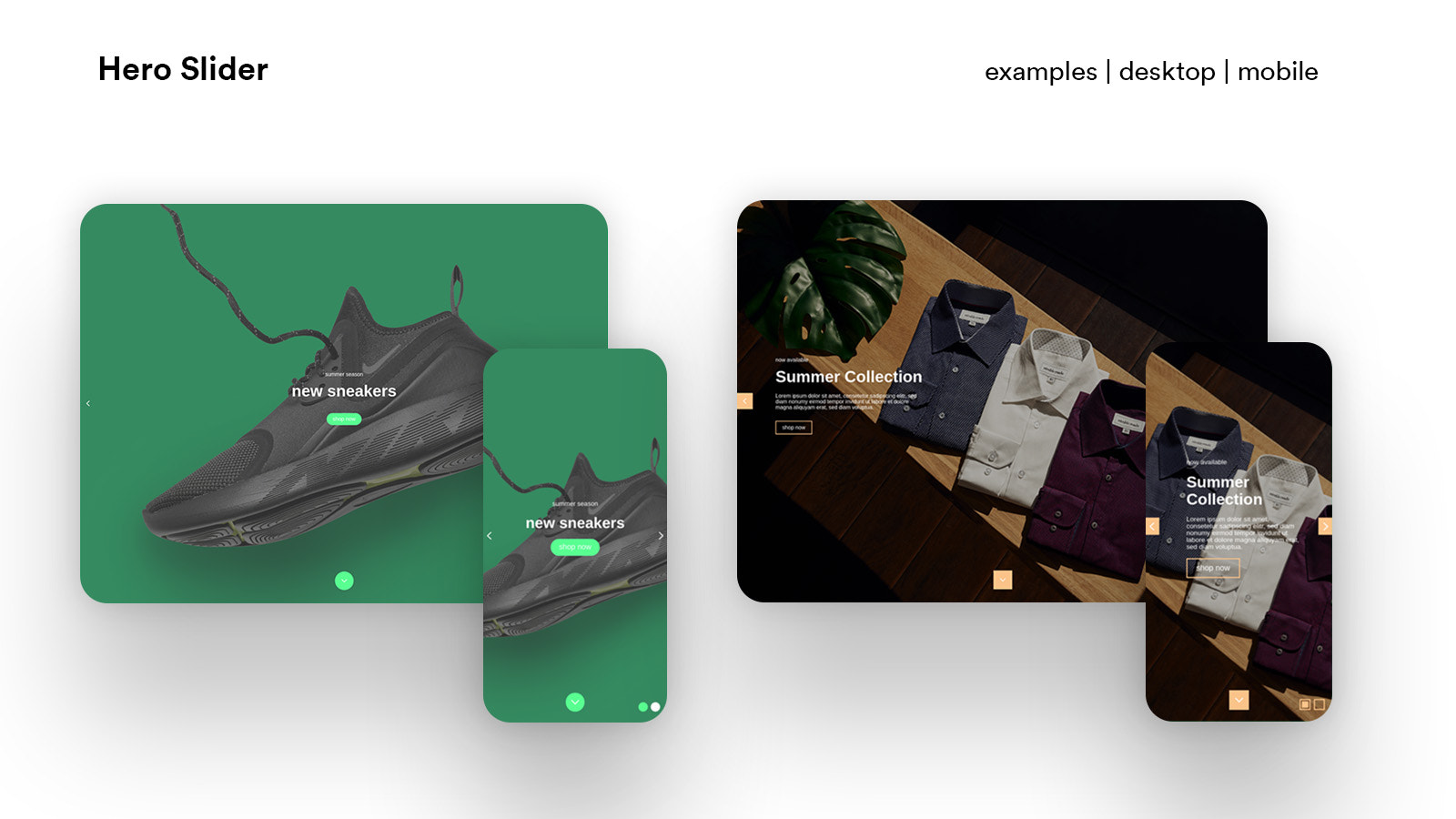
- Set different settings and images for various devices
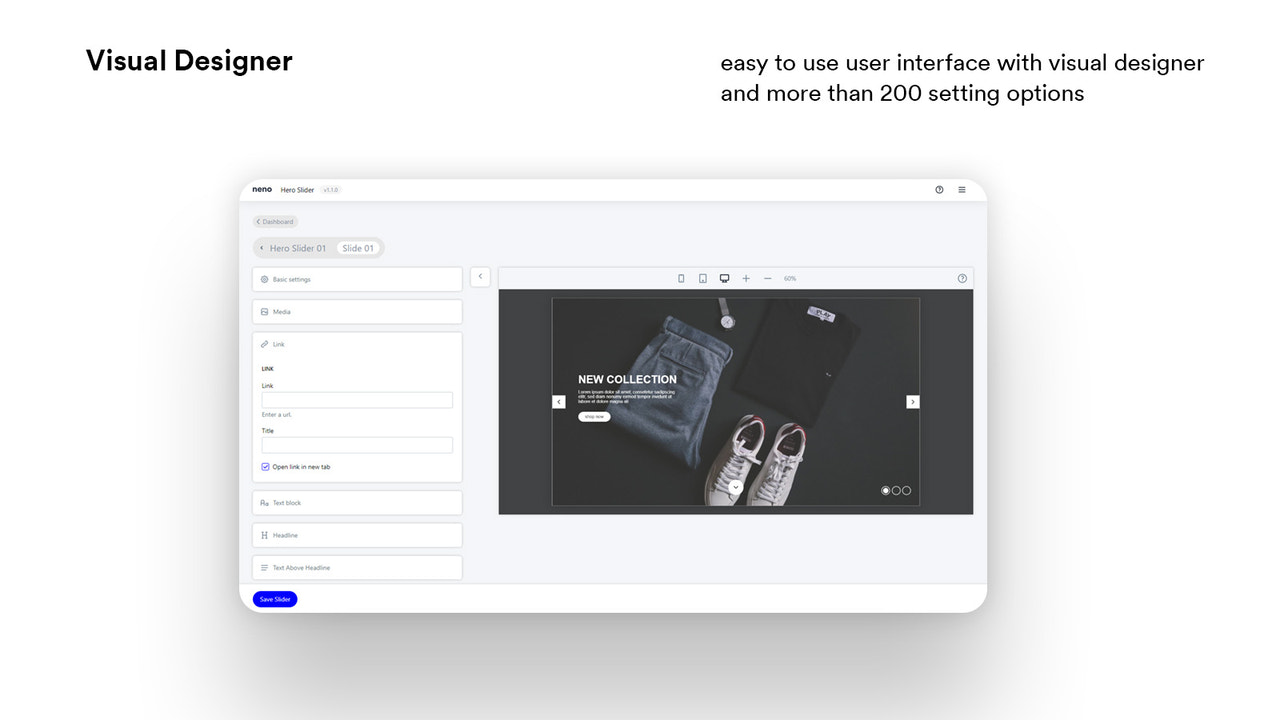
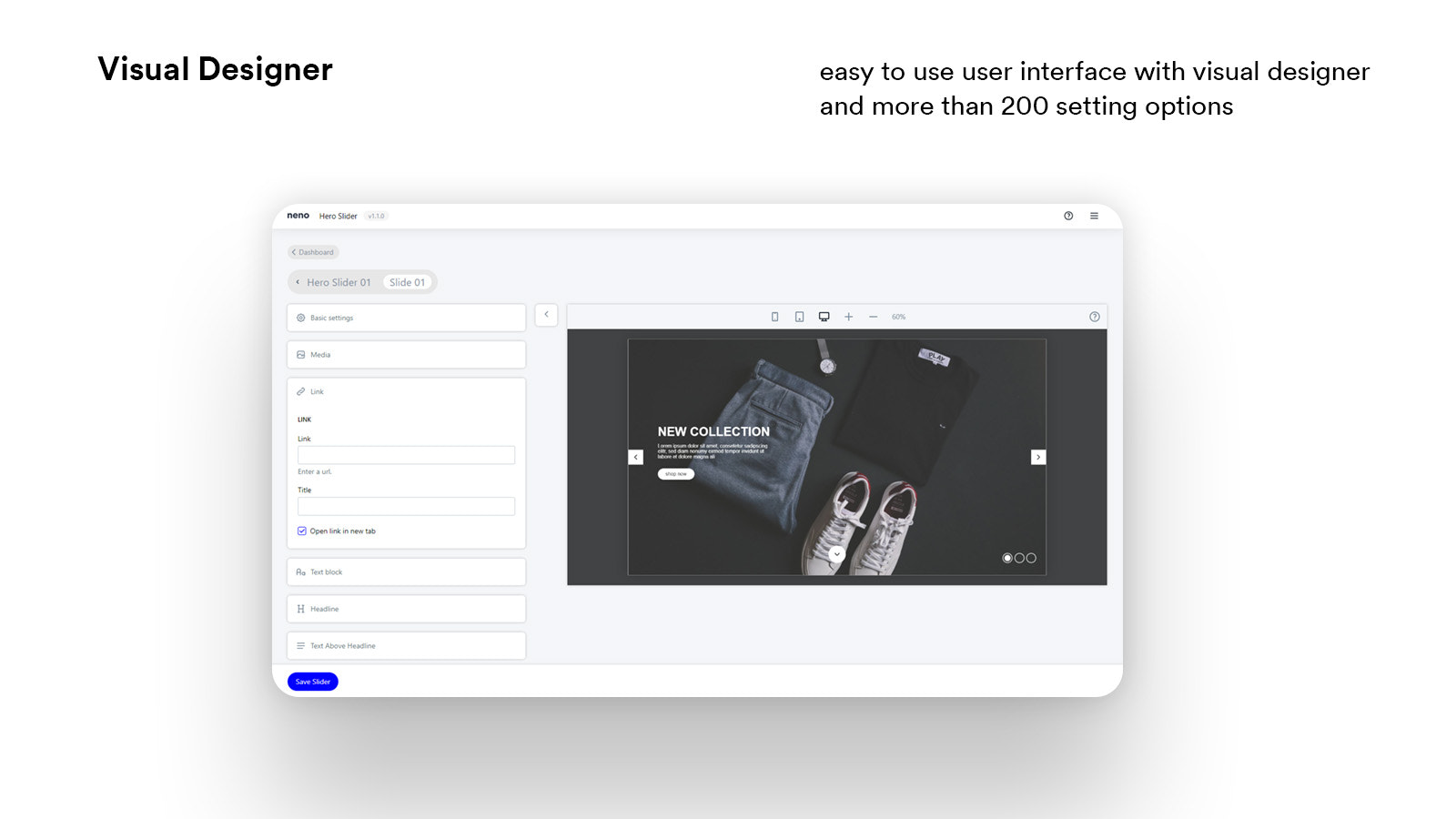
- Extensive customization with multiple settings to match your brand experience
- Greet your customers with visual announcements or your product news
Merchant-Friendly
- Independent Station Merchants
- Brand E-commerce
- Multi-category E-commerce
- Cross-border E-commerce
Basic Information
- Developer:neno
- Address:Maximilian Volkenborn und Max Merissen GbR, Zur Wassermühle 4, Xanten, 46509, DE
- Price: Free / Free plan
- Rating:5 / 5
- Comment Count:3 comment
- Release Date:2021-6-28
- Supported languages:English
- Compatible products:Shopify
Application Screenshot

Price Plan
标准
- Unlimited sliders on different pages
- Unlimited slides
- Unlimited image uploads
- Automatic image resizing and compression
User Location & Comments
User Location
Comments
Shopify API Used
- POST /admin/api/themes/{theme_id}/settings.json
- PUT /admin/api/themes/{theme_id}/settings.json
- GET /admin/api/themes/{theme_id}/settings.json
Permission:write_themes,read_themes,manage_online_store
- POST /admin/api/shop.json
- PUT /admin/api/shop.json
- GET /admin/api/shop.json
Permission:write_shop,read_shop,manage_online_store
- POST /admin/api/pages.json
- PUT /admin/api/pages/{page_id}.json
- GET /admin/api/pages.json
Permission:write_pages,read_pages,manage_online_store



