
App Introduction
Leverage the flexibility of Google Tag Manager to measure and optimize sales results (GA4 supported) The GTM & Data Layer app provides a seamless solution for integrating Google Tag Manager. With this app, you can connect your store to Google Tag Manager without spending valuable time editing theme code. Google Tag Manager offers a convenient platform to centralize all tags for your website in one place, simplifying their management. This makes tag changes and updates related to conversion tracking, website analytics, remarketing, and more a breeze.
Core Functionality
- Install Google Tag Manager for Shopify.
- Easily integrate GA4, UA, Facebook Pixel, and Google Ads tags with GTM
- Manage all tags and conversions in one place.
Merchant-Friendly
- Independent Station Merchants
- E-commerce Operators
- Digital Marketing Merchants
Basic Information
- Developer:SpringApps
- Address:Splaiul independentei 202m, bucharest, B, 060023, RO
- Price: Free / Free plan
- Rating:4.7 / 5
- Comment Count:10 comment
- Release Date:2024-4-3
- Supported languages:English
- Compatible products:Shopify
Application Screenshot












Price Plan
基础计划
- Install Google Tag Manager
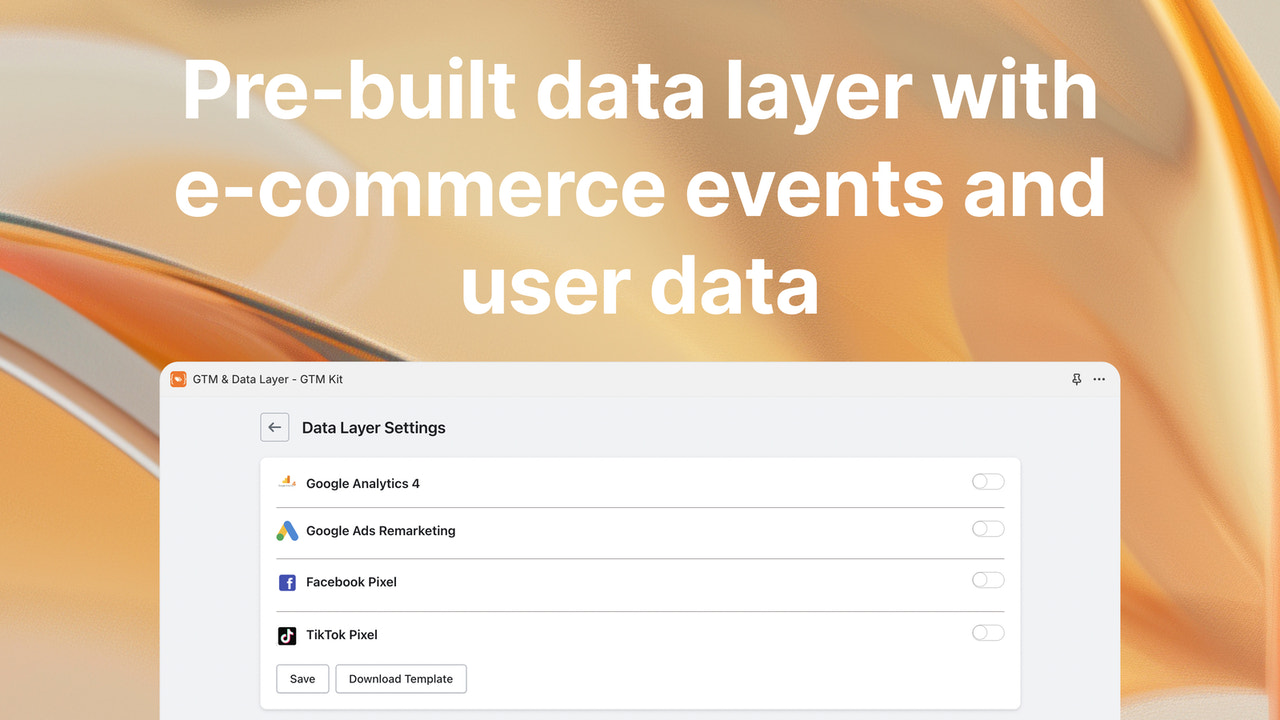
- Pre-built Data Layer
- Pre-built Tags
- Set Up Adcell Network
- Triggers
- Track Purchases
- Support
User Location & Comments
User Location
Comments
Shopify API Used
- POST /admin/api/script_tags.json
- GET /admin/api/script_tags.json
- PUT /admin/api/script_tags/{id}.json
Permission:write_script_tags,read_script_tags,manage_online_store
- POST /admin/api/script_tags.json
- GET /admin/api/script_tags.json
- PUT /admin/api/script_tags/{id}.json
Permission:write_script_tags,read_script_tags,manage_online_store
- GET /admin/api/script_tags.json
- PUT /admin/api/script_tags/{id}.json
- DELETE /admin/api/script_tags/{id}.json
Permission:read_script_tags,write_script_tags,manage_online_store



