
App Introduction
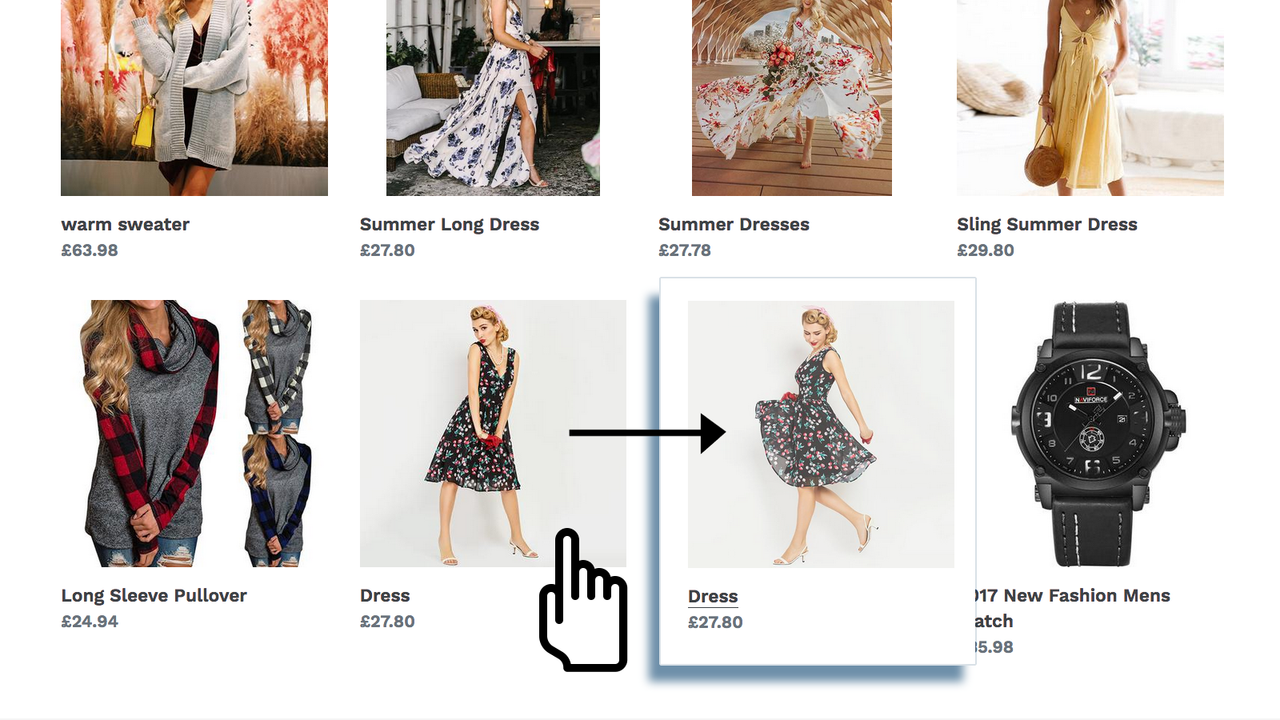
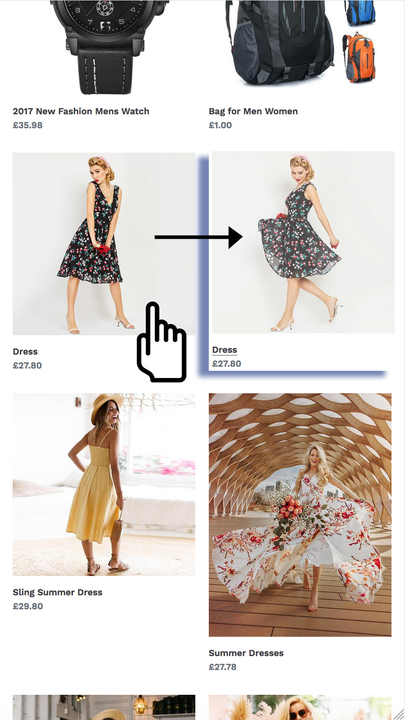
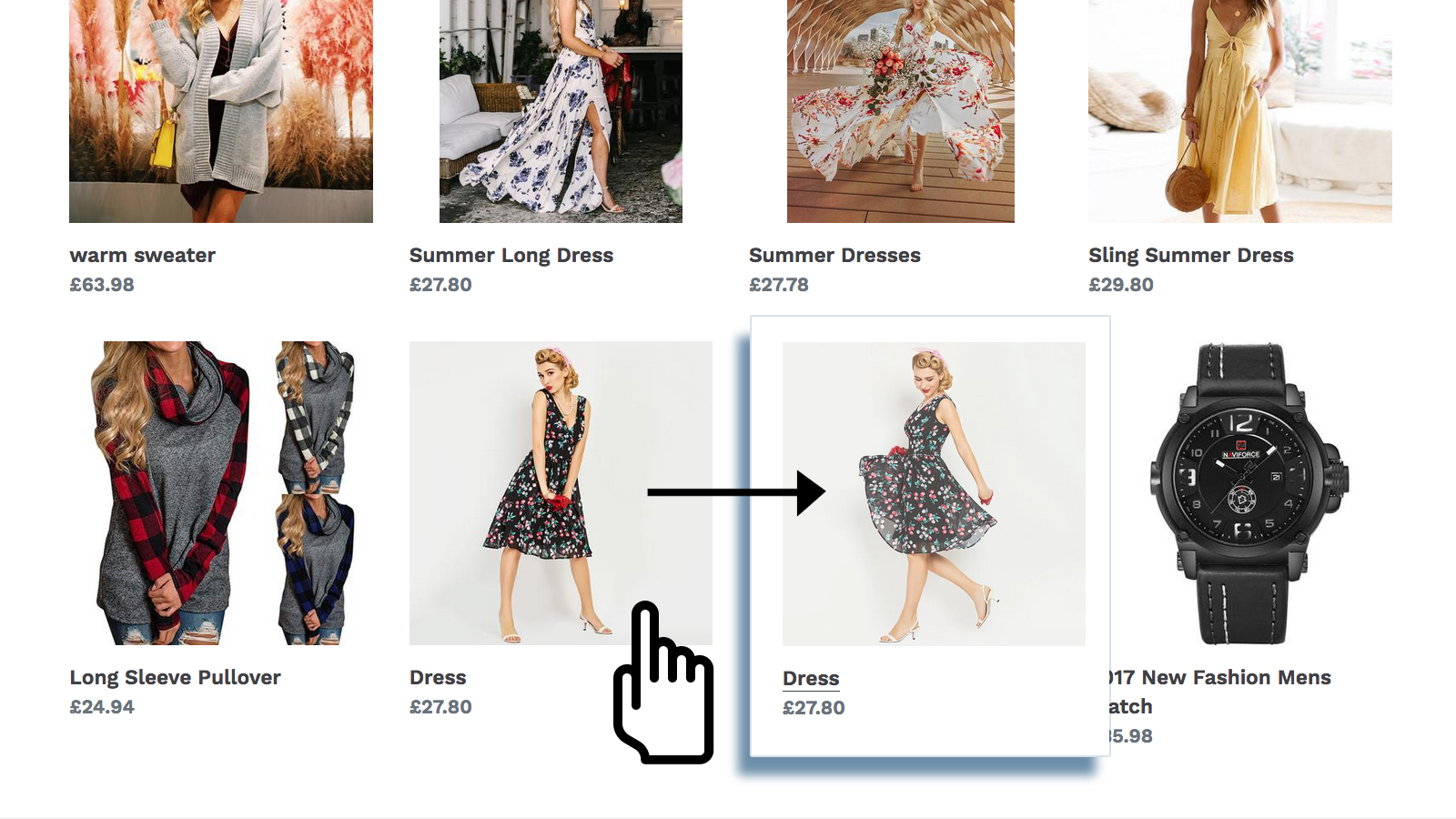
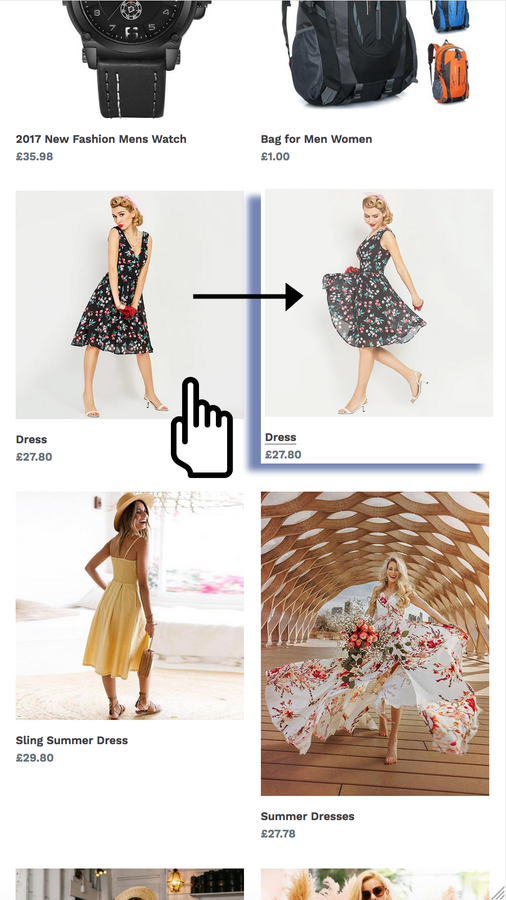
Add a second image to your product for hover display, boosting product showcase and visibility. With our app, you can add hover effects to product images on collection pages and your homepage. When customers hover their cursor over a product section, the image will switch to the second image in your product’s media list or the one configured in the app’s dashboard. The app works seamlessly on mobile devices too. Visitors can quickly view additional images without navigating to the product page, helping grab customers’ attention, enhance user experience, and make product browsing easier.
Core Functionality
- Show the second product image when customers hover over items in the product list.
- Once the app is enabled, the second image will automatically appear on hover.
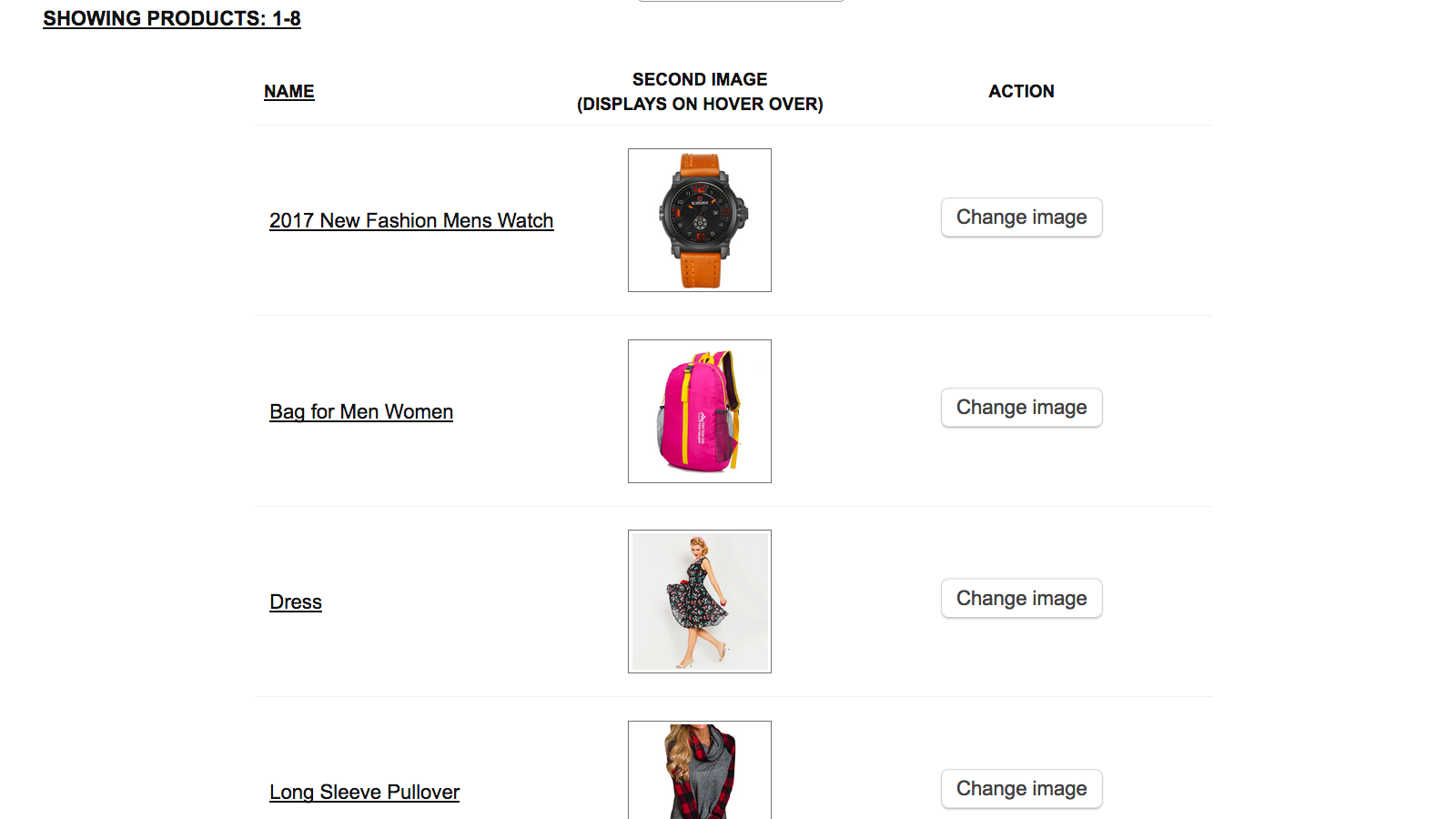
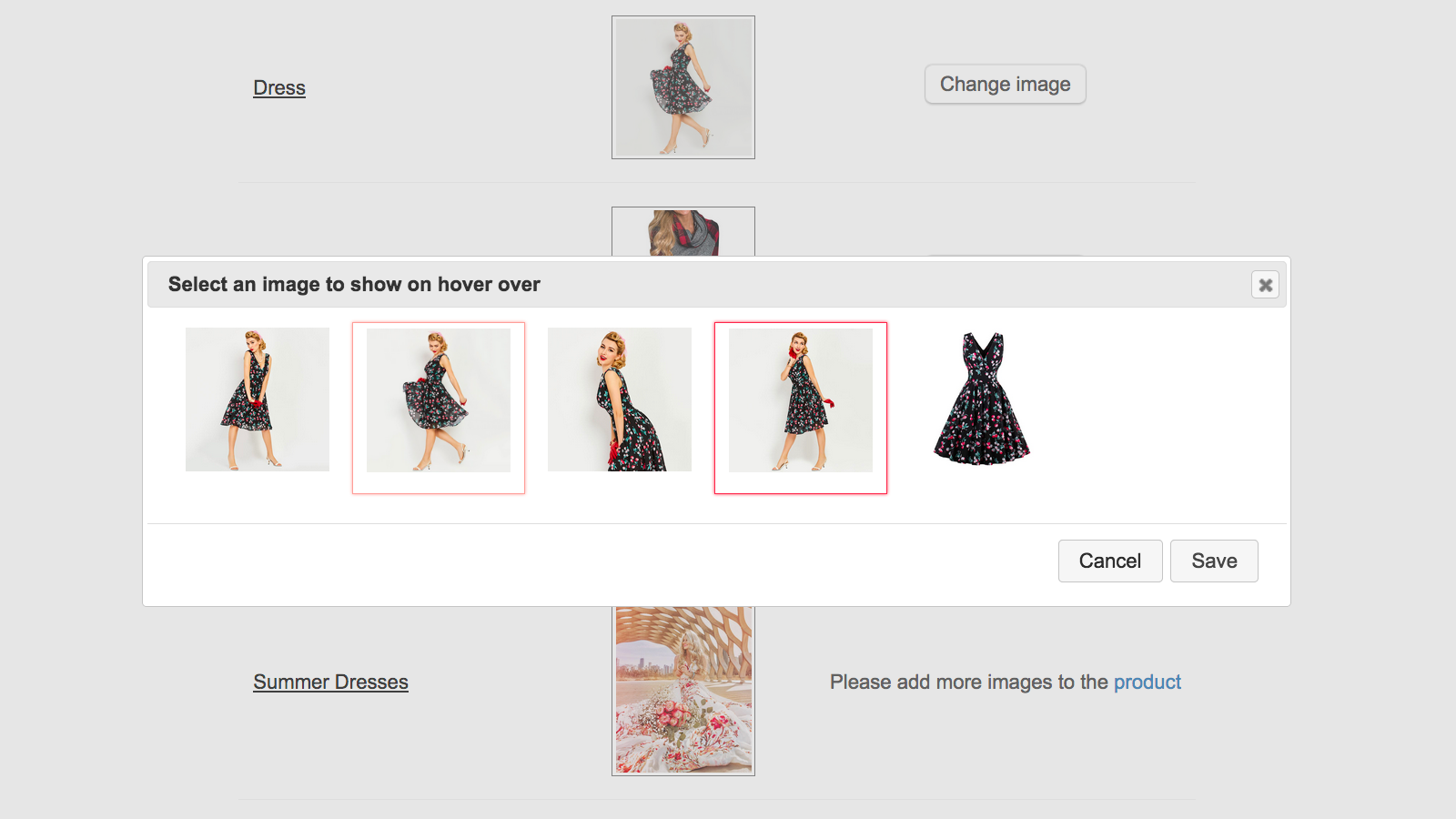
- If needed, you can change the second image in the app’s admin panel.
- Display the second product image on mobile when users tap the product photo.
Merchant-Friendly
- Independent Station Merchants
- Fashion Apparel Merchants
- Home Goods Merchants
- 3C Digital Merchants
Basic Information
- Developer:Gravity Software
- Address:Konstantynów łódzki, PL
- Price: Free / Free plan
- Rating:4.9 / 5
- Comment Count:10 comment
- Release Date:2019-1-17
- Supported languages:English
- Compatible products:Shopify
Application Screenshot

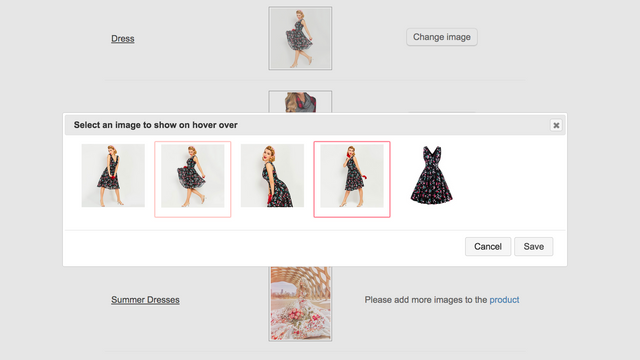
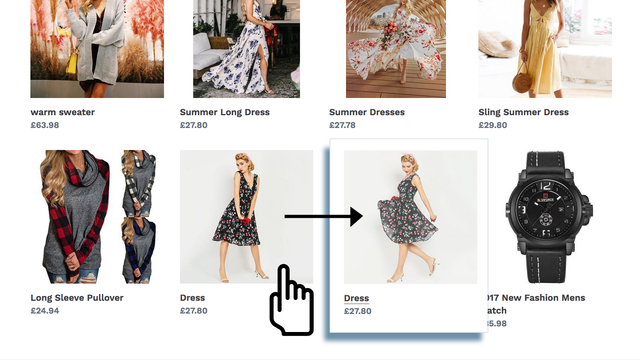
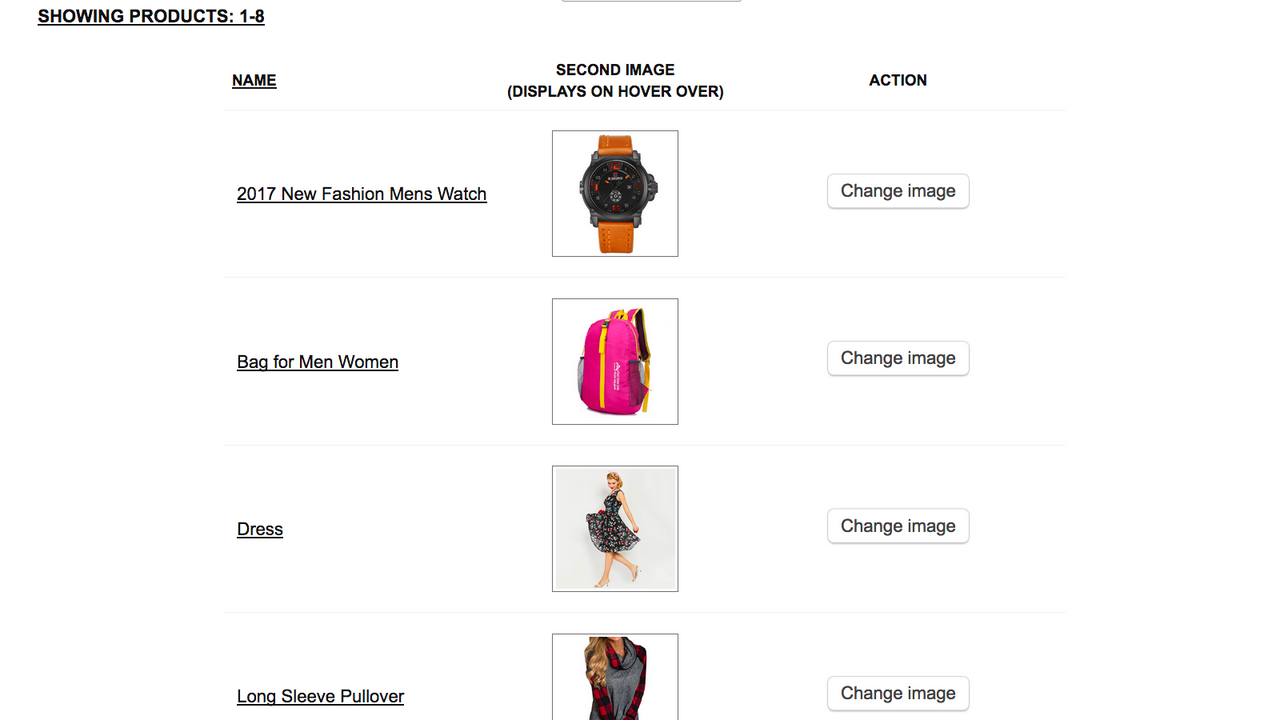
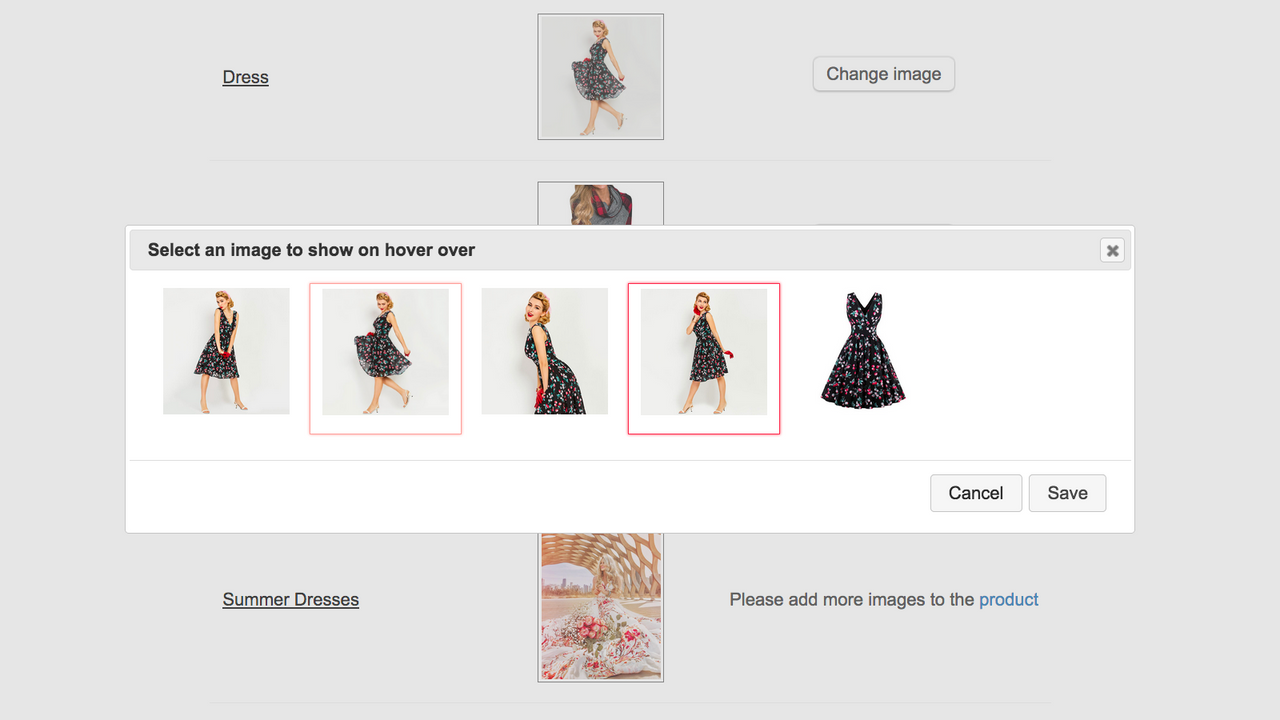
Price Plan
完全访问
- Includes all features
User Location & Comments
User Location
Comments
Shopify API Used
- GET /admin/api/products.json
- GET /admin/api/products/{product_id}/images.json
- PUT /admin/api/products/{product_id}/images/{image_id}.json
Permission:read_products,write_products,manage_products
- GET /admin/api/apps/{app_id}/settings.json
- PUT /admin/api/apps/{app_id}/settings.json
- GET /admin/api/products/{product_id}/images.json
Permission:read_apps,write_apps,read_products
- GET /admin/api/products/{product_id}/images.json
- PUT /admin/api/products/{product_id}/images/{image_id}.json
- POST /admin/api/products/{product_id}/images.json
Permission:write_products,manage_products,read_products
- GET /admin/api/products.json
- GET /admin/api/products/{product_id}/images.json
- PUT /admin/api/apps/{app_id}/settings.json
Permission:read_products,write_apps,manage_products



