
App Introduction
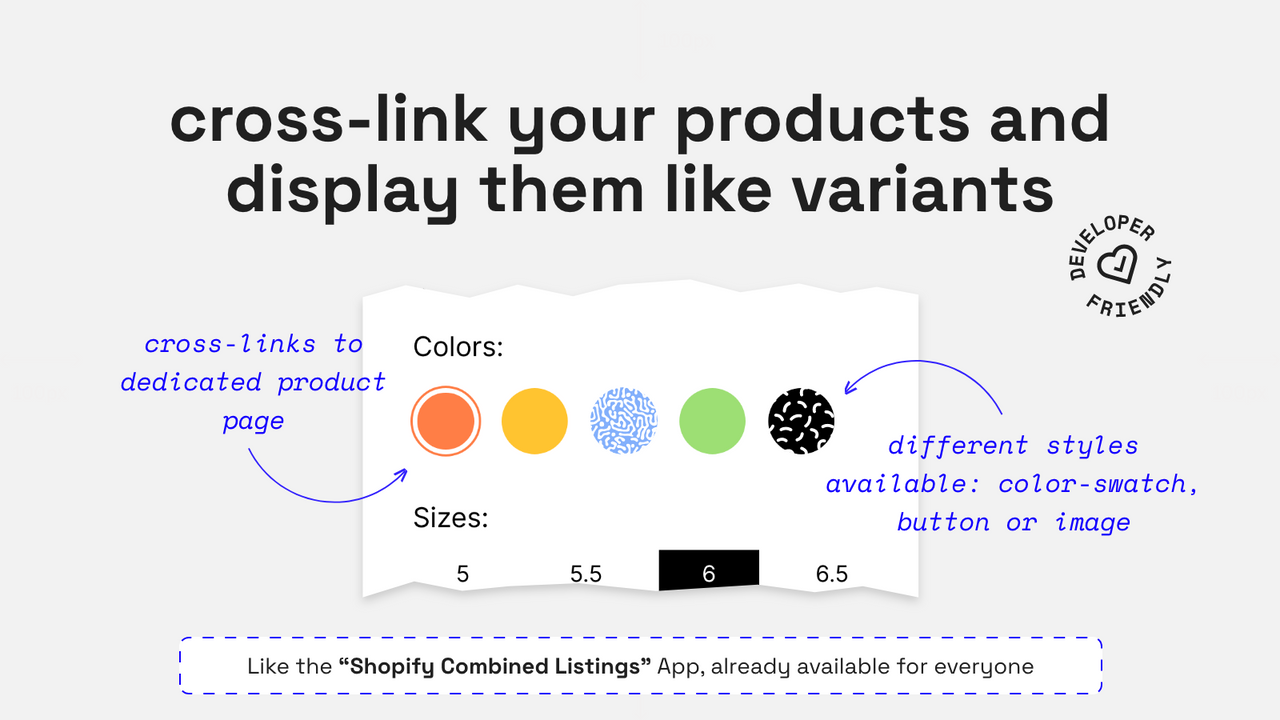
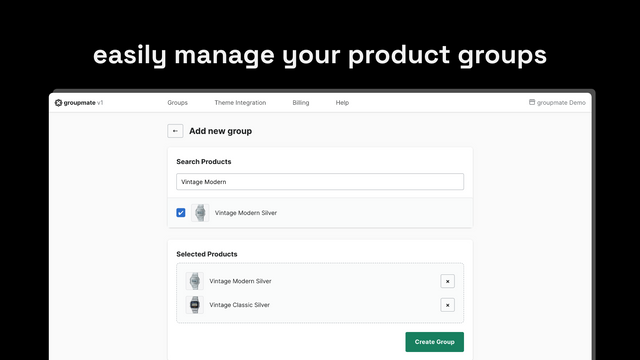
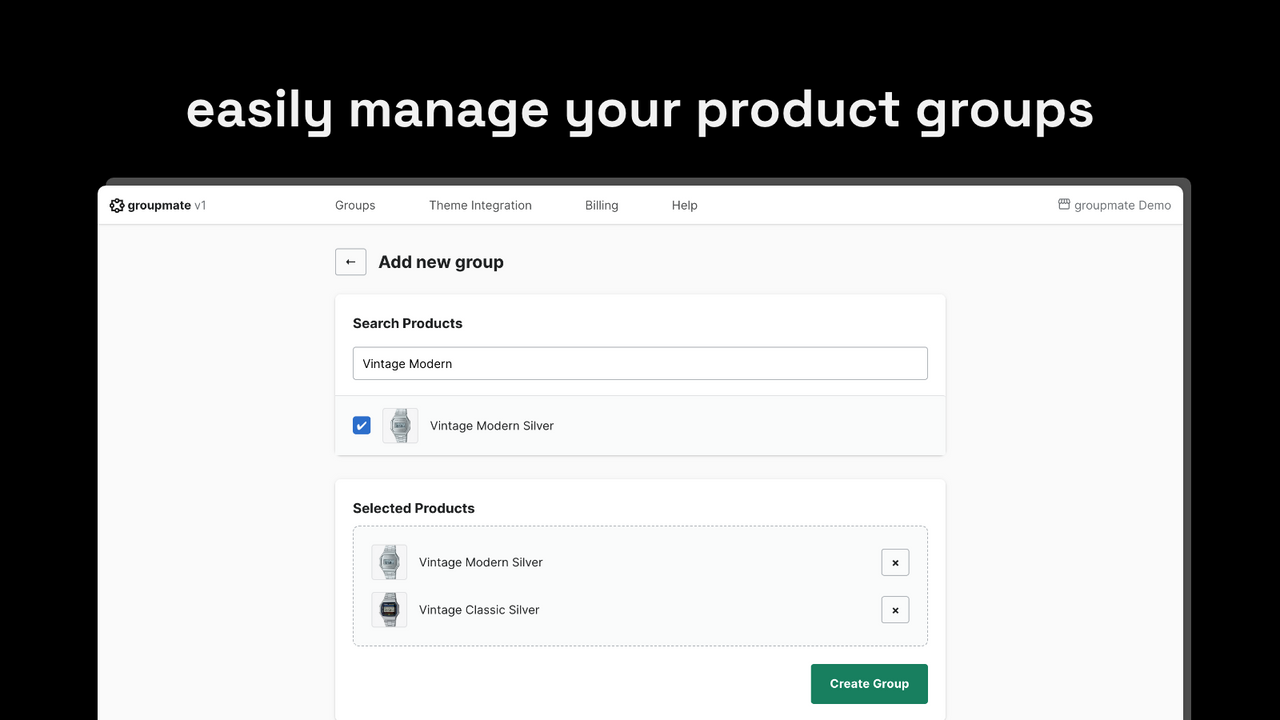
Organize similar products into "groups" and display them on your product pages just like variants. Do you need dedicated product pages for your variants? Want to let your customers switch between them easily? groupmate can help you achieve this. We simplify the management of product groups and seamlessly integrate them into your theme without compromising your page speed. Bonus: groupmate comes with an additional "vanilla" version that your development team can truly customize the swatches based on requirements and style guides, or build new features on top of it.
Core Functionality
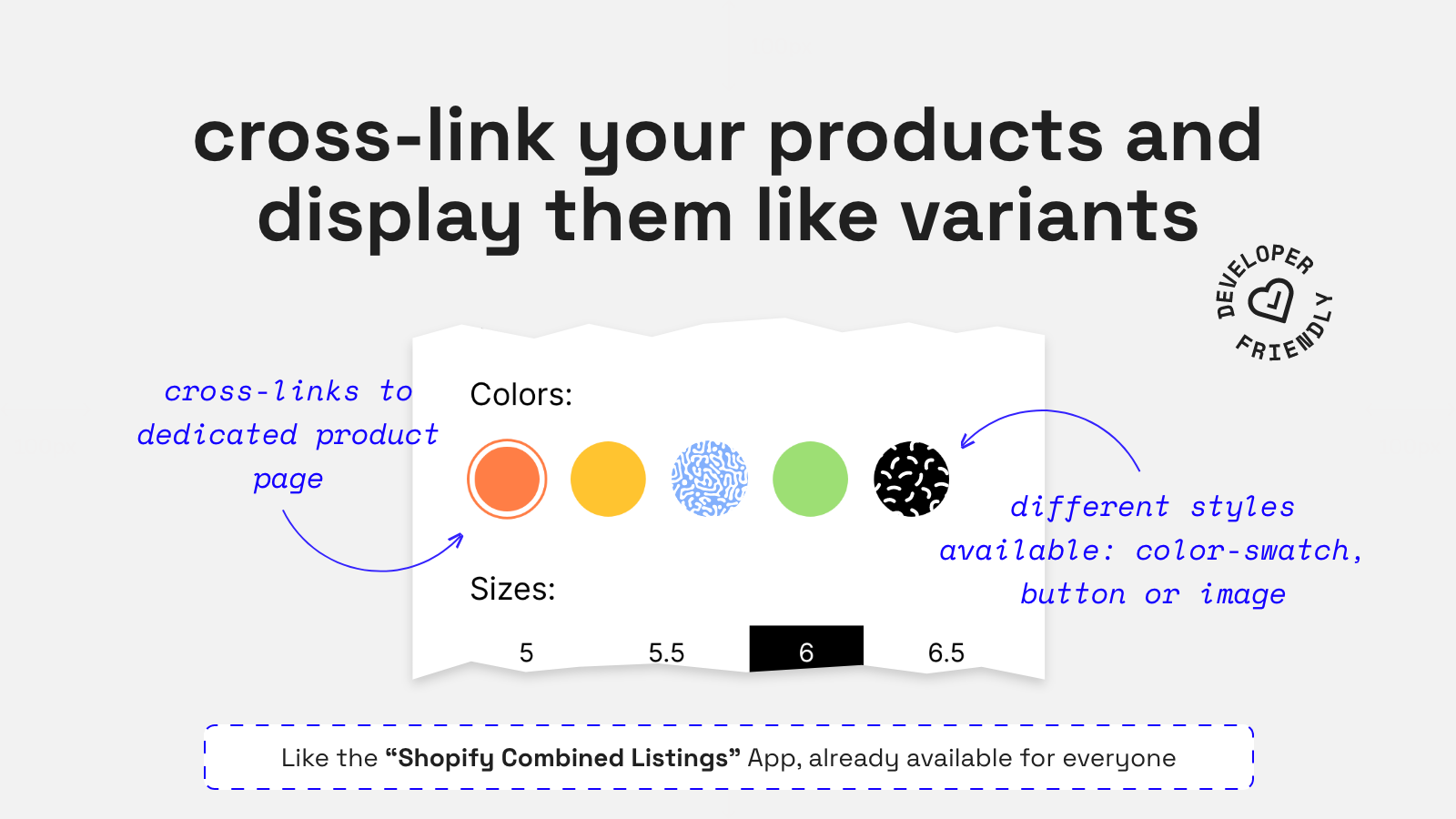
- Available to everyone, just like the Shopify Combined Listings app
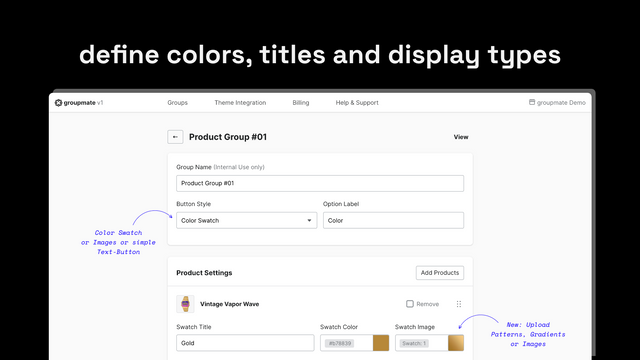
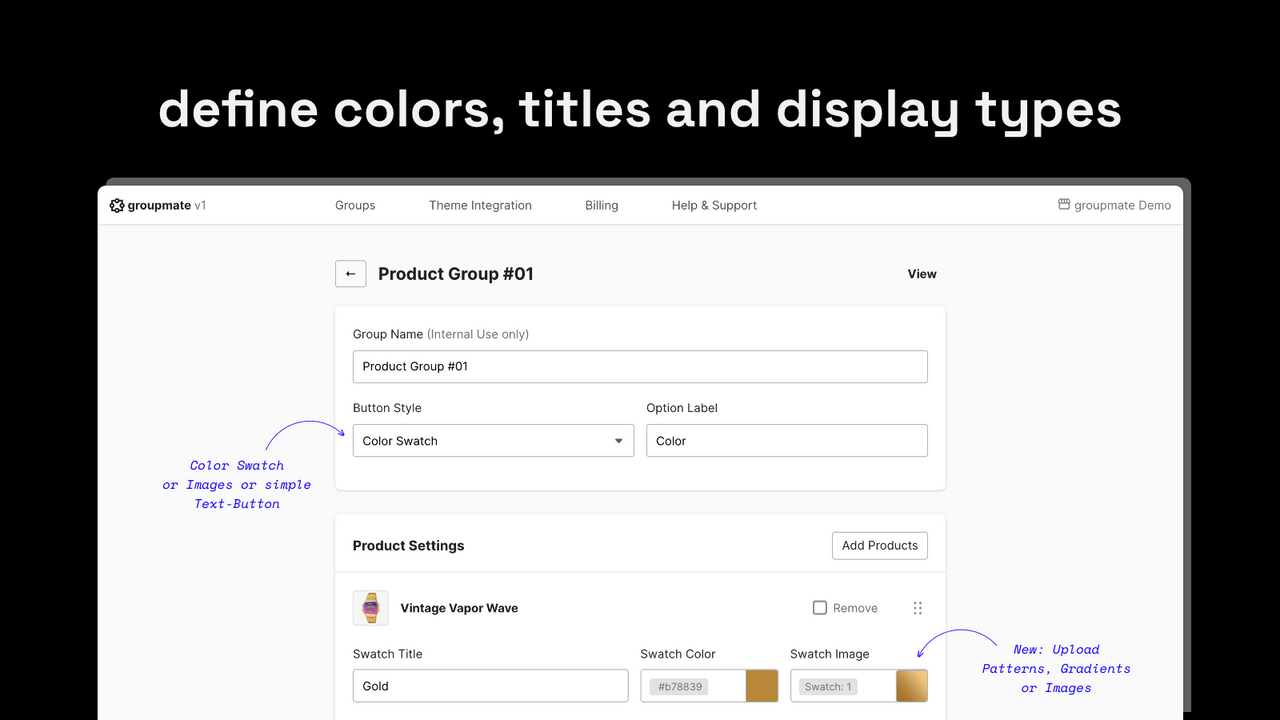
- Offer different swatch styles (colors, buttons, and images)
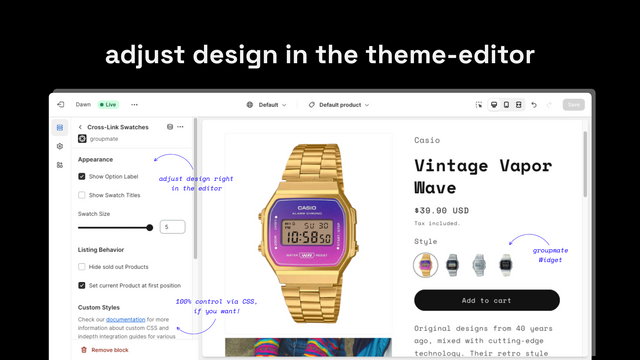
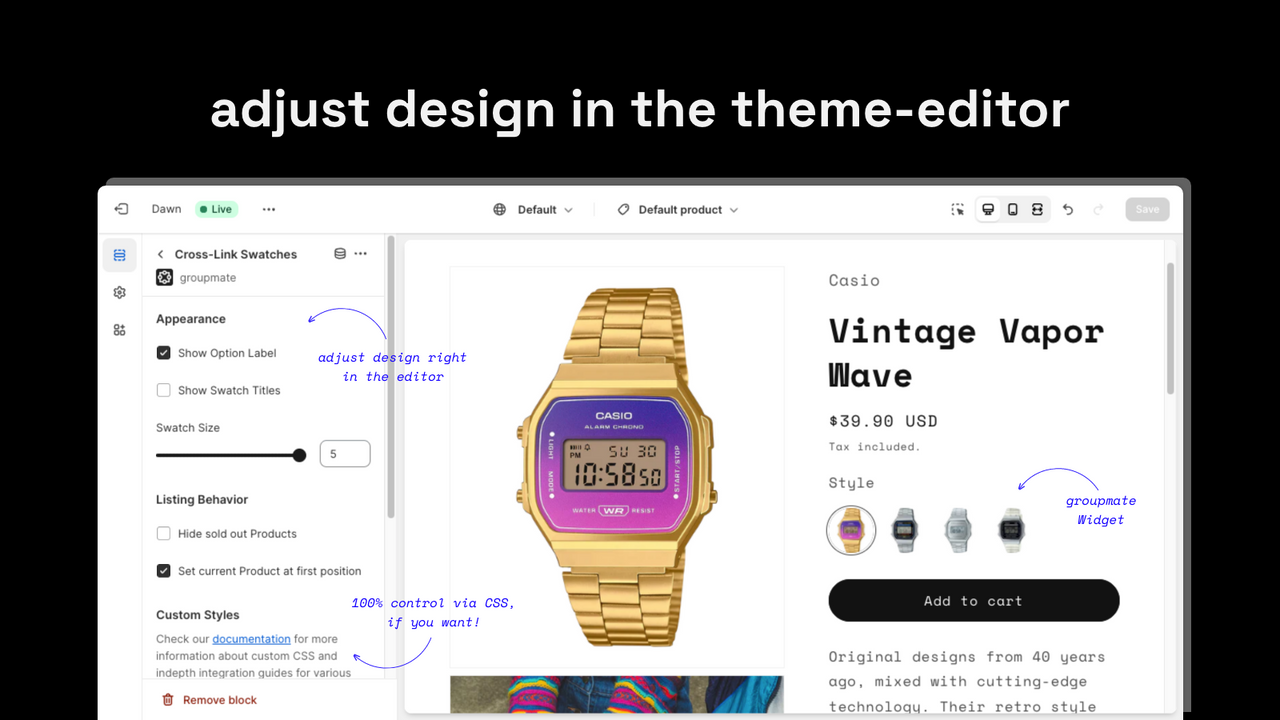
- Simple, non-intrusive integration into your Online Store 2.0 theme
- Does not impact your page speed
Merchant-Friendly
- Apparel Merchants
- Home Goods Merchants
- Multi-category E-commerce Merchants
Basic Information
- Developer:mono.works GmbH
- Address:Scharhofer Straße 19, Mannheim, 68307, DE
- Price: Free / Free plan
- Rating:5 / 5
- Comment Count:24 comment
- Release Date:2023-10-5
- Supported languages:English
- Compatible products:Shopify
Application Screenshot
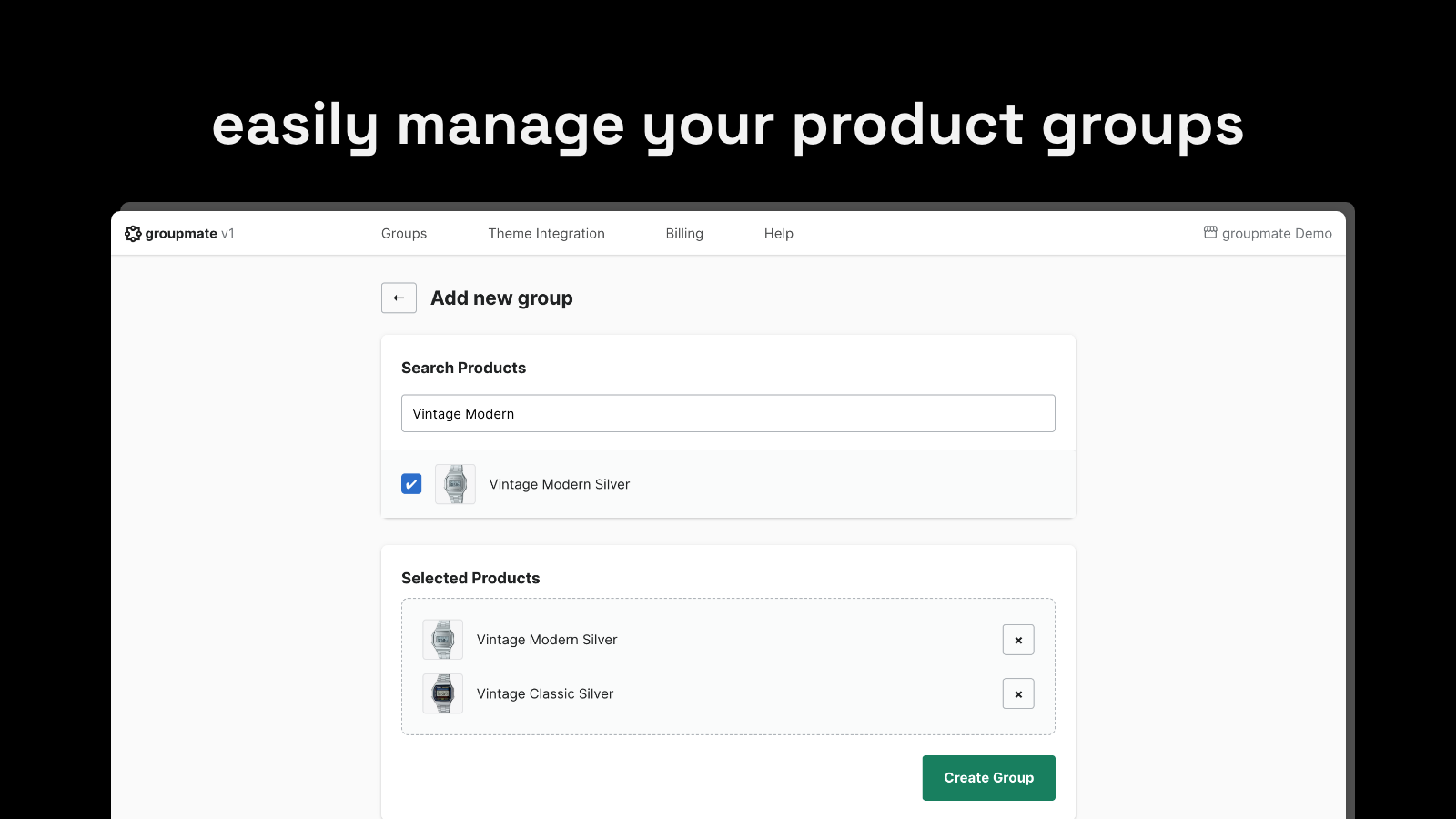
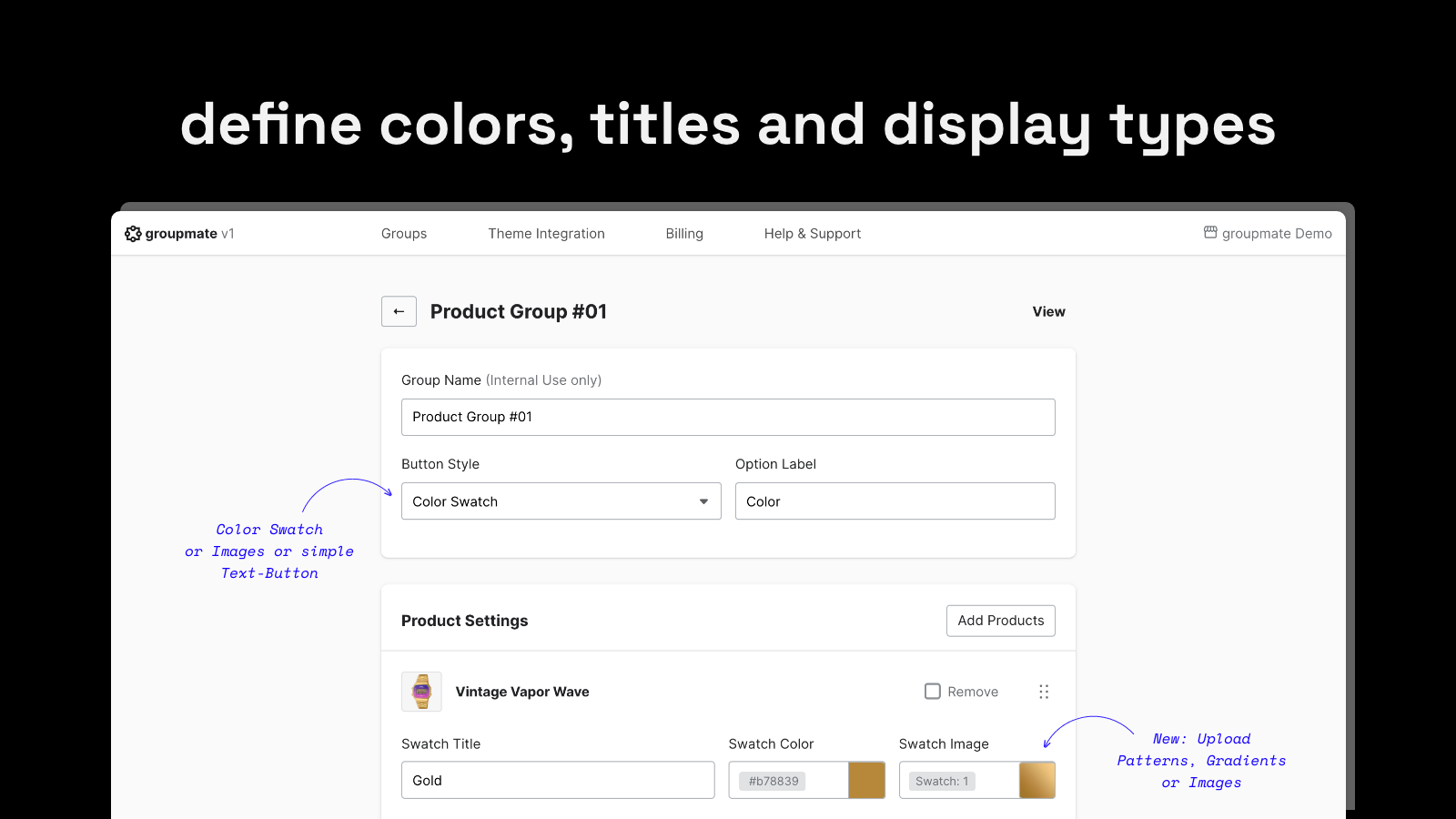
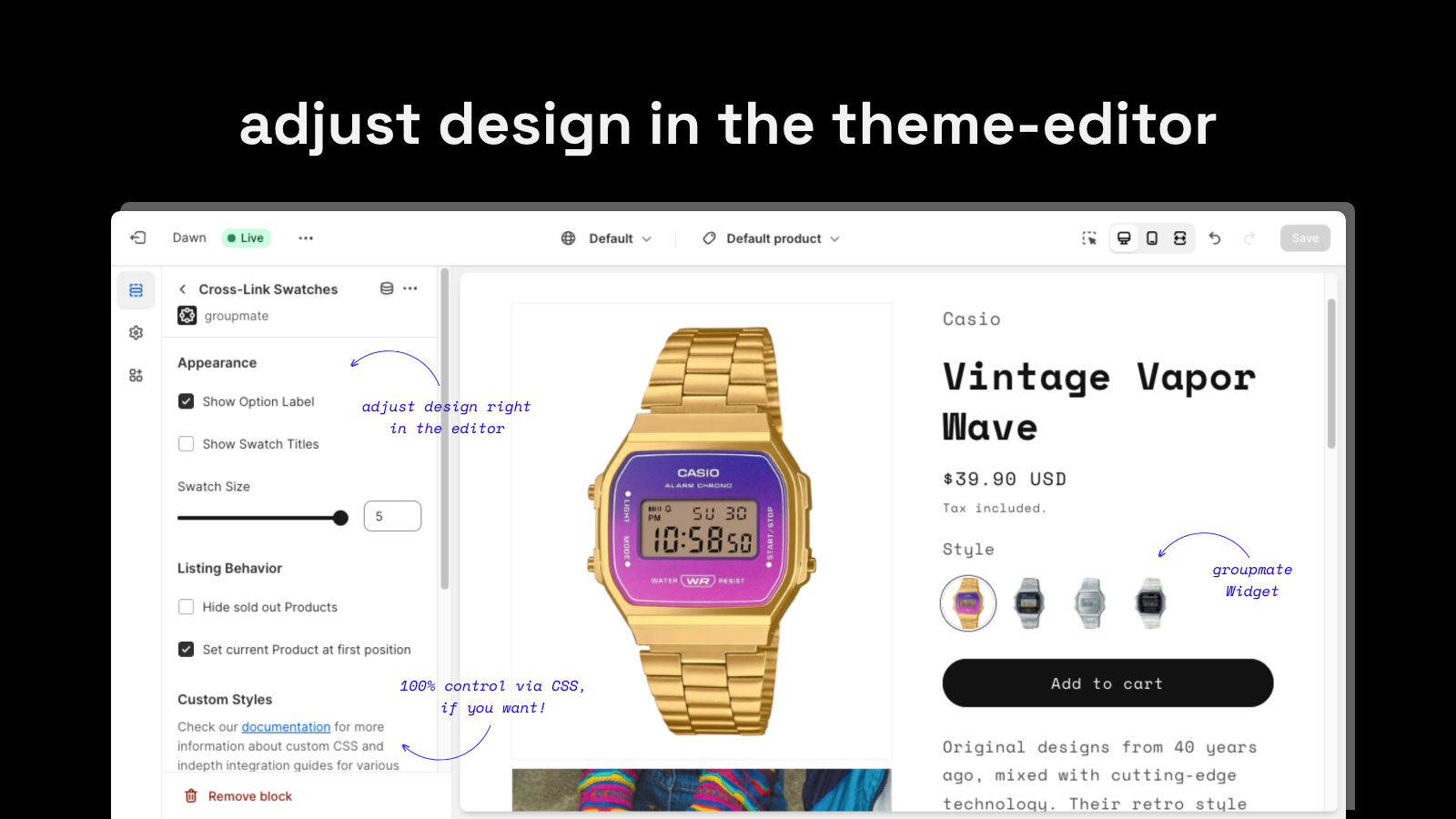
Price Plan
Discovery Trial
免费
- Access all features
- Limited to 3 product groups
- Unlimited in partner or development stores
Lite Plan
$8
- Manage up to 25 groups
- User-friendly group management
- Easily customizable swatch styles
- Developer-friendly streamlined version
Standard Plan
$12
- Manage up to 100 groups
- User-friendly group management
- Easily customizable swatch styles
- Developer-friendly simplified version
Advanced Plan
$24
- Manage up to 800 groups
- User-friendly group management
- Easily customizable swatch styles
- Developer-friendly simplified version
User Location & Comments
User Location
Comments
Shopify API Used
- POST /admin/api/products.json
- PUT /admin/api/products/{product_id}.json
- GET /admin/api/products.json
Permission:write_products,read_products,manage_inventory
- POST /admin/api/metafields.json
- PUT /admin/api/metafields/{metafield_id}.json
- GET /admin/api/metafields.json
Permission:write_metafields,read_metafields,manage_themes
- POST /admin/api/themes/{theme_id}/assets.json
- PUT /admin/api/themes/{theme_id}/assets.json
- GET /admin/api/themes.json
Permission:write_themes,read_themes,manage_online_store



