
App Introduction
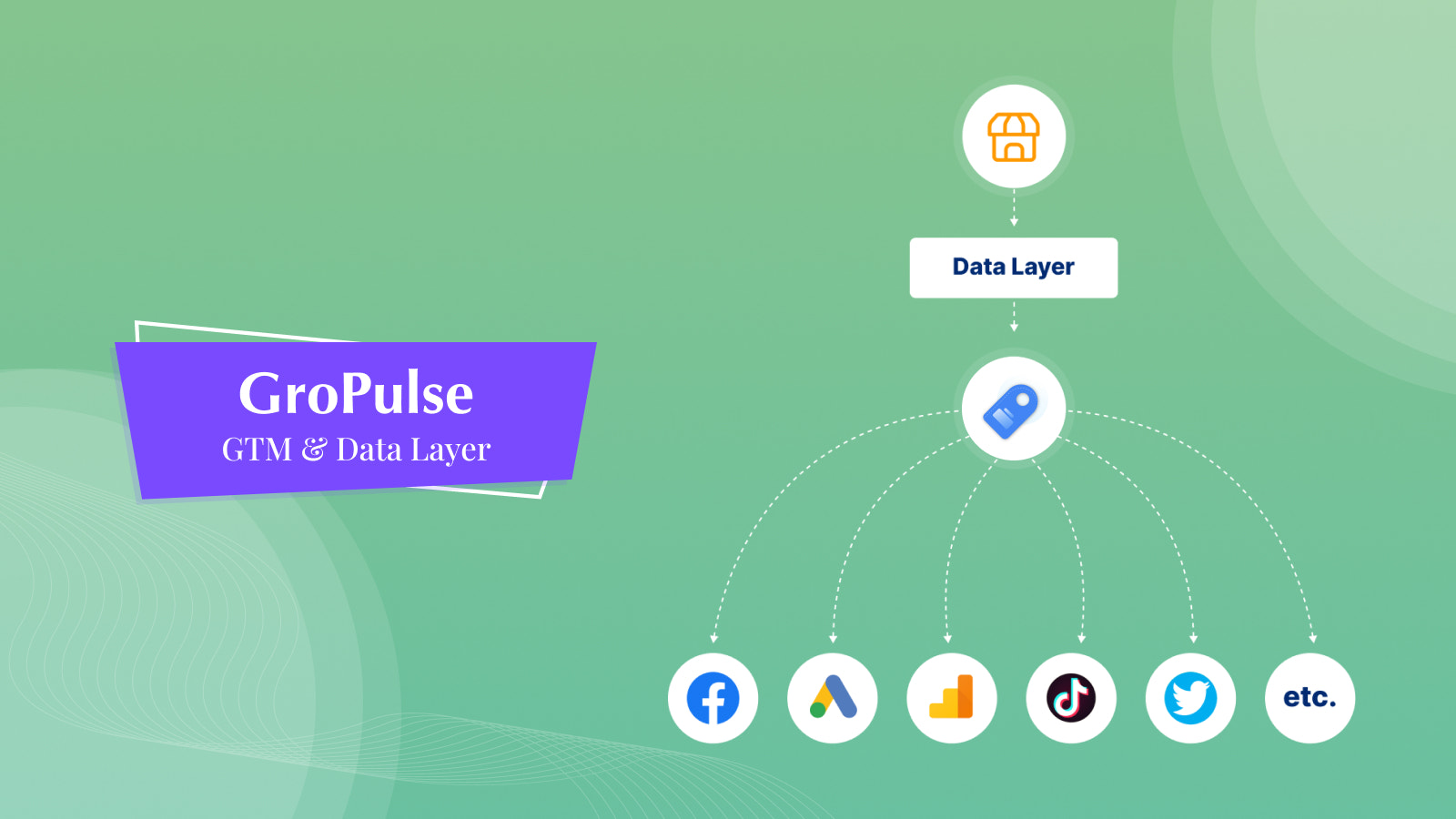
This app makes it easy to add GTM scripts to your store, helping you manage various analytics services. GroPulse GTM & Data Layer is the solution for adding Google Tag Manager scripts. With it, you can integrate your store with Google Tag Manager without wasting time editing theme code. Google Tag Manager is a powerful platform that centralizes all your website tags in one place for easy management. This means you can modify and update tags for conversion tracking, website analytics, remarketing, and more—**no code edits required on your site**.
Core Functionality
- Easy setup
- Implement GTM without manual coding
- Accurate data tracking
Merchant-Friendly
- Independent Station Merchants
- Data-driven E-commerce
- Cross-border E-commerce Merchants
Basic Information
- Developer:GroPulse
- Address:Dhaka, Bangladesh, Dhaka, 1219, BD
- Price: Free / Free plan
- Rating:4.9 / 5
- Comment Count:38 comment
- Release Date:2022-9-23
- Supported languages:English、Simplified Chinese、Traditional Chinese、French、German、Japanese、Spanish、Portuguese (Brazil)、Portuguese (Portugal)、Italian、Hindi、Dutch、Vietnamese、Finnish、Greek
- Compatible products:Shopify
Application Screenshot

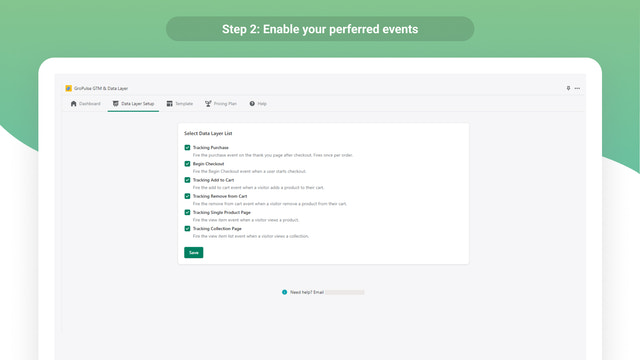

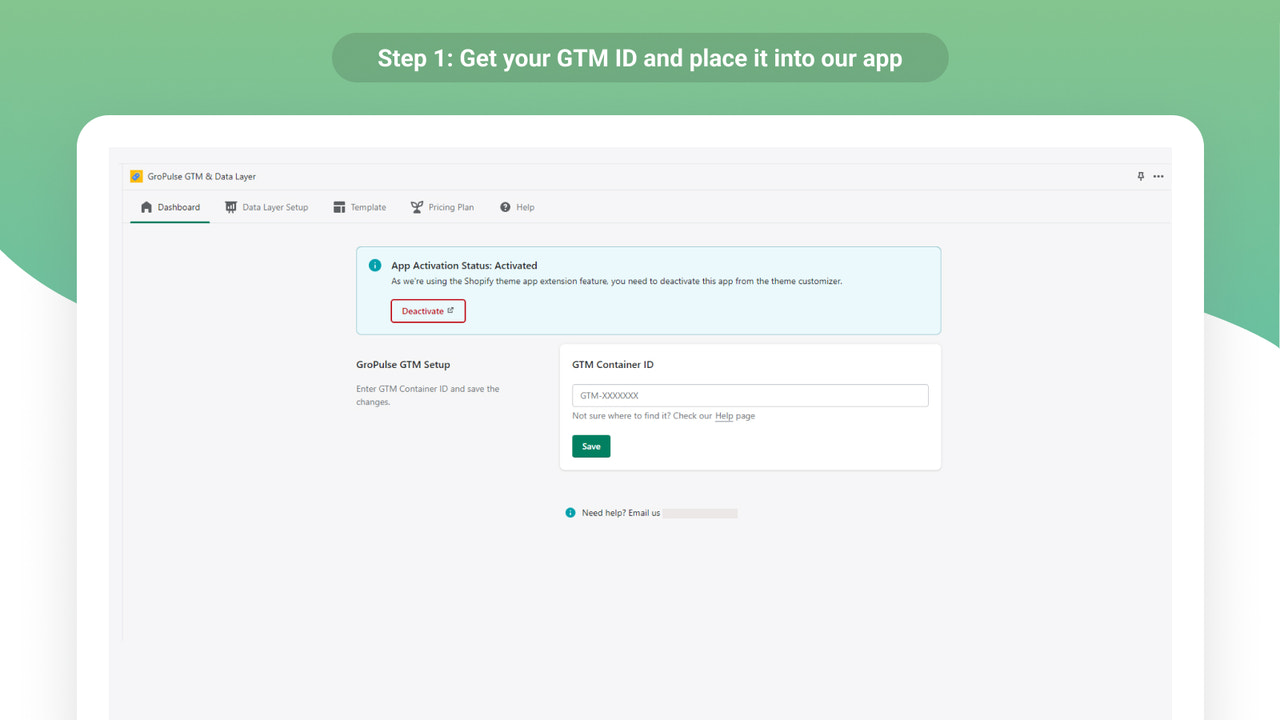


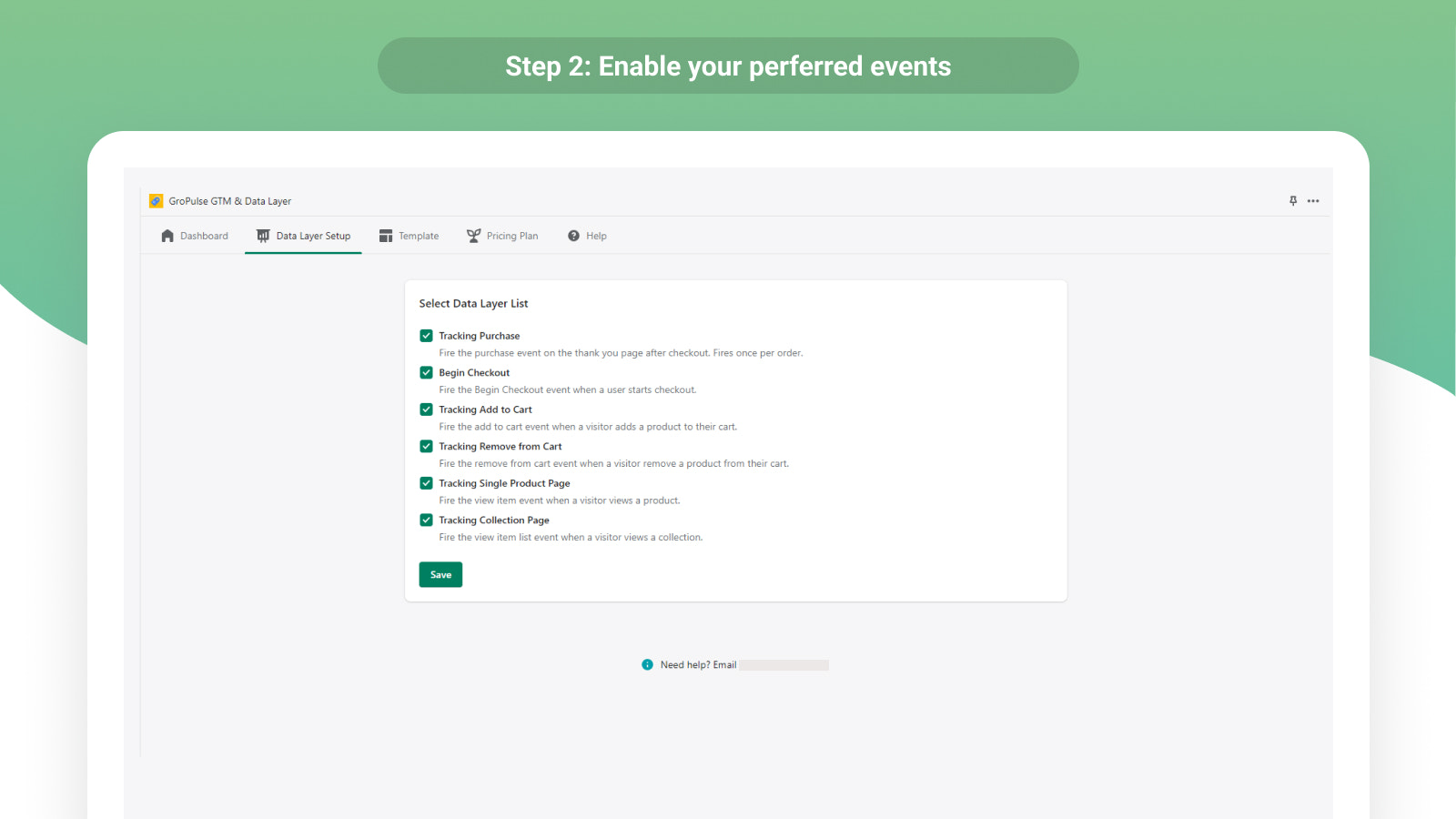

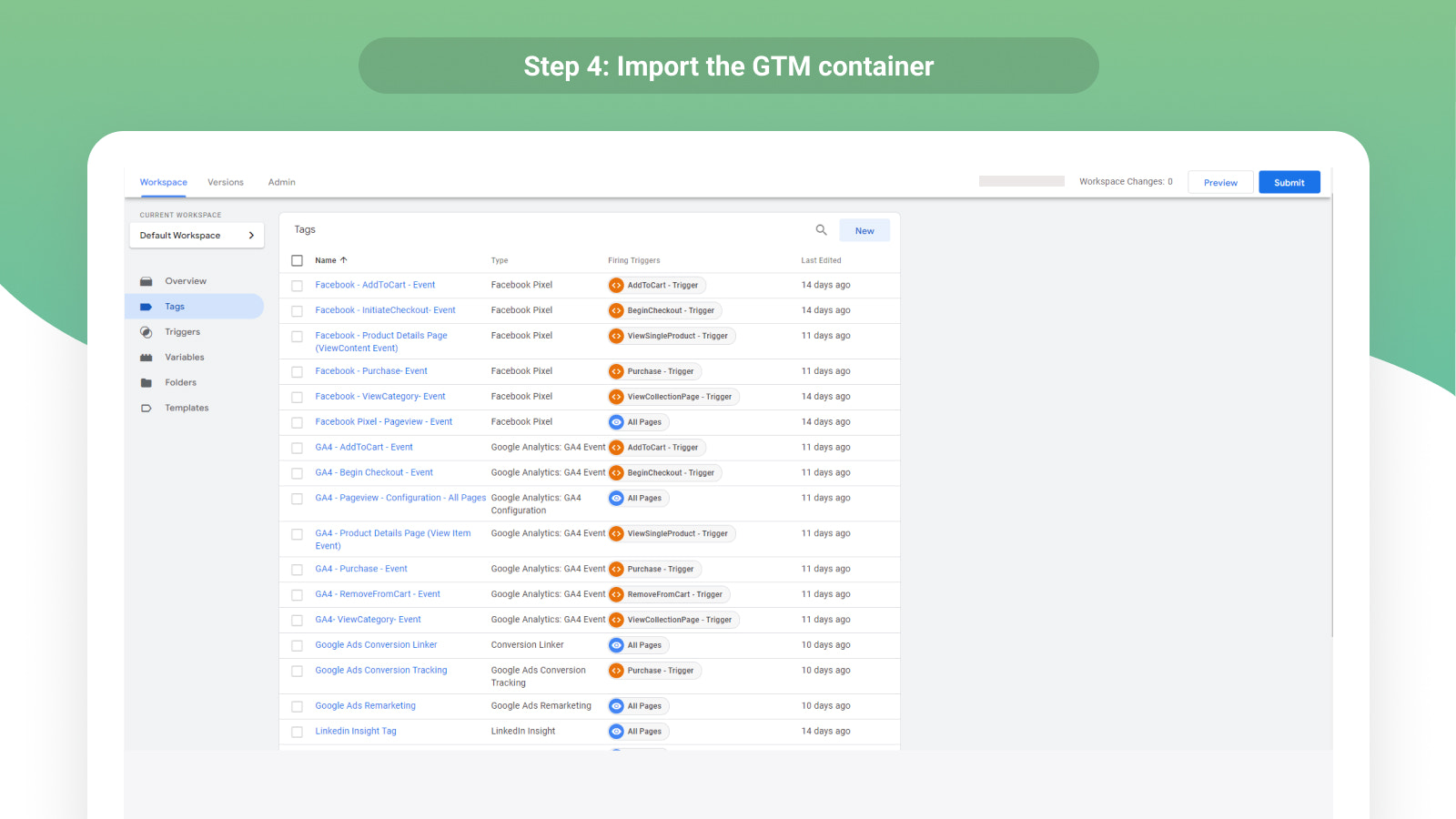

Price Plan
免费计划
免费
- Install Google Tag Manager
- GTM Support for Thank You Page
专业月度计划
$29.99 / 或 $95.88/年(可节省 73%)
- All Free Plan Features
- One-Click Template Generator
- Pre-built Labels
- Track Purchases
- Track Checkout Start
- Track Add to Cart & Product Views
User Location & Comments
User Location
Comments
Shopify API Used
- POST /admin/api/script_tags.json
- GET /admin/api/script_tags.json
- PUT /admin/api/script_tags/{id}.json
Permission:write_script_tags,read_script_tags,manage_online_store
- GET /admin/api/analytics/events.json
- GET /admin/api/analytics/reports.json
- GET /admin/api/analytics/settings.json
Permission:read_analytics,read_analytics_reports,manage_analytics
- POST /admin/api/webhooks.json
- GET /admin/api/webhooks.json
- PUT /admin/api/webhooks/{id}.json
Permission:write_webhooks,read_webhooks,manage_webhooks



