
Groost AdGenius Studio
App Introduction
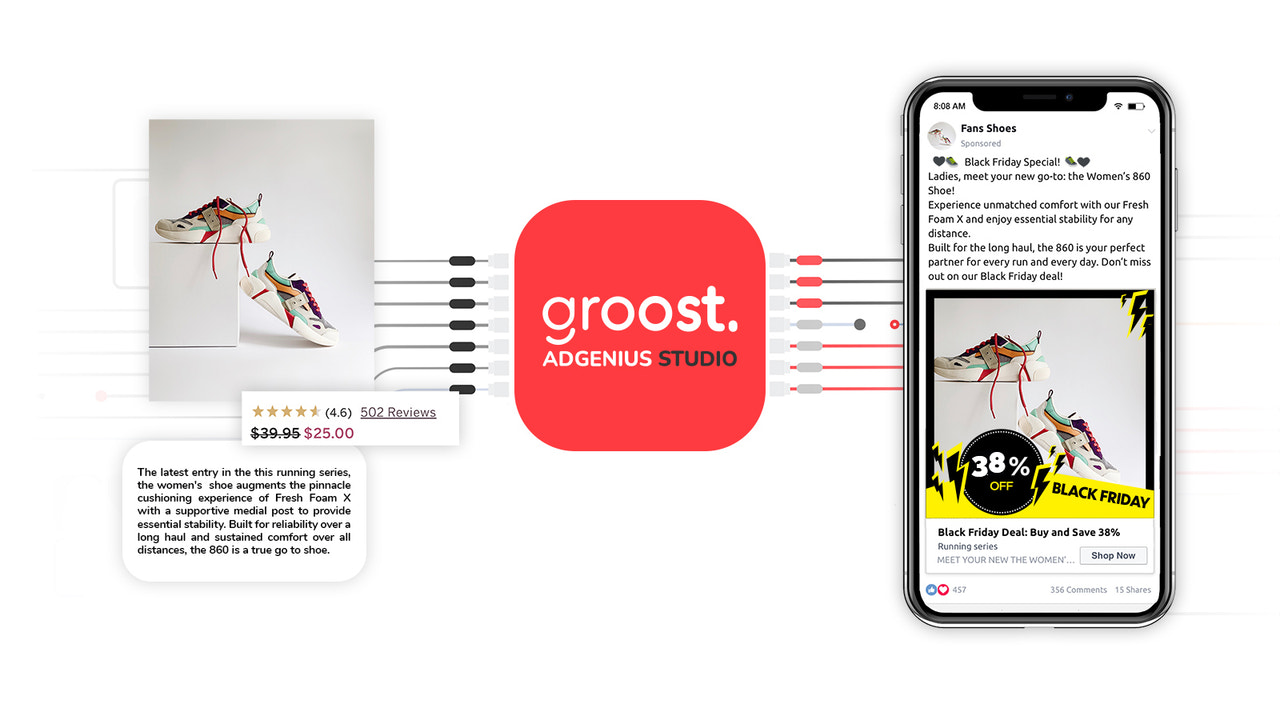
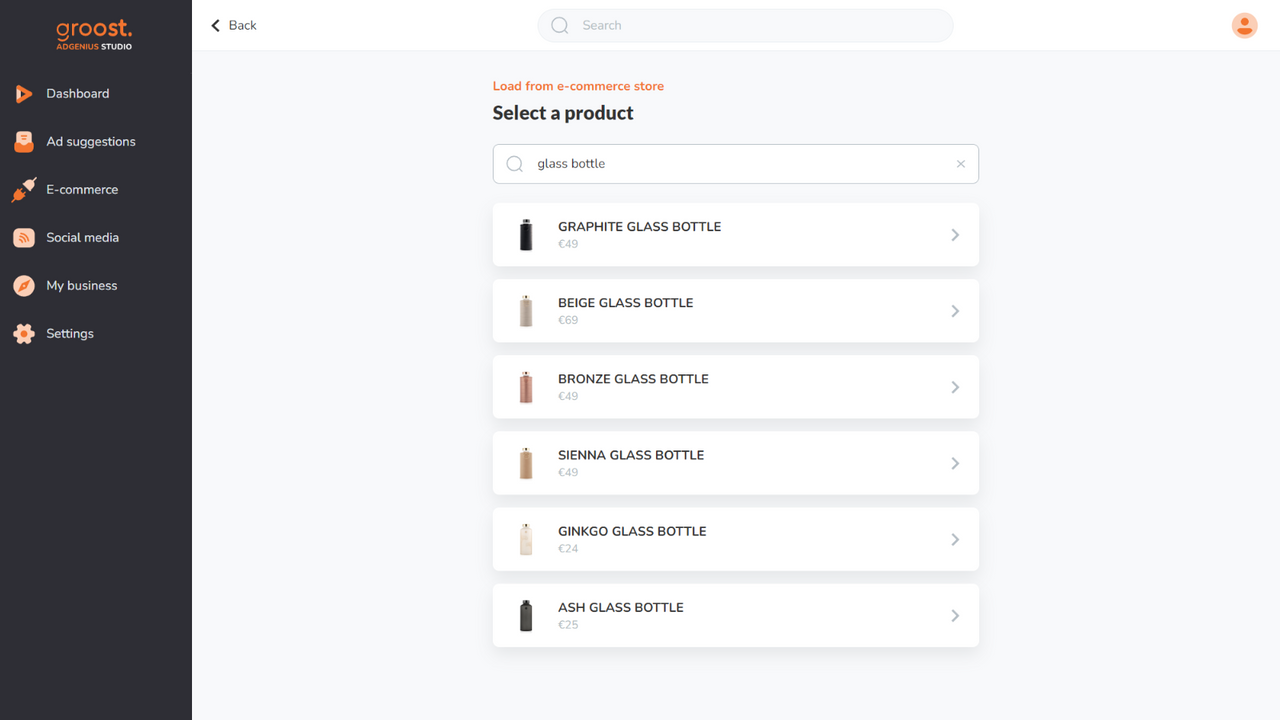
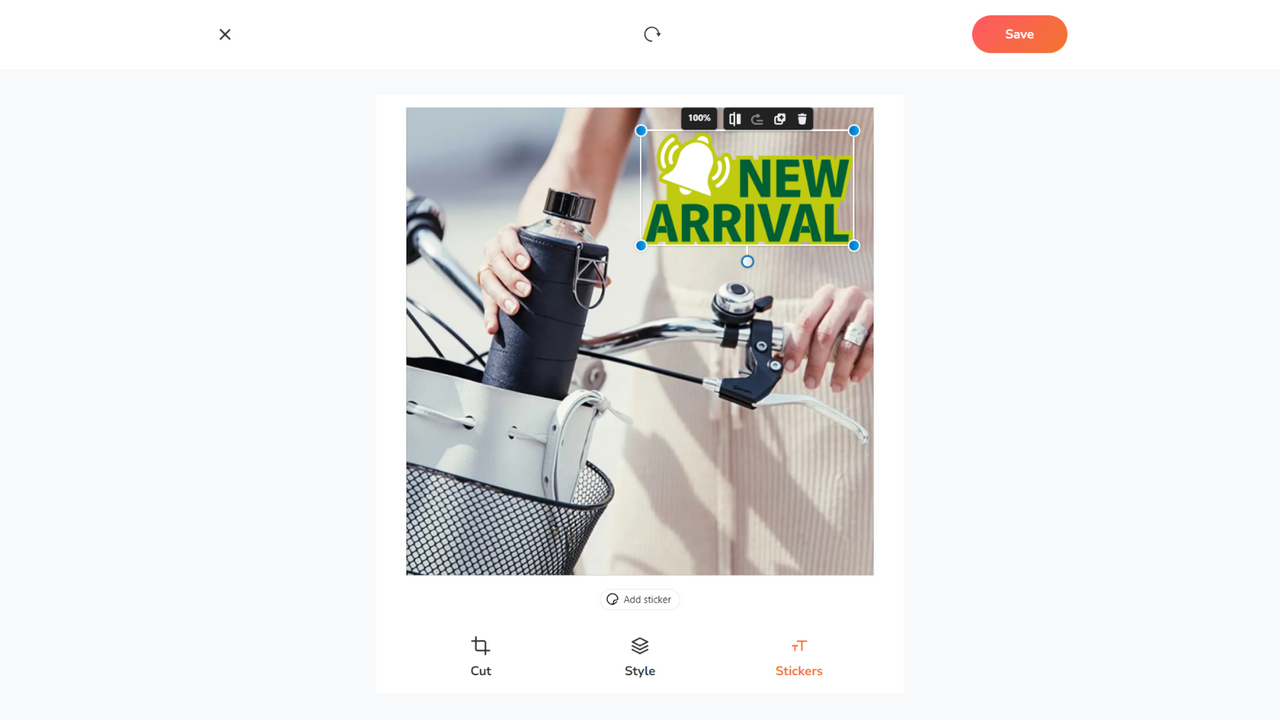
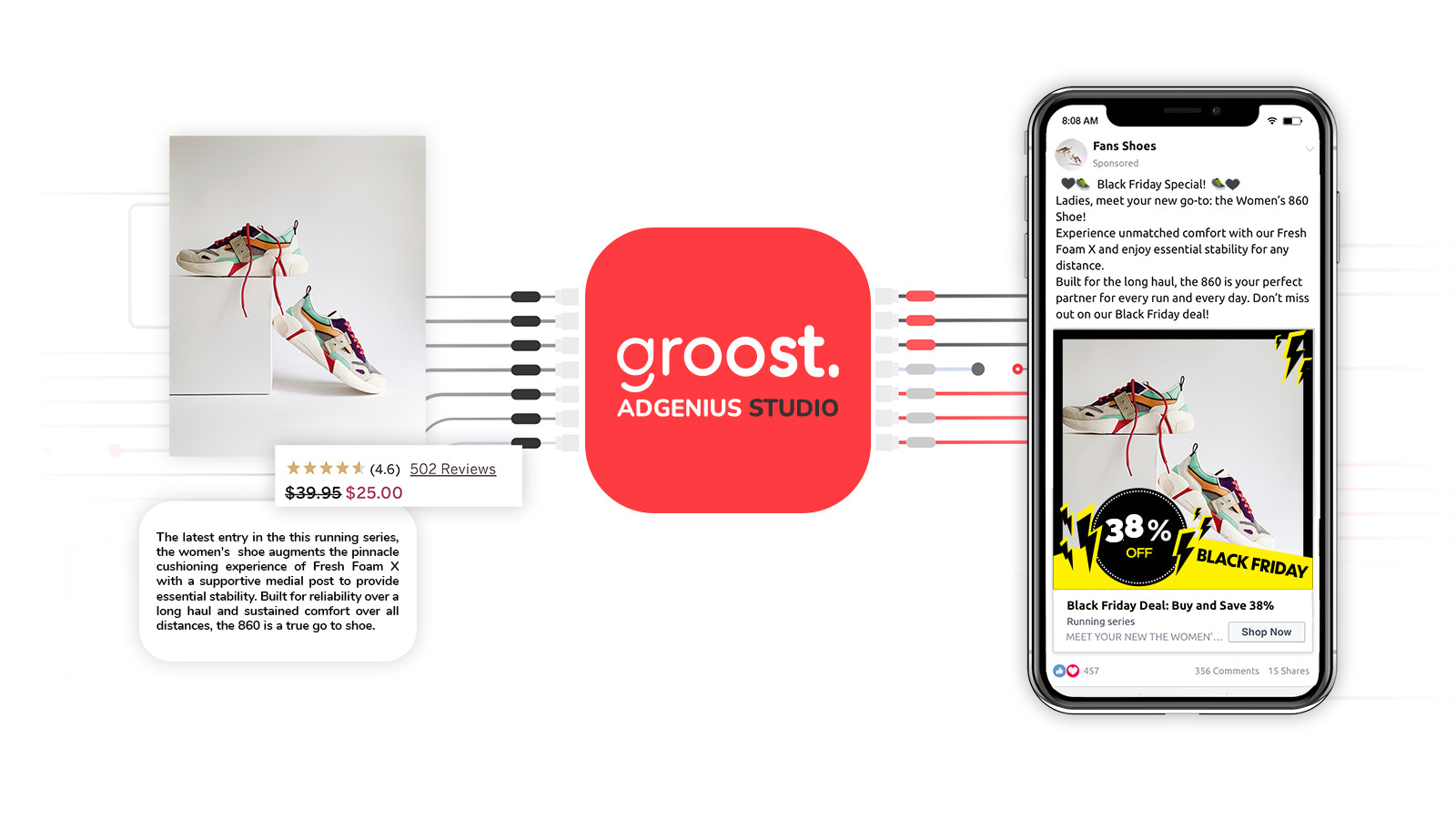
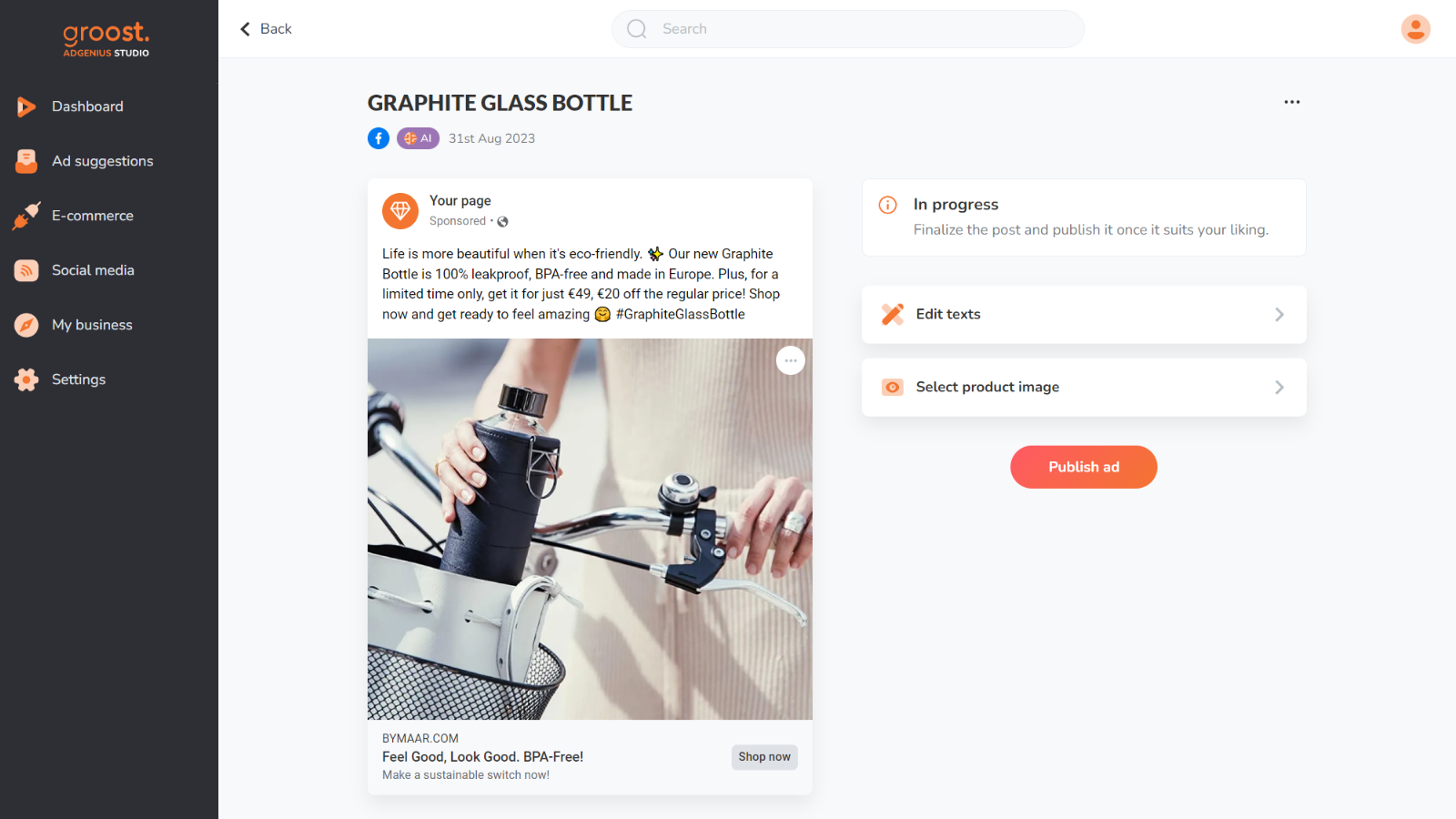
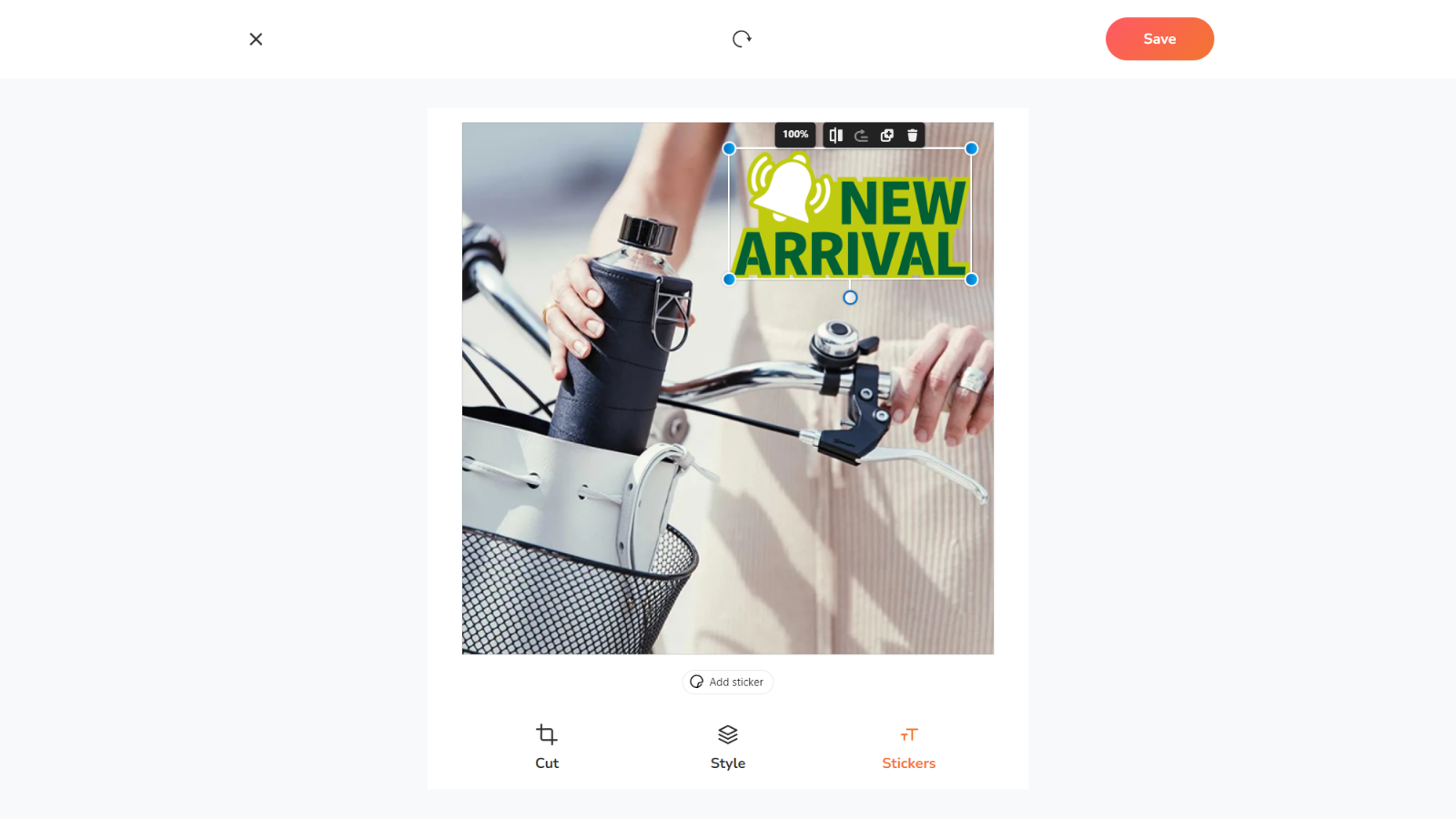
Groost AdGenius Studio: Win More Live Stream Sales by Creating Ads with Ease Running a live stream store means juggling a million tasks—ad creation shouldn’t be one of your headaches. Groost AdGenius Studio automates this process with real-time product tracking and smart stickers featuring dynamic pricing, so your ads are always accurate and impactful. Choose from a range of stickers tailored for special e-commerce events like Black Friday, ensuring your ads stand out. Make your ad creation process more efficient than ever before.
Core Functionality
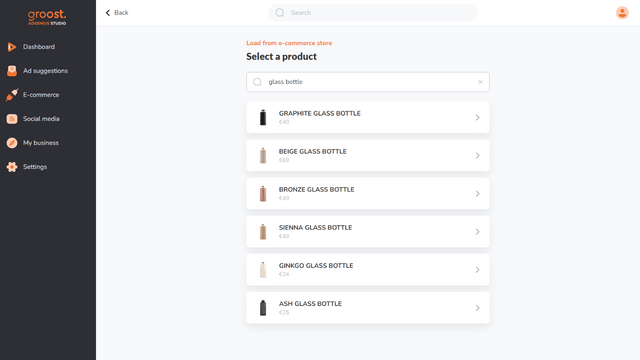
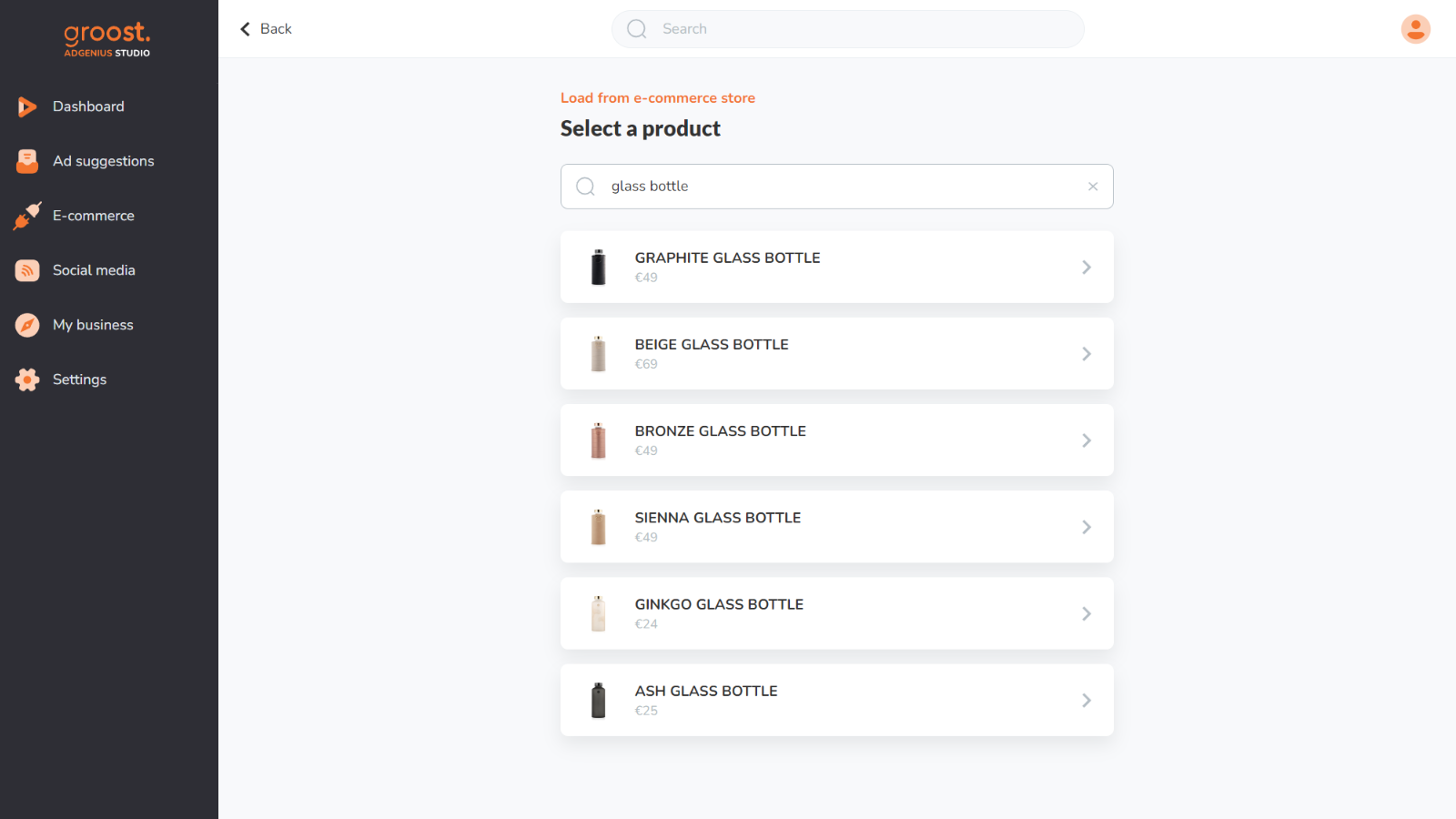
- Ensure your ads always match inventory and pricing with automatic tracking
- Create ads for special e-commerce days effortlessly using our smart stickers
- Get automatic ad suggestions based on inventory and pricing updates
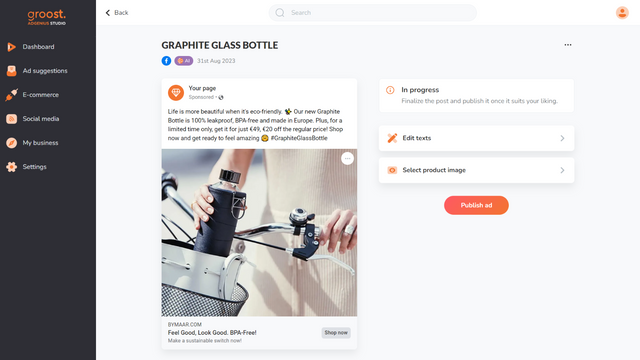
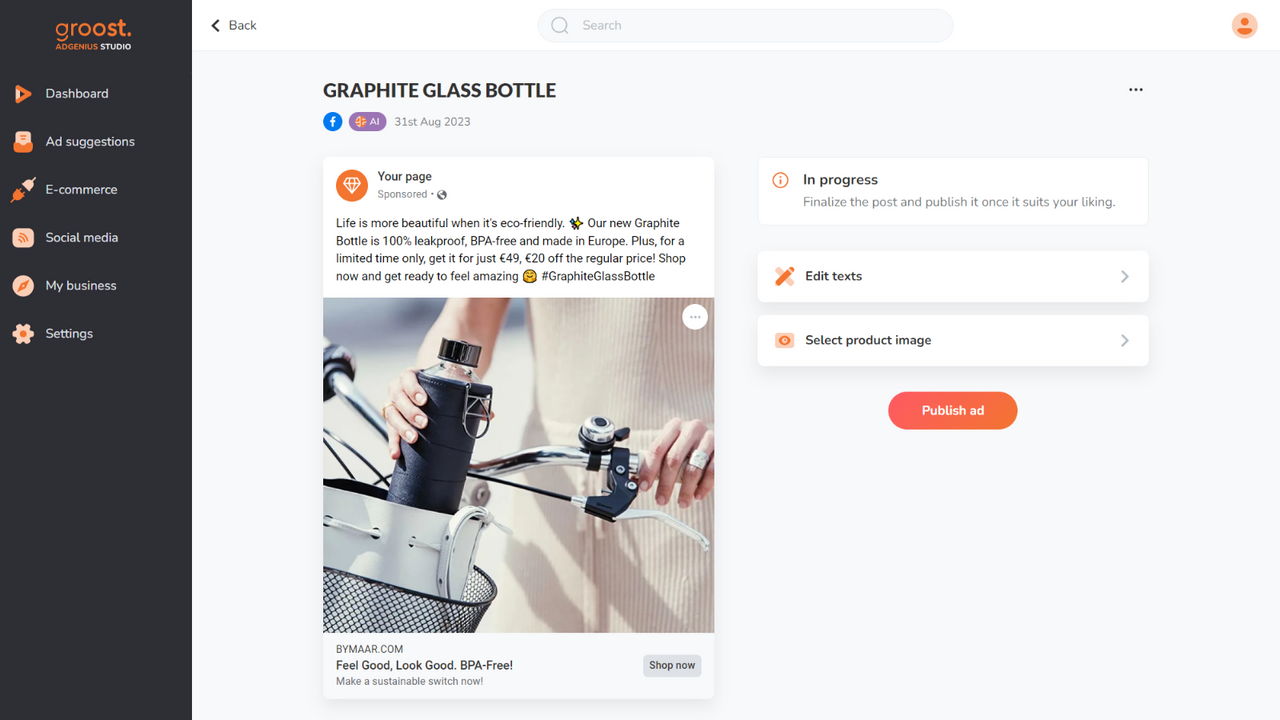
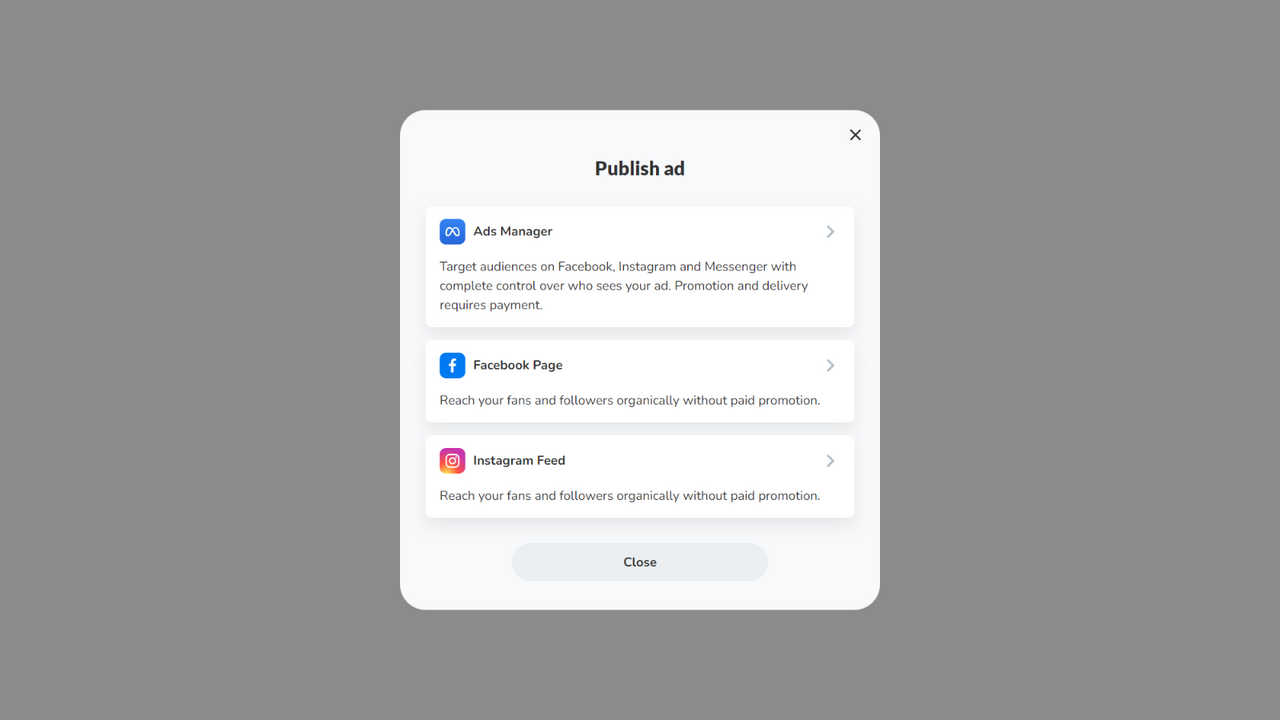
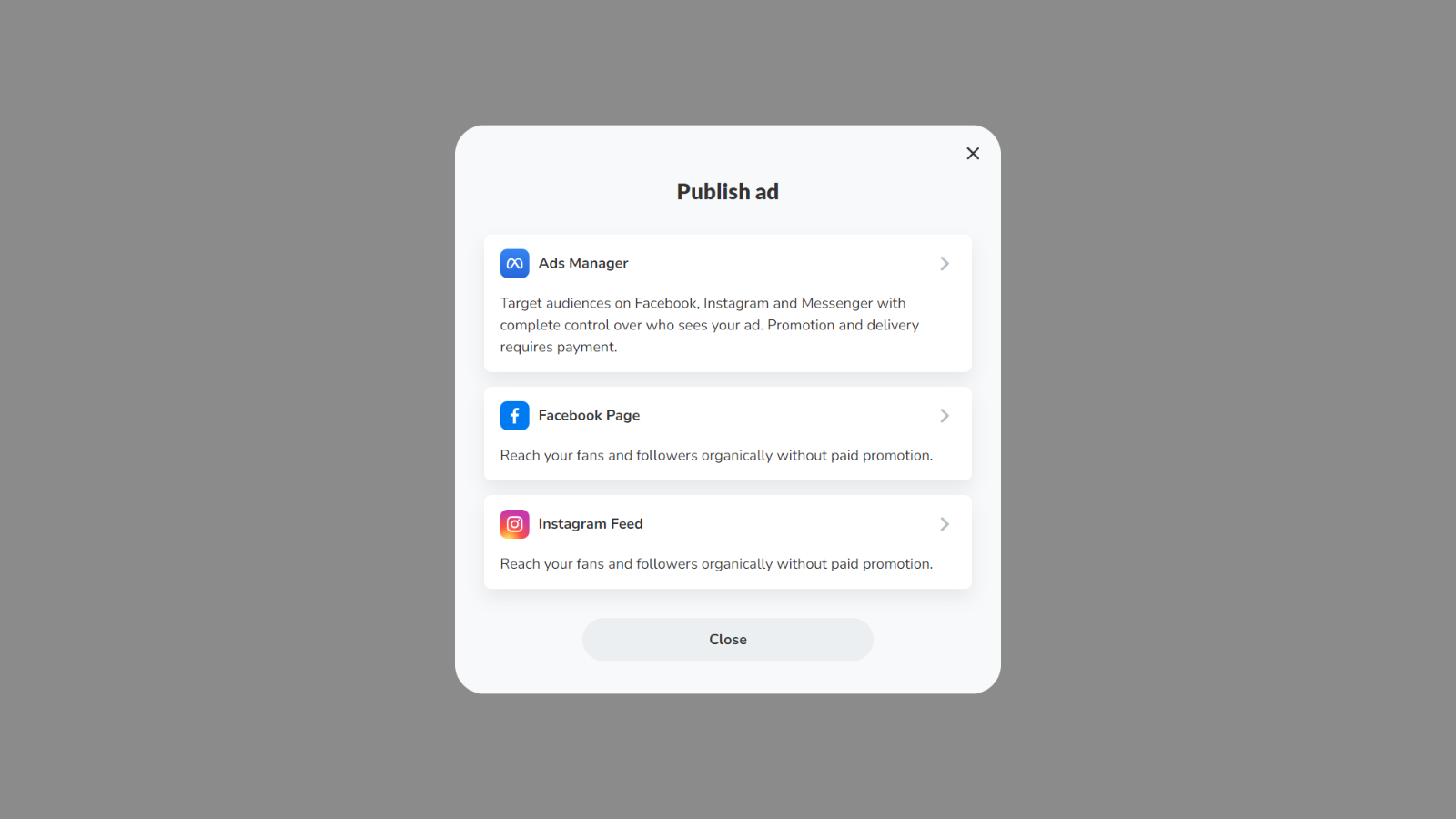
- Publish your ads directly to Facebook and Instagram with just one click
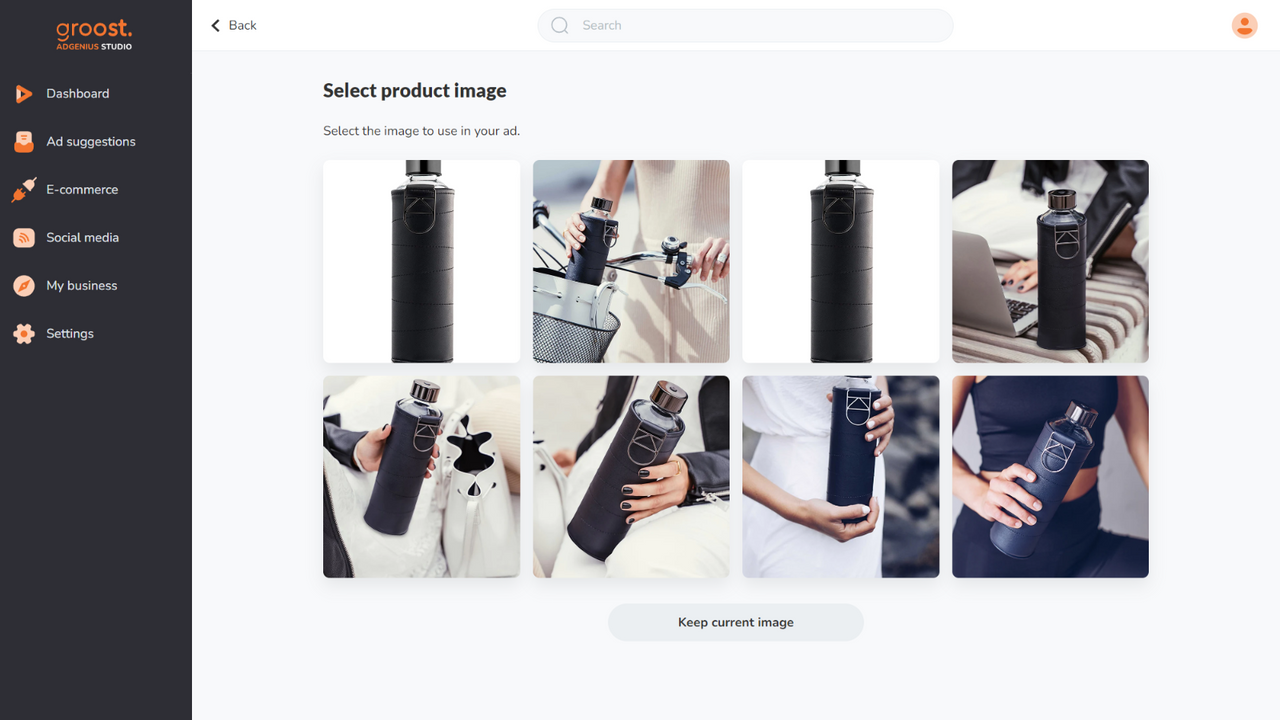
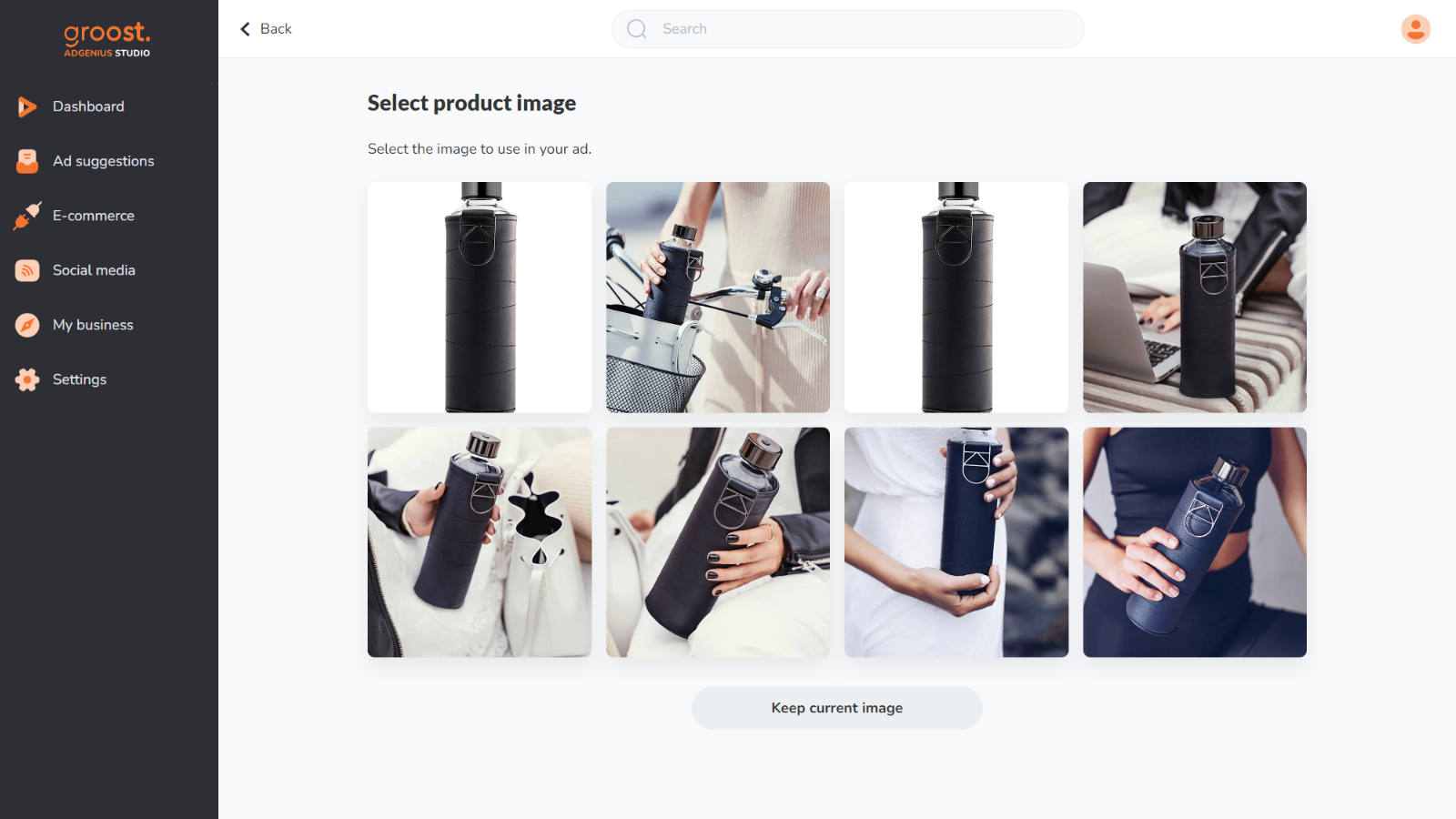
- Customize your ads to perfectly align with your brand identity and style
Merchant-Friendly
- Independent Station Merchants
- Social E-commerce Merchants
- Holiday Promotion Merchants
- Brand E-commerce Merchants
Basic Information
- Developer:groost
- Address:Na prikope 859/22, Praha 1, 110 00, CZ
- Price: Free / Free plan
- Rating:3.7 / 5
- Comment Count:4 comment
- Release Date:2023-11-7
- Supported languages:English
- Compatible products:Shopify
Application Screenshot
Price Plan
免费
- AI-generated static posts
- 20 posts per month
- Access the online editor
- Smart stickers
- Email support
增长
- All content from the Free Plan
- Unlimited posts
- Advanced smart stickers
- Ad suggestions
- Premium support from our team
专业
- All content from Growth Plan
- Integration with Meta Ads Manager
- Create ads for FB and Instagram
- Create ads for WhatsApp and Messenger
User Location & Comments
User Location
Comments
Shopify API Used
- POST /admin/api/marketing/ad_sync.json
- PUT /admin/api/marketing/ad_sync/{id}.json
- GET /admin/api/marketing/ad_sync.json
Permission:manage_marketing,read_products,read_inventory
- POST /admin/api/marketing/sticker_ad.json
- PUT /admin/api/marketing/sticker_ad/{id}.json
- GET /admin/api/marketing/sticker_ad.json
Permission:manage_marketing,manage_products,read_inventory
- POST /admin/api/marketing/ad_suggestion.json
- PUT /admin/api/marketing/ad_suggestion/{id}.json
- GET /admin/api/marketing/ad_suggestion.json
Permission:manage_marketing,read_products,read_inventory
- POST /admin/api/marketing/social_ad_publish.json
- PUT /admin/api/marketing/social_ad_publish/{id}.json
- GET /admin/api/marketing/social_ad_publish.json
Permission:manage_marketing,write_facebook,write_instagram
- POST /admin/api/marketing/brand_ad.json
- PUT /admin/api/marketing/brand_ad/{id}.json
- GET /admin/api/marketing/brand_ad.json
Permission:manage_marketing,manage_themes,read_products