App Introduction
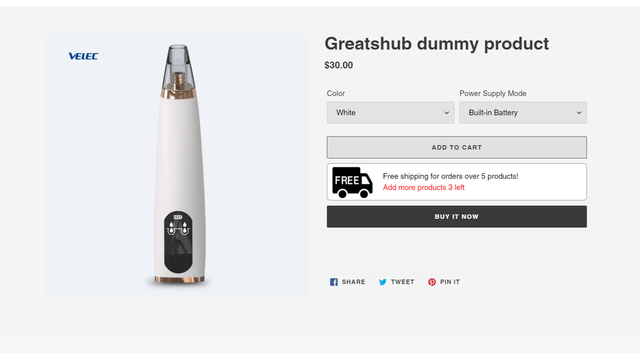
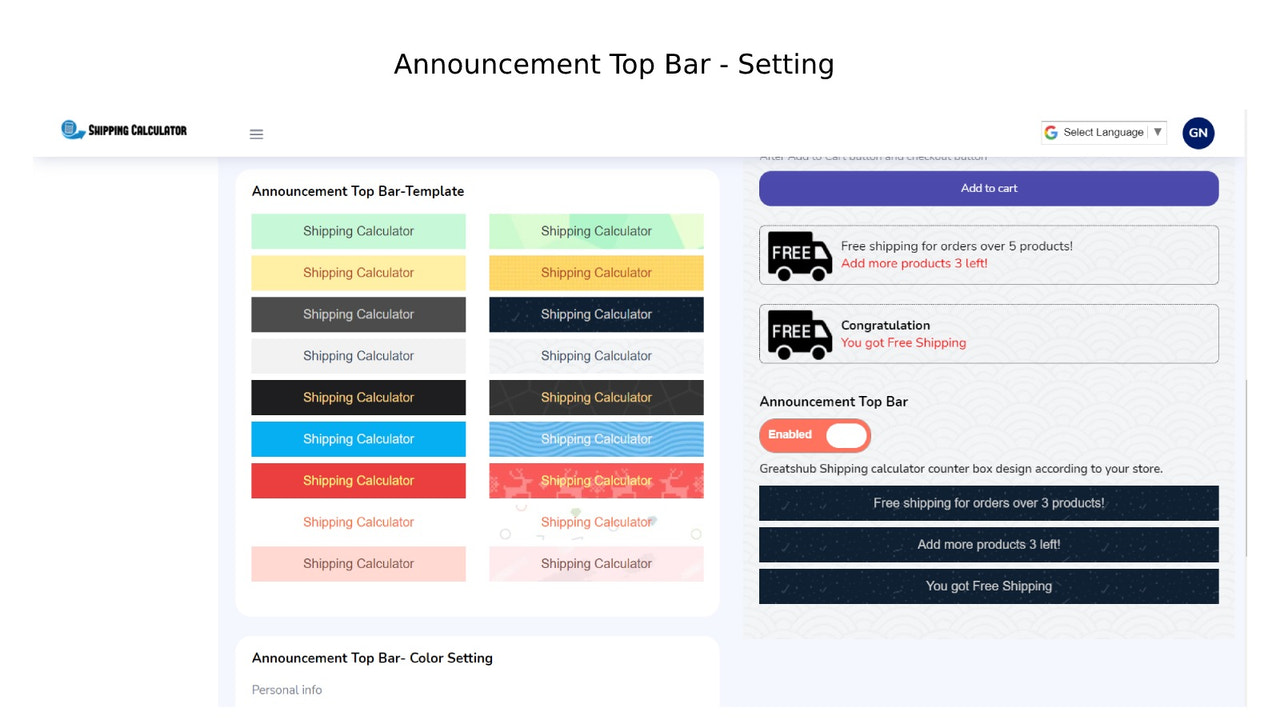
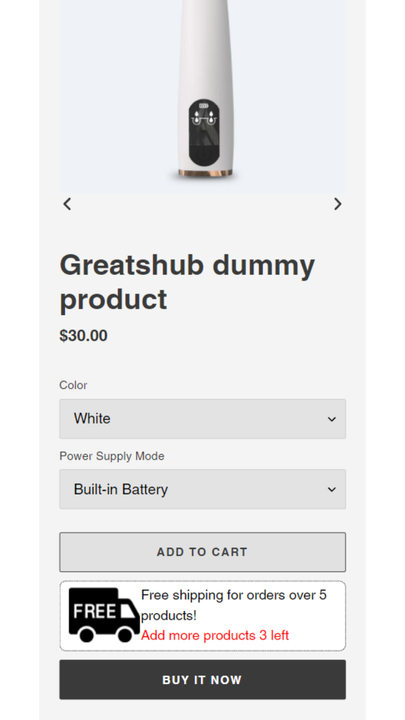
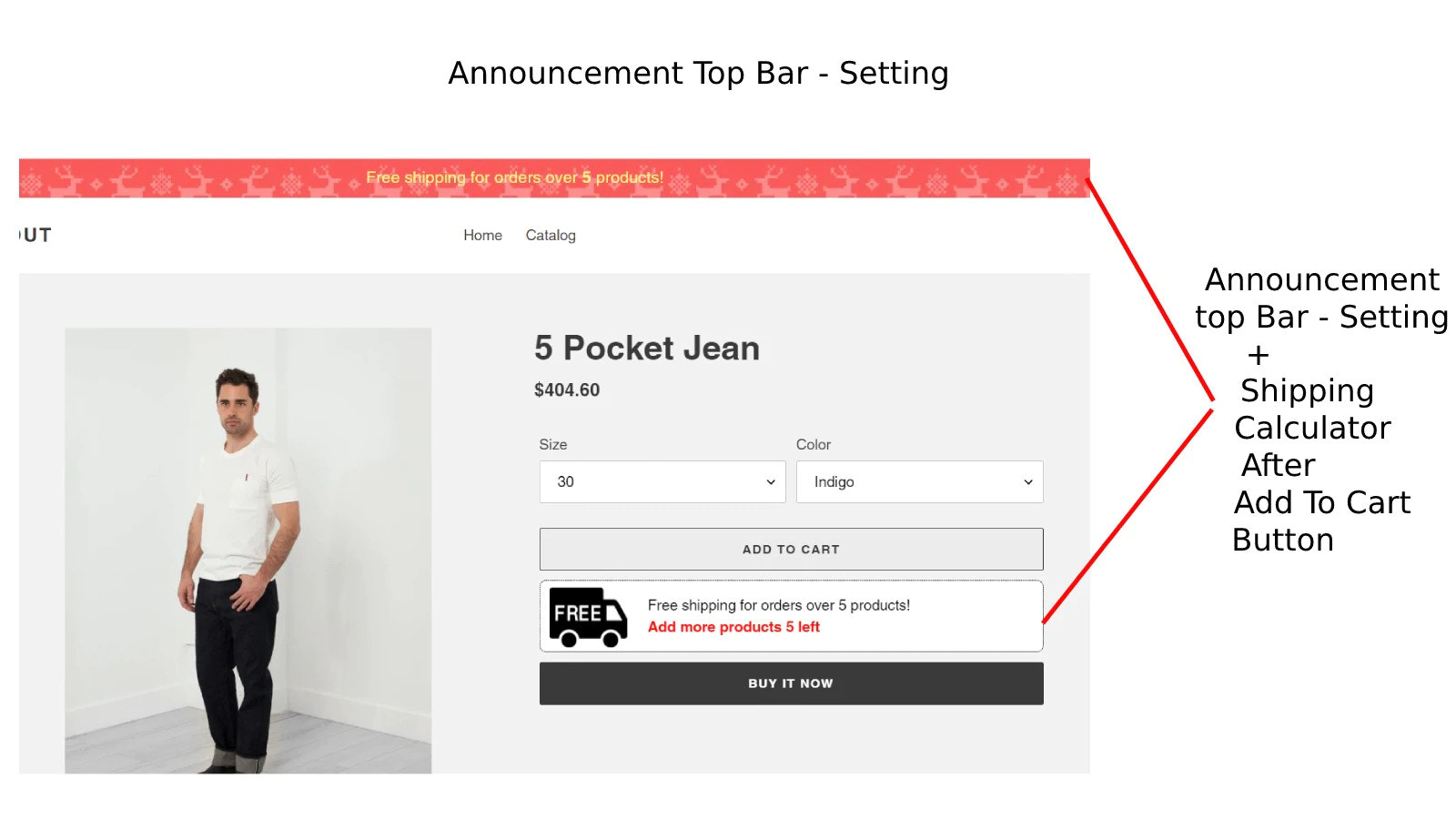
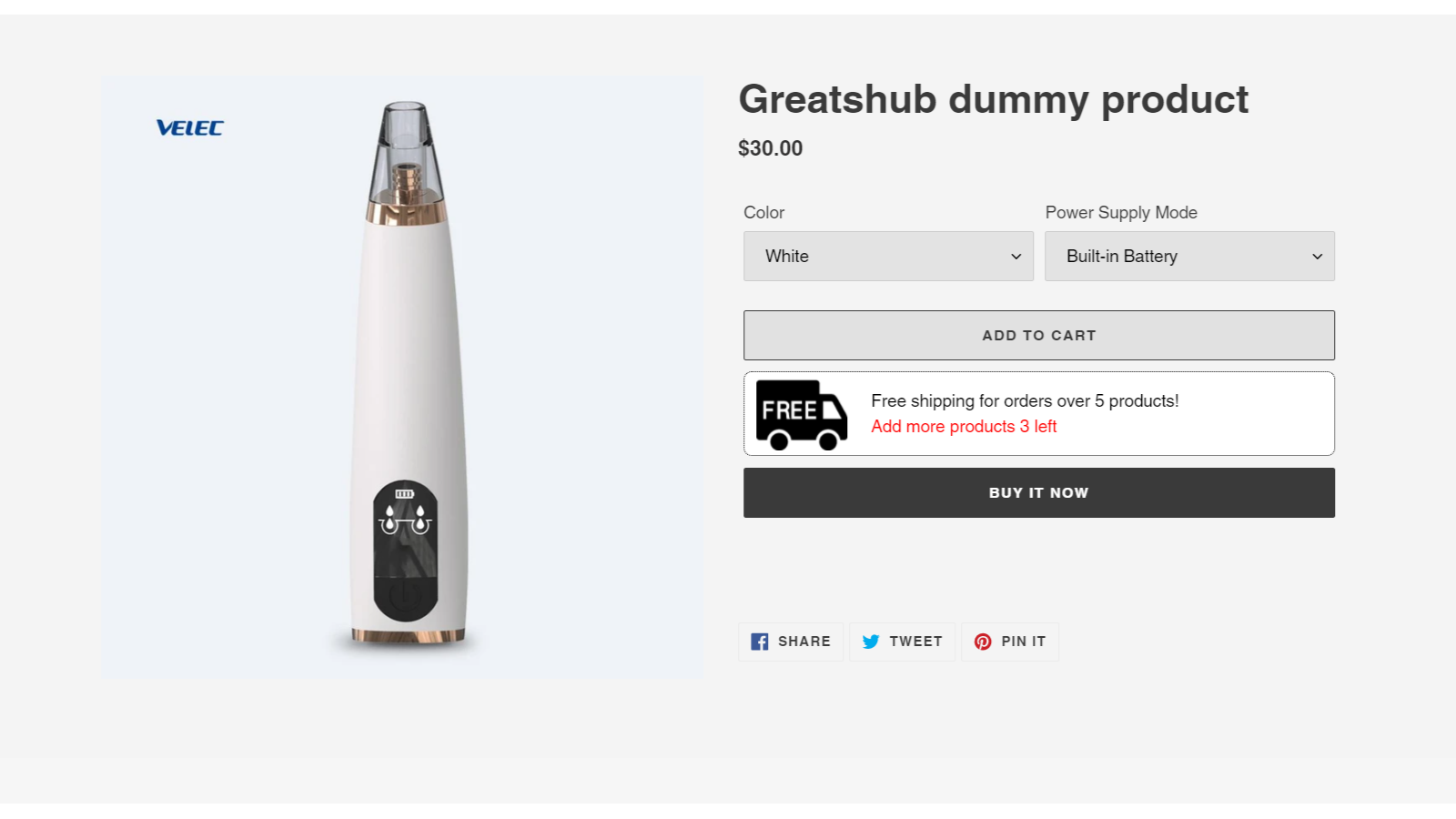
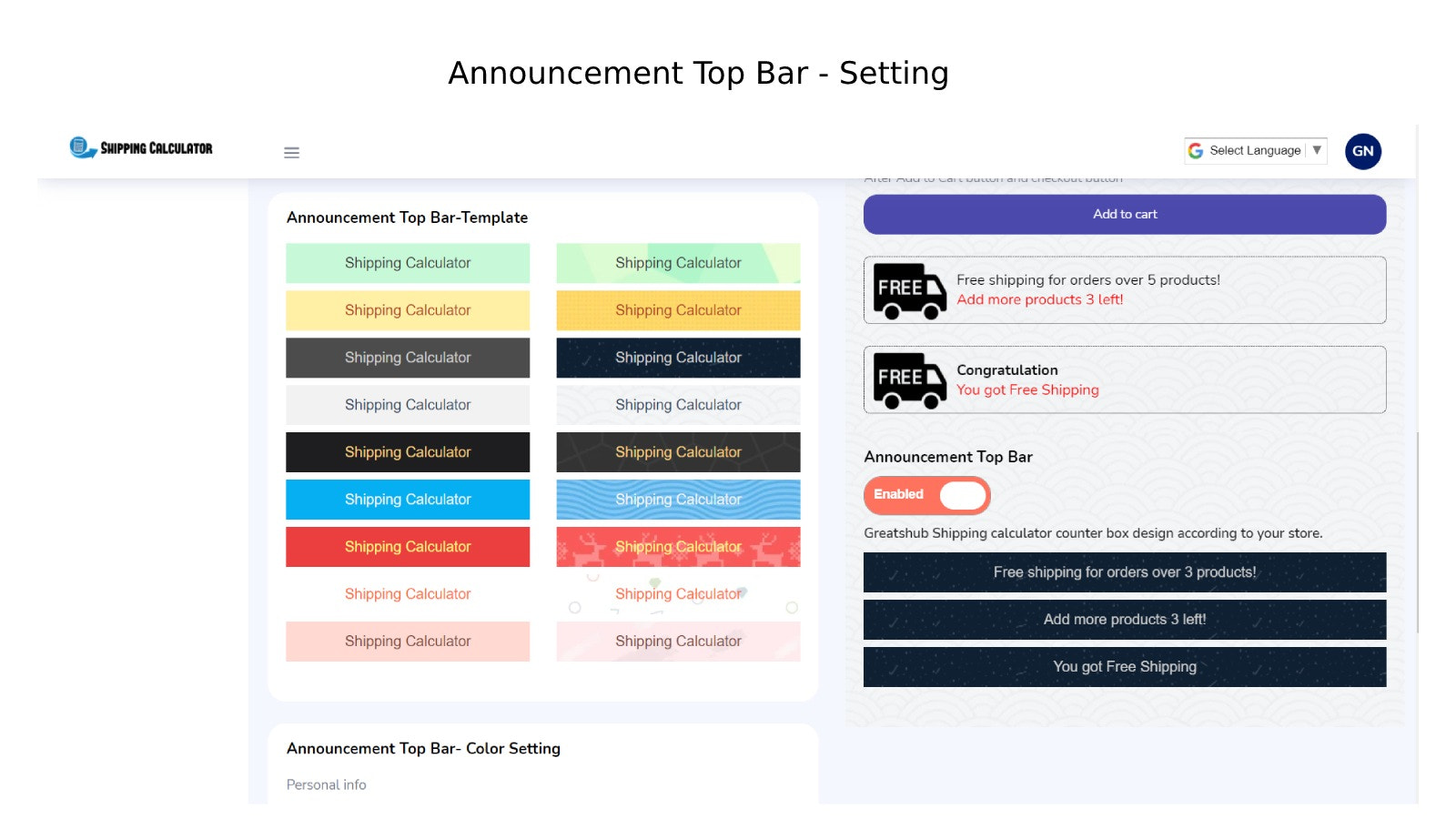
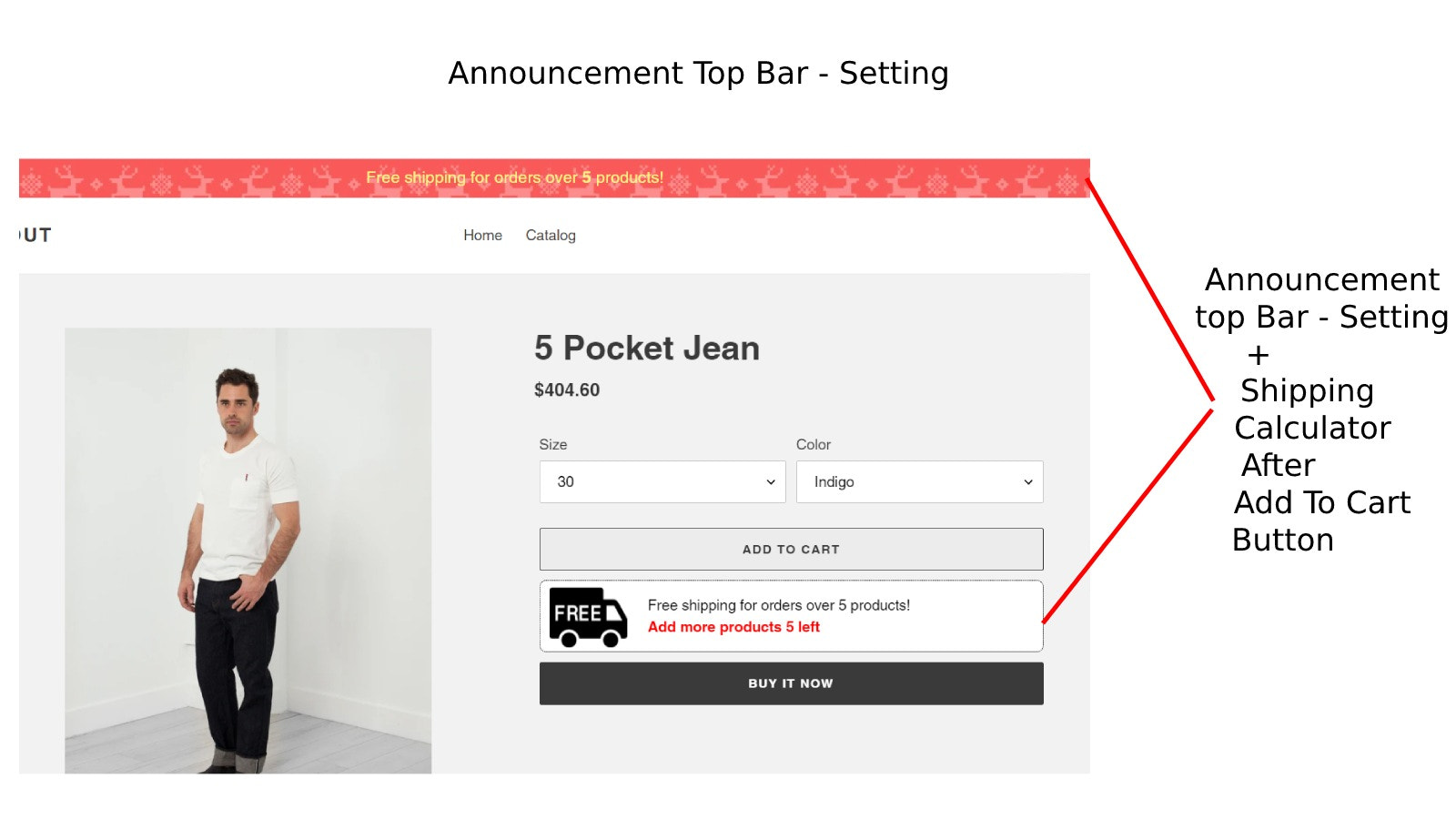
Highlight critical alerts and boost user engagement with a fully customizable announcement bar. Notifying customers about your business updates, promotions, and events is a key part of managing client relationships. This becomes easier and faster because Attract consolidates all event types into one super announcement bar. You can quickly add a fully personalized ad banner to your website with just a few clicks to inform your visitors. You can also add a free shipping button (or "free sales button" if that's the intended term) above the Add to Cart button to attract customers and promote special offers. Note: I adjusted "免费销售按钮" to "free shipping button" (a common e-commerce term) as "free sales button" is less natural. If "free sales button" is the exact intended term (e.g., for a specific promotion), keep it as is: "free sales button".
Core Functionality
- Display custom bars in your promotions to boost engagement and revenue.
- Scheduling lets you forecast sales for occasions like the New Year.
- Fully editable with multiple rotation and animation options, background images,
- One-click activation, no scripts required, works on all pages
- Above free shipping bars, add to cart button
Merchant-Friendly
- Independent Station Merchants
- Holiday Promotion Merchants
- High Conversion Demand Merchants
- Visual Marketing Merchants
- Omnichannel E-commerce Merchants
Basic Information
- Developer:GreatsHub
- Address:Privada Alamos del Lago,, Peñuelas, Santiago de Querétaro, Querataro, QRO, 76140, MX
- Price: Free / Free plan
- Rating:0 / 5
- Comment Count:0 comment
- Release Date:2021-6-30
- Supported languages:English
- Compatible products:Shopify
Application Screenshot







Price Plan
免费计划
- Unlimited Products
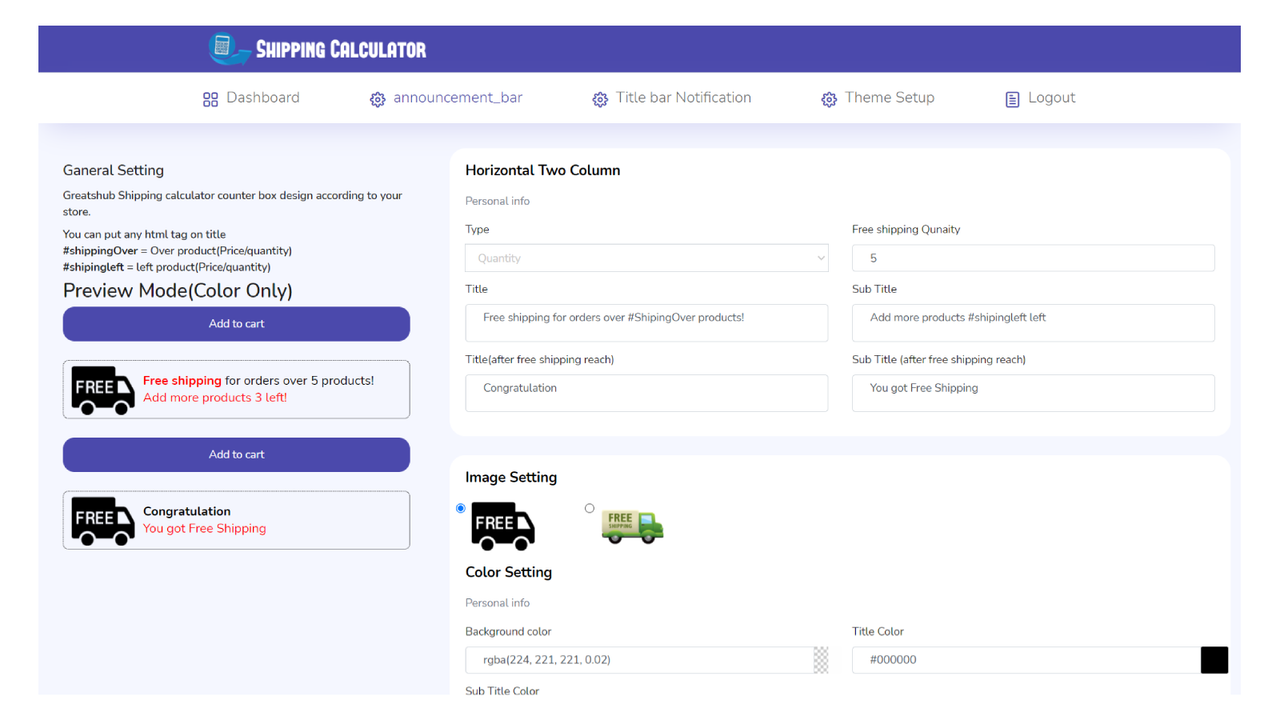
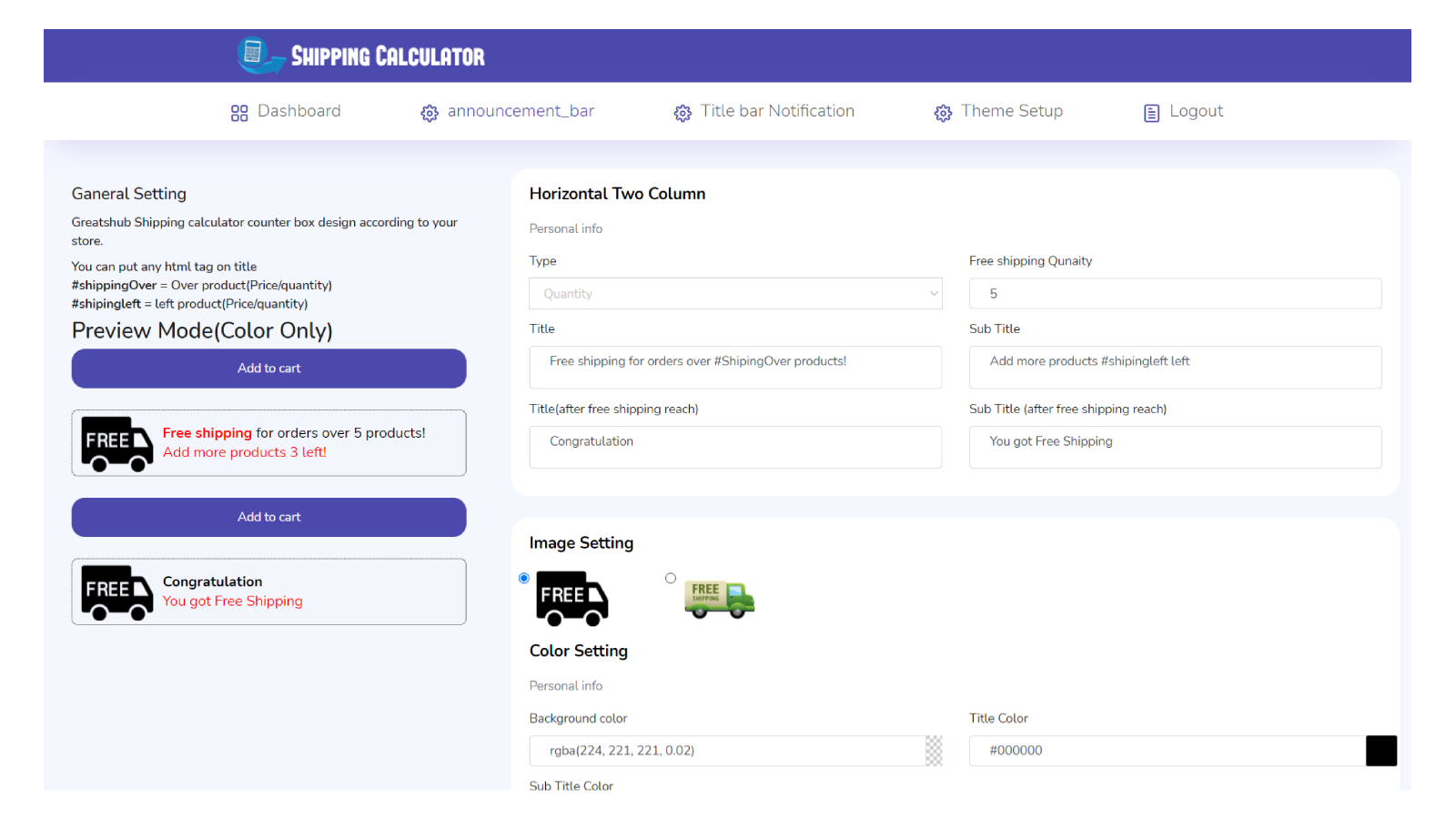
- Free Shipping on Product & Cart Pages
- Show How Much More to Qualify for Free Shipping
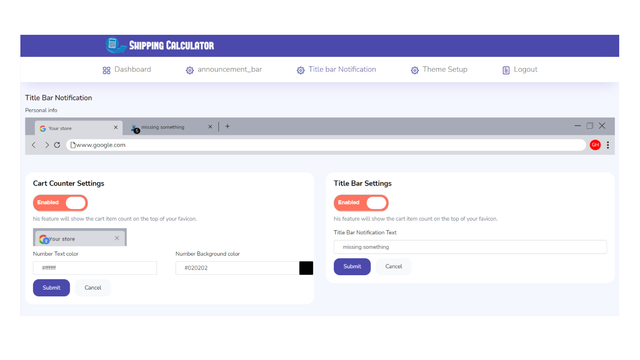
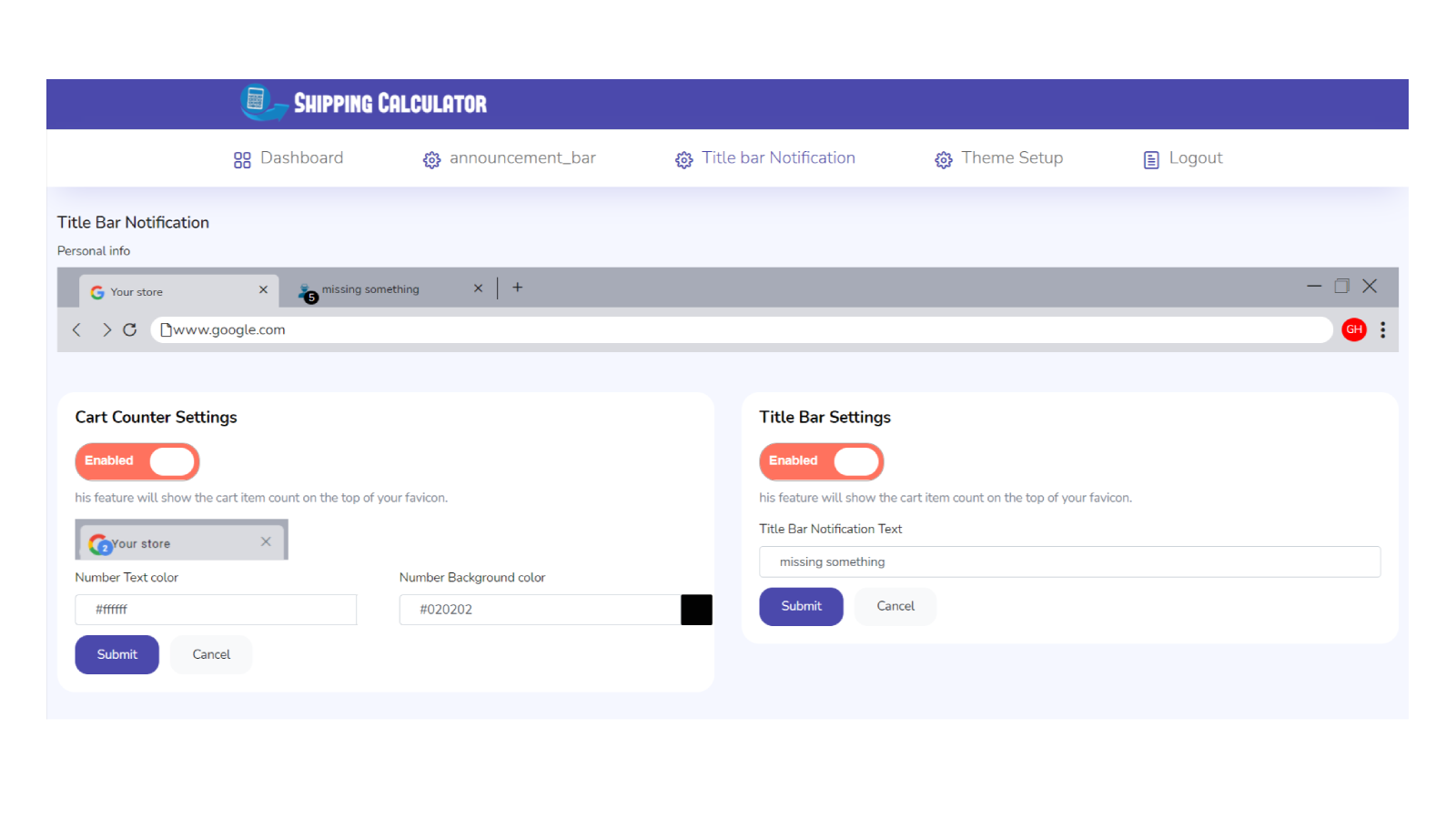
- Header Bar Notification
标准计划
- Unlimited Products
- Free Shipping on Product & Cart Pages
- Show How Much Left to Get Free Shipping
- Header Bar Notification
- Announcement Bar
User Location & Comments
User Location
Comments
Shopify API Used
- POST /admin/api/custom_bar.json
- PUT /admin/api/custom_bar/{id}.json
- GET /admin/api/custom_bar.json
Permission:write_custom_bar,read_custom_bar,manage_theme
- POST /admin/api/custom_bar/schedule.json
- PUT /admin/api/custom_bar/schedule/{id}.json
- GET /admin/api/custom_bar/schedule.json
Permission:write_custom_bar,read_custom_bar,manage_schedule
- PUT /admin/api/custom_bar/{id}/style.json
- POST /admin/api/custom_bar/{id}/background.json
- GET /admin/api/custom_bar/{id}/style.json
Permission:write_custom_bar,read_custom_bar,manage_assets
- PUT /admin/api/custom_bar/{id}/enable.json
- GET /admin/api/custom_bar/enabled.json
- DELETE /admin/api/custom_bar/{id}/disable.json
Permission:write_custom_bar,read_custom_bar,manage_theme
- PUT /admin/api/custom_bar/{id}/position.json
- POST /admin/api/custom_bar/{id}/cta.json
- GET /admin/api/custom_bar/{id}/position.json
Permission:write_custom_bar,read_custom_bar,manage_theme