
App Introduction
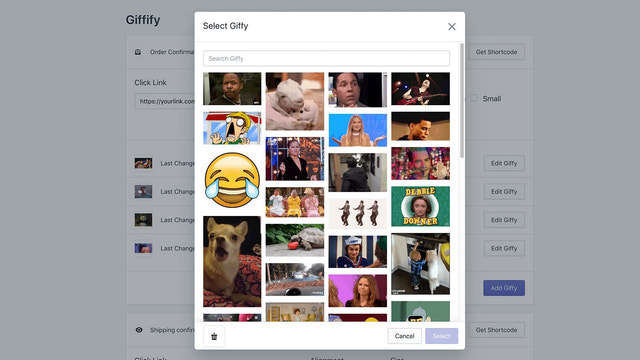
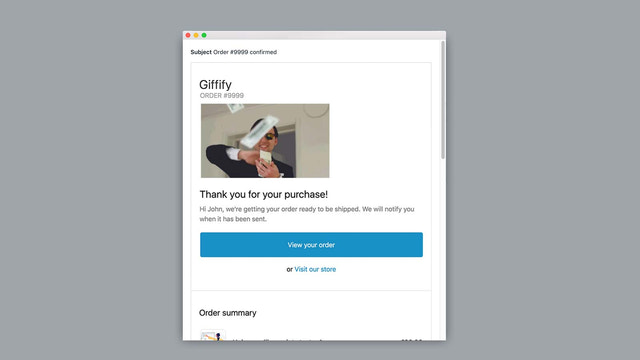
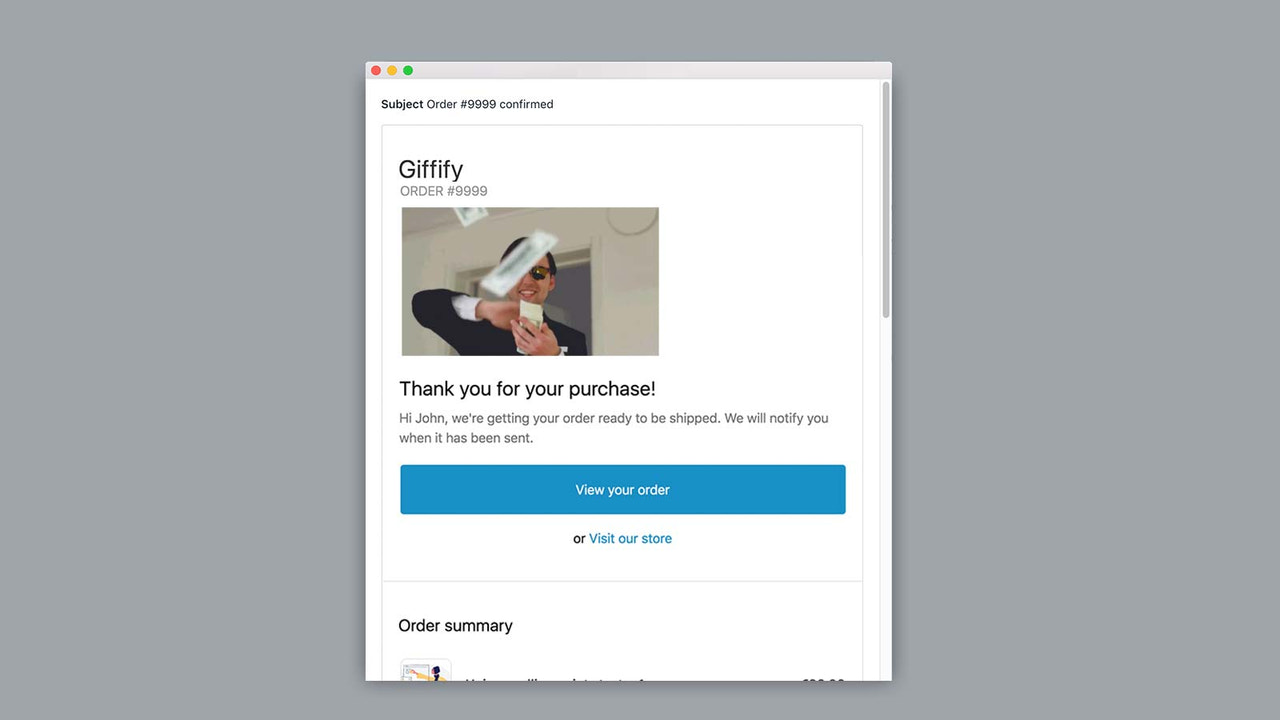
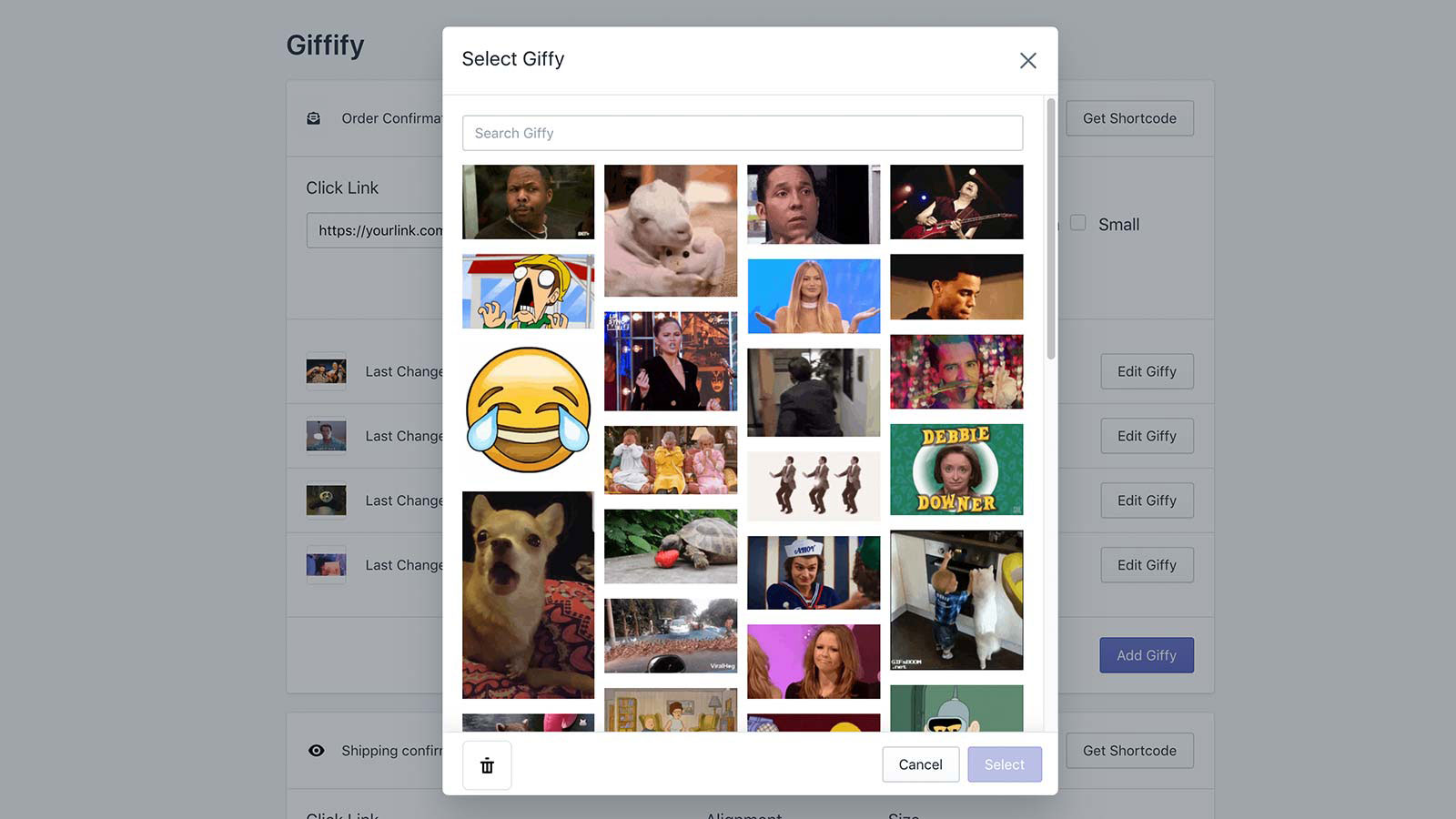
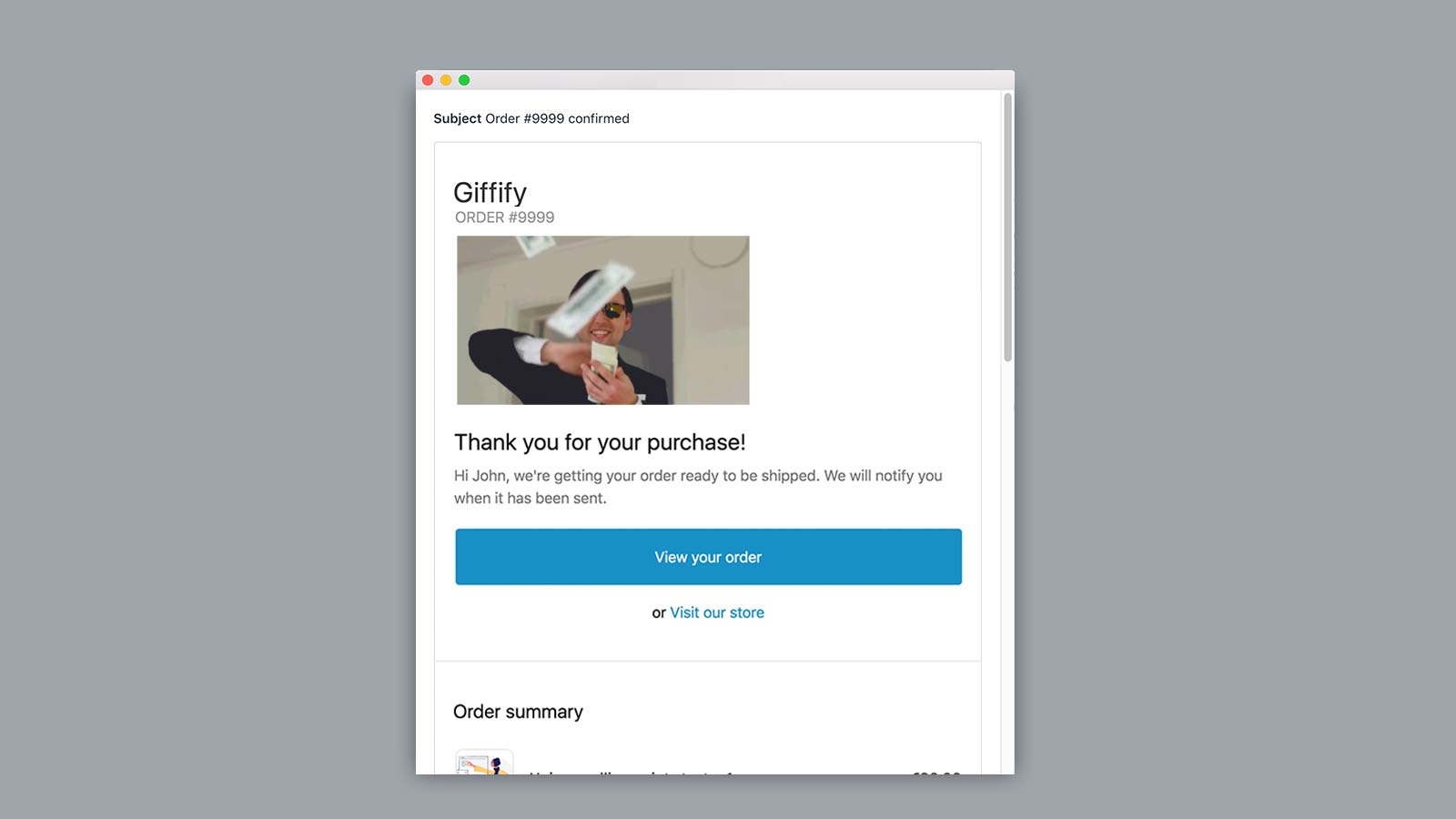
Giffify enables you to add GIFs to all your notification emails. What is Giffify? We all know, love, and use GIFs in daily communication—so why not leverage this most engaging format in your business emails?! Using GIFs boosts customer engagement and revenue. But how do you integrate and automate GIFs in emails? Giffify is here: it lets you easily select your favorite GIFs for your store’s shipping notifications, order confirmations, and all other emails!
Core Functionality
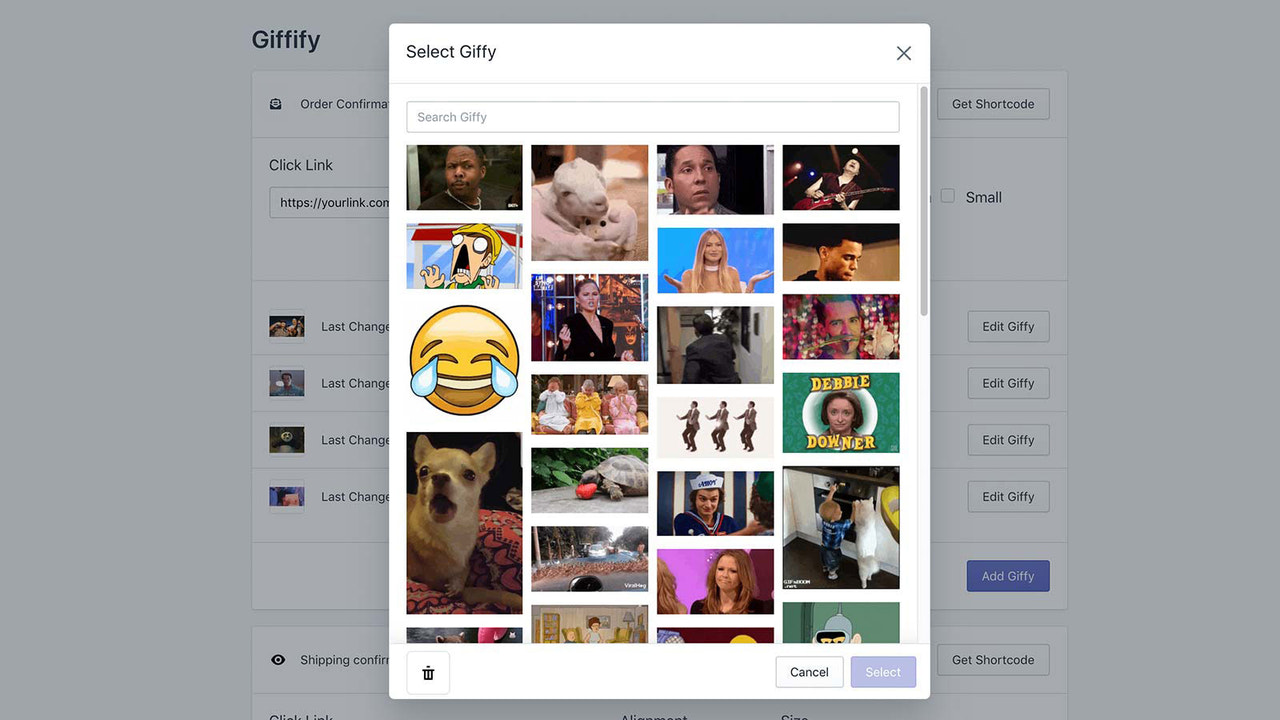
- Choose from thousands of GIFs
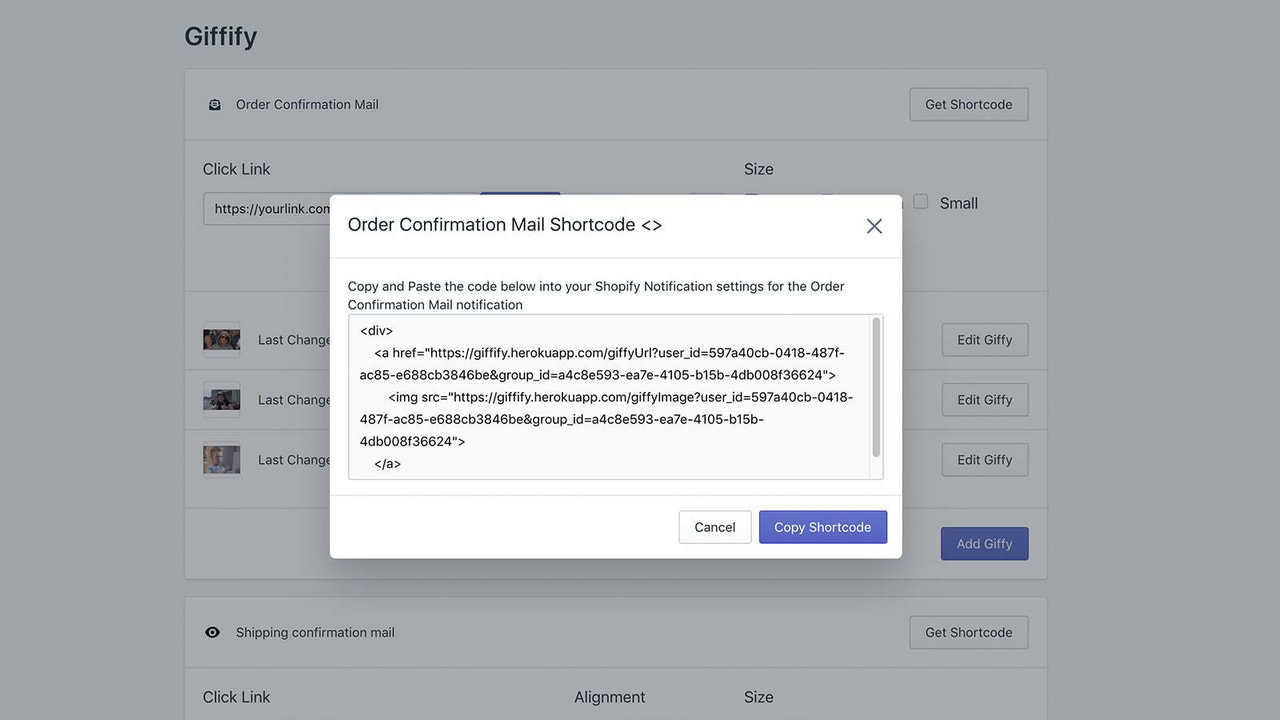
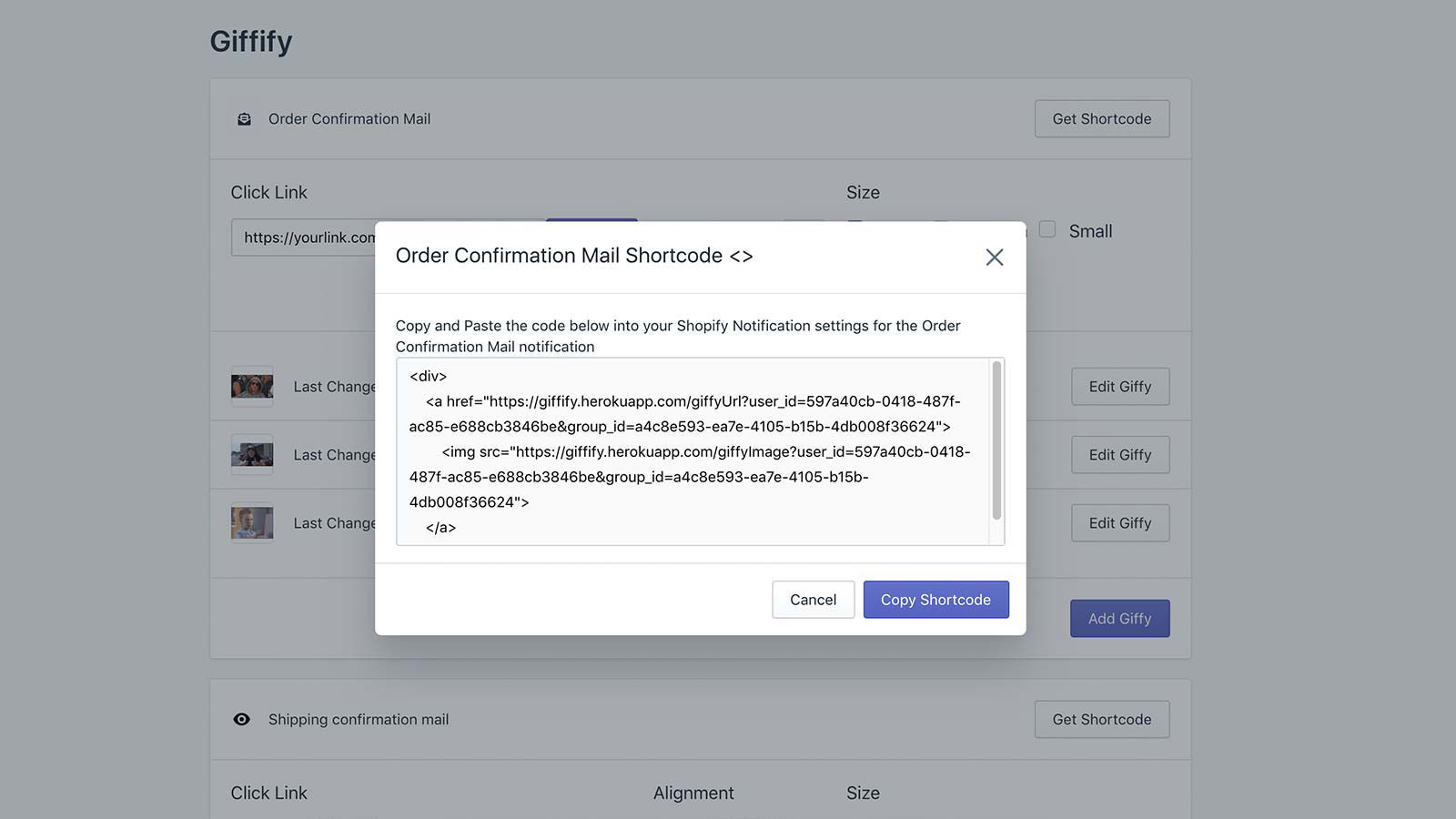
- Add GIFs to emails
- Use different GIFs for each notification email
Merchant-Friendly
- Independent Station Merchants
- Email Marketing Merchants
- Brand E-commerce Merchants
- Cross-border E-commerce Merchants
Basic Information
- Developer:Studio RAO
- Address:Groenedijk, 58, Dordrecht, 3311 DB, NL
- Price: Free / Free plan
- Rating:5 / 5
- Comment Count:1 comment
- Release Date:2019-11-5
- Supported languages:English
- Compatible products:Shopify
Application Screenshot

Price Plan
Free
Free Plan
User Location & Comments
User Location
Comments
Shopify API Used
- GET /admin/api/gif_library.json
- POST /admin/api/gif_selection.json
- GET /admin/api/gif_selection/{id}.json
Permission:read_gif_library,write_gif_selection,manage_assets
- POST /admin/api/email_templates/{id}/gifs.json
- PUT /admin/api/email_templates/{id}/gifs/{gif_id}.json
- GET /admin/api/email_templates/{id}/gifs.json
Permission:write_email_templates,read_email_templates,manage_gifs
- POST /admin/api/notification_rules/{id}/gifs.json
- PUT /admin/api/notification_rules/{id}/gifs/{gif_id}.json
- GET /admin/api/notification_rules/{id}/gifs.json
Permission:write_notifications,read_notifications,manage_gifs



