
App Introduction
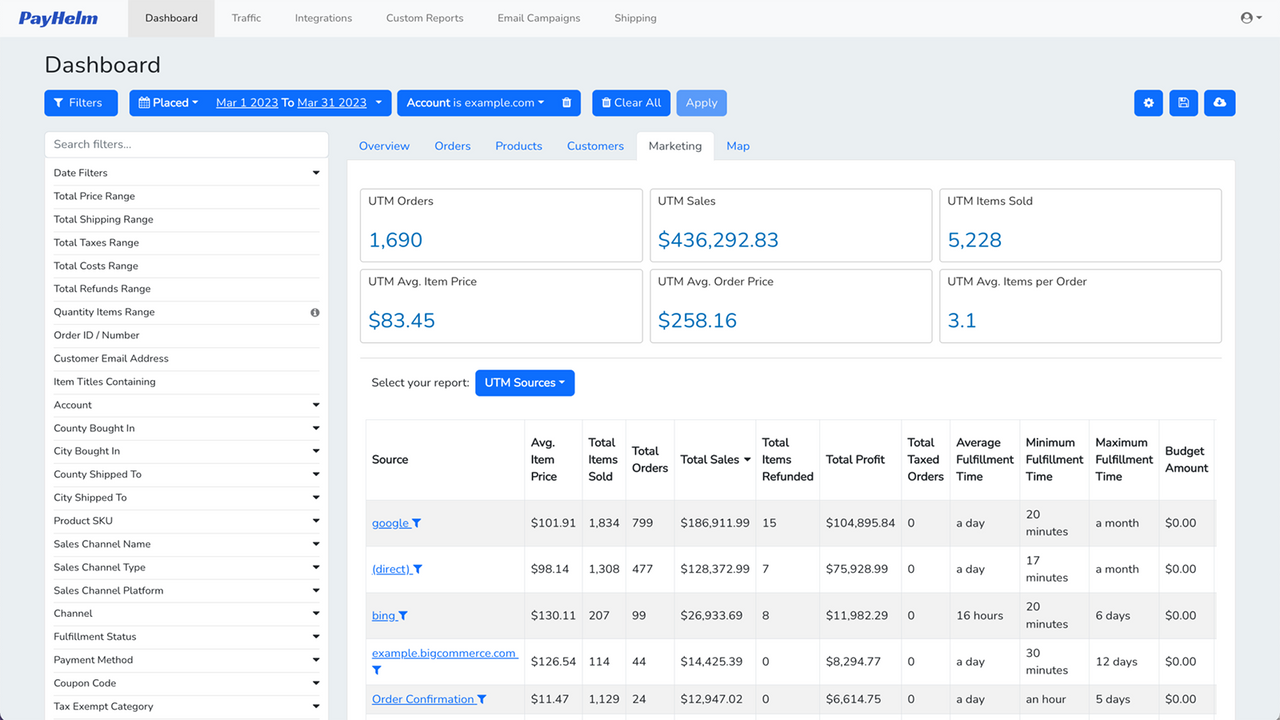
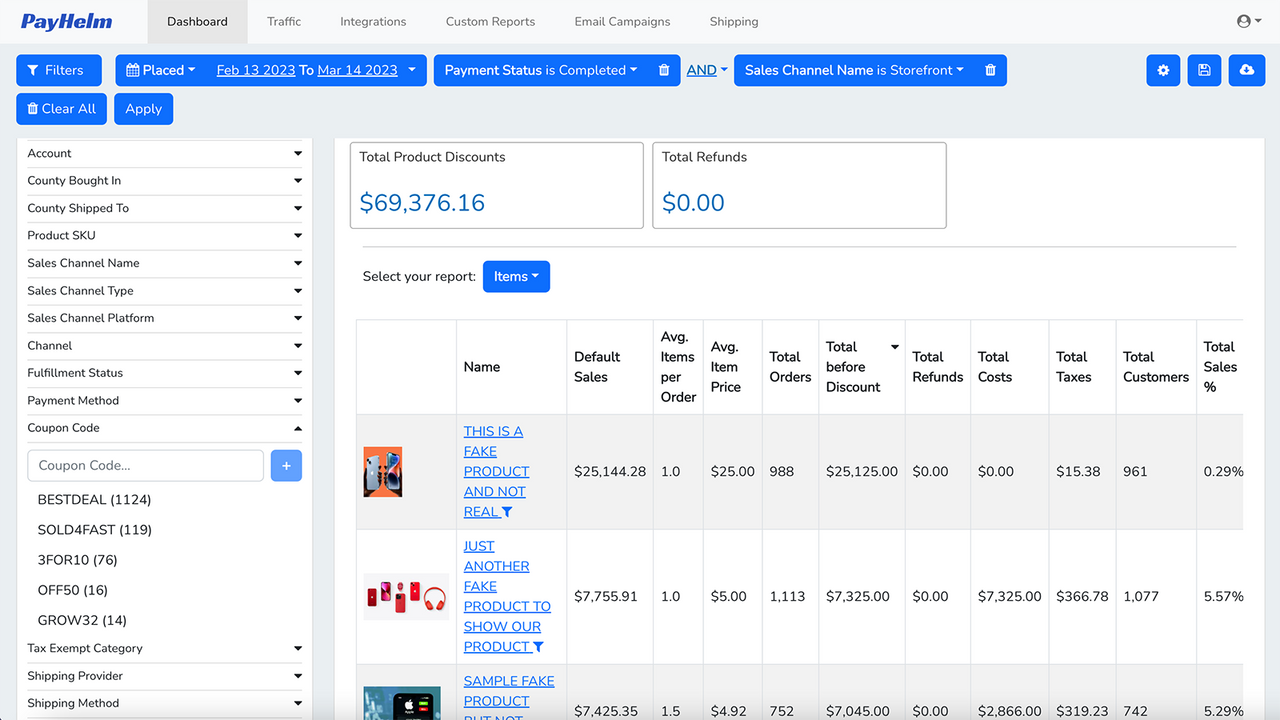
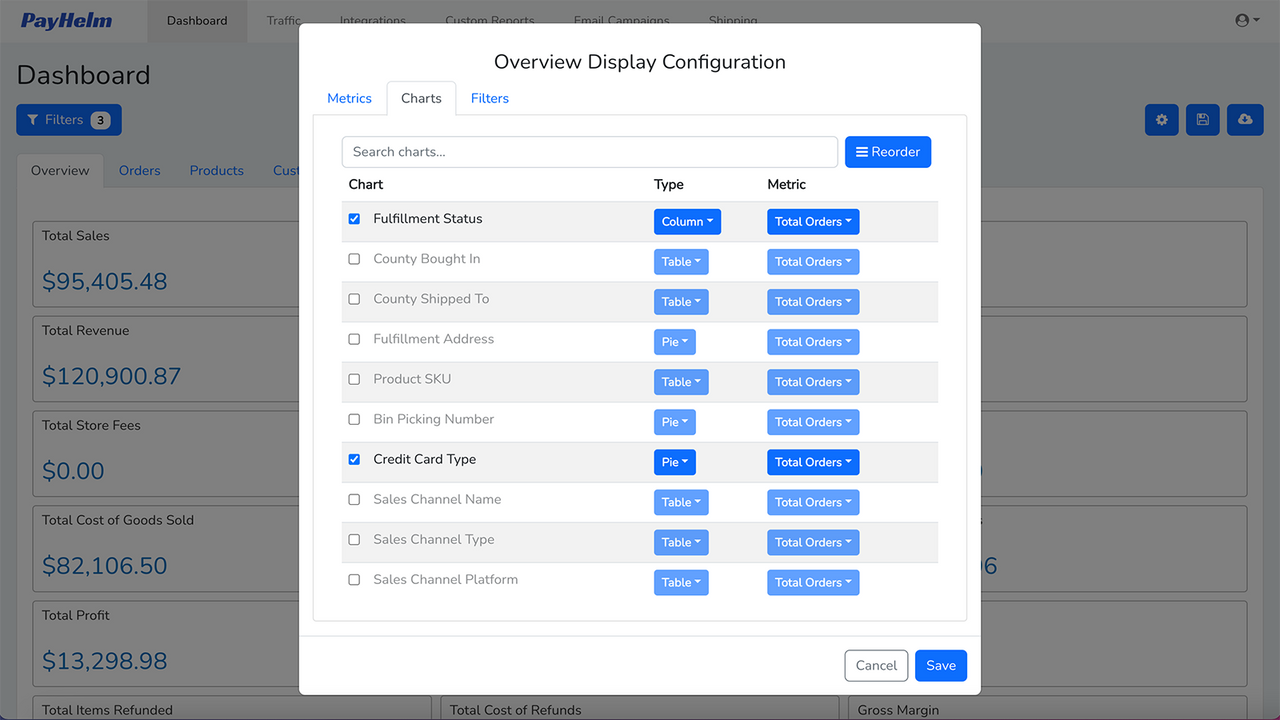
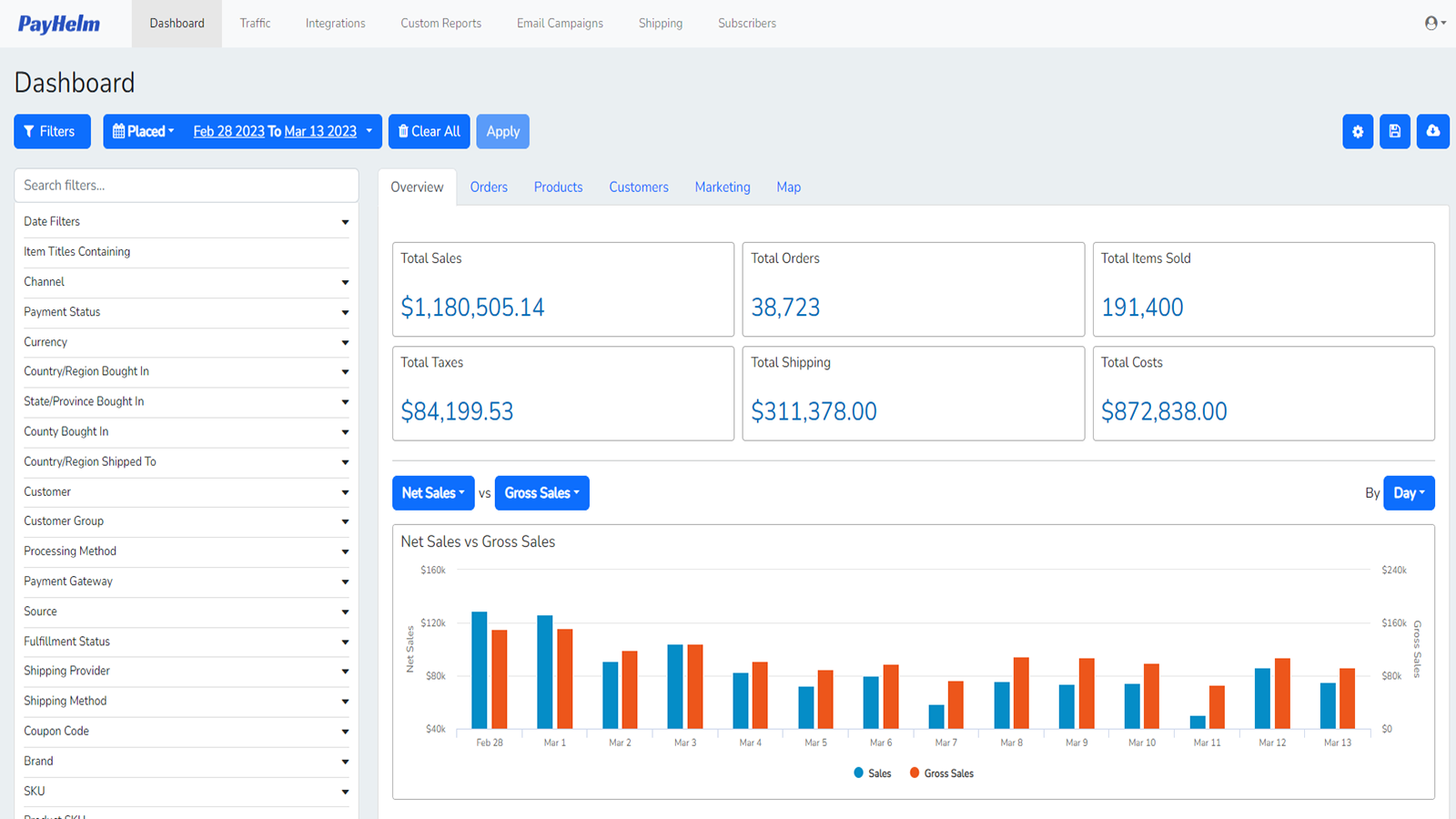
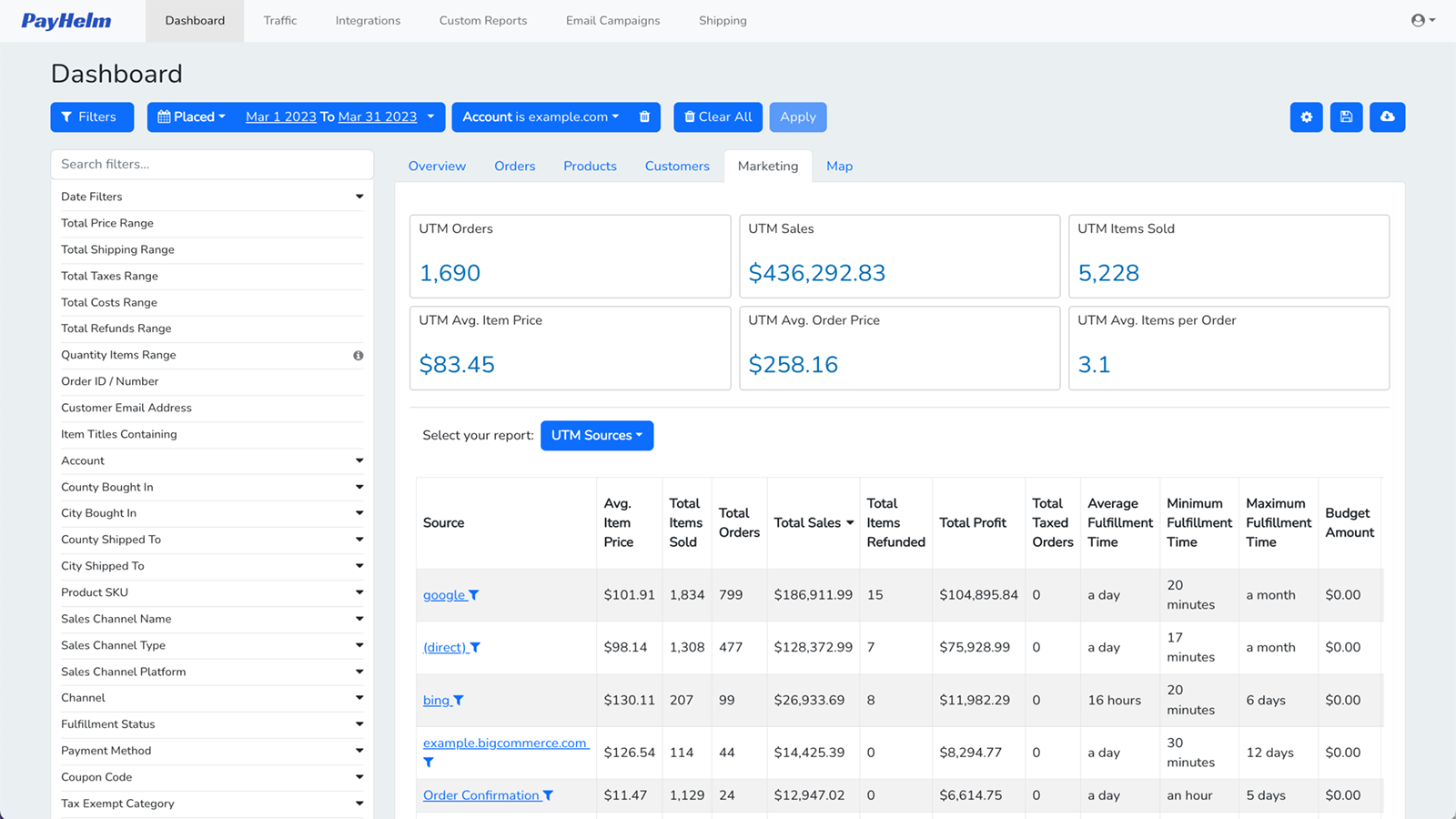
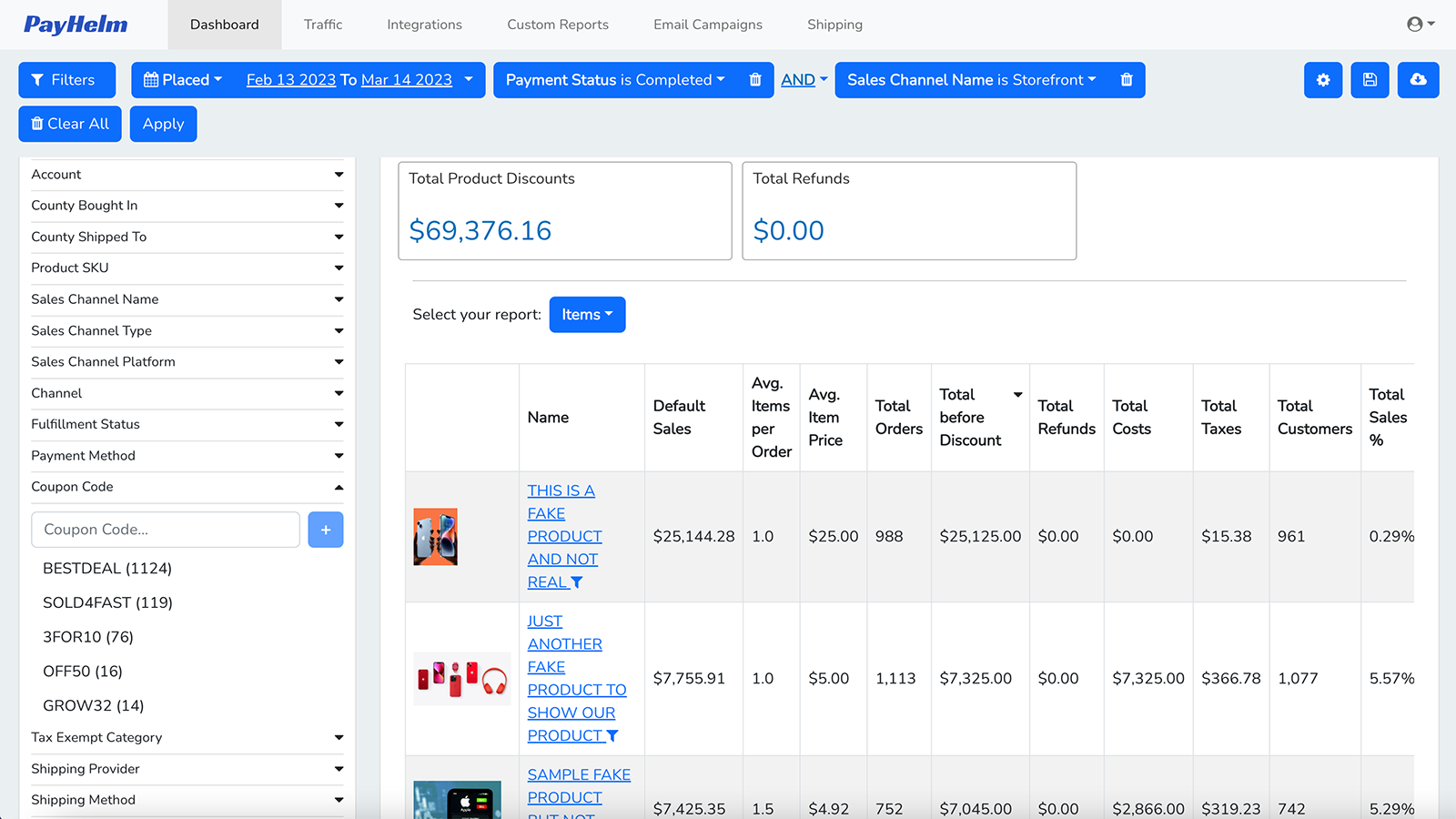
All your data in one analytics platform. Export, report, analyze, and explore your data. Try it now. Connect all your data sources to unlock profit growth. Analyze multiple stores, marketing channels, and more—including Amazon, Etsy, and others. Track your Google Ads or Facebook Ads performance by ROAS. Analyze your UPS label or ShipStation costs. Connect your Stripe, Braintree, or PayPal accounts to break down gateway fees and gain clarity on gross margins or profits. Set up and run your ecommerce dashboard to power your business!
Core Functionality
- Unlock your data and access critical business information to grow your company.
- Export your data and integrate it with other mission-critical services.
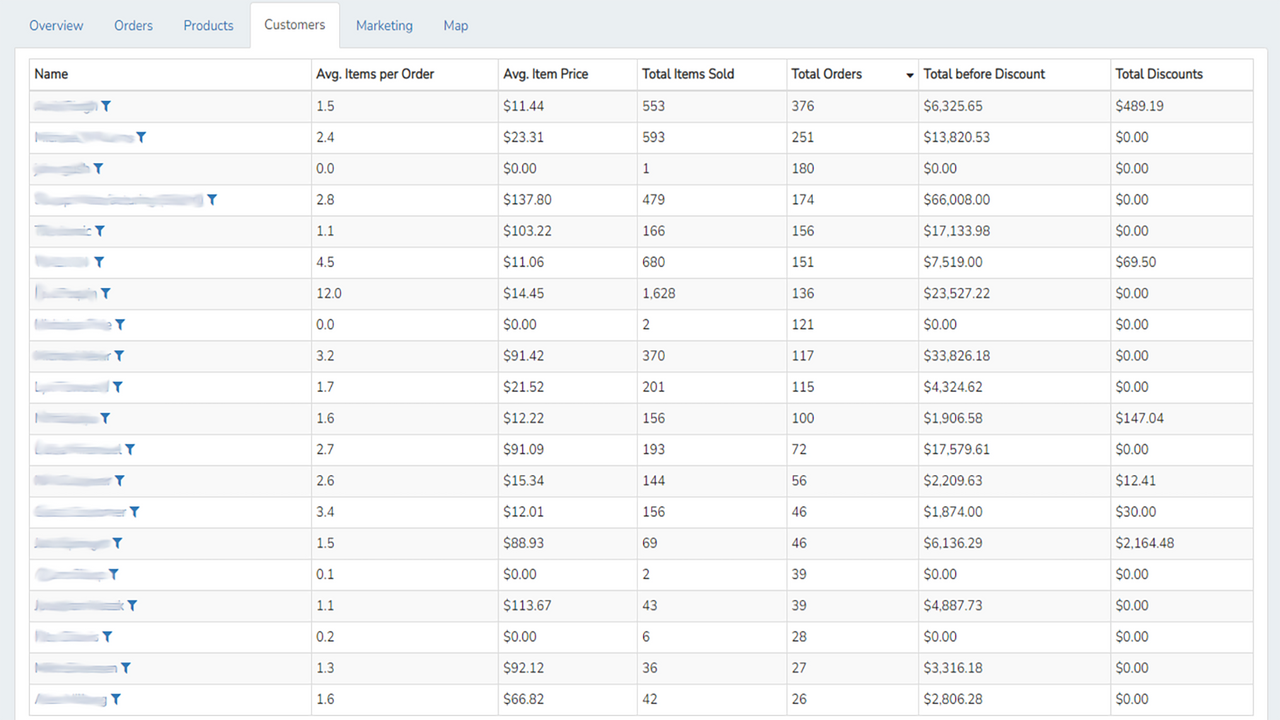
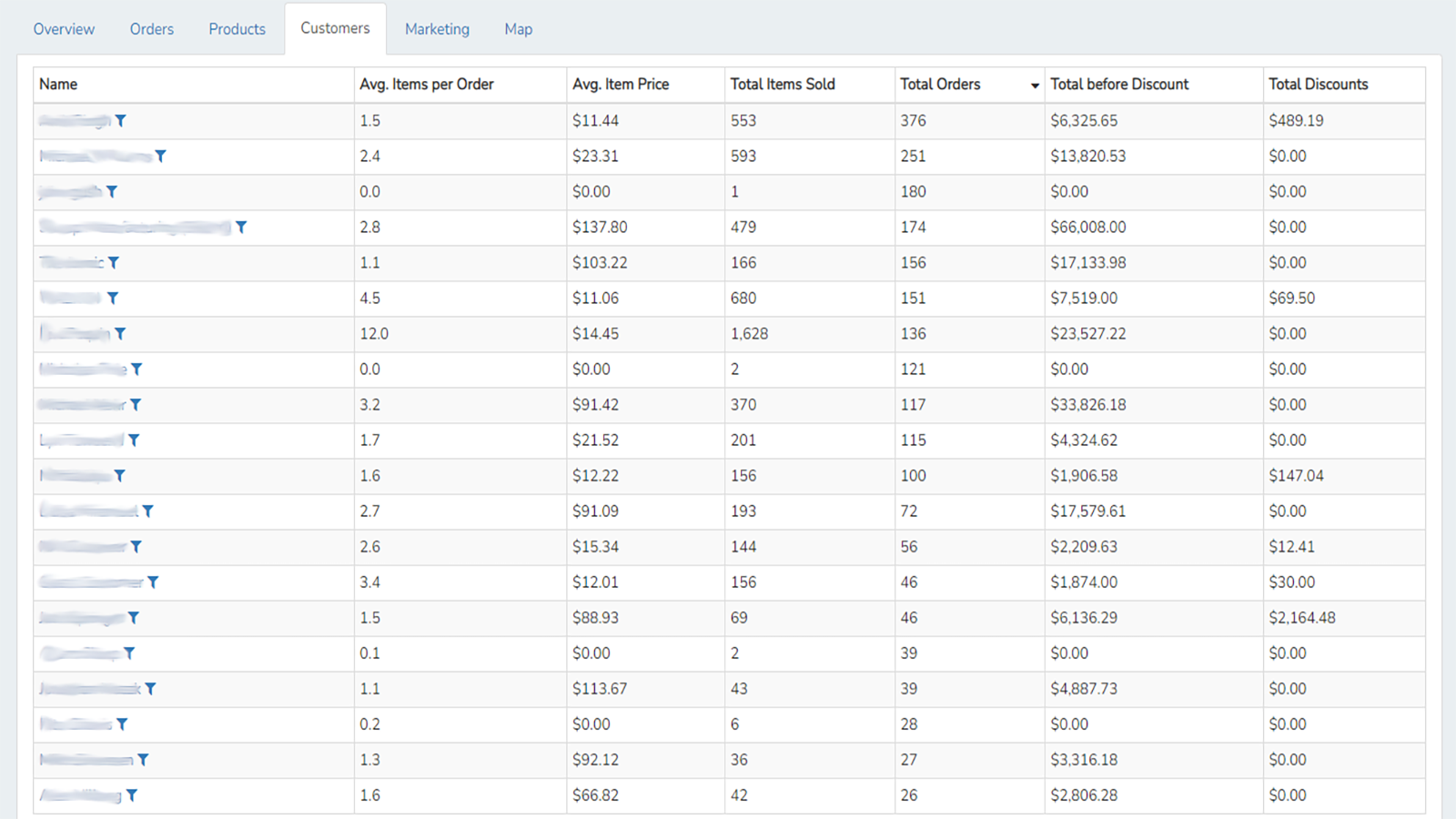
- Analyze your business, products, and customers while keeping your team aligned.
- Share and export your reports to PDF, Excel, CSV, and Google Sheets.
- Receive regular reports automatically via email or have them sent to Google Sheets.
Merchant-Friendly
- Small and Medium E-commerce Merchants
- Data-driven Merchants
- Multi-channel Sales Merchants
- Team-collaboration Merchants
Basic Information
- Developer:PayHelm
- Address:301-1321 Blanshard Street, Victoria, BC, V8W 0B6, CA
- Price: Free / Free plan
- Rating:5 / 5
- Comment Count:6 comment
- Release Date:2019-8-20
- Supported languages:English
- Compatible products:Shopify
Application Screenshot
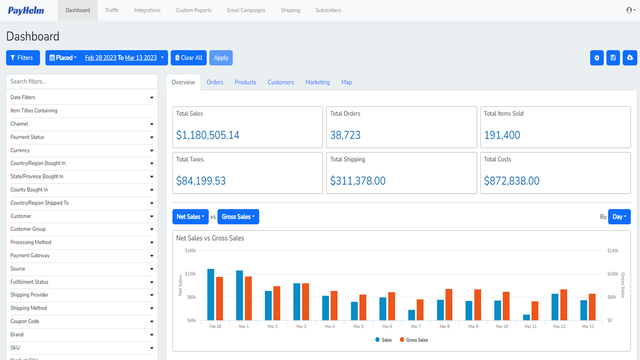
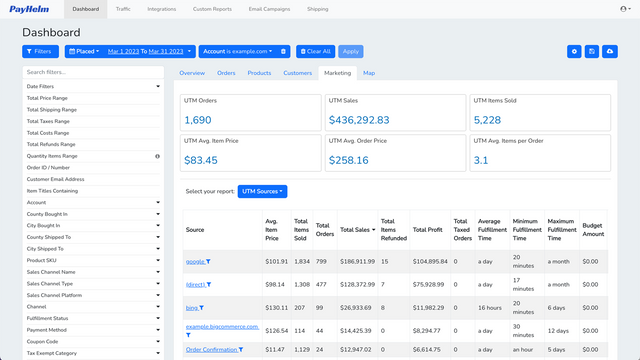
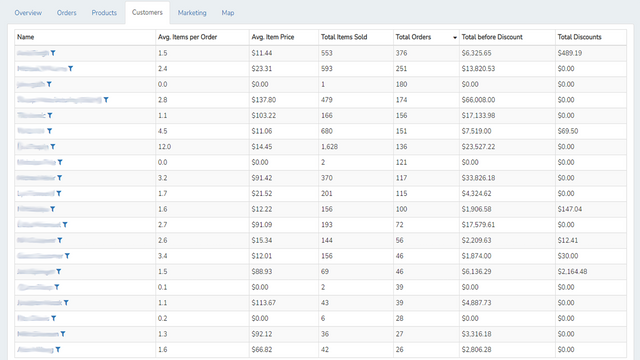
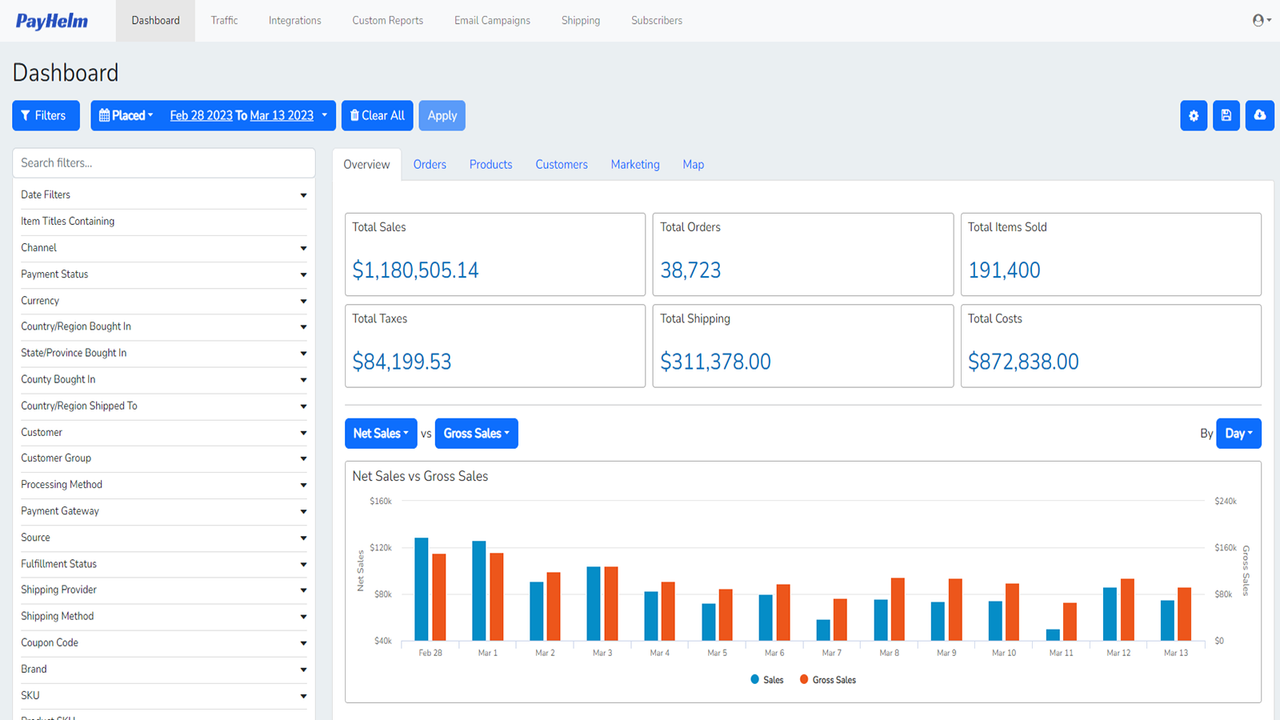
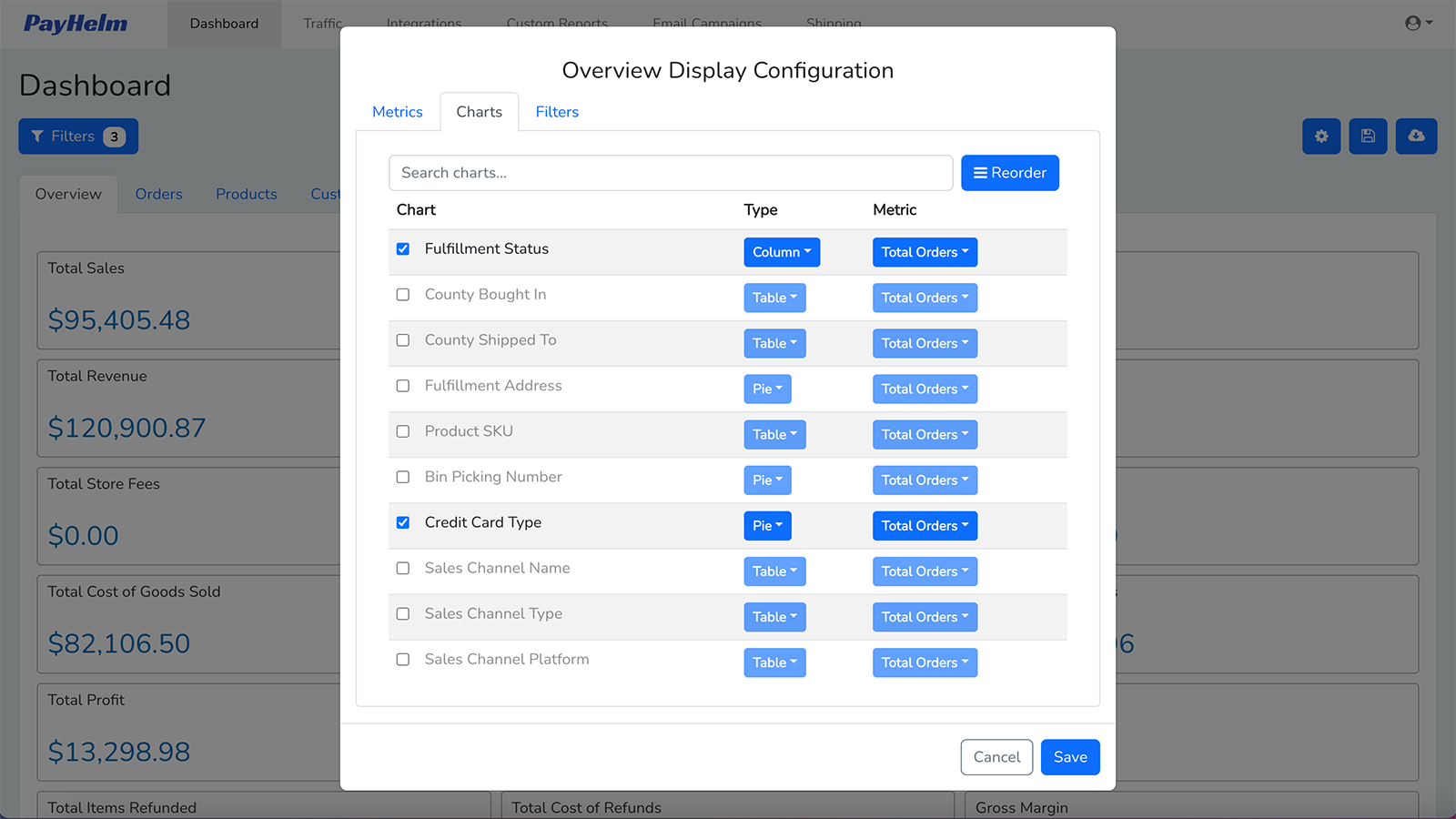
Price Plan
Free
- Analyze monthly sales of $10,000
- Bigcommerce, Shopify, and WooCommerce
- Import all sales history
- Unlimited stores, orders, and users
- 300+ metrics
Pro
- Analyze monthly sales of $50,00
- All content in the Free Plan plus:
- Share reports
- Export reports
- Create custom reports
Business
- Analyze monthly sales of $200,000
- All features in the Professional Plan plus:
- Save custom reports
- Advanced filters and segmentation
- Schedule and send email reports
Enterprise
- Analyze sales over $200K
- All content in the business plan plus:
- ShipStation Integration
- Google Analytics Integration
- Website Traffic Report
User Location & Comments
User Location
Comments
Shopify API Used
- GET /admin/api/shop.json
- GET /admin/api/products.json
- GET /admin/api/customers.json
Permission:read_shop,read_products,read_customers
- GET /admin/api/orders.json
- GET /admin/api/reports.json
- POST /admin/api/webhooks.json
Permission:read_orders,read_reports,manage_webhooks
- GET /admin/api/analytics/orders.json
- GET /admin/api/analytics/products.json
- GET /admin/api/analytics/customers.json
Permission:read_analytics,read_products,read_customers
- GET /admin/api/reports/{id}/export.json?format=pdf
- GET /admin/api/reports/{id}/export.json?format=excel
- GET /admin/api/reports/{id}/export.json?format=csv
Permission:read_reports,export_reports
- POST /admin/api/report_schedules.json
- PUT /admin/api/report_schedules/{id}.json
- GET /admin/api/report_schedules.json
Permission:manage_reports,read_reports