
App Introduction
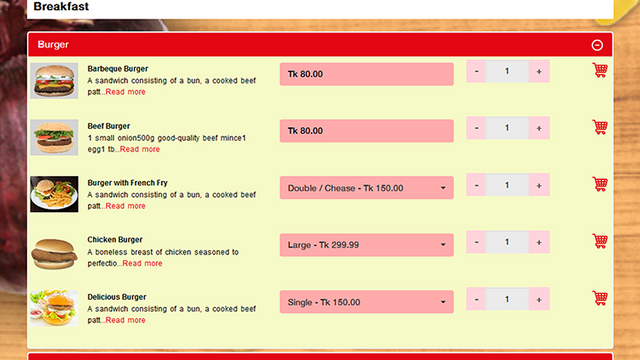
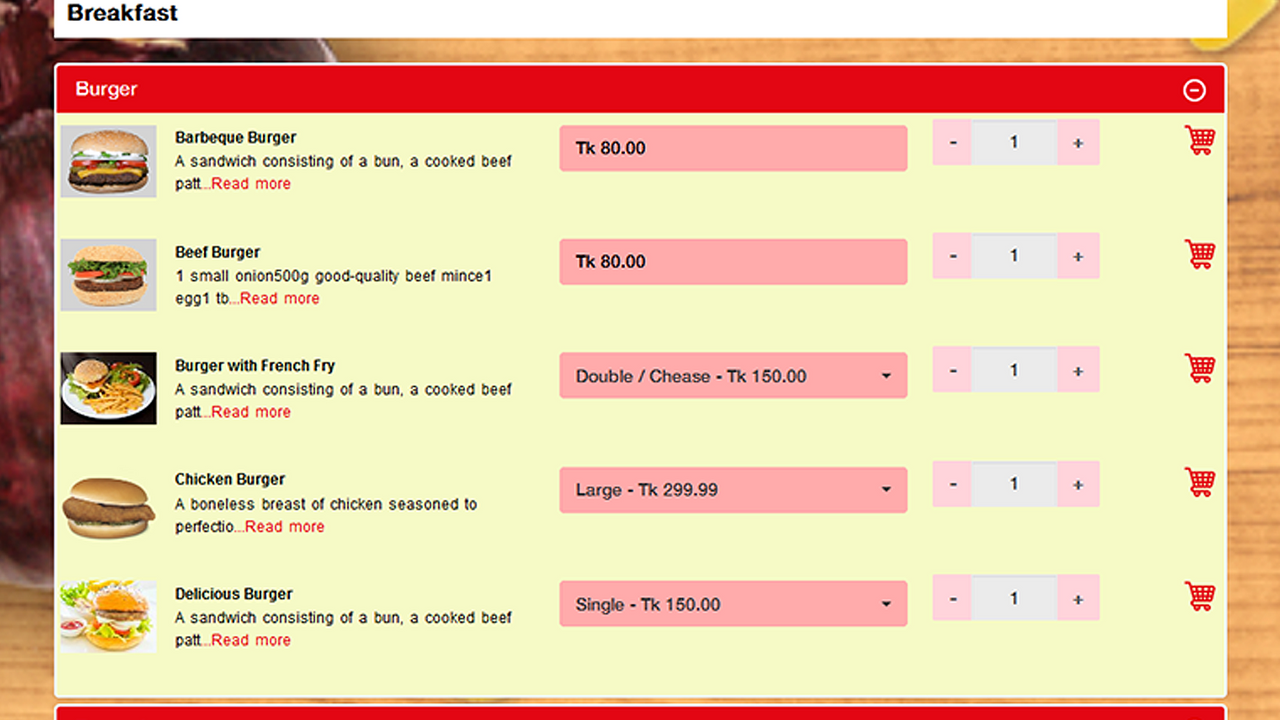
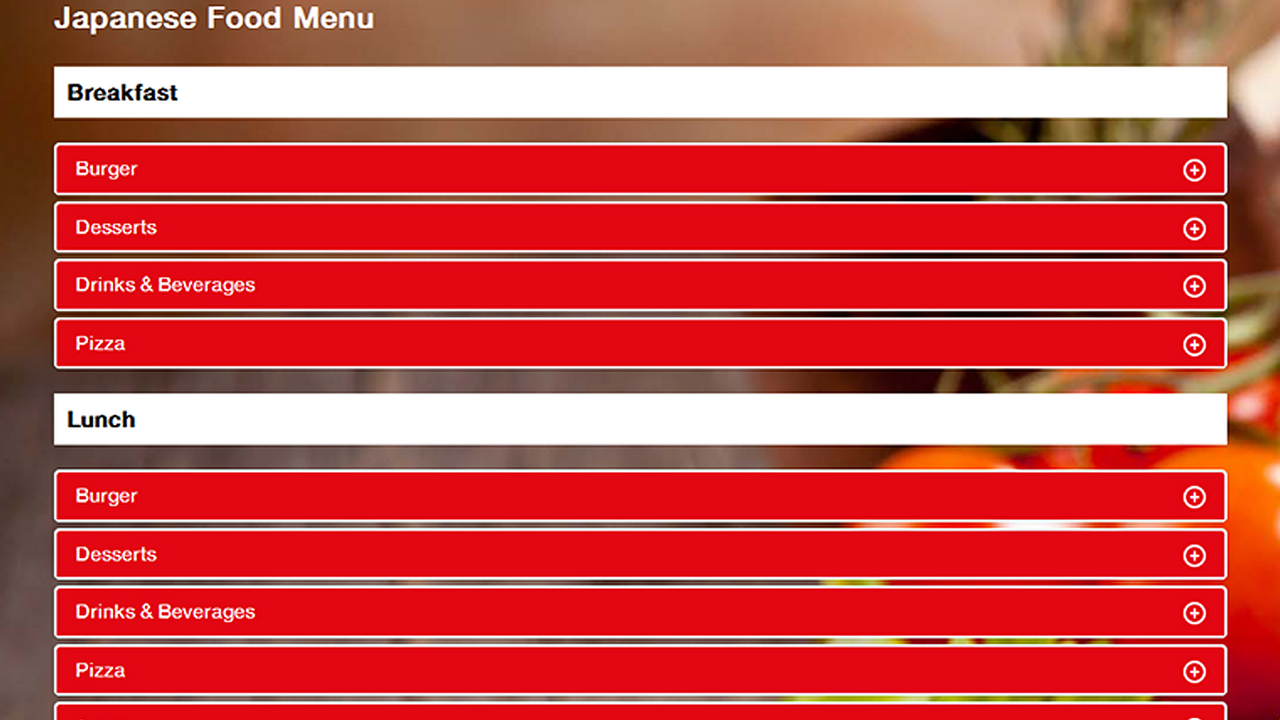
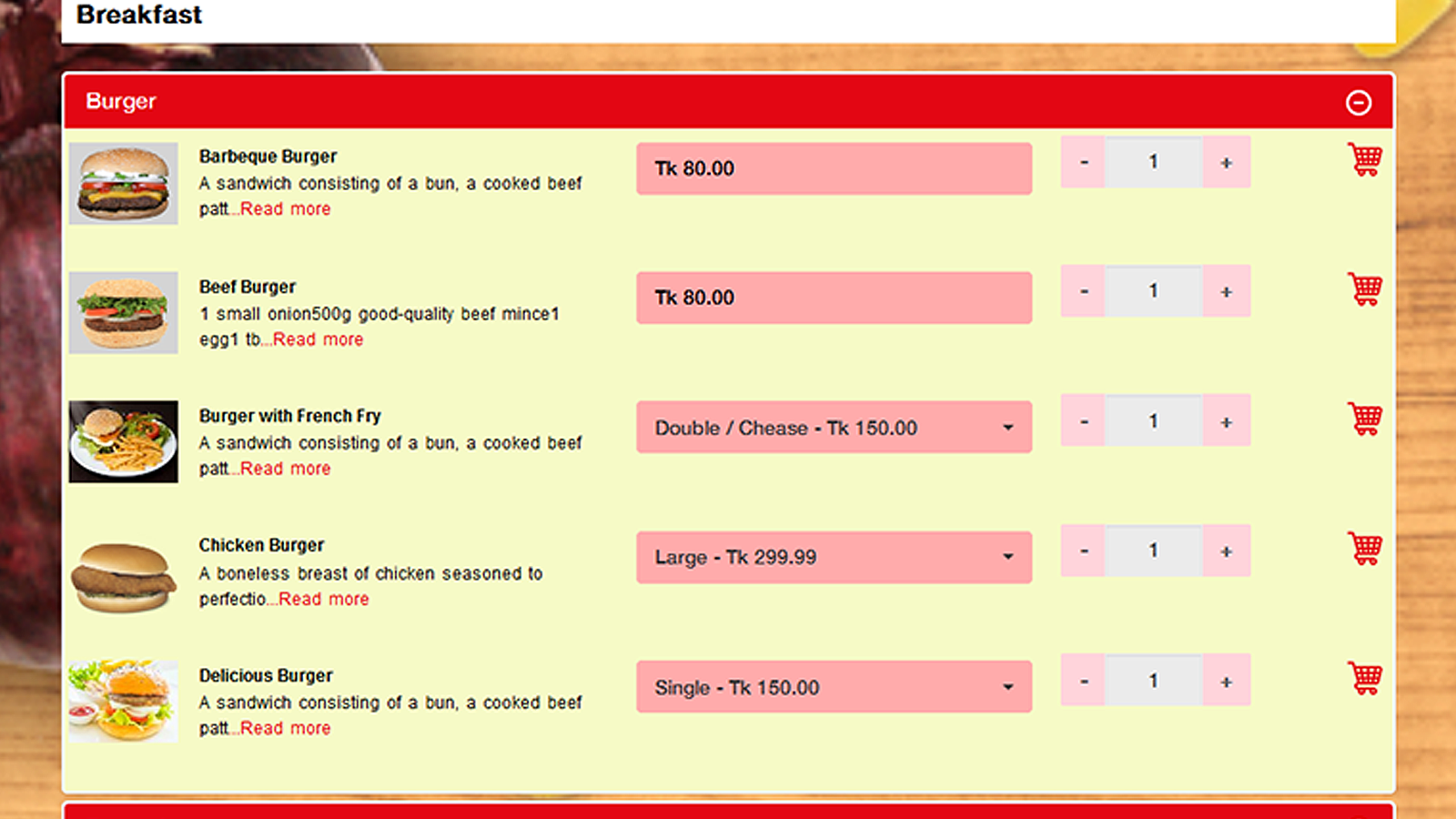
Create and showcase different food menu pages to boost sales, enhance customer satisfaction, and increase lifetime value. This is a simpler way for your online store customers to add multiple products to their cart on a single page with stunning effects. Simply navigate to the Foodlify page, select products, specify quantities, and click the order button to add the product group to their cart. It’s an easy way to order a variety of food items in seconds. This app helps you sell more and is ideal for wholesale buyers.
Core Functionality
- Simpler and faster food ordering to save your customers valuable time
- Customizable frontend design panel to decorate your catalog and food menu!
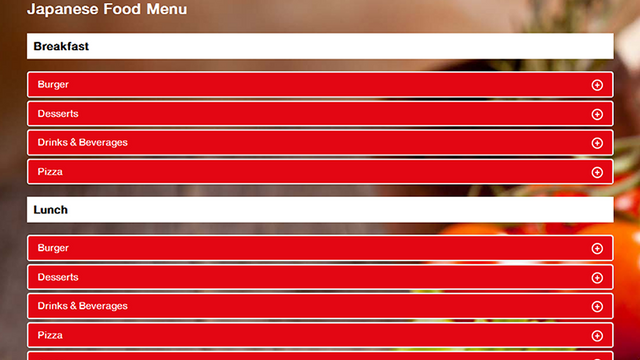
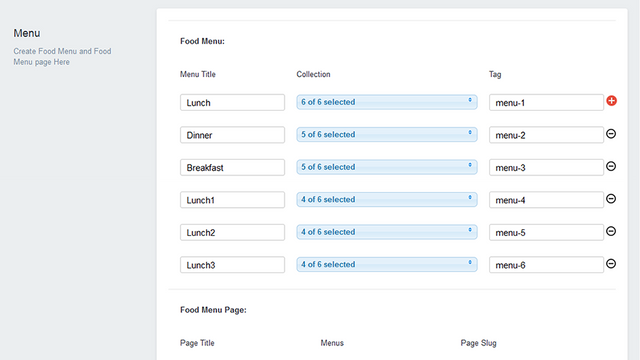
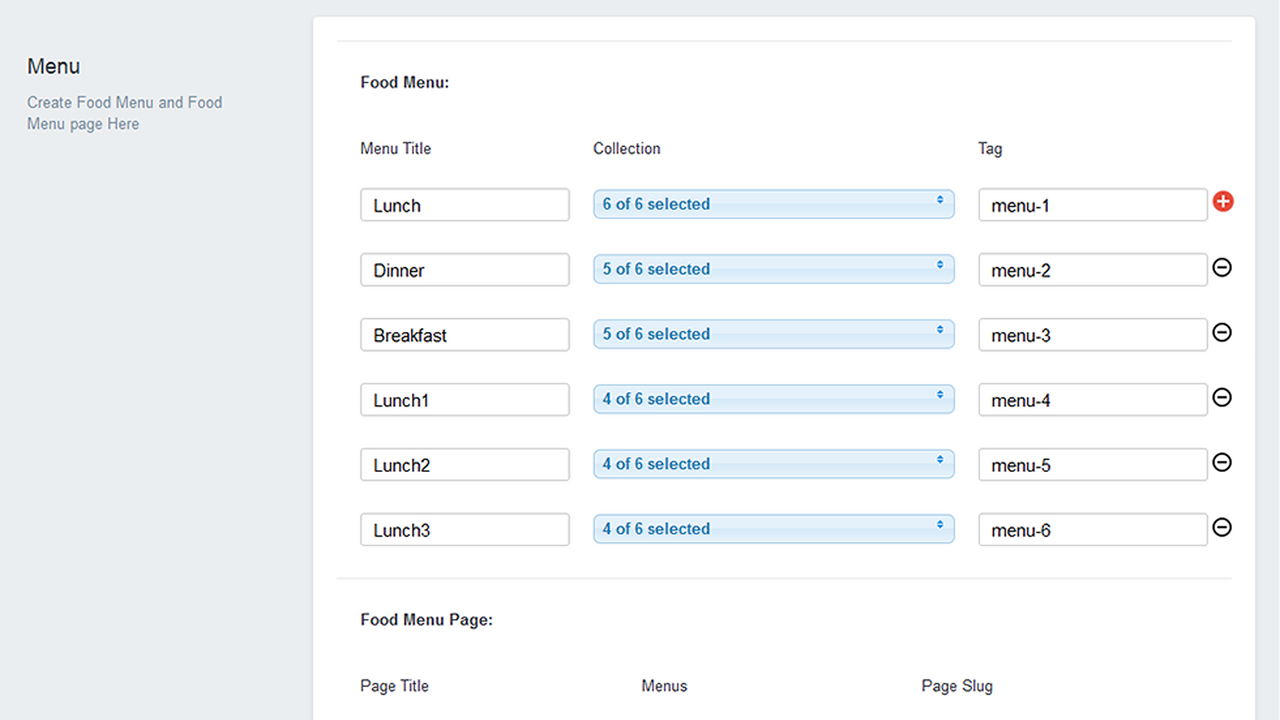
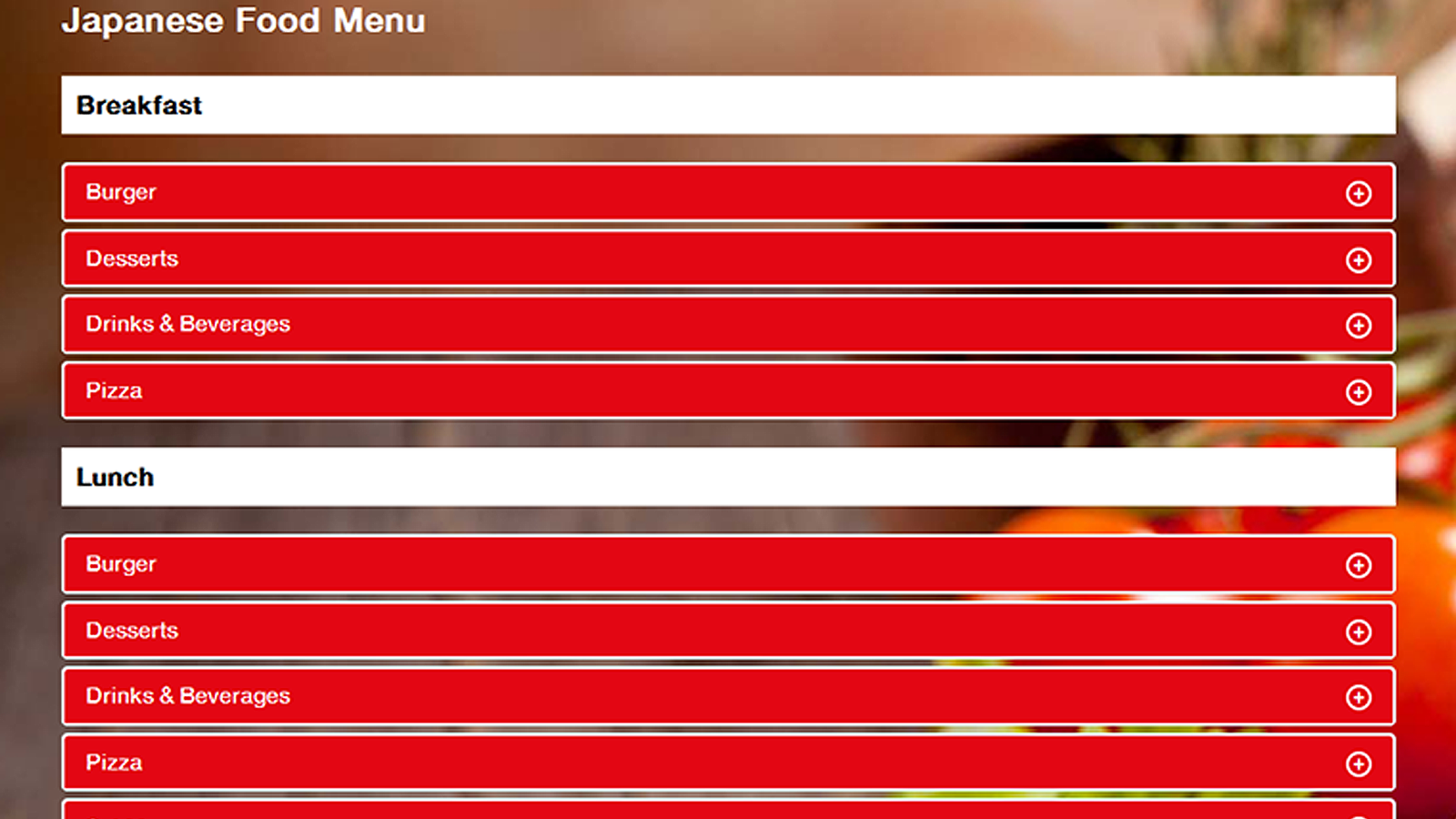
- Create multiple food menus in your store by creating different pages
Merchant-Friendly
- Food & Beverage E-commerce Merchants
- Fresh Produce Delivery Merchants
- Prepared Food Sellers
- Restaurant Brand Independent Stations
Basic Information
- Developer:SolverCircle
- Address:271/A, Outer Circular Road, Bara Moghbazar, Dhaka, 1217, BD
- Price: Free / Free plan
- Rating:5 / 5
- Comment Count:1 comment
- Release Date:2017-5-3
- Supported languages:English
- Compatible products:Shopify
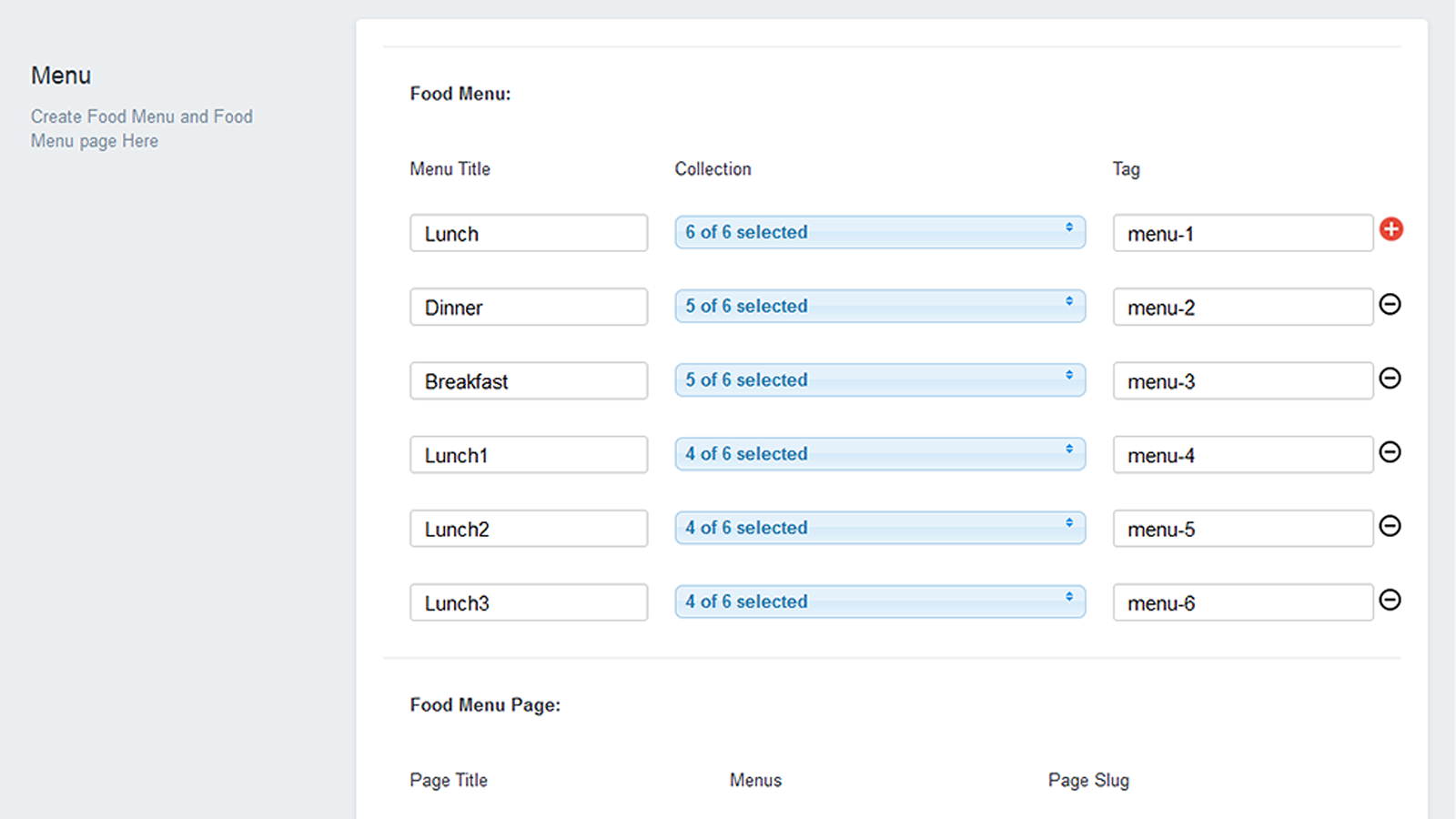
Application Screenshot
Price Plan
Premium
$14.99
User Location & Comments
User Location
Comments
Shopify API Used
- POST /admin/api/carts.json
- POST /admin/api/orders.json
- GET /admin/api/products.json?tag=food
Permission:write_orders,read_products,manage_carts
- PUT /admin/api/collections/{id}.json
- POST /admin/api/metafields.json
- GET /admin/api/shop.json
Permission:write_collections,write_metafields,manage_themes
- POST /admin/api/pages.json
- PUT /admin/api/pages/{id}.json
- GET /admin/api/pages.json?tag=menu
Permission:write_pages,read_pages,manage_navigation



