
らくらく日本語フォント設定|リテリア Font Picker
by AppScoped · Category: Design Elements - Others
Free Plan
Built for Shopify
App Introduction
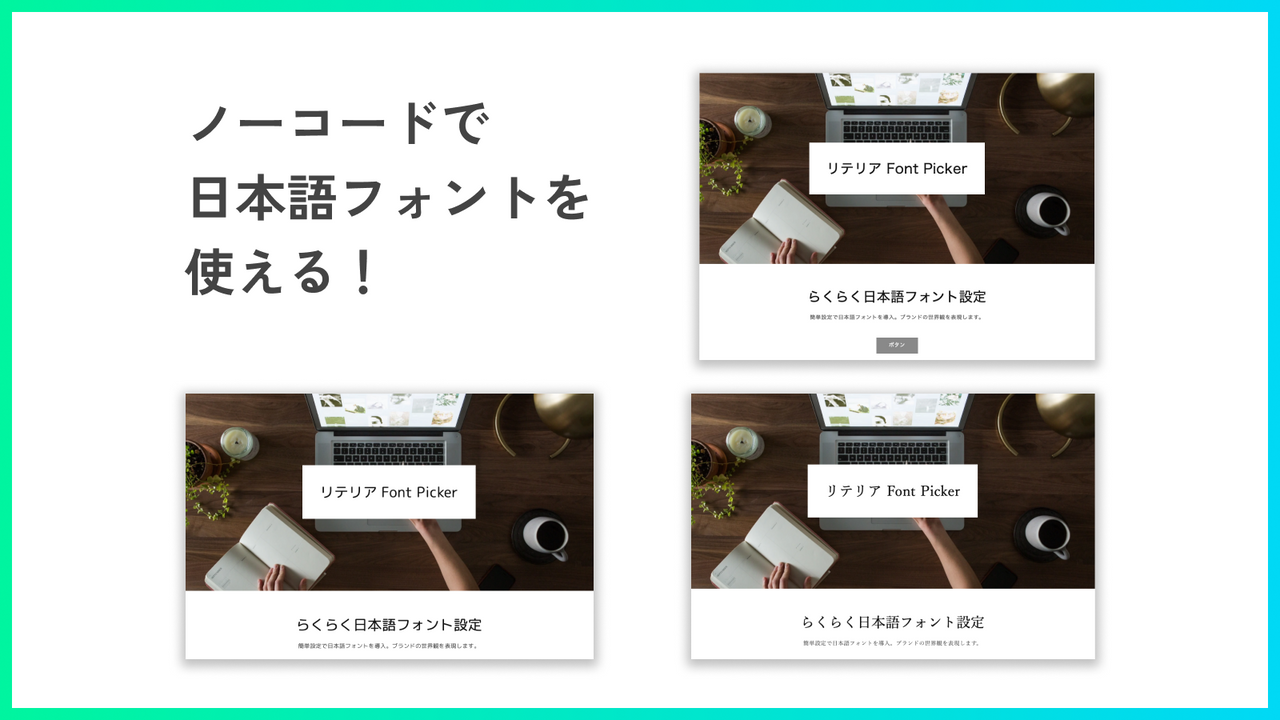
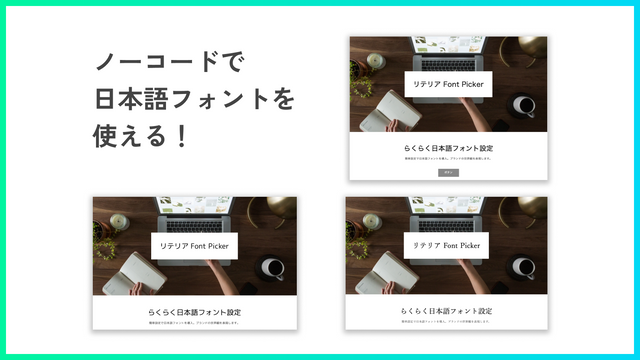
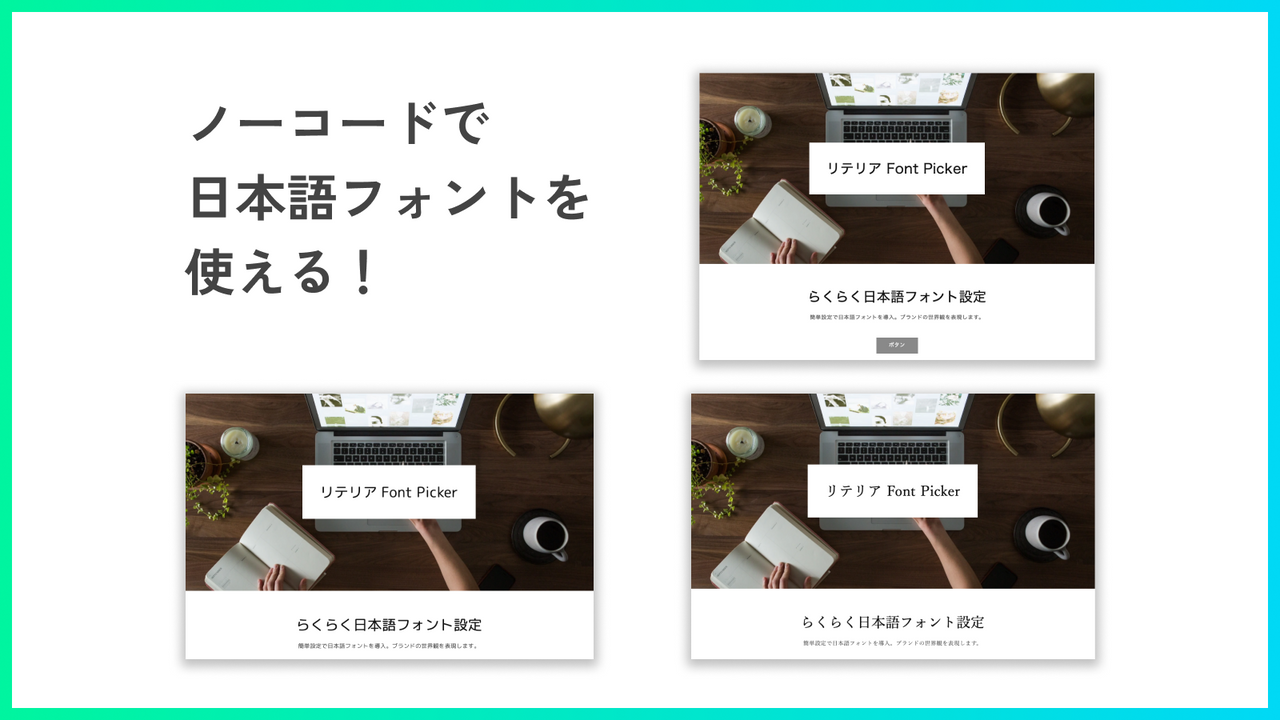
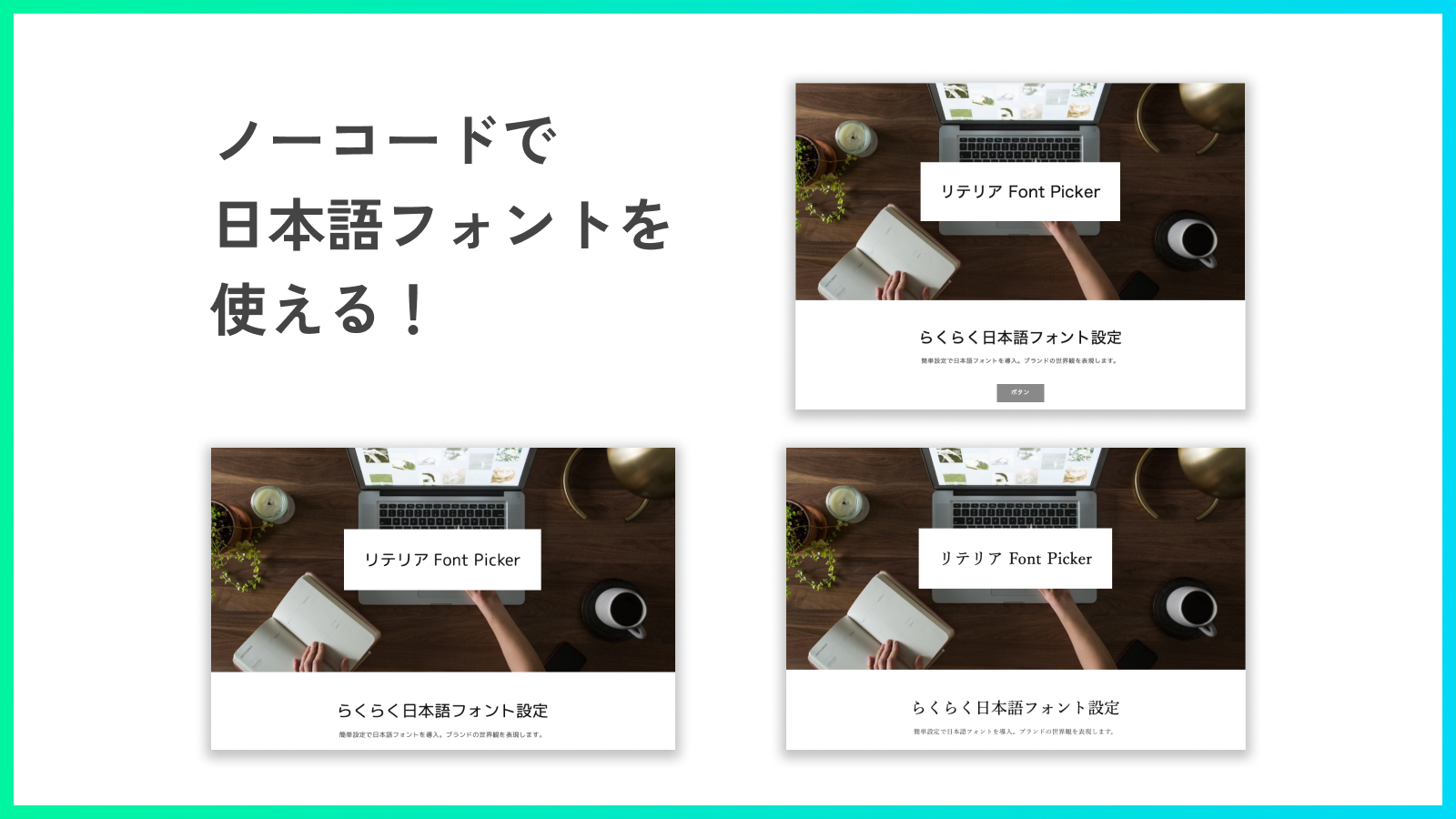
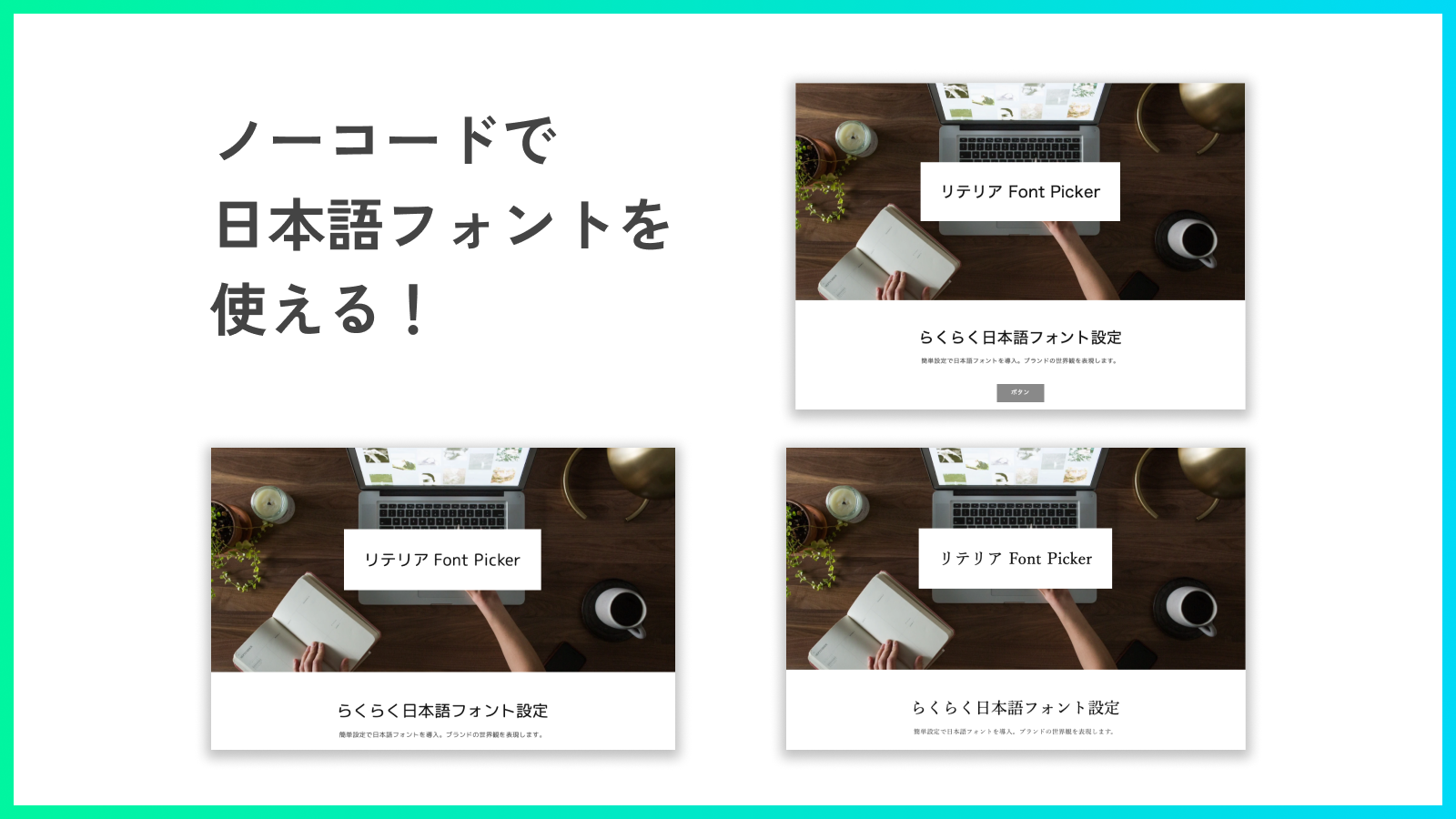
Elevate Your Brand’s Aesthetic! Use Japanese Fonts with Easy Setup Bring Your Brand to Life with Japanese Fonts! Tired of thinking, *“I want to use Japanese fonts on Shopify too…”*? **Literia Font Picker** solves that pain point! With our app, you can use Japanese fonts *without coding*! Plus, import custom web fonts to use your favorite typefaces. Elevate your brand’s identity with Japanese fonts today!
Core Functionality
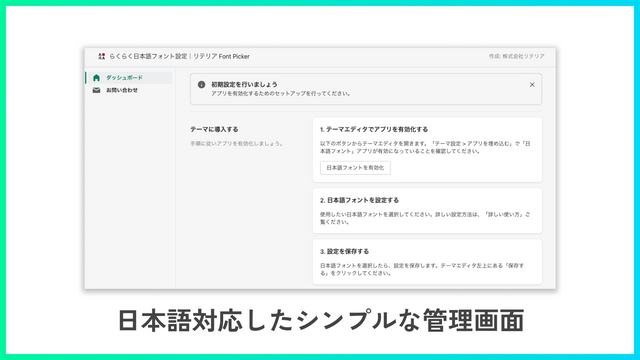
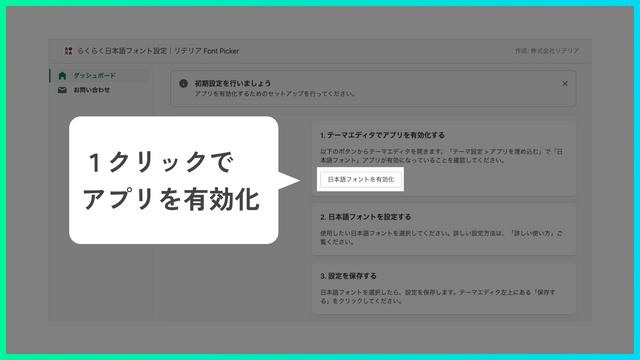
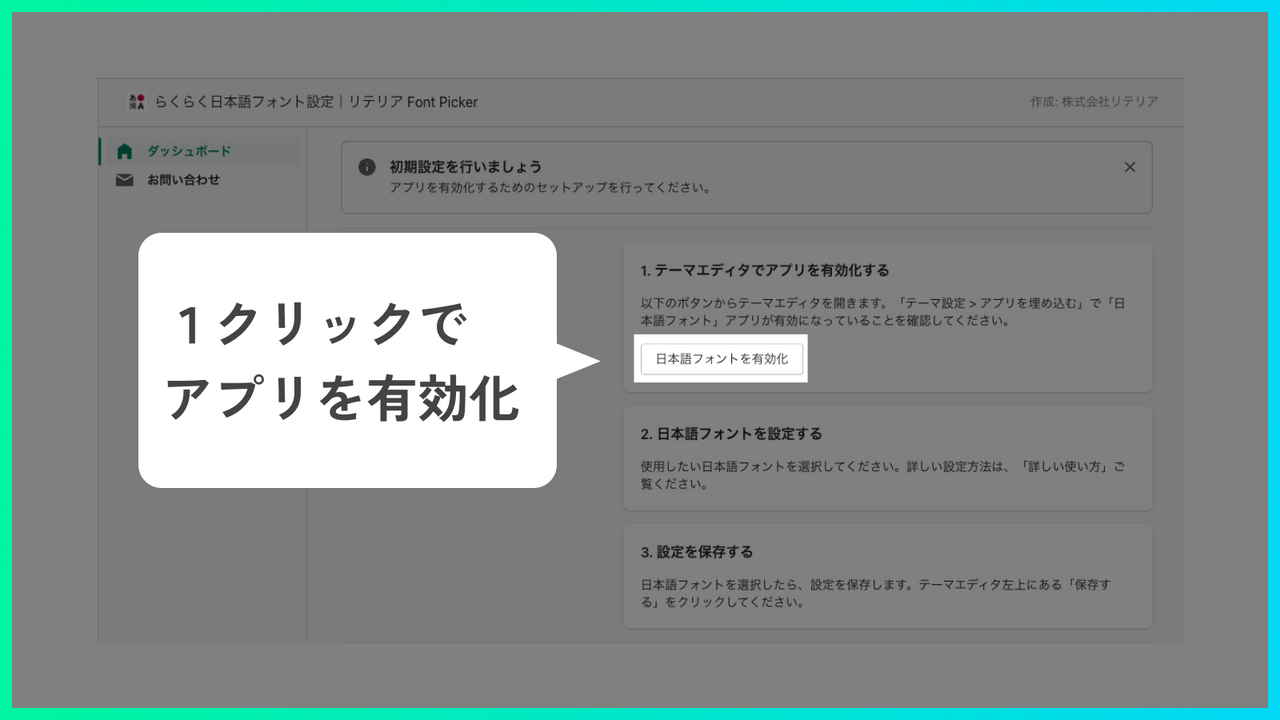
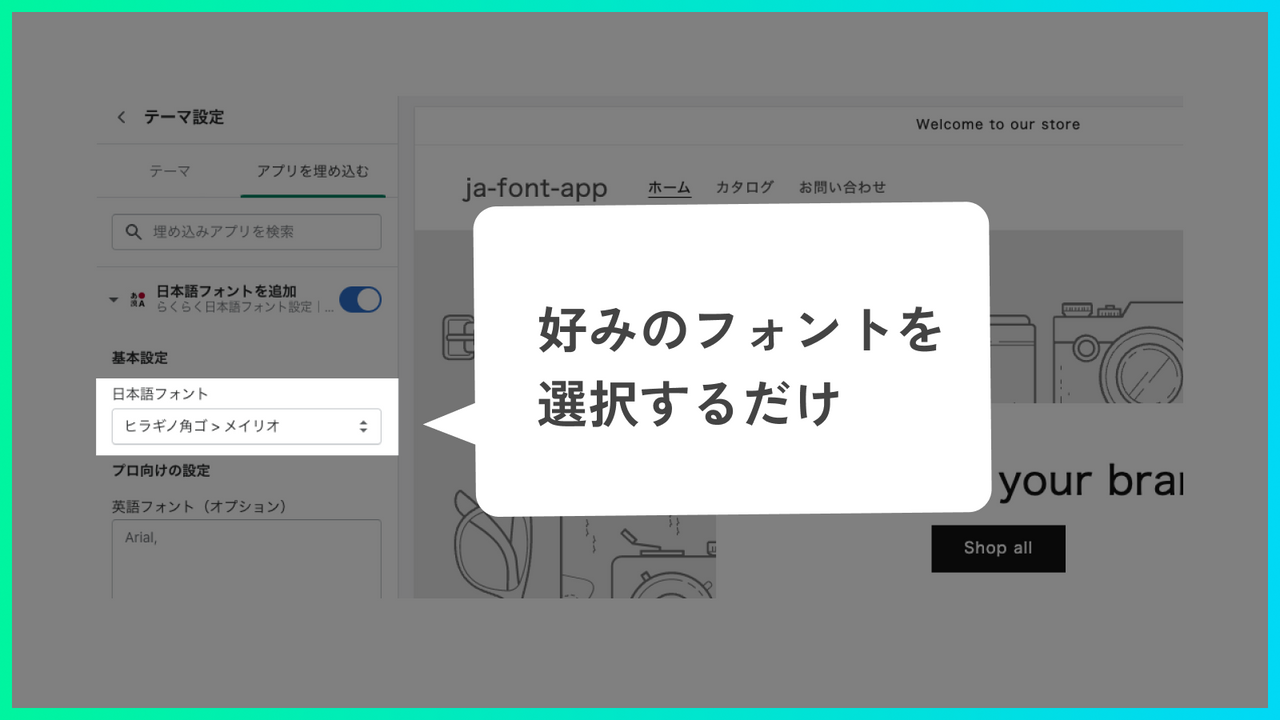
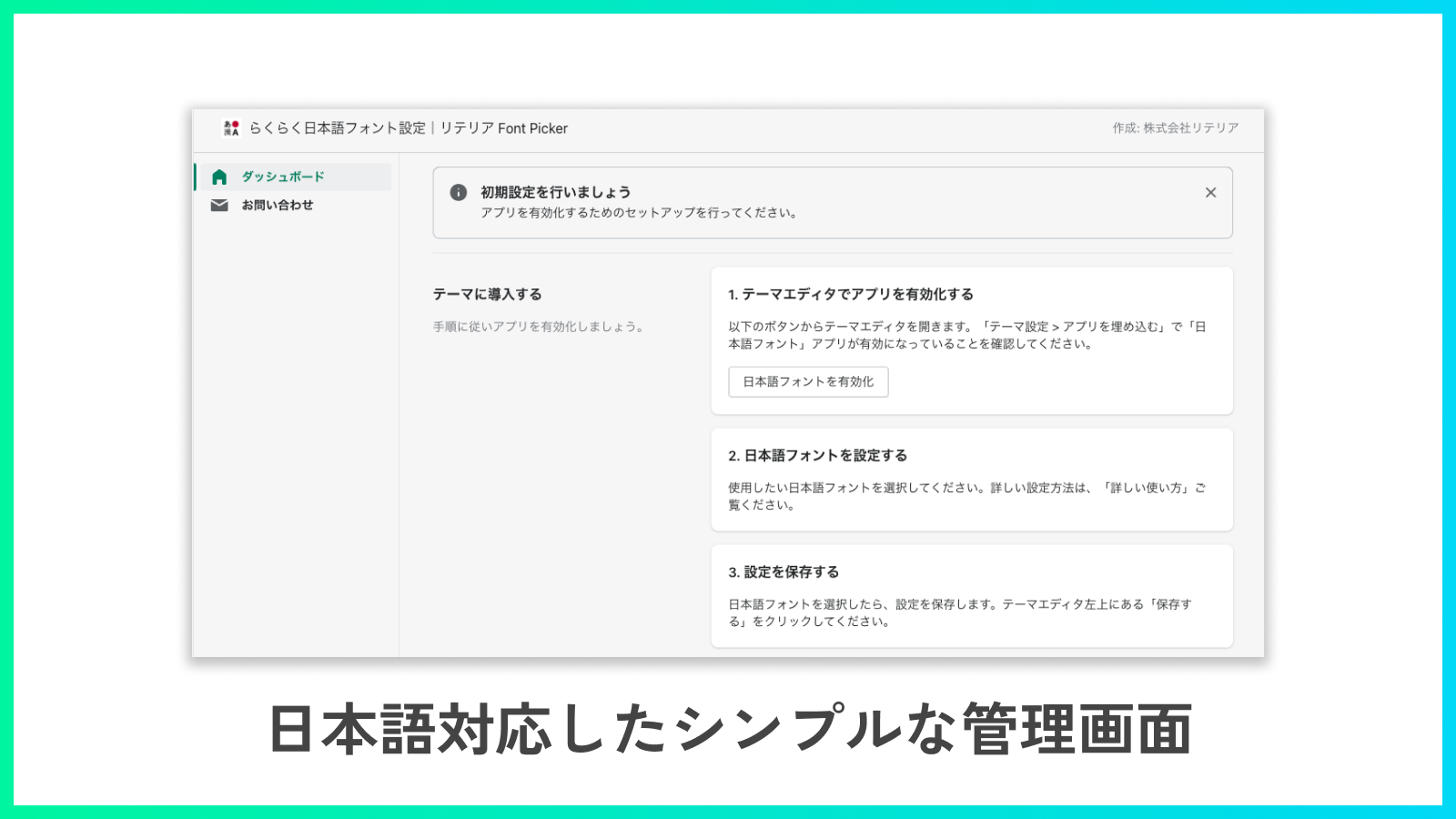
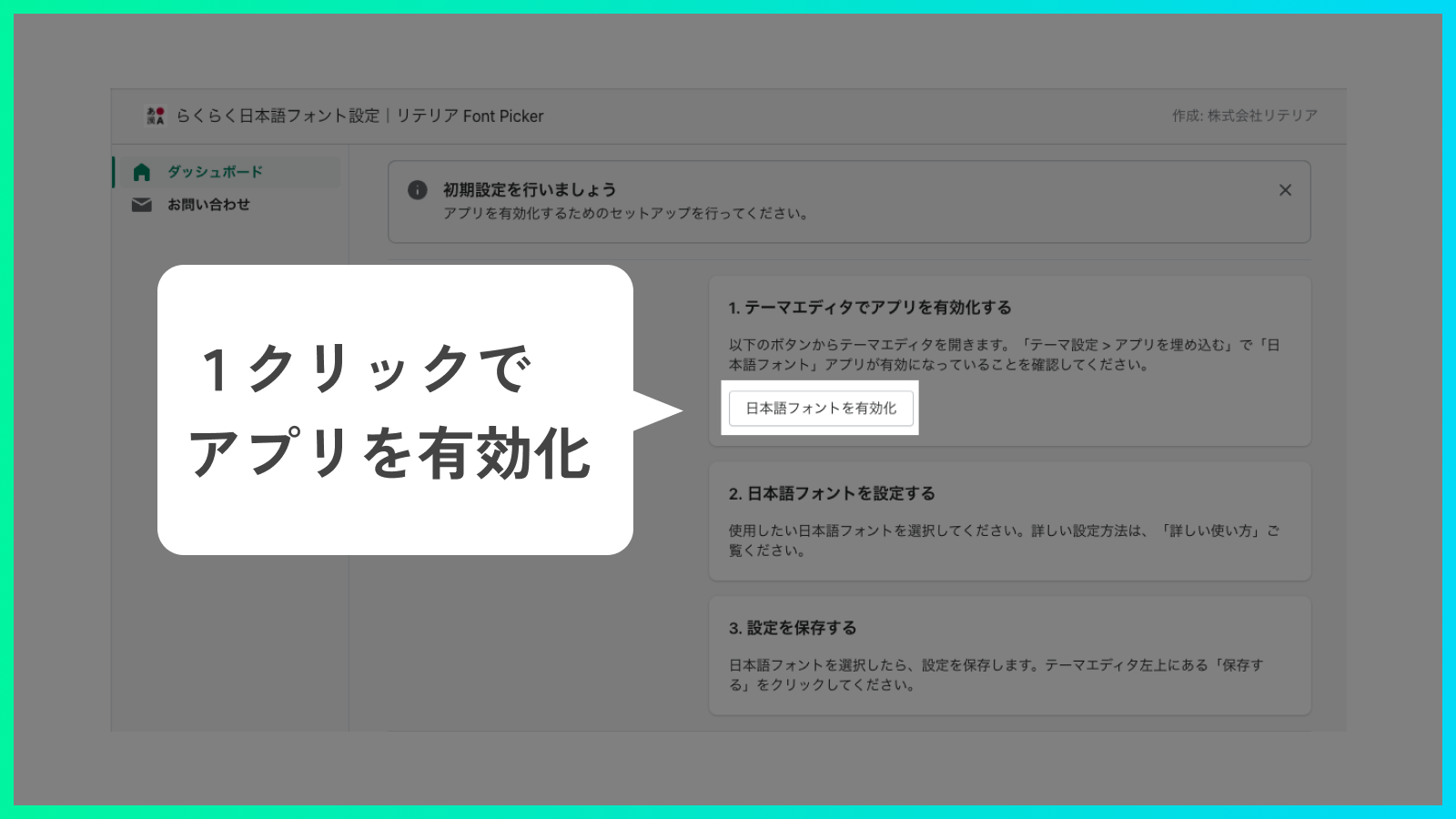
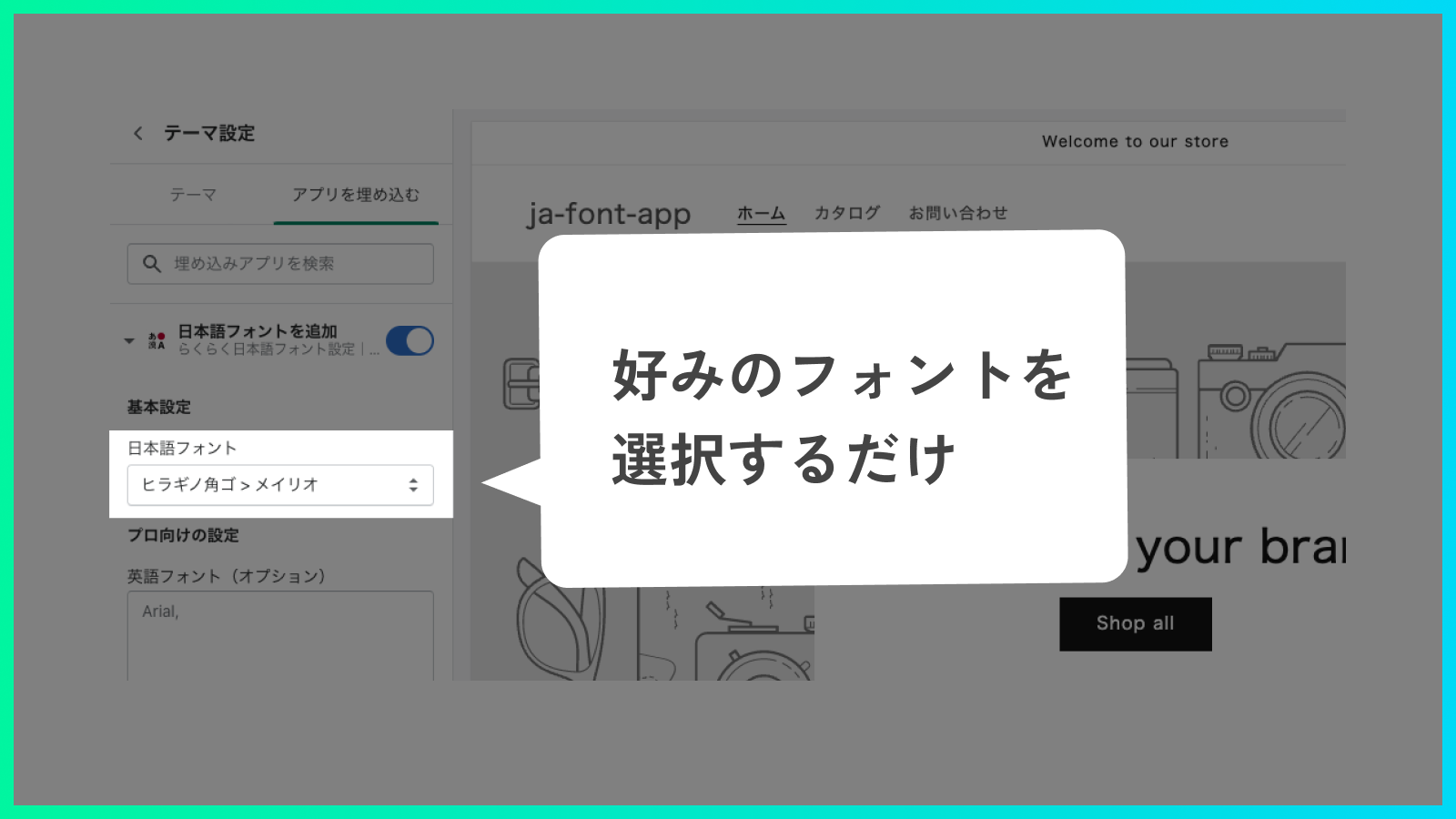
- Just enable the app and select the font you want to use—no coding required, so anyone can use it easily!
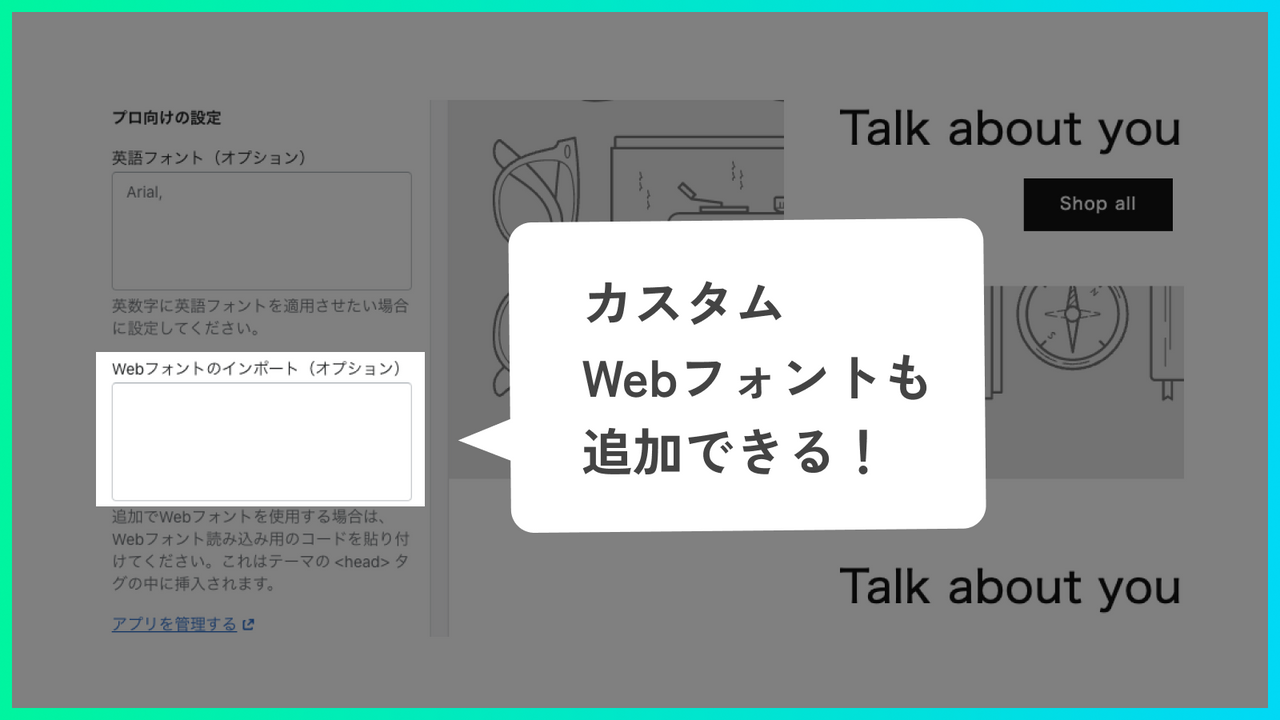
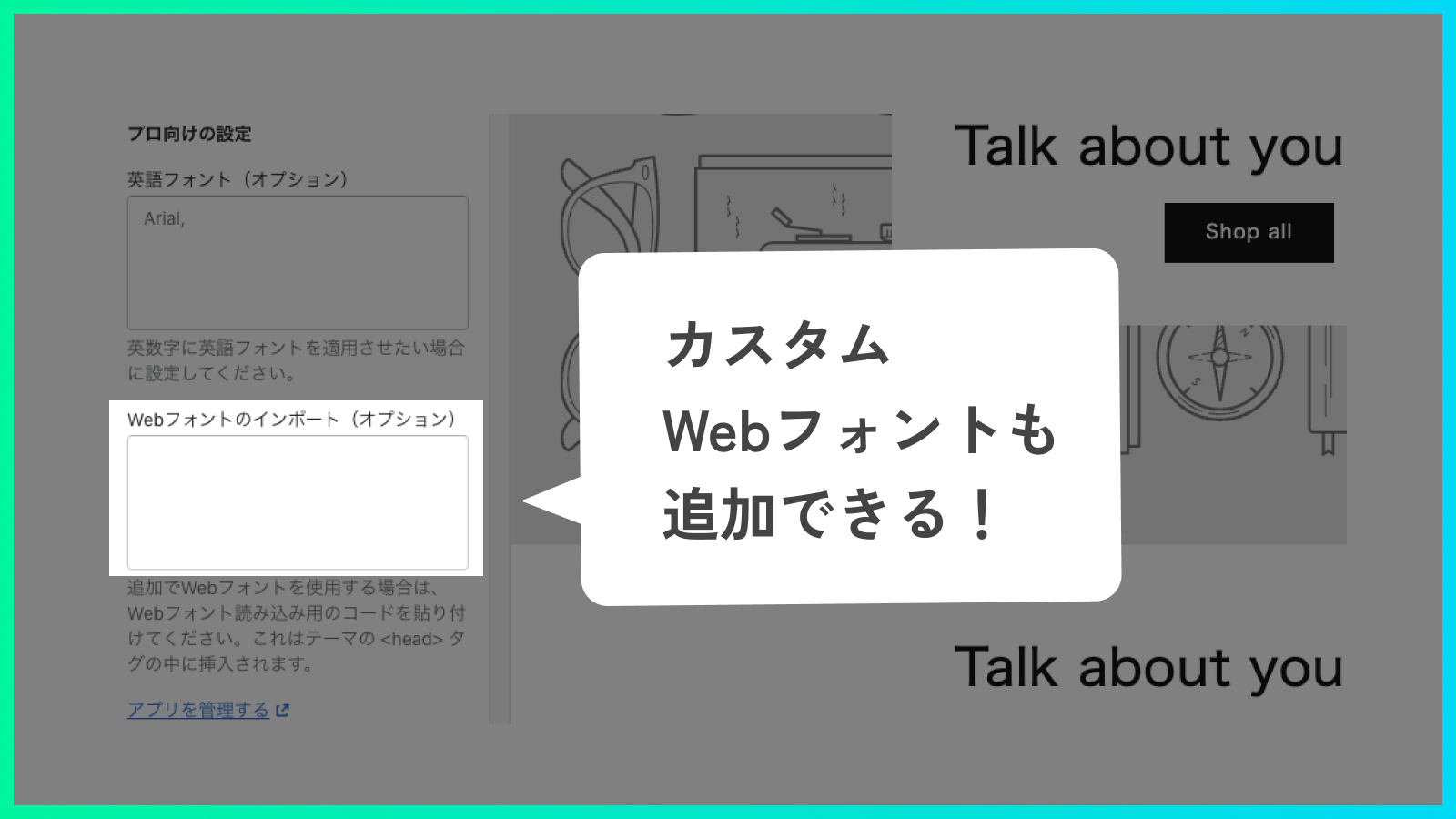
- We also offer the ability to display your favorite Japanese web fonts by simply pasting custom web font import tags and font settings!
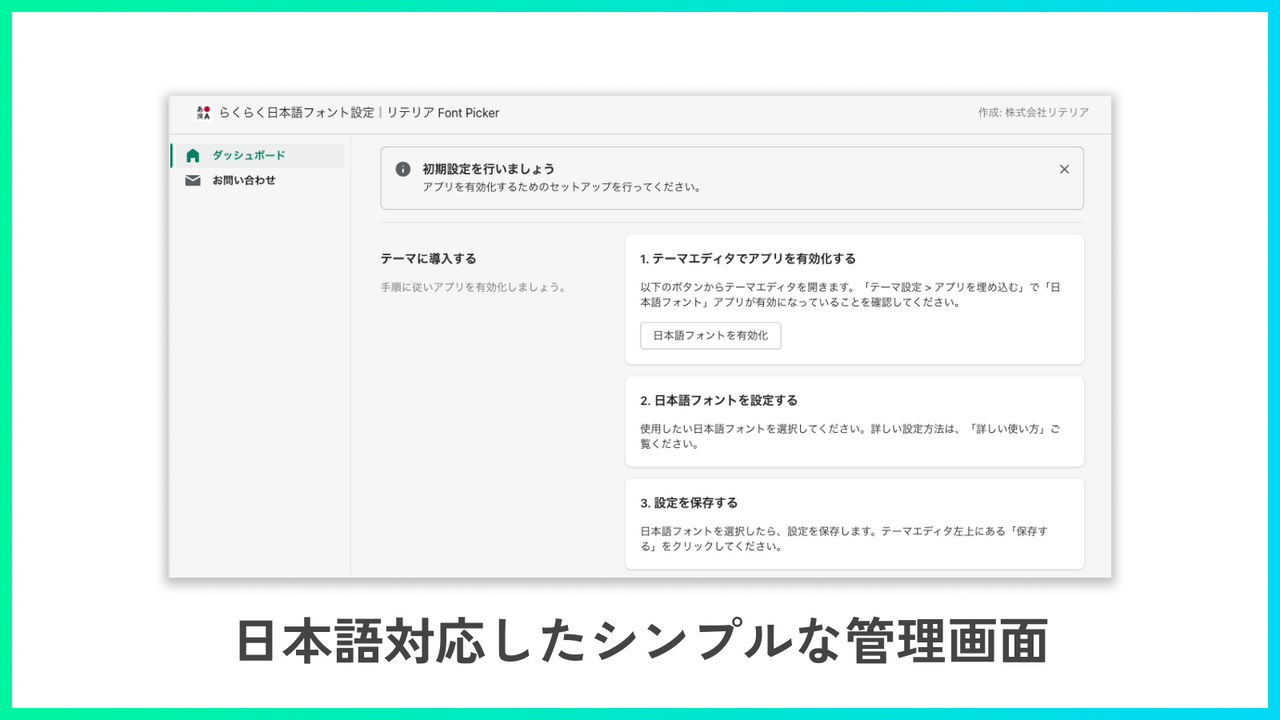
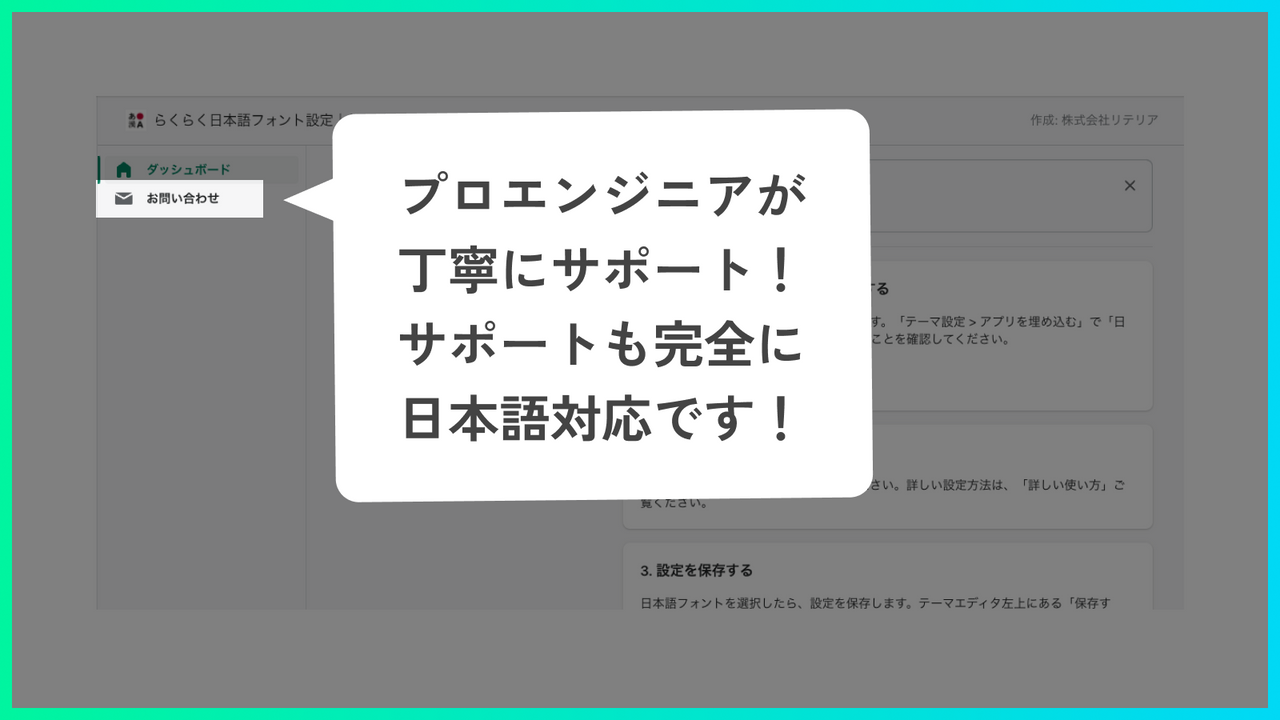
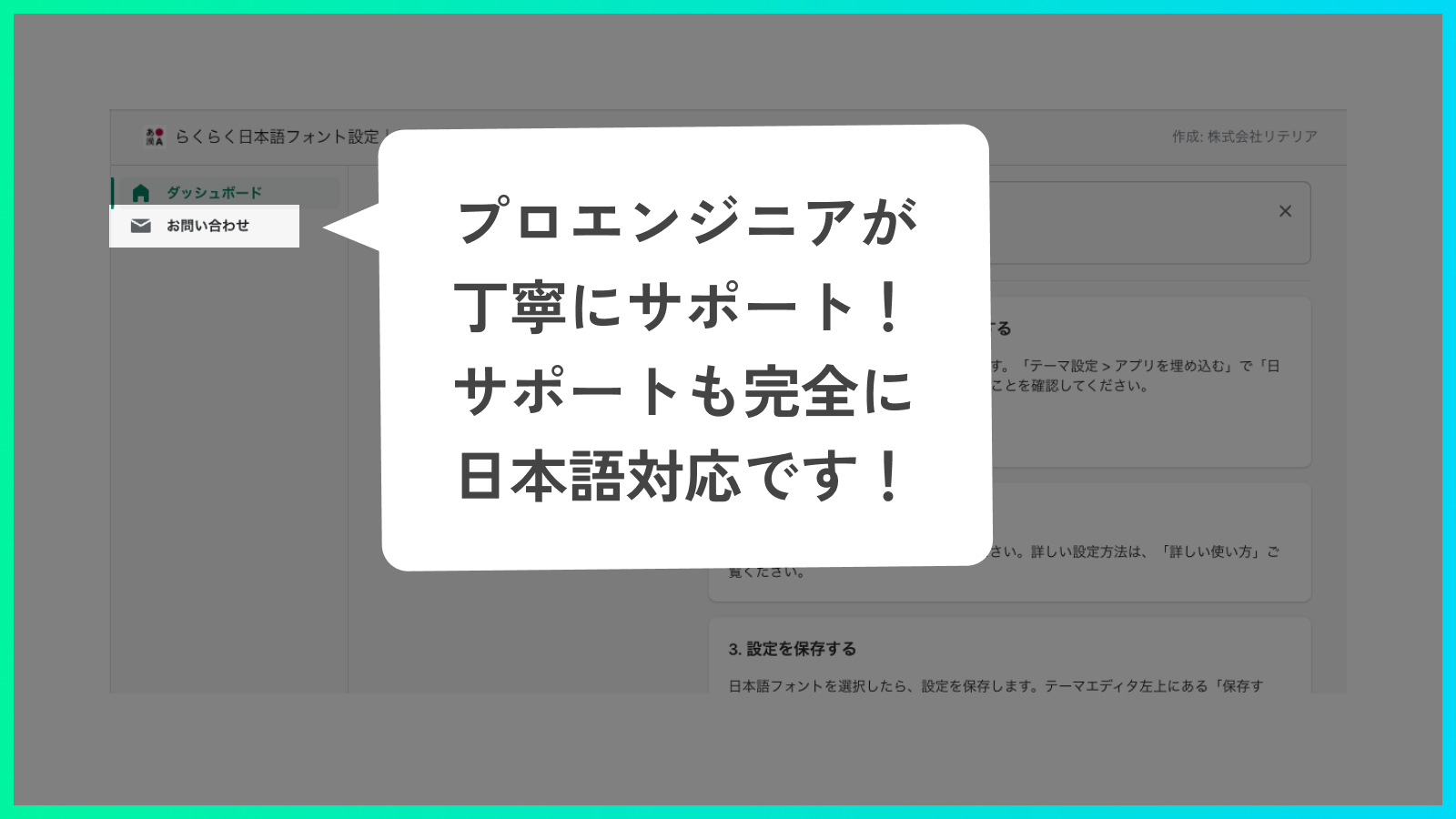
- Easy Japanese Font Settings | Litreia Font Picker is designed by Japanese engineers for Japanese users—fully Japanese-language supported.
- This app only supports Online Store 2.0. It has minimal interference with theme code or other apps, so you can use it safely.
Merchant-Friendly
- Japanese Market Independent Store
- Japanese-language E-commerce Store
- Online Store 2.0 Merchants
Basic Information
- Developer:株式会社リテリア
- Address:三軒茶屋二丁目2番13-11-02号, 世田谷区, JP-13, 154-0024, JP
- Price: Free / Free plan
- Rating:5 / 5
- Comment Count:1 comment
- Release Date:2022-2-22
- Supported languages:Japanese
- Compatible products:Shopify
Application Screenshot
Price Plan
Standard Plan
$4.90
- You can try it for free for 7 days from the plan purchase.
User Location & Comments
User Location
Comments
Shopify API Used
- POST /admin/api/apps/{app_id}/enable.json
- GET /admin/api/apps/{app_id}.json
- PUT /admin/api/apps/{app_id}/settings.json
Permission:write_shop,read_shop,manage_apps
- POST /admin/api/themes/{theme_id}/assets.json
- PUT /admin/api/themes/{theme_id}/assets/{asset_key}.json
- GET /admin/api/themes/{theme_id}/assets.json
Permission:write_themes,read_themes,manage_assets
- POST /admin/api/settings/fonts.json
- PUT /admin/api/settings/fonts/{font_id}.json
- GET /admin/api/settings/fonts.json
Permission:write_shop,read_shop,manage_settings