
App Introduction
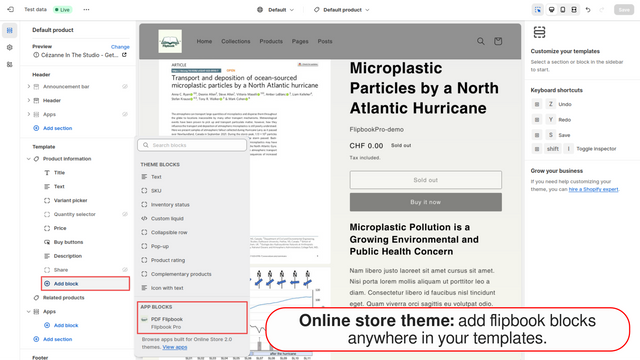
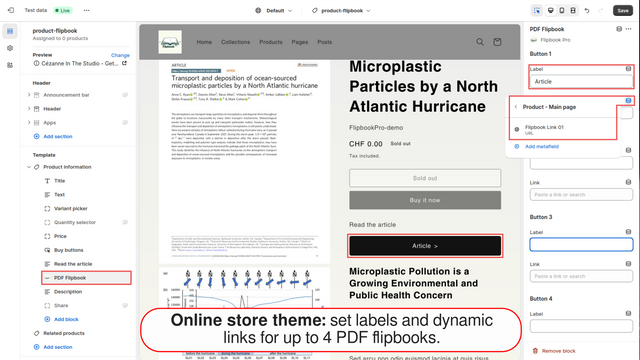
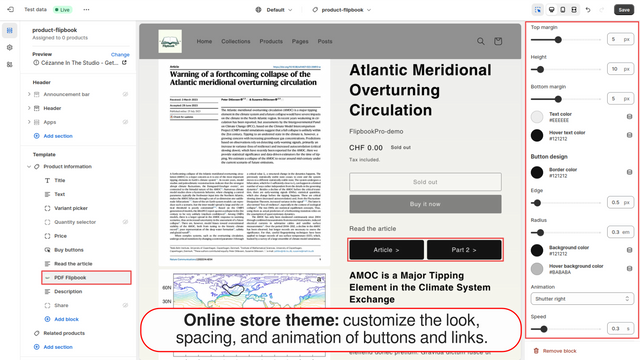
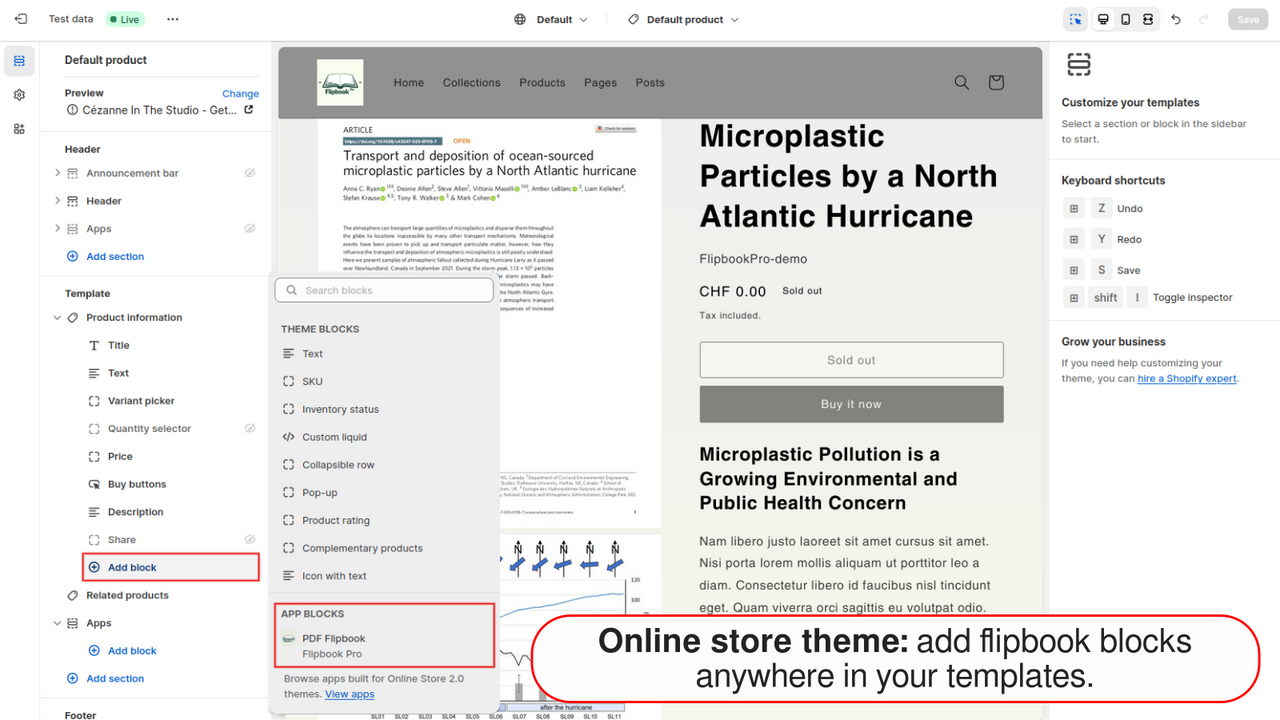
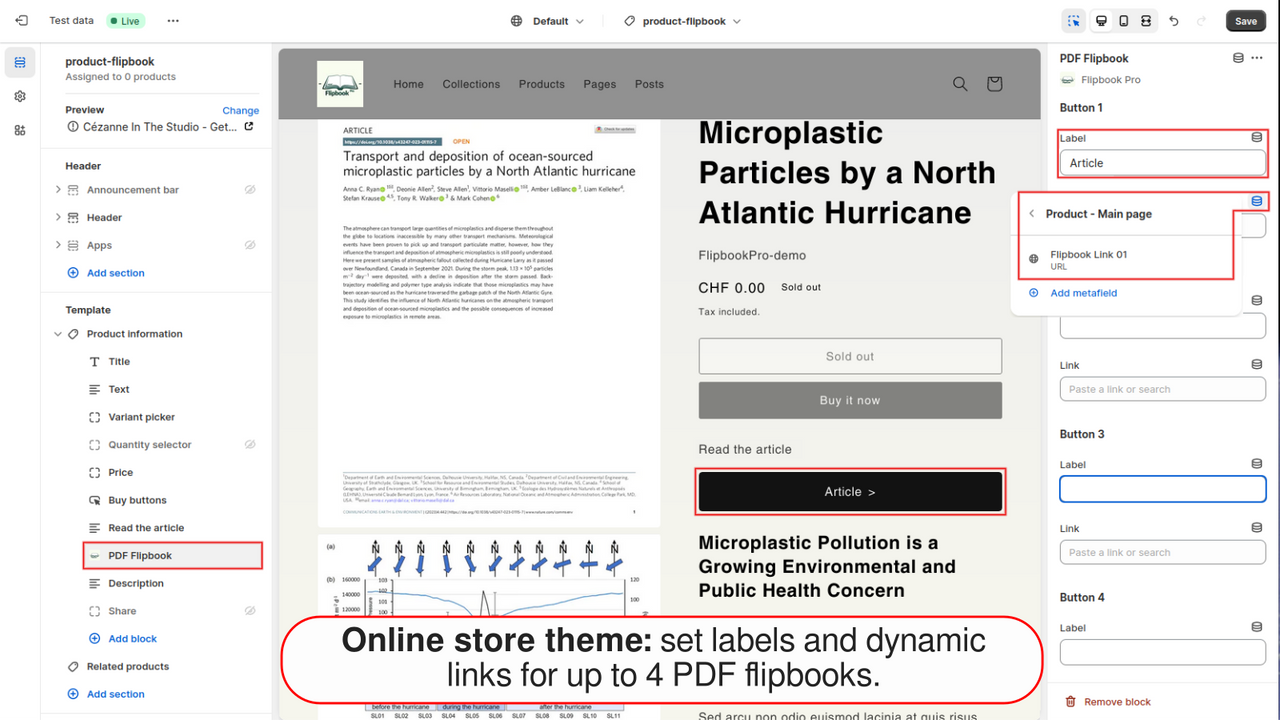
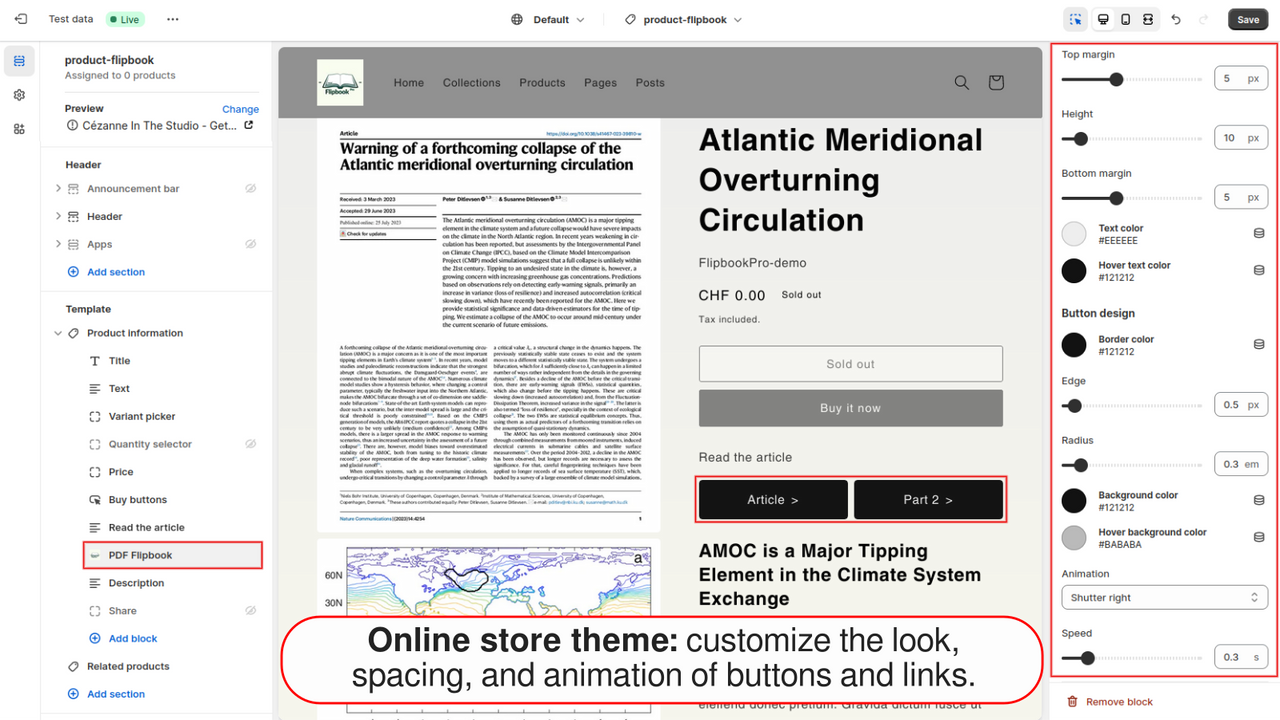
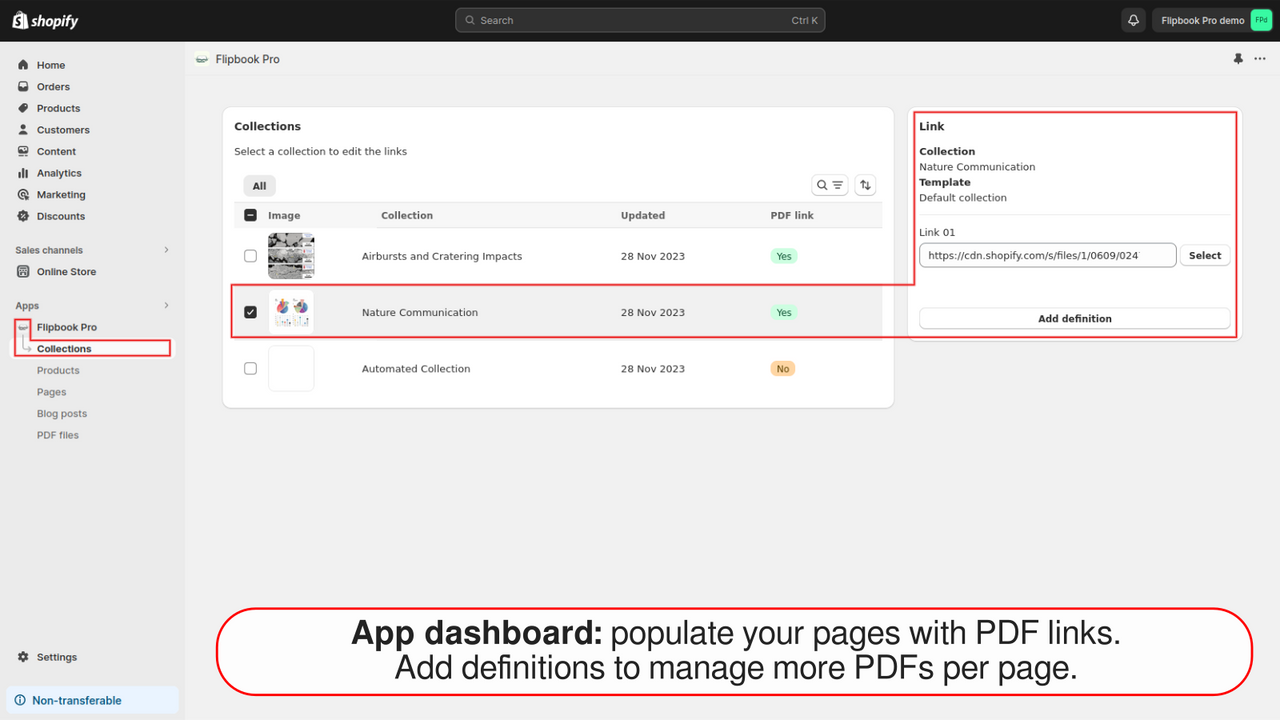
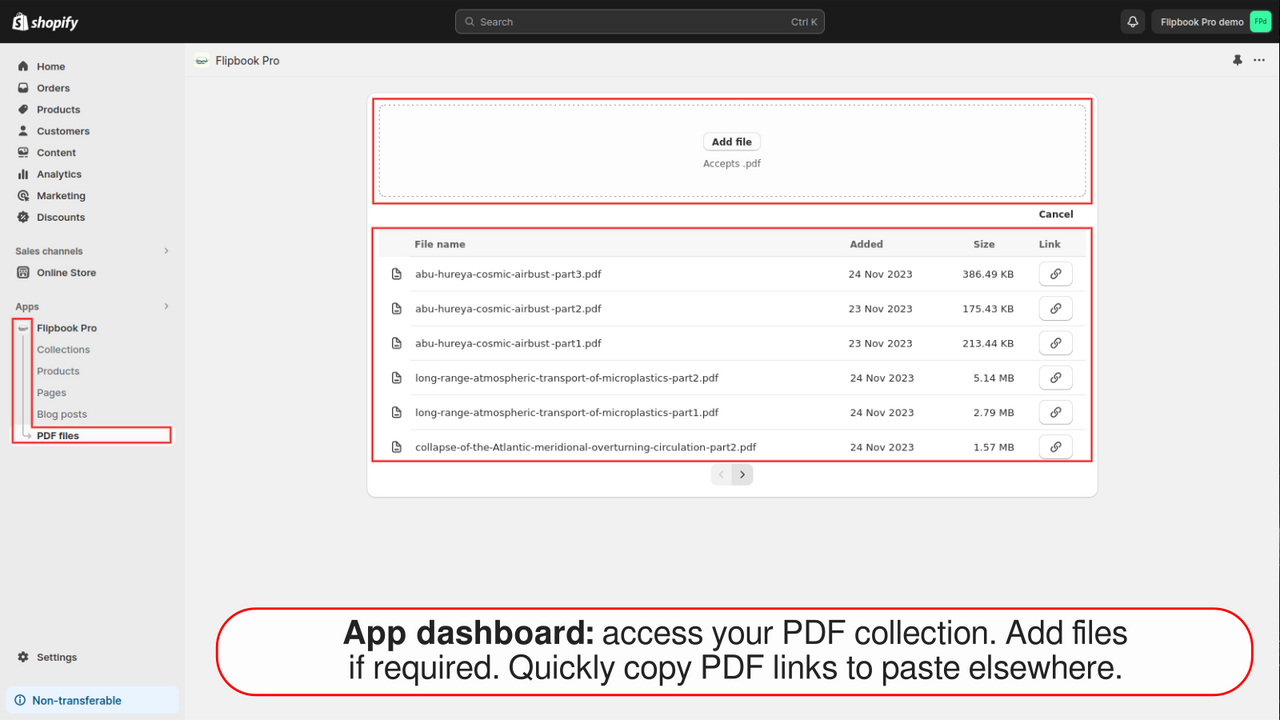
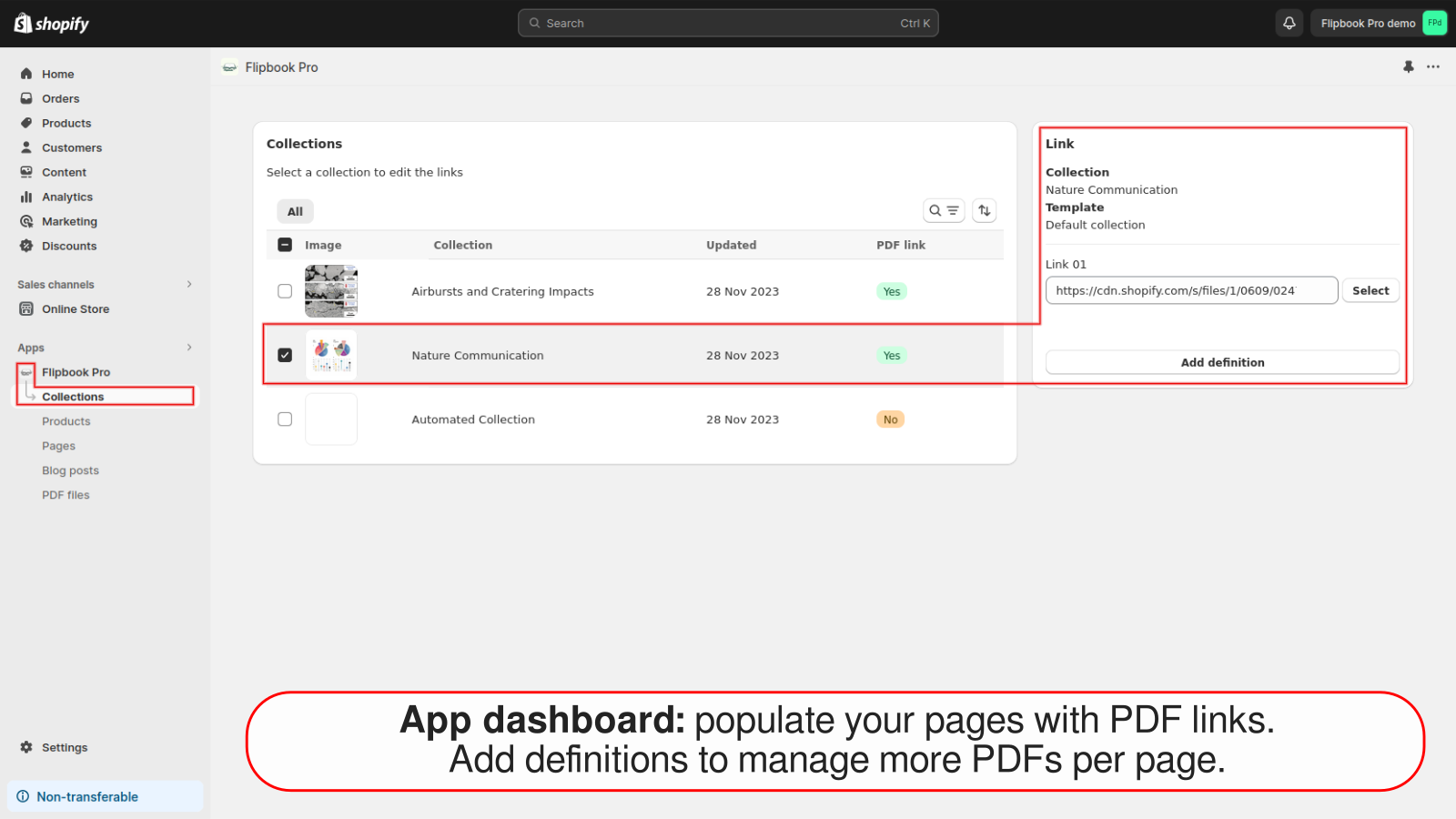
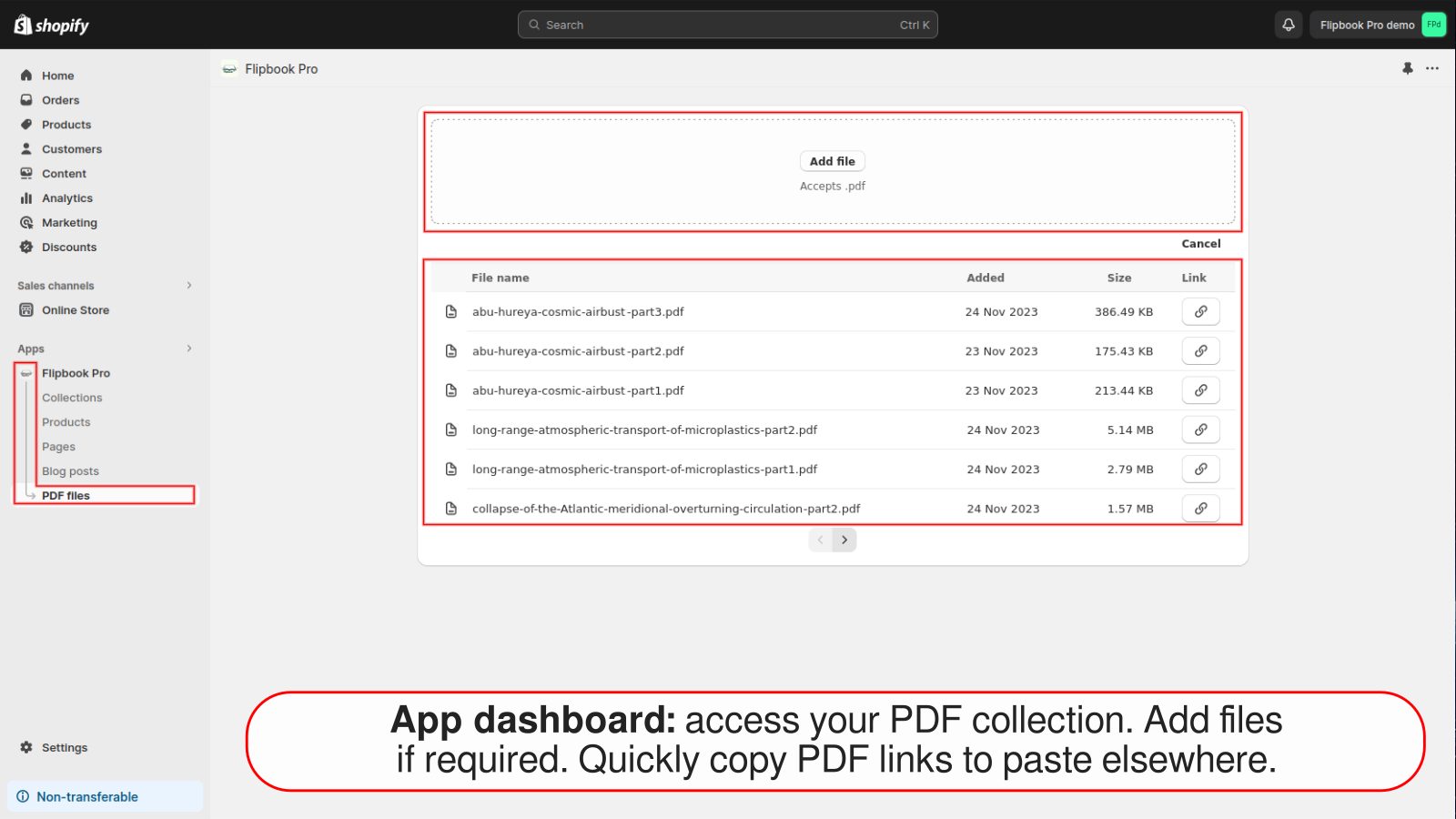
Turn any PDF into an interactive flipbook. Experience realistic reading in your store. Place interactive PDF buttons anywhere in your store, allowing customers to view them in an engaging pop-up window. Whether it’s a product catalog, magazine, or any other document, this app integrates seamlessly with your store’s design. Customize it once in your theme template, and watch the magic unfold across your entire store. Plus, a robust yet user-friendly tool helps you easily batch-link large volumes of PDF files to your chosen products, collections, pages, or blog posts.
Core Functionality
- Realistic Reading Experience: Convert PDFs into vivid, engaging page-turning books.
- Interactive Popup View: Captivate customers and keep them on your store.
- Versatile Placement: Customize and publish PDF buttons anywhere in your store.
- Smart Behavior: Buttons are disabled when no PDF is linked.
- Universal Compatibility: Optimized for all web browsers, desktops, iOS, and Android devices.
Merchant-Friendly
- Content E-commerce Merchants
- Publishing Independent Stations
- Multi-category E-commerce Merchants
- Educational E-commerce Merchants
Basic Information
- Developer:ByteCode Software Engineering Sarl
- Address:Ch. des Champs-Courbes 1, Ecublens, 1024, CH
- Price: Free / Free plan
- Rating:0 / 5
- Comment Count:0 comment
- Release Date:2023-12-5
- Supported languages:English
- Compatible products:Shopify
Application Screenshot

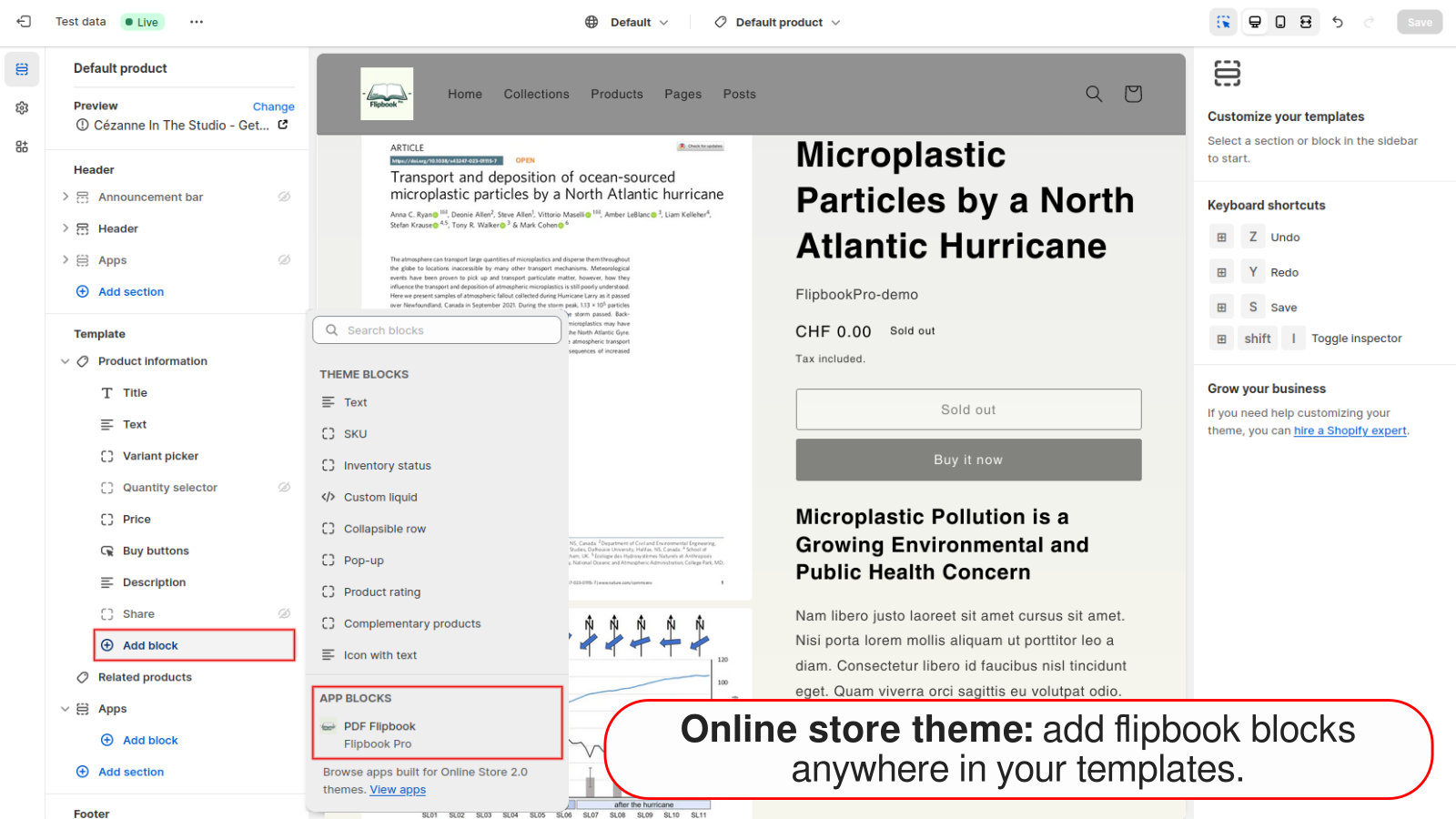
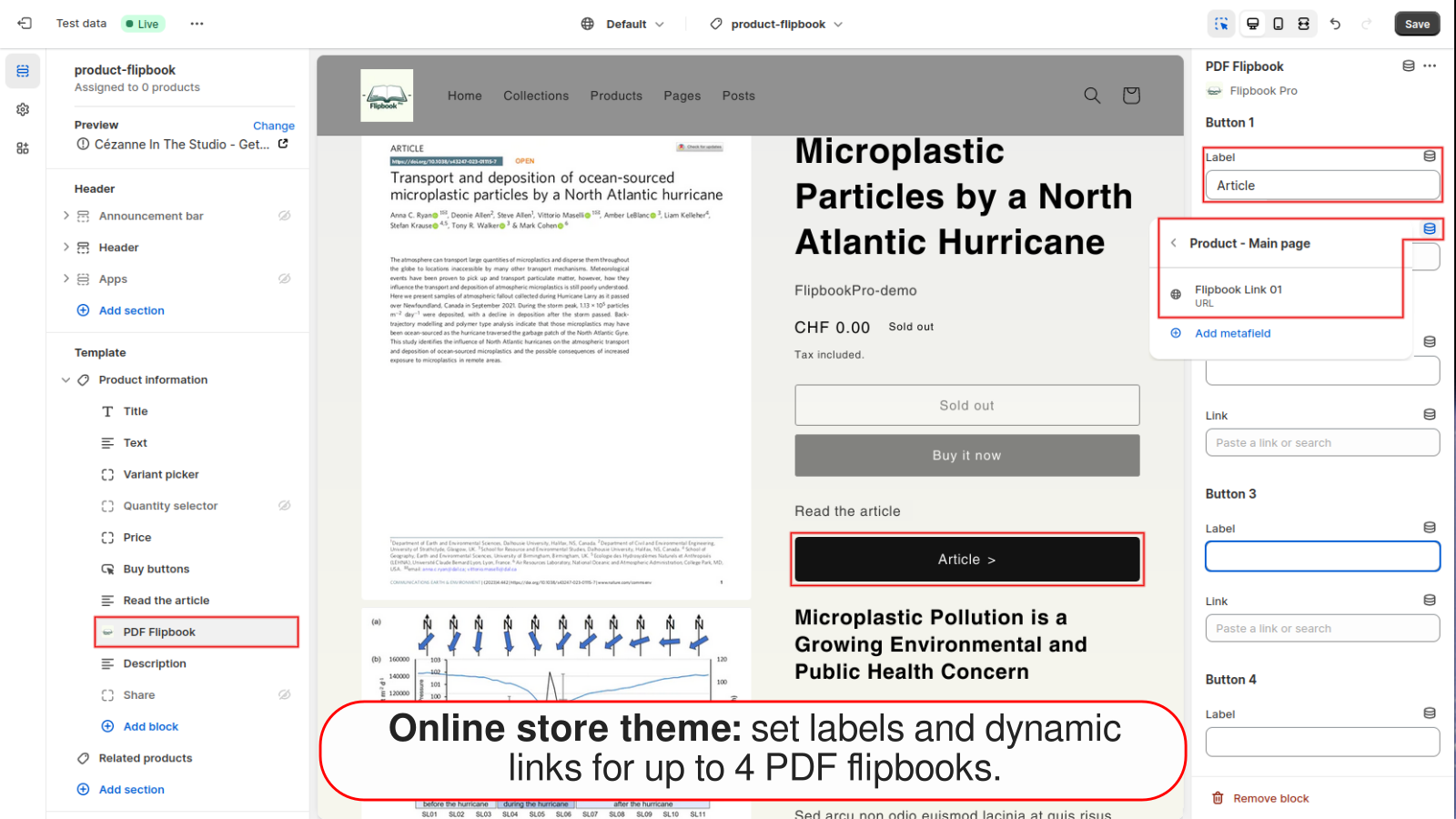
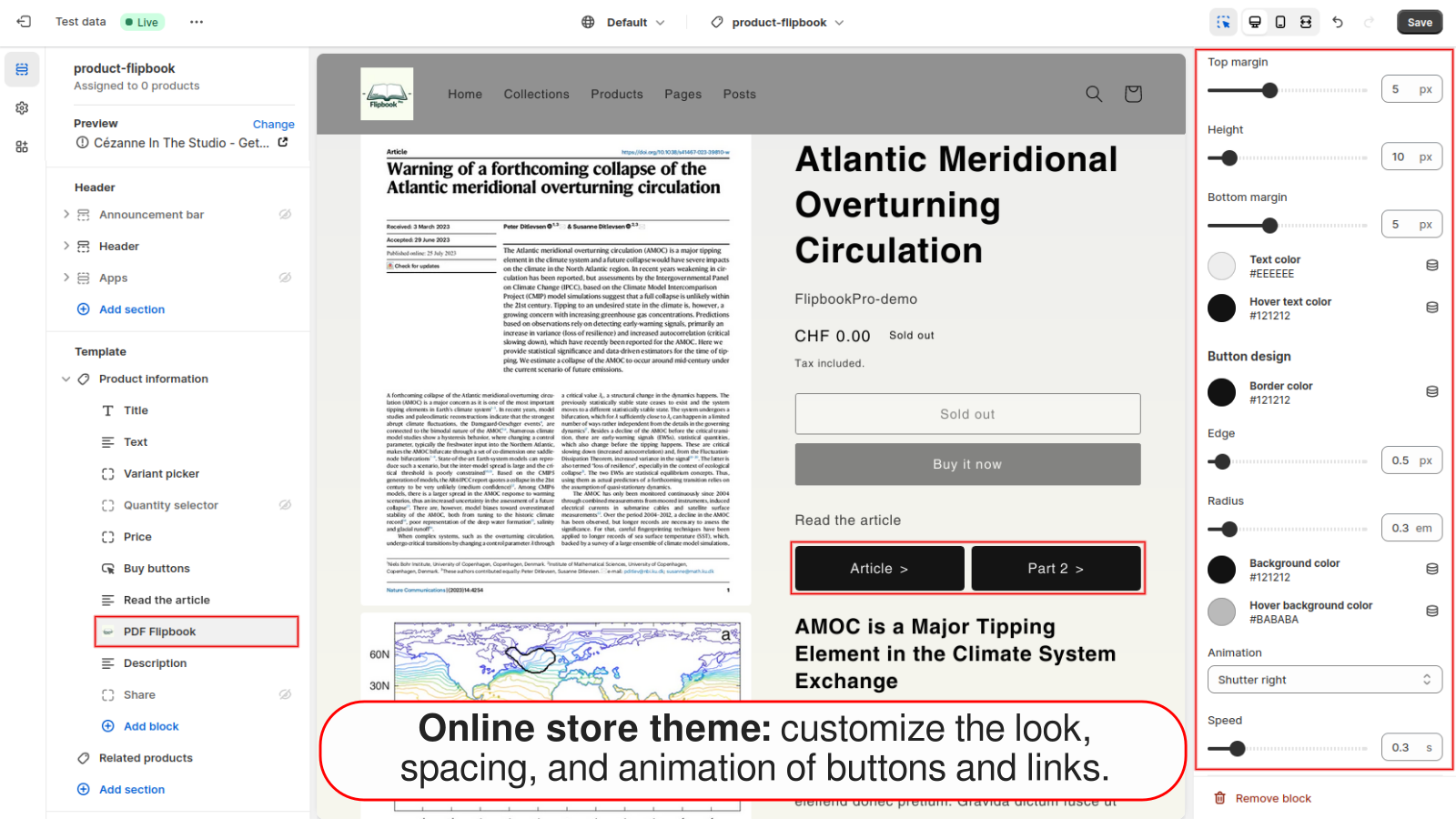
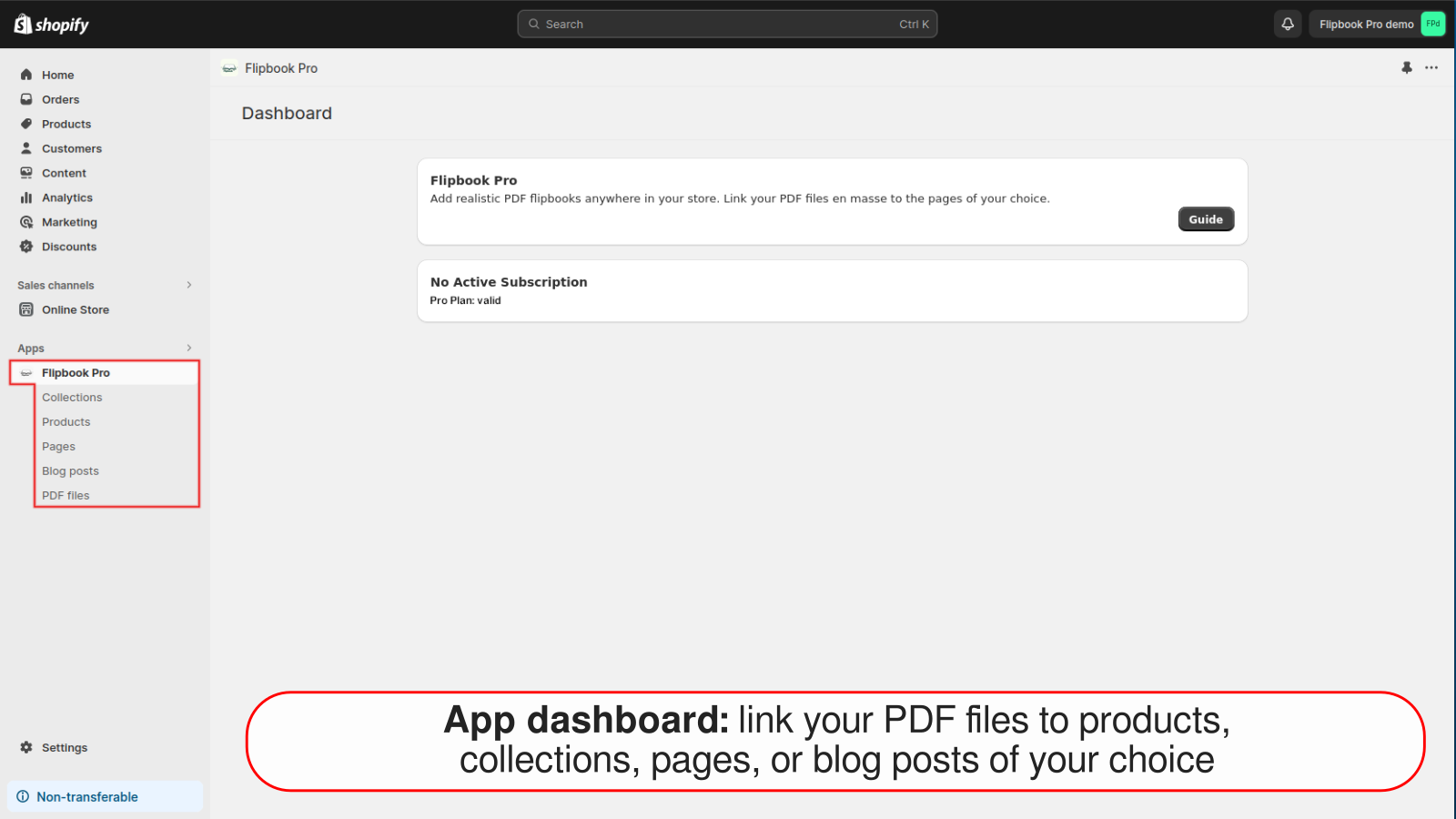
Price Plan
Pro Plan Month
Pro Plan Year
- Get 2 months free!
User Location & Comments
User Location
Comments
Shopify API Used
- POST /admin/api/flipbook.json
- PUT /admin/api/flipbook/{id}.json
- GET /admin/api/flipbook.json
Permission:write_files,read_files,manage_themes
- POST /admin/api/popup.json
- PUT /admin/api/popup/{id}.json
- GET /admin/api/popup.json
Permission:write_themes,read_themes,manage_products
- POST /admin/api/button.json
- PUT /admin/api/button/{id}.json
- GET /admin/api/button.json
Permission:write_themes,read_themes,manage_pages
- GET /admin/api/button/{id}/pdf_link.json
- PUT /admin/api/button/{id}/status.json
- GET /admin/api/button/status.json
Permission:read_buttons,write_buttons,manage_files