
App Introduction
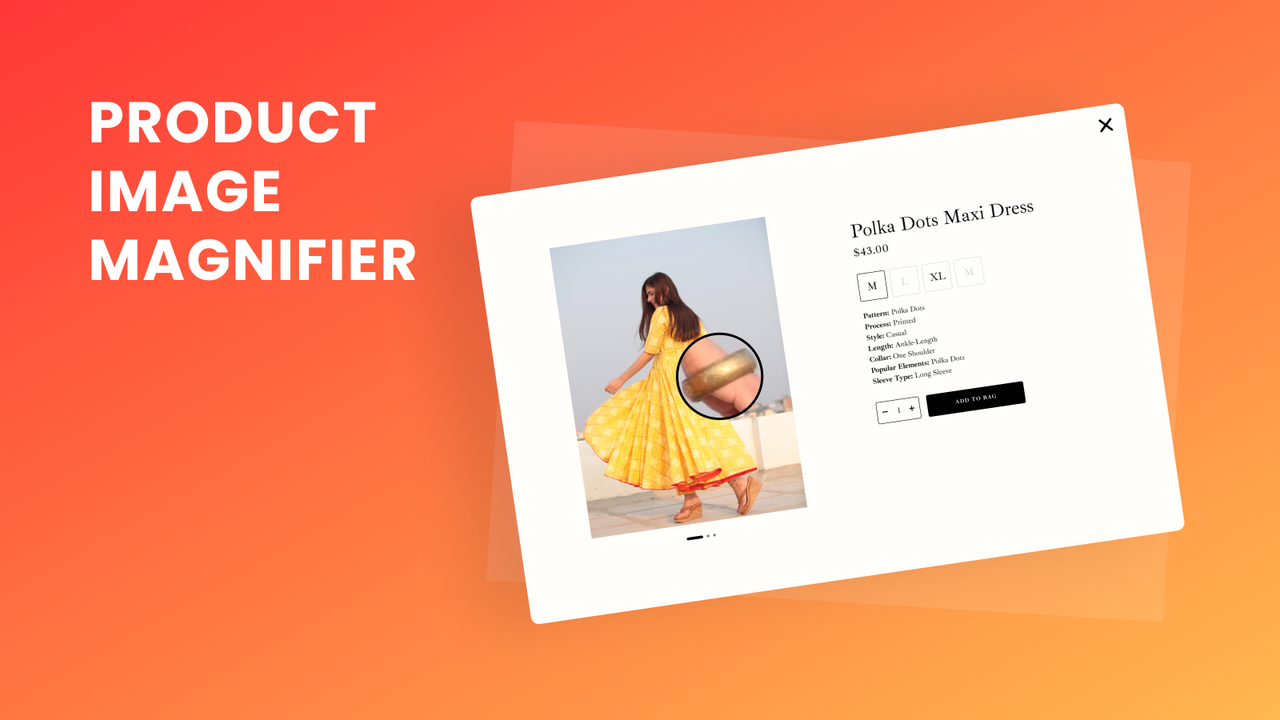
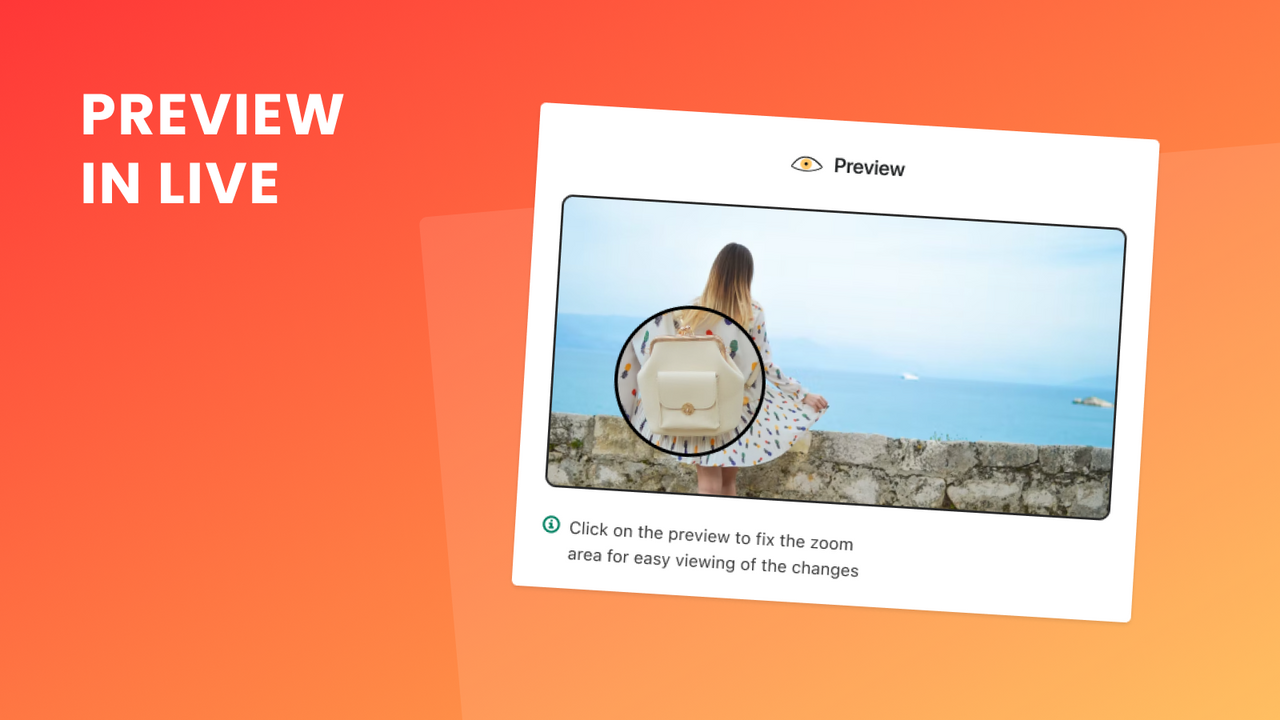
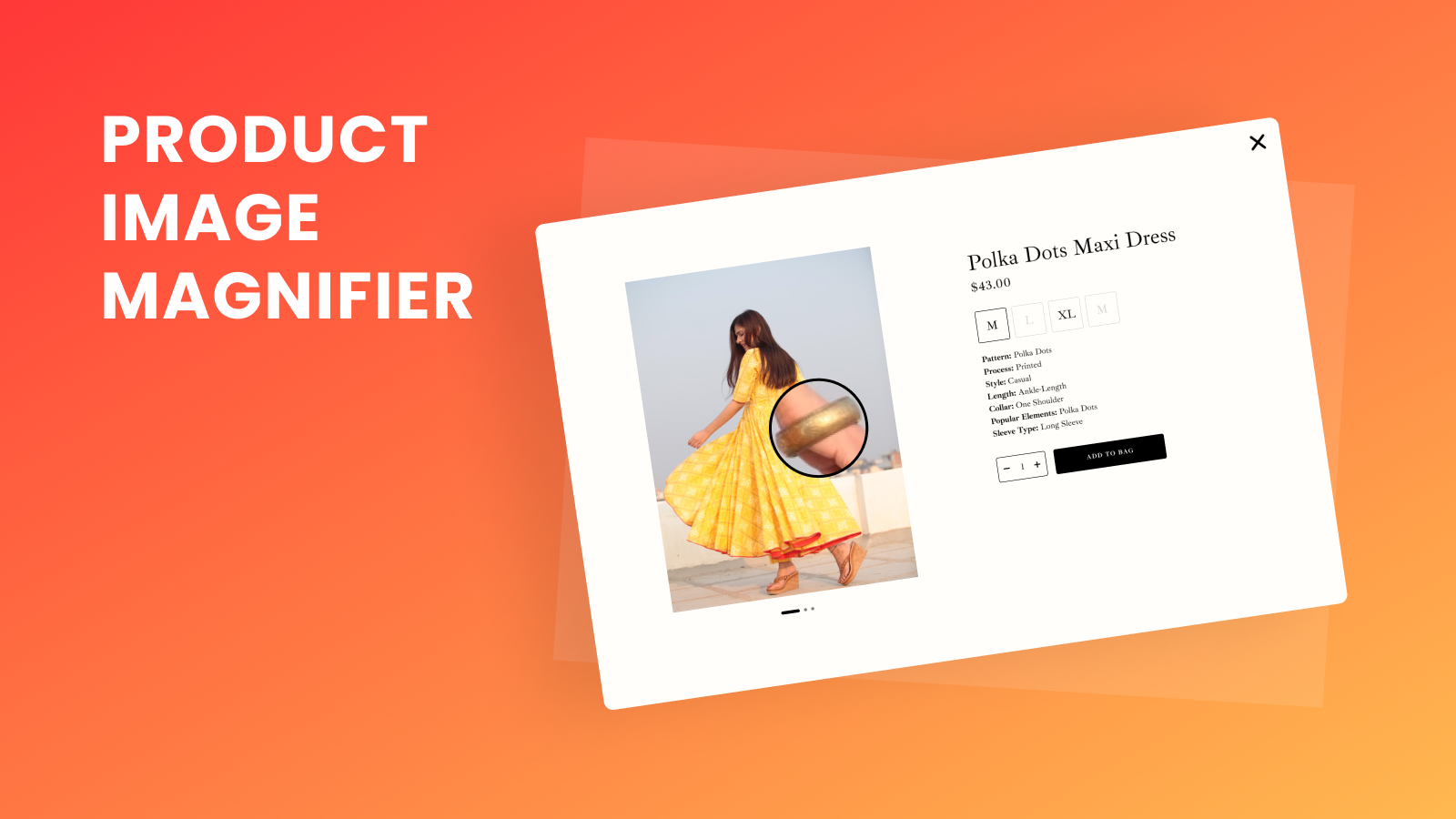
Boost customer engagement with image zoom. Ideal for products, blogs, content, and other visuals. Transform your store’s images with Mgroup Image Zoom. From product to blog visuals, bring your graphics to life and keep customers engaged. This user-friendly app is highly customizable, so you can easily adjust zoom type, level, and style settings to match your store’s design and brand. Preview your zoom configurations before applying them to your store. By enhancing your images with zoom functionality, you’ll deliver a more interactive shopping experience for your customers.
Core Functionality
- Add zoom functionality to all images on your online store.
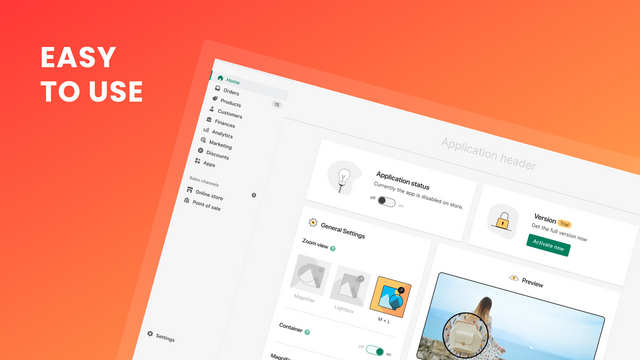
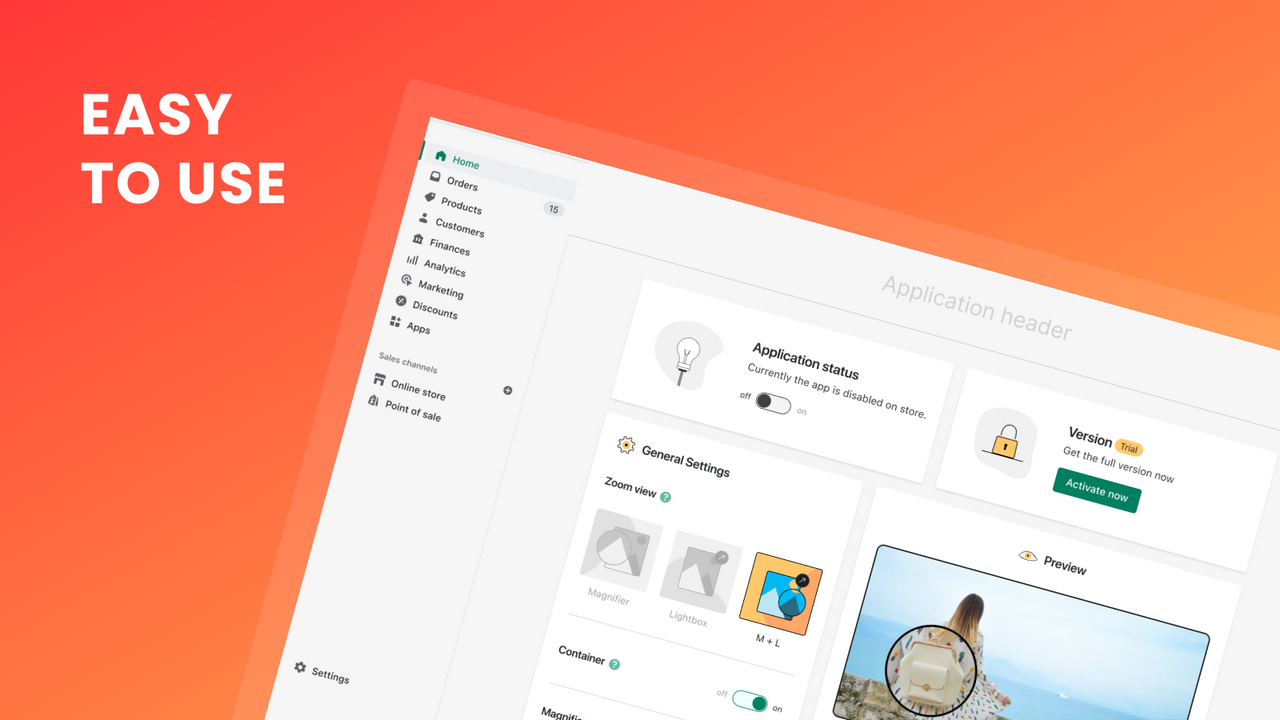
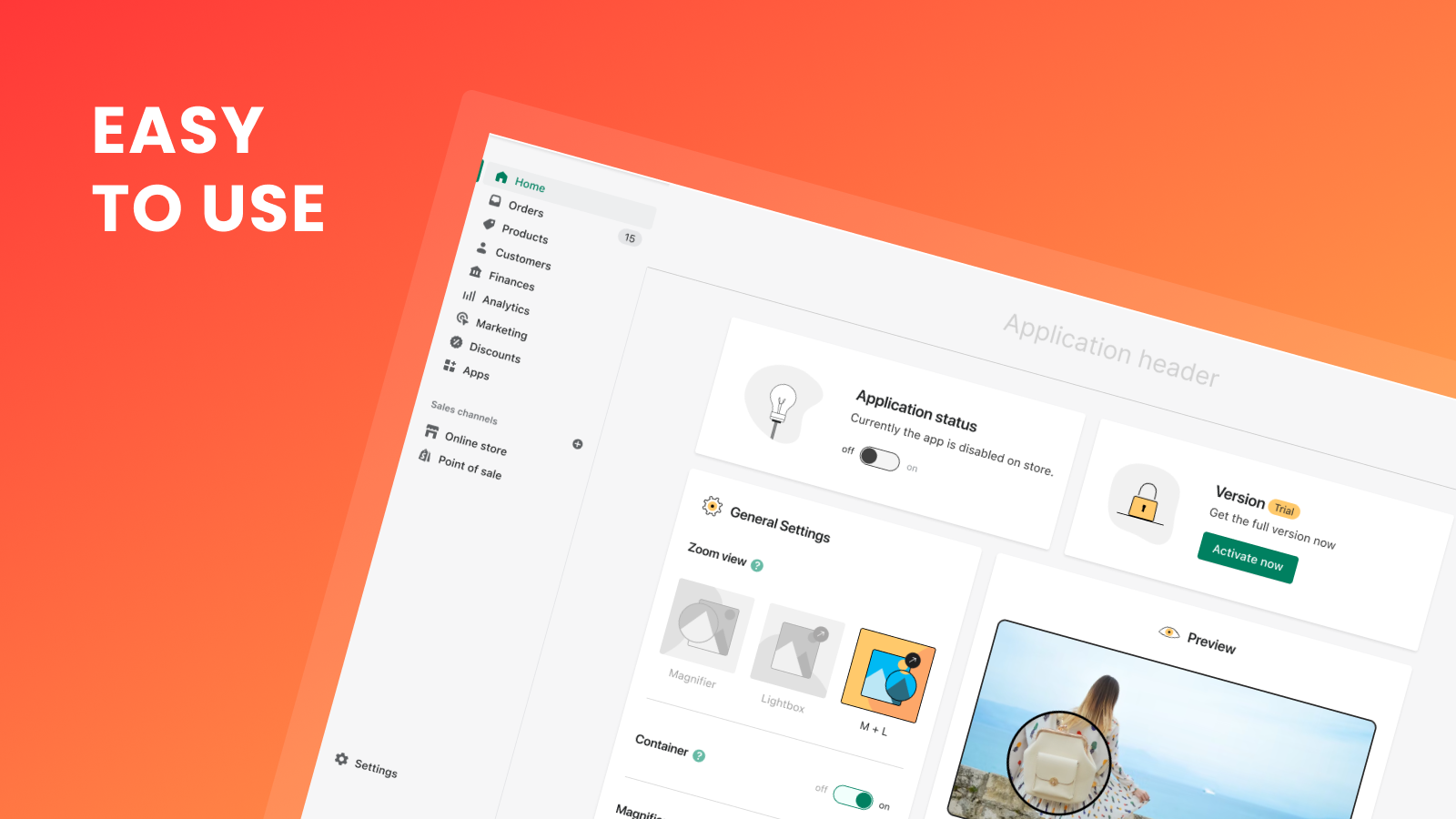
- Preview the image zoom feature in the dashboard before publishing changes.
- Configure optimal zoom settings (on/off) for mobile devices.
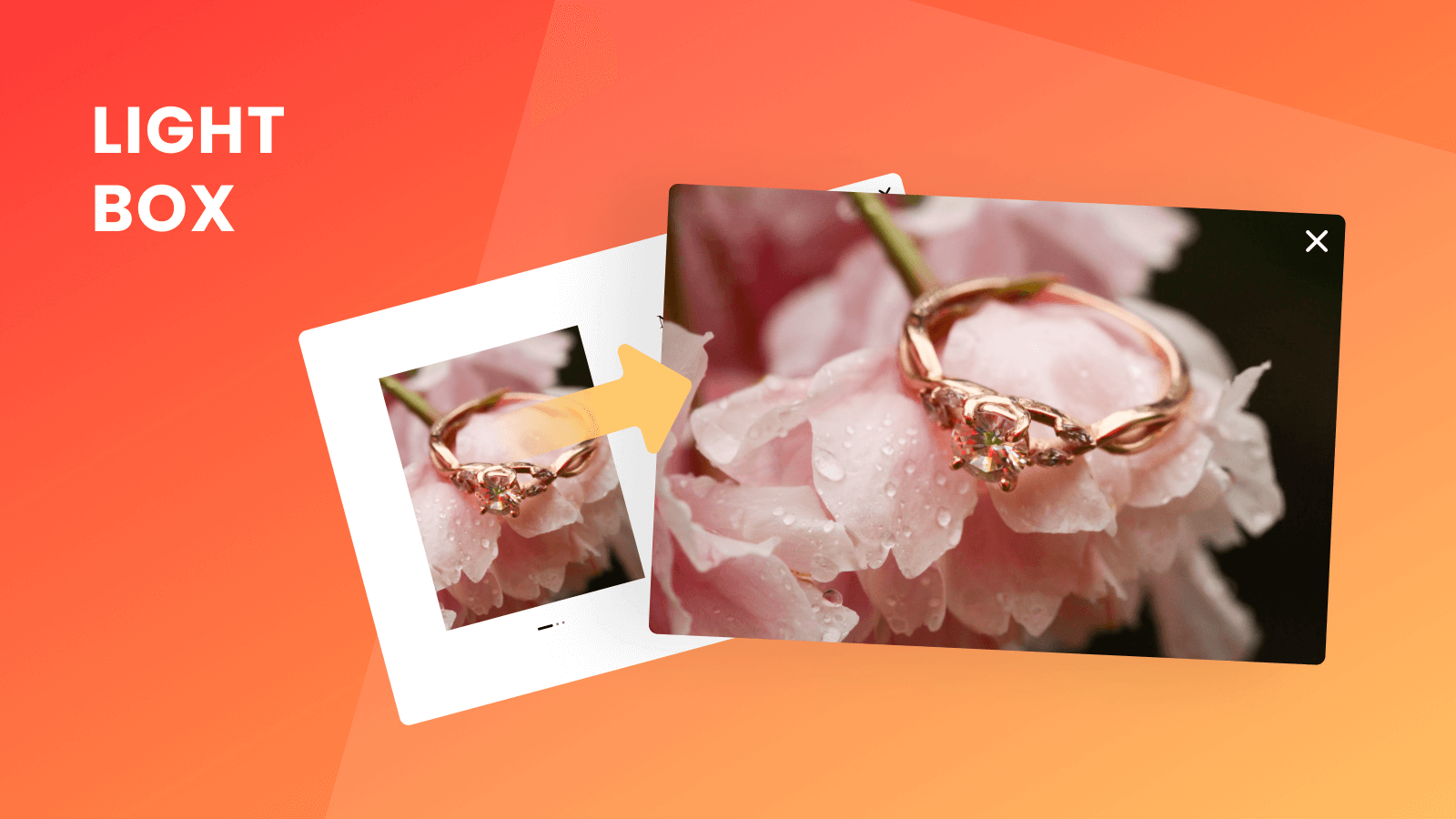
- Multiple zoom types, including Magnifier, Lightbox, and M + L.
- Customizable zoom UI style options.
Merchant-Friendly
- Independent Station Merchants
- Fashion Apparel E-commerce
- Home Decor E-commerce
- 3C Digital E-commerce
Basic Information
- Developer:Mgroup
- Address:Trypilska Street 13a, Zhytomyr, 10002, UA
- Price: Free / Free plan
- Rating:5 / 5
- Comment Count:1 comment
- Release Date:2023-4-20
- Supported languages:English
- Compatible products:Shopify
Application Screenshot







Price Plan
月度计划
- All features are available
User Location & Comments
User Location
Comments
Shopify API Used
- POST /admin/api/themes/{theme_id}/assets.json
- PUT /admin/api/themes/{theme_id}/assets.json
- GET /admin/api/themes/{theme_id}/assets.json
Permission:write_themes,read_themes,manage_assets
- POST /admin/api/themes/{theme_id}/preview.json
- GET /admin/api/themes/{theme_id}/preview.json
- PUT /admin/api/themes/{theme_id}/settings.json
Permission:read_themes,write_themes,manage_previews
- PUT /admin/api/themes/{theme_id}/settings.json
- GET /admin/api/themes/{theme_id}/settings.json
- POST /admin/api/themes/{theme_id}/assets.json
Permission:write_themes,read_themes,manage_settings
- PUT /admin/api/themes/{theme_id}/settings.json
- POST /admin/api/themes/{theme_id}/assets.json
- GET /admin/api/themes/{theme_id}/assets.json
Permission:write_themes,read_themes,manage_assets
- PUT /admin/api/themes/{theme_id}/assets.json
- GET /admin/api/themes/{theme_id}/assets.json
- PUT /admin/api/themes/{theme_id}/settings.json
Permission:write_themes,read_themes,manage_assets