
App Introduction
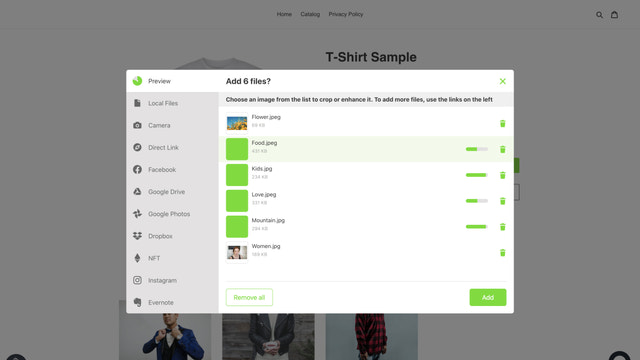
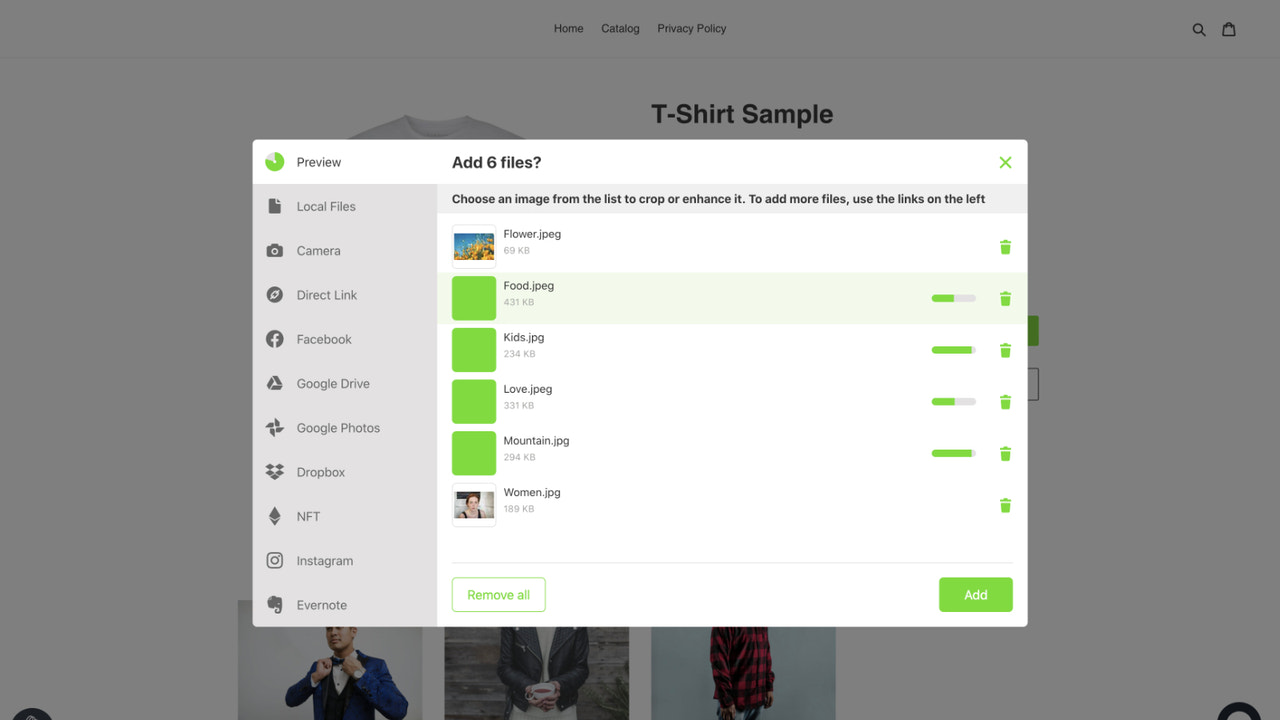
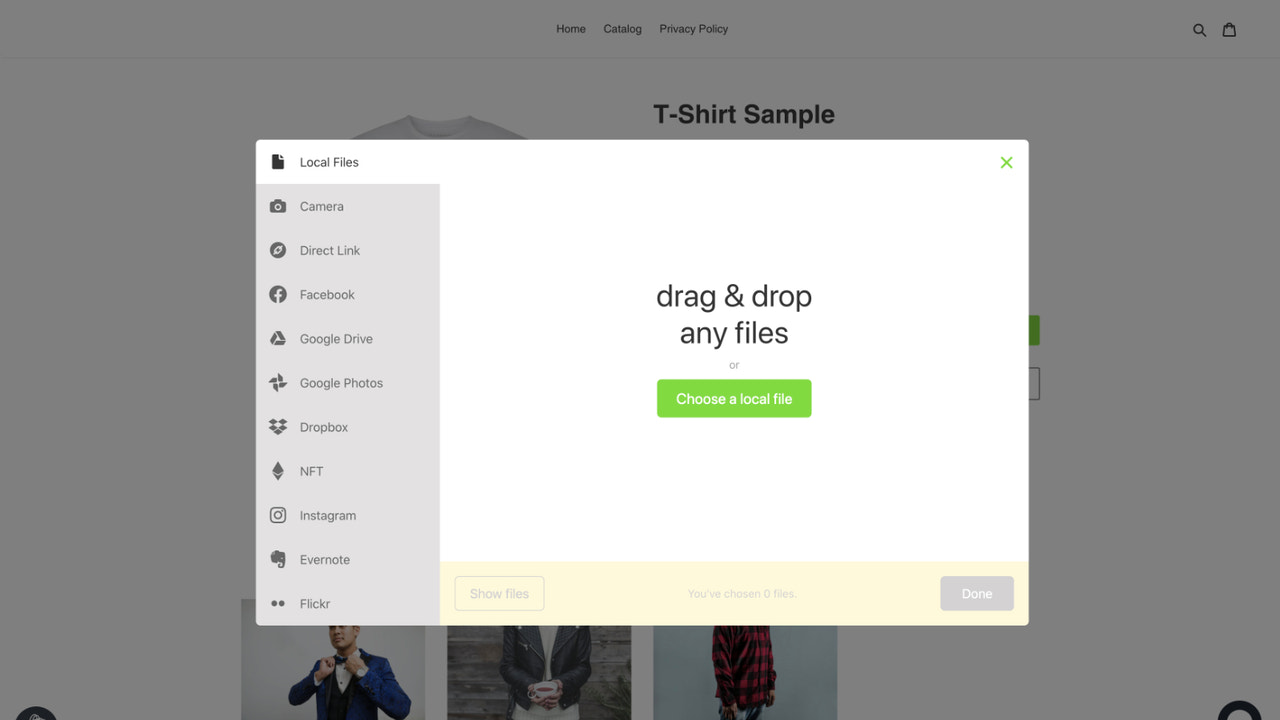
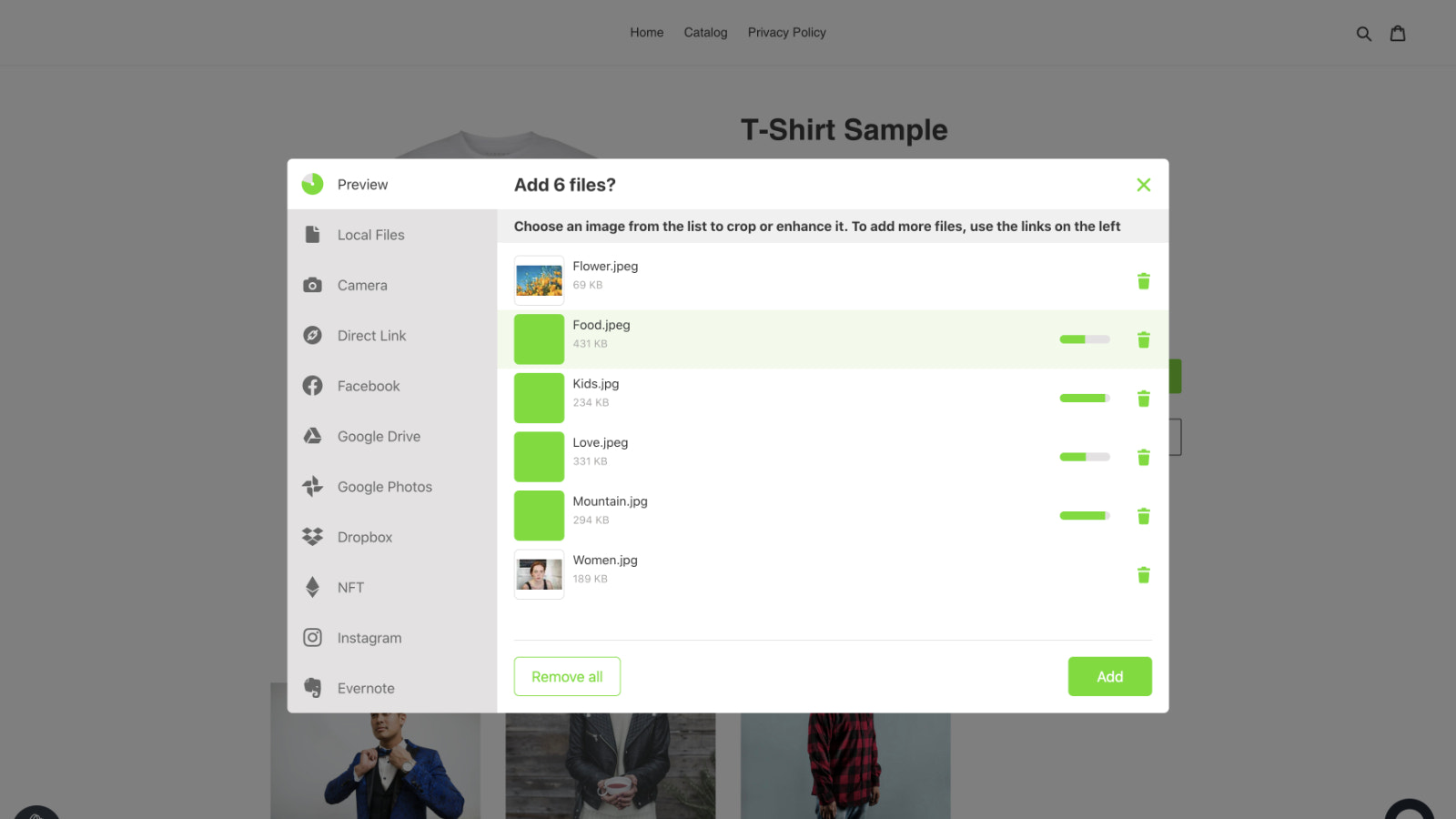
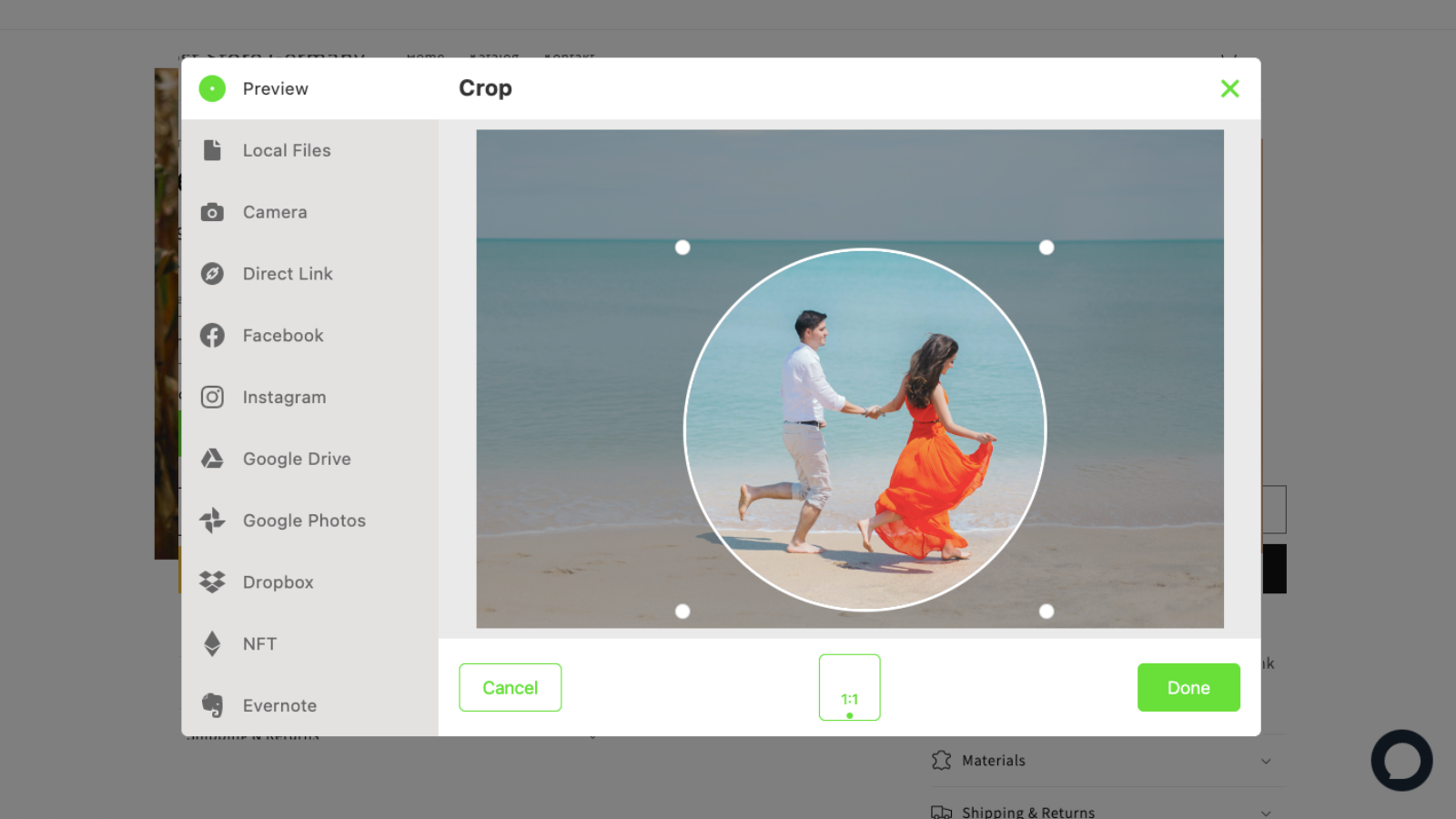
Uploadly - File Upload is the tool you need to add powerful upload fields to your product pages. Let customers select photos, images, and files from their computers or mobile devices! All files are linked to the corresponding orders for easy downloading. Your customers can choose files from multiple accounts, including their phones, computers, Facebook, Instagram, Dropbox, and Google Drive. Our upload fields are reliable and secure, and also give your customers the ability to edit and crop their files.
Core Functionality
- Easily create powerful, customizable product file uploads
- Allow customers to upload files from multiple sources: their computer, mobile device, Instagram, and more
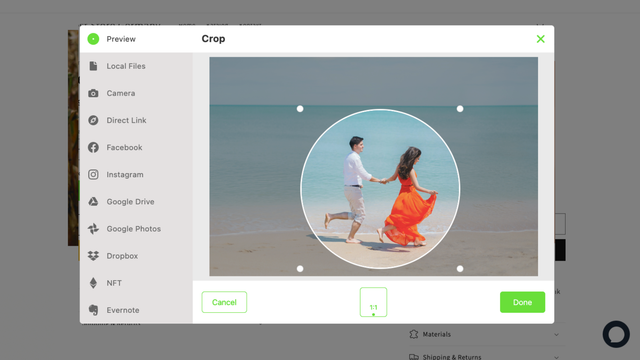
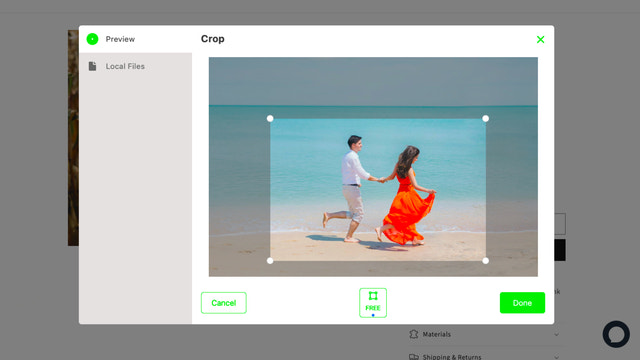
- Let customers crop and edit their files, with text boxes for additional notes
- Multi-language support: display upload buttons in different languages
- Download customers’ files directly from the corresponding order
Merchant-Friendly
- Custom Product Merchants
- Independent E-commerce
- Multi-channel Sellers
- International E-commerce Merchants
Basic Information
- Developer:Inspon Tech
- Address:Themistokle Dervi 48,, Floor 3, Flat/Office 306,, Nicosia, 1066, CY
- Price: Free / Free plan
- Rating:4.5 / 5
- Comment Count:59 comment
- Release Date:2021-3-22
- Supported languages:English
- Compatible products:Shopify
Application Screenshot






Price Plan
Free
- Unlimited File Uploads
- Fully Customizable
- Upload Acceleration
- Malware Protection
- 20 Upload File Links to Orders
- 60-Day Storage
Basic
- Unlimited File Uploads
- 500 Upload File Links to Orders
- Speed Optimization
- All File Types
- Fully Customizable
- Translatable
- 60-Day Storage
Unlimited
- Unlimited File Uploads (Fair Use)
- Sync Files to Google Drive
- Speed Optimization
- Up to 500MB per File
- All File Types
- Multi-Language Support
- 90-Day Storage
User Location & Comments
User Location
Comments
Shopify API Used
- POST /admin/api/products/{product_id}/file_uploads.json
- PUT /admin/api/products/{product_id}/file_uploads/{id}.json
- GET /admin/api/products/{product_id}/file_uploads.json
Permission:write_products,read_products,manage_files
- POST /admin/api/orders/{order_id}/customer_files.json
- GET /admin/api/orders/{order_id}/customer_files.json
- PUT /admin/api/orders/{order_id}/customer_files/{file_id}.json
Permission:read_orders,write_orders,manage_files
- POST /admin/api/orders/{order_id}/file_edits.json
- GET /admin/api/orders/{order_id}/file_edits.json
- PUT /admin/api/orders/{order_id}/file_edits/{edit_id}.json
Permission:read_orders,write_orders,manage_files
- POST /admin/api/translations/file_uploads.json
- PUT /admin/api/translations/file_uploads/{lang}.json
- GET /admin/api/translations/file_uploads.json
Permission:manage_translations,read_products,write_products
- GET /admin/api/orders/{order_id}/customer_files/{file_id}.json
- GET /admin/api/orders/{order_id}/customer_files.json
- POST /admin/api/orders/{order_id}/file_downloads.json
Permission:read_orders,manage_files,read_products