
App Introduction
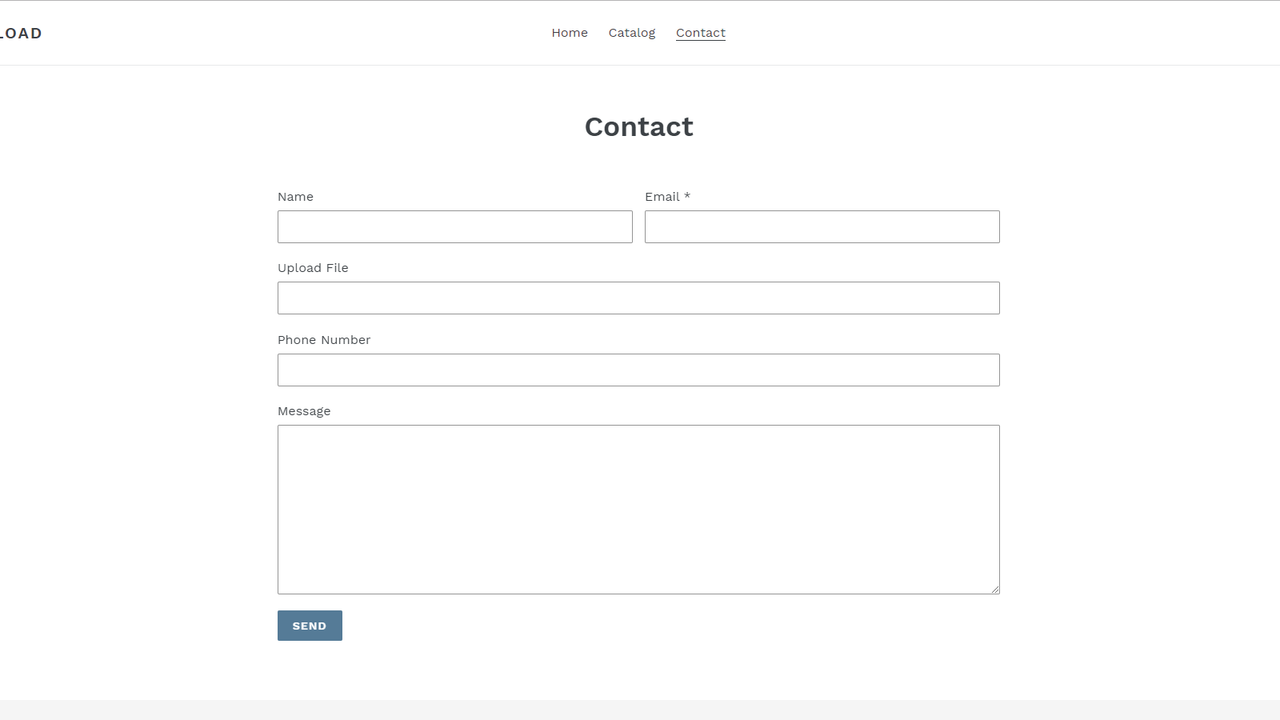
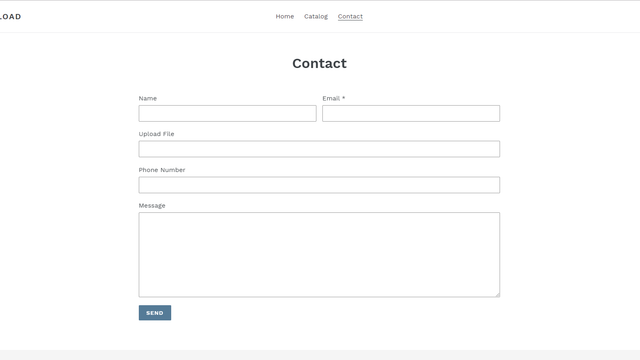
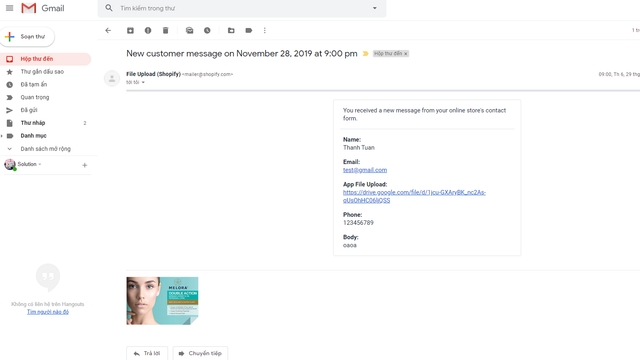
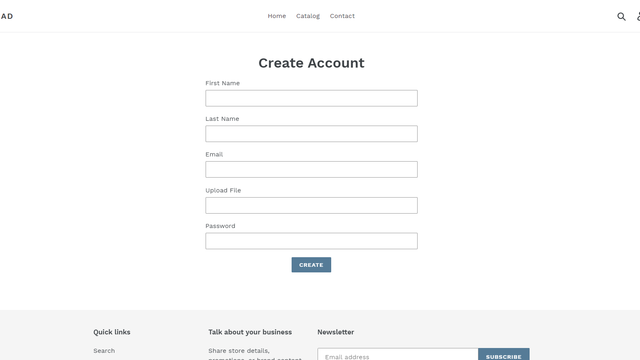
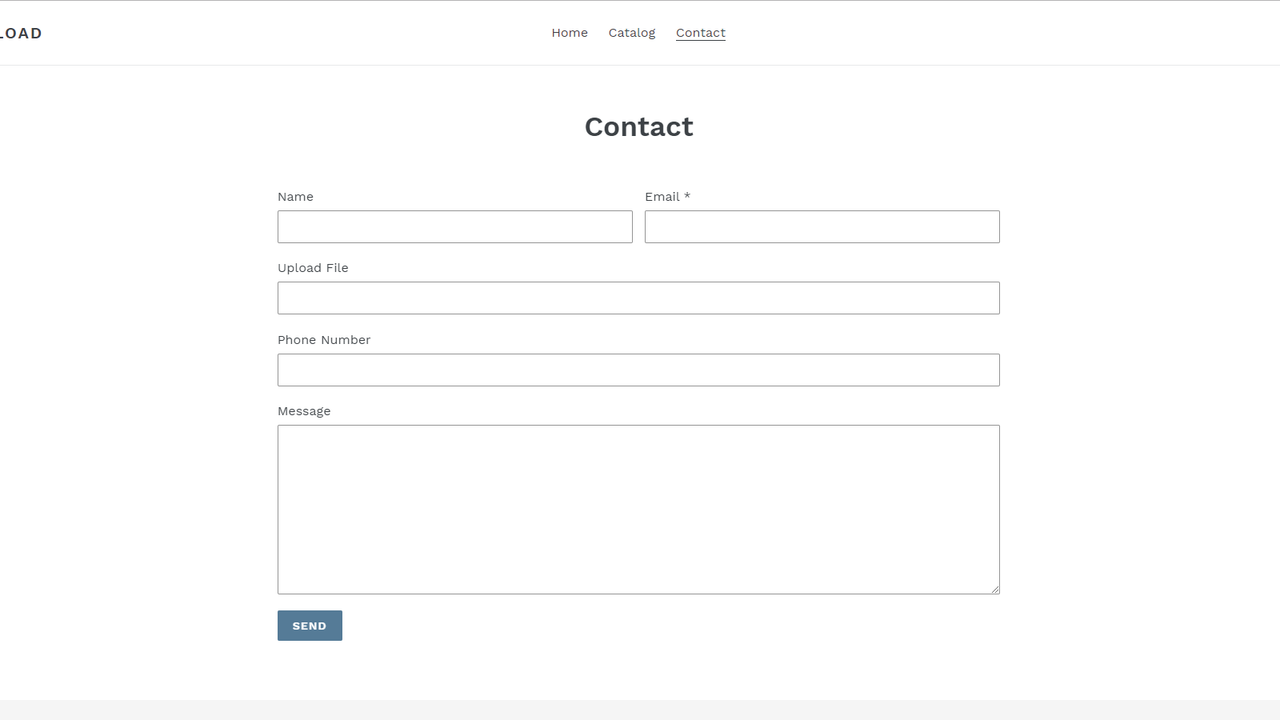
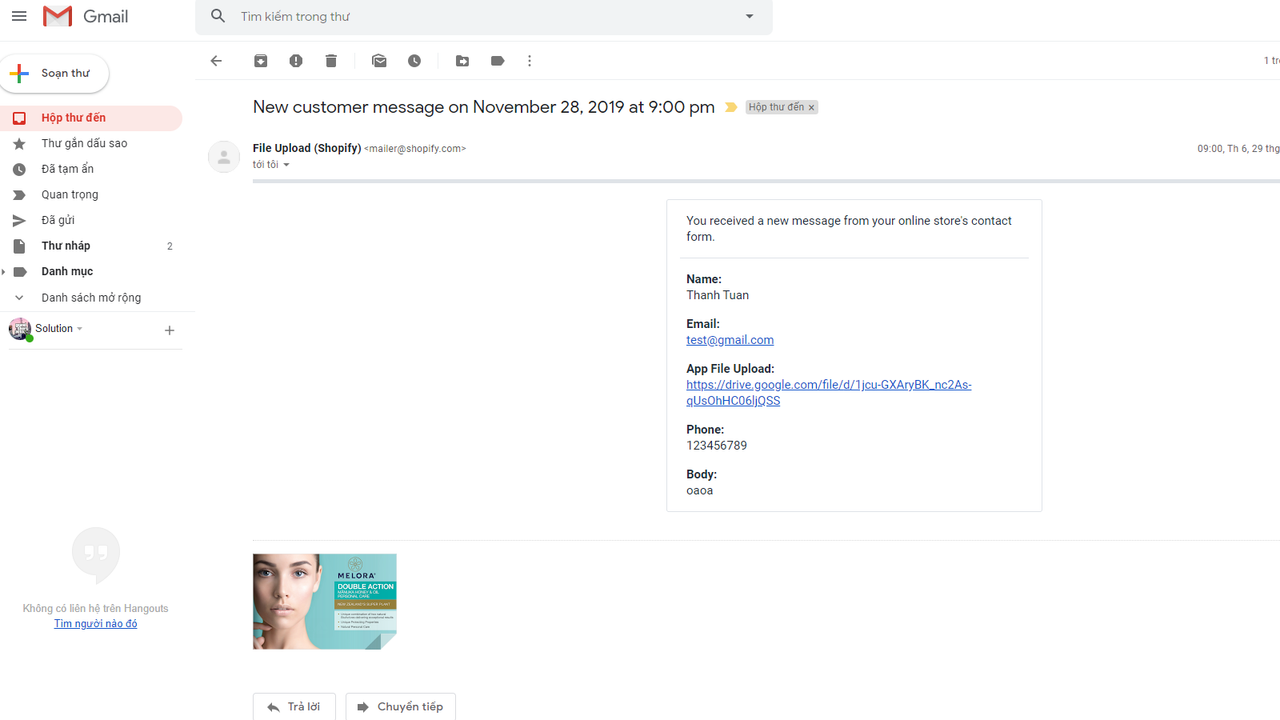
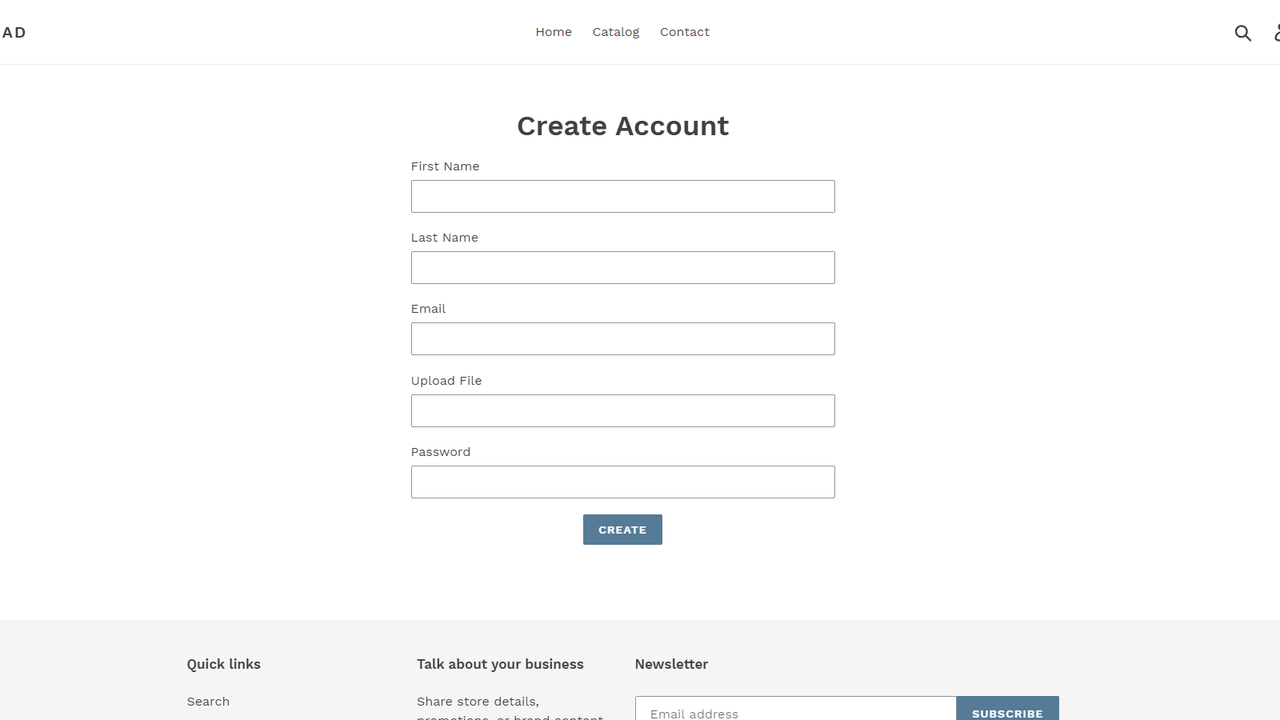
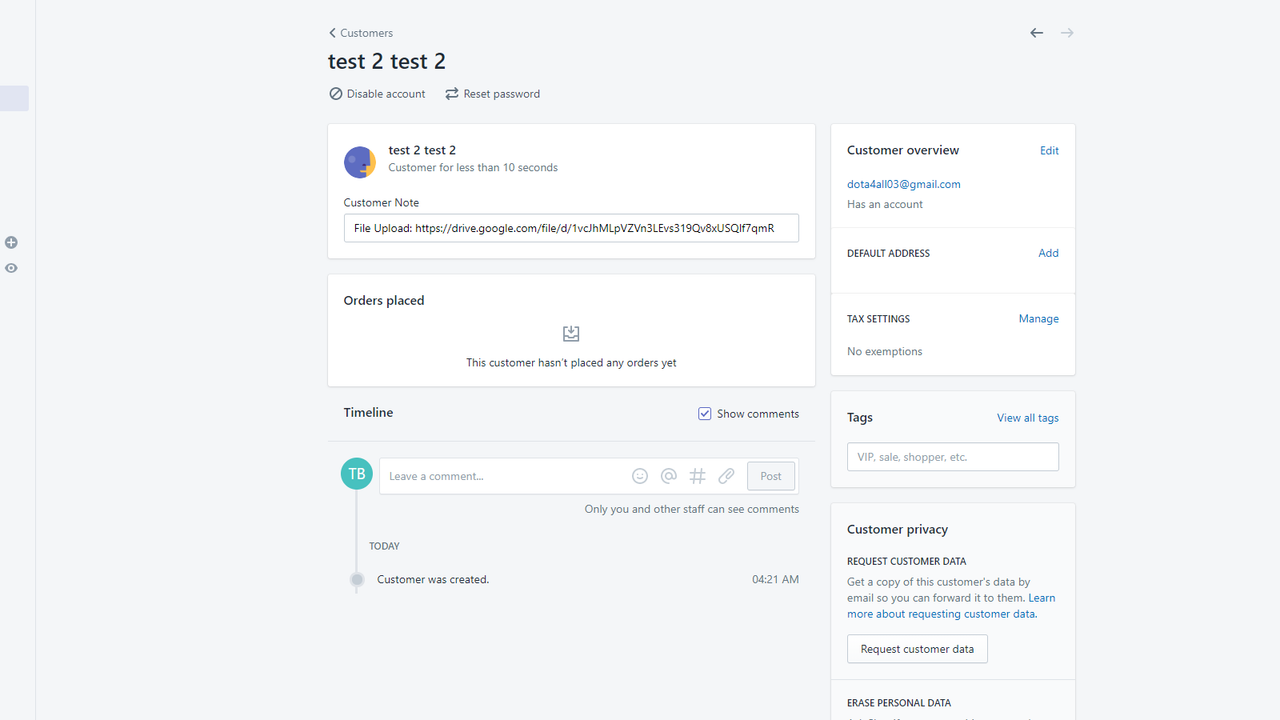
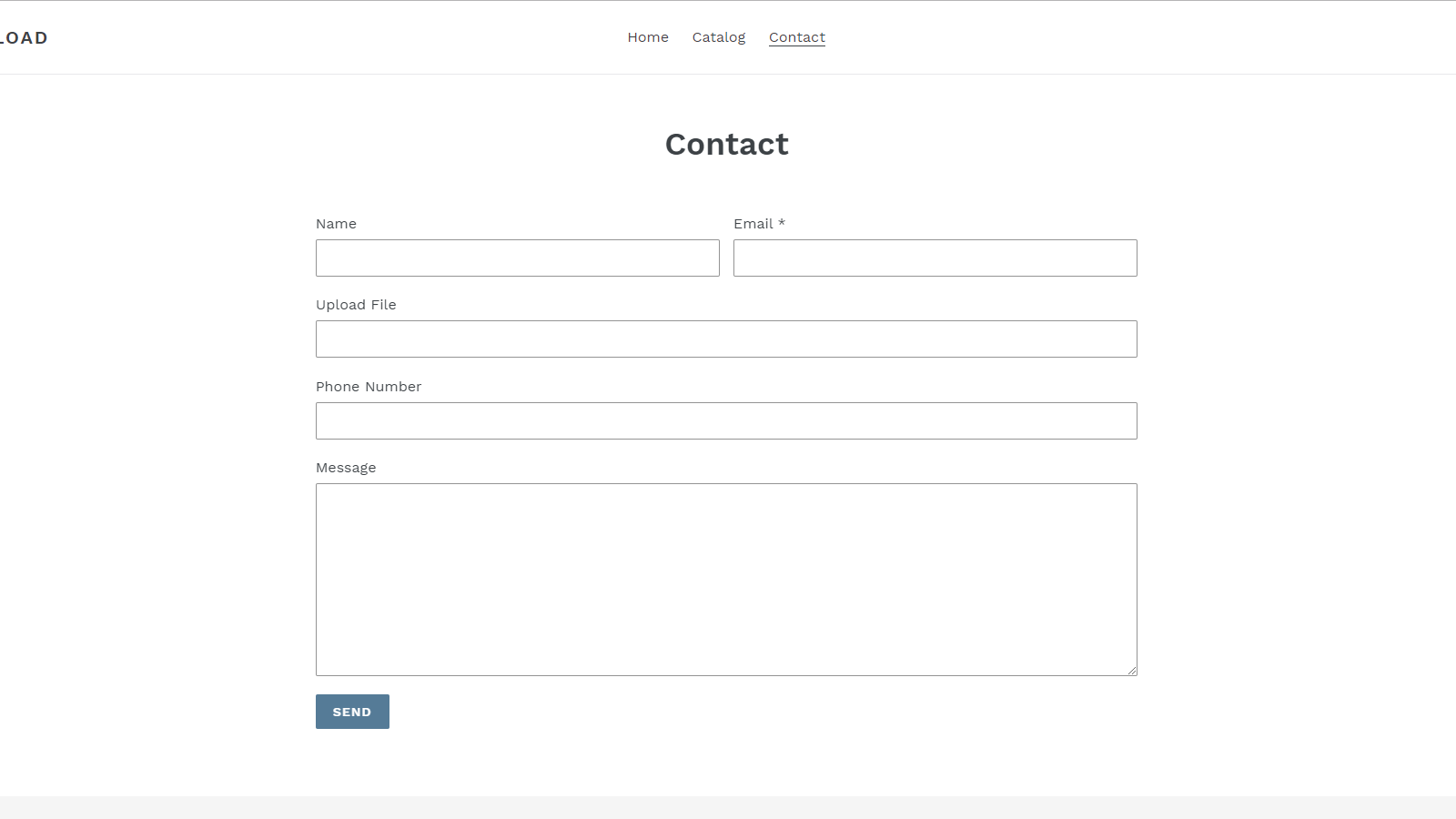
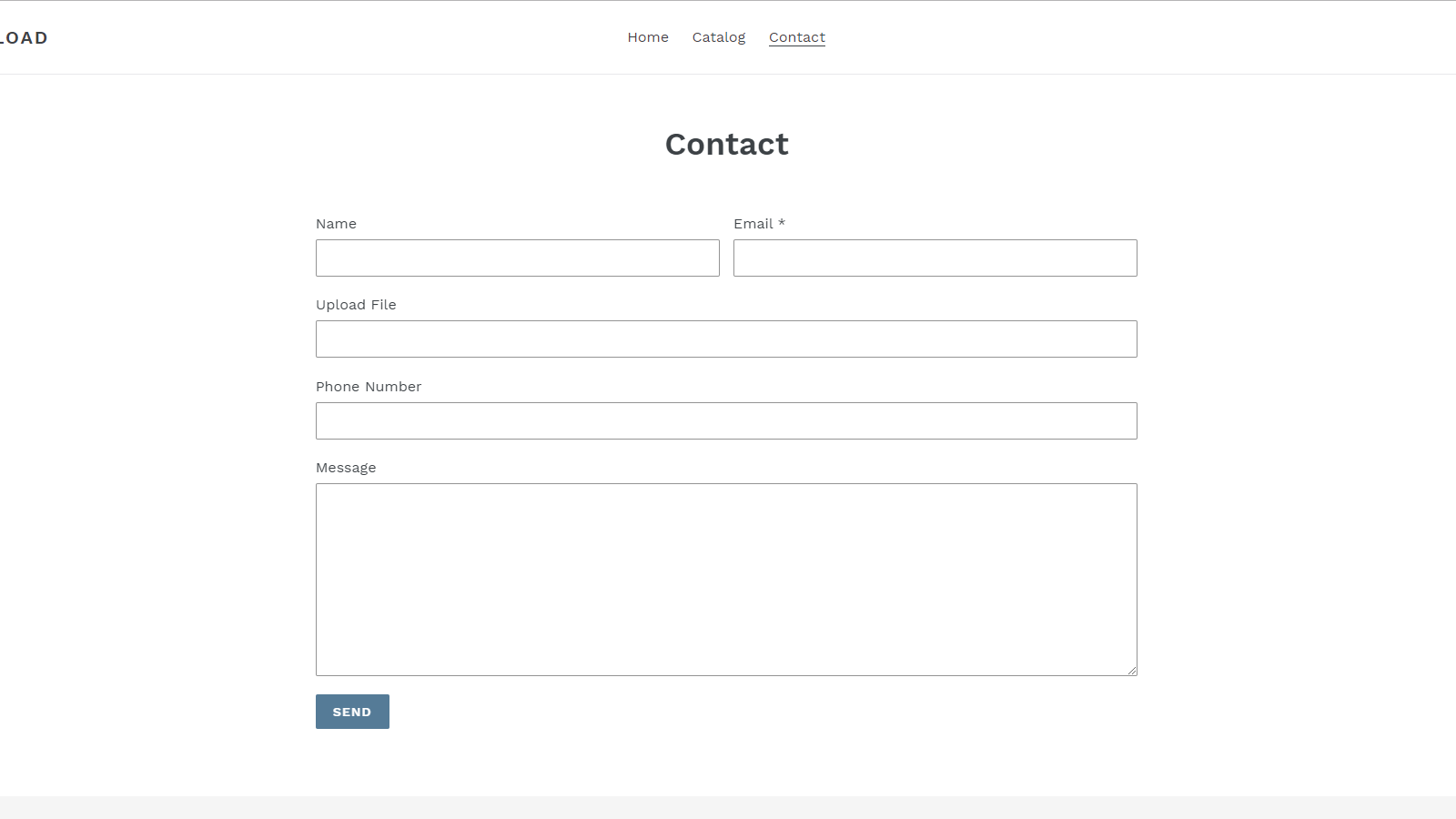
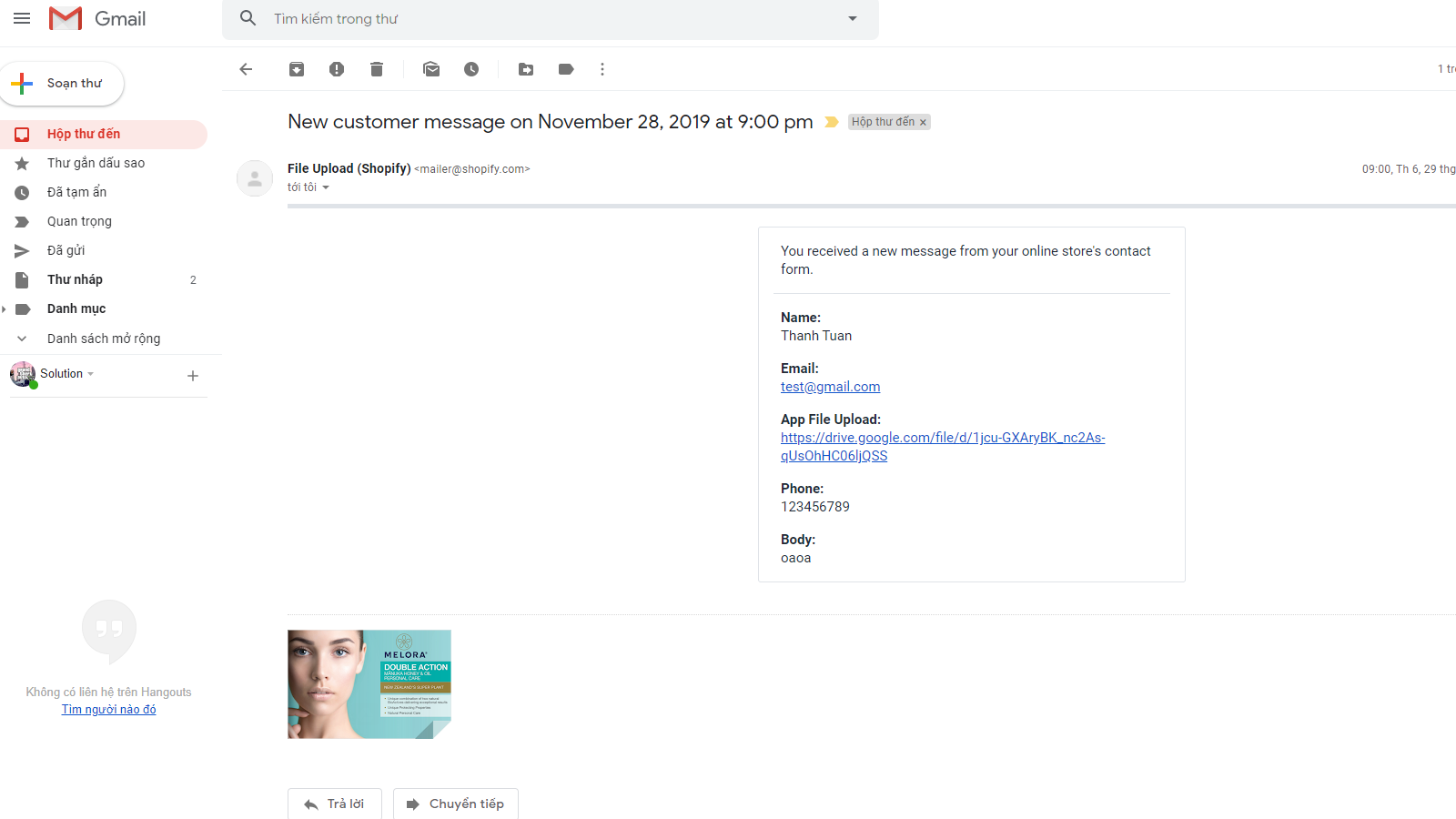
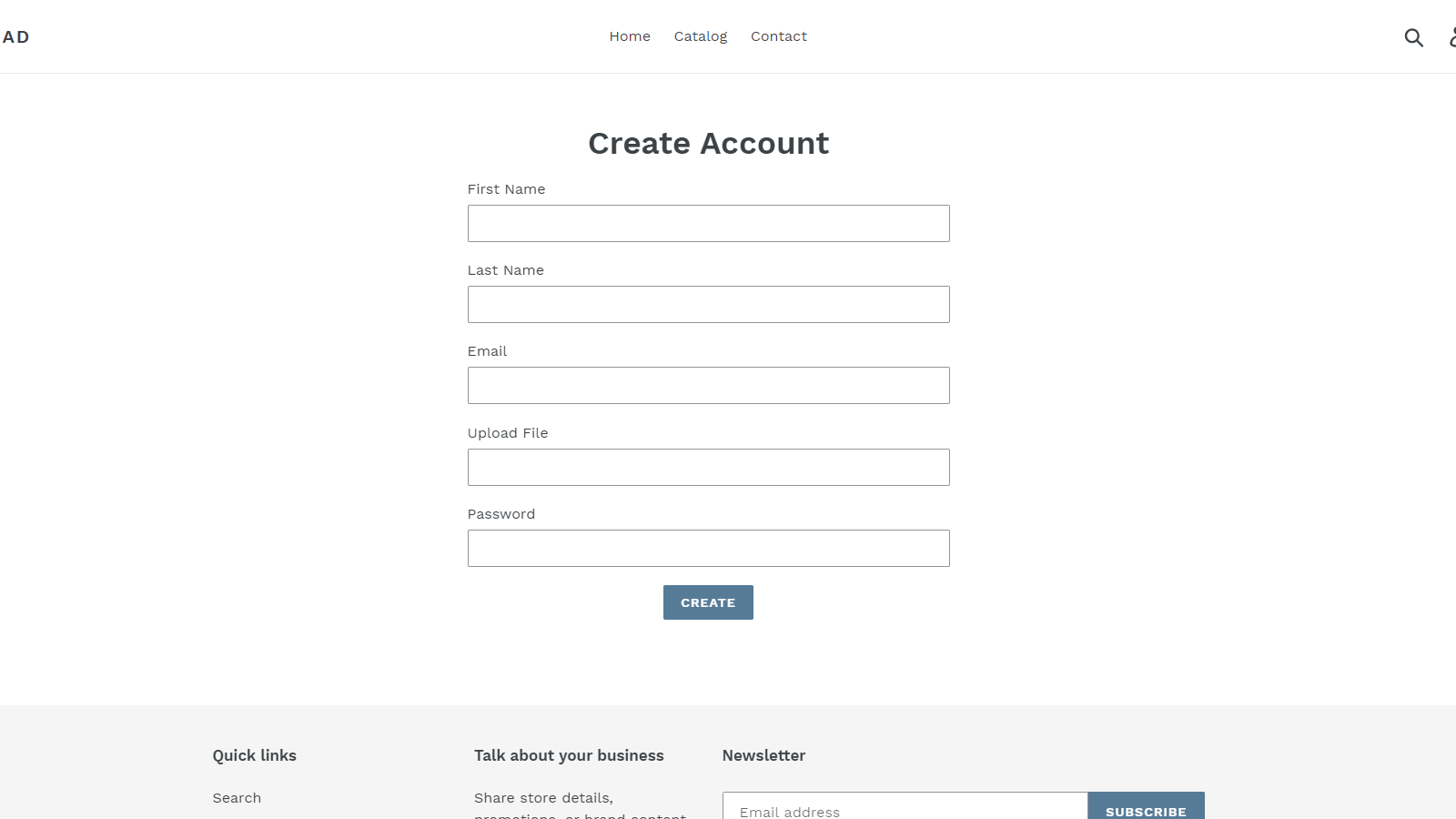
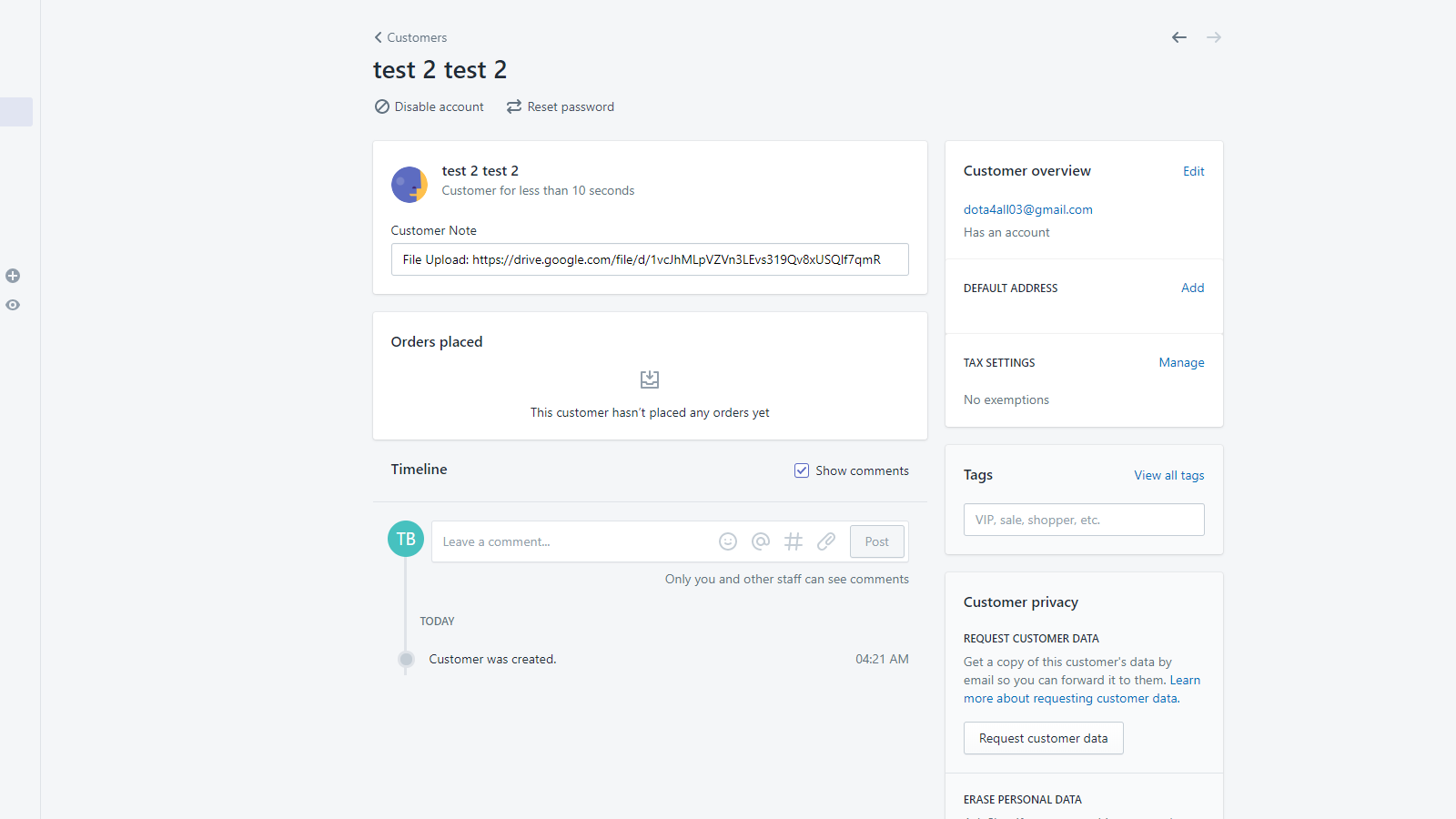
Add file upload fields to your store forms. Allow your store visitors to send files via your forms. Include all types of forms in your store: contact forms, registration forms, cart forms, and product forms. Multiple upload fields are supported in a single form.
Core Functionality
- Add file upload fields to your store forms.
- Supports all types of forms.
- Multiple upload fields are supported in a single form.
Merchant-Friendly
- Independent Station Merchants
- B2C E-commerce Merchants
- Custom Product Merchants
- Service E-commerce Merchants
Basic Information
- Developer:ThanhBT App
- Address:Binh Di - Dai Son - Tu Ky, Hai Duong, 170000, VN
- Price: Free / Free plan
- Rating:5 / 5
- Comment Count:1 comment
- Release Date:2019-12-13
- Supported languages:English
- Compatible products:Shopify
Application Screenshot
Price Plan
开发
免费
- Maximum file size is 1MB.
- Total monthly file upload limit is 1MB.
基础
$3.95
- Maximum file size is 5MB.
- Total monthly file upload limit is 100MB.
入门
$7.95
- Maximum file size: 20MB.
- Total monthly file upload limit: 500MB.
专业
$14.95
- Maximum file size: 100MB.
- Monthly total file upload limit: 3GB.
User Location & Comments
User Location
Comments
Shopify API Used
- POST /admin/api/forms/{form_id}/fields.json
- PUT /admin/api/forms/{form_id}/fields/{field_id}.json
- GET /admin/api/forms/{form_id}/fields.json
Permission:write_forms,read_forms,manage_storefront
- POST /admin/api/forms.json
- PUT /admin/api/forms/{form_id}.json
- GET /admin/api/forms.json
Permission:write_forms,read_forms,manage_shop
- POST /admin/api/forms/{form_id}/fields/batch.json
- PUT /admin/api/forms/{form_id}/fields/batch.json
- GET /admin/api/forms/{form_id}/fields.json
Permission:write_forms,read_forms,manage_storefront



