App Introduction
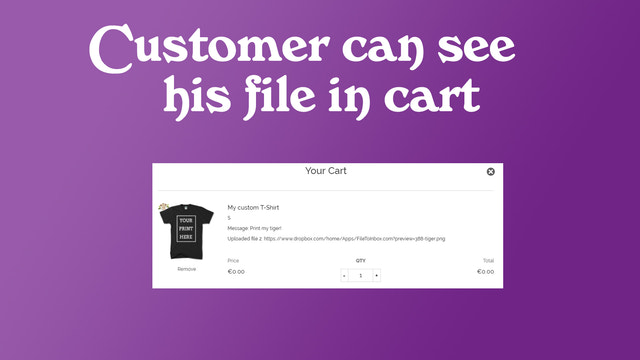
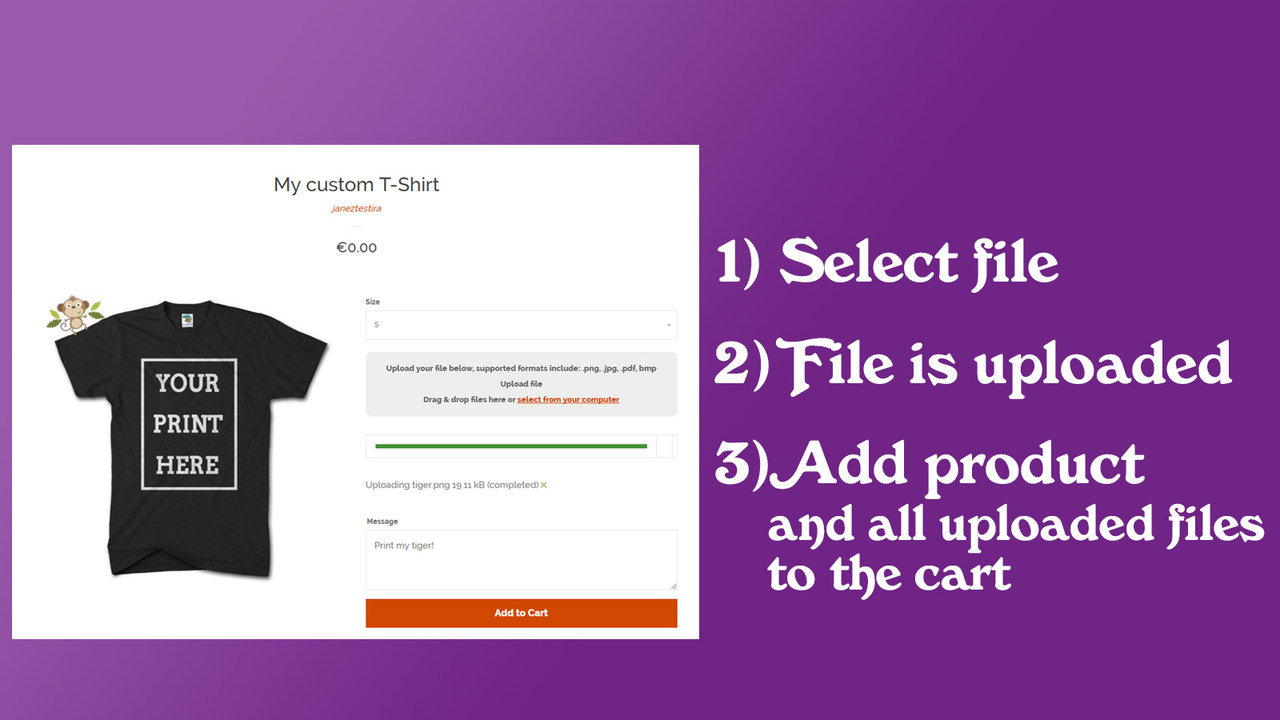
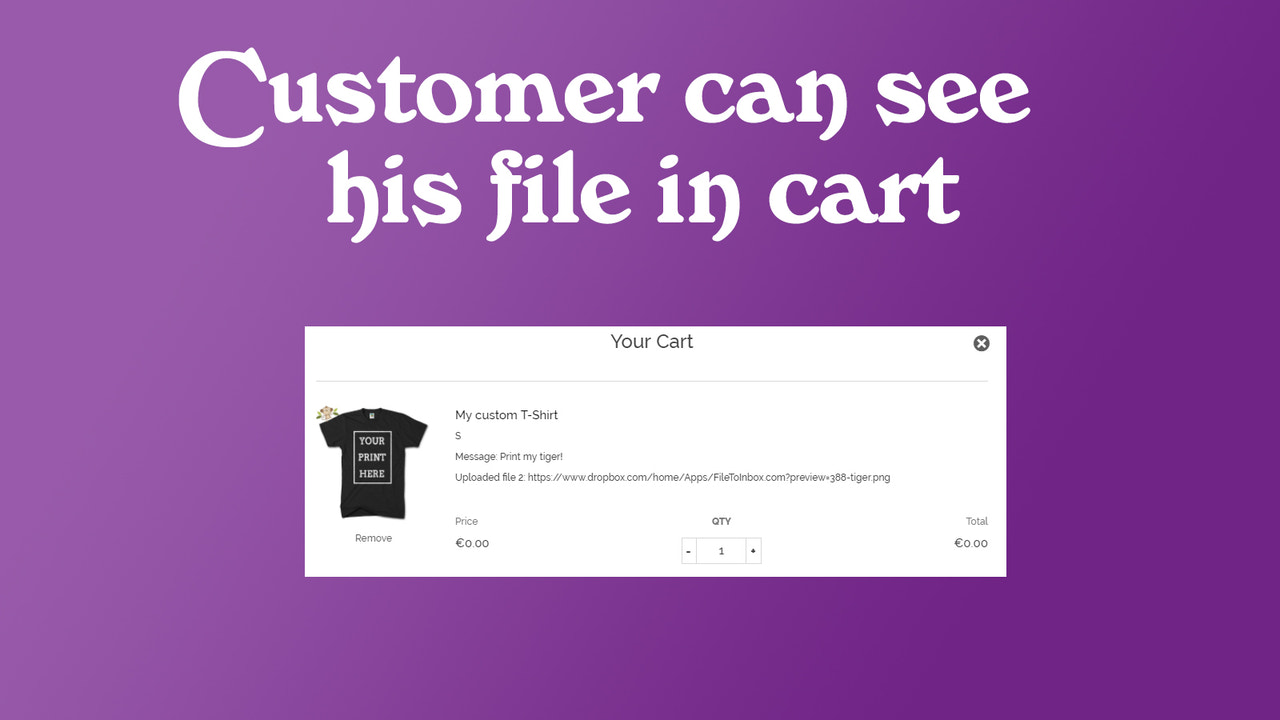
File Upload To Inbox - Upload order files to your Dropbox. No file size limit per file, up to 3 GB If you sell custom products (e.g., T-shirts), you can allow customers to upload an unlimited number of files when placing an order. File Upload To Inbox provides your customers with a simple file upload experience. Some examples: * Custom image printing on T-shirts * Engraving of customers’ logos by you * Personalized logos (customers can upload any files you need) * Various other product customizations Customers can upload images, videos, ZIP files, PDFs, Excel files, Word documents... any file, up to 3 GB, when placing an order.
Core Functionality
- Upload unlimited files with support for all file types
- Each uploaded file can be up to 3 GB in size
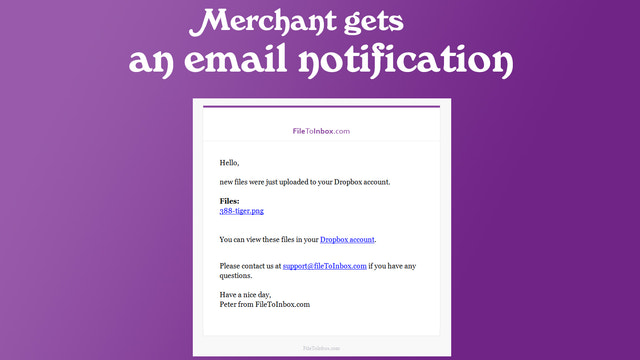
- All files are stored in your Dropbox account and remain accessible even after you uninstall the app
- Works on mobile devices, tablets, and desktops. Full support for Windows, Android, and Mac
- Supports Dropbox Business — your entire team can access uploaded files
Merchant-Friendly
- Content E-commerce Merchants
- Cross-border E-commerce Sellers
- Team Collaboration Merchants
- Multi-device Operation Merchants
Basic Information
- Developer:Yuhu Apps
- Address:1000, SI
- Price: Free / Free plan
- Rating:5 / 5
- Comment Count:2 comment
- Release Date:2017-6-1
- Supported languages:English
- Compatible products:Shopify
Application Screenshot


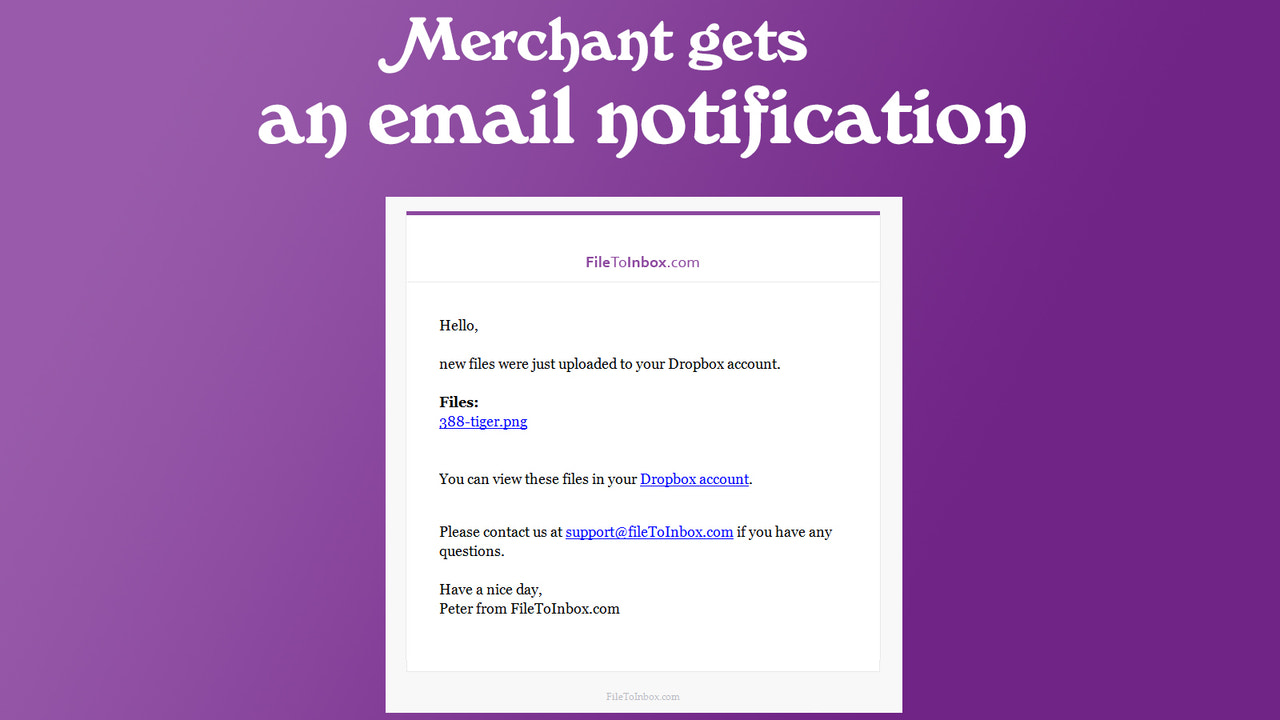



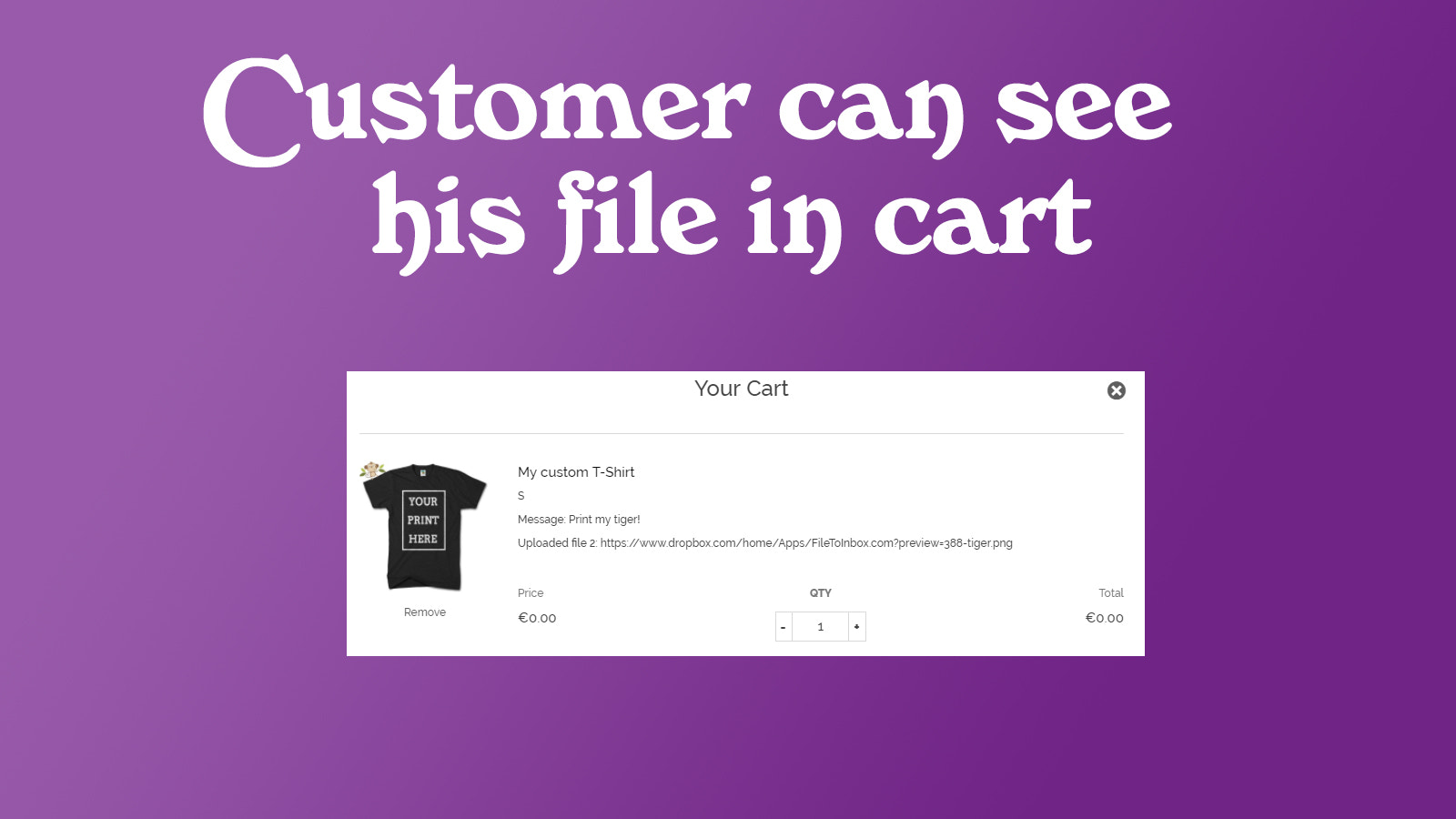
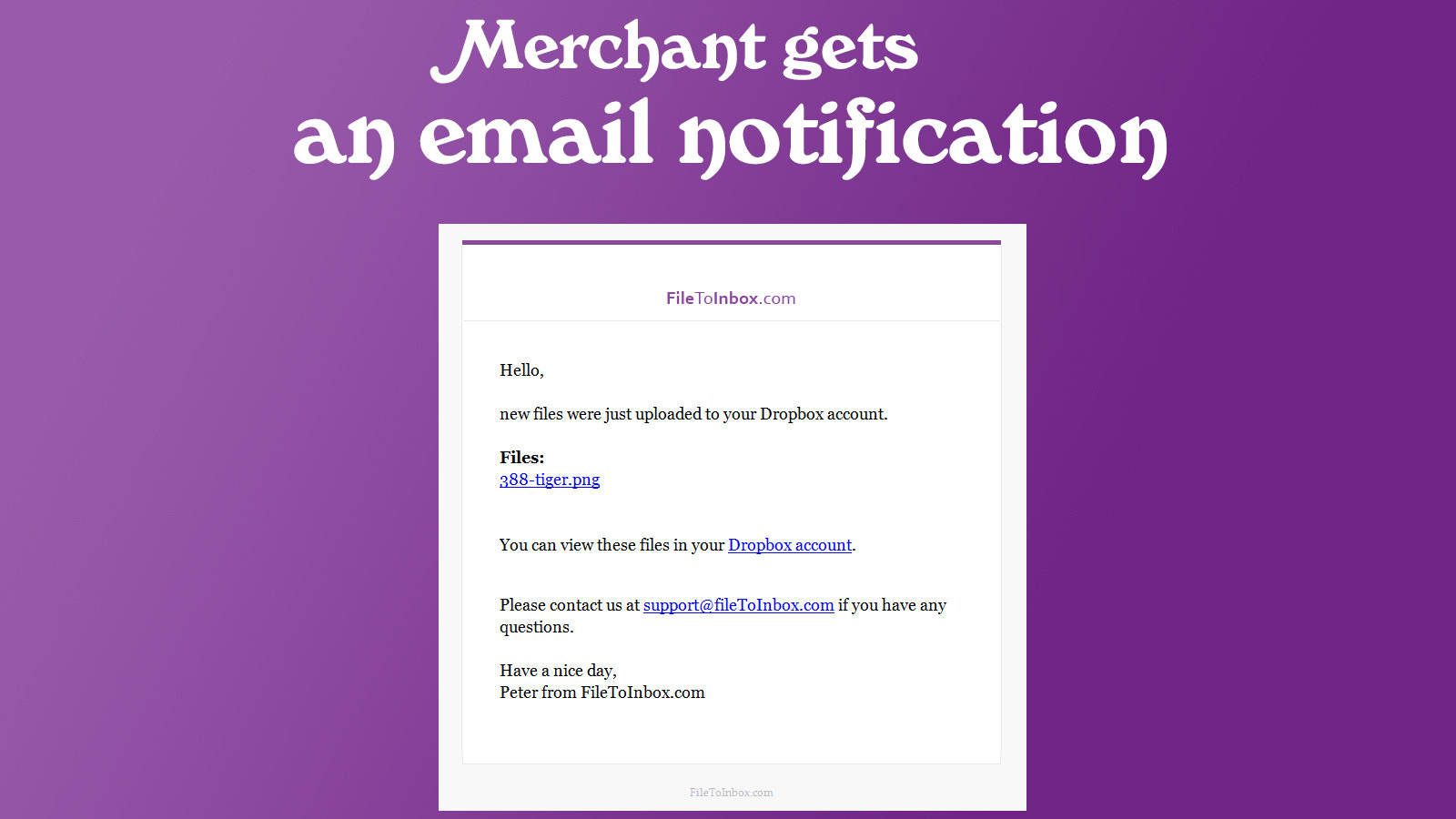

Price Plan
Basic
- Independent File Upload
- Unlimited Monthly Files
- 512 MB File Size Limit
Pro
- Upload files with Shopify orders
- Unlimited files per month
- 1 GB file size limit
Business
- Upload files with Shopify orders
- Unlimited files per month
- 3 GB file size limit
User Location & Comments
User Location
Comments
Shopify API Used
- POST /admin/api/files.json
- PUT /admin/api/files/{file_id}.json
- GET /admin/api/files.json
Permission:write_files,read_files,manage_dropbox
- POST /admin/api/files/large.json
- PUT /admin/api/files/large/{file_id}.json
- GET /admin/api/files/large/{file_id}.json
Permission:write_files,read_files,manage_dropbox
- GET /admin/api/files/device_access.json
- PUT /admin/api/files/device_access/{device_id}.json
- GET /admin/api/files/device_access/{device_id}.json
Permission:read_files,manage_dropbox,view_analytics
- POST /admin/api/files/team_access.json
- PUT /admin/api/files/team_access/{team_id}.json
- GET /admin/api/files/team_access.json
Permission:write_files,read_files,manage_dropbox_business