
POWR: File Embed | Embed PDF
by AppScoped · Category: Custom File Upload
Free Plan
Built for Shopify
App Introduction
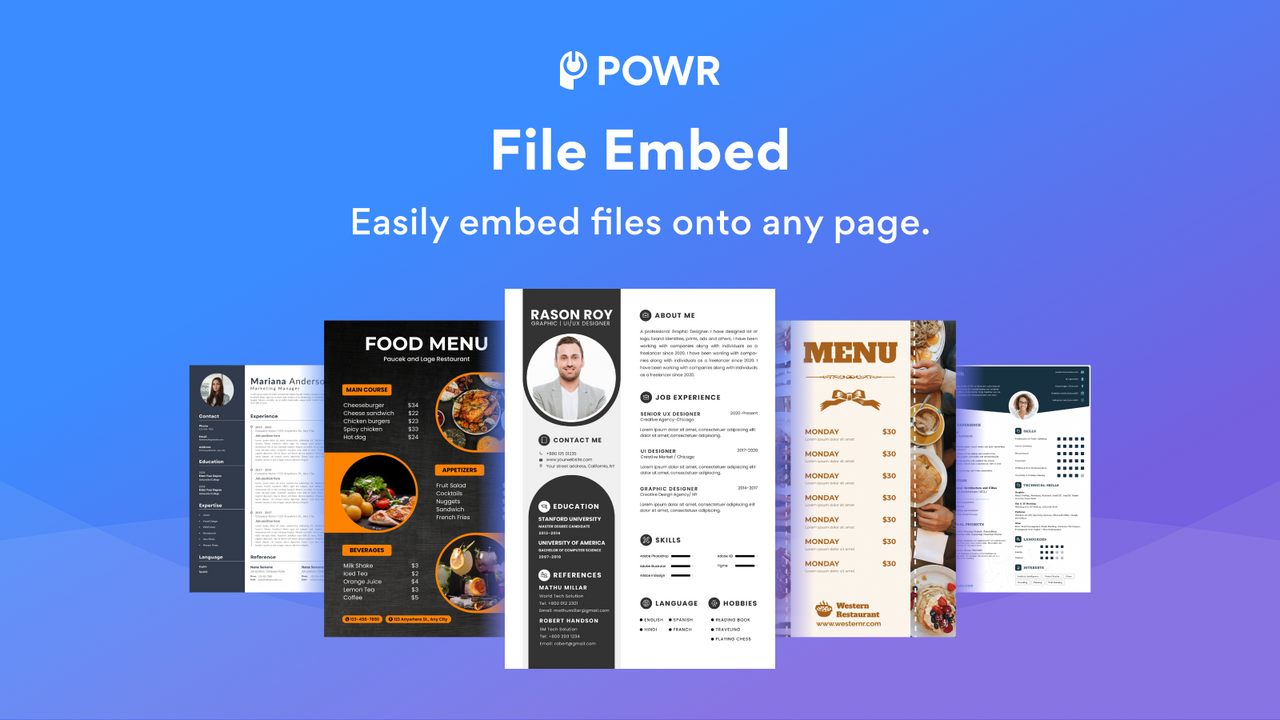
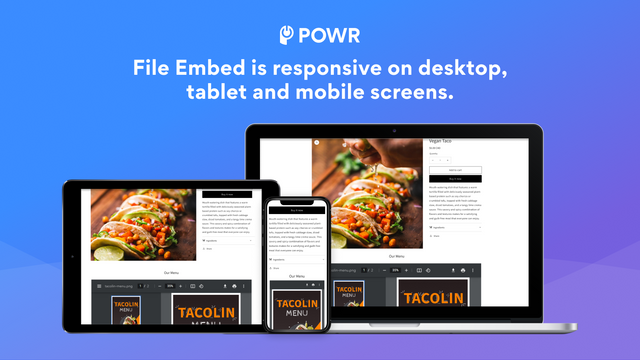
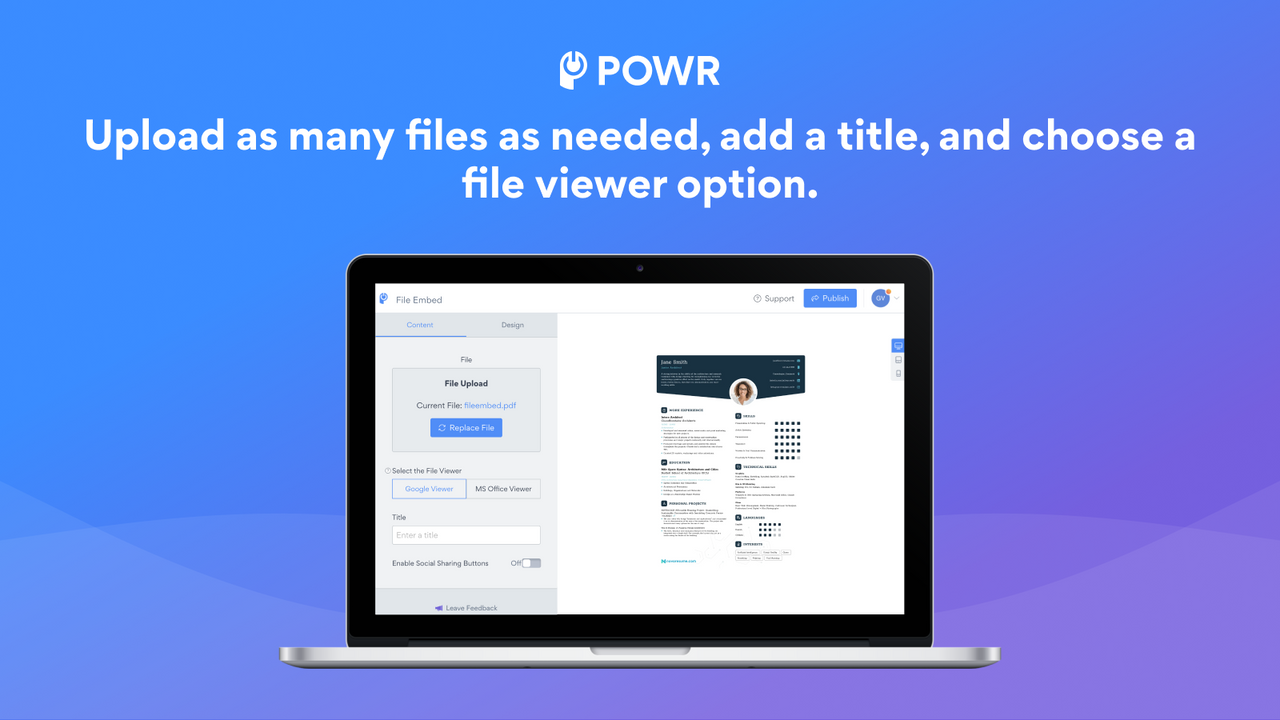
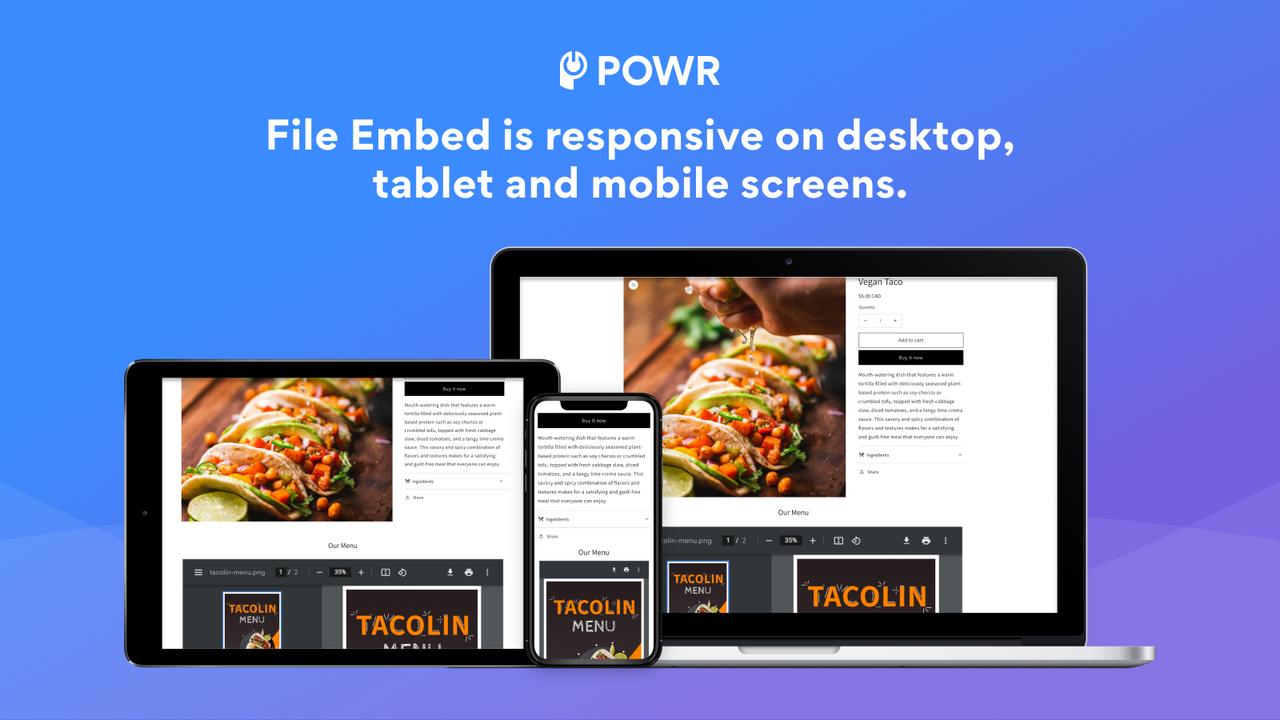
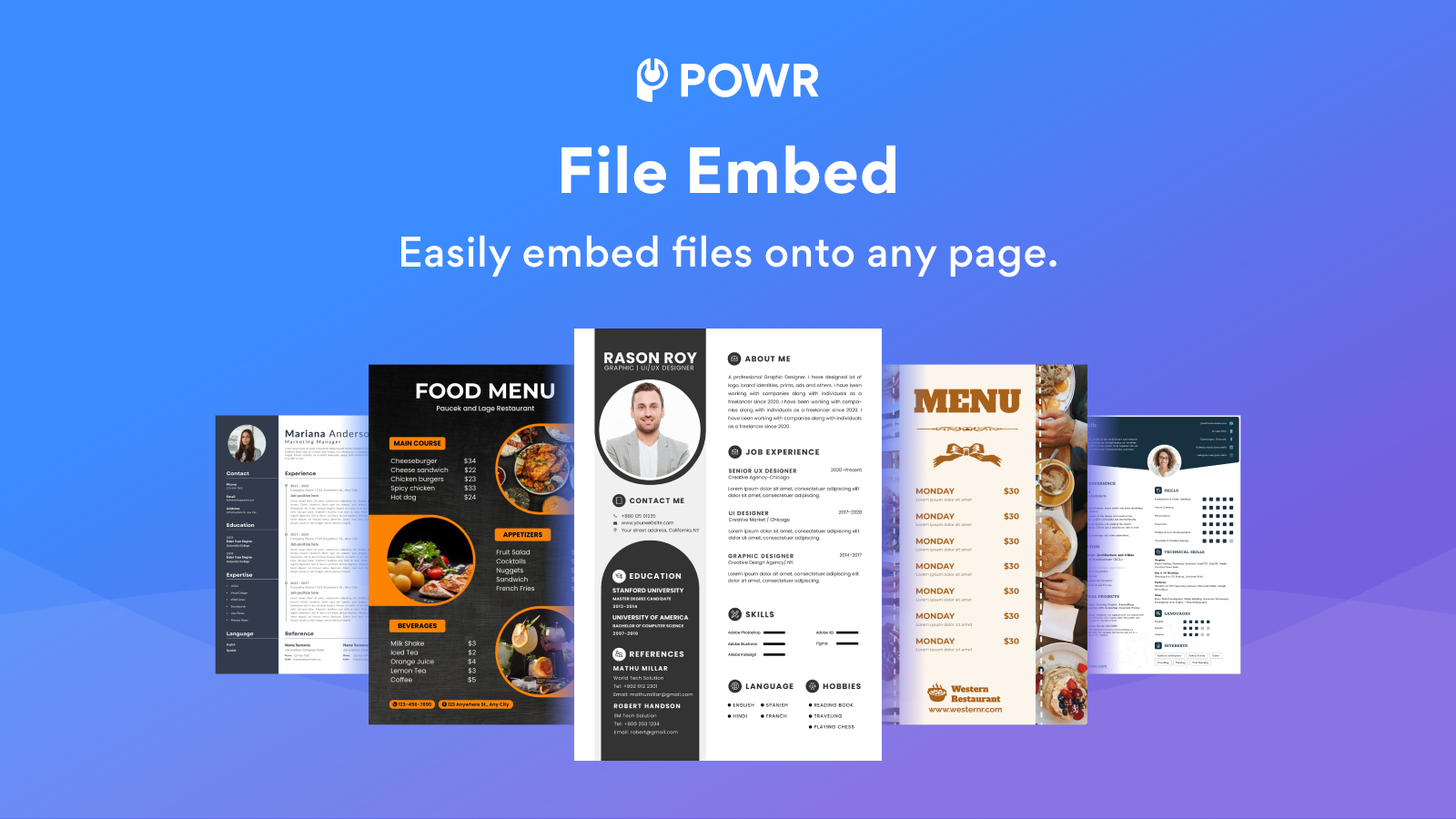
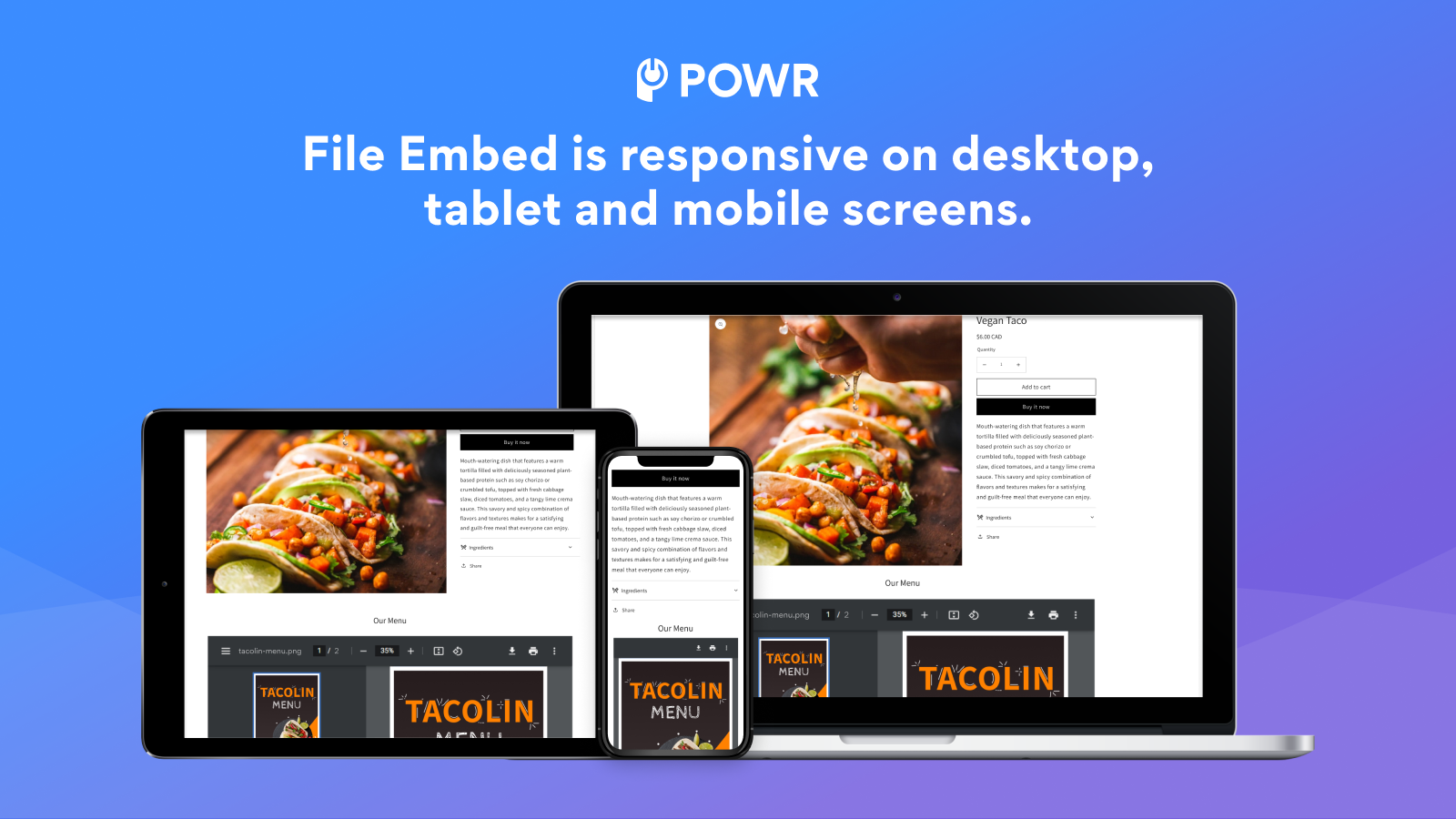
Embed multiple file types (e.g., PDFs) for easy viewing, sharing, downloading, and printing. Integrate PDFs, catalogs, e-books, presentations, menus, manuals, or other documents so visitors can easily find the information they need. This creates a superior experience—they can view files without leaving your page or downloading attachments. Customize settings to match your design, switch between screen modes, and zoom in/out effortlessly. The "read-only" feature also prevents website visitors from copying and pasting content from your site.
Core Functionality
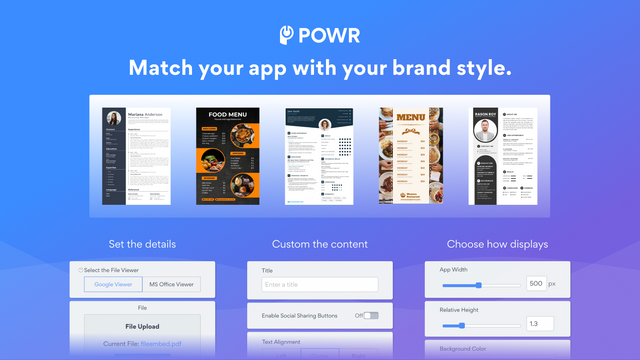
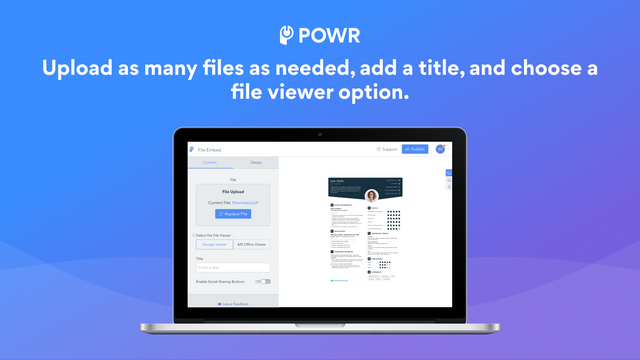
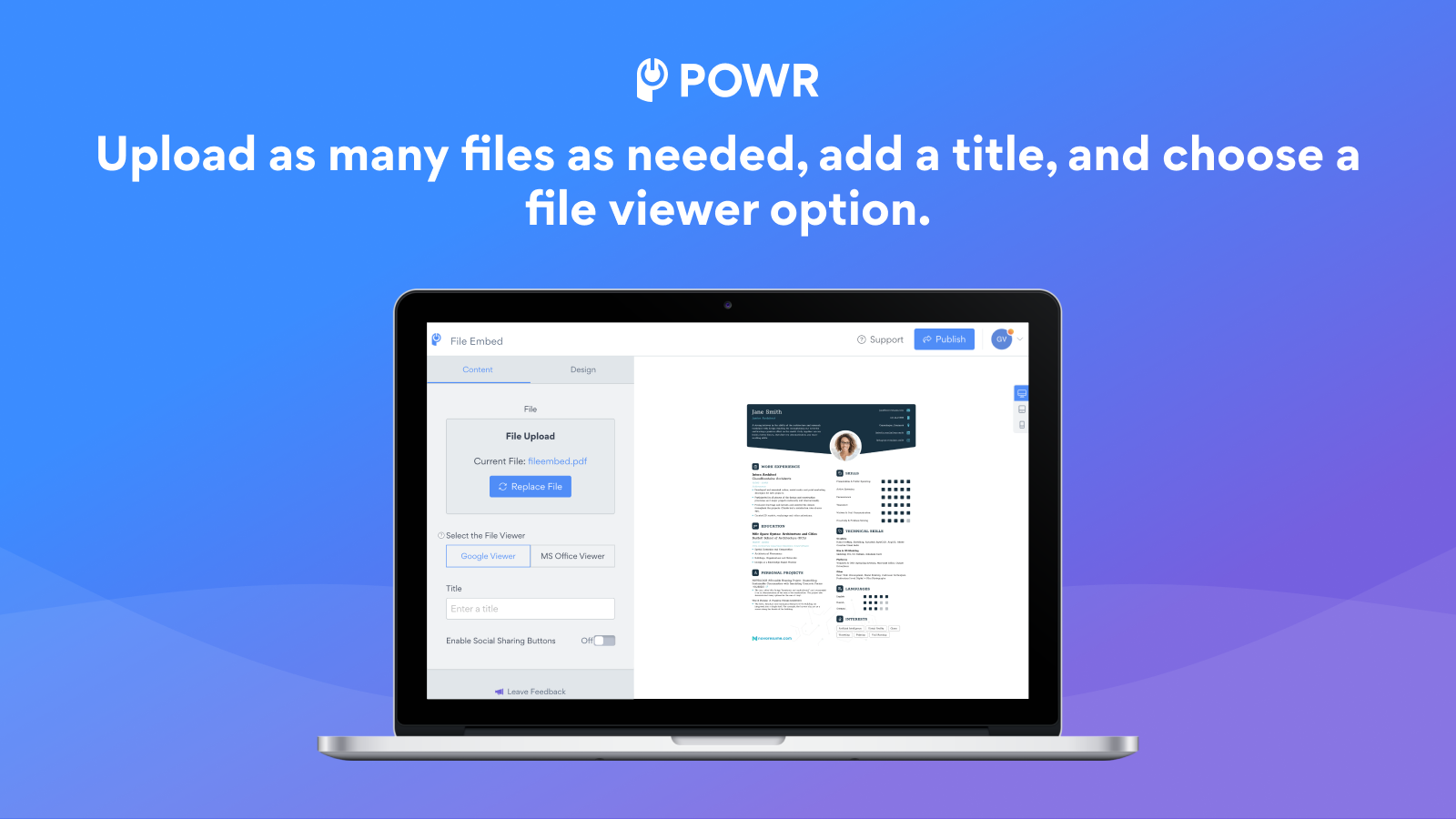
- Flexible viewing options (e.g., Google Viewer or MS Office Viewer)
- File types: AI, PDF, GIF, TXT, HTML, CSS, DOC, DOCX, JPG, PNG, XLS, PPT, and more
- Social sharing: Allow visitors to share files by adding social sharing buttons
- 24/7 support with live chat available
Merchant-Friendly
- Content-based E-commerce Merchants
- Multi-format File Sellers
- Social Traffic-driven Merchants
- High Service Demand Merchants
Basic Information
- Developer:POWR.io
- Address:44 Tehama Street, San Francisco, CA, 94105, US
- Price: Free / Free plan
- Rating:3.7 / 5
- Comment Count:4 comment
- Release Date:2015-10-9
- Supported languages:English
- Compatible products:Shopify
Application Screenshot


Price Plan
Free
免费
- Each digital download file is 5MB
- File Viewer: Google or Microsoft Office
- PDF, DOCX, PPT, JPG, XLSX, PNG, etc.
- 24/7 Email Support
Starter
$6.04 / 或 $57.96/年(可节省 20%)
- All Free Features+
- Remove POWR Branding
- 20MB per Digital Download File
- Enable Social Sharing Buttons
- Live Chat with POWR Support Team
Pro
$14.84 / 或 $142.44/年(可节省 20%)
- All Starter Features+
- 100MB per Digital Download File
- Custom CSS
Business
$98.99 / 或 $950.28/年(可节省 20%)
- 1GB per digital download file
- Unlimited access to over 60 POWR apps, such as
- Contact Form
- Popup
- Instagram Feed
- Image Slider
- Countdown Timer
- and more
User Location & Comments
User Location
Comments
Shopify API Used
- POST /admin/api/file_viewer.json
- PUT /admin/api/file_viewer/{id}.json
- GET /admin/api/file_viewer.json
Permission:write_files,read_files,manage_themes
- POST /admin/api/files.json
- PUT /admin/api/files/{id}.json
- GET /admin/api/files.json
Permission:write_files,read_files,manage_products
- POST /admin/api/social_share.json
- PUT /admin/api/social_share/{id}.json
- GET /admin/api/social_share.json
Permission:write_themes,read_themes,manage_social
- POST /admin/api/live_chat.json
- PUT /admin/api/live_chat/{id}.json
- GET /admin/api/live_chat.json
Permission:write_support,read_support,manage_shop