
App Introduction
Boost Sales with FAQ Solutions FAQbucket is designed to drive sales for your store by creating FAQs for your cart, blog posts, collection pages, and even password pages. Enjoy unlimited options and unlimited FAQ pages. Add a dedicated product FAQ section for each item. Turn FAQs into an upsell and cross-sell tool while enhancing customer support—help shoppers make confident purchase decisions and reduce your support desk workload simultaneously.
Core Functionality
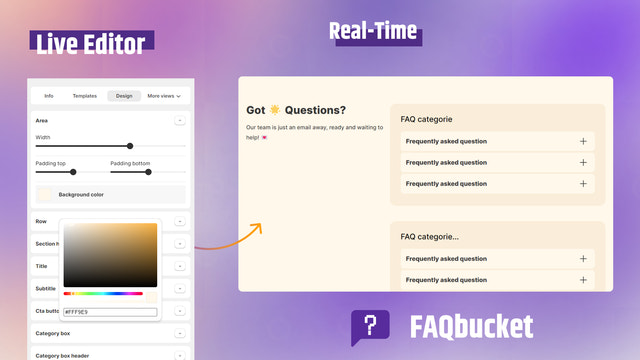
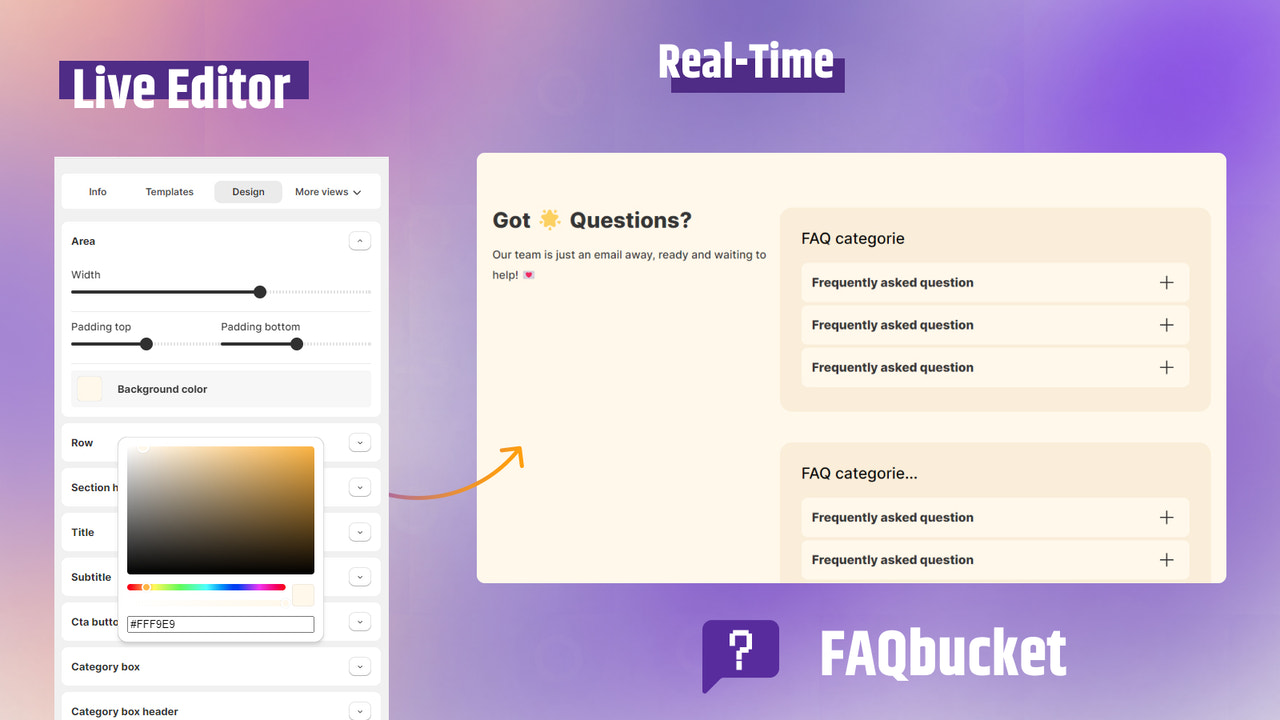
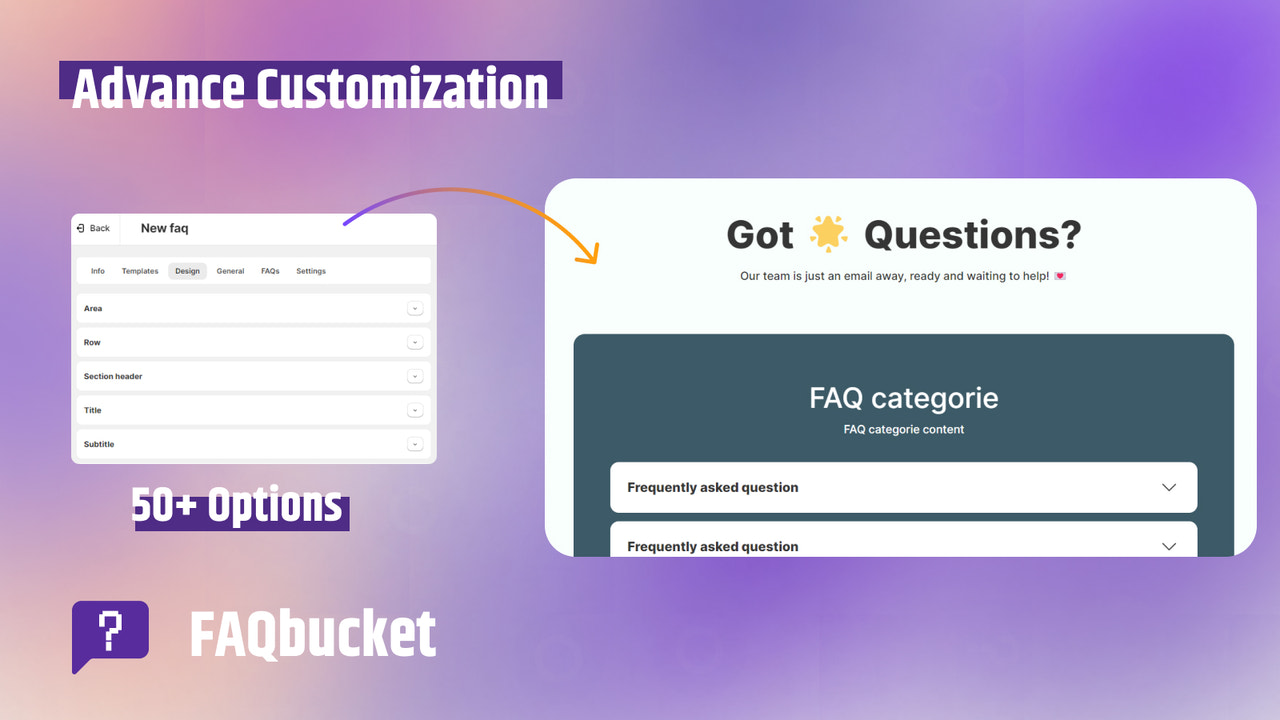
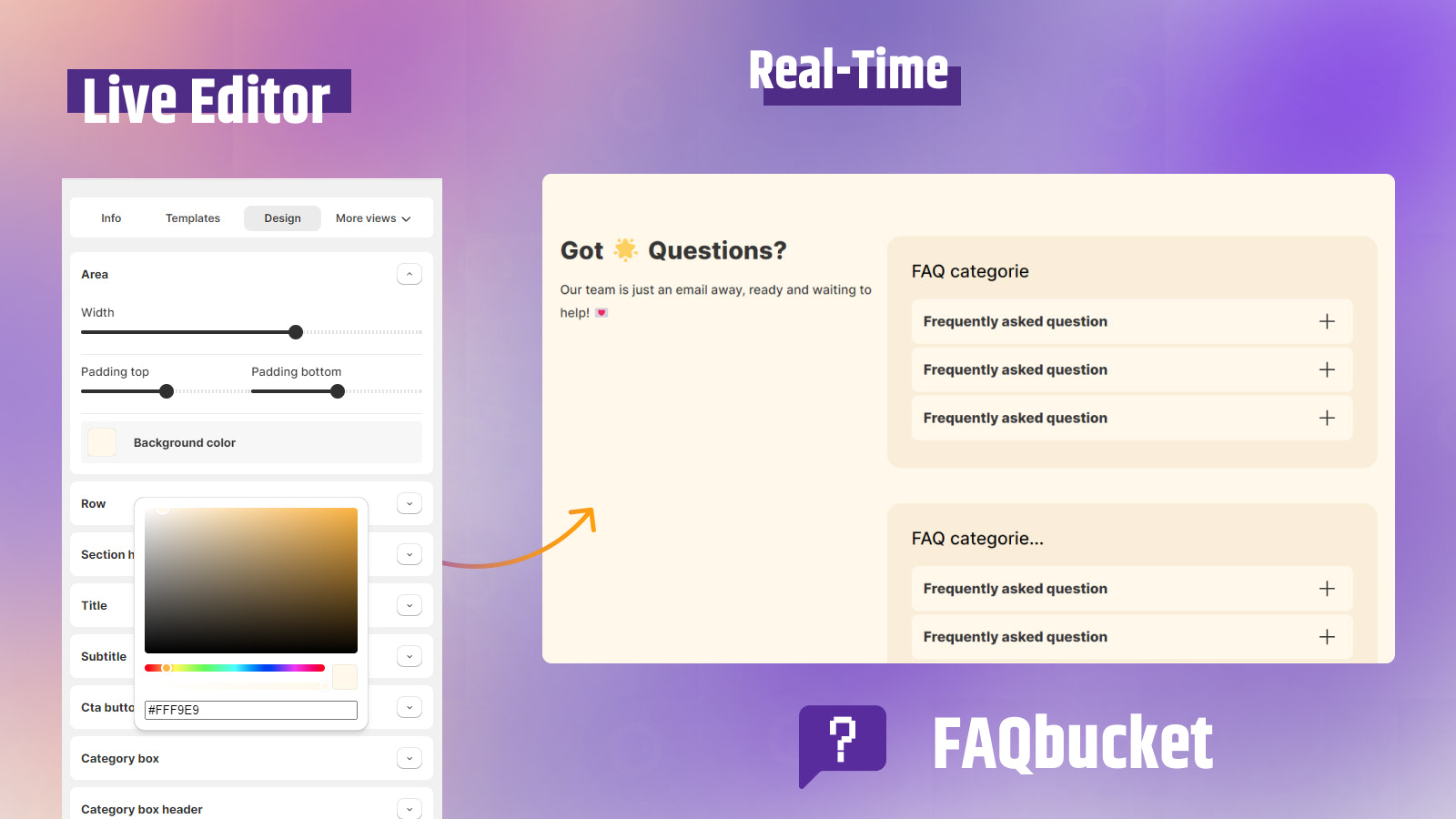
- 22+ pre-built templates & customization options, quick setup + real-time editor
- FAQ widget/FAQ bubble for easy access via WhatsApp, Messenger, helpdesk, etc.
- Separate product FAQs, product Q&A, blog page FAQs, FAQ sections
- Unlimited FAQ pages, professional accordions, product tags & easy navigation
- Dynamic, context-specific FAQs on every page, password page FAQs & cart page FAQs
Merchant-Friendly
- Independent Station Merchants
- Multi-category E-commerce
- Cross-border E-commerce Merchants
- Brand Retail Merchants
- Social E-commerce Merchants
Basic Information
- Developer:Comercio Services
- Address:Dhaka, BD
- Price: Free / Free plan
- Rating:5 / 5
- Comment Count:4 comment
- Release Date:2024-5-13
- Supported languages:English
- Compatible products:Shopify
Application Screenshot



Price Plan
Basic Plan - 免费
免费
- FAQ Widget
- Unlimited Product FAQs, FAQ Page
- Collection & Blog FAQs
- 2 FAQ Sections
- 2 Categories
- 9+ Templates
- Customization
- Chat Support
Pro Plan
$4.55 / 或 $42/年(可节省 23%)
- Free+
- 5 FAQs
- Unlimited Categories
- 11+ Templates
- Custom CSS
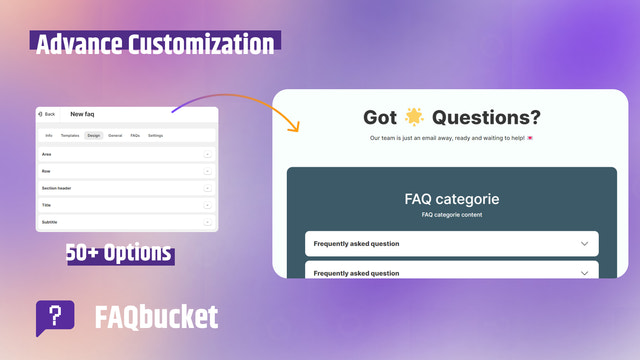
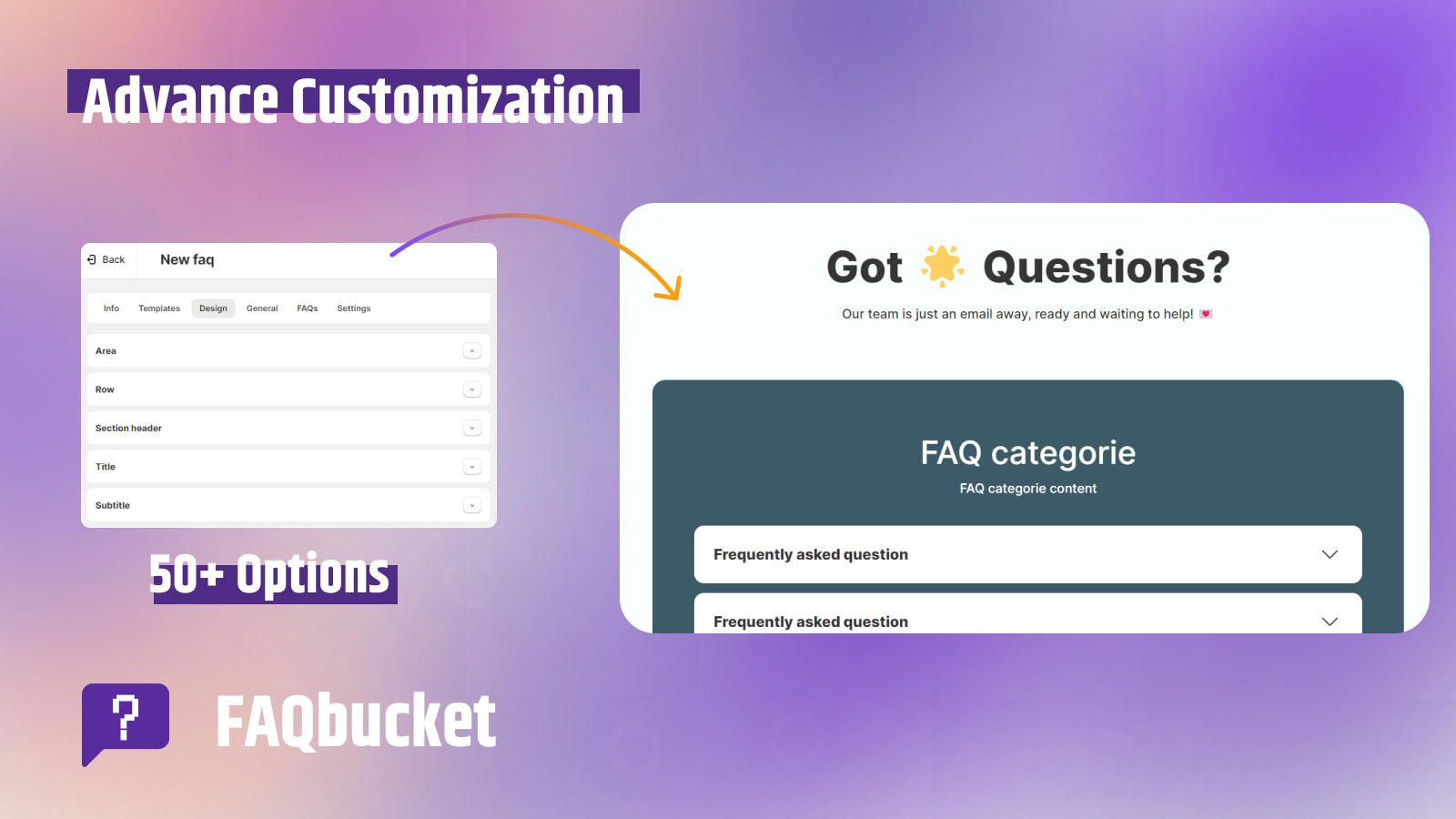
- Advanced Customization
- Google Meet Live Chat Support
- Technical Support
Enterprise Plan
$9.55 / 或 $86/年(可节省 25%)
- All Professional Features+
- 20+ Templates
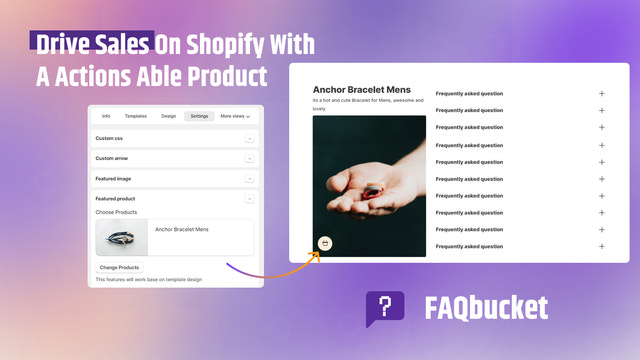
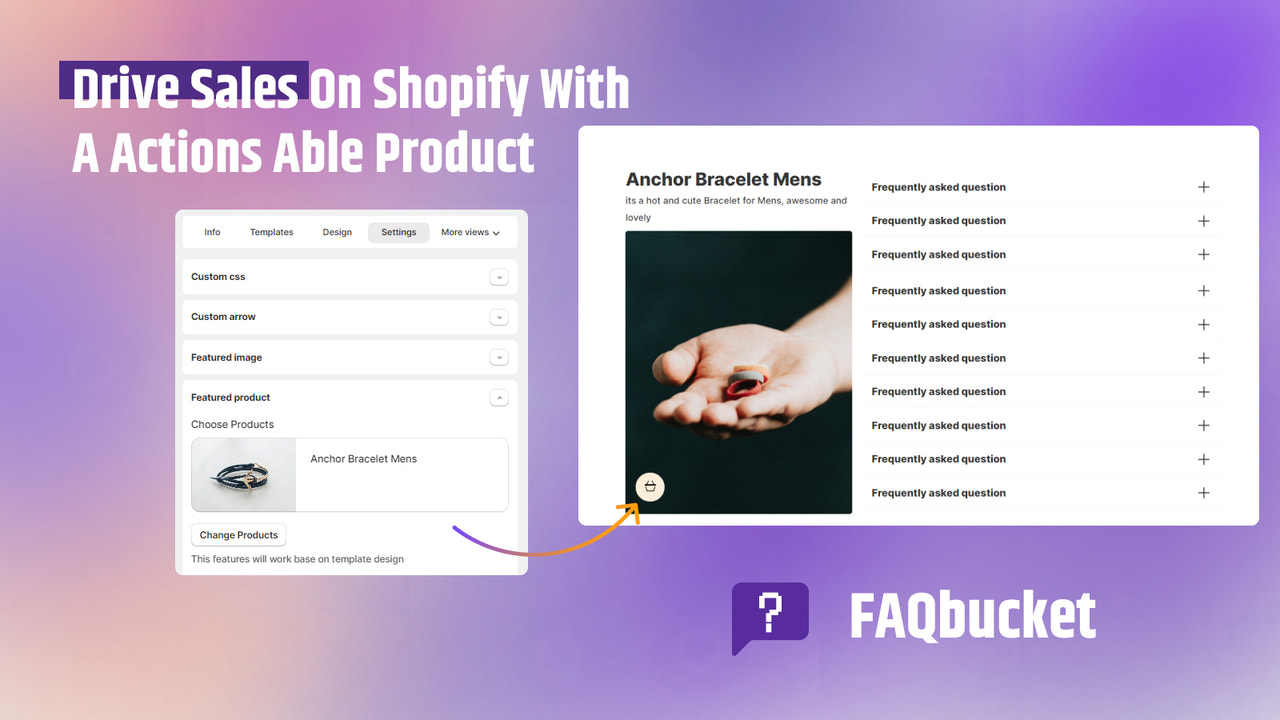
- Featured Products (Boost Sales)
- Google Meet Live Chat Support
- Product FAQs, FAQ Page, and FAQ Section
User Location & Comments
User Location
Comments
Shopify API Used
- POST /admin/api/faq.json
- PUT /admin/api/faq/{id}.json
- GET /admin/api/faq.json
Permission:write_faq,read_faq,manage_pages
- POST /admin/api/faq/channel.json
- PUT /admin/api/faq/channel/{id}.json
- GET /admin/api/faq/channel.json
Permission:write_faq,read_faq,manage_channels
- POST /admin/api/faq/page.json
- PUT /admin/api/faq/page/{id}.json
- GET /admin/api/faq/page.json
Permission:write_faq,read_faq,manage_pages
- POST /admin/api/faq/unlimited.json
- PUT /admin/api/faq/unlimited/{id}.json
- GET /admin/api/faq/unlimited.json
Permission:write_faq,read_faq,manage_pages
- POST /admin/api/faq/dynamic.json
- PUT /admin/api/faq/dynamic/{id}.json
- GET /admin/api/faq/dynamic.json
Permission:write_faq,read_faq,manage_pages



