
App Introduction
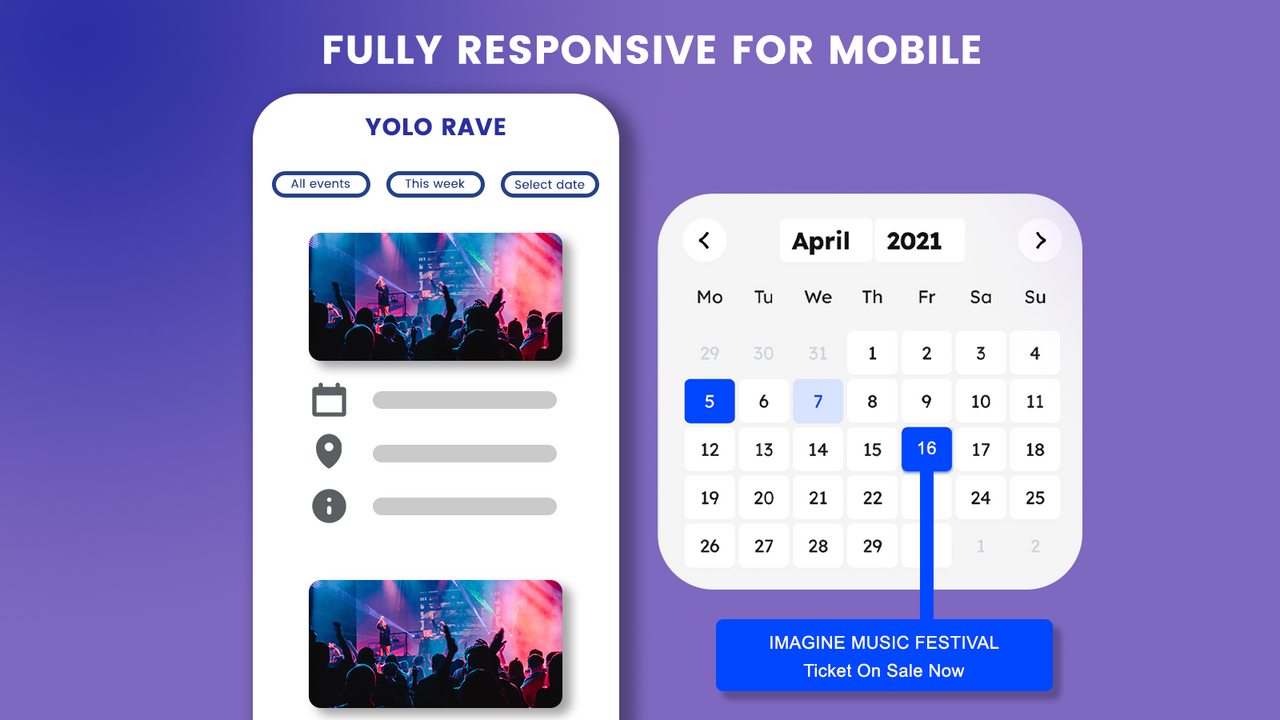
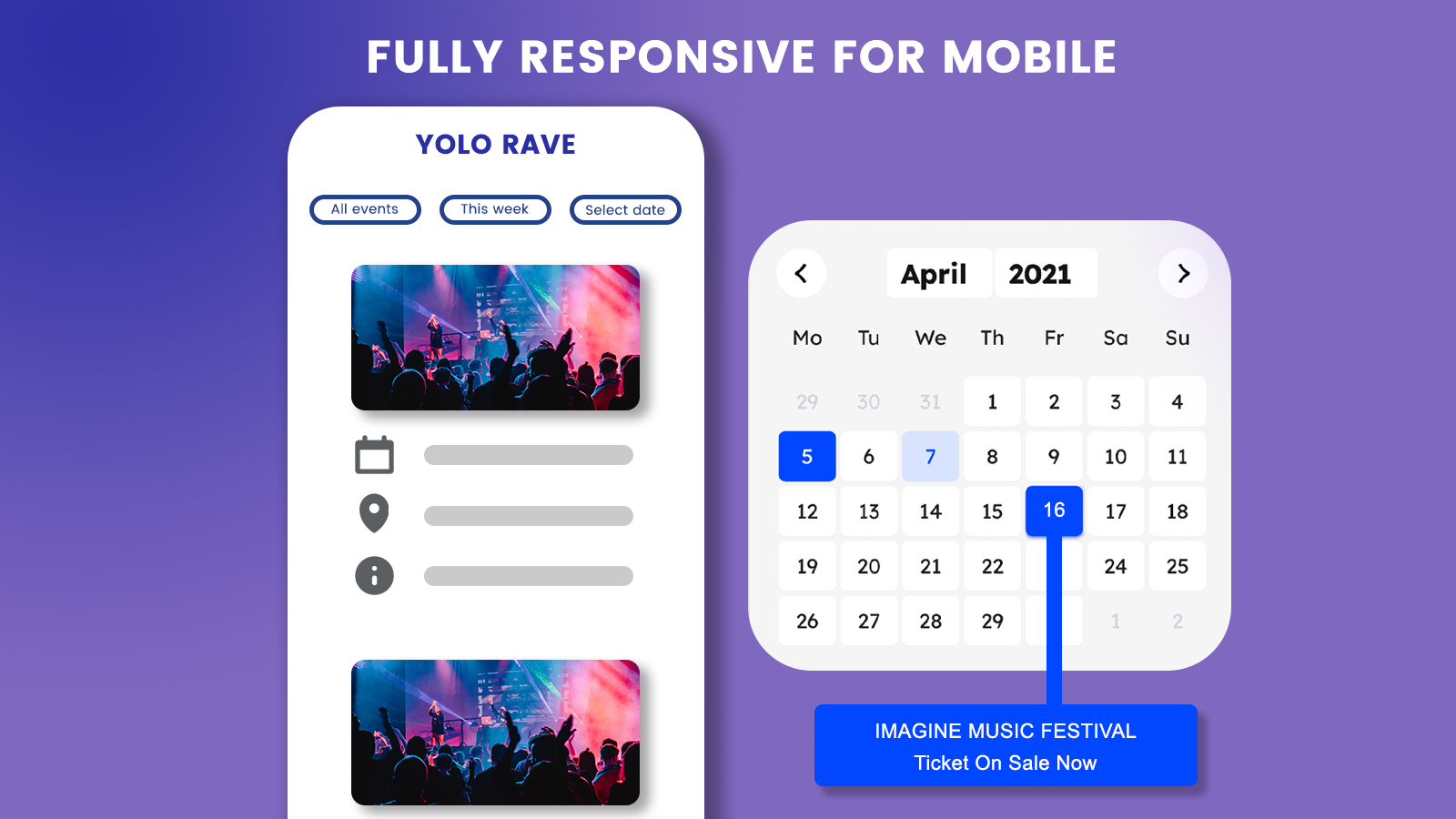
Bring an Aesthetically Pleasing Event Calendar to Your Store Omega Event helps you showcase all your events on your website with a stunning visual presentation. You can customize how events are displayed to match your store’s design. Empower your customers to find events quickly with easy-to-use calendar filters. Plus, your event calendar looks flawless across all devices—keeping customers engaged and satisfied.
Core Functionality
- Add unlimited events to your website
- Boost ticket sales by displaying a 'Buy Tickets' button
- Customize layouts: List, Grid, Widget, Snippet, and more
- Show event locations on a map
- Choose a customer-friendly language for your calendar
Merchant-Friendly
- Ticket Merchants
- Event Planners
- Independent Merchants
- Offline Event Planners
- Cross-border Merchants
Basic Information
- Developer:Omega
- Address:Ha Noi Viet Nam, Ha Noi, 100000, VN
- Price: Free / Free plan
- Rating:2.6 / 5
- Comment Count:11 comment
- Release Date:2017-11-21
- Supported languages:English
- Compatible products:Shopify
Application Screenshot








Price Plan
Basic
$7.99
- Unlimited Events
- Filterable Calendar
- Ticket Sales Button
- Customizable Layout Design
User Location & Comments
User Location
Comments
Shopify API Used
- POST /admin/api/events.json
- PUT /admin/api/events/{event_id}.json
- GET /admin/api/events.json
Permission:write_events,read_events,manage_events
- POST /admin/api/events/{event_id}/ticket_buttons.json
- PUT /admin/api/events/{event_id}/ticket_buttons.json
- GET /admin/api/events/{event_id}/ticket_buttons.json
Permission:write_events,read_events,manage_tickets
- POST /admin/api/events/{event_id}/layout.json
- PUT /admin/api/events/{event_id}/layout.json
- GET /admin/api/events/{event_id}/layout.json
Permission:write_events,read_events,manage_themes
- POST /admin/api/events/{event_id}/location.json
- PUT /admin/api/events/{event_id}/location.json
- GET /admin/api/events/{event_id}/location.json
Permission:write_events,read_events,manage_locations
- POST /admin/api/events/calendar/language.json
- PUT /admin/api/events/calendar/language/{lang}.json
- GET /admin/api/events/calendar/language.json
Permission:write_events,read_events,manage_translations