App Introduction
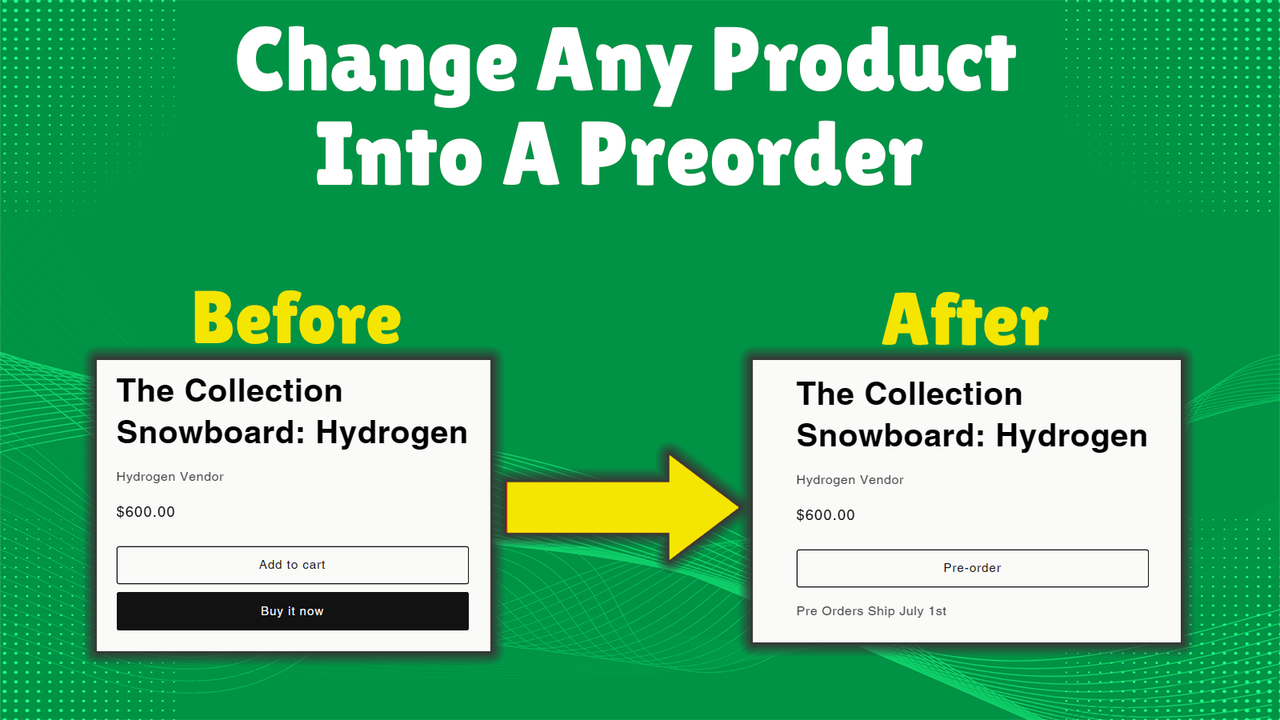
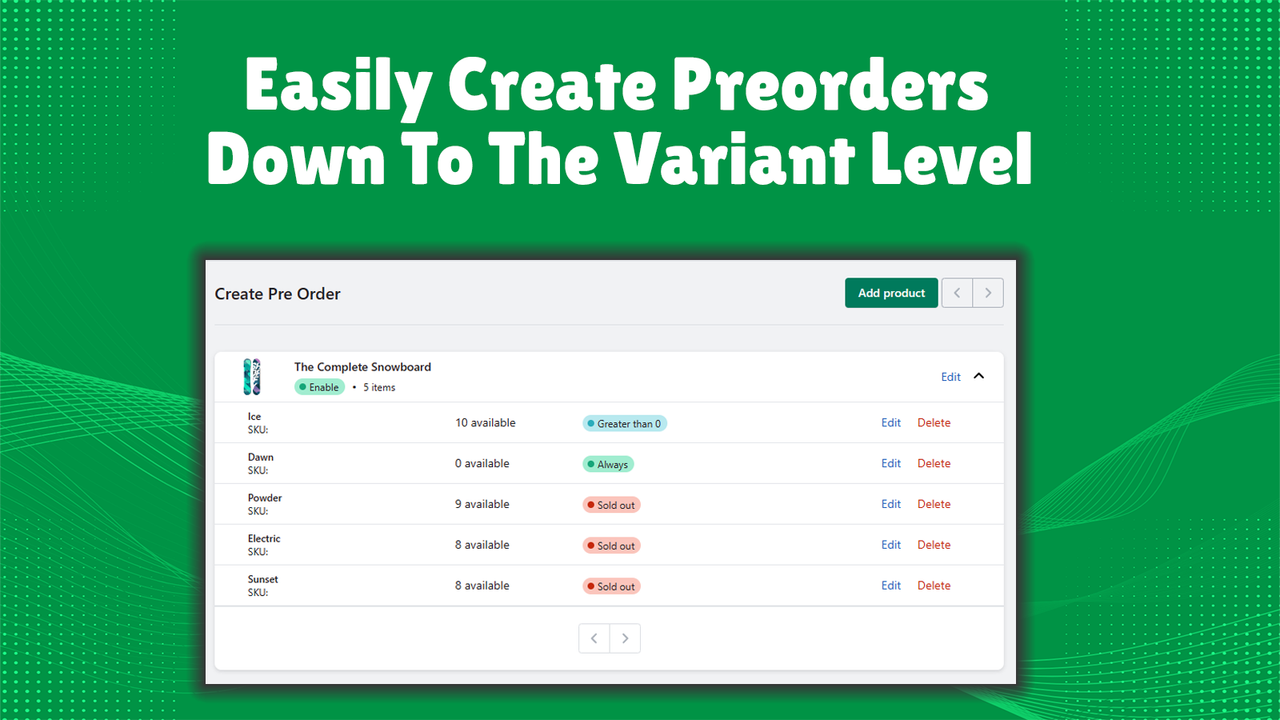
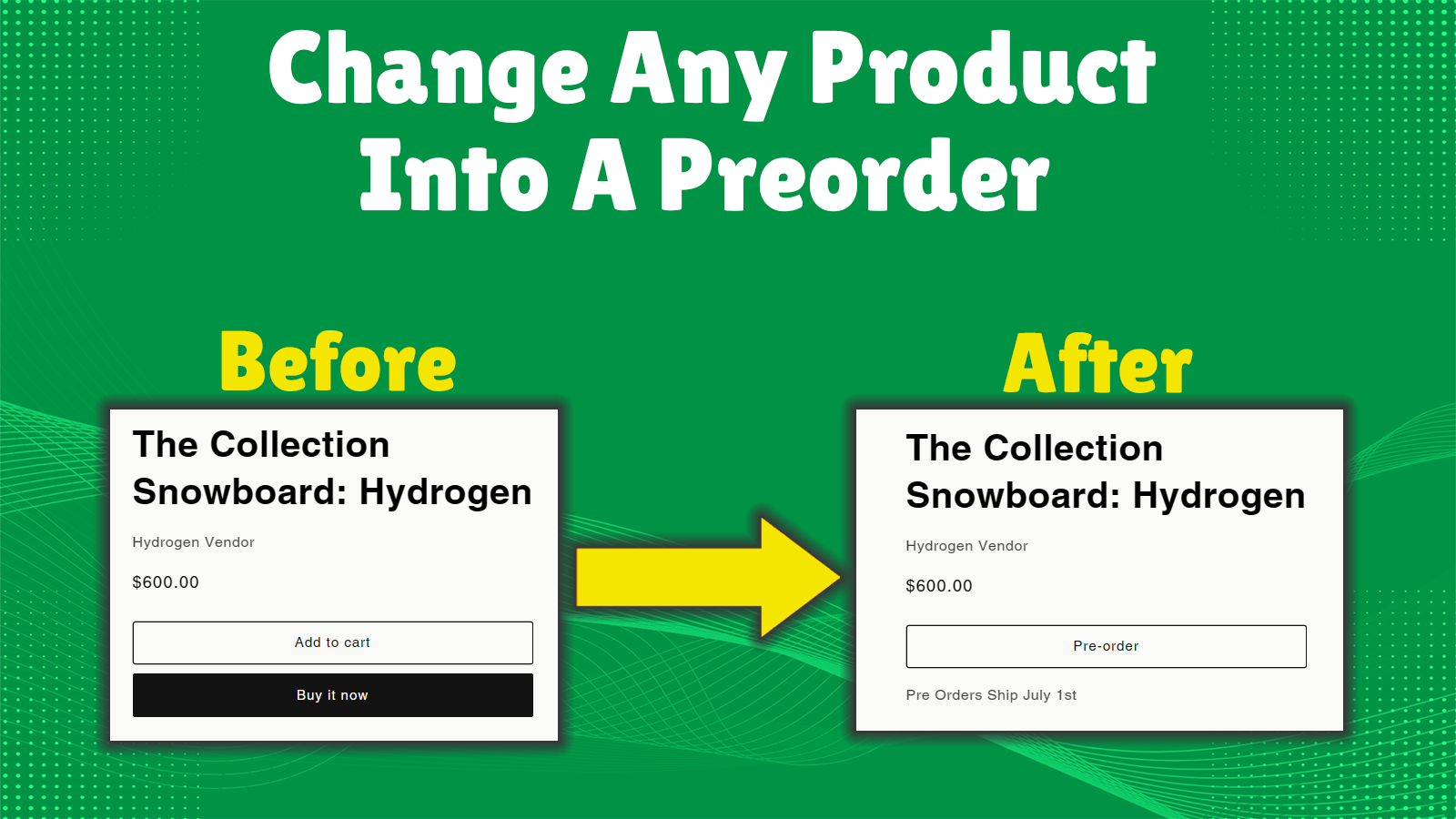
Start accepting pre-orders for any product with just one click—no matter your inventory level! Allow customers to pre-order your products when they’re out of stock or not yet launched! Add notes under the pre-order button to let shoppers know when their orders will ship. EZ PreOrder lets you set up pre-orders in your store in seconds! Whether you want to keep selling products while they’re out of stock or take pre-orders for upcoming releases, start offering pre-orders today!
Core Functionality
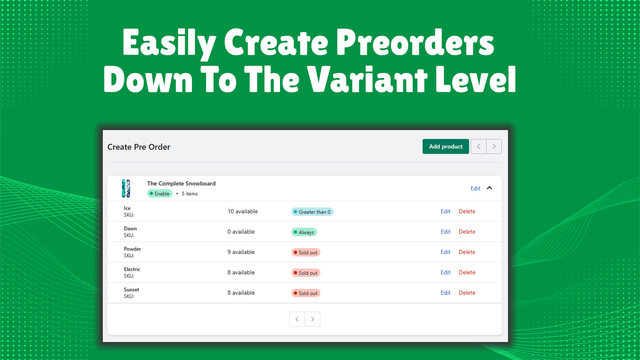
- Continue selling when out of stock
- Pre-order upcoming future products
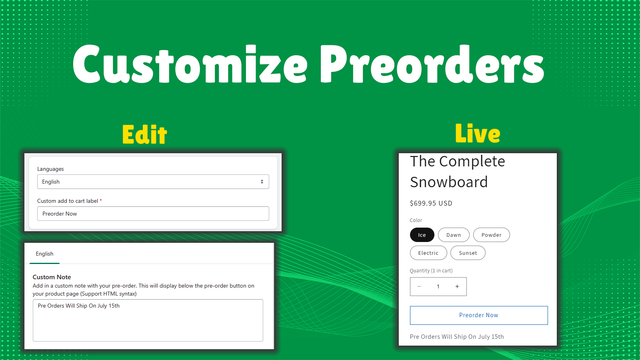
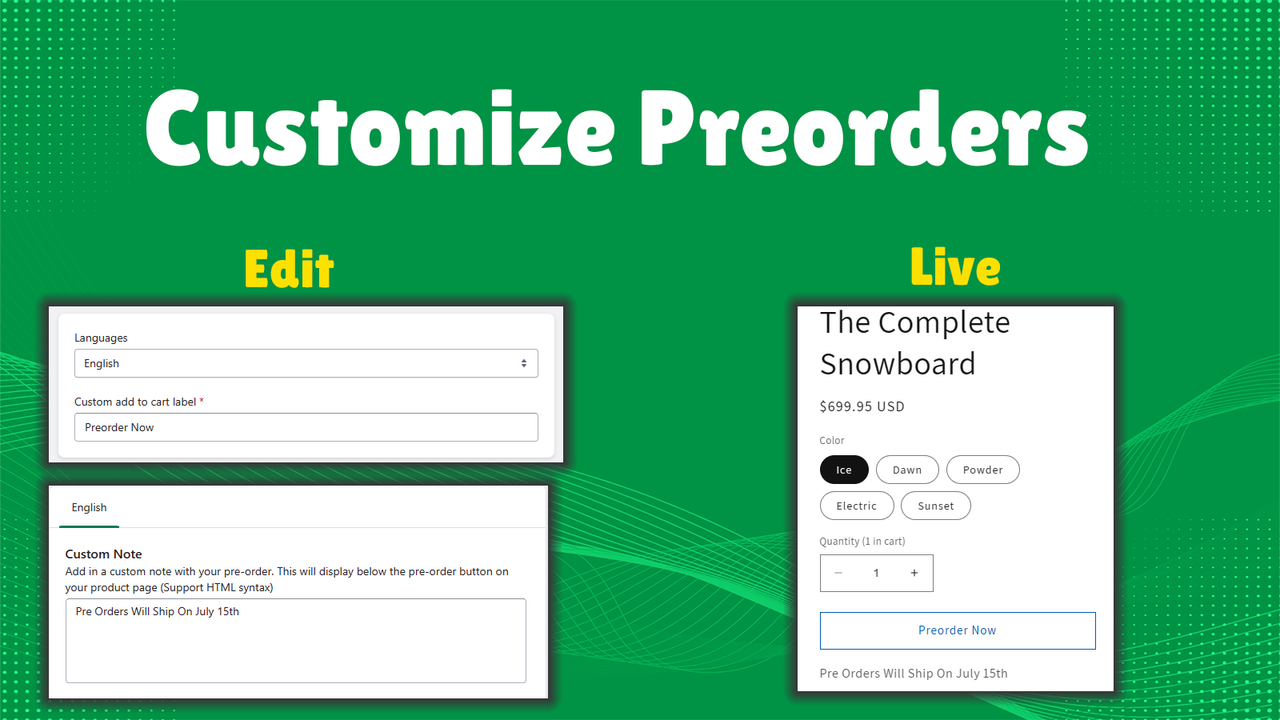
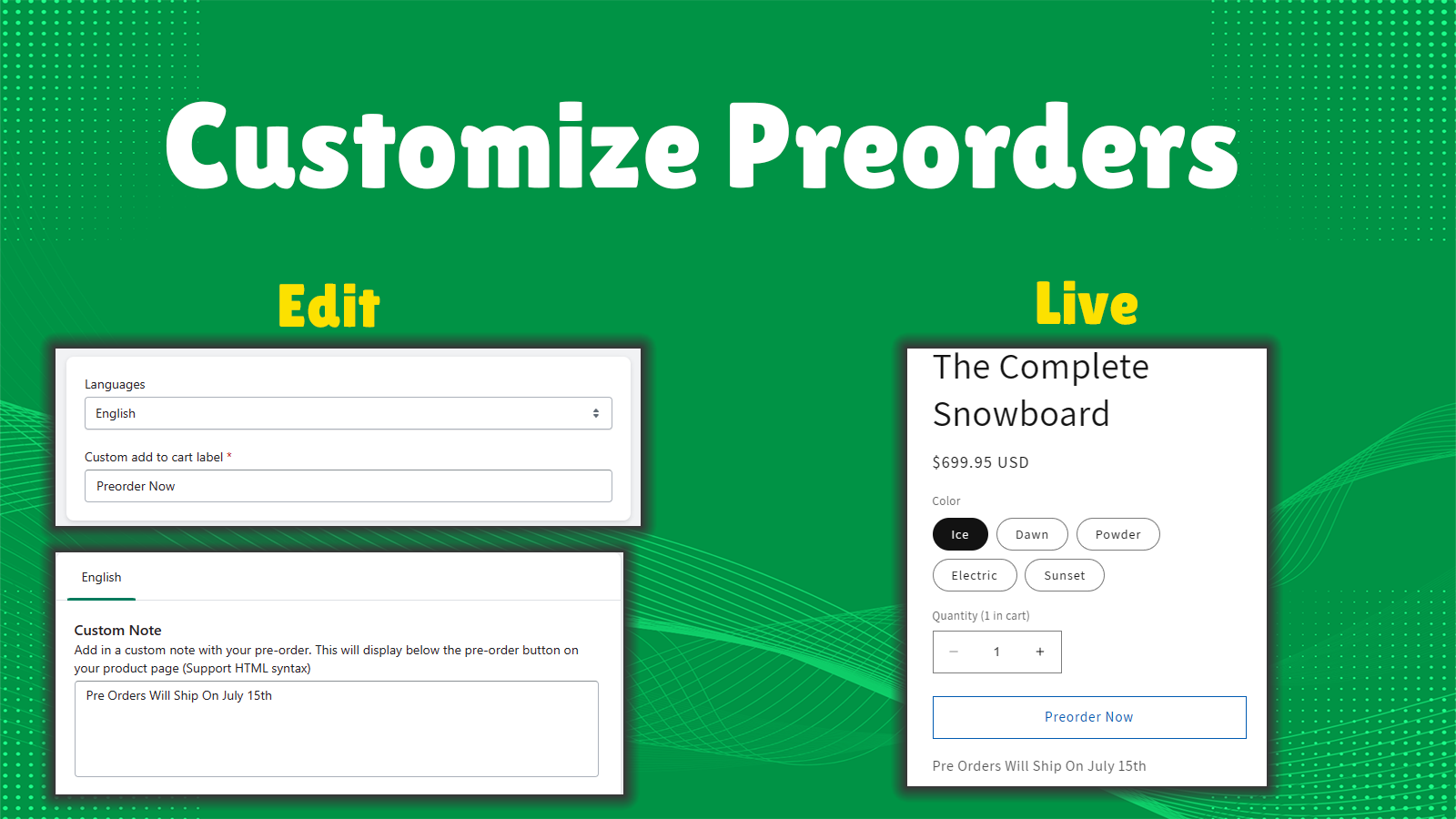
- Add custom notes above the pre-order button
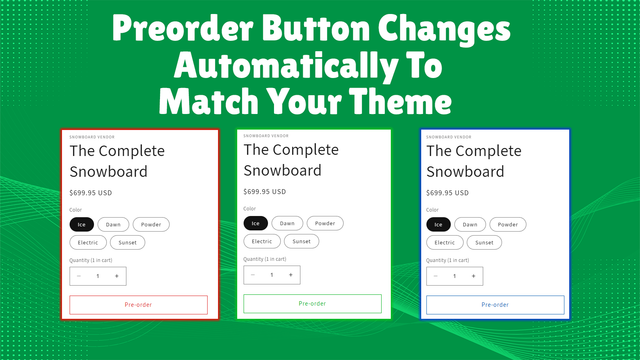
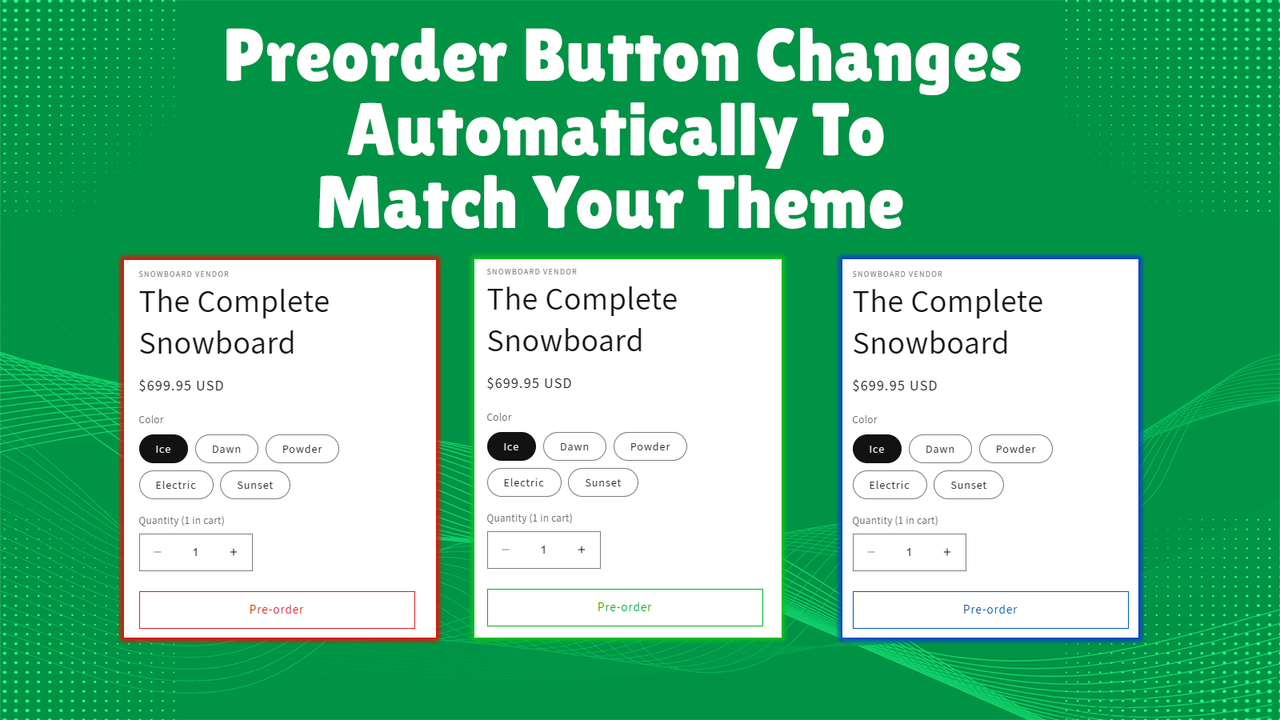
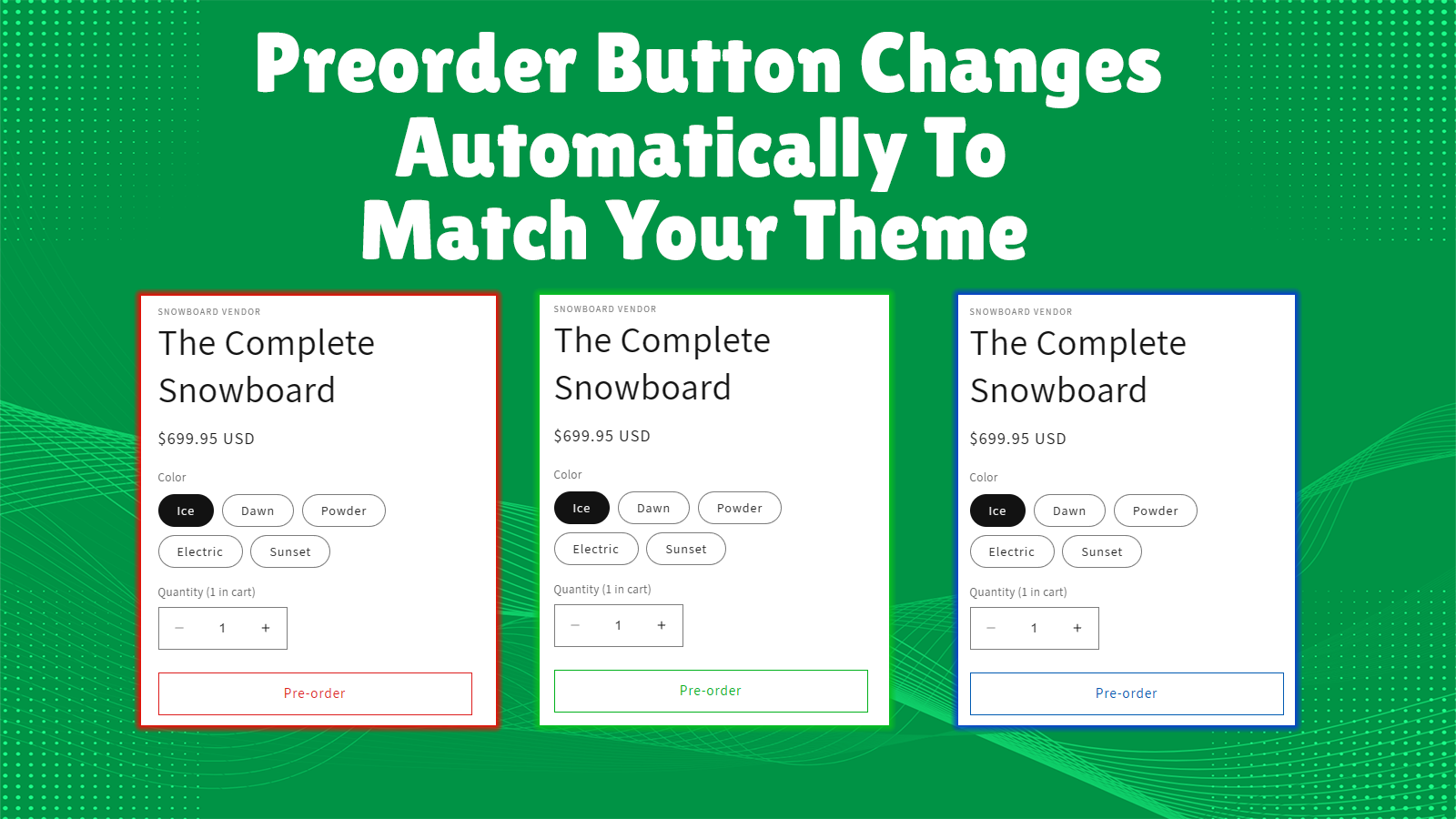
- Pre-order button automatically matches your theme's style
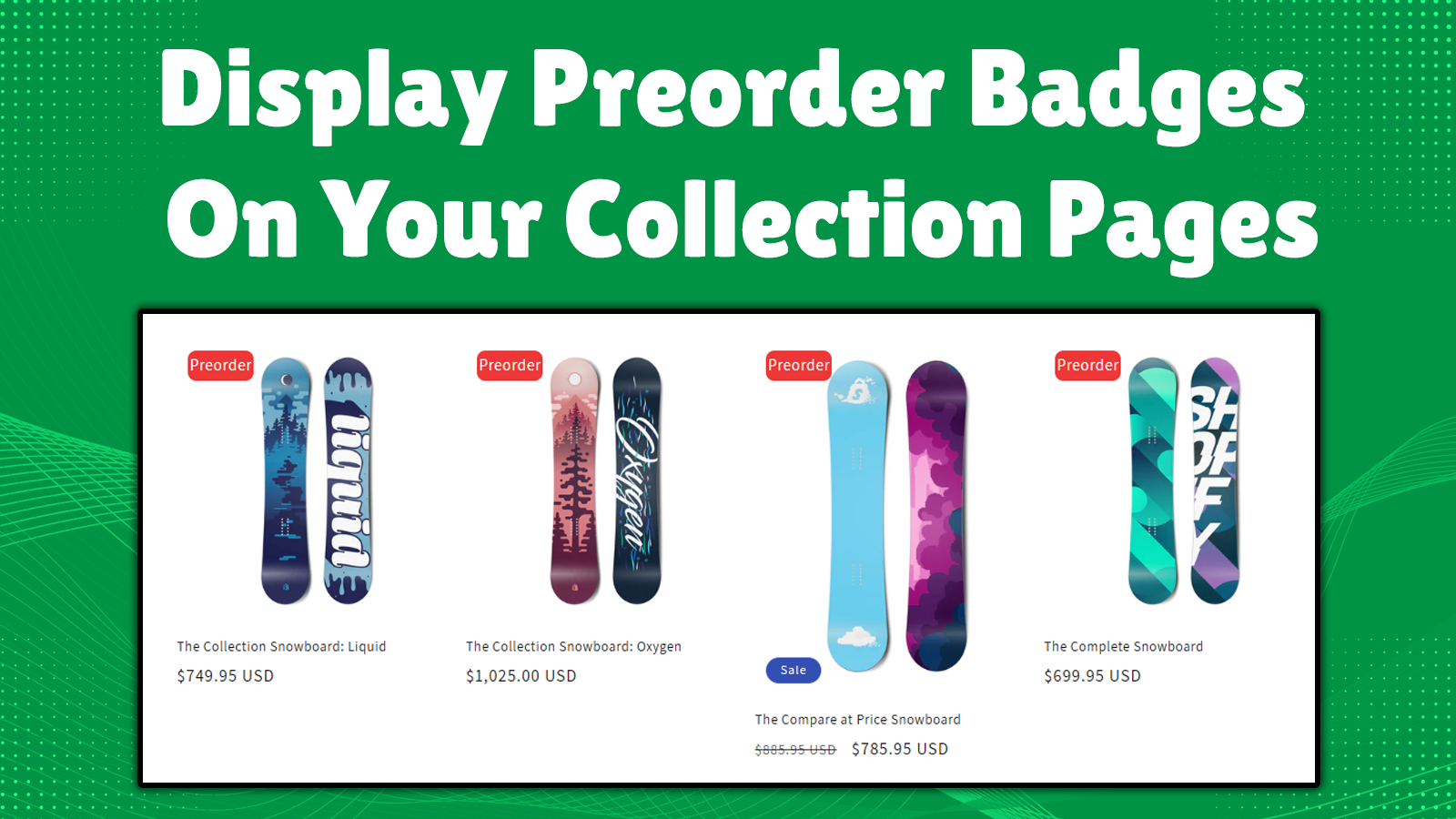
- Display pre-order badges on collection pages
Merchant-Friendly
- Independent Station Merchants
- Pre-sale E-commerce
- Creative Product Merchants
- Limited Edition E-commerce
Basic Information
- Developer:Casual Ecommerce Apps
- Address:2501 Chatham Rd., Ste N., Springfield, IL, 62704, US
- Price: Free / Free plan
- Rating:4.3 / 5
- Comment Count:98 comment
- Release Date:2023-7-11
- Supported languages:English
- Compatible products:Shopify
Application Screenshot

Price Plan
Free
- 1 Pre-order Product
- 10 Pre-orders per Month
- Language Translation
- Add Notes Under Pre-order Button
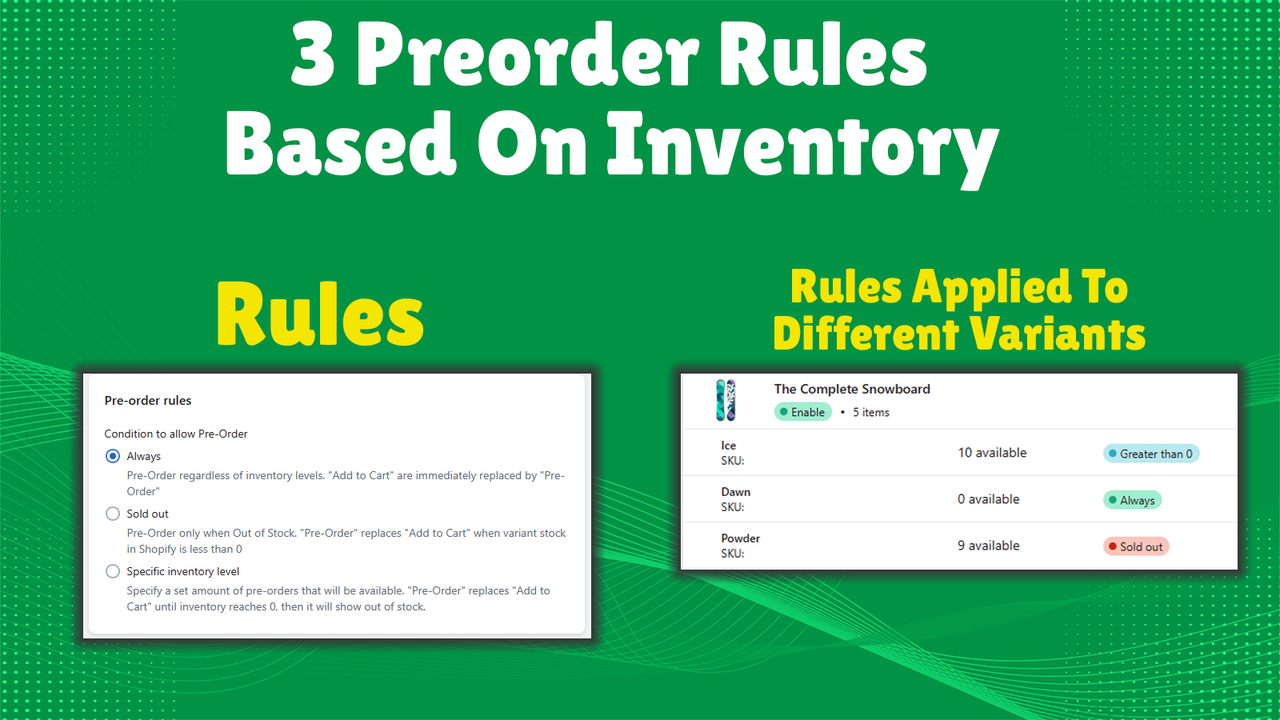
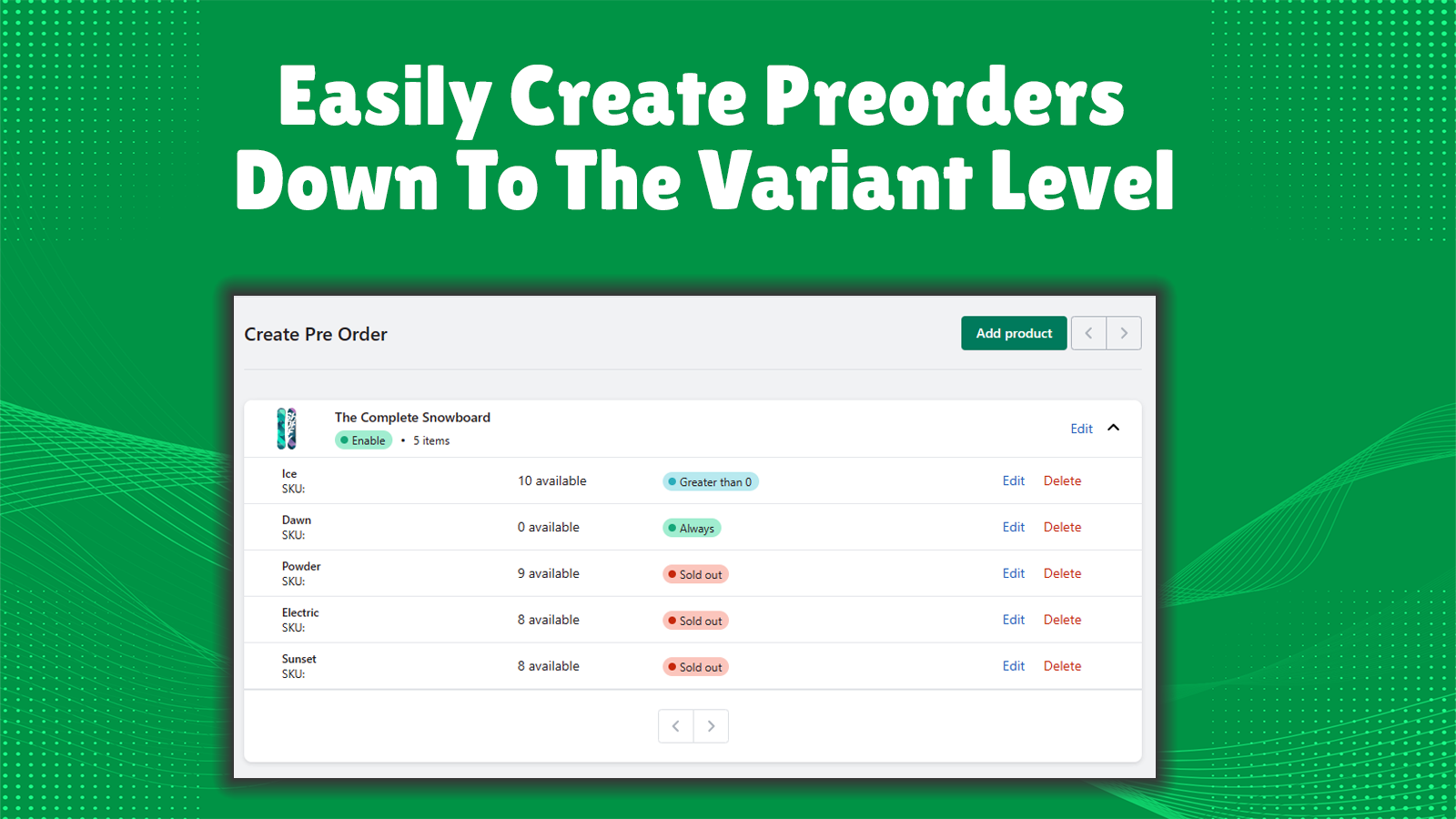
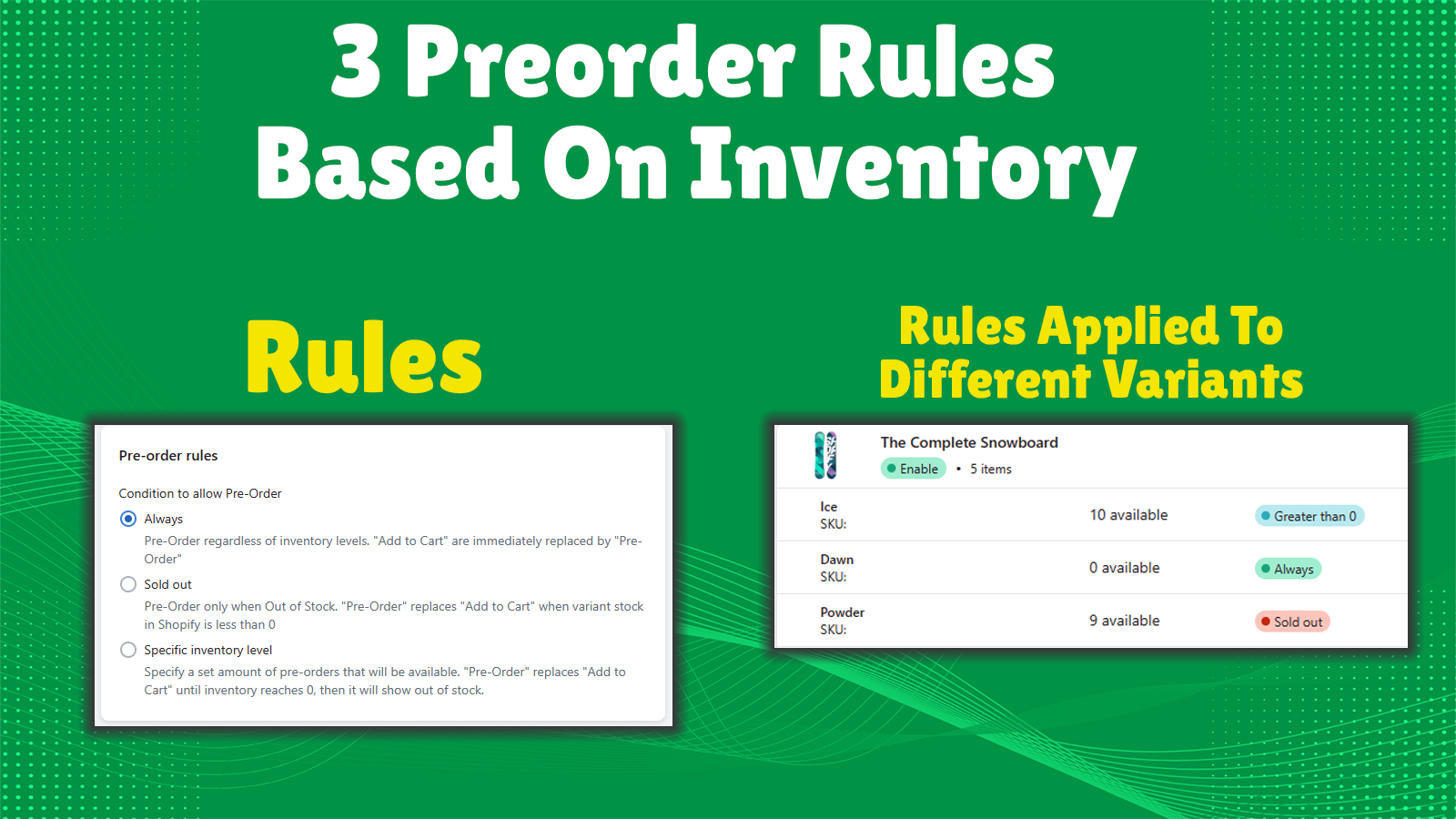
- 3 Different Pre-order Types
Unlimited
- All features in Free..
- Unlimited pre-order products
Unlimited Plus
- Unlimited Pre-order Products
- Bulk Editing Function
- Pre-order Badge on Collection Pages
Payments Plus
- All features in Unlimited Plus
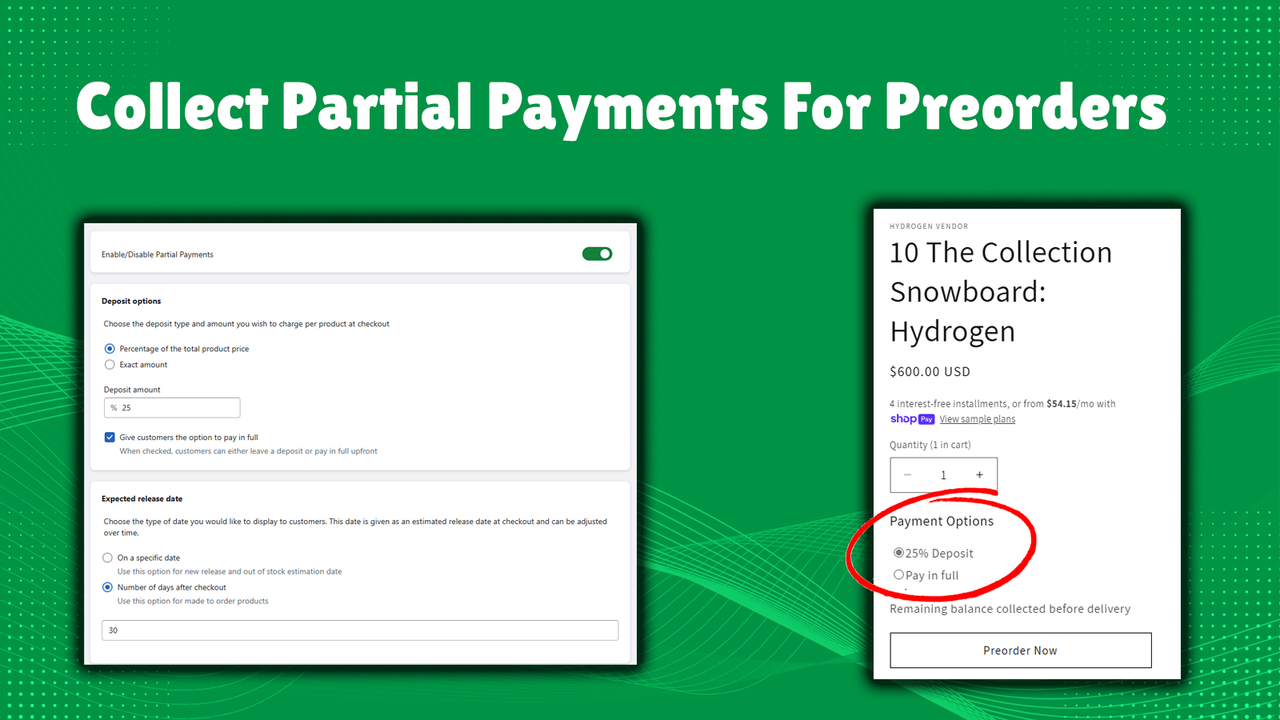
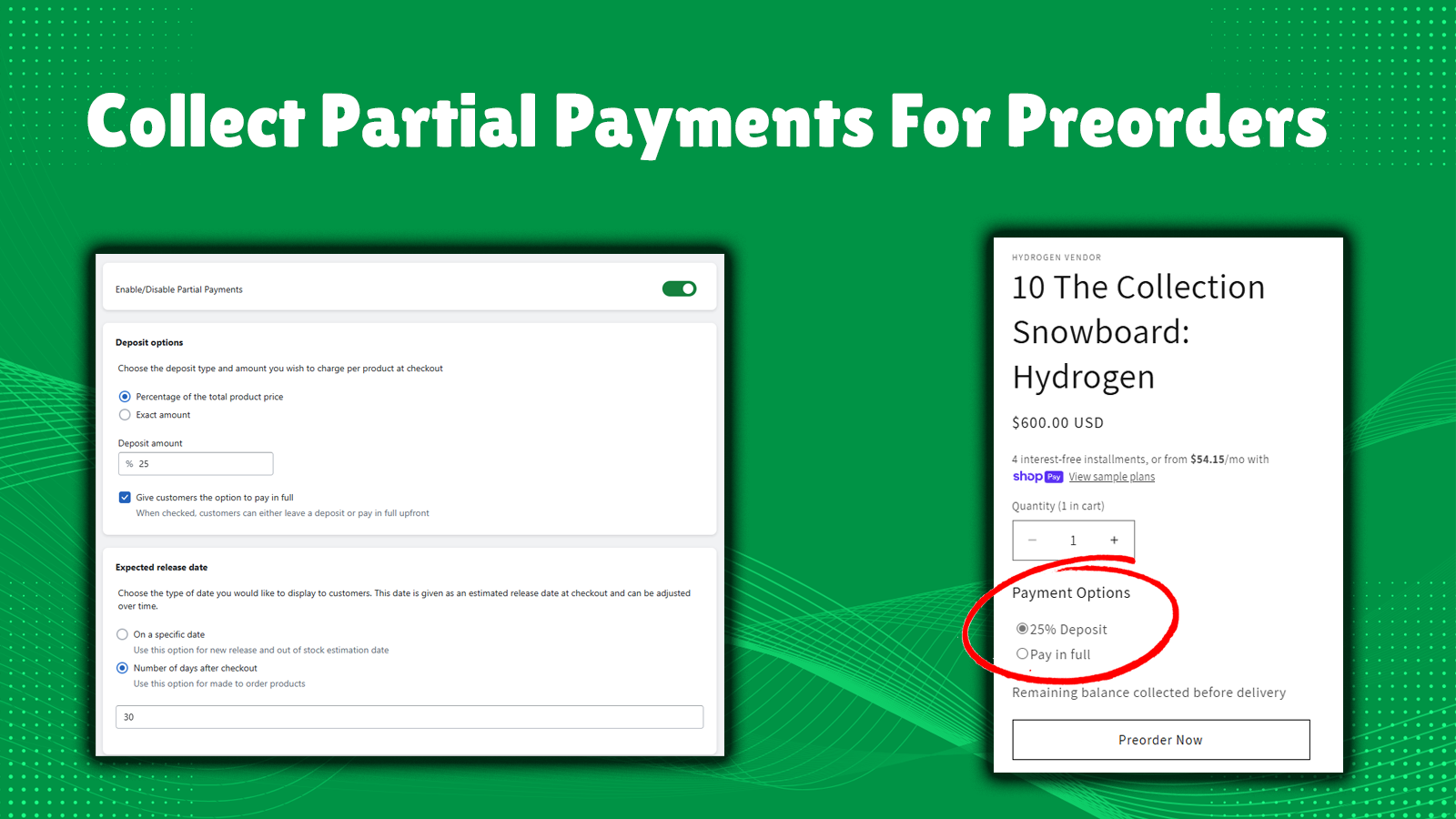
- Partial Payment
User Location & Comments
User Location
Comments
Shopify API Used
- POST /admin/api/products/{product_id}.json
- PUT /admin/api/products/{product_id}/variants/{variant_id}.json
- GET /admin/api/products/{product_id}.json
Permission:write_products,read_products,manage_inventory
- POST /admin/api/products/{product_id}.json
- PUT /admin/api/products/{product_id}/variants/{variant_id}.json
- GET /admin/api/products.json?status=future
Permission:write_products,read_products,manage_discounts
- POST /admin/api/metafields.json
- PUT /admin/api/metafields/{metafield_id}.json
- GET /admin/api/products/{product_id}/metafields.json
Permission:write_metafields,read_metafields,manage_products
- POST /admin/api/themes/{theme_id}/assets.json
- PUT /admin/api/themes/{theme_id}/assets.json
- GET /admin/api/themes/{theme_id}/assets.json
Permission:write_themes,read_themes,manage_products
- POST /admin/api/metafields.json
- PUT /admin/api/collections/{collection_id}/metafields.json
- GET /admin/api/collections/{collection_id}/products.json
Permission:write_metafields,read_metafields,manage_collections