
App Introduction
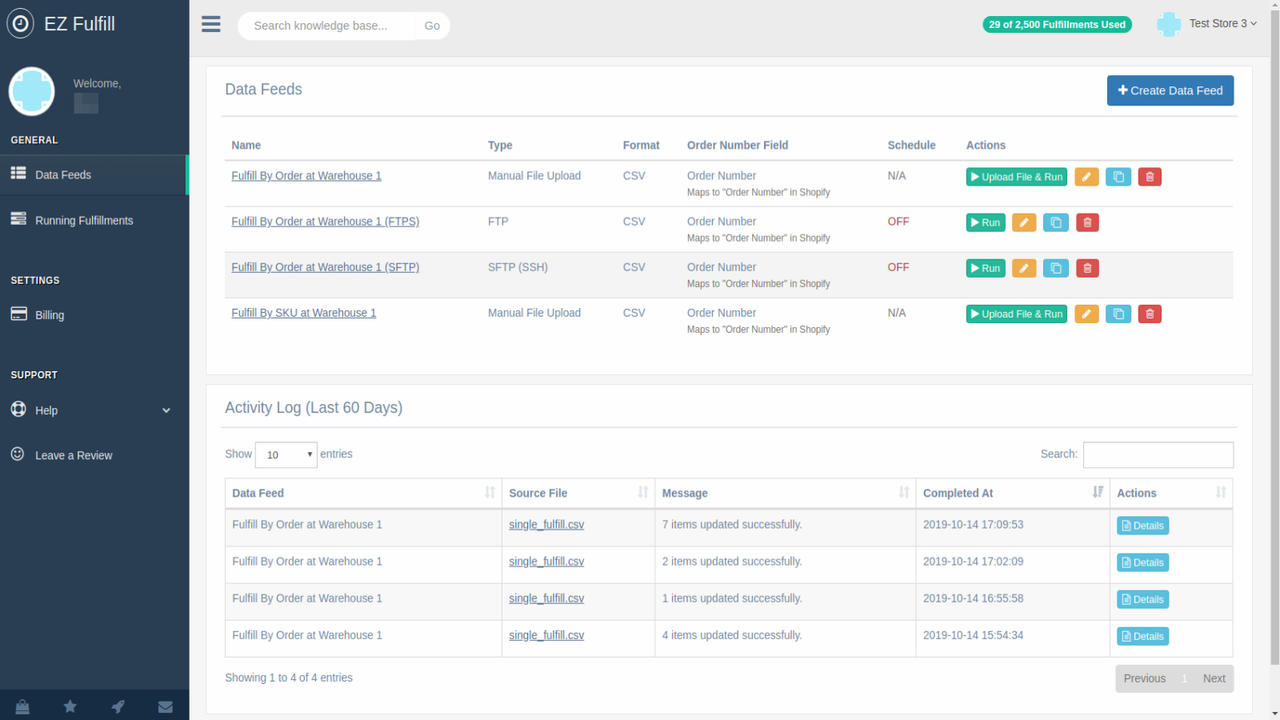
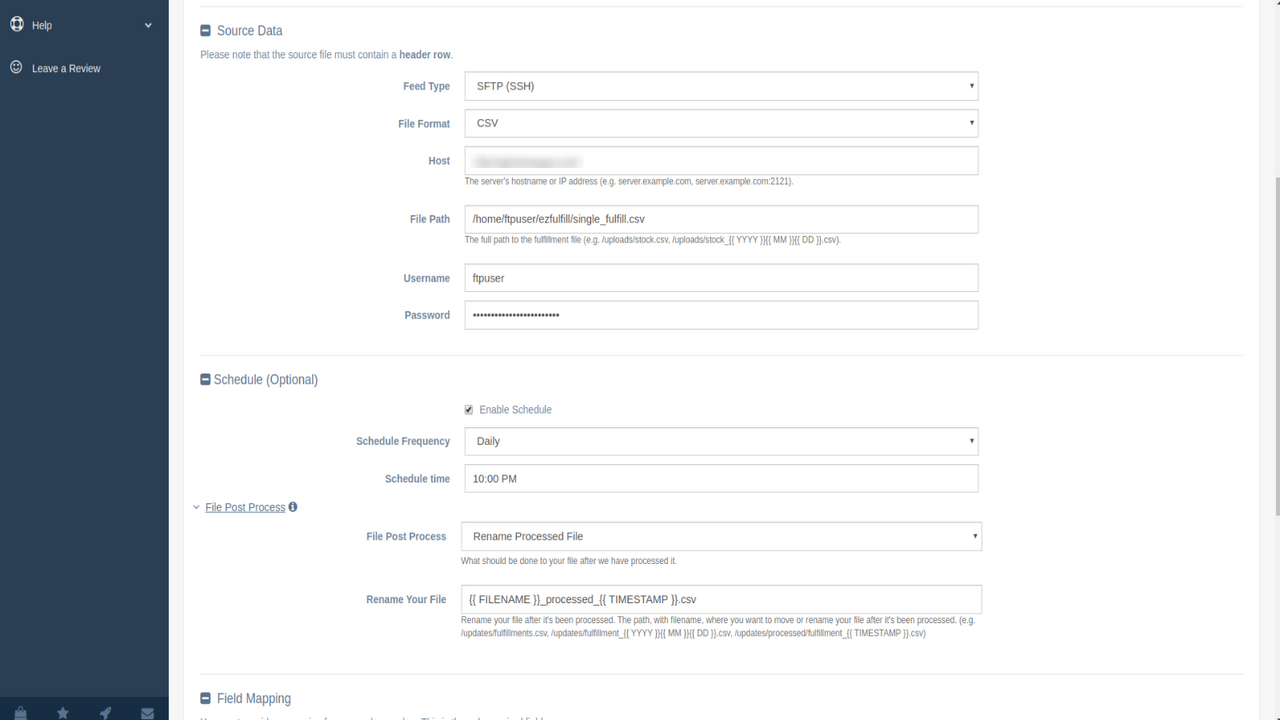
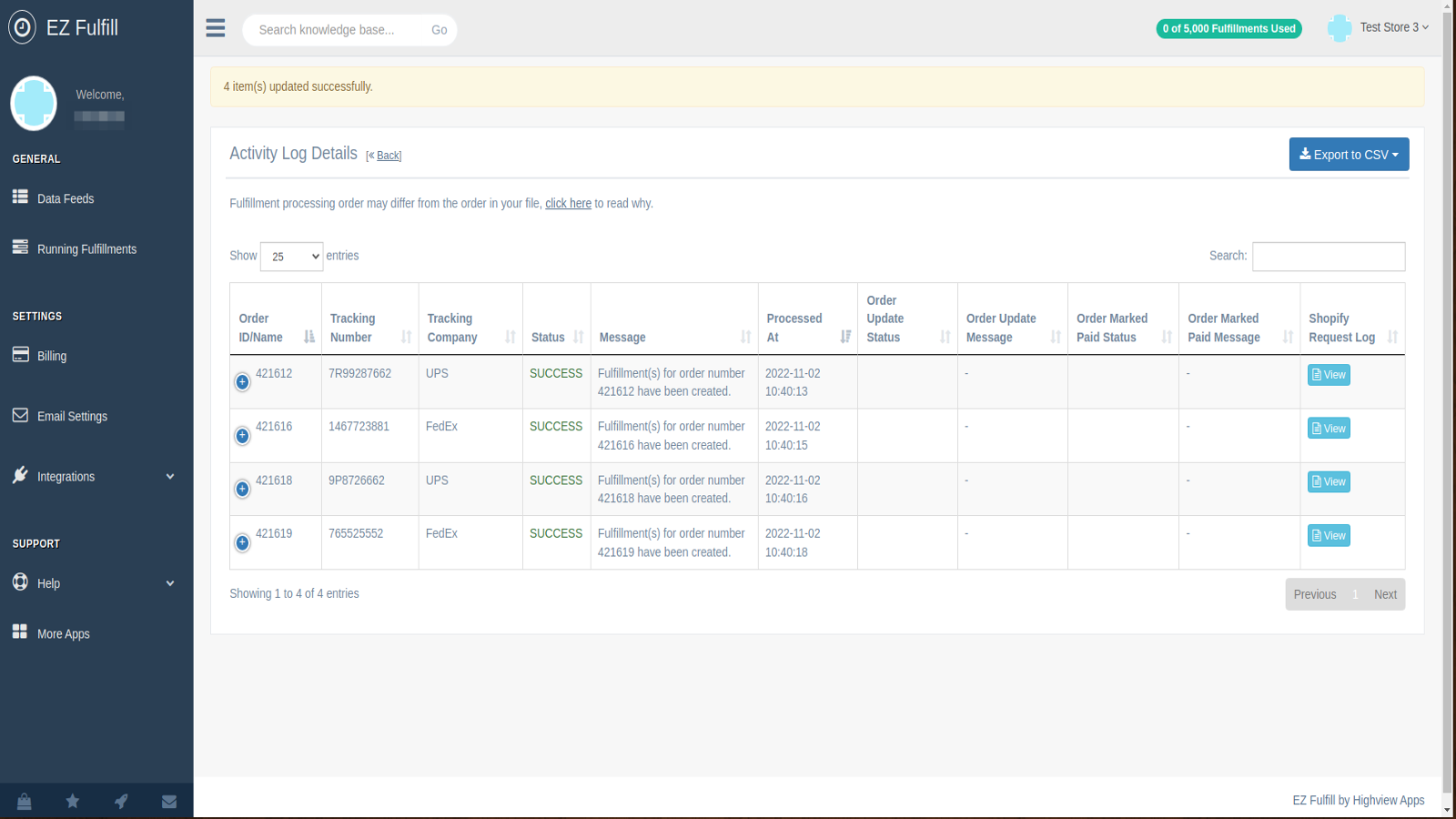
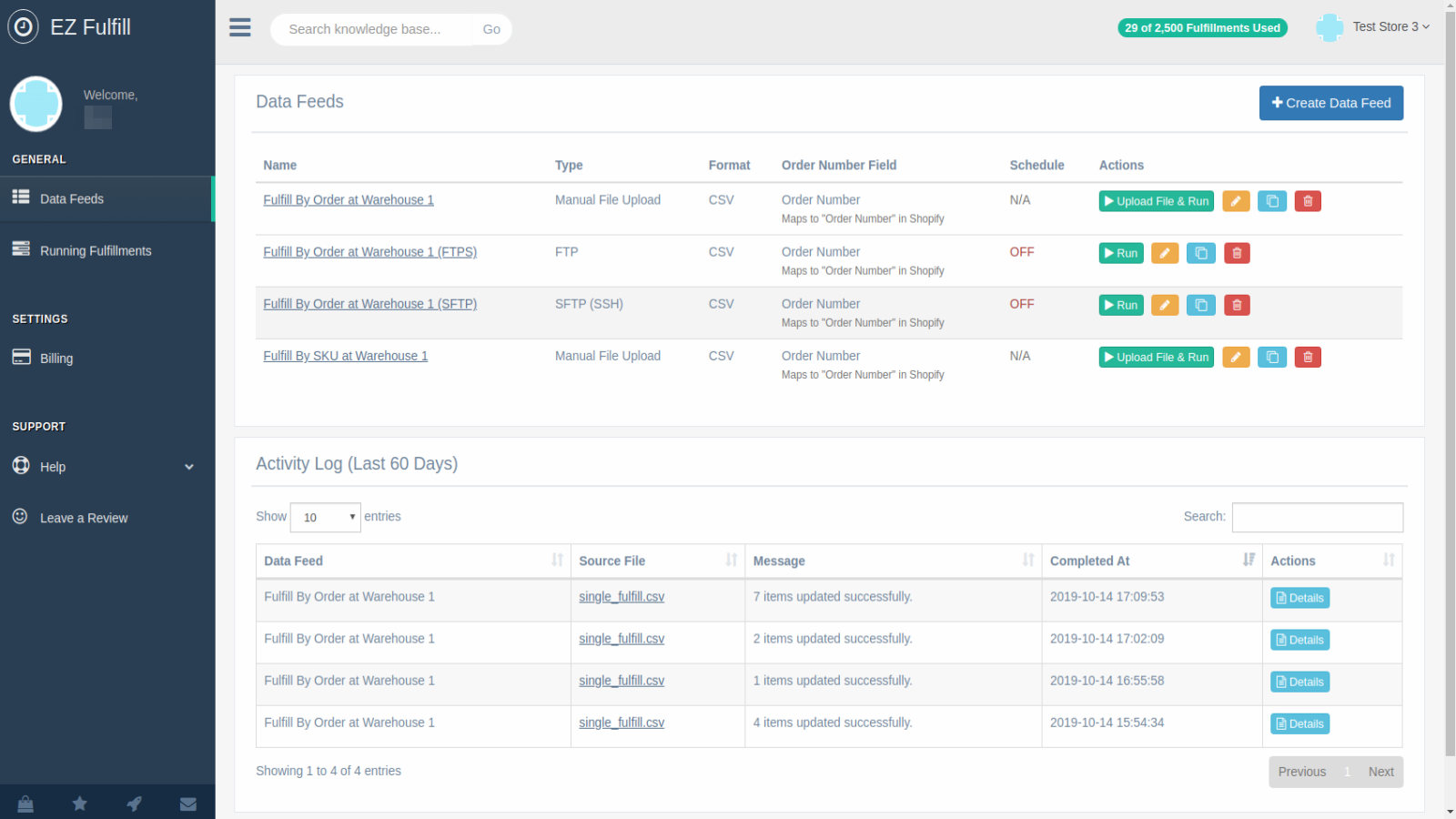
Update tracking numbers in bulk via CSV or Excel files, notify customers, and mark orders as fulfilled. Use EZ Fulfill’s scheduler to bulk update order tracking numbers and fulfill orders in batches. Mark orders as paid, add tags to orders, and keep customers informed by sending emails with tracking numbers. Automate via FTP/SFTP, Dropbox, or Amazon S3! We support file formats from most 3PLs and suppliers. Set up multiple data sources for different suppliers, enable multi-location support, fulfill orders by location, and schedule automatic syncs hourly or daily.
Core Functionality
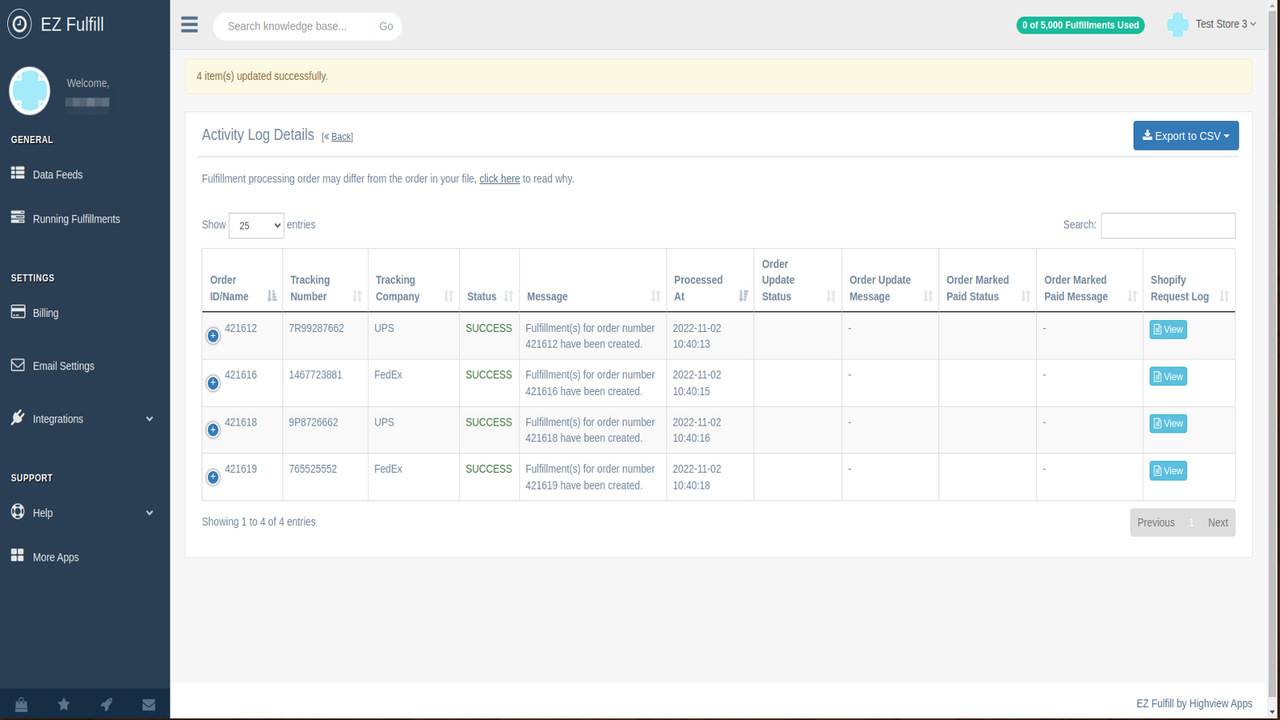
- Update tracking numbers on schedule or manually and fulfill orders in bulk.
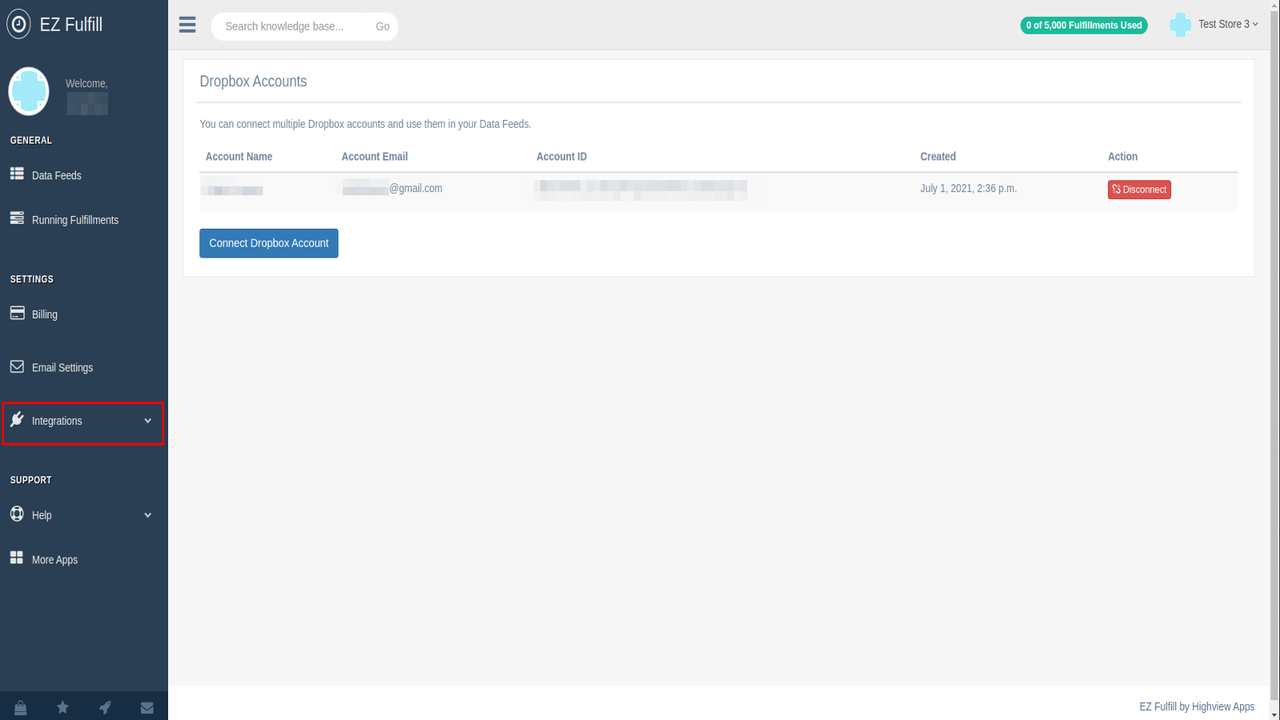
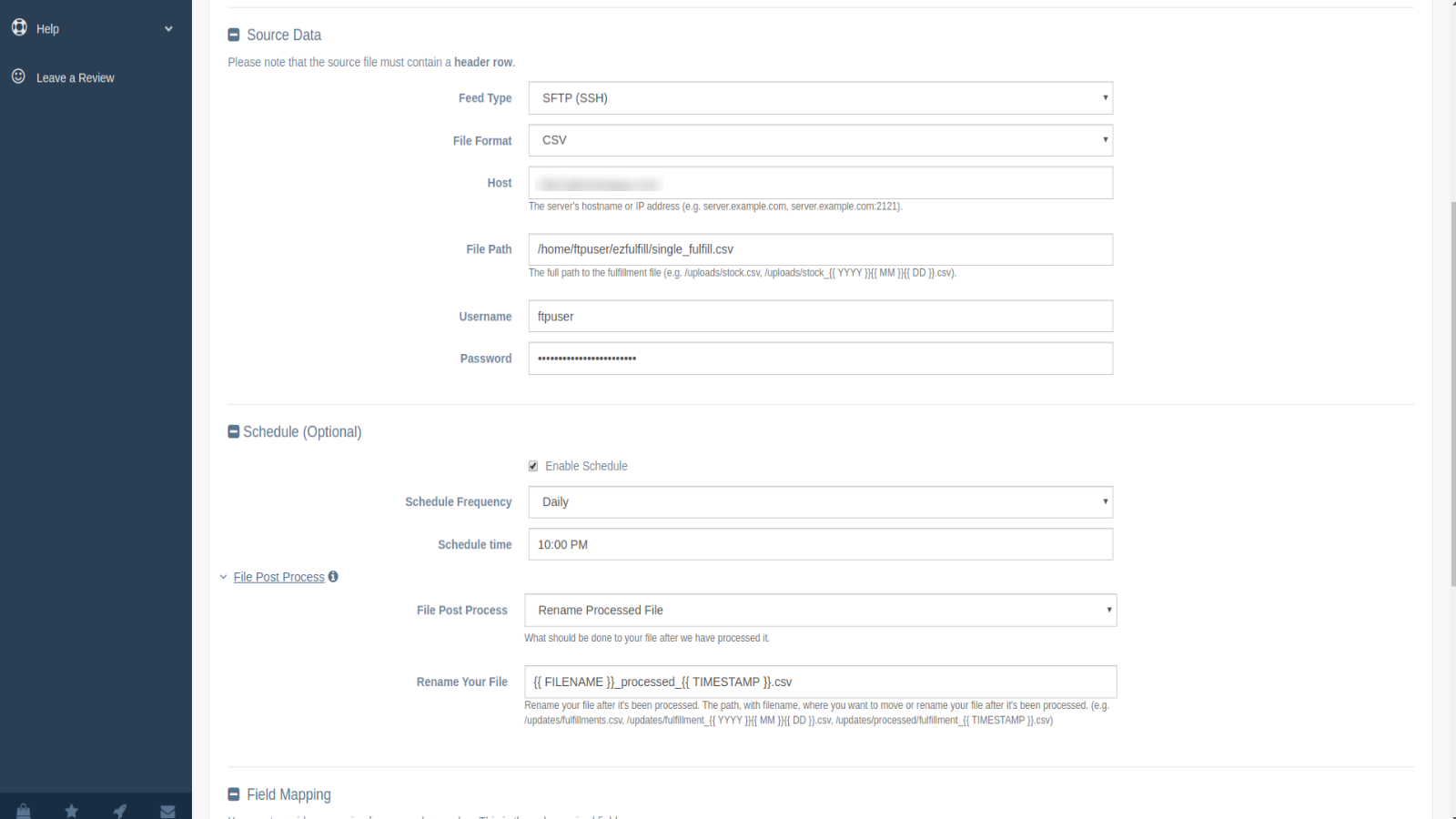
- Support reading fulfillment files from FTP/SFTP servers, Dropbox, or Amazon S3.
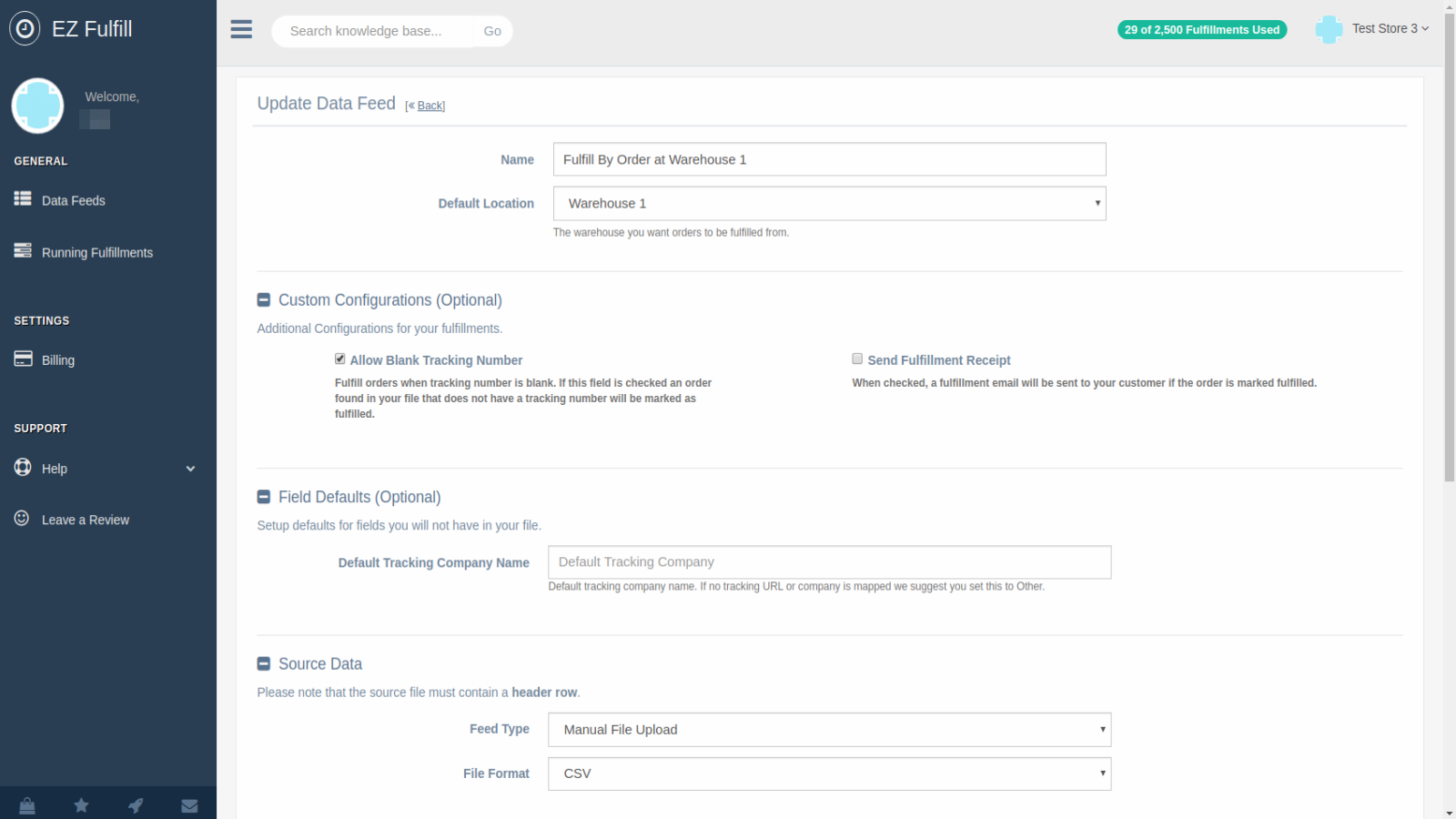
- Send emails with tracking information to customers using Shopify's email system.
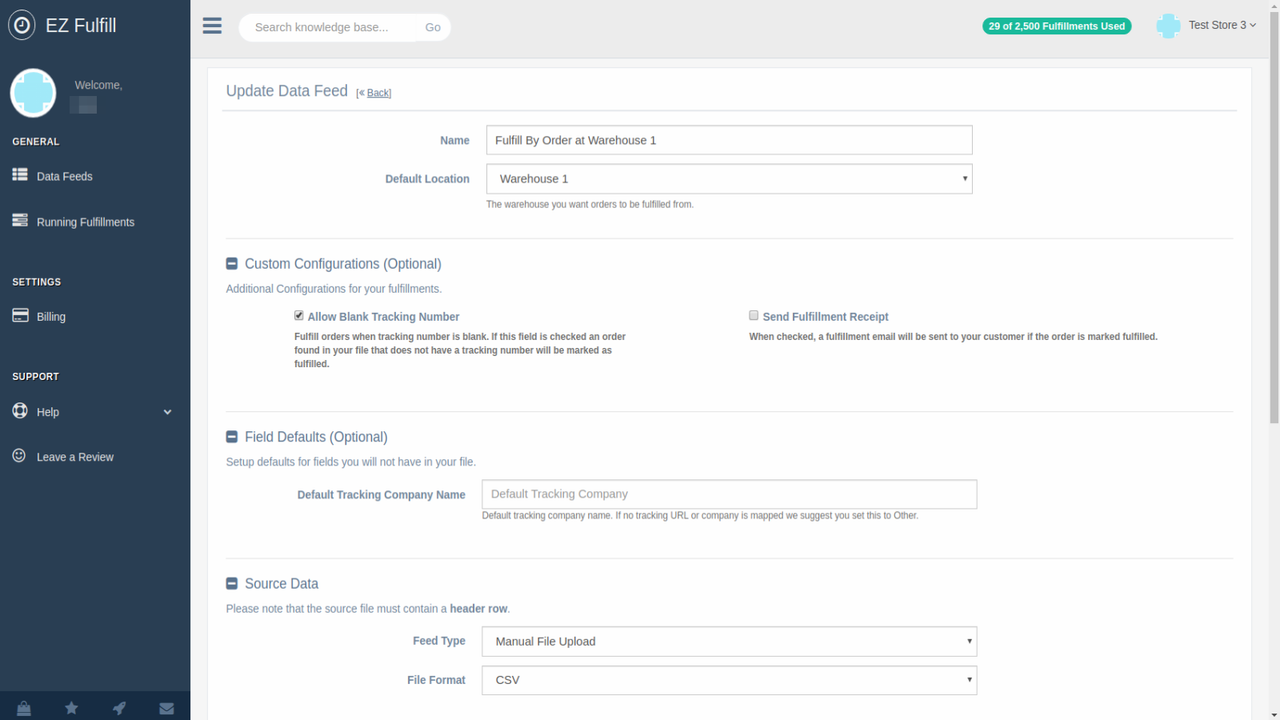
- Support multiple fulfillment locations, fulfill by SKU, and release held orders.
- Mark orders as paid, add tags to orders, or add notes after fulfillment.
Merchant-Friendly
- Cross-border E-commerce Merchants
- Multi-warehouse Operators
- Bulk Order Merchants
- Overseas Warehouse Merchants
Basic Information
- Developer:Highview Apps LLC
- Address:1613 Evans Avenue, 80, Cheyenne, WY, 82001, US
- Price: Free / Free plan
- Rating:3.8 / 5
- Comment Count:18 comment
- Release Date:2019-11-8
- Supported languages:English
- Compatible products:Shopify
Application Screenshot

Price Plan
Standard
- 1,00 Fulfillments
- 3 Data Sources
- 30-Day Fulfillment History
- Hourly/Daily Scheduling
- FTP/SFTP Source Support
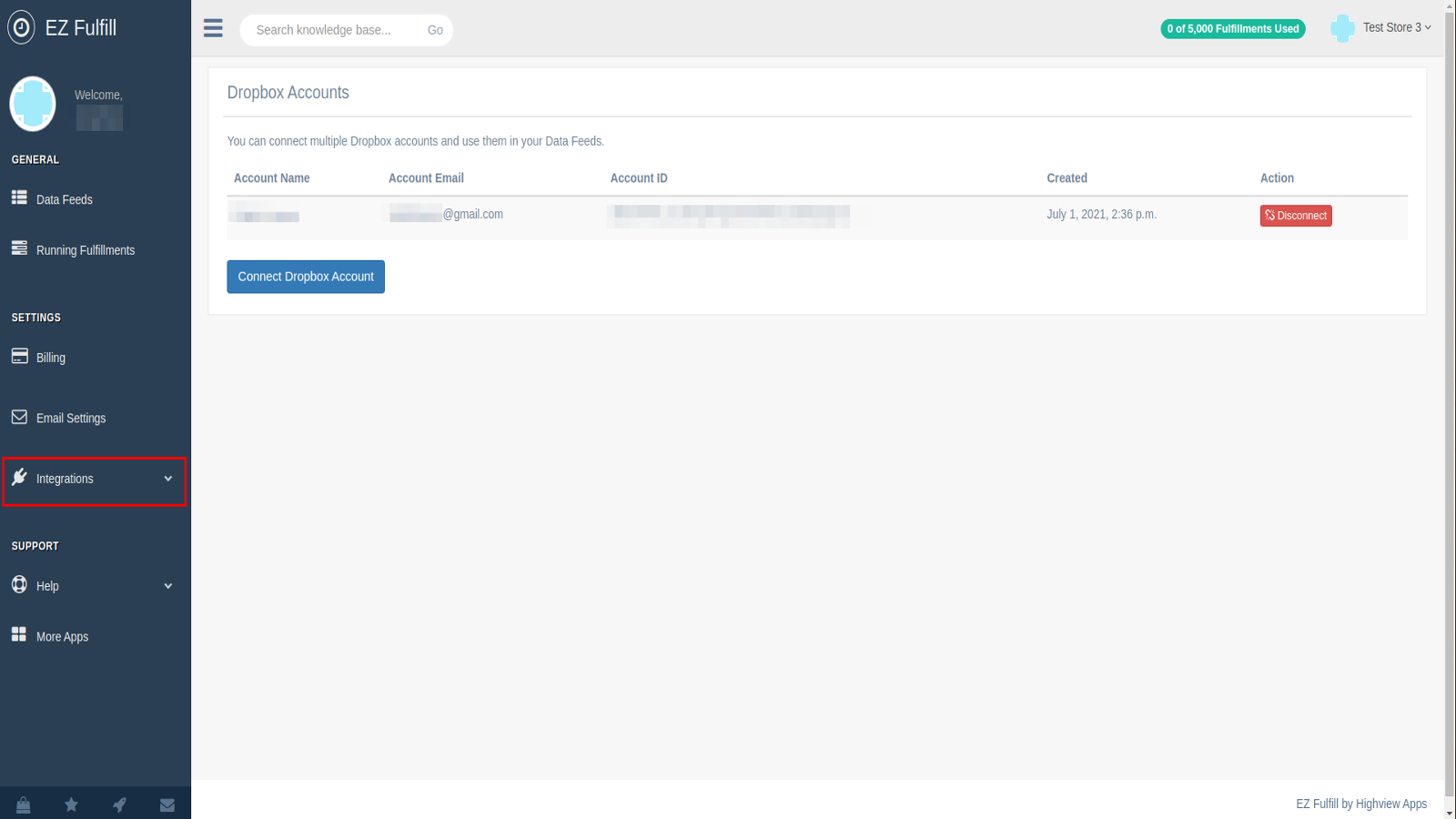
- Dropbox Integration
- Unlimited Fulfillment Notifications
Professional
- 3,00 Fulfillments
- 5 Data Sources
- 60-Day Fulfillment History
- Hourly/Daily Schedules
- FTP/SFTP Source Support
- Dropbox Integration
- Unlimited Fulfillment Notifications
Premium
- 5,00 Fulfillments
- 10 Data Sources
- 90-Day Fulfillment History
- Hourly/Daily Schedules
- FTP/SFTP Source Support
- Dropbox Integration
- Amazon S3 Integration
- Unlimited Fulfillment Notifications
Plus
- 10,000 Fulfillments
- 20 Data Sources
- 90-Day Fulfillment History
- Hourly/Daily Scheduling
- FTP/SFTP Source Support
- Dropbox Integration
- Amazon S3 Integration
- Unlimited Fulfillment Notifications
User Location & Comments
User Location
Comments
Shopify API Used
- POST /admin/api/orders/{order_id}/fulfillments.json
- PUT /admin/api/fulfillments/{fulfillment_id}.json
- POST /admin/api/orders/{order_id}/fulfillments/{fulfillment_id}/trackings.json
Permission:write_orders,read_orders,manage_fulfillments
- POST /admin/api/fulfillment_files/import.json
- GET /admin/api/fulfillment_files.json
- DELETE /admin/api/fulfillment_files/{file_id}.json
Permission:write_fulfillment_files,read_fulfillment_files,manage_products
- POST /admin/api/orders/{order_id}/fulfillments/{fulfillment_id}/send.json
- GET /admin/api/orders/{order_id}/fulfillments/{fulfillment_id}/emails.json
- PUT /admin/api/orders/{order_id}/fulfillments/{fulfillment_id}/email_settings.json
Permission:write_orders,read_orders,manage_communications
- POST /admin/api/orders/{order_id}/fulfillments.json?location_id={id}
- PUT /admin/api/orders/{order_id}/fulfillments/{fulfillment_id}/location.json
- POST /admin/api/orders/{order_id}/release_hold.json
Permission:write_orders,read_orders,manage_locations
- PUT /admin/api/orders/{order_id}.json
- POST /admin/api/orders/{order_id}/tags.json
- POST /admin/api/orders/{order_id}/fulfillments/{fulfillment_id}/notes.json
Permission:write_orders,read_orders,manage_tags