
App Introduction
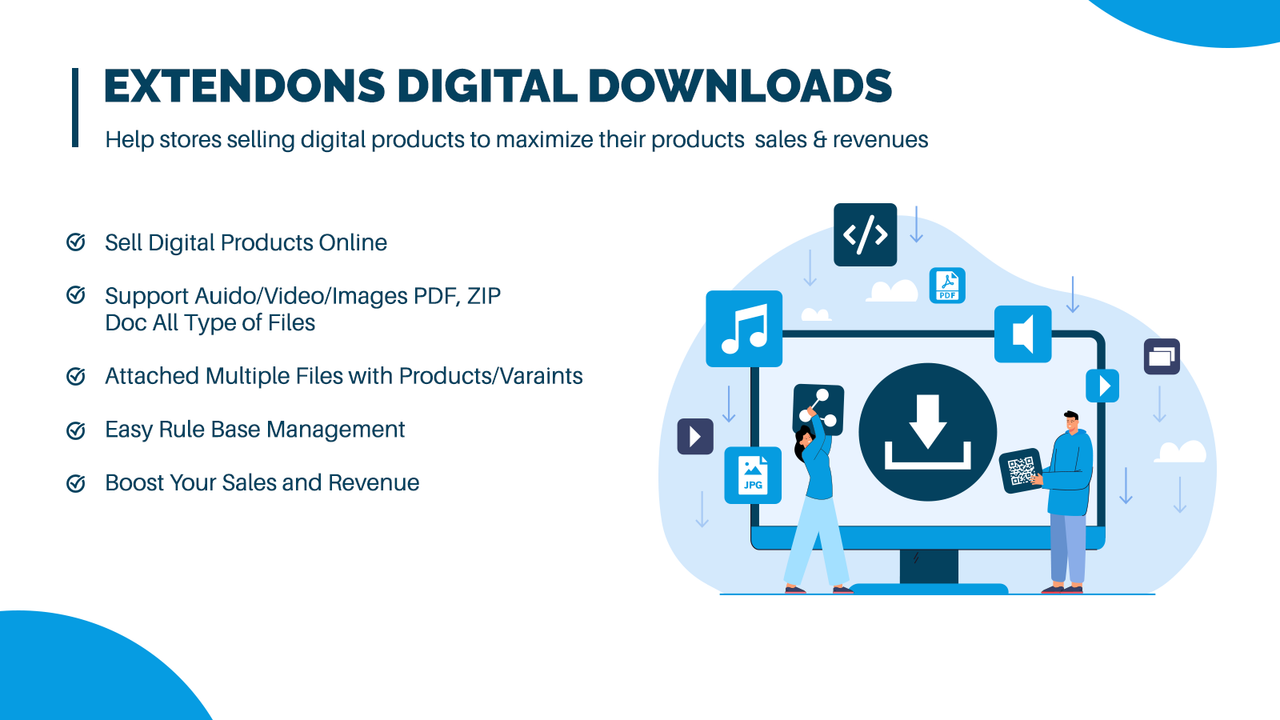
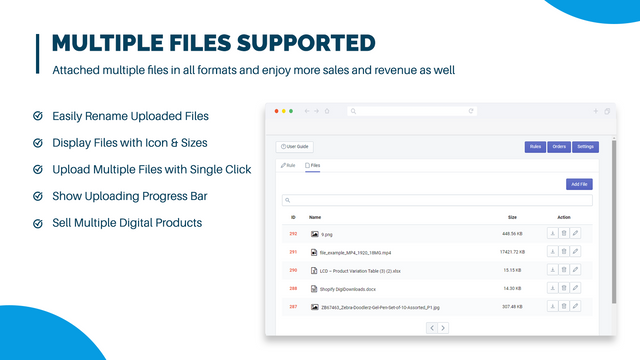
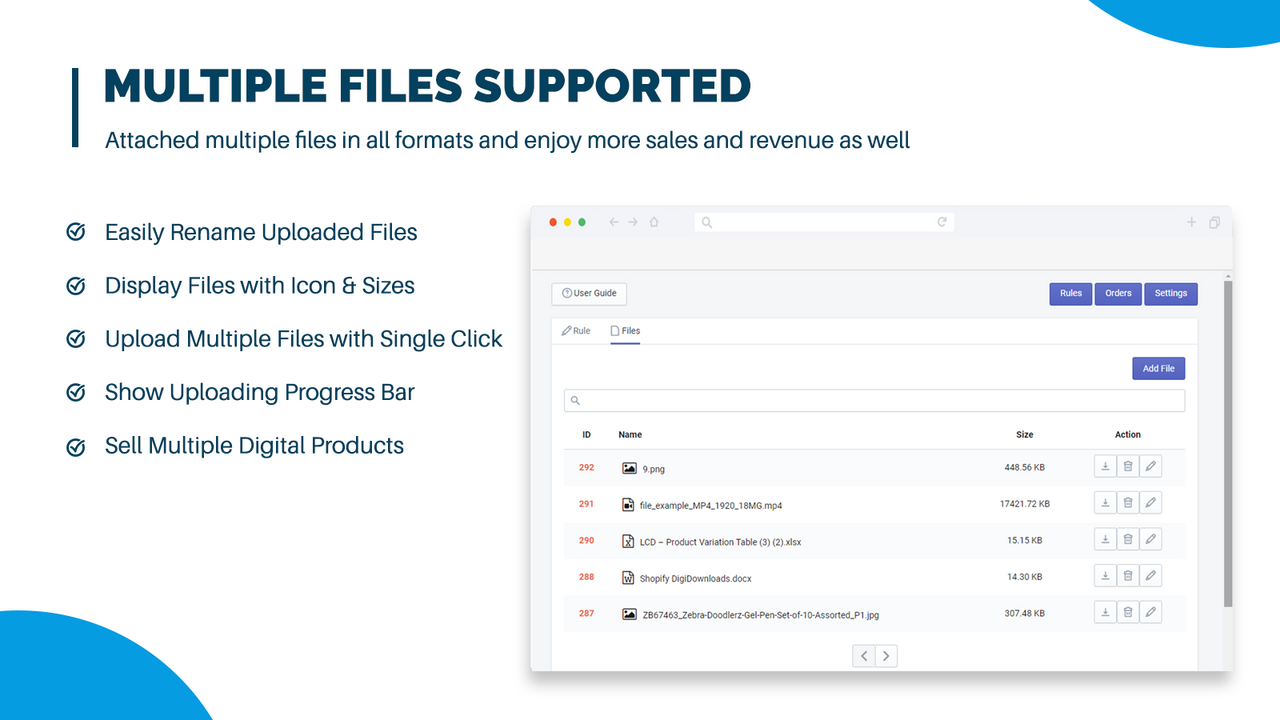
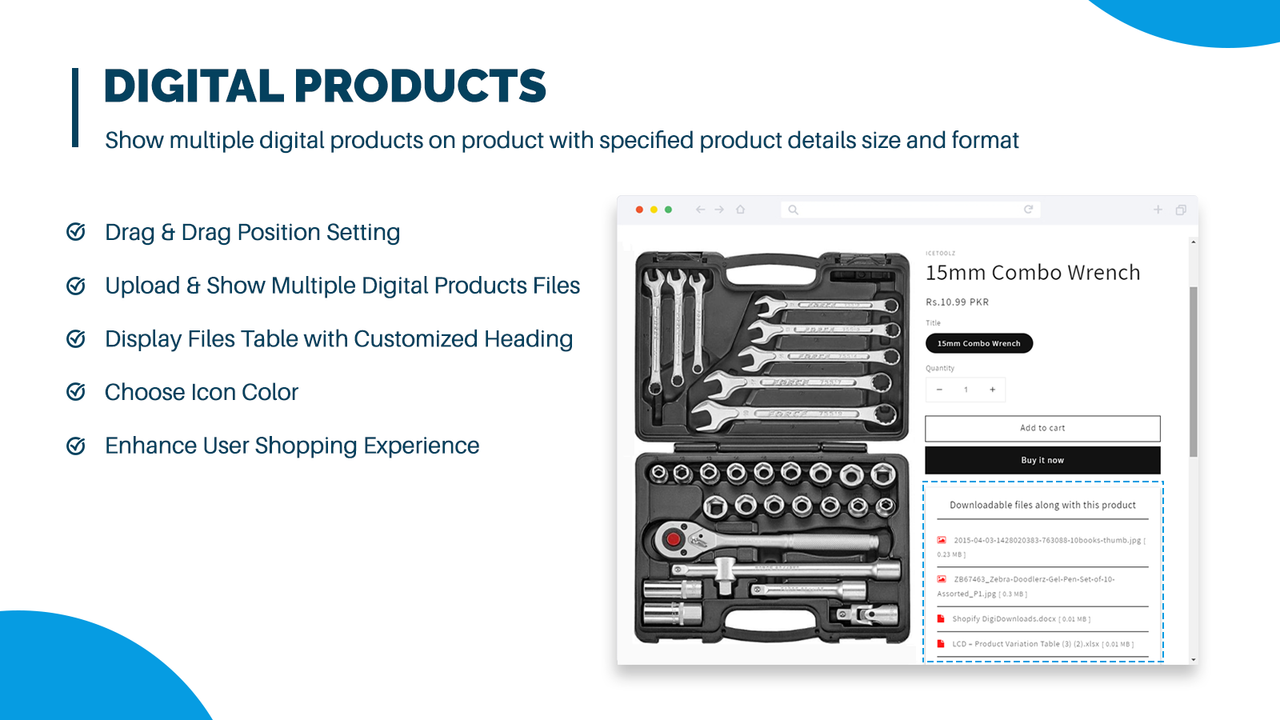
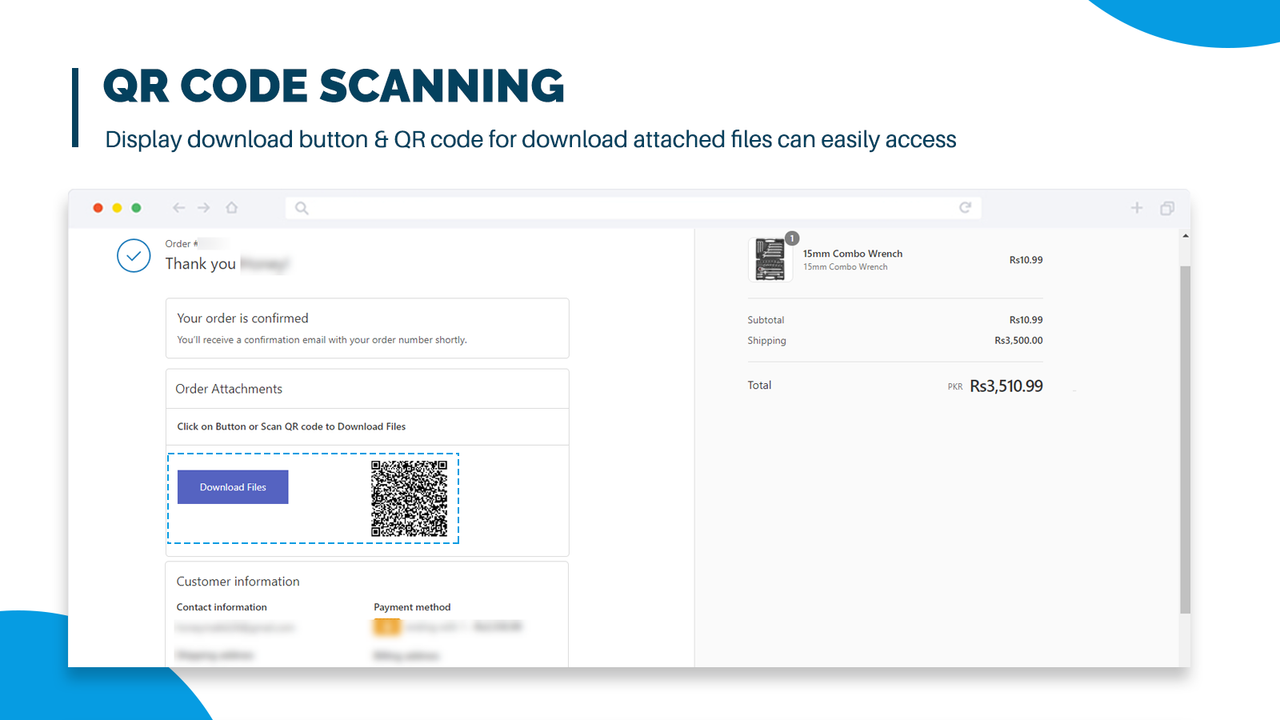
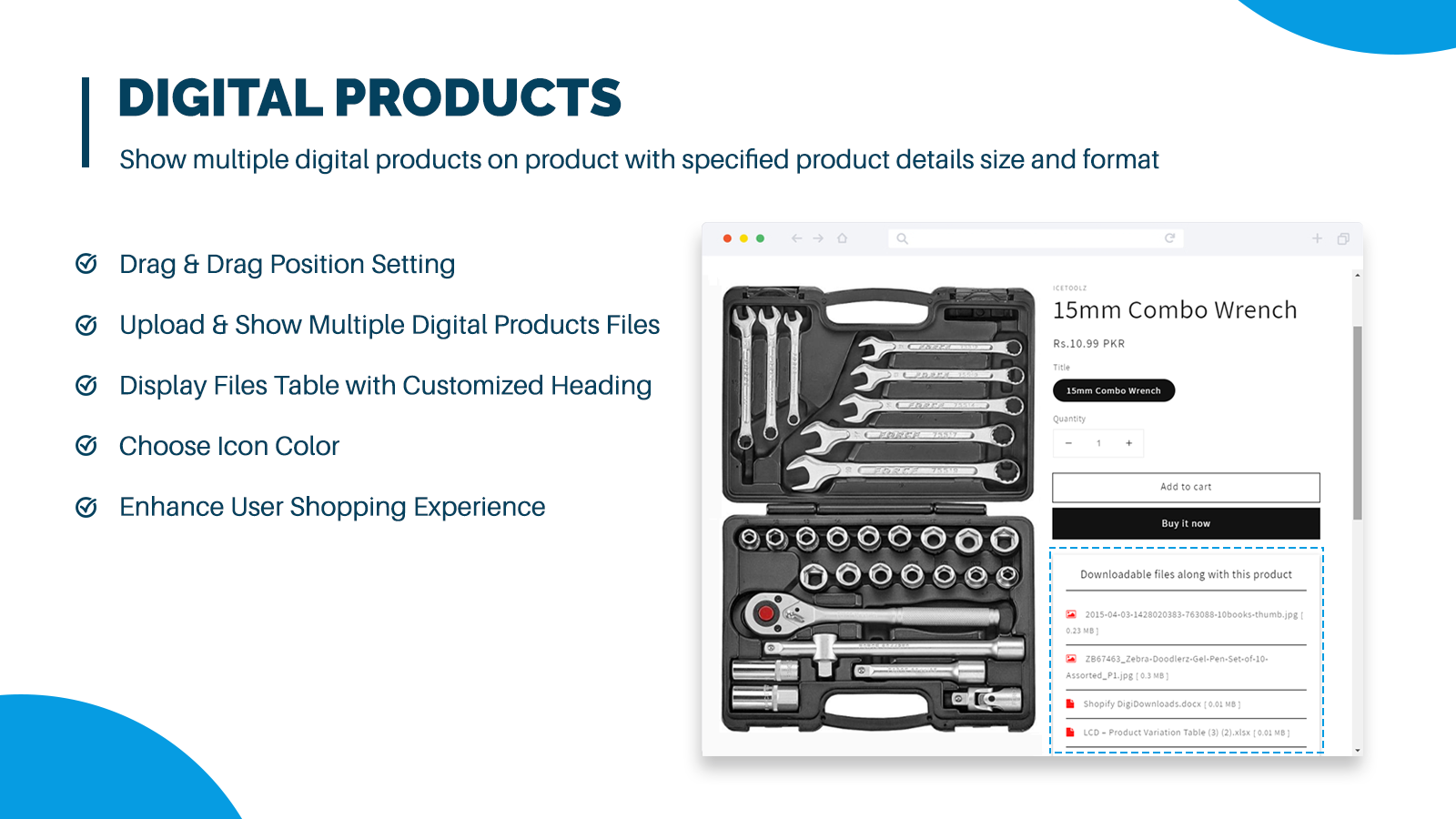
Digital Downloads helps sell online course products, music, videos, audio files, text files, images, and e-books. The Extendons Digital Downloads app helps stores sell digital products to maximize revenue. It enables adding and selling multiple digital product file formats—such as online courses, images, text, PDFs, audio files, e-books, and videos—as downloadable products. Files can be added to products or their variants to make combinations more useful and in-demand. Enable download links or QR codes to let customers easily access digital products once their orders are completed.
Core Functionality
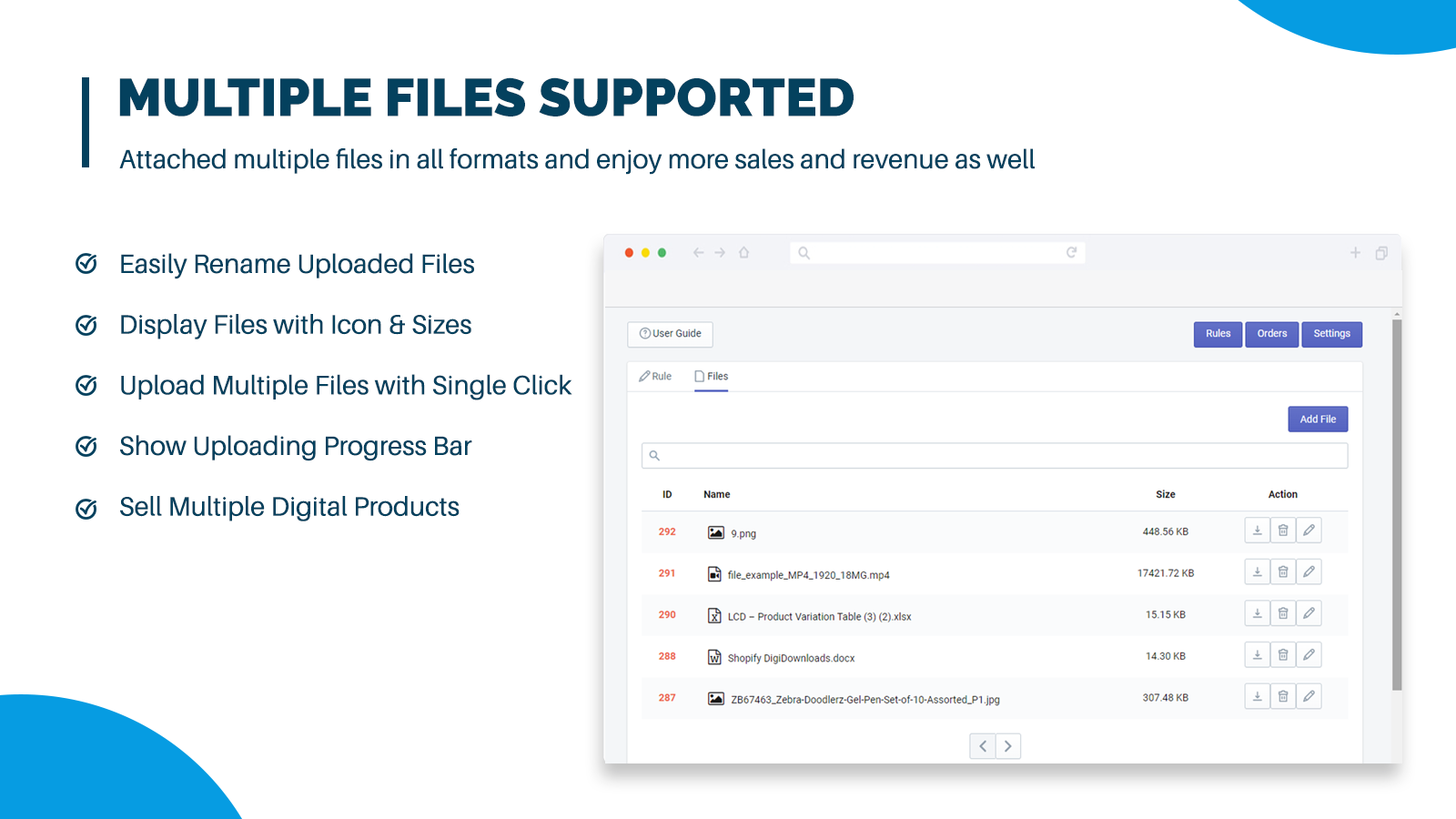
- Upload digital products (e.g., e-books, PDFs, text files, images, audio, video)
- Sell courses, attach course materials, and set limits for digital downloads
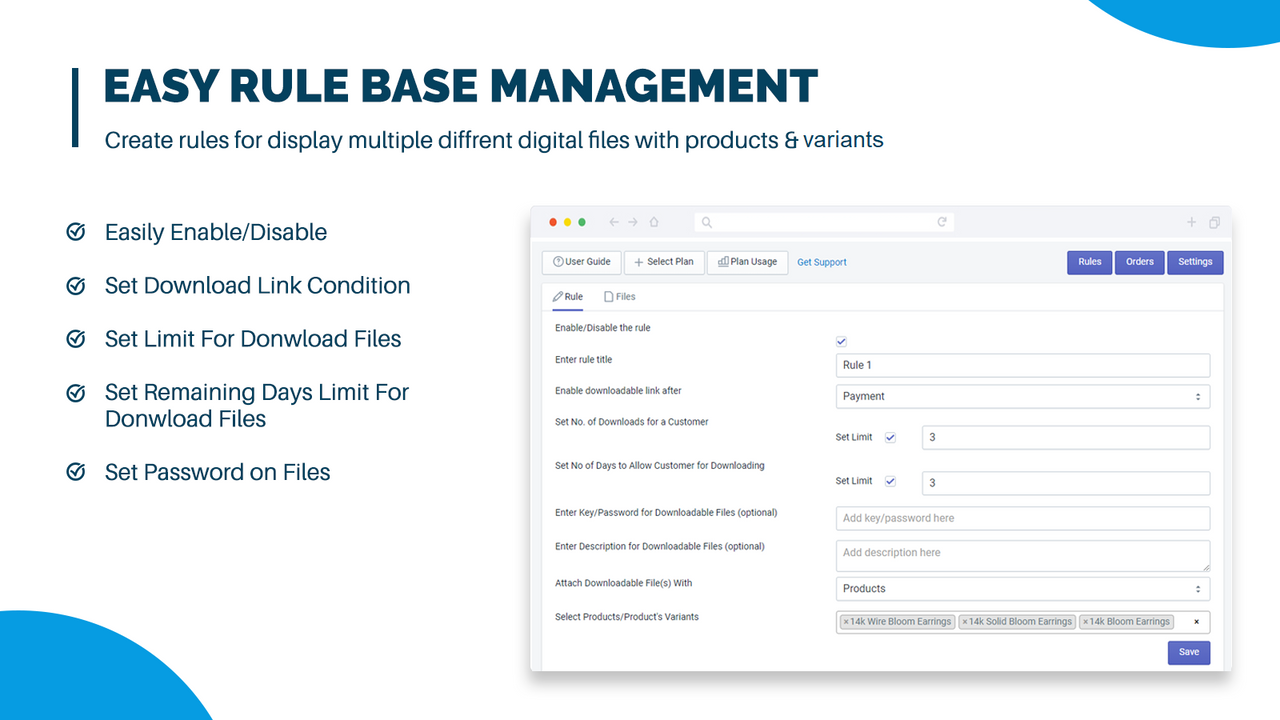
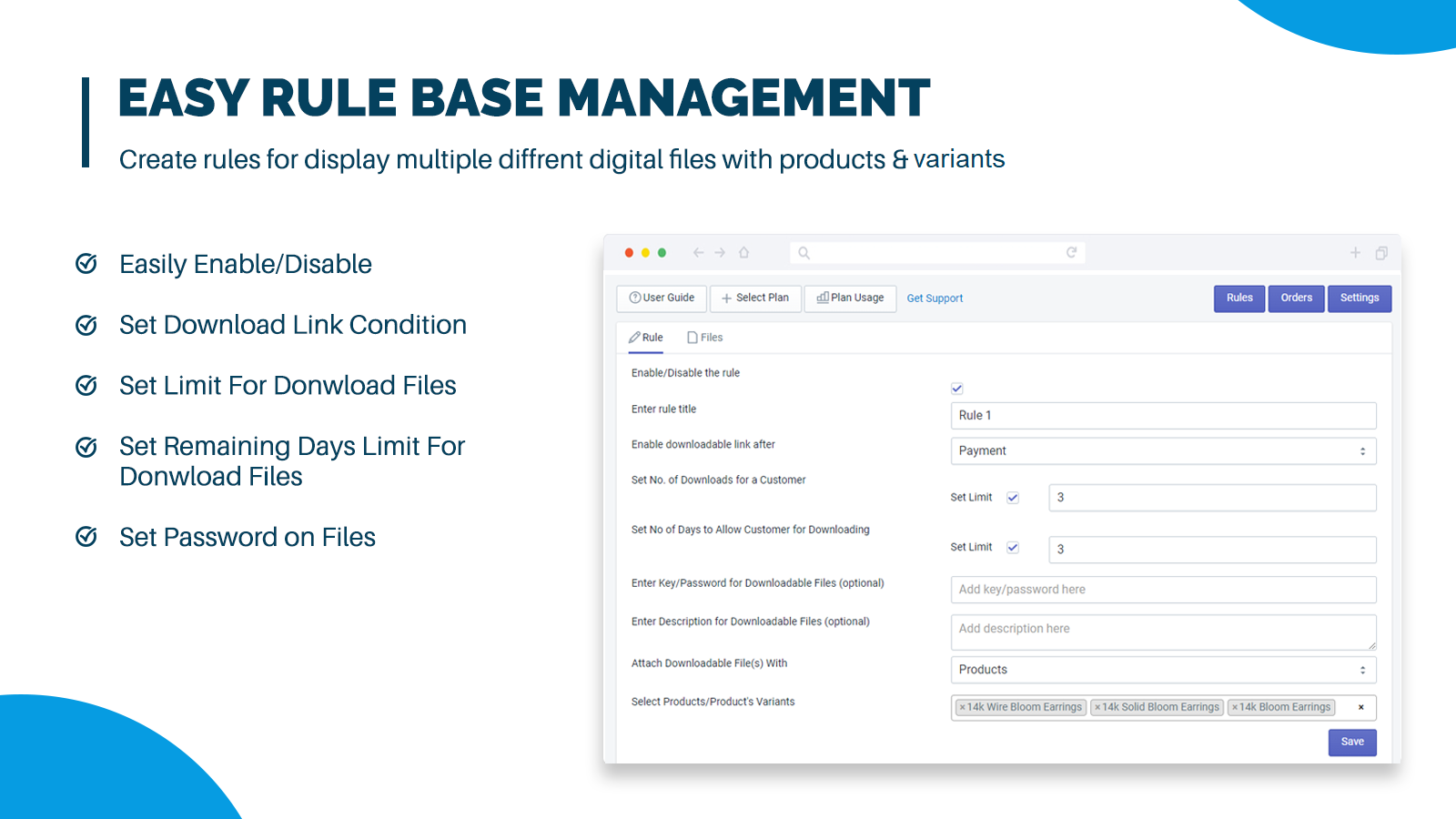
- Create and manage rules for digital downloads
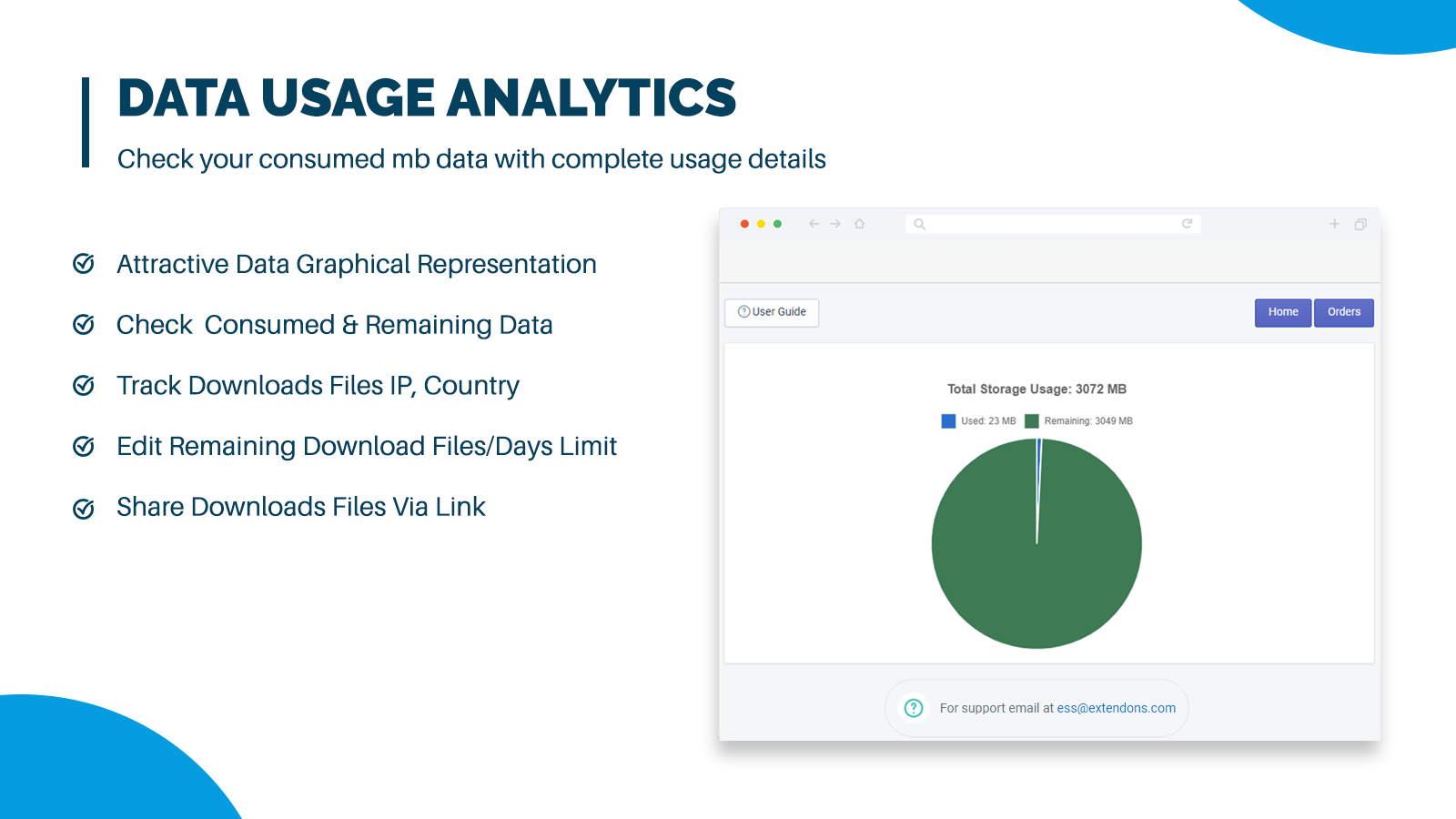
- Analytical views of digital download storage usage and order details
- Manage orders, view their digital download history, and enjoy your sales
Merchant-Friendly
- Knowledge Payment Merchants
- Digital Content Creators
- Online Education Institutions
- Independent Station Content Providers
Basic Information
- Developer:Extendons
- Address:Plot 349, Street 1, I-9/3, Islamabad, 46000, PK
- Price: Free / Free plan
- Rating:5 / 5
- Comment Count:1 comment
- Release Date:2023-3-17
- Supported languages:English
- Compatible products:Shopify
Application Screenshot




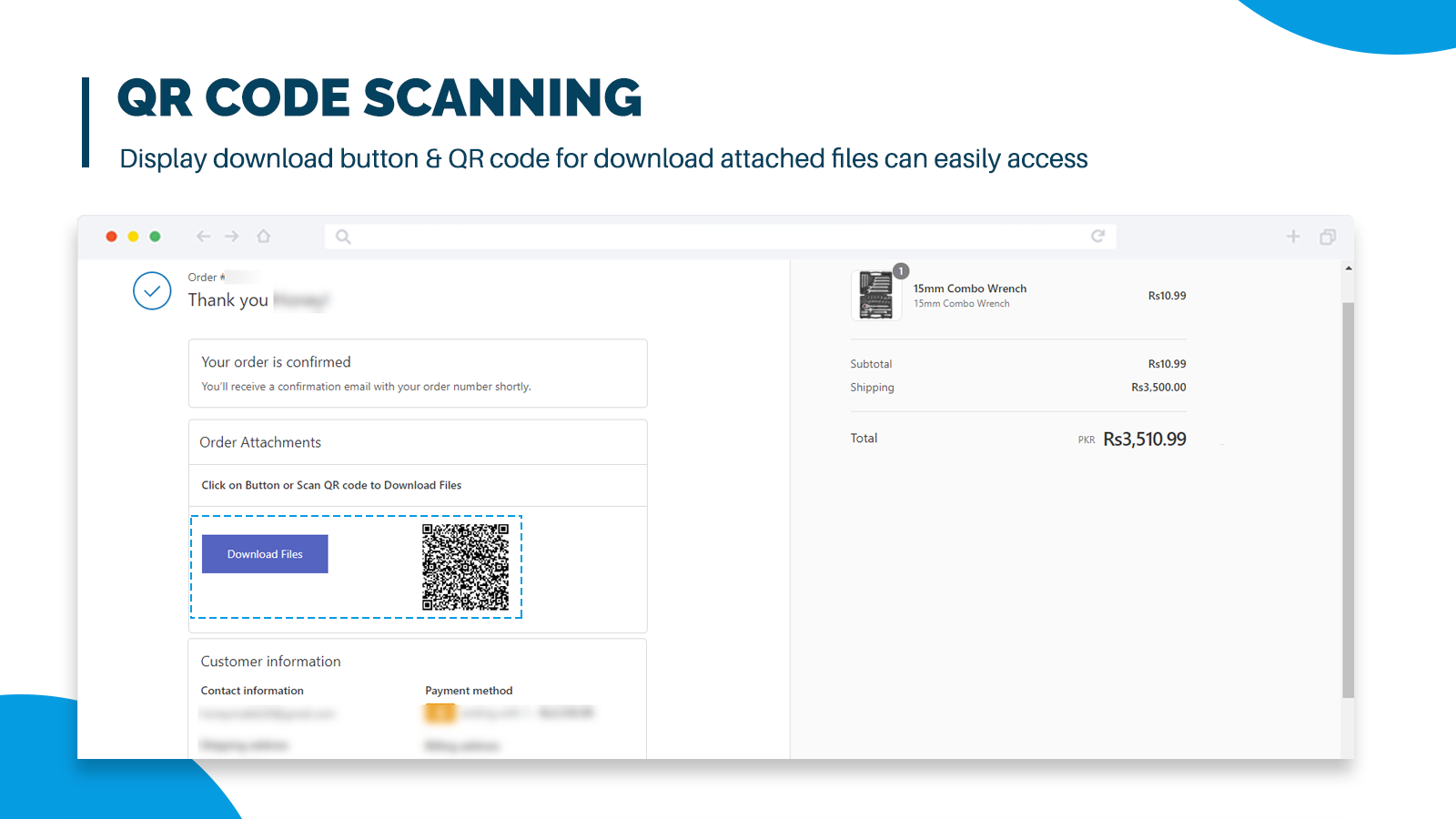
Price Plan
Free - Plan -1 GB
- Free 1 GB Storage
- License Key & QR Code Scanning
- Max Download & Time Limit Control
- Unlimited Products & Multiple Files
BASIC PLAN 3-GB
- 3 GB Storage
- License Key & QR Code Scanning
- Maximum Download & Time Limit Control
- Unlimited Products & Multiple Files
PRO PLAN 10-GB
- 10 GB Storage
- License Key and QR Code Scanning
- Maximum Download and Time Limit Control
- Unlimited Products and Multiple Files
PREMIUM PLAN 20-GB
- 20 GB Storage
- License Key and QR Code Scanning
- Maximum Download and Time Limit Control
- Unlimited Products and Multiple Files
User Location & Comments
User Location
Comments
Shopify API Used
- POST /admin/api/products.json
- POST /admin/api/products/{product_id}/digital_assets.json
- PUT /admin/api/products/{product_id}/digital_assets/{asset_id}.json
Permission:write_products,read_products,manage_digital_assets
- POST /admin/api/products.json?type=course
- PUT /admin/api/products/{product_id}/metafields.json
- POST /admin/api/orders/{order_id}/digital_downloads.json
Permission:write_orders,write_products,manage_digital_assets
- POST /admin/api/digital_download_rules.json
- PUT /admin/api/digital_download_rules/{rule_id}.json
- GET /admin/api/digital_download_rules.json
Permission:write_digital_download_rules,read_digital_download_rules,manage_products
- GET /admin/api/reports/digital_asset_usage.json
- GET /admin/api/orders.json?fulfillment_status=digital
- GET /admin/api/products/{product_id}/digital_assets/usage.json
Permission:read_orders,read_products,read_reports
- GET /admin/api/orders/{order_id}/digital_downloads.json
- PUT /admin/api/orders/{order_id}/digital_downloads/{download_id}.json
- DELETE /admin/api/orders/{order_id}/digital_downloads/{download_id}.json
Permission:read_orders,write_orders,manage_digital_assets



