
MGLogics Express SEO & Schema
App Introduction
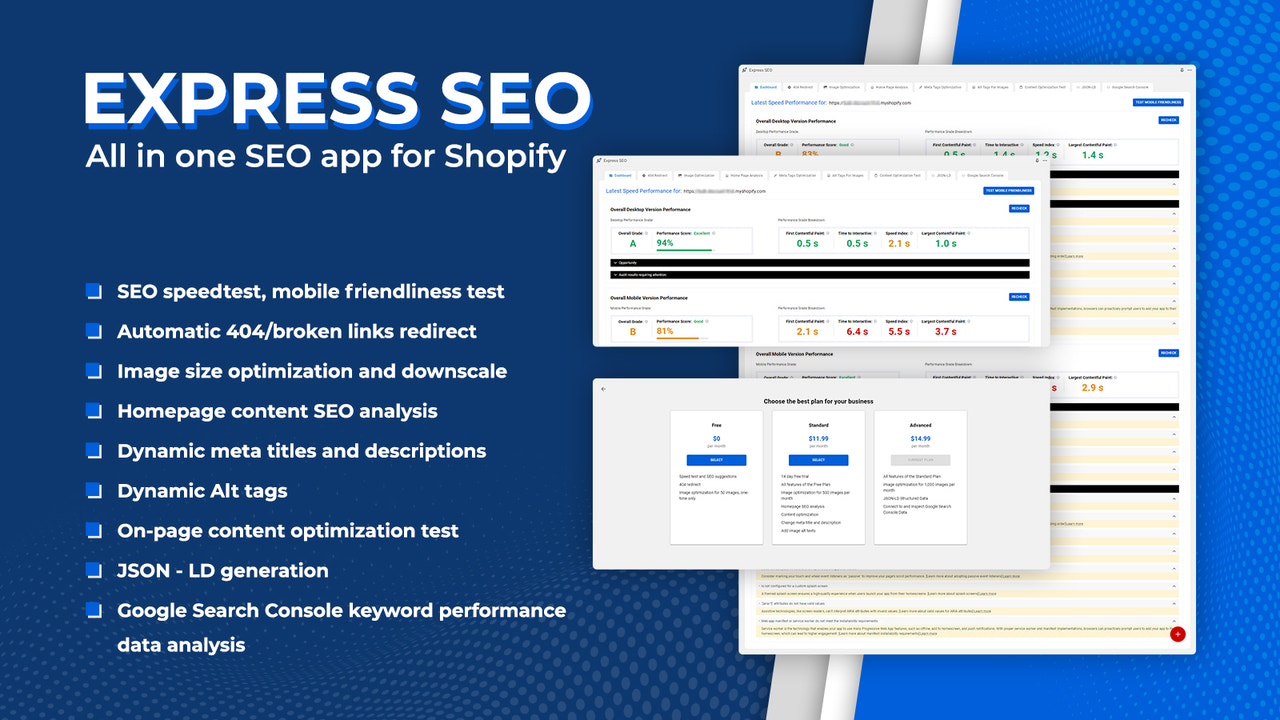
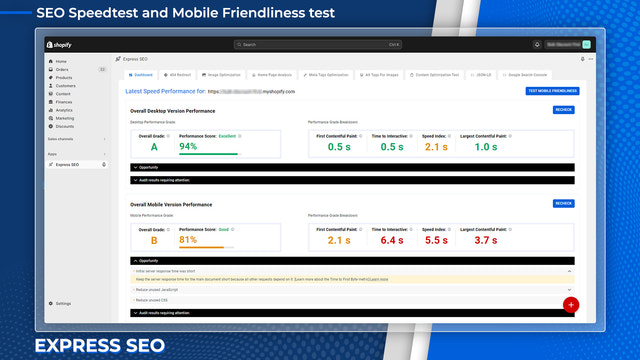
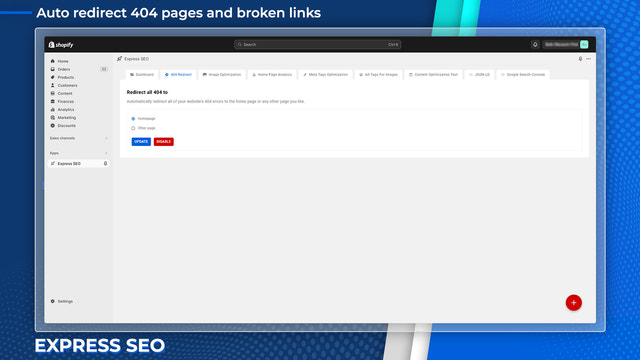
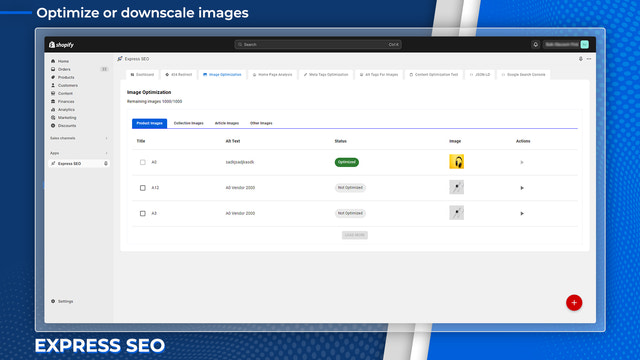
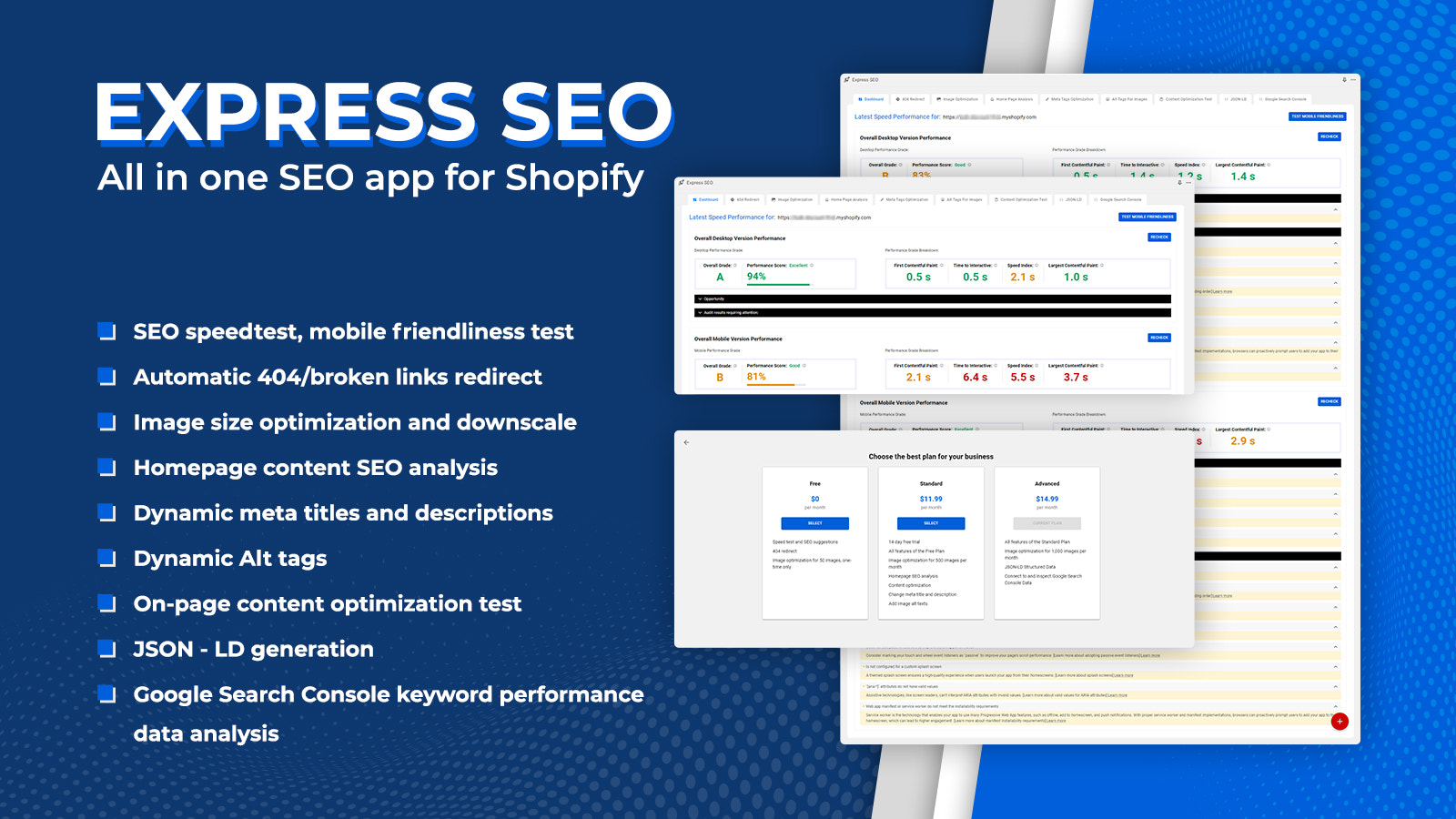
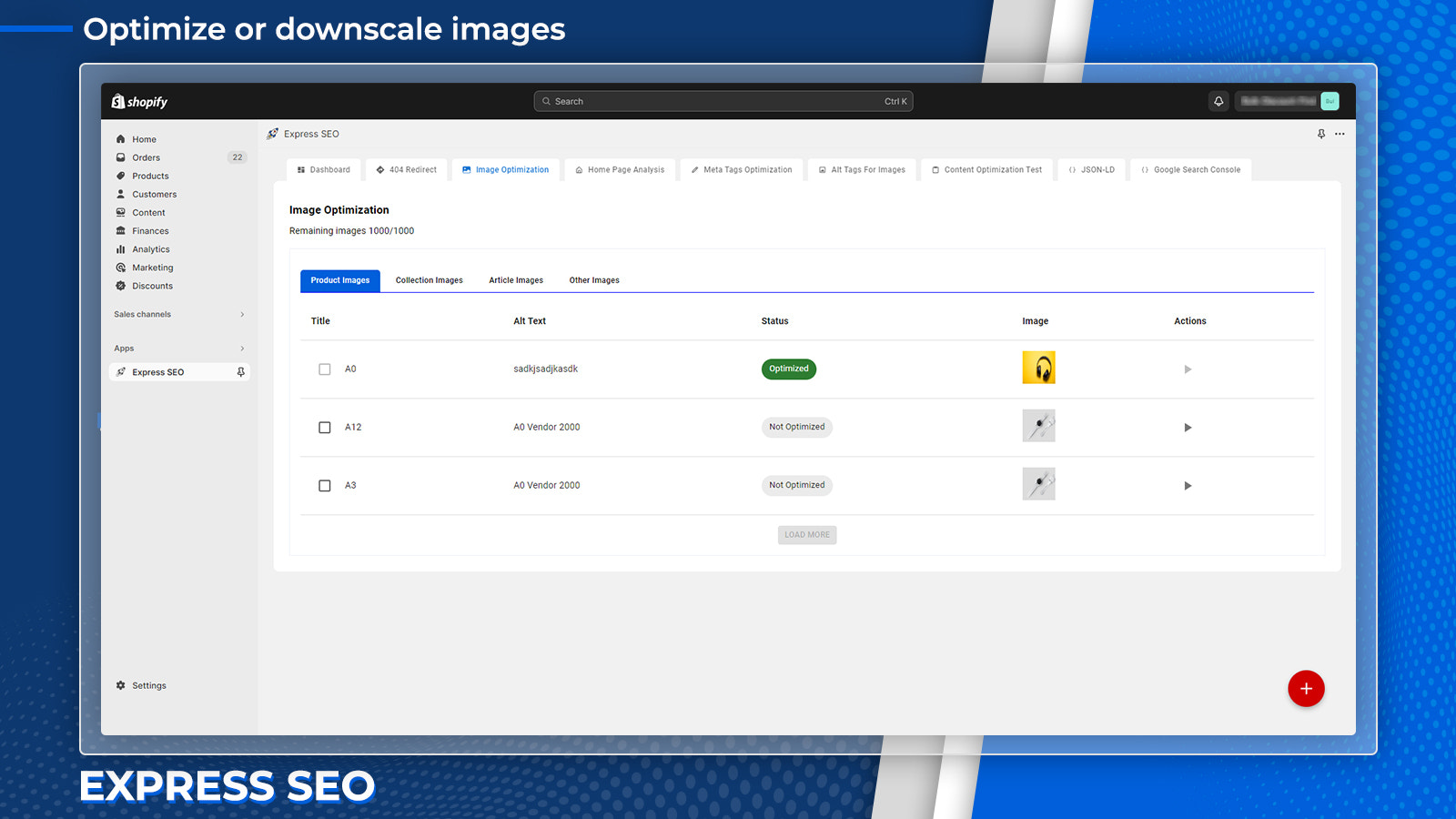
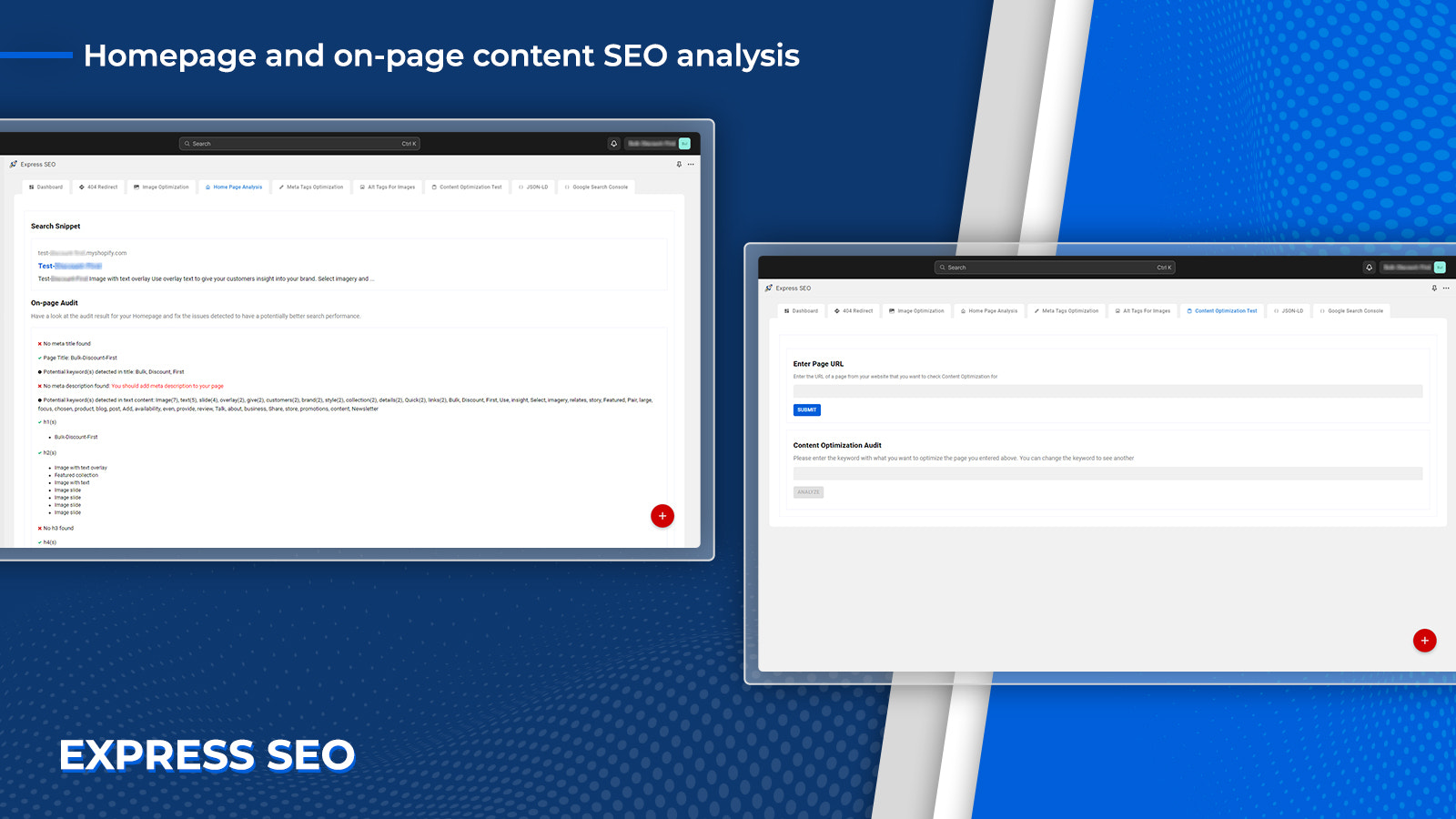
Optimize and automate your store’s SEO, Schema, and images to boost website traffic and sales. Express SEO Optimizer helps you analyze your store’s SEO practices and identify what needs to be done. You can automate your optimization process with just a few clicks and commands. Set up and automate 404 page redirects, SEO meta titles and descriptions, image Alt text, and image size compression. It also lets you check keyword optimization performance on a page-by-page basis. Express SEO Optimizer provides recommendations based on its analysis. Our intelligent SEO automation tool makes it easier for you to manage your store.
Core Functionality
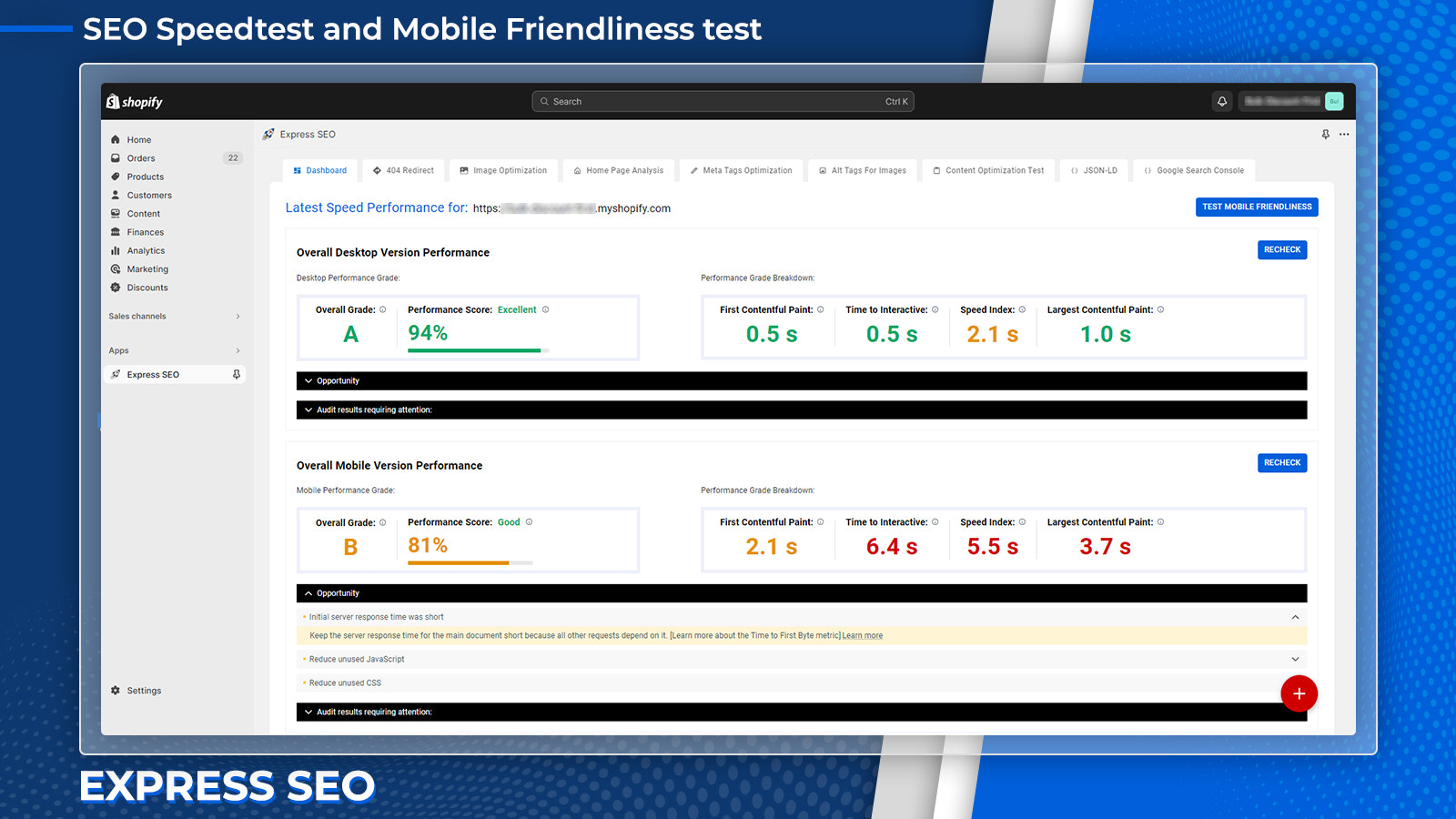
- Check store speed performance and connect to Search Console for keyword rankings
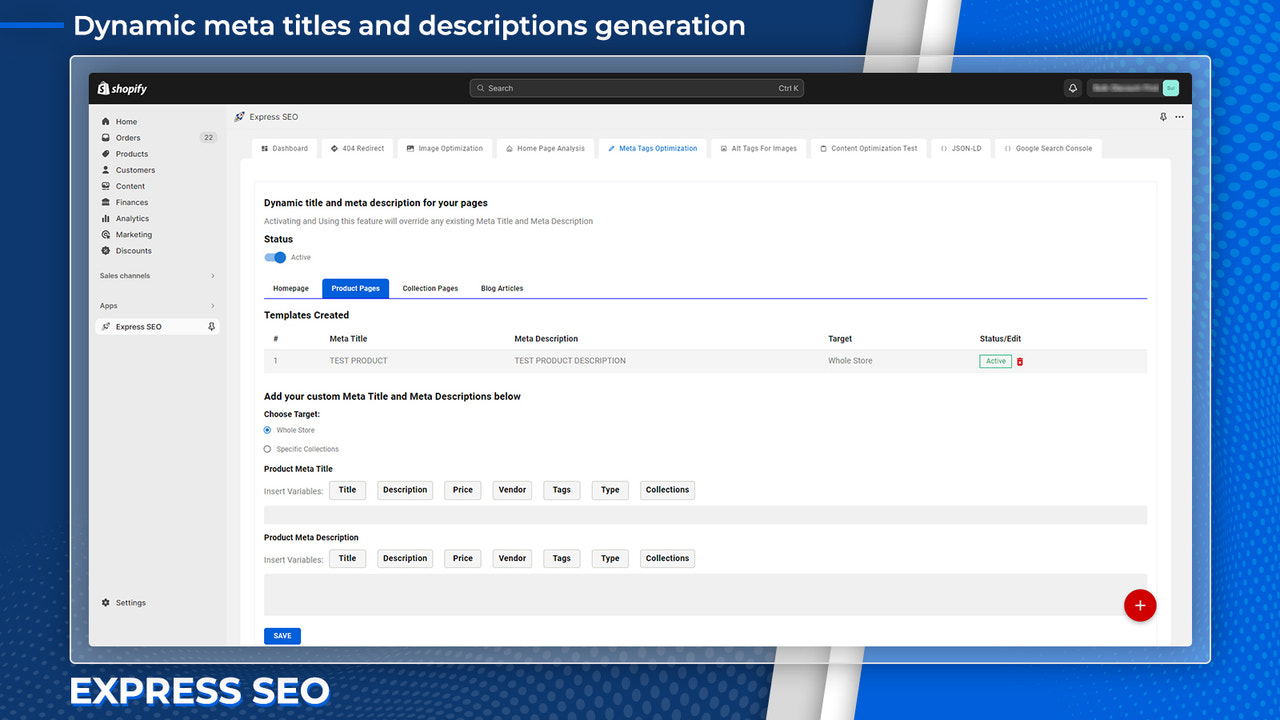
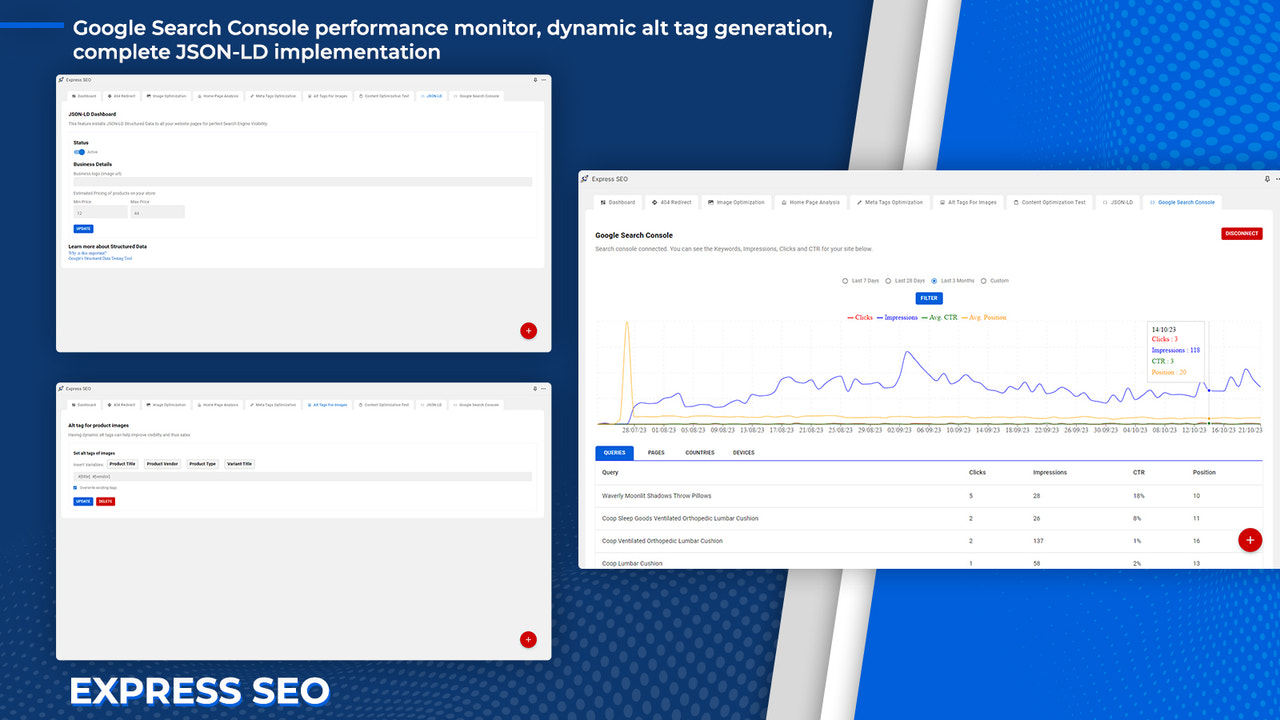
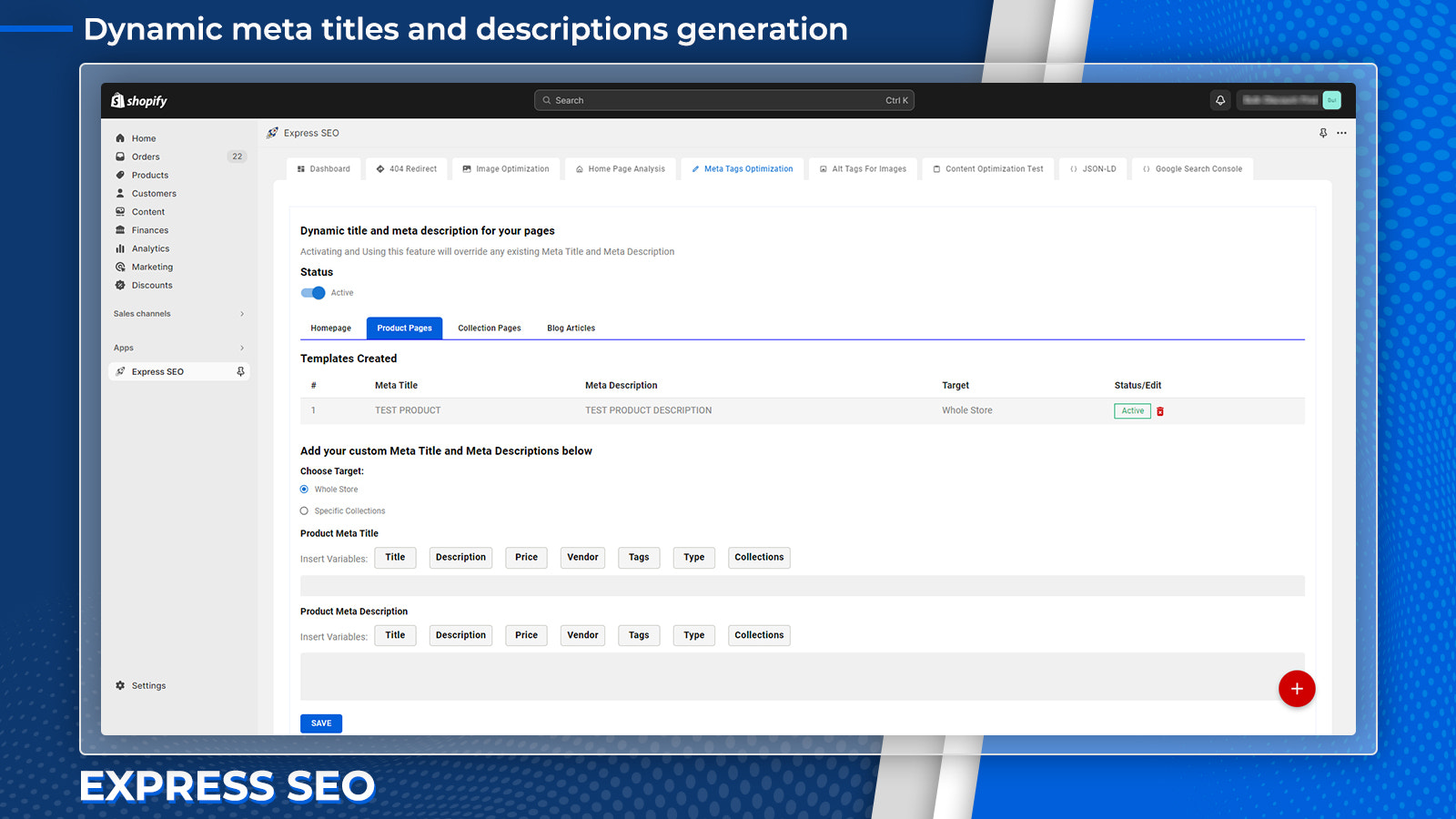
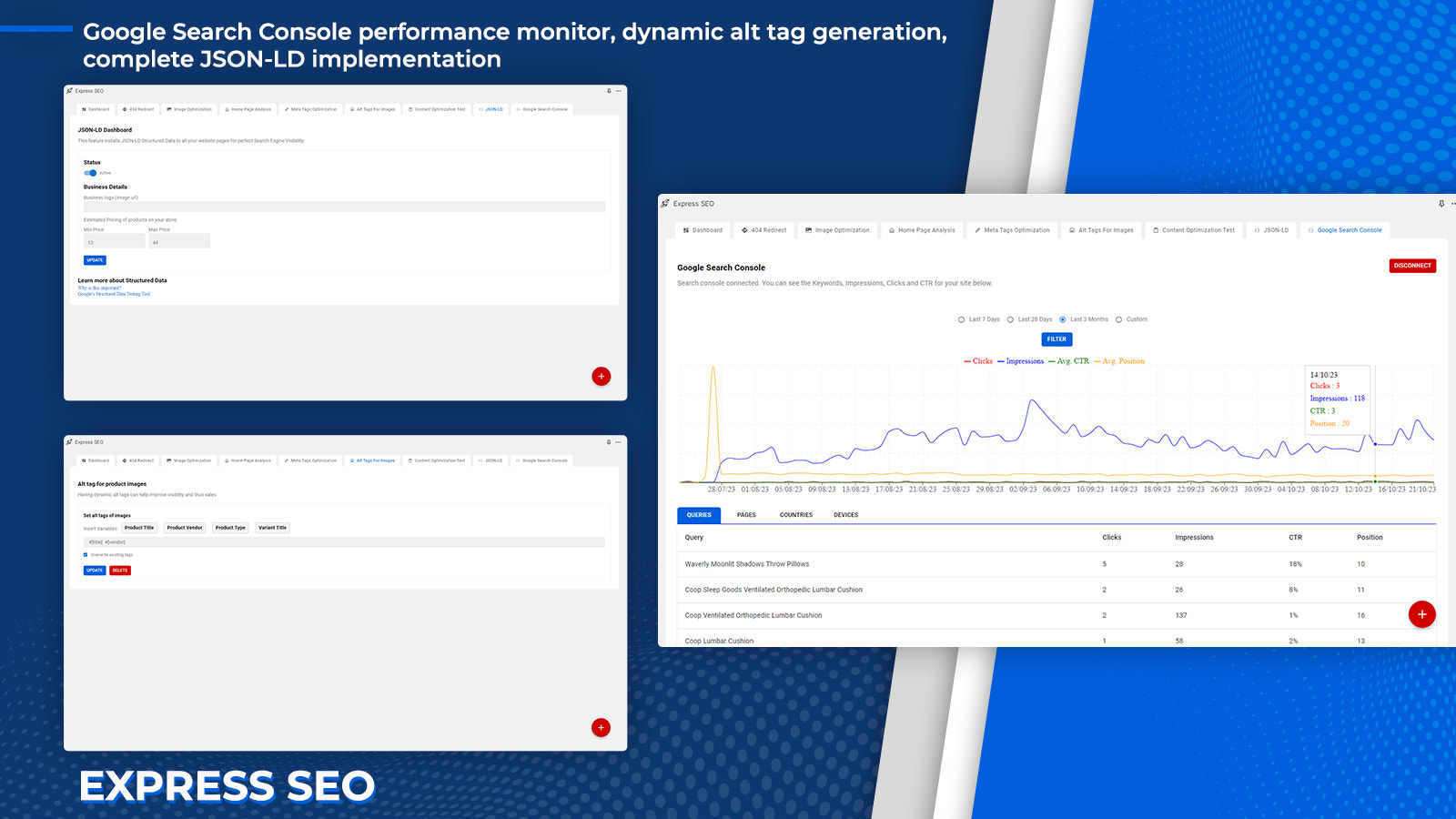
- Automate meta titles, descriptions, and image alt text/tags for all pages
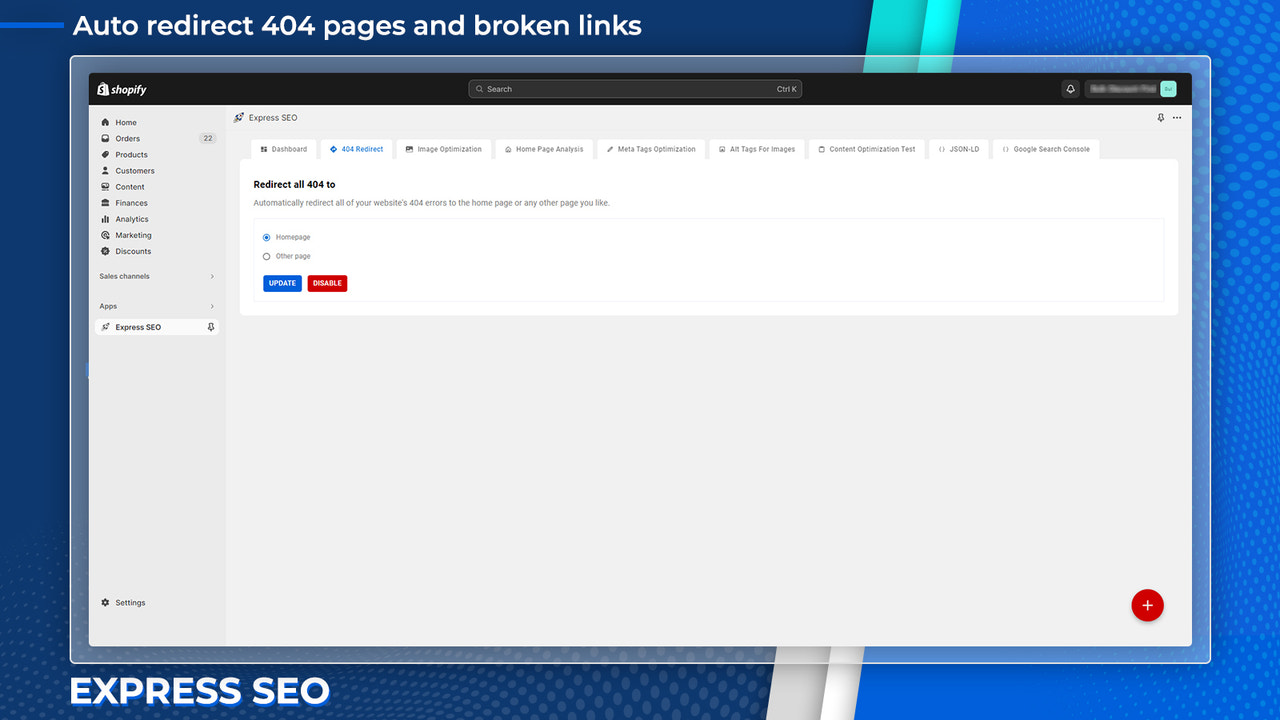
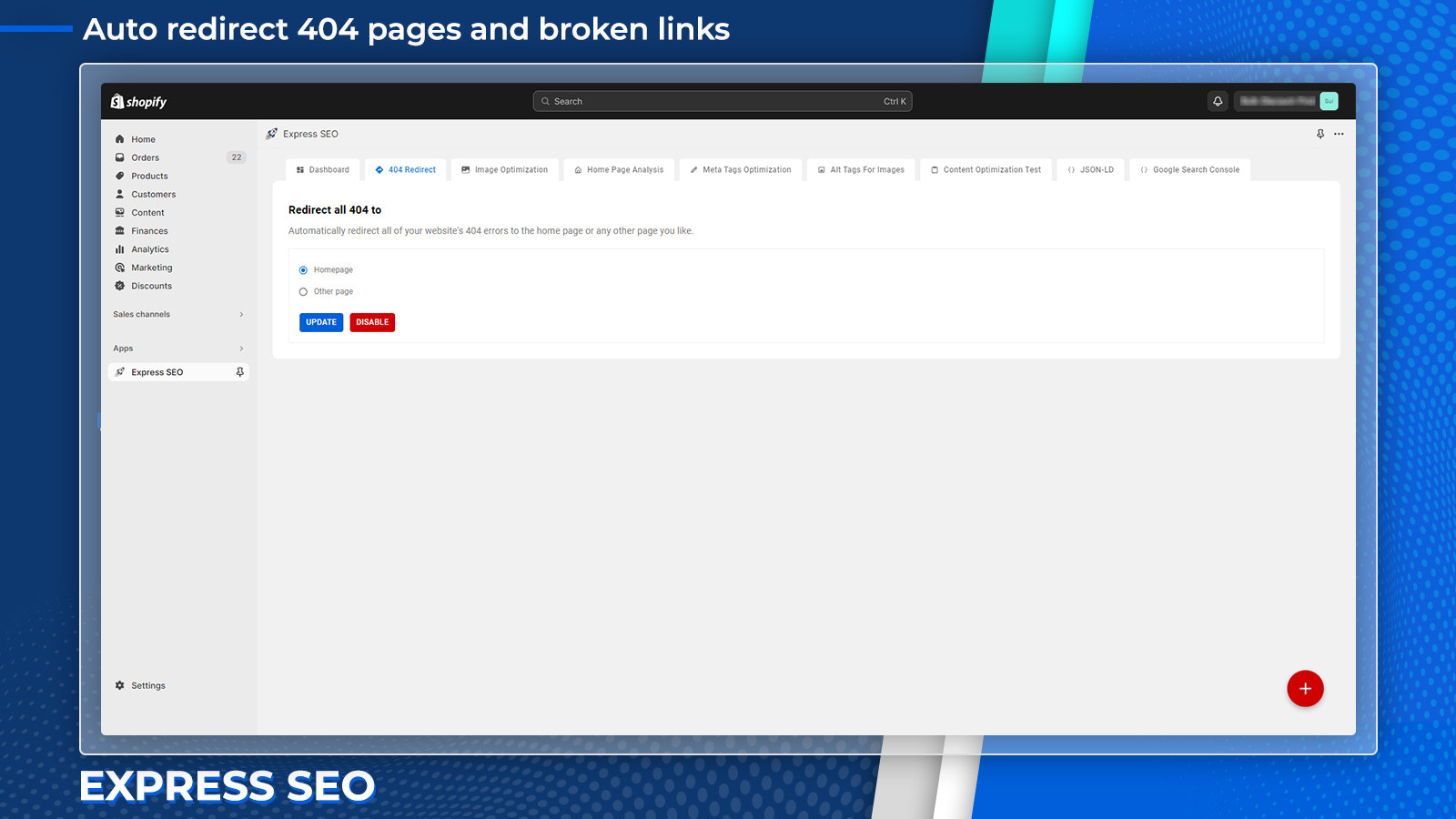
- Redirect 404 pages to the homepage or other pages to improve SEO
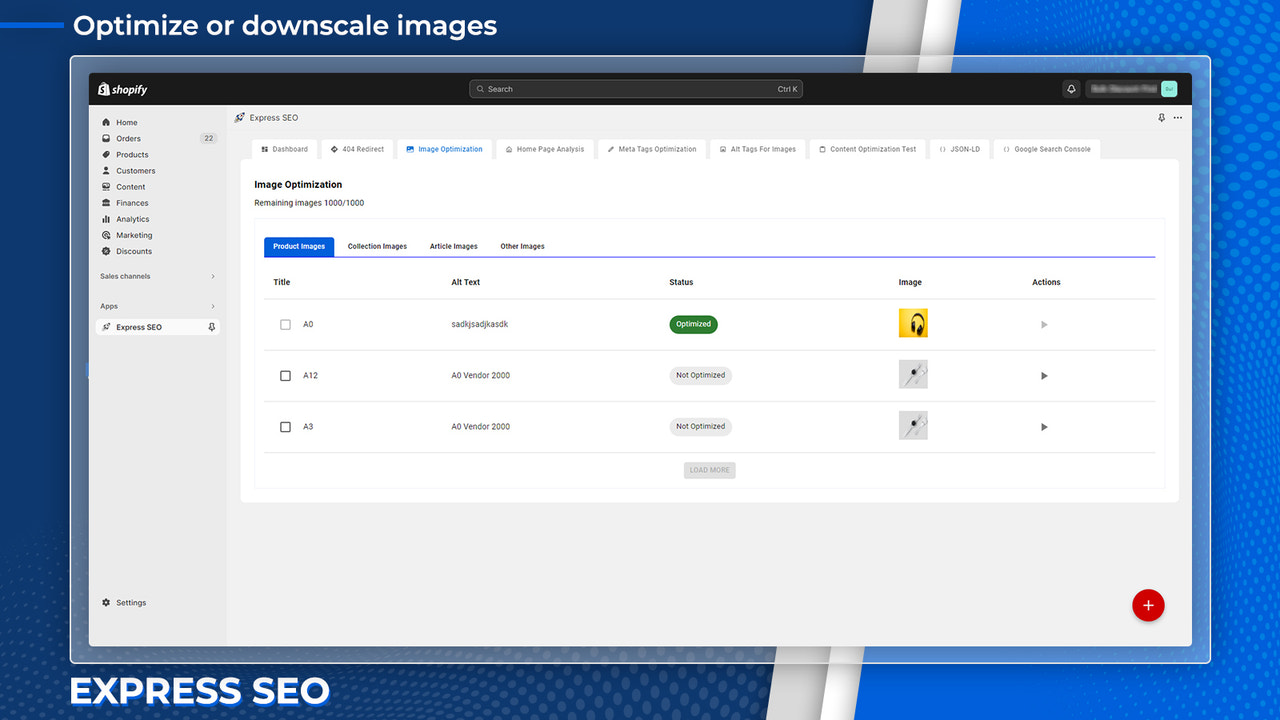
- Compress and optimize images, plus check page SEO scores
- Provide JSON-LD for products, reviews, blogs, pages, and more
Merchant-Friendly
- Independent Station Merchants
- Multi-category E-commerce
- Brand-owned E-commerce
- Content-based E-commerce
Basic Information
- Developer:MGLogics
- Address:22037 AVONWORTH SQ, ASHBURN, VA, 20148, US
- Price: Free / Free plan
- Rating:5 / 5
- Comment Count:1 comment
- Release Date:2019-8-12
- Supported languages:English
- Compatible products:Shopify
Application Screenshot

Price Plan
免费
- Speed Test & SEO Suggestions
- 404 Broken Link Redirection
- Image Optimization - 50 Images (One-time)
标准
- All features in the Free Plan
- Image Optimization - 500 images per month
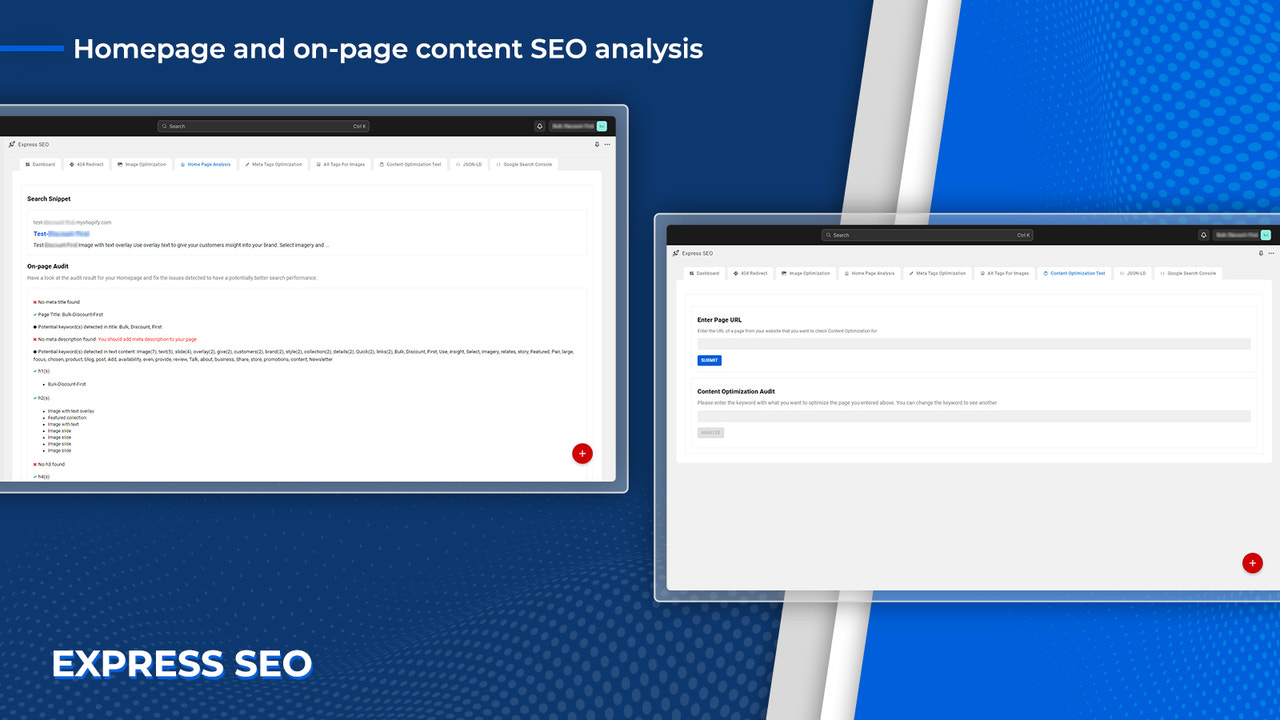
- Homepage SEO Analysis
- Content Optimization Analysis
- Meta Title and Description
高级
- All features in the Standard Plan
- Image Optimization - 1,00 images per month
- JSON-LD Structured Data
- Google Search Console Connection and Analysis
User Location & Comments
User Location
Comments
Shopify API Used
- GET /admin/api/performance.json
- POST /admin/api/performance/analyze.json
- GET /admin/api/performance/history.json
Permission:read_performance,manage_shop,read_search_console
- PUT /admin/api/pages/{id}.json
- PUT /admin/api/products/{id}.json
- PUT /admin/api/blogs/{blog_id}/articles/{id}.json
Permission:write_pages,write_products,write_blog
- POST /admin/api/redirects.json
- GET /admin/api/redirects.json
- PUT /admin/api/redirects/{id}.json
Permission:write_redirects,read_redirects,manage_shop
- POST /admin/api/products/{id}/images.json
- GET /admin/api/products/{id}/images.json
- PUT /admin/api/products/{id}/images/{image_id}.json
Permission:write_products,read_products,manage_images
- PUT /admin/api/pages/{id}.json
- PUT /admin/api/products/{id}.json
- PUT /admin/api/blogs/{blog_id}/articles/{id}.json
Permission:write_pages,write_products,write_blog