
App Introduction
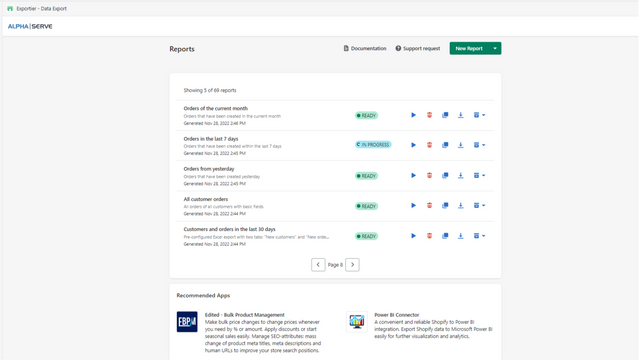
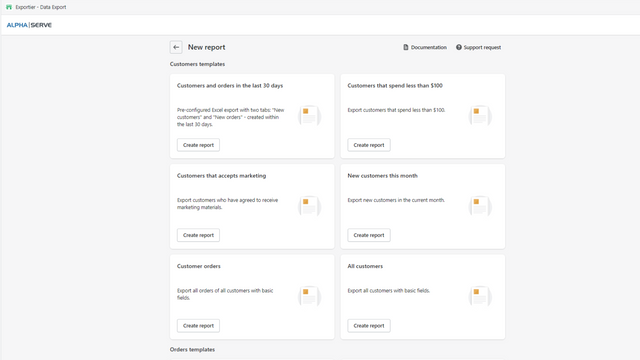
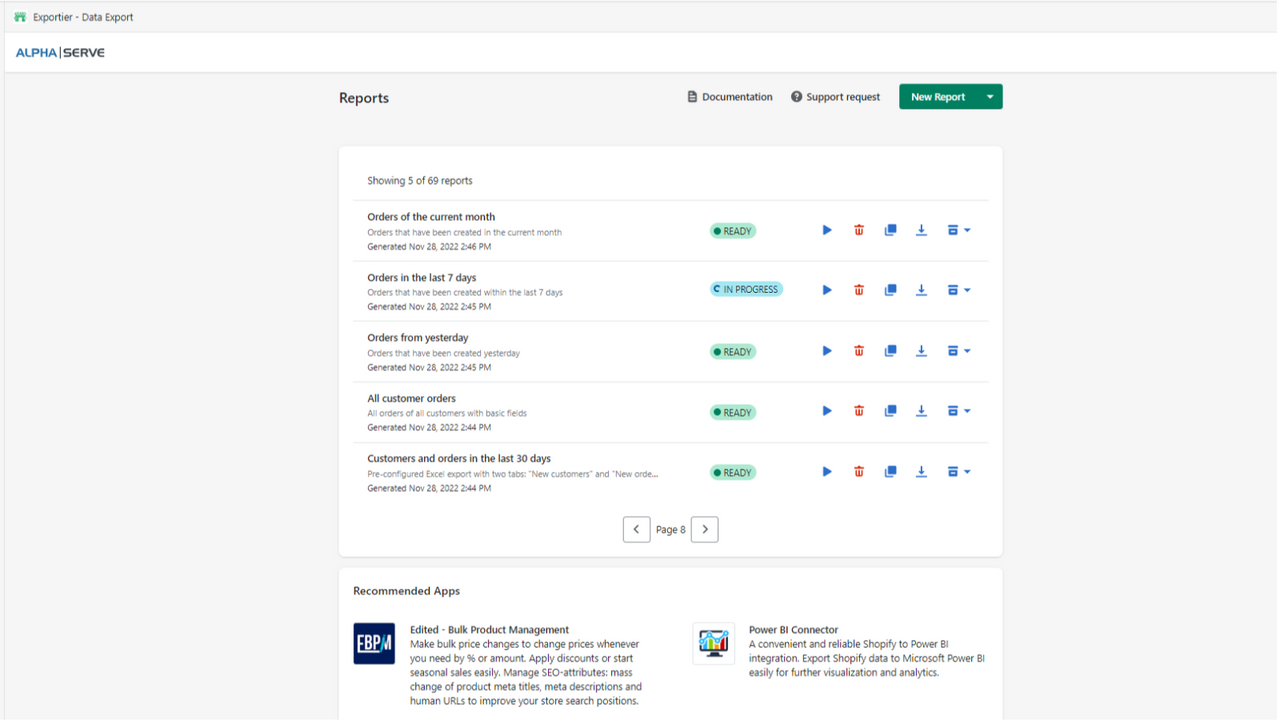
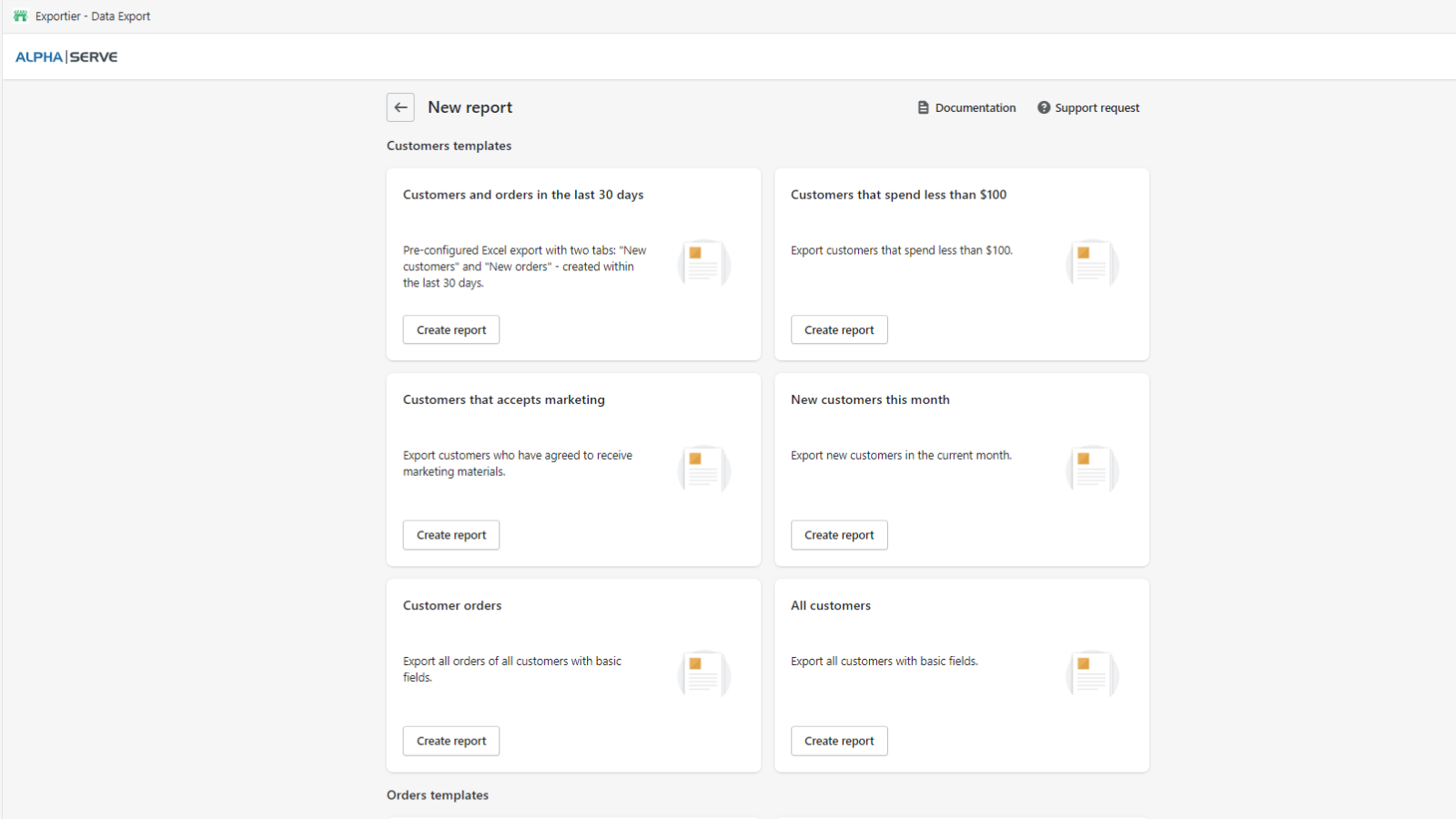
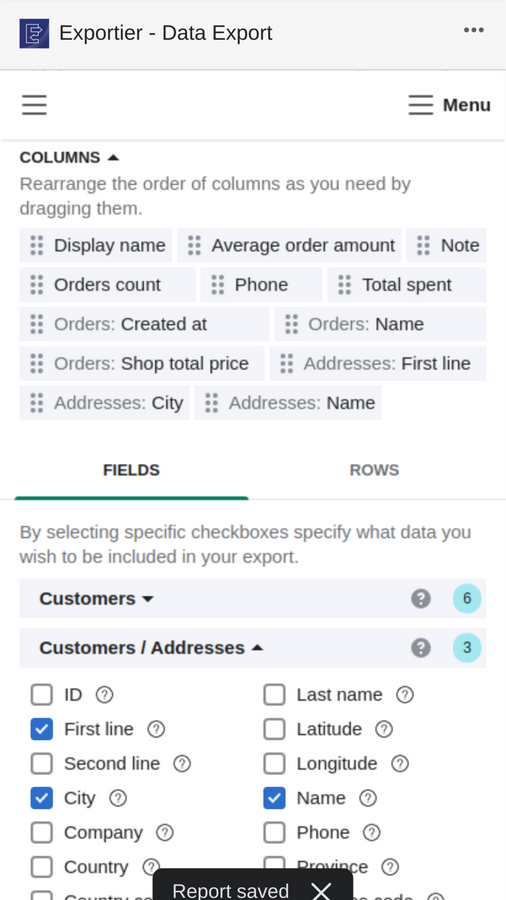
Easily export orders, products, customers, and other data to CSV/EXCEL with Exportier - Data Export Exportier - Data Export lets you export data from all fields across key sections: Products, Customers, Orders, Inventory Items, Product Variants, Draft Orders, Transactions, Bank Accounts, Disputes, Payments, and Collections. Export data to CSV (.csv) and Excel (.xlsx) formats for further use, analysis, or import into BI tools. Choose from over 20 pre-built Shopify report templates to save time on Shopify data exports.
Core Functionality
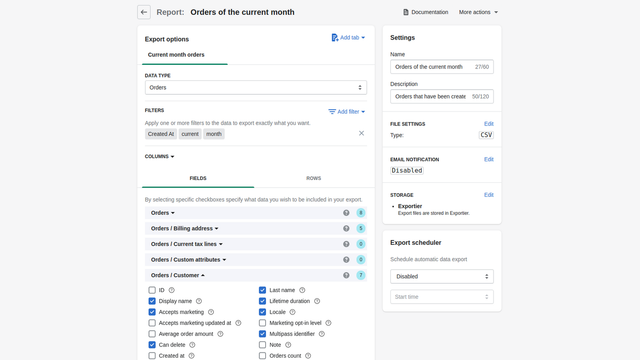
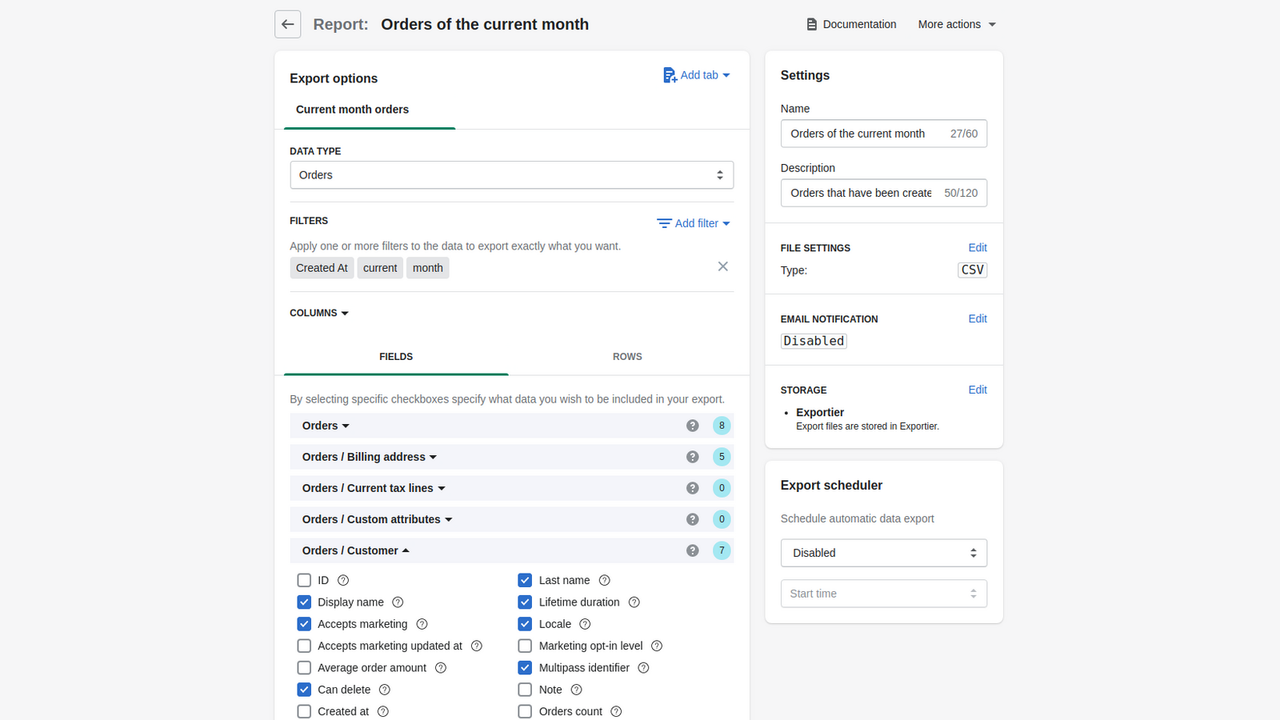
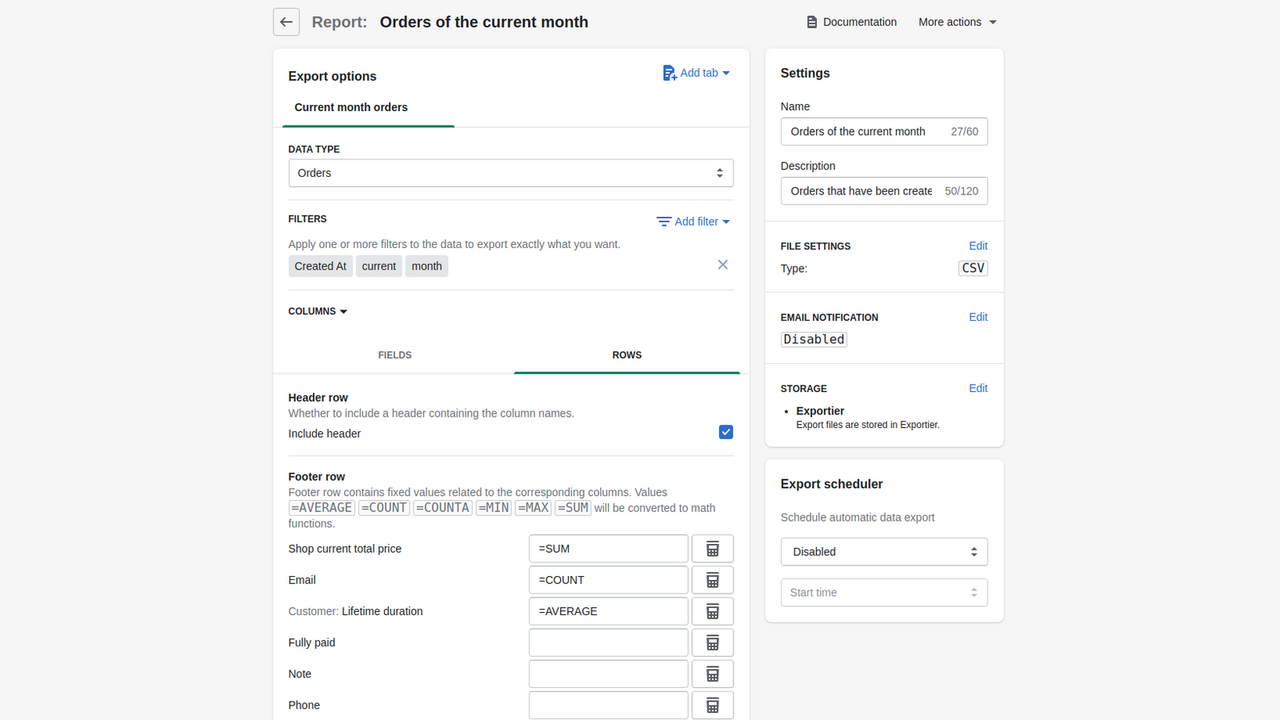
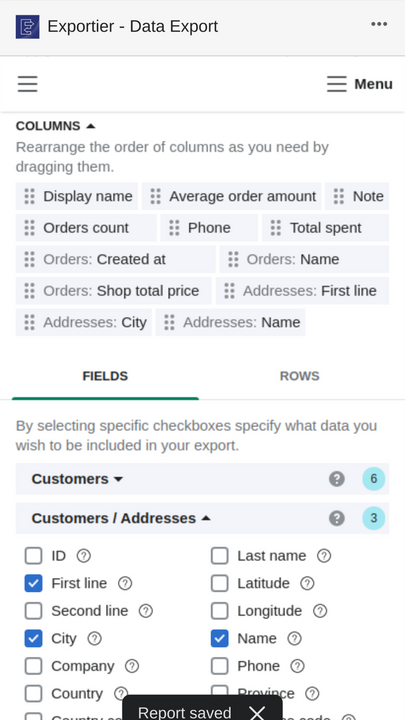
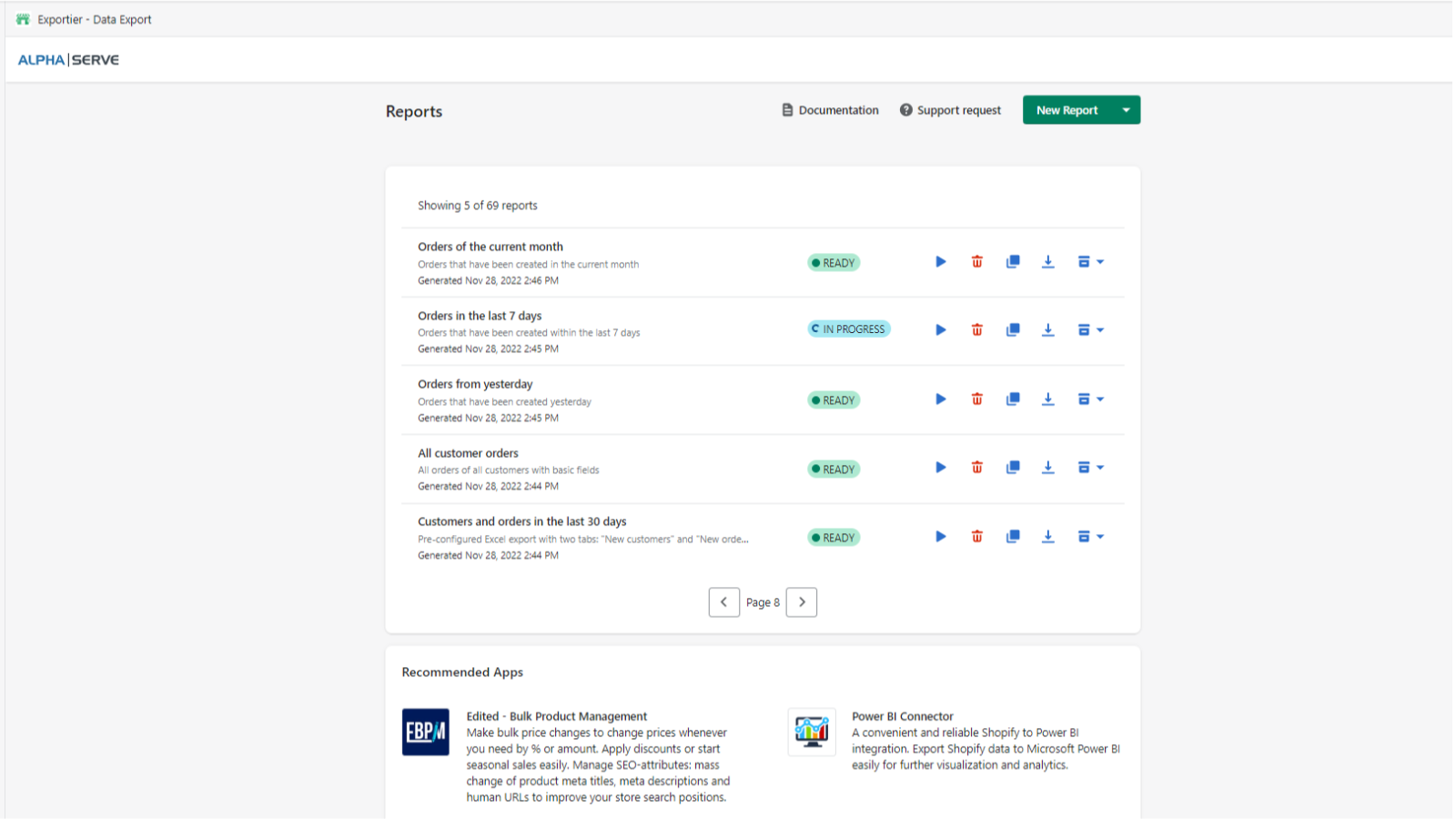
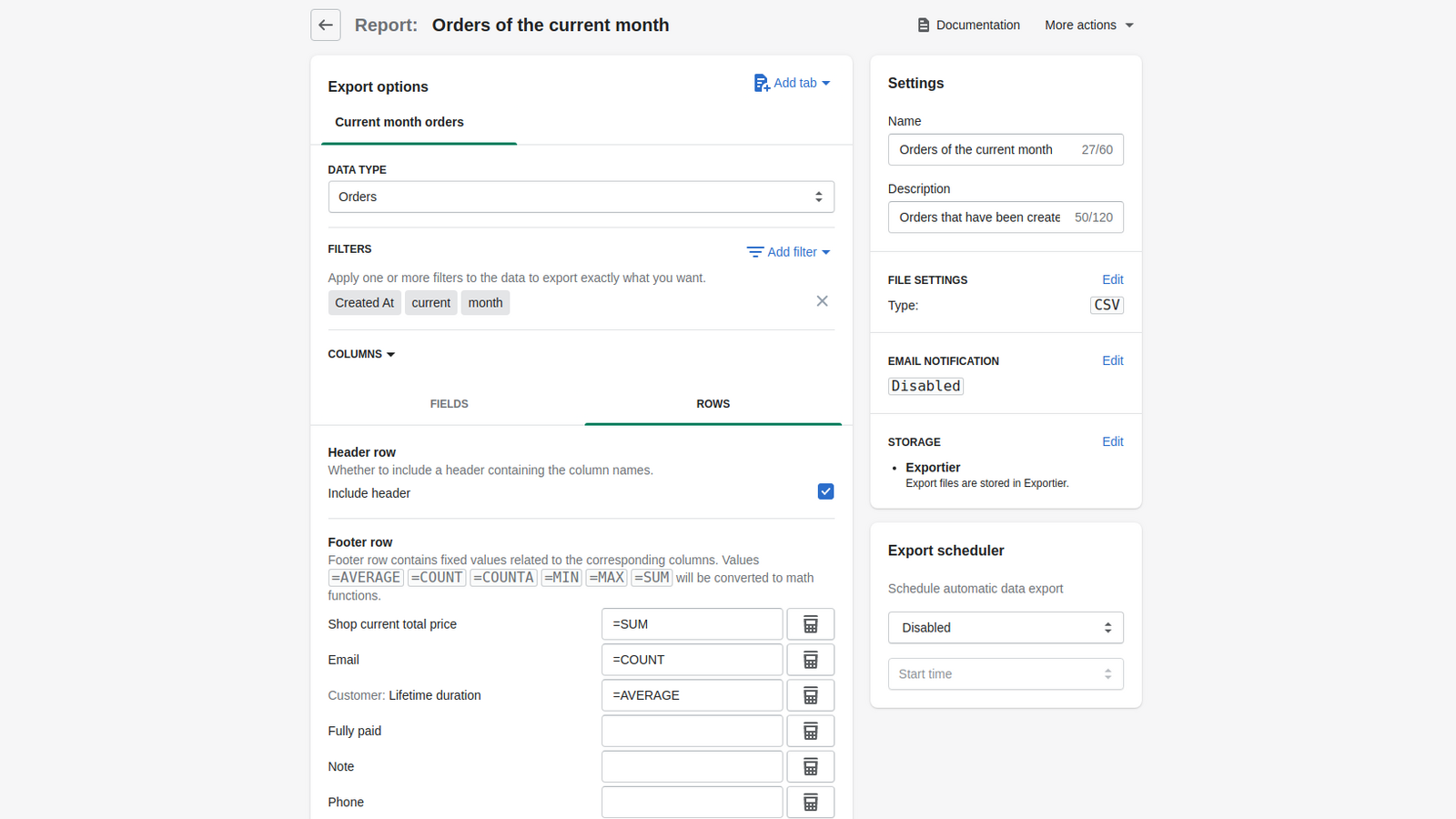
- Manage unlimited Shopify data exports for all fields with advanced filters
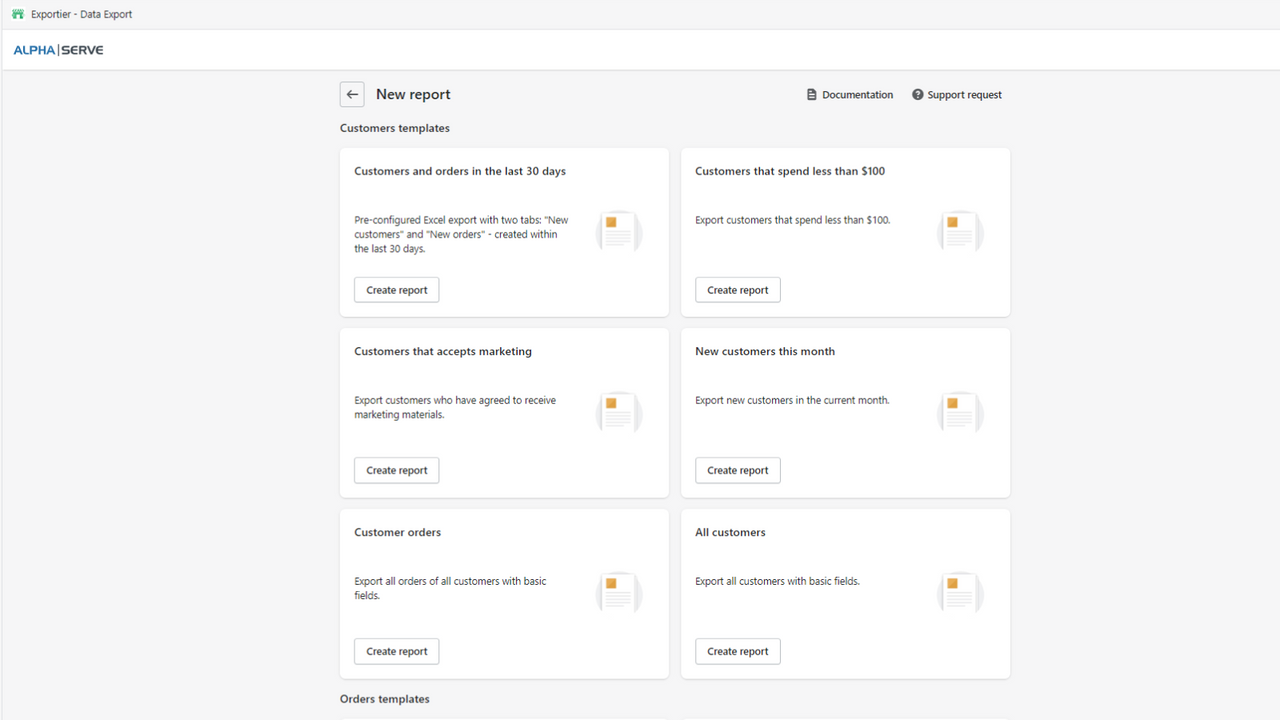
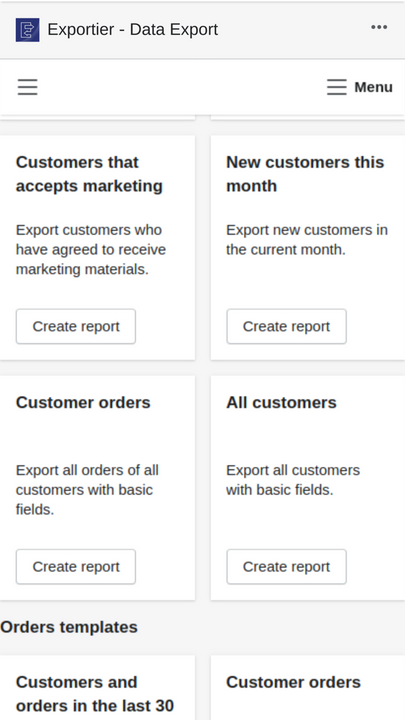
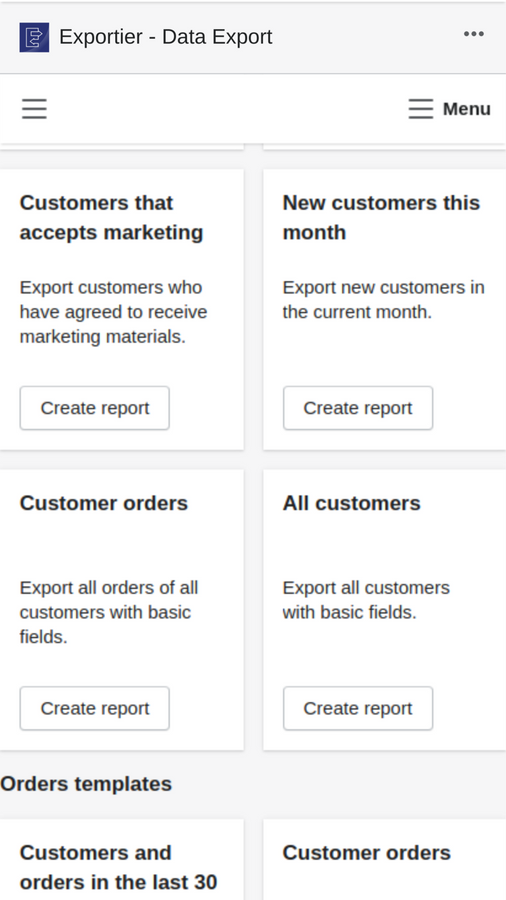
- Export data using Shopify report templates with preselected fields
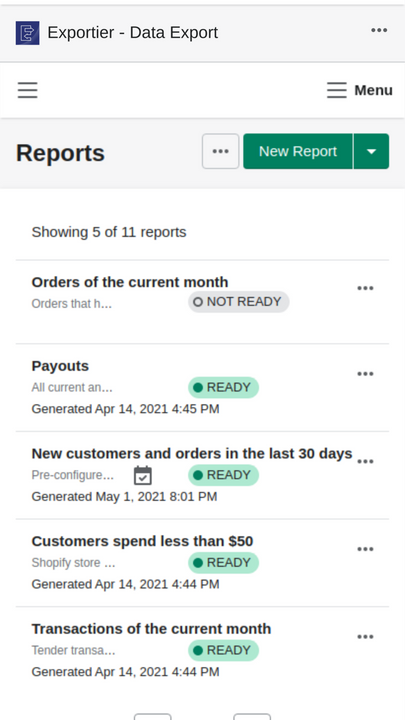
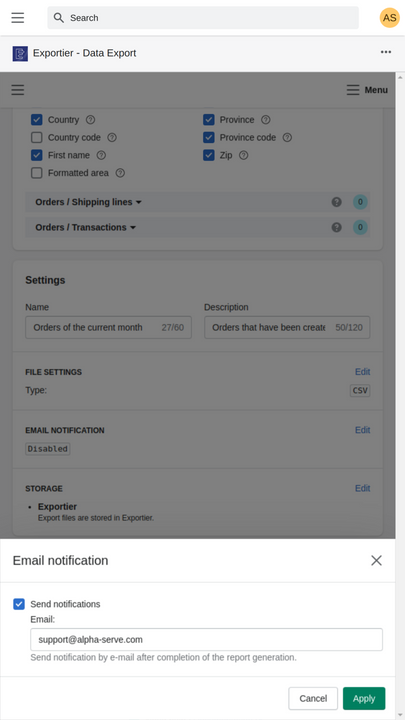
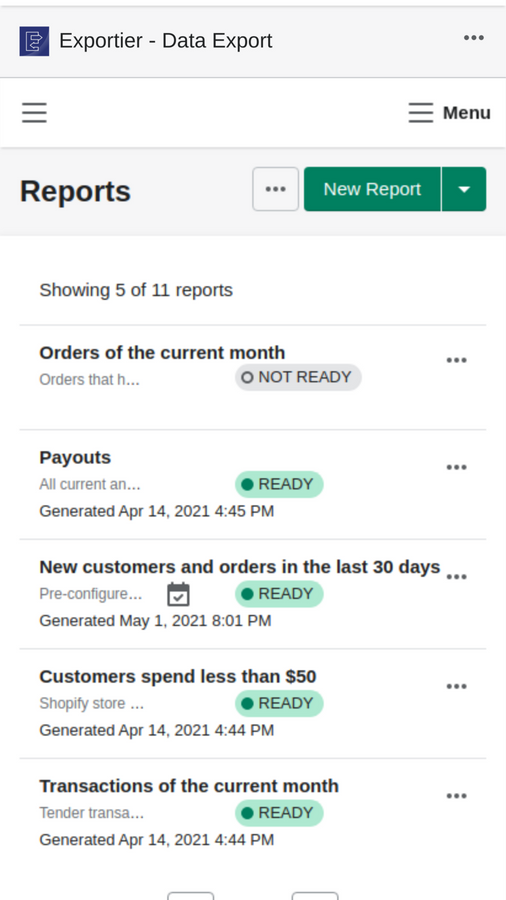
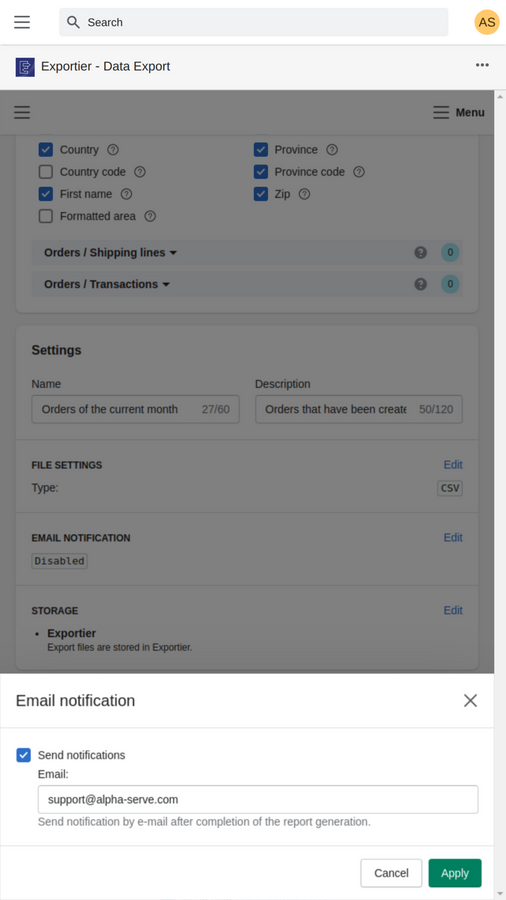
- Schedule automatic Shopify data exports to CSV/EXCEL with email notifications
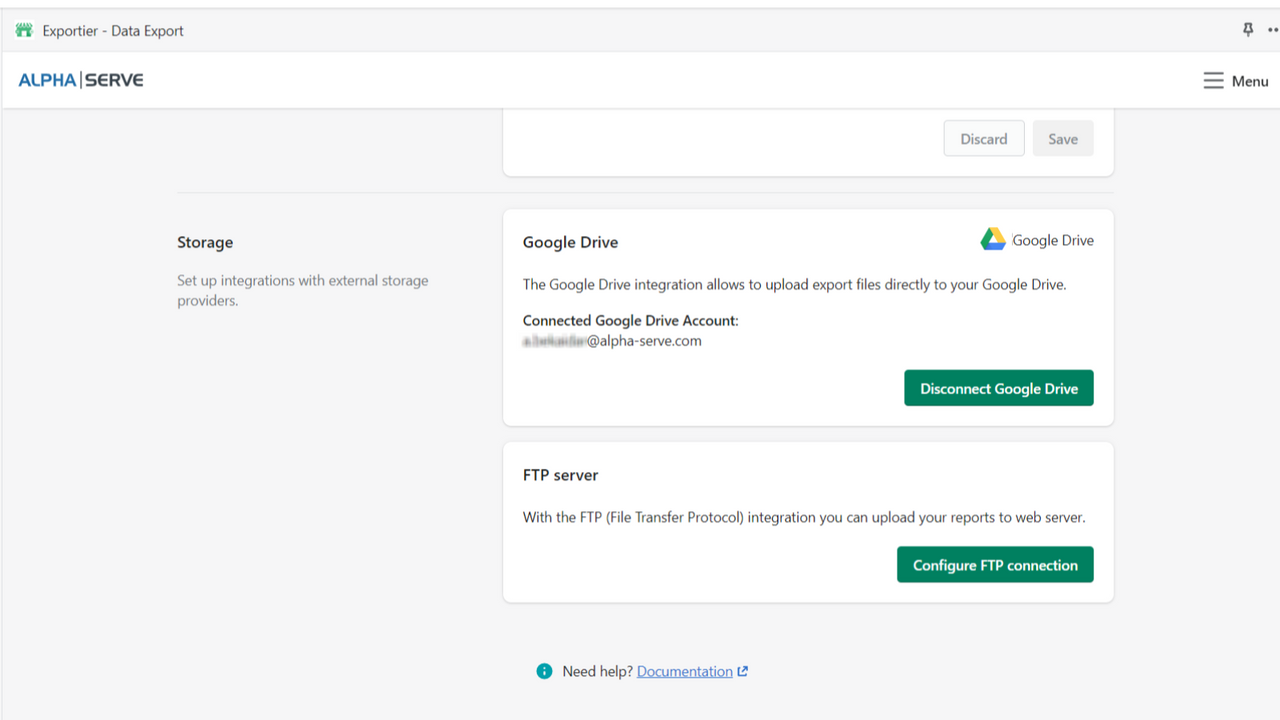
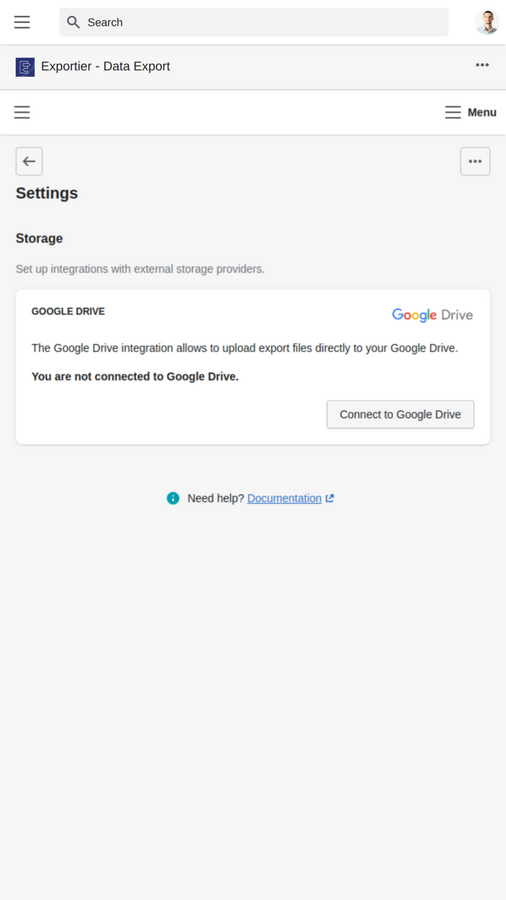
- Save your Shopify data exports in Exportier and Google Drive or FTP
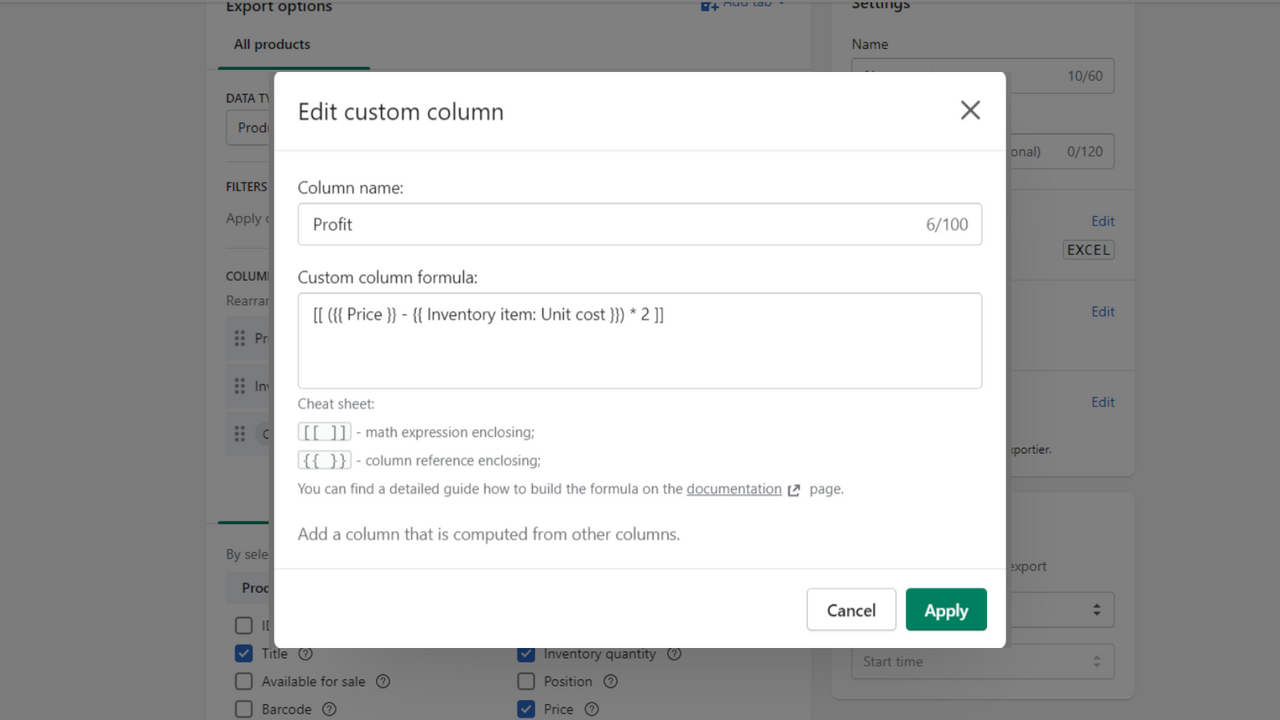
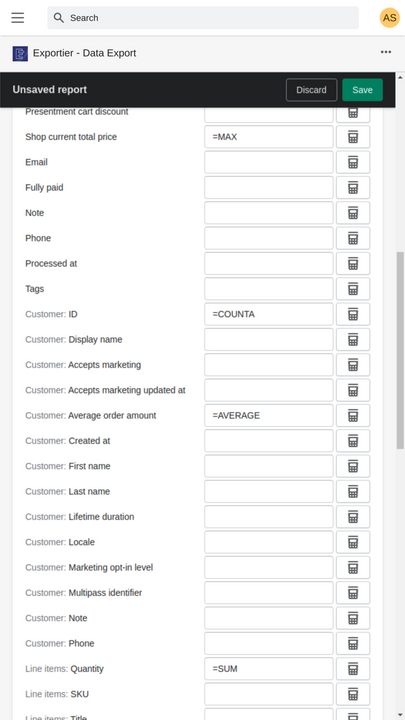
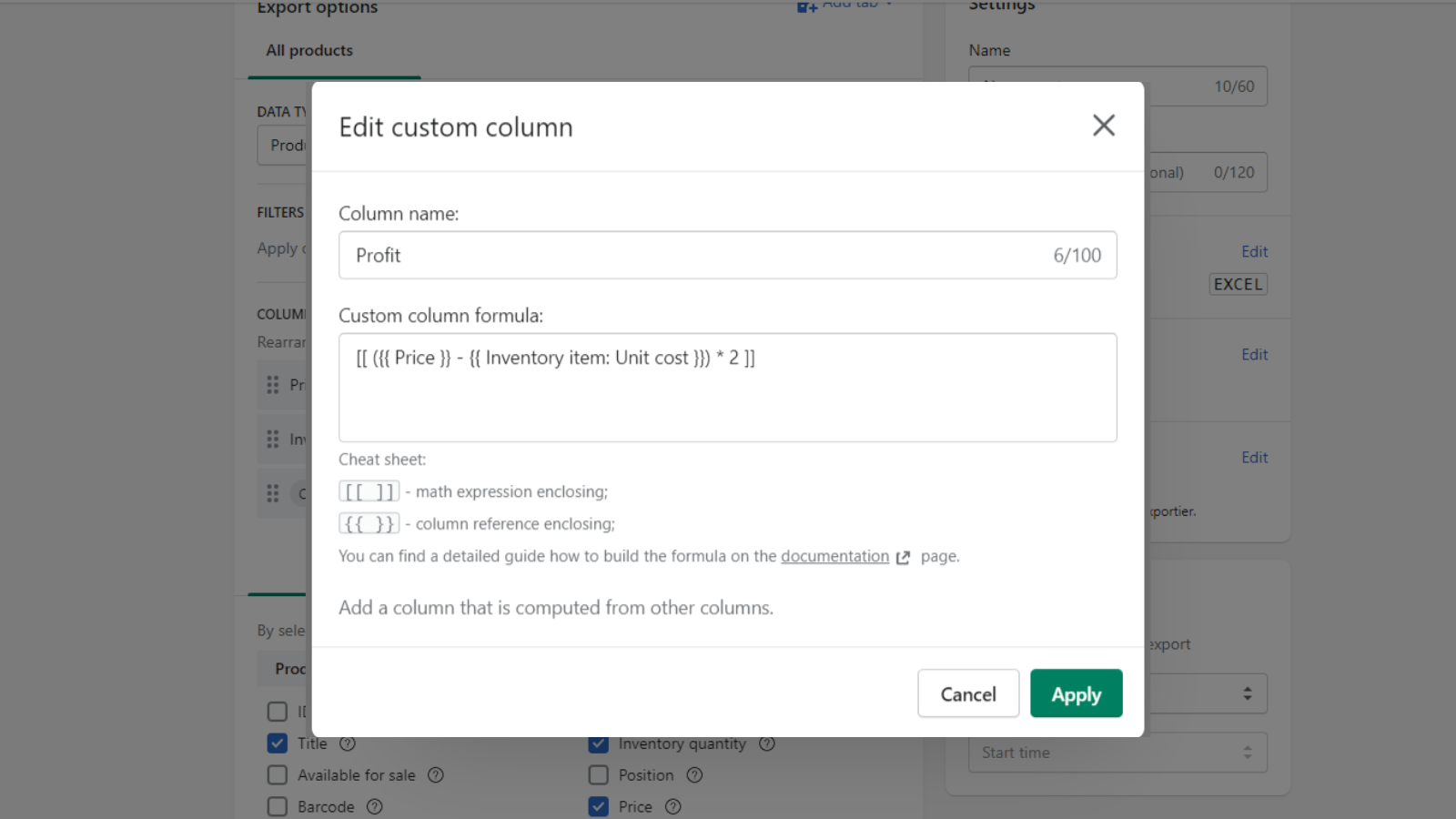
- Automatically calculate Shopify sales, profits, profit margins, and more using custom columns
Merchant-Friendly
- Data-Driven E-commerce
- Multi-Channel Retailers
- Independent Station Operators
- Cross-Border Sellers
Basic Information
- Developer:Tempo Software
- Address:10 Mall Road, Suite 301, Burlington, MA, 01803, US
- Price: Free / Free plan
- Rating:5 / 5
- Comment Count:6 comment
- Release Date:2020-12-17
- Supported languages:English
- Compatible products:Shopify
Application Screenshot




Price Plan
BASIC
- Unlimited Reports
- Export up to 200 rows at a time
- Store up to 3 export files in Exportier
- Monthly Export Scheduler
PROFESSIONAL
- Unlimited Reports
- Custom Columns
- Up to 1500 Rows per Export
- Store Up to 10 Files in Exportier
- Monthly/Weekly Export Scheduler
UNLIMITED
- Unlimited Reports
- Custom Columns
- Unlimited Rows per Export
- Store Up to 500 Files in Exportier
- Monthly/Weekly/Daily Export Scheduler
User Location & Comments
User Location
Comments
Shopify API Used
- POST /admin/api/data_export_jobs.json
- GET /admin/api/data_export_jobs/{job_id}.json
- GET /admin/api/metafields.json
Permission:read_orders,read_products,read_data_export
- POST /admin/api/report_templates.json
- GET /admin/api/report_templates/{template_id}.json
- POST /admin/api/report_templates/{template_id}/export.json
Permission:read_reports,read_orders,read_products
- POST /admin/api/data_export_jobs.json
- PUT /admin/api/data_export_jobs/{job_id}.json
- GET /admin/api/email_templates.json
Permission:read_data_export,manage_email_templates,read_orders
- POST /admin/api/data_export_jobs.json
- GET /admin/api/data_export_jobs/{job_id}/download.json
- POST /admin/api/webhooks.json
Permission:read_data_export,manage_webhooks,read_products
- POST /admin/api/report_templates.json
- GET /admin/api/orders.json
- GET /admin/api/products.json
Permission:read_orders,read_products,read_reports



