
App Introduction
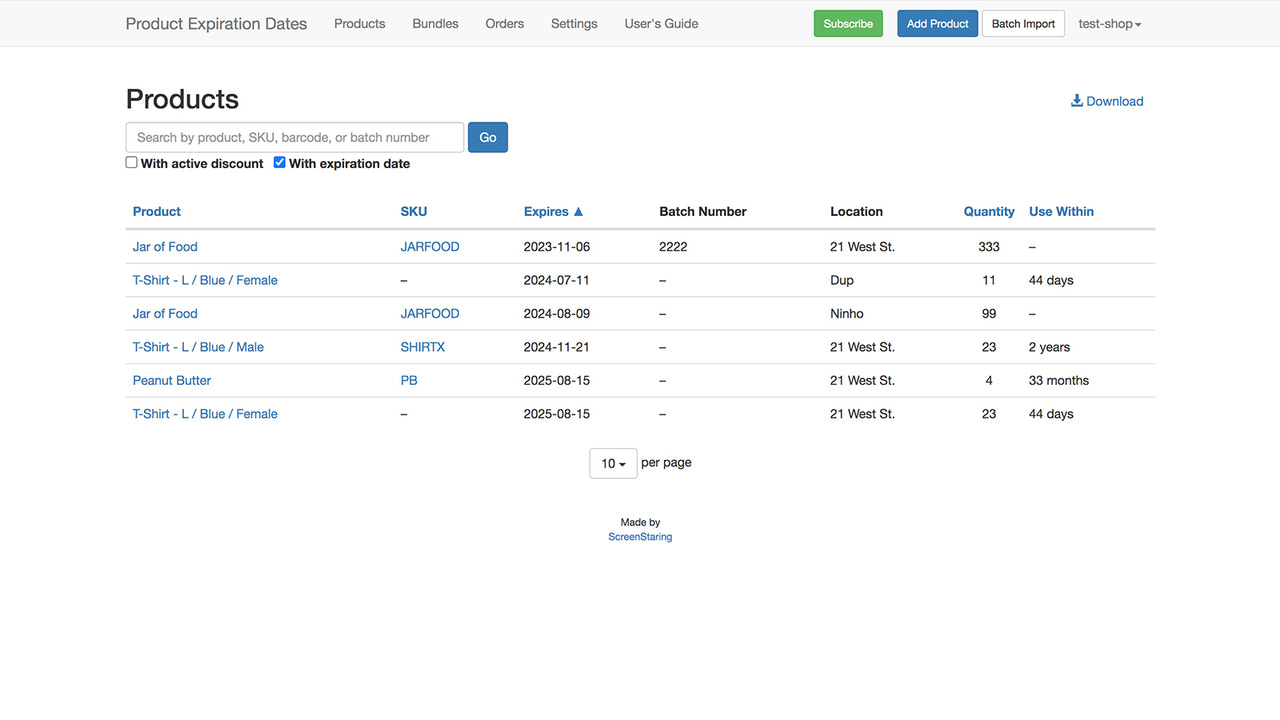
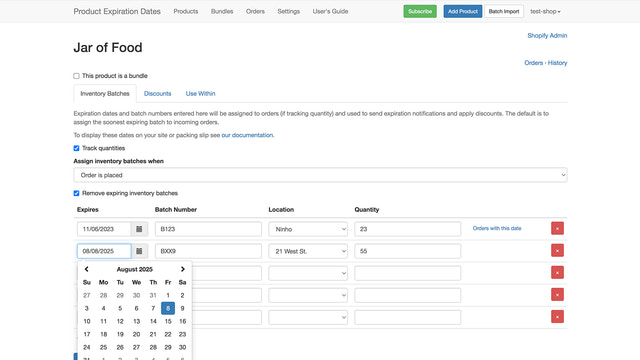
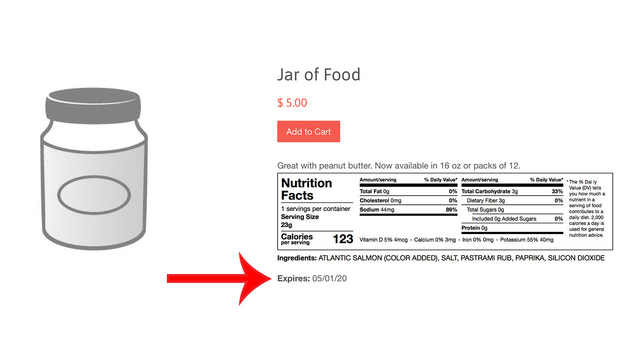
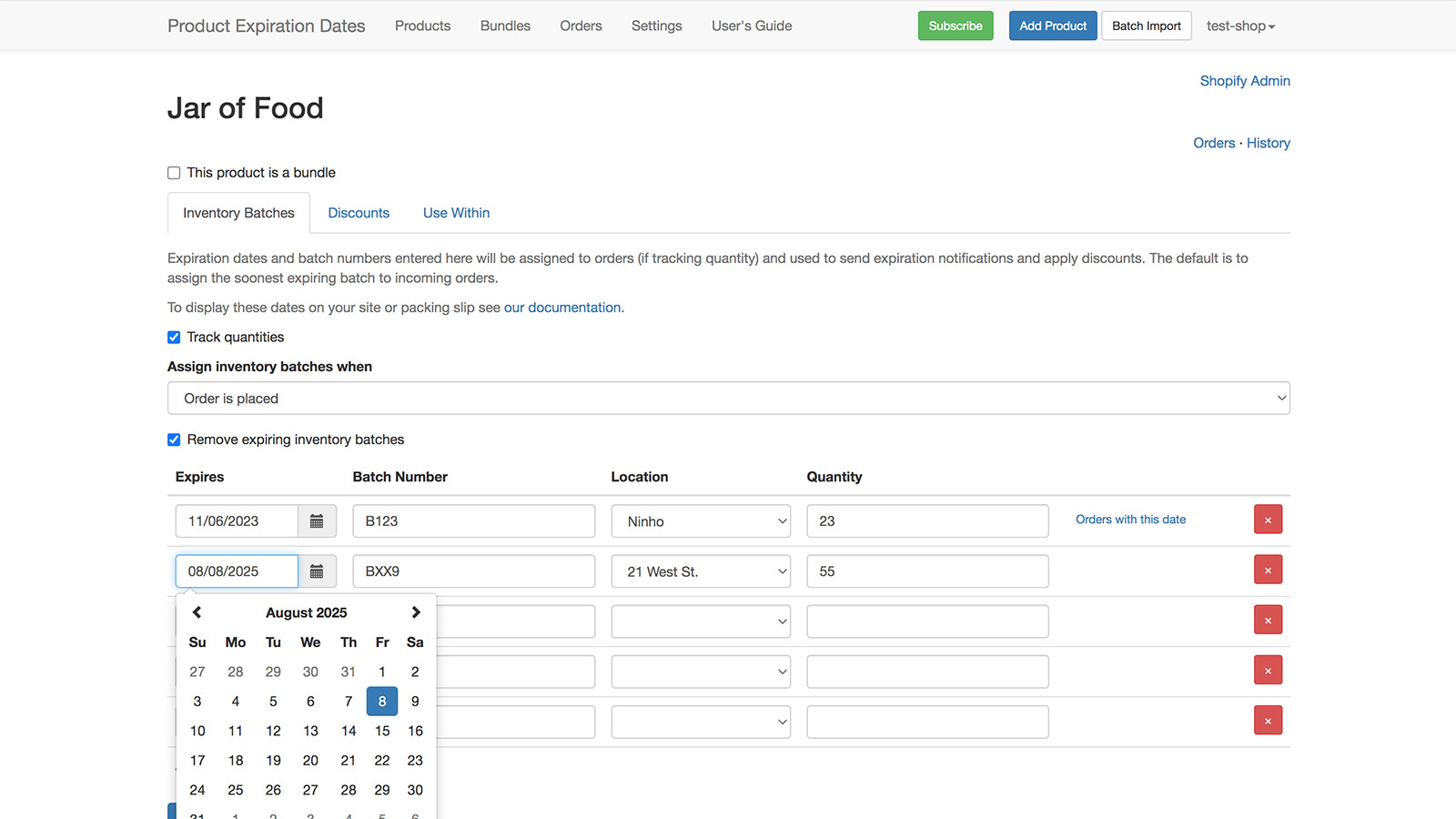
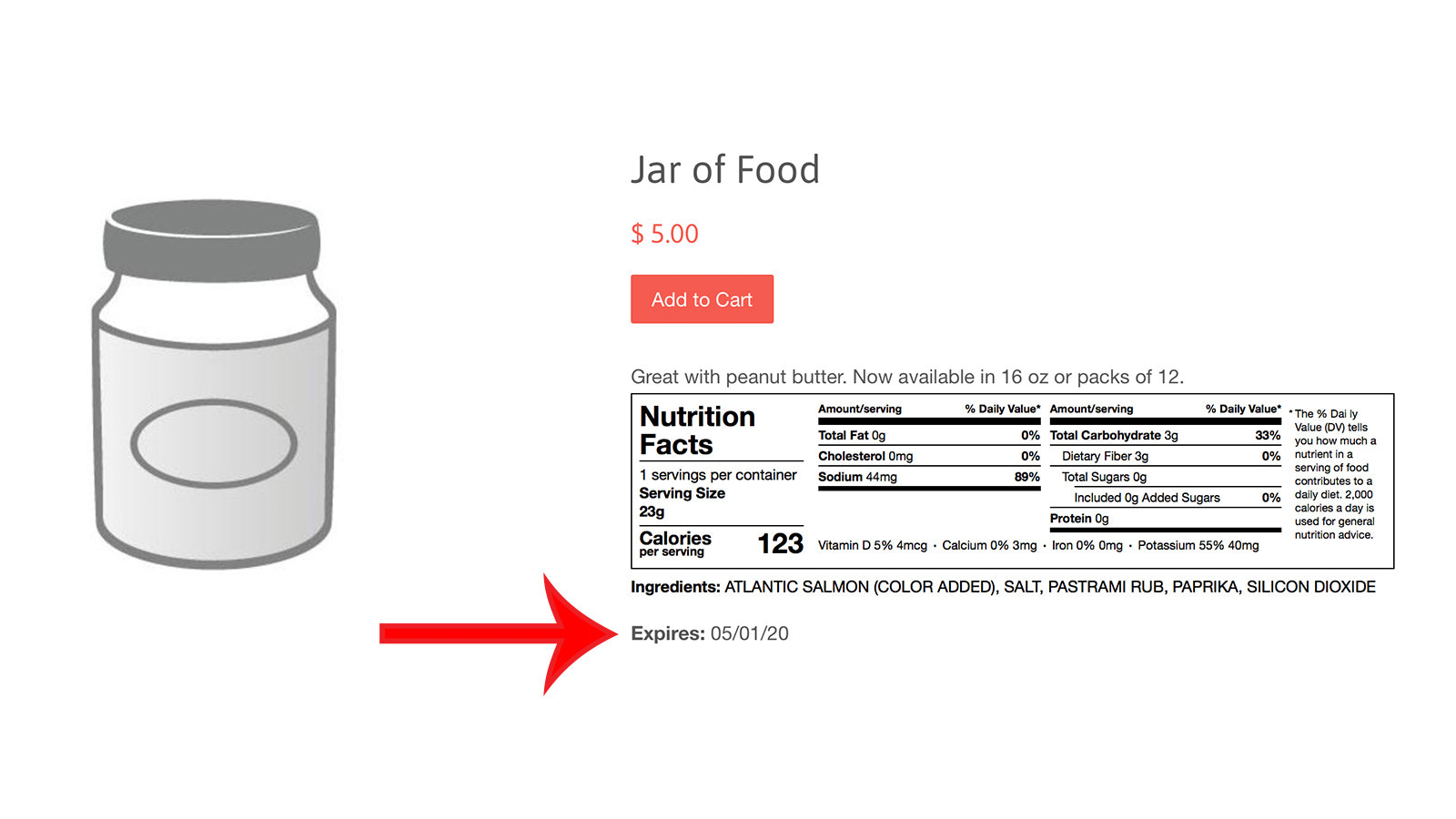
Comprehensive Best Before Date, Batch Number, and Shelf Life Management for Your Store Minimize revenue loss by tracking your products’ sales and shelf life with our Expiry Date app, while reassuring your customers that your inventory is always safe, fresh, and available. Expiry dates and their corresponding quantities can be added to your product pages or any other section of your website. Discount expiring products, remove them from your store, and receive email notifications before they expire.
Core Functionality
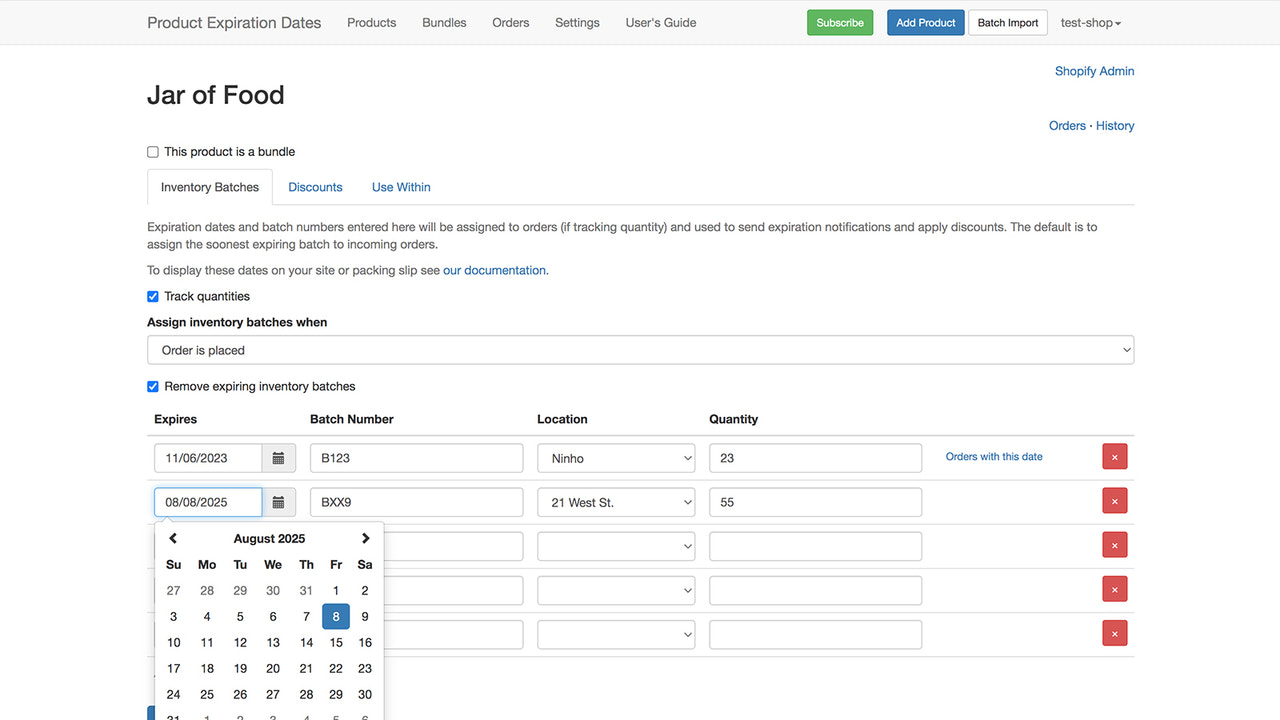
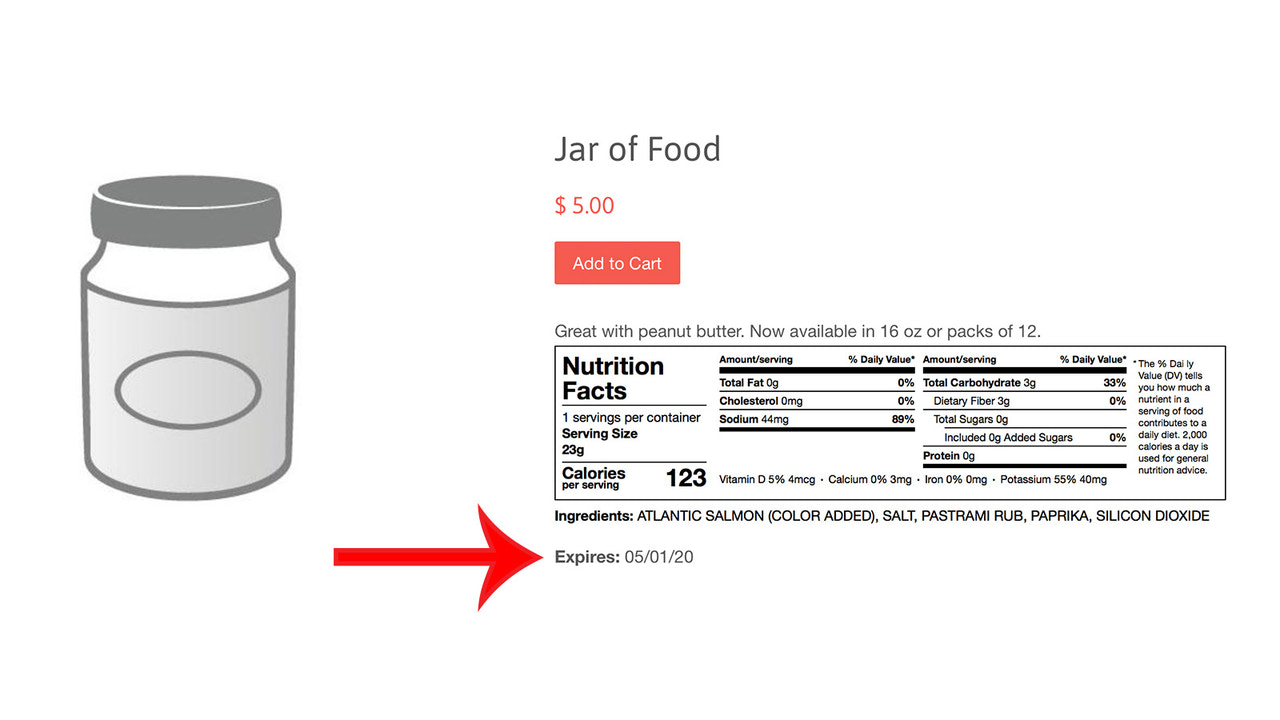
- Add best-by dates, expiration dates, and shelf-life information to your product pages
- Receive notifications before your products reach their best-by or expiration dates
- Discount and remove products that are approaching their best-by or expiration dates
Merchant-Friendly
- Food & Beverage Merchants
- Beauty & Skincare Merchants
- Health Supplement Merchants
- Fresh Produce E-commerce Merchants
Basic Information
- Developer:ScreenStaring
- Address:21 West St., New York, NY, 10006, US
- Price: Free / Free plan
- Rating:4.9 / 5
- Comment Count:15 comment
- Release Date:2020-5-1
- Supported languages:English
- Compatible products:Shopify
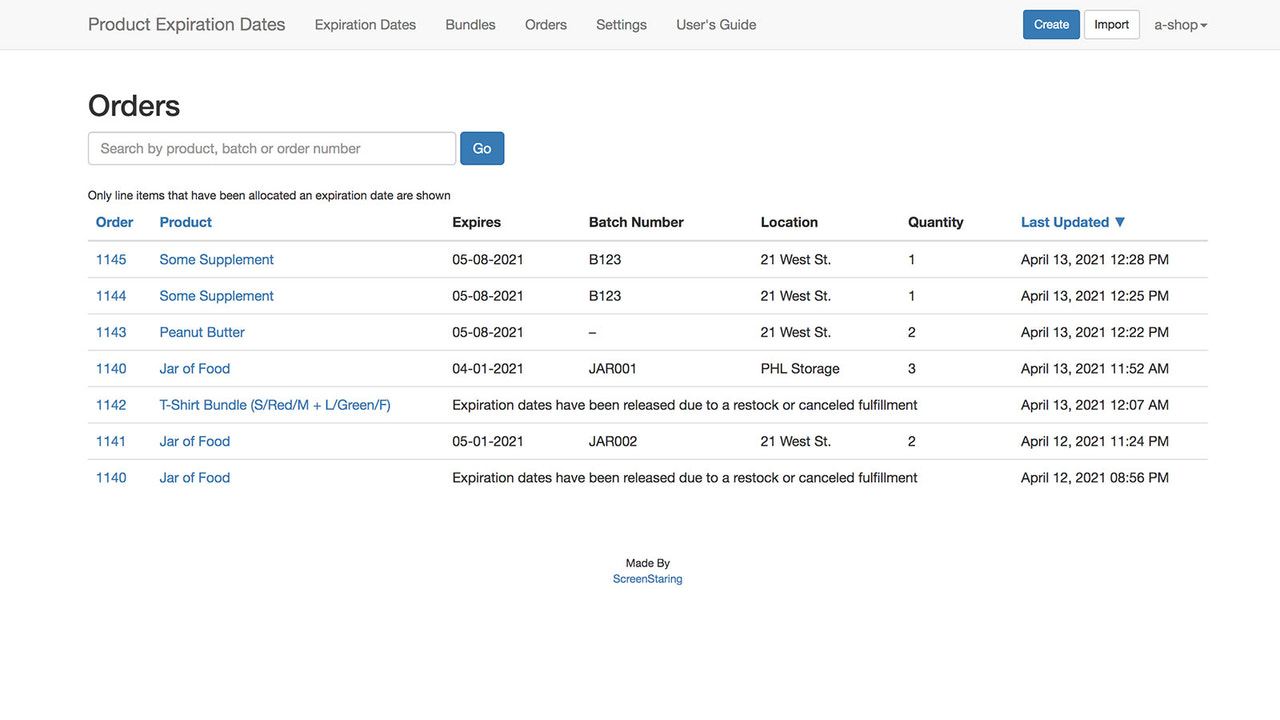
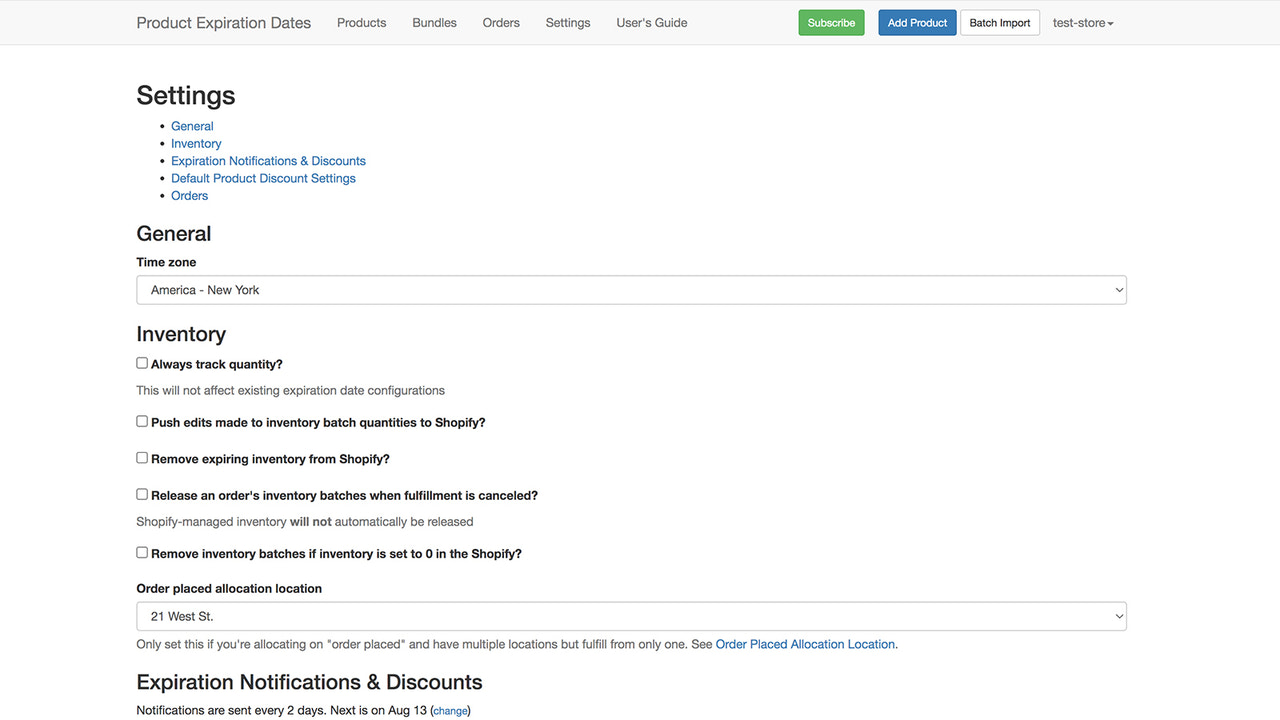
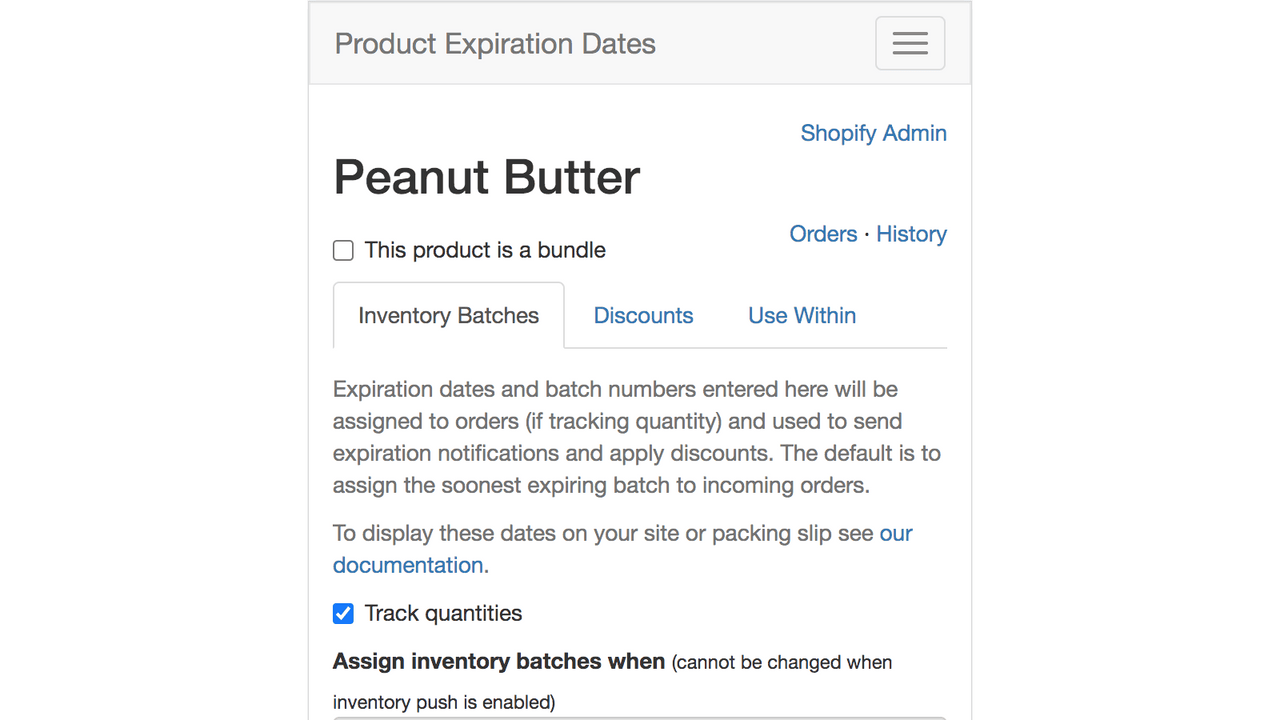
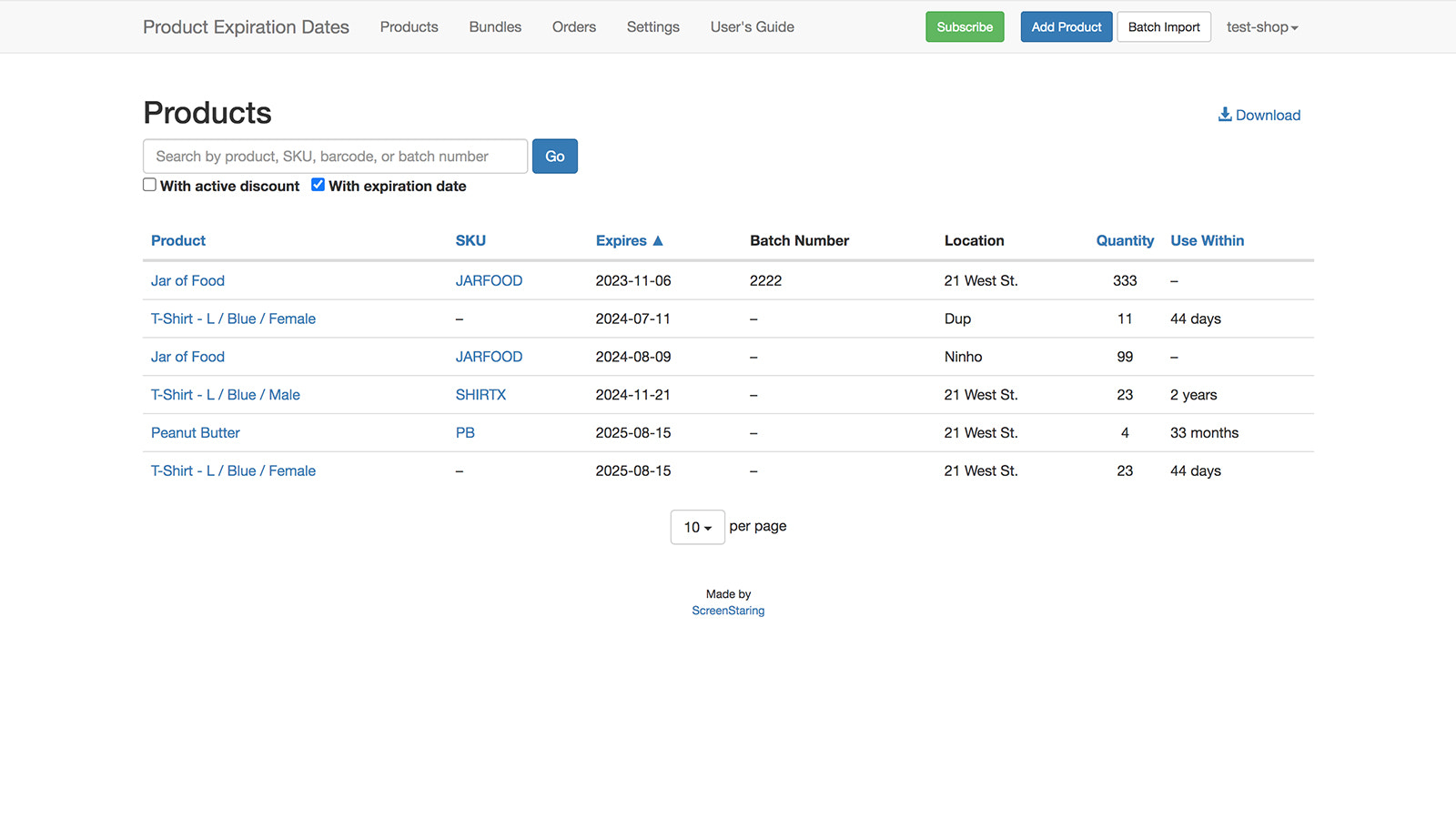
Application Screenshot

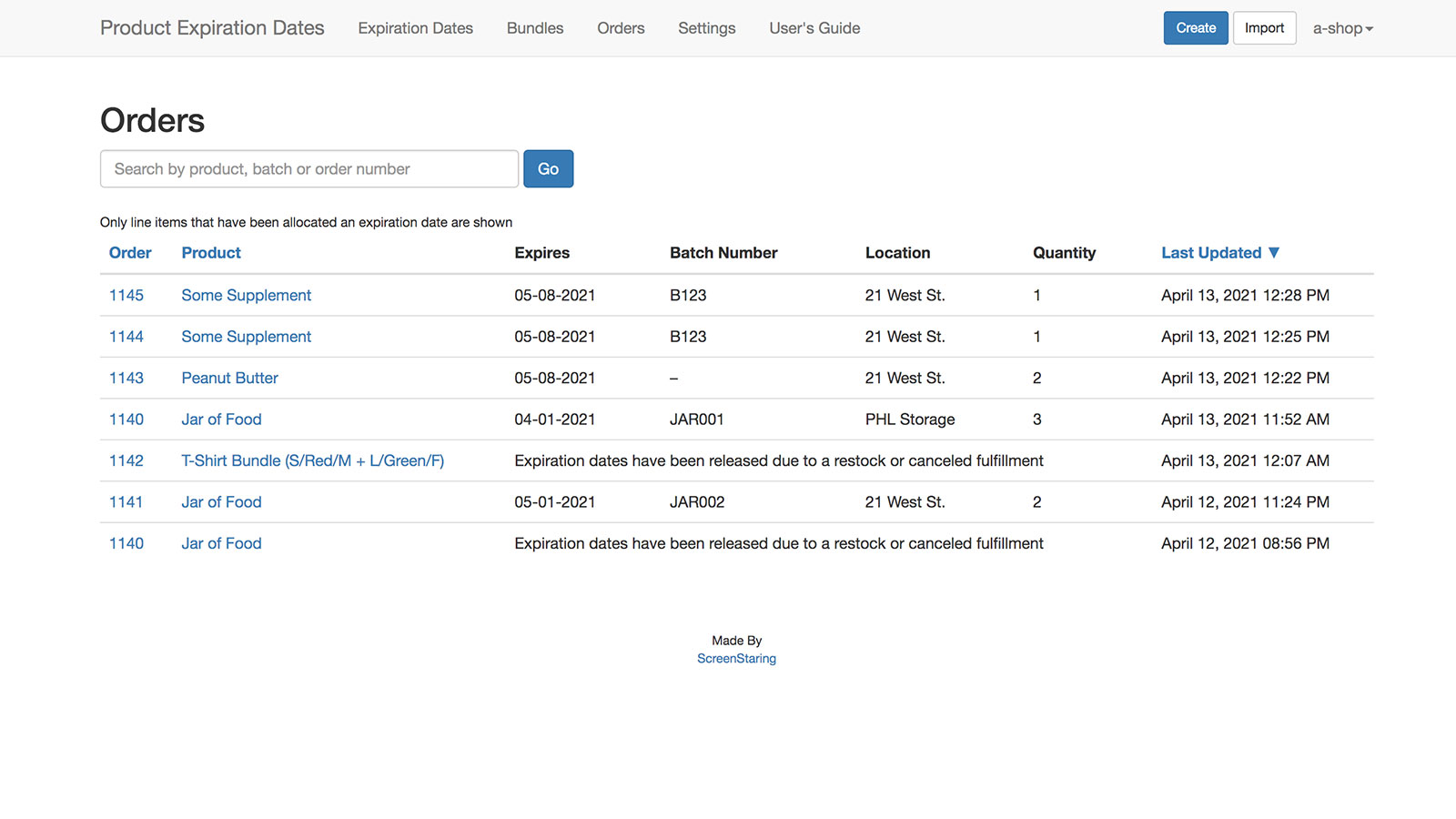
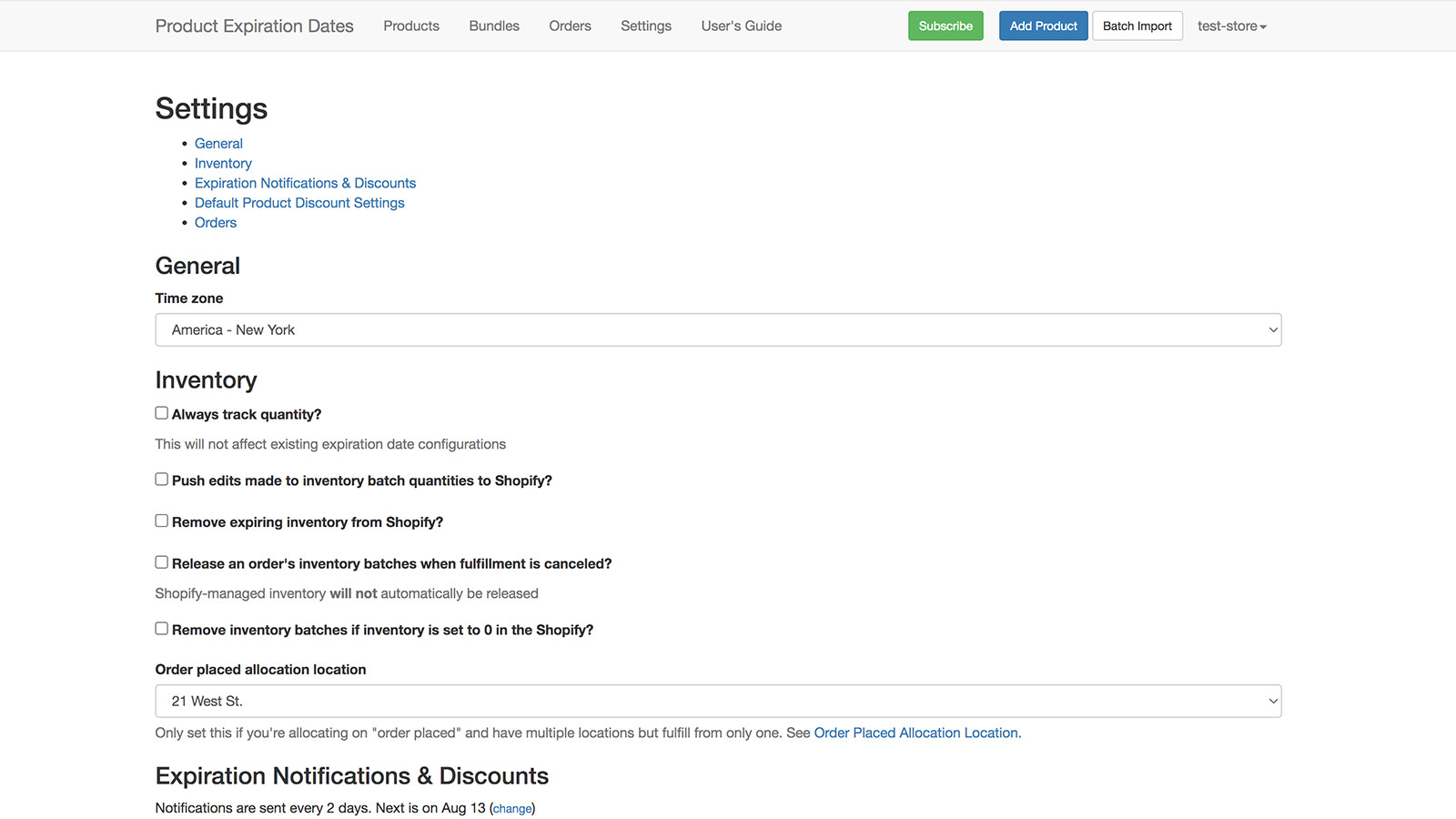
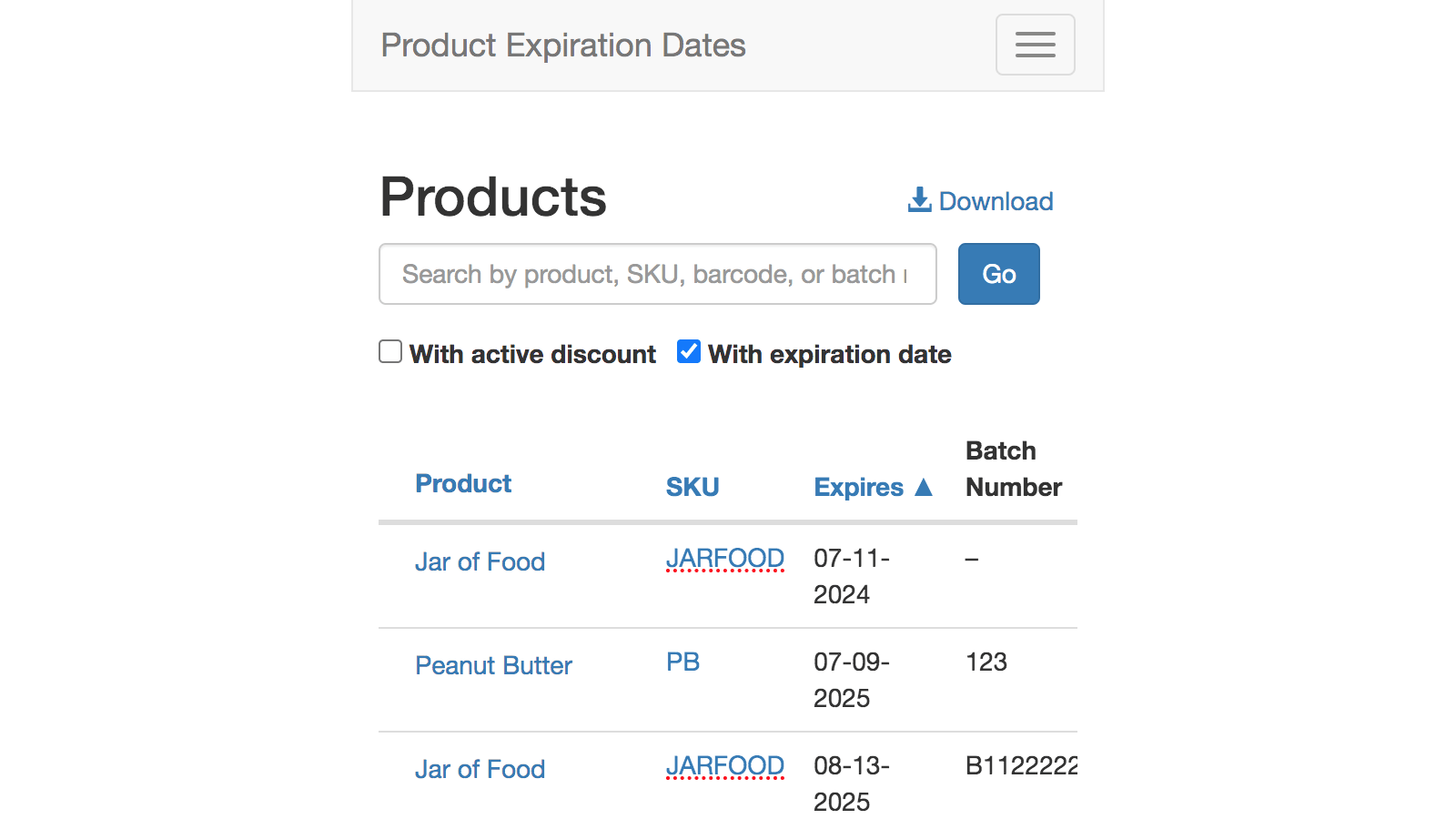
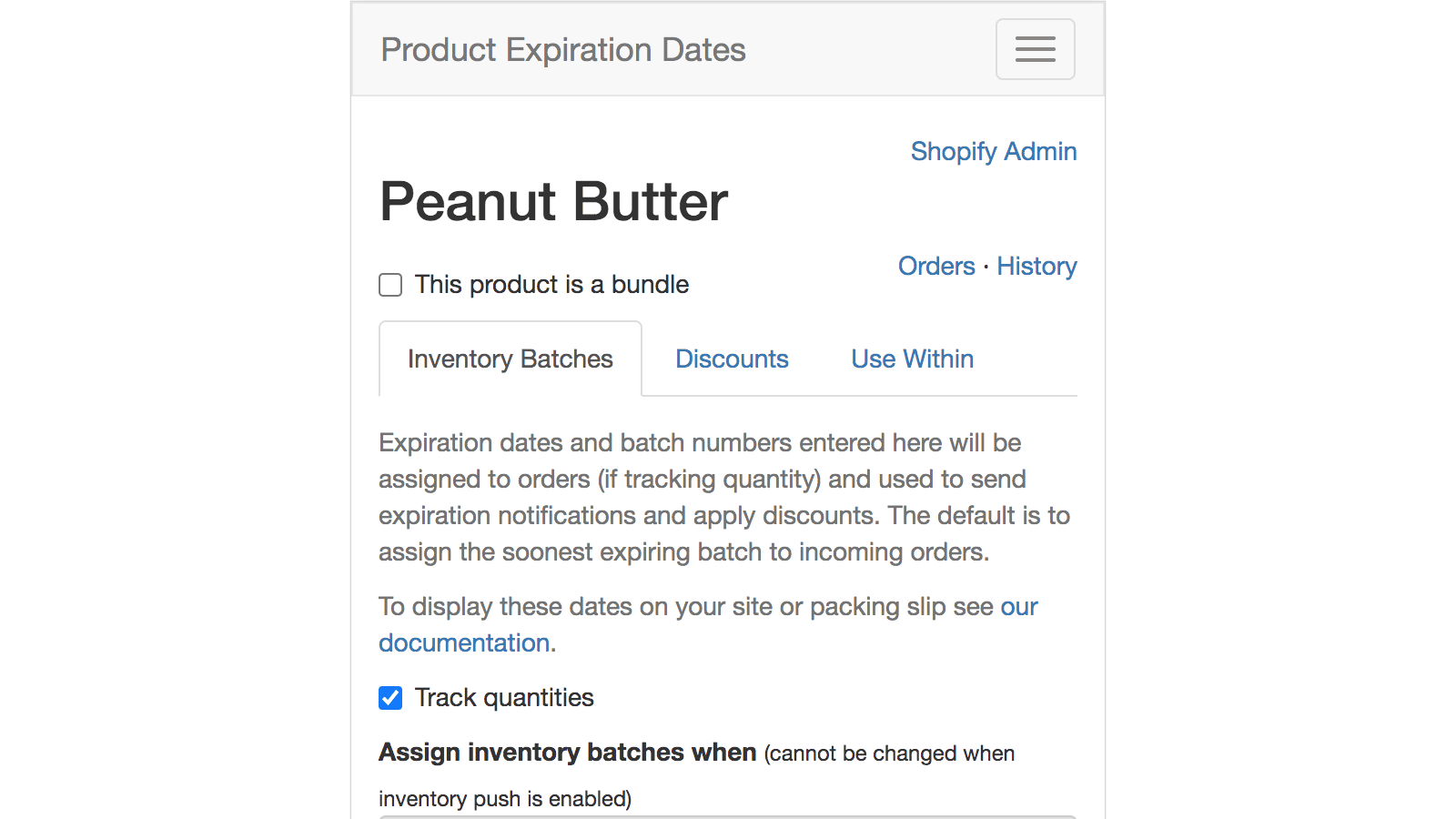
Price Plan
Basic
$10
- Upcoming Expiry Product Notification
- Automatic Batch Allocation
- Bulk Upload and Edit of Expiry Data
- Validity Period Value
- Metafield
- Unlimited
Pro
$16
- Basic Features
- Discount or Remove Upcoming Expired Products
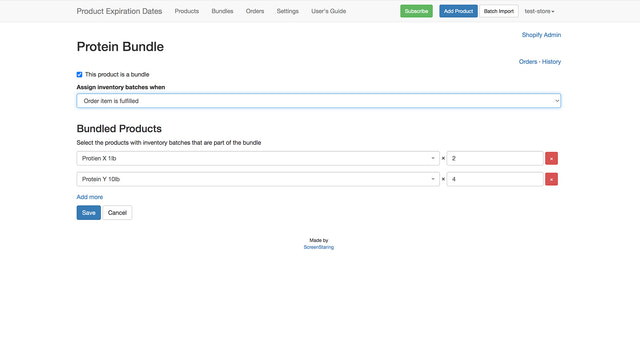
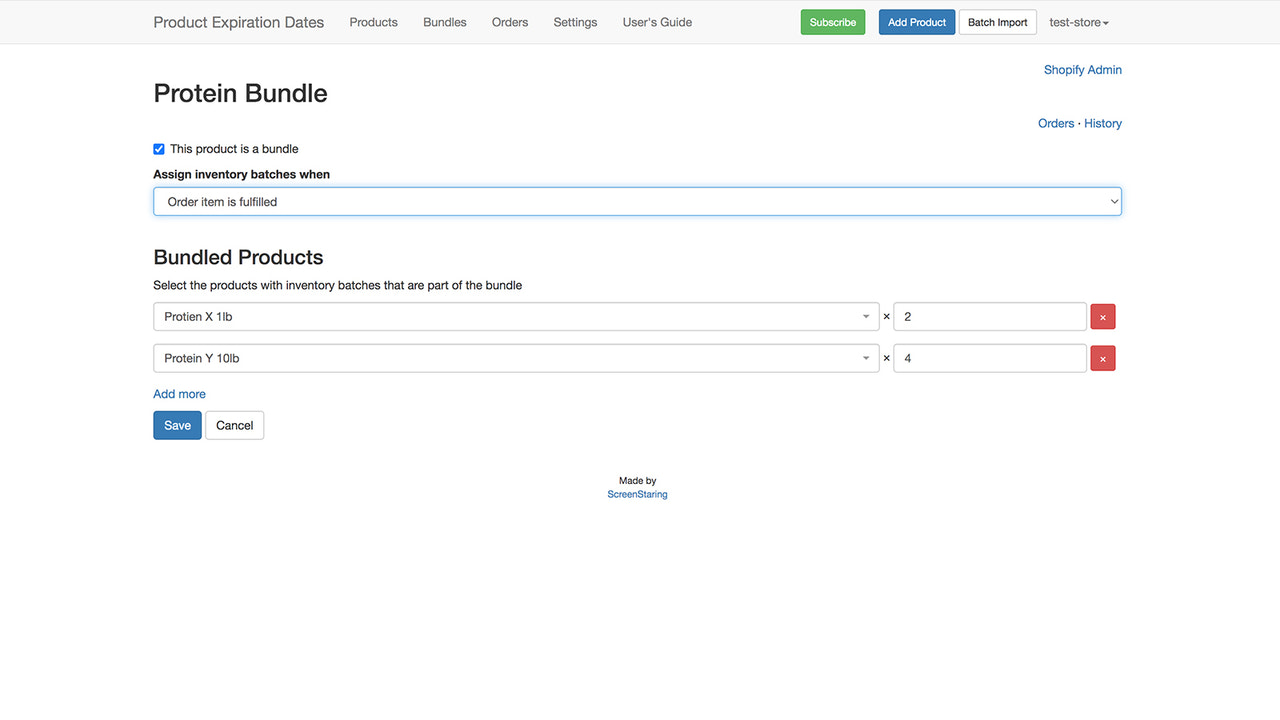
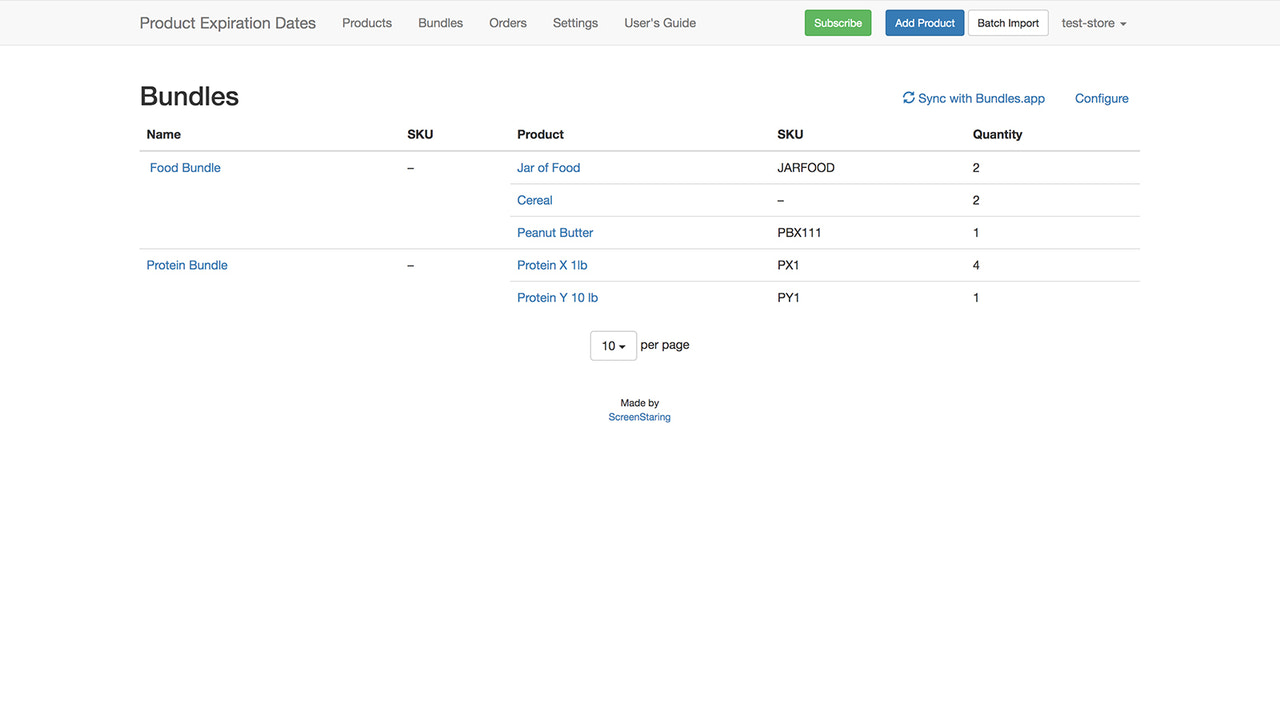
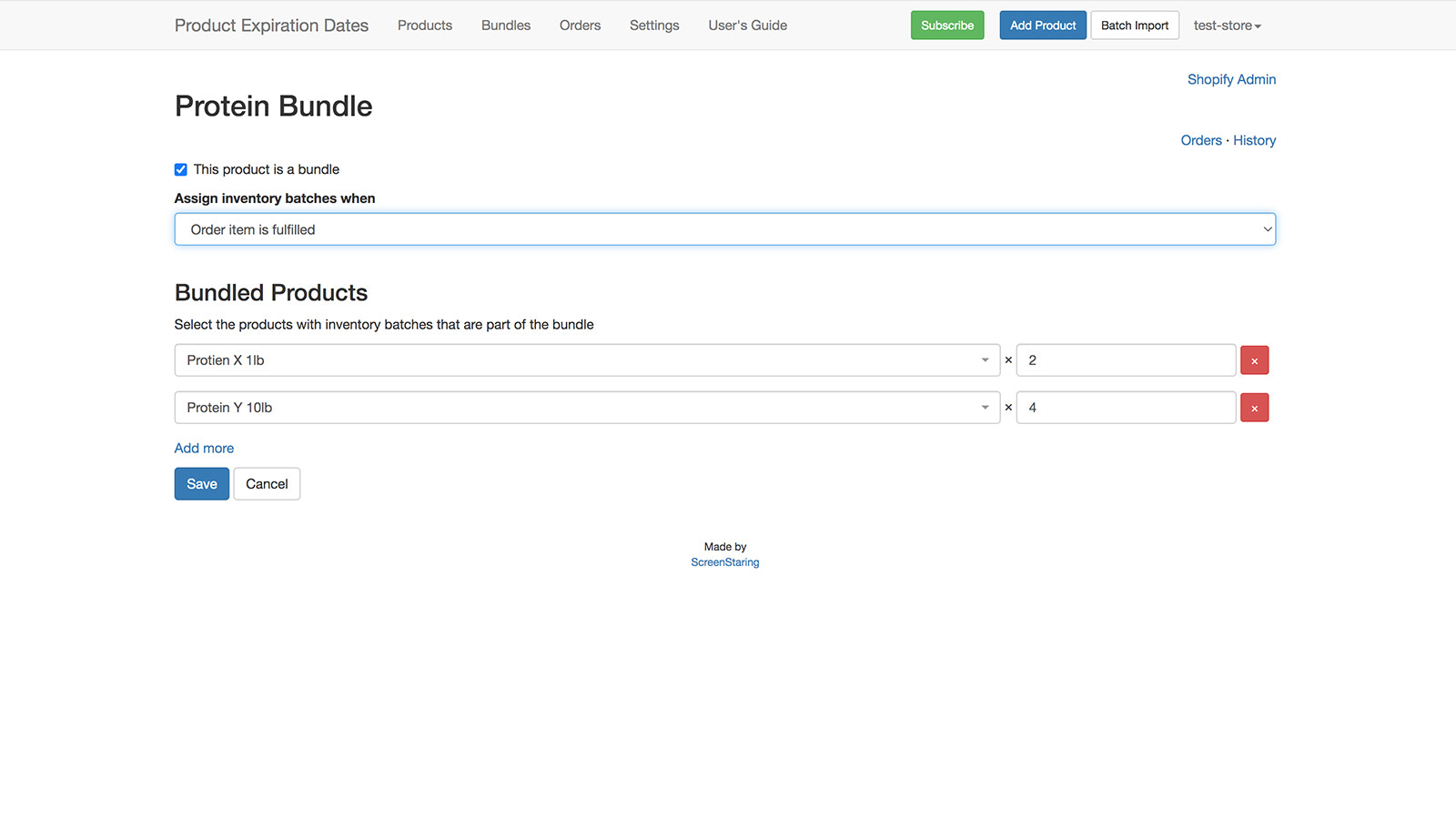
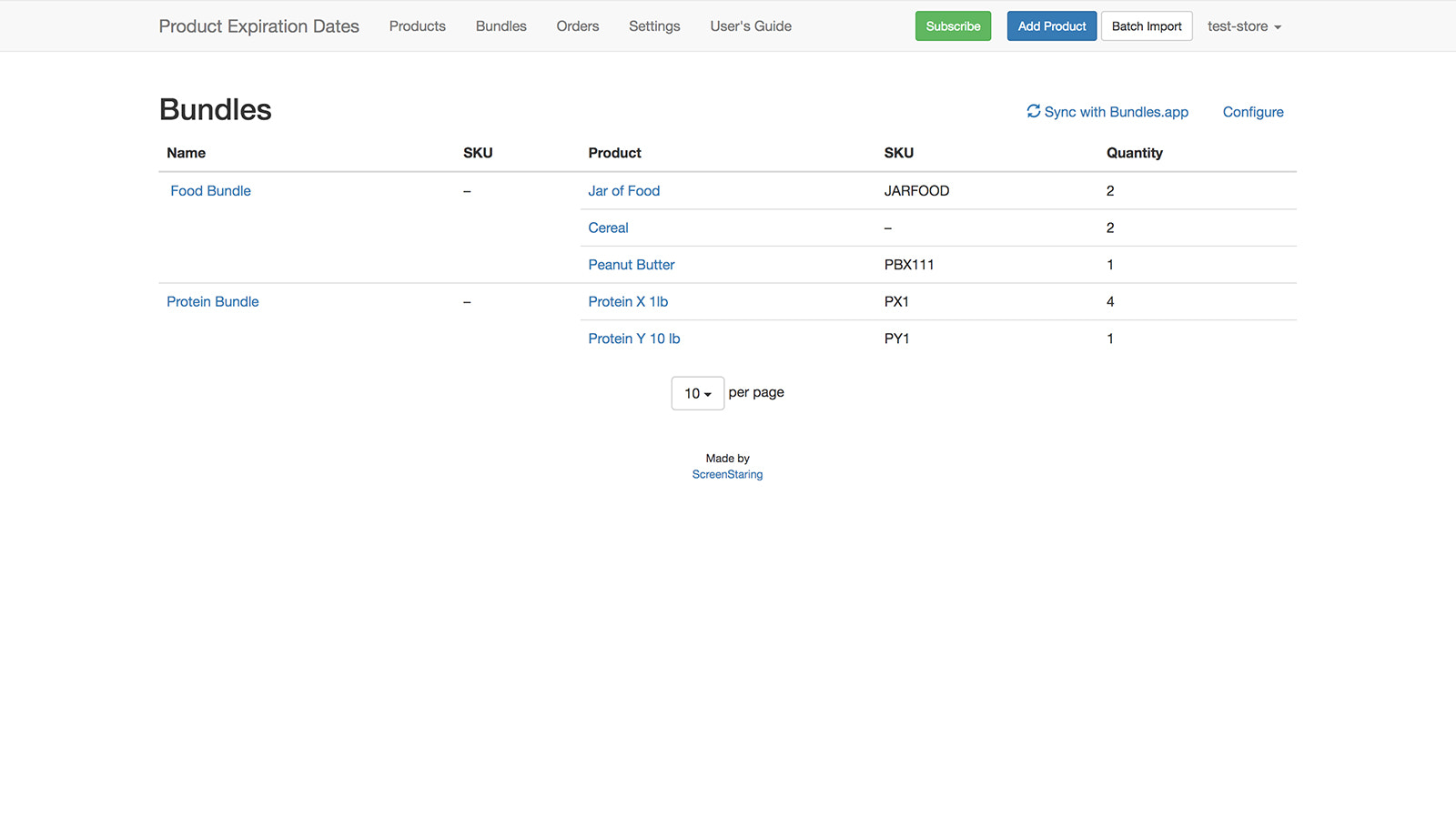
- Create and Sync Bundles
- Push Quantity to Available Inventory
Premium
$24
- Professional Features
- Manually Assign Inventory Batches
- Push Quantity to Existing Inventory
- Assign Batches to Third-Party Orders
- Input Expiry Batches via Barcode
Platinum
$32
- Advanced Plan Features
- Phased Product Discounts
- Inventory Rule Sets
User Location & Comments
User Location
Comments
Shopify API Used
- POST /admin/api/products/{product_id}/metafields.json
- PUT /admin/api/products/{product_id}/metafields/{metafield_id}.json
- GET /admin/api/products/{product_id}/metafields.json
Permission:write_products,read_products,manage_metafields
- POST /admin/api/webhooks.json
- GET /admin/api/webhooks.json
- PUT /admin/api/webhooks/{webhook_id}.json
Permission:write_webhooks,read_webhooks,manage_notifications
- POST /admin/api/discounts.json
- PUT /admin/api/discounts/{discount_id}.json
- DELETE /admin/api/products/{product_id}.json
Permission:write_discounts,read_discounts,manage_products