
App Introduction
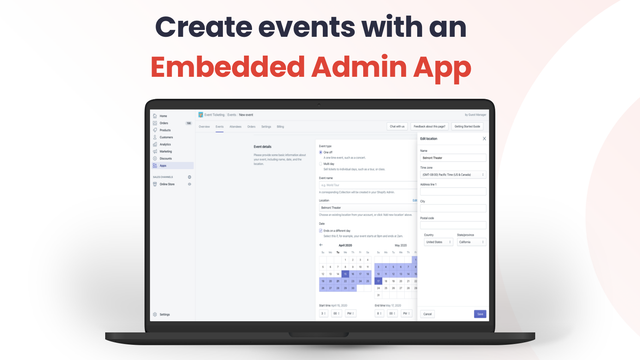
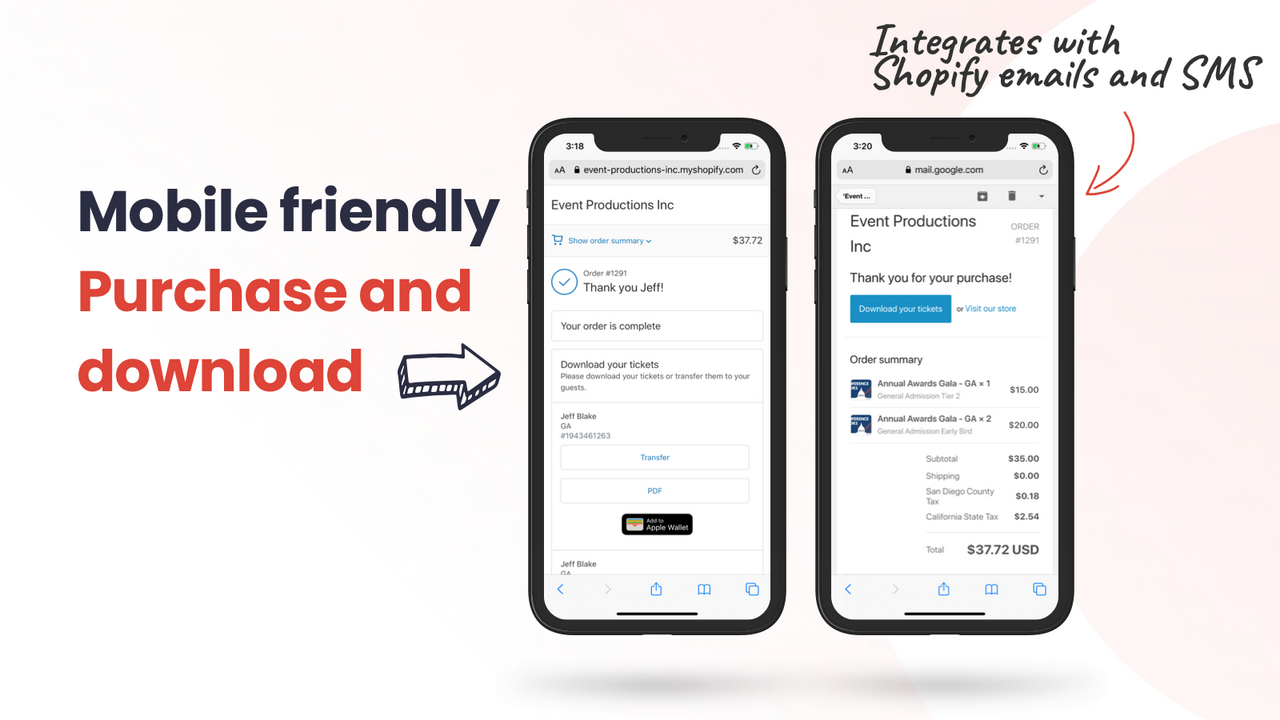
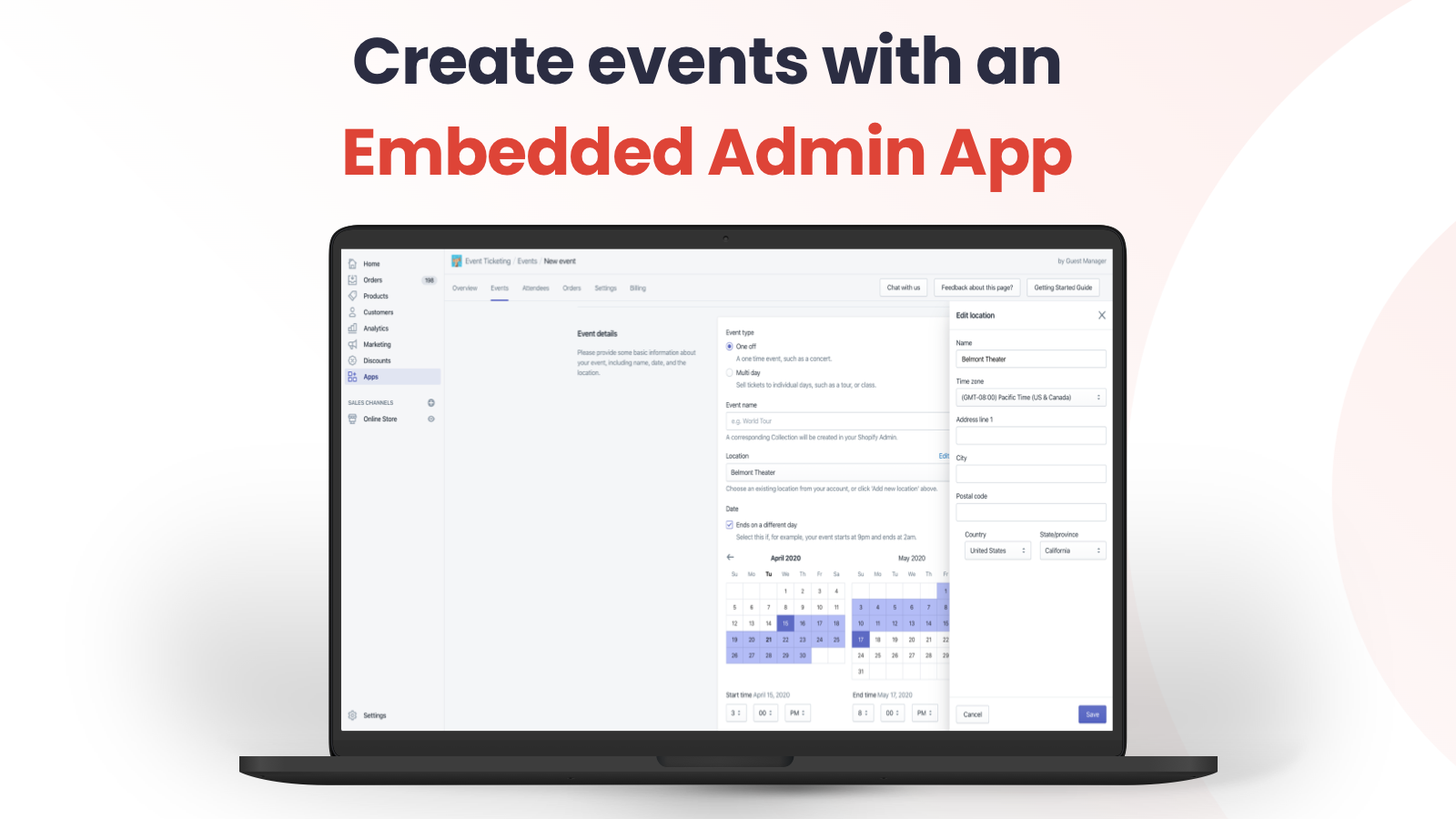
Design, sell, and scan barcode-enabled tickets for your live events Tired of expensive and outdated online ticketing platforms? Are you interested in selling event tickets on the platform you already use and trust? With Event Ticketing, you can sell professional, branded digital tickets in minutes—no coding required. Track sales, export attendees, and scan tickets via our included iOS app. Summer 2024 Update: Brand-new native (fast) POS scanning app, plus thank-you/order status widgets to support checkout scalability!
Core Functionality
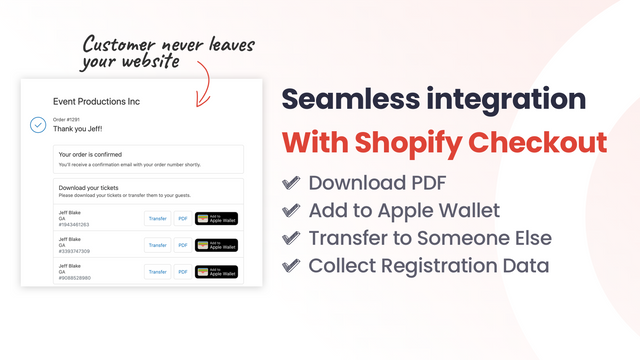
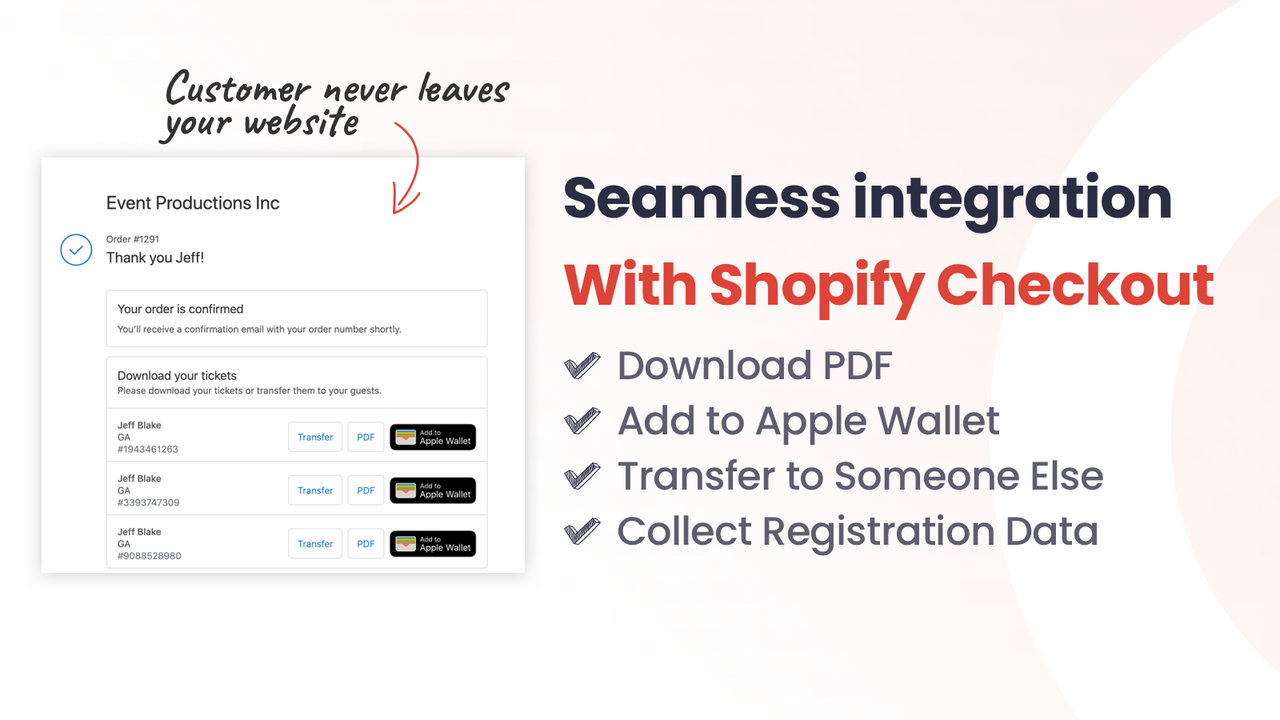
- Design your own PDF and Apple Wallet tickets, and send them directly to your customers via email
- Sell tickets in your store, compatible with all themes
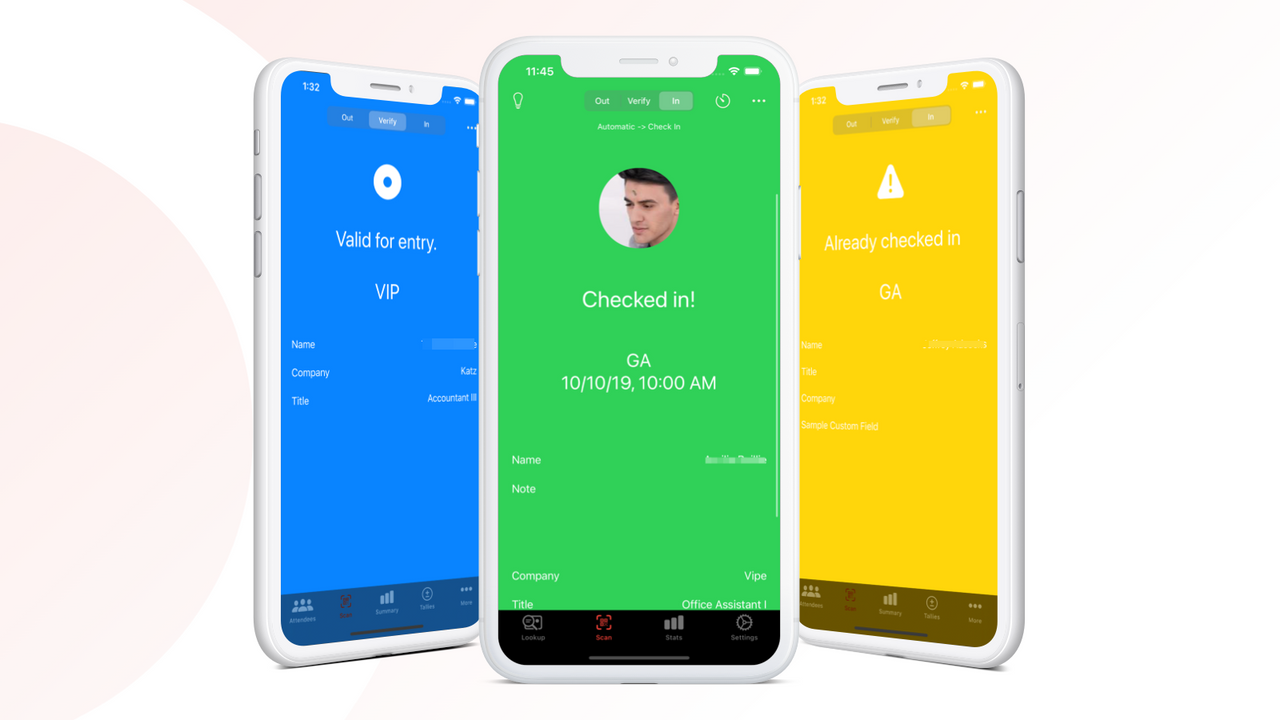
- Scan tickets quickly and reliably using your phone's camera – or rent a laser scanner
- Event calendar and ticket sales page theme plugin
- Collect custom attendee information
Merchant-Friendly
- Event Organizers
- Offline Experience Merchants
- Ticket Sales Merchants
- Multi-category E-commerce
Basic Information
- Developer:Guest Manager
- Address:PO Box 11526, Zephyr Cove, NV, 89448, US
- Price: Free / Free plan
- Rating:4.7 / 5
- Comment Count:32 comment
- Release Date:2019-10-15
- Supported languages:English
- Compatible products:Shopify
Application Screenshot








Price Plan
按需
- Sell unlimited paid tickets at $1 each
- Design PDF and Apple Wallet tickets
- Check-in and scanning app
- Shopify POS scanning plugin
高级
- All functions in On-Demand, plus:
- Ability to provide free tickets
- External management application for premium users
- Send tickets to customers via email
- Event calendar
专业
- All features in Advanced, plus:
- Shopify Process Trigger
- Collect your own booking/service fees
- Customer Self-Service Ticket Exchange
Plus+
- Best for bulk or custom requirements
- All features in Professional, plus:
- Dedicated customer support
- Agent support and onboarding training
User Location & Comments
User Location
Comments
Shopify API Used
- POST /admin/api/tickets/template.json
- PUT /admin/api/tickets/template/{id}.json
- GET /admin/api/tickets/template.json
Permission:write_tickets,read_tickets,manage_orders
- POST /admin/api/tickets/product.json
- PUT /admin/api/tickets/product/{id}.json
- GET /admin/api/tickets/product.json
Permission:write_products,read_products,manage_tickets
- POST /admin/api/tickets/scan.json
- GET /admin/api/tickets/scan/history.json
- PUT /admin/api/tickets/scan/device.json
Permission:read_tickets,write_tickets,manage_events
- POST /admin/api/events/calendar.json
- GET /admin/api/events/calendar.json
- PUT /admin/api/events/calendar/{id}.json
Permission:read_events,write_events,manage_apps
- POST /admin/api/tickets/attendee.json
- GET /admin/api/tickets/attendee.json
- PUT /admin/api/tickets/attendee/{id}.json
Permission:read_customers,write_customers,manage_tickets