
App Introduction
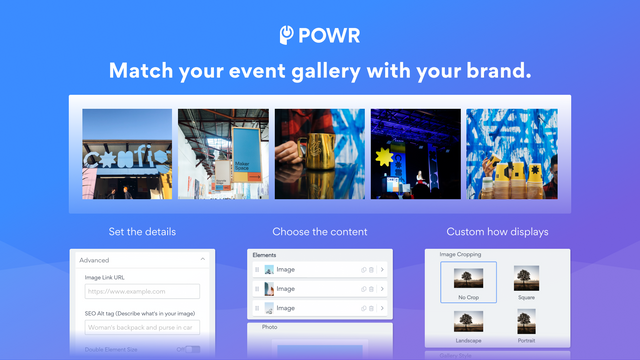
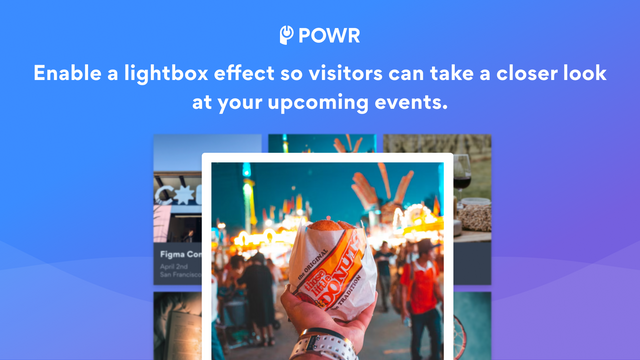
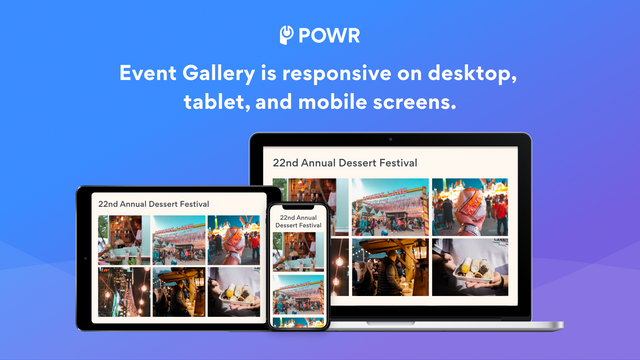
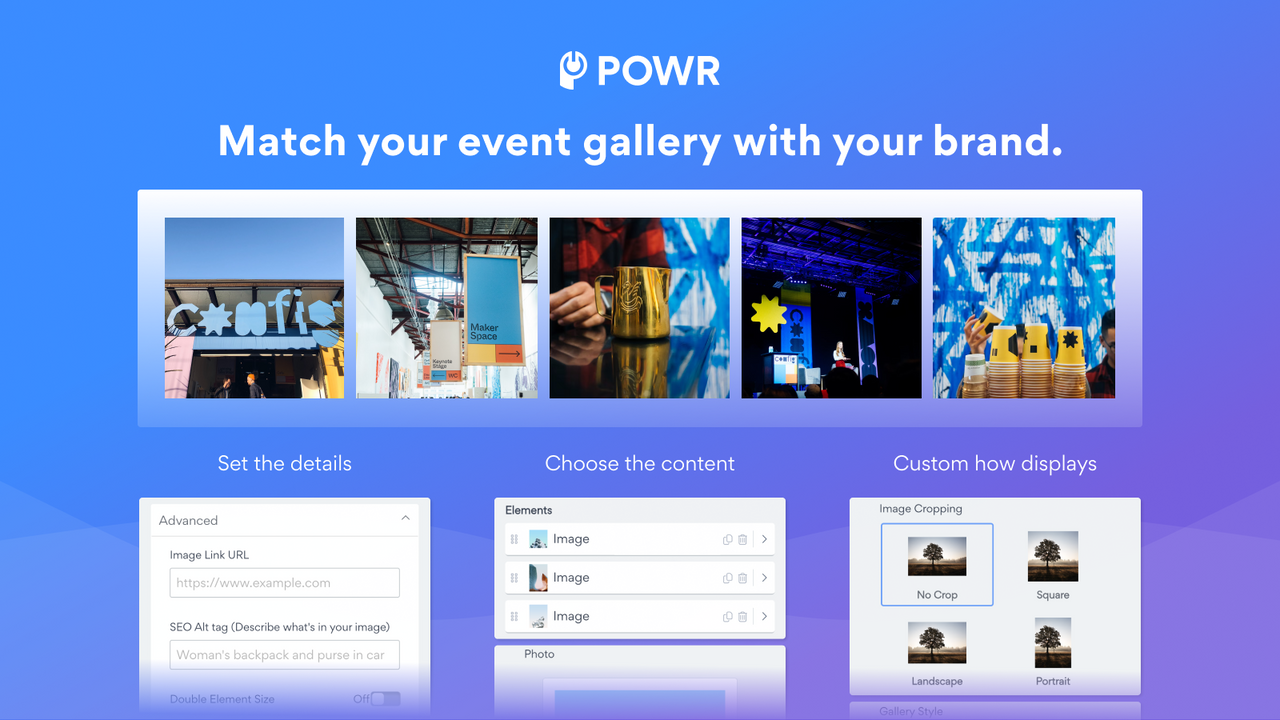
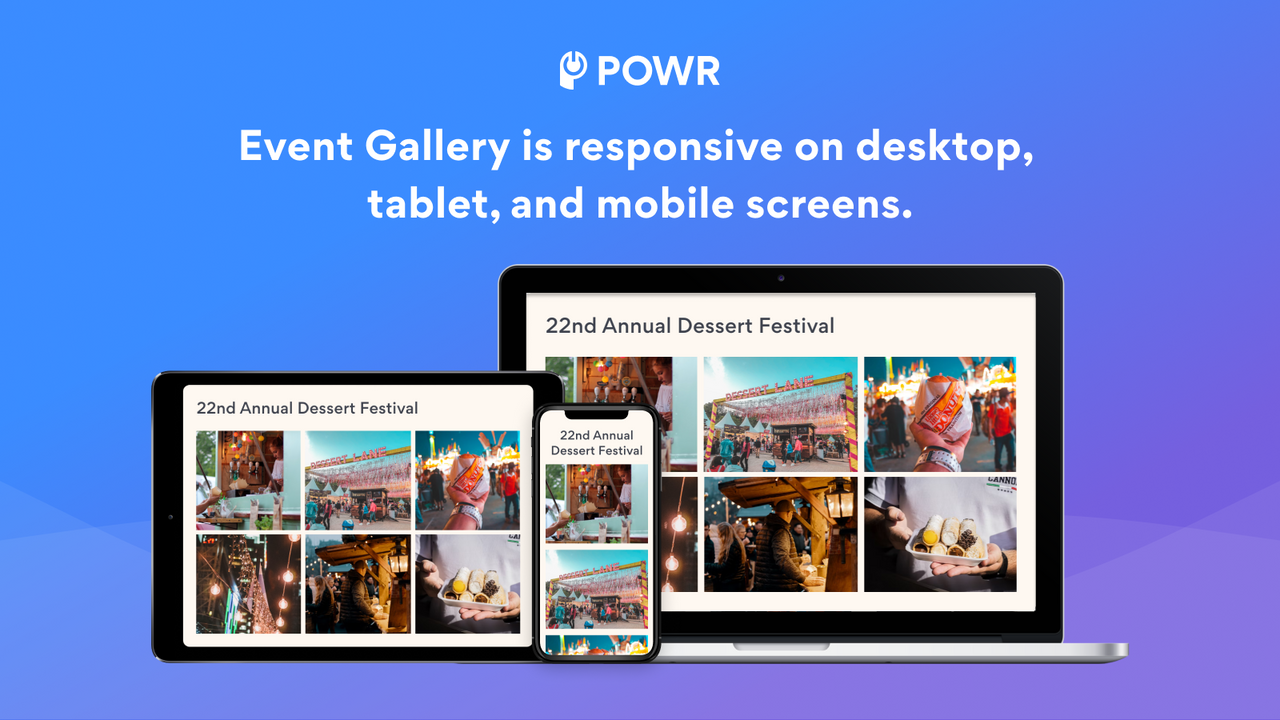
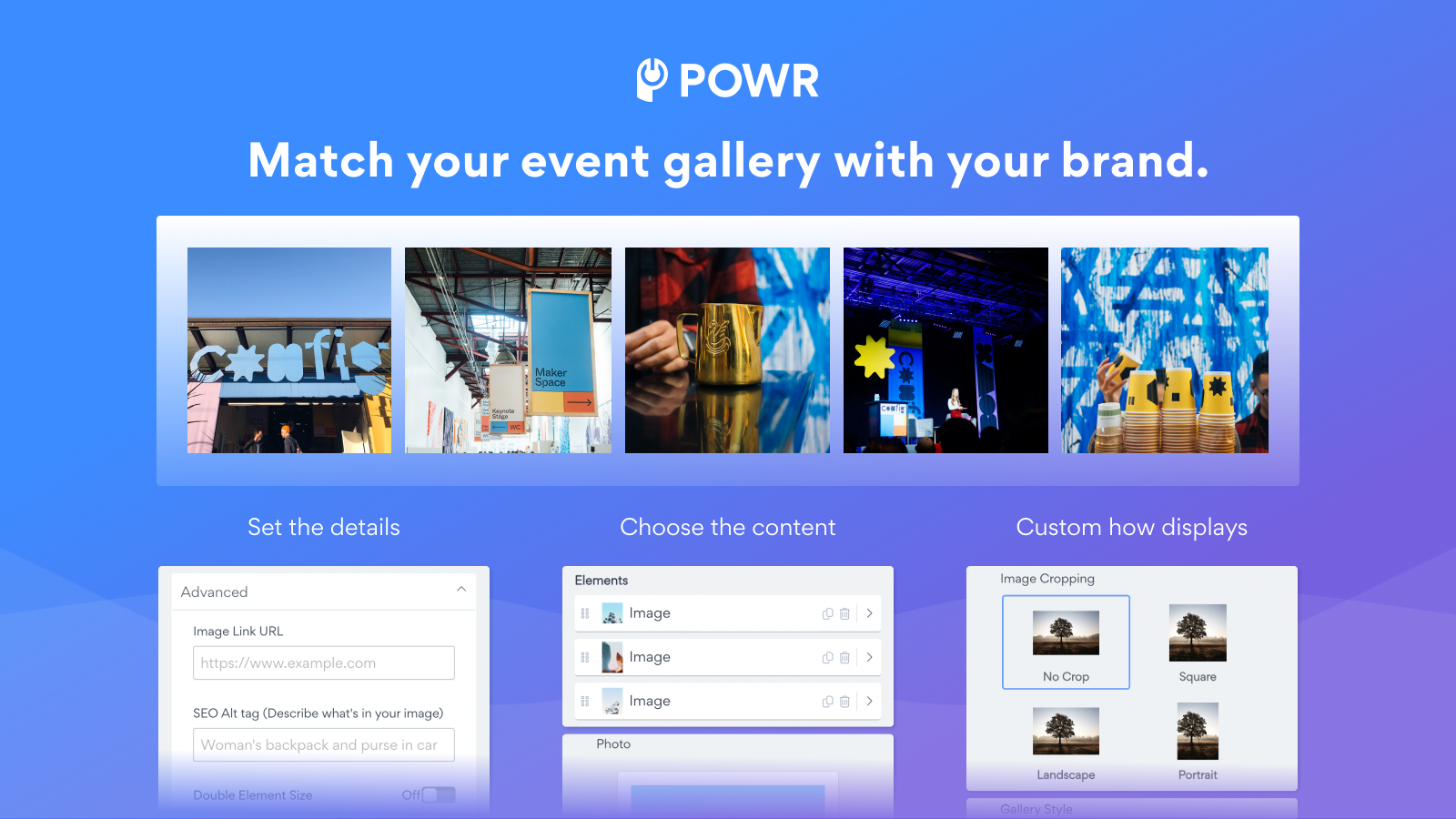
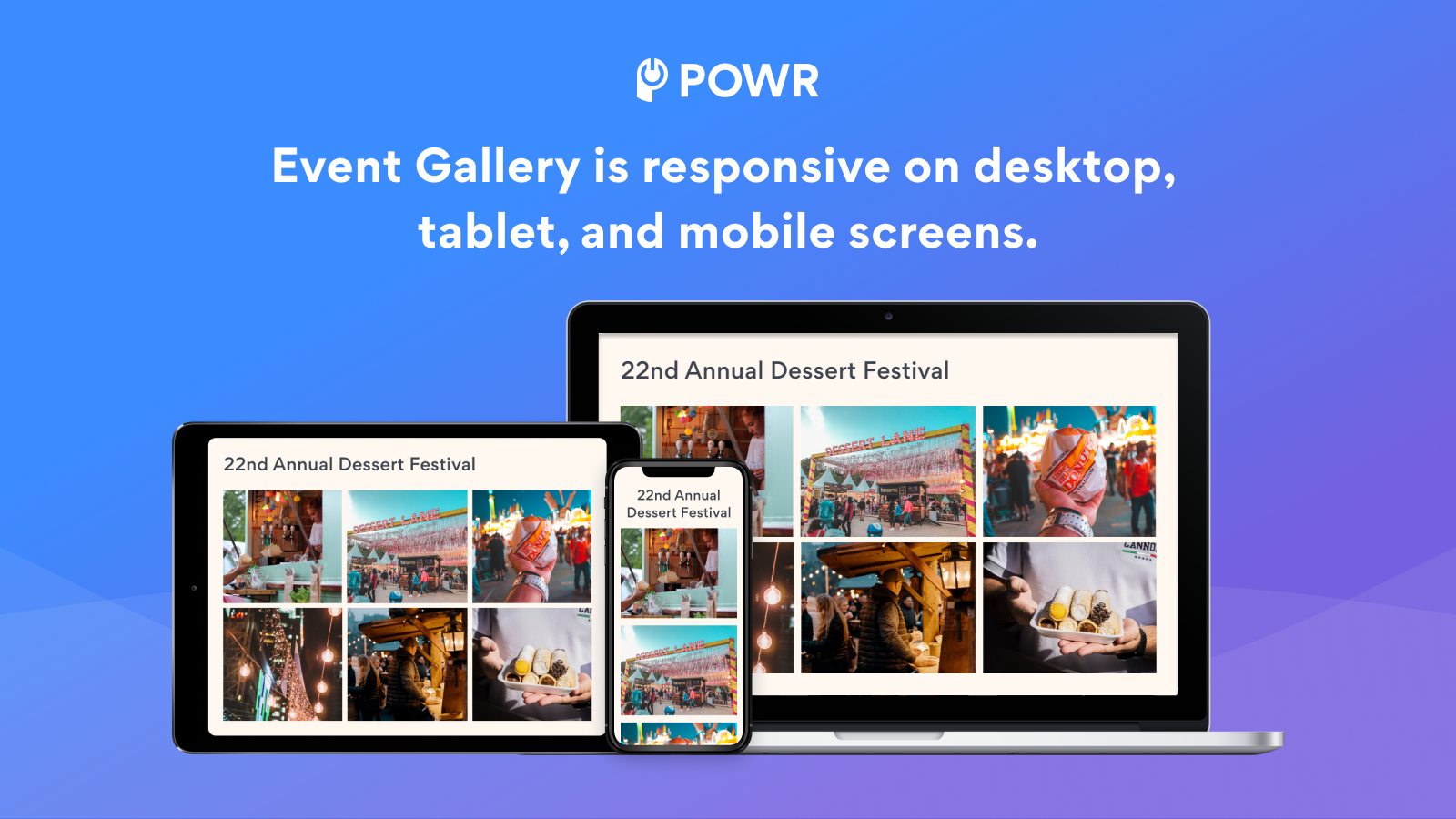
Transform how you showcase upcoming events, webinars, and more with a stylish event gallery. POWR Event Gallery Showcase is designed to boost your website’s visual appeal. It brings your event visuals to life with multiple layout styles—including catalog view, grid, photo collage, or slider. Engage your audience further by enabling social media sharing and like features. Plus, our dynamic lightboxes and hover effects will make your event visuals stand out to visitors. Internal email marketing tools are now available (Business users only).
Core Functionality
- Multiple layout styles: Gallery, Album, Grid, Collage, Slider
- Enable social sharing and like functionality to boost engagement
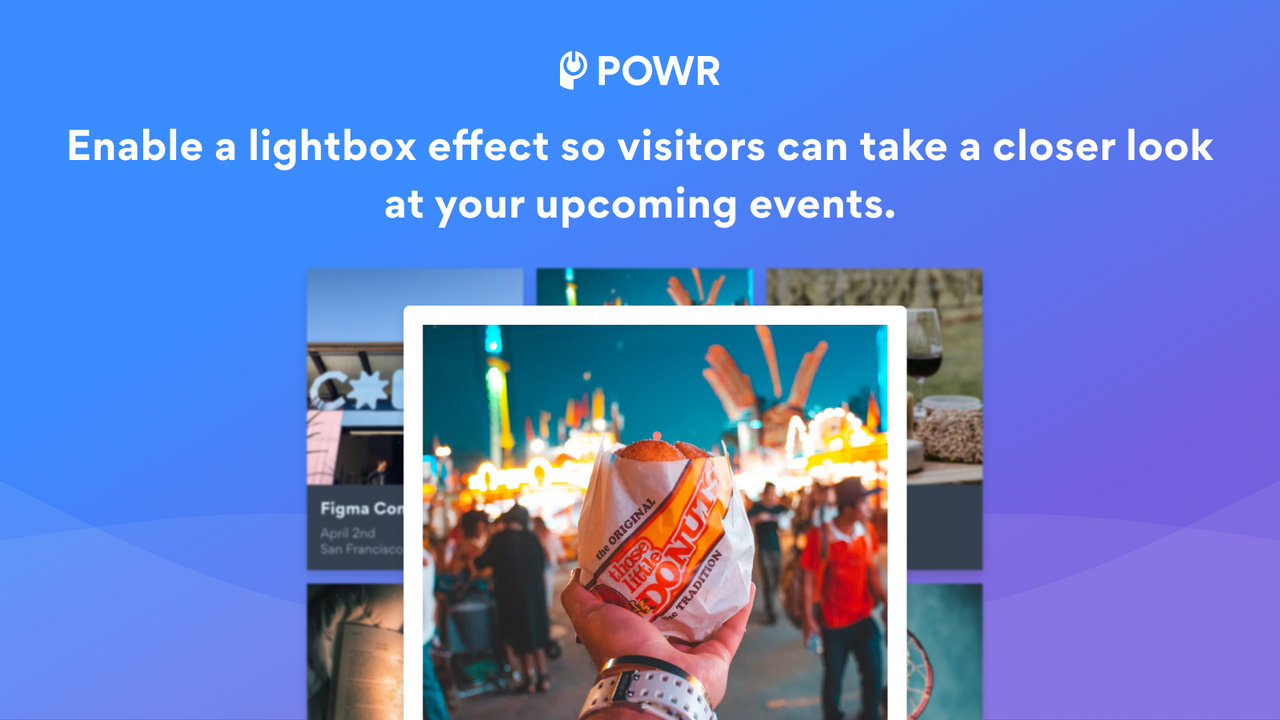
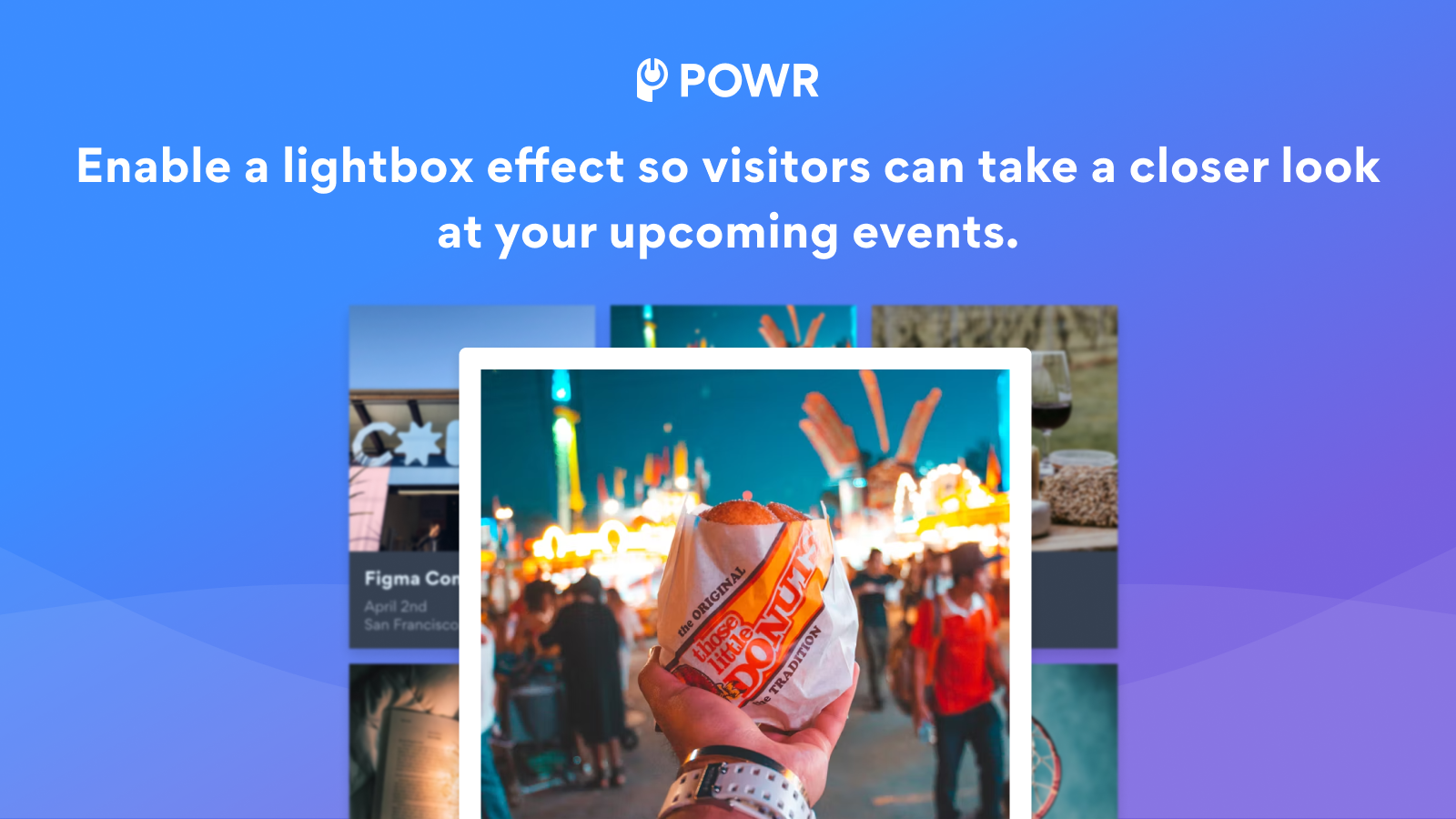
- Dynamic lightbox and hover effects for shoppers to view in detail
- Open text search for easy navigation of the event gallery
Merchant-Friendly
- Independent Station Merchants
- Visual E-commerce
- Creative Brand Stores
- Multi-category E-commerce
Basic Information
- Developer:POWR.io
- Address:44 Tehama Street, San Francisco, CA, 94105, US
- Price: Free / Free plan
- Rating:4 / 5
- Comment Count:1 comment
- Release Date:2014-7-15
- Supported languages:English
- Compatible products:Shopify
Application Screenshot


Price Plan
Free
- Infinite Gallery
- Upload 5 Events per Gallery
- Connect YouTube and/or TikTok
- Add Sign-Up Button or Other Links
- Include Event Descriptions
- All Gallery Styles Available
- Undo/Redo Edits
- 24/7 Email Support
Starter
- All Free Features +
- Remove POWR Branding
- 12 Events per Gallery
- Add Watermarks to Event Images
- Allow Public Likes on Events
- Advanced Hover Effects
- Live Chat with POWR Support Team
Pro
- All Starter Features +
- 20 Active Items per Gallery
- SEO Alternative Tags
- Add Search Bar
- Lightbox Popup Functionality
- Enable Social Sharing
- Google Tag Manager Integration
- Custom CSS
Business
- All Pro Features +
- Send 10,00 Emails Per Month
- Unlimited Campaigns & Galleries
- Unlimited Access to 60+ POWR Apps Like
- Form Builder
- Popup
- Instagram Feed
- Music Player
User Location & Comments
User Location
Comments
Shopify API Used
- POST /admin/api/sections.json
- PUT /admin/api/sections/{section_id}.json
- GET /admin/api/sections.json
Permission:write_themes,read_themes,manage_online_store
- POST /admin/api/apps/embedded_apps.json
- PUT /admin/api/apps/embedded_apps/{app_id}.json
- GET /admin/api/apps/embedded_apps.json
Permission:write_apps,read_apps,manage_online_store
- POST /admin/api/assets.json
- PUT /admin/api/assets/{asset_id}.json
- GET /admin/api/assets.json
Permission:write_themes,read_themes,manage_online_store
- POST /admin/api/search_queries.json
- PUT /admin/api/search_queries/{query_id}.json
- GET /admin/api/search_queries.json
Permission:write_search,read_search,manage_online_store



