
App Introduction
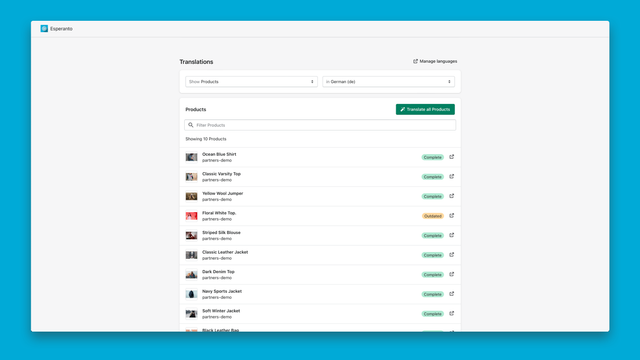
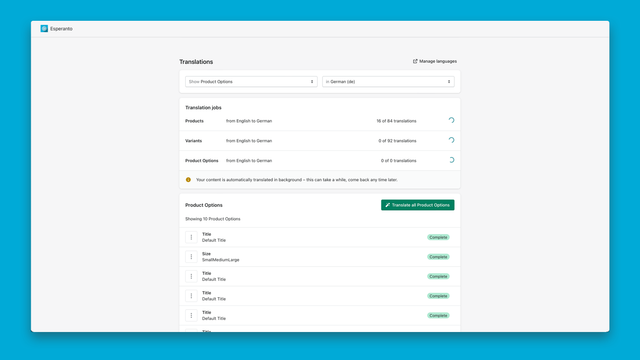
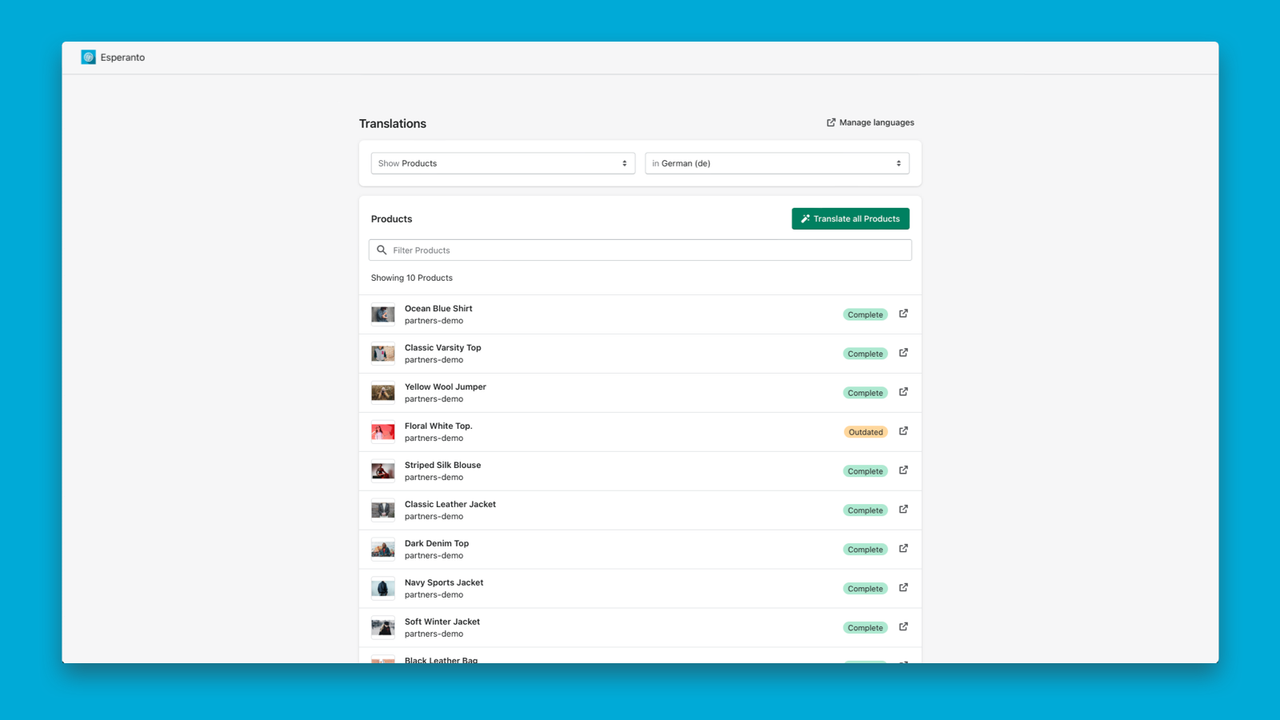
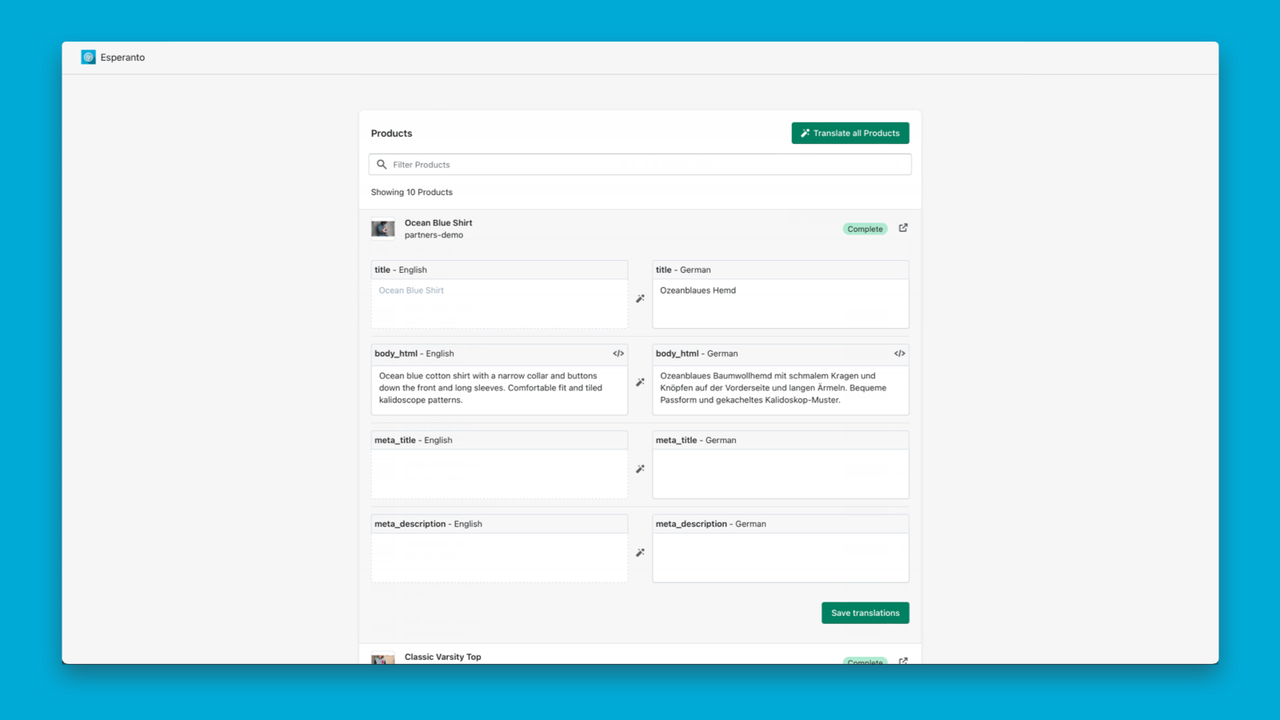
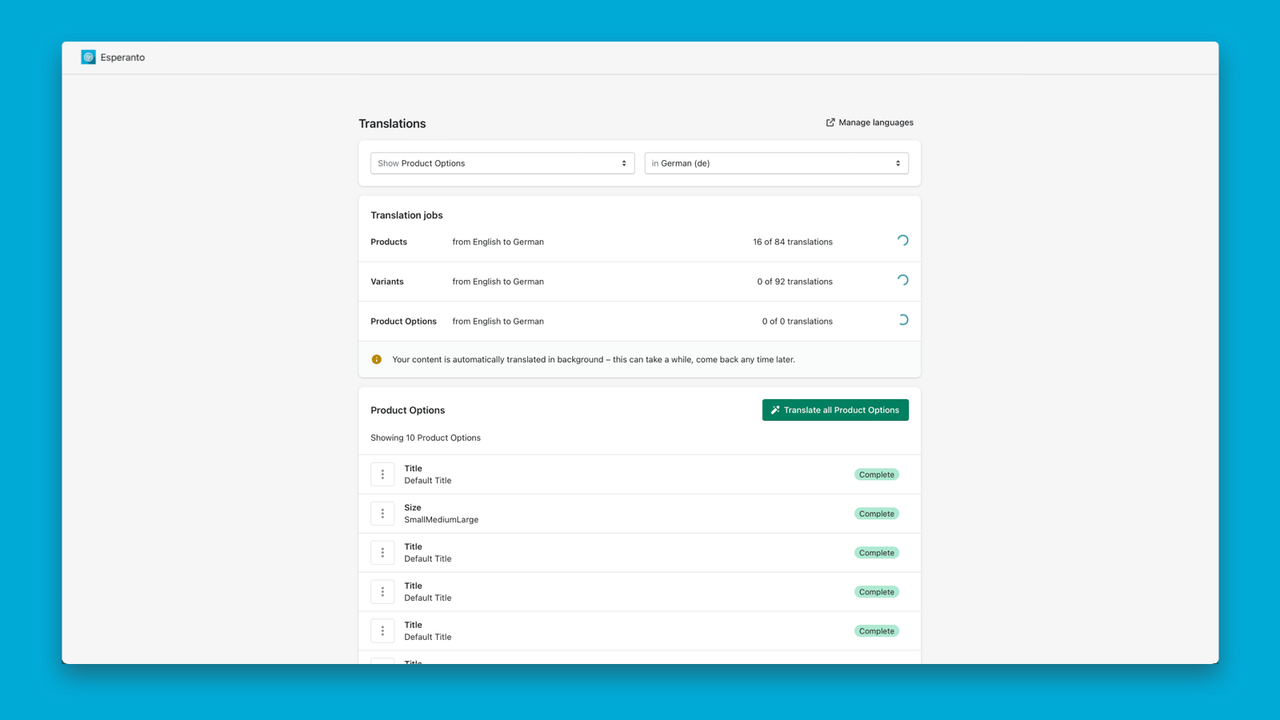
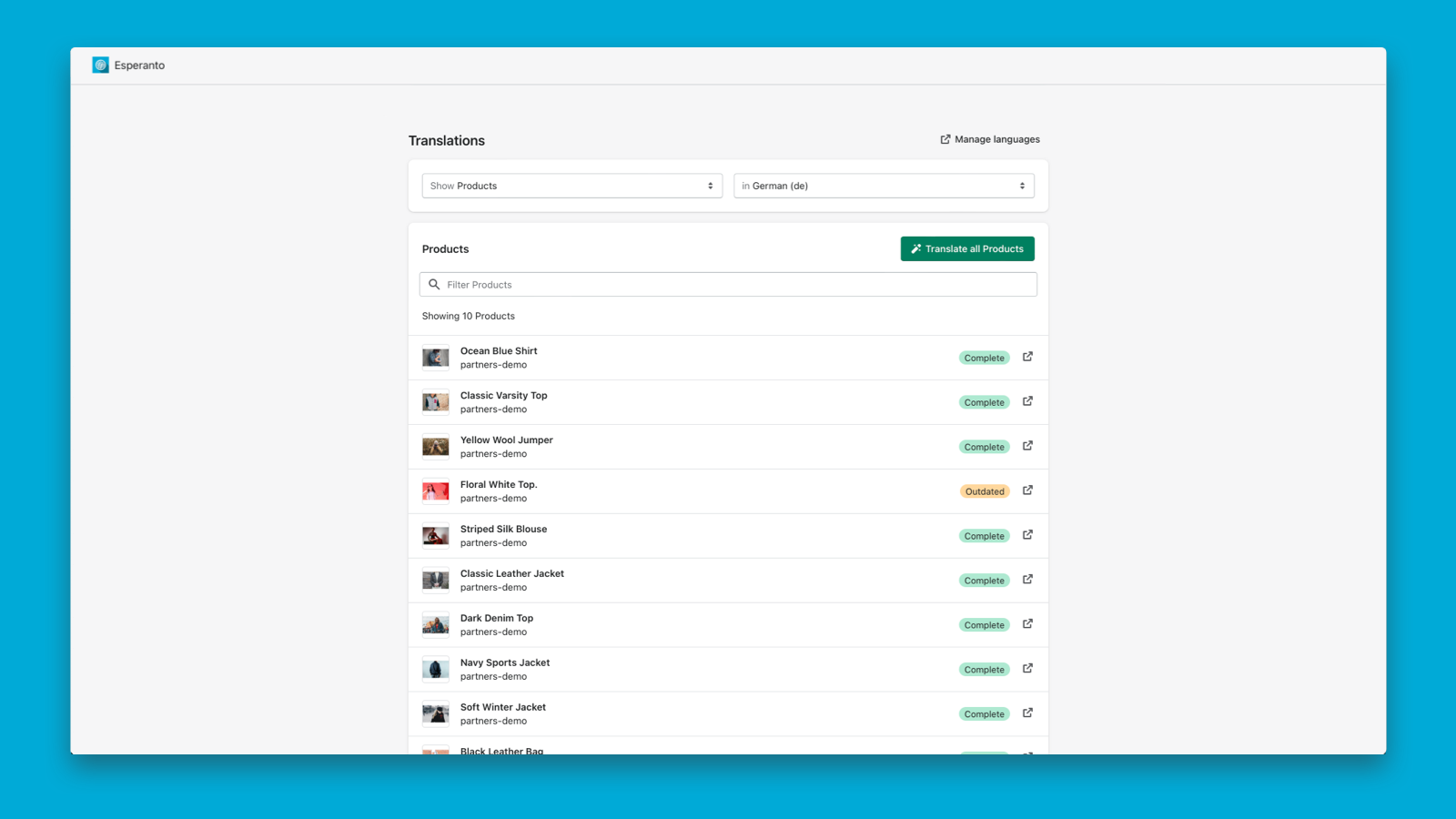
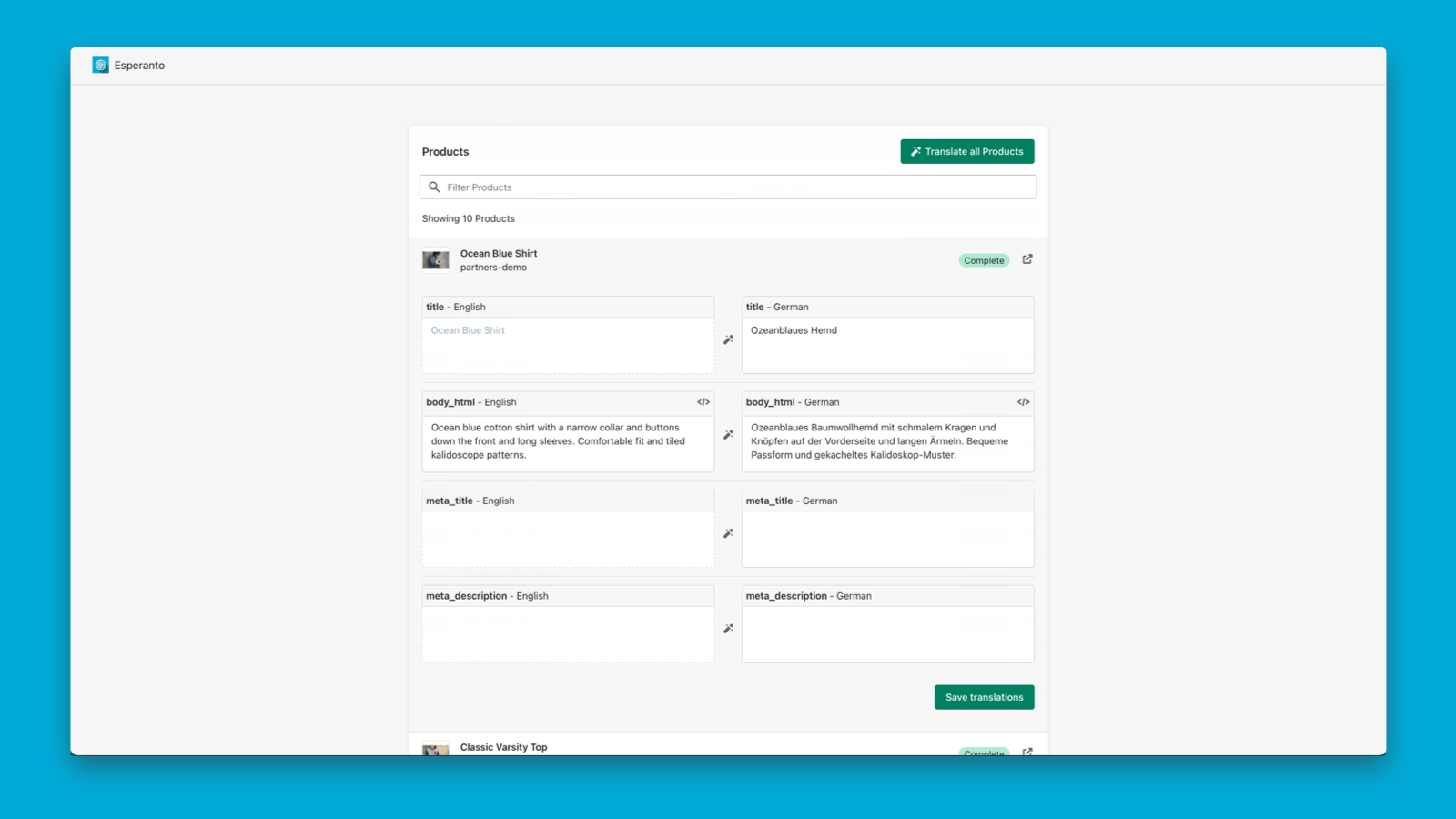
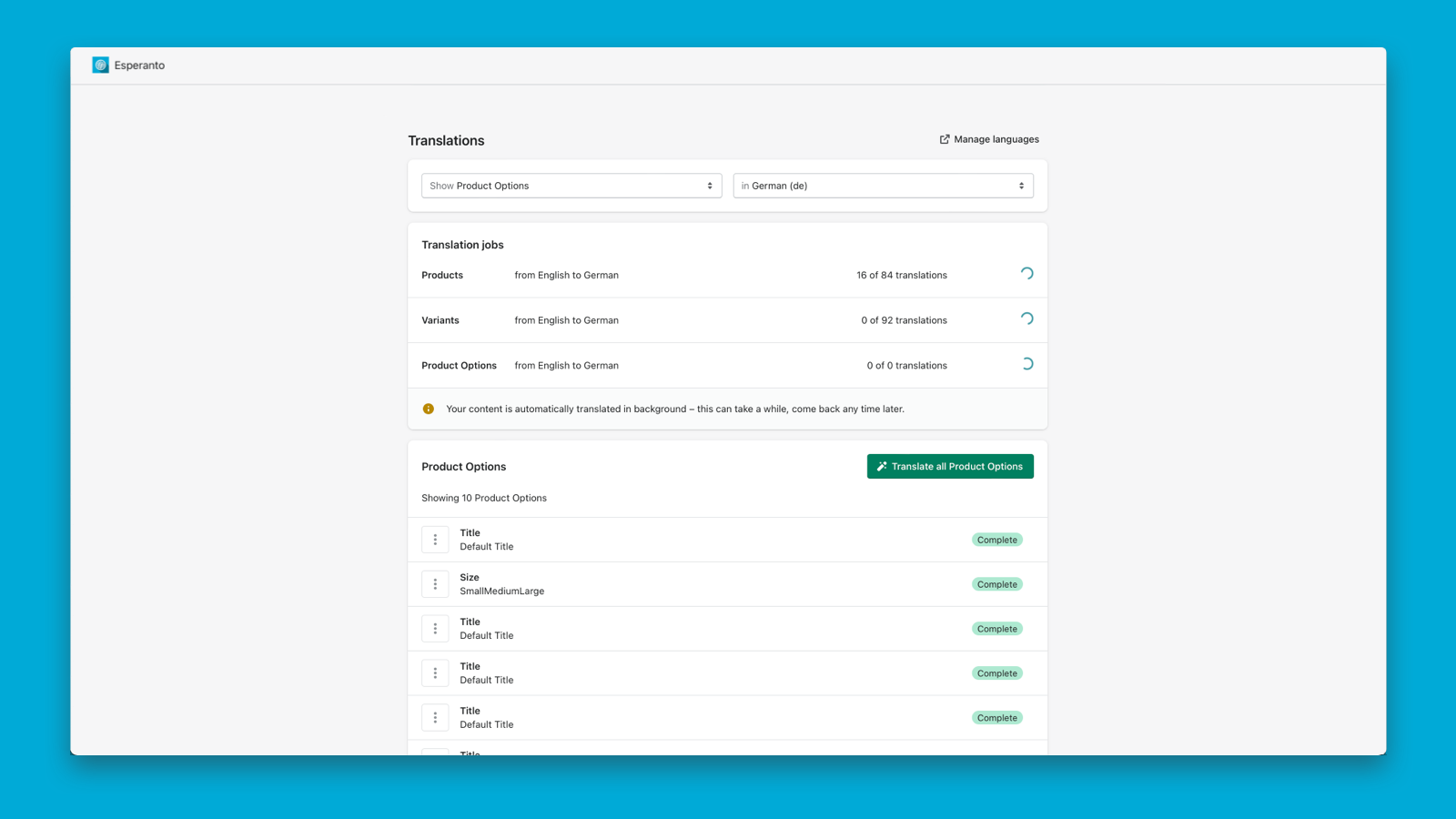
Automatically create translations for all types of content - powered by DeepL Translate. Easy Translation is a simple, lightweight translation app that supports 135 languages, allowing you to quickly browse and translate products, metafields, themes, or other resources. Automatically translate up to 1,000,000 characters per month, or browse and filter the resources you want to translate manually. View which translations are incomplete, completed, or outdated. This app is built with privacy in mind. We only request the minimum data required - no access to or storage of sensitive data.
Core Functionality
- Reach more customers with more languages. Expand your reach by adding additional languages.
- Built on Shopify’s native translation functionality.
- Seamless integration – no theme code modifications required.
- Automatically translate content via our DeepL integration.
Merchant-Friendly
- Cross-border E-commerce Merchants
- Multilingual Independent Stores
- Global Brand Sellers
Basic Information
- Developer:Sven Straubinger
- Address:Gönninger Str. 109, Pfullingen, 72793, DE
- Price: Free / Free plan
- Rating:3.9 / 5
- Comment Count:10 comment
- Release Date:2022-1-20
- Supported languages:German、English
- Compatible products:Shopify
Application Screenshot

Price Plan
Basic Plan
- Browse and manage translations easily
- Access all translatable resources
- Easy integration with no coding required
- Choose from 135 languages
Premium Plan
- Automatic DeepL Translation
- Background Tasks
- Supports 25 Languages
- Up to 1,000,000 Characters per Month
- Glossary
User Location & Comments
User Location
Comments
Shopify API Used
- POST /admin/api/languages.json
- PUT /admin/api/languages/{code}.json
- GET /admin/api/languages.json
Permission:write_languages,read_languages,manage_translations
- POST /admin/api/translations.json
- PUT /admin/api/translations/{id}.json
- GET /admin/api/translations.json
Permission:write_translations,read_translations,manage_languages
- POST /admin/api/translations/deepl.json
- PUT /admin/api/translations/deepl/{id}.json
- GET /admin/api/translations/deepl.json
Permission:write_translations,read_translations,use_deepl