
App Introduction
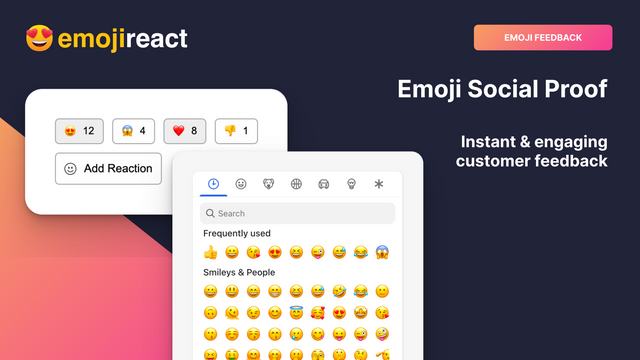
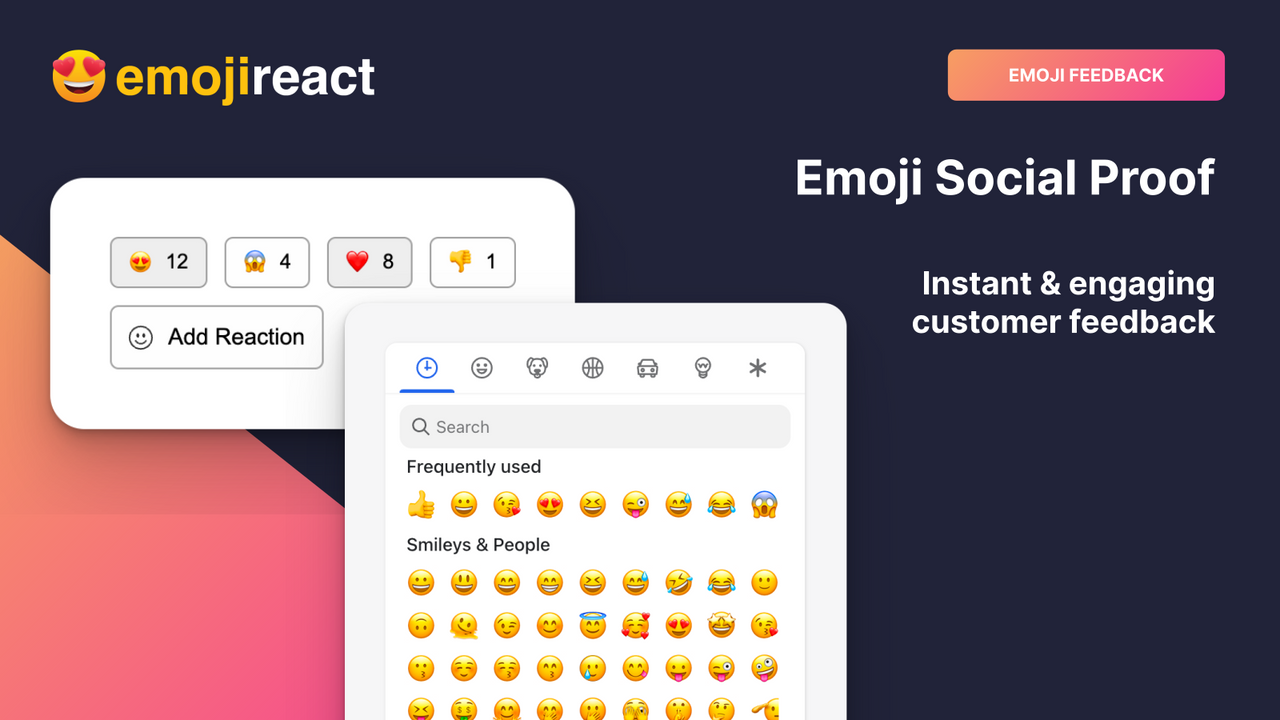
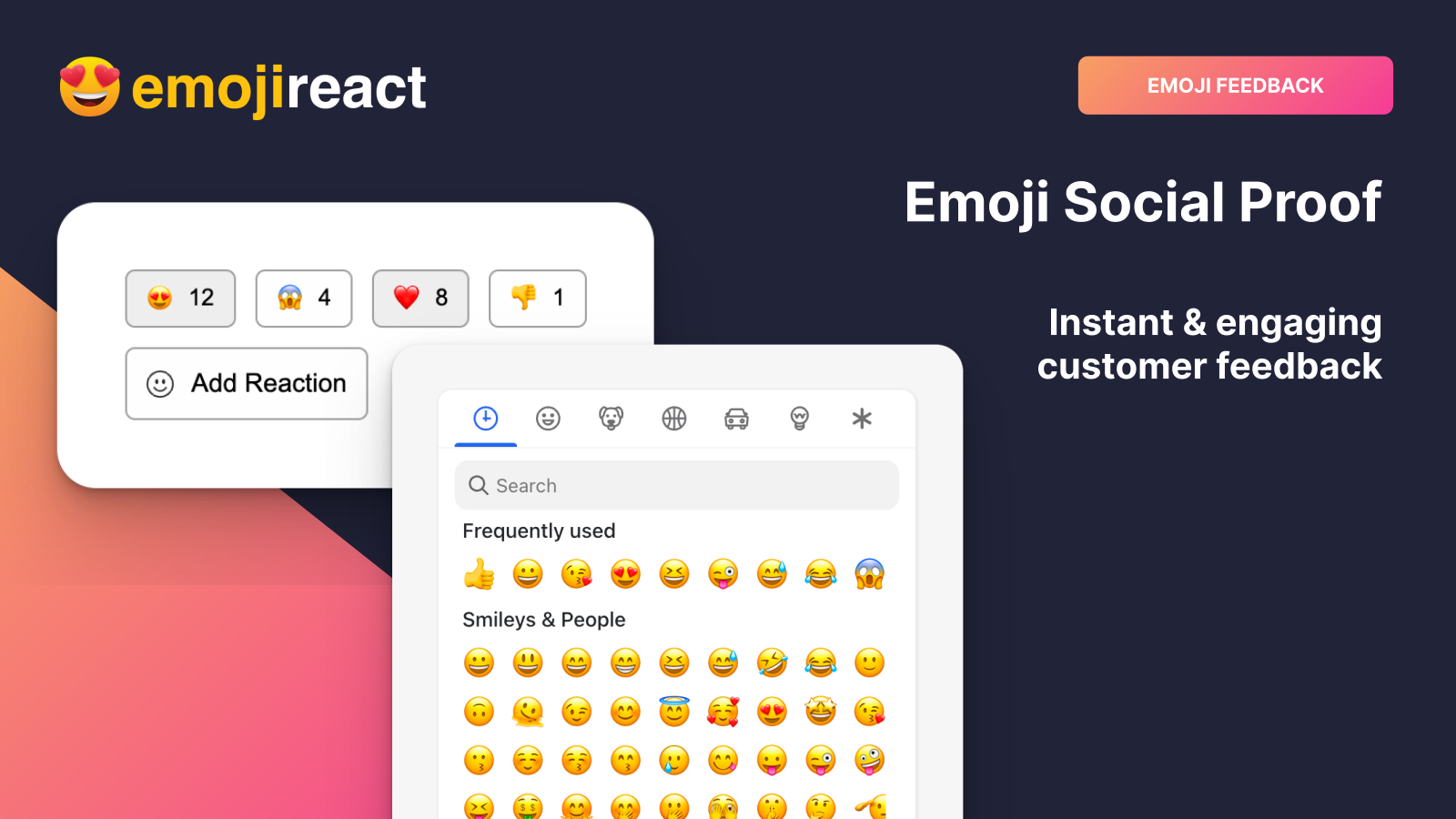
Boost Social Proof – Add Slack/Discord-style emoji reactions to your product pages and store content Transform your store into a fun, interactive experience your customers will love with Emoji React. Emoji React enables emoji-based reactions (popularized by Slack and Discord) for your product pages and other store content. Leverage this engaging interactive component to gather social proof from customers, convert shoppers, and gain valuable insights about your products. Boost Your SEO – Did you know Google uses "dwell time" as a ranking factor? Increase it with emoji reactions!
Core Functionality
- Convert more customers from social proof with engaging emoji reactions!
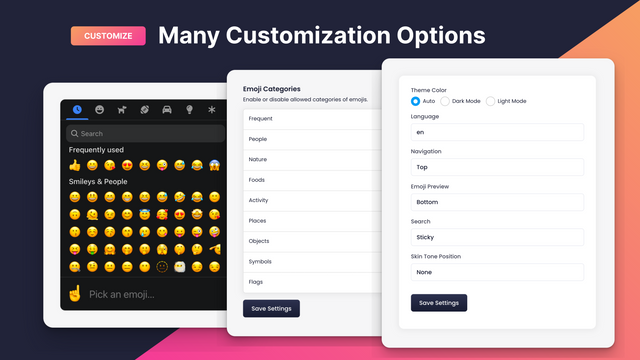
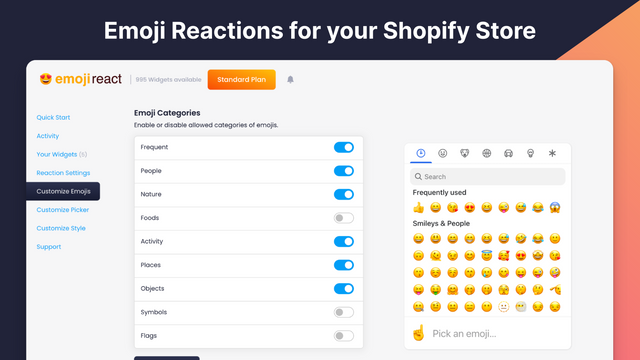
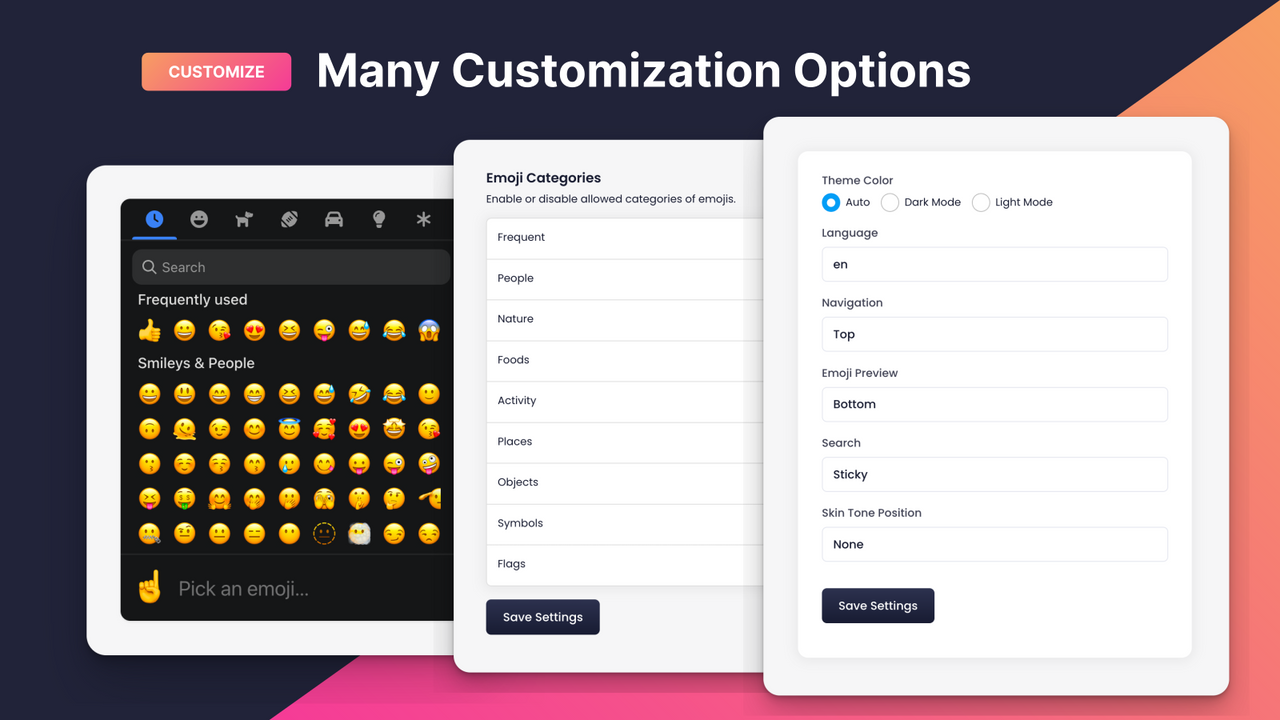
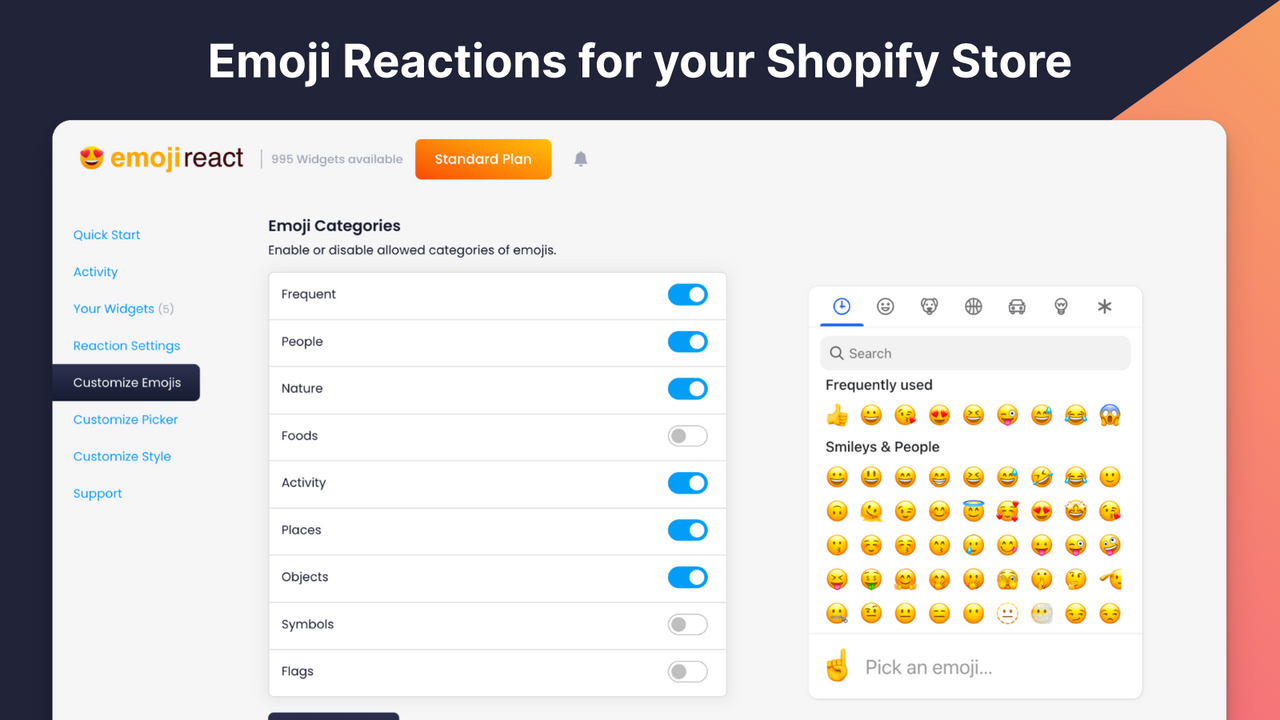
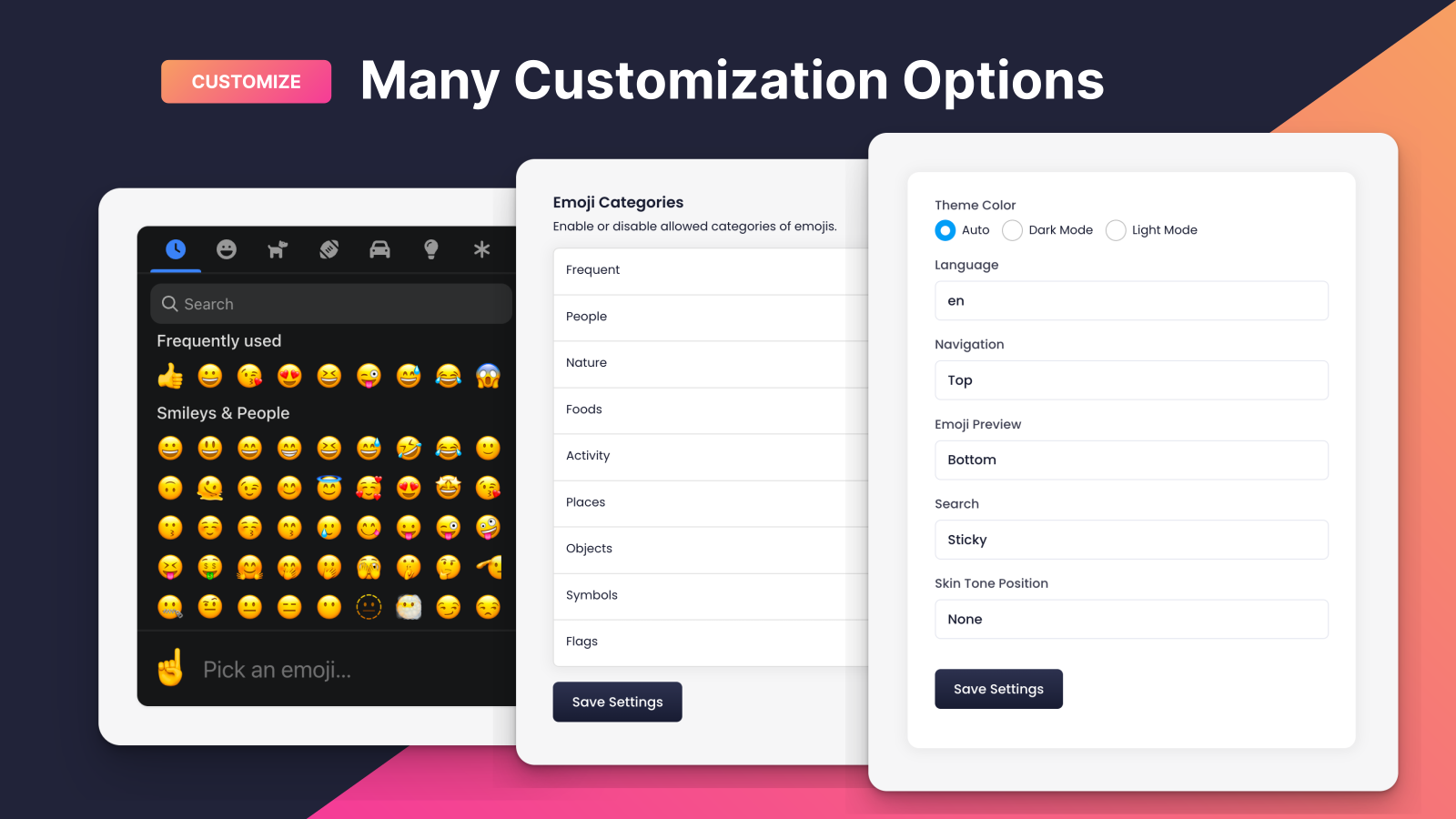
- Customize for your store with custom emojis and categories
- Increase page dwell time and engage shoppers – this boosts SEO!
- Easy integration – supports Theme 2.0 with simple setup and customization options
- Gain valuable insights from customers about your products and store!
Merchant-Friendly
- Social-driven Merchants
- Small & Medium E-commerce Sellers
- Content E-commerce Merchants
- New Independent Station Merchants
Basic Information
- Developer:boredwords
- Address:1375 S 3rd St, Wilmington, NC, 28405, US
- Price: Free / Free plan
- Rating:0 / 5
- Comment Count:0 comment
- Release Date:2023-4-14
- Supported languages:English
- Compatible products:Shopify
Application Screenshot
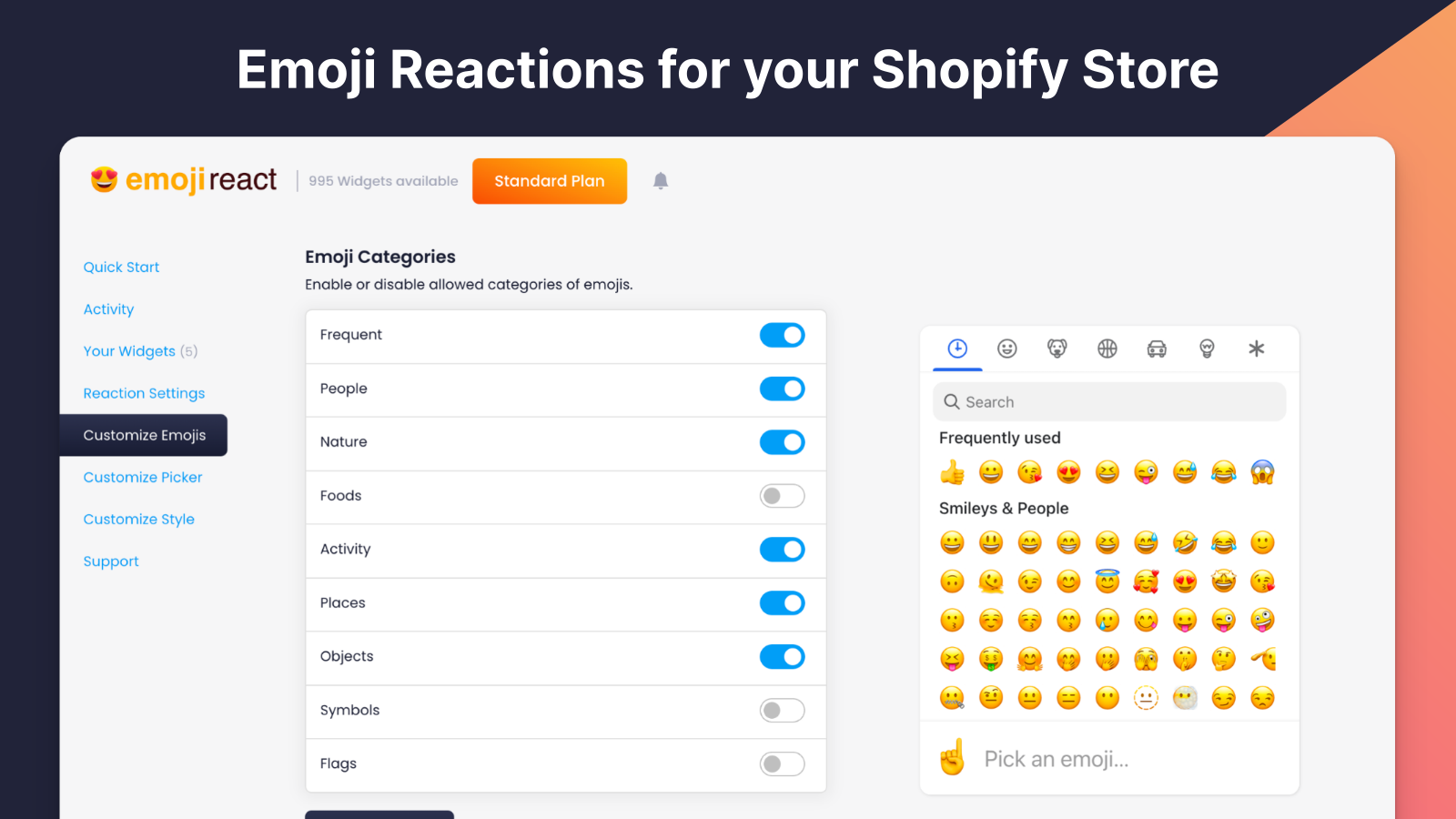
Price Plan
免费
- Free access to up to 10 widgets
标准
- Up to 1000 widgets
- Custom emojis
- Custom categories
企业
- Up to 100,000 widgets
- Custom emojis
- Custom categories
- Extended support
User Location & Comments
User Location
Comments
Shopify API Used
- POST /admin/api/social_proof/emoji.json
- PUT /admin/api/social_proof/emoji/{id}.json
- GET /admin/api/social_proof/emoji.json
Permission:write_social_proof,read_social_proof,manage_themes
- POST /admin/api/social_proof/emoji/custom.json
- PUT /admin/api/social_proof/emoji/custom/{id}.json
- GET /admin/api/social_proof/emoji/custom.json
Permission:write_social_proof,read_social_proof,manage_products
- POST /admin/api/social_proof/engagement.json
- PUT /admin/api/social_proof/engagement/{id}.json
- GET /admin/api/social_proof/engagement.json
Permission:write_social_proof,read_social_proof,manage_seo
- POST /admin/api/social_proof/integration.json
- PUT /admin/api/social_proof/integration/{id}.json
- GET /admin/api/social_proof/integration.json
Permission:write_themes,read_themes,manage_apps
- POST /admin/api/social_proof/feedback.json
- PUT /admin/api/social_proof/feedback/{id}.json
- GET /admin/api/social_proof/feedback.json
Permission:write_feedback,read_feedback,manage_products