
App Introduction
Manual/Automatic Collection Sorting & Push Out-of-Stock Products to the Bottom – Craft the Perfect Sales Strategy Introducing the Dynamic Collection Sorting app to boost your Shopify store’s conversion rate! Whether you need automatic or manual sorting, our app has you covered. With a variety of sorting options, merchants can easily organize their collection lists. No matter how many products you need to sort, our app handles it effortlessly. Say goodbye to sold-out products cluttering your store – our app automatically pushes them to the bottom. Elevate your sales strategy by showcasing your store’s top-performing products!
Core Functionality
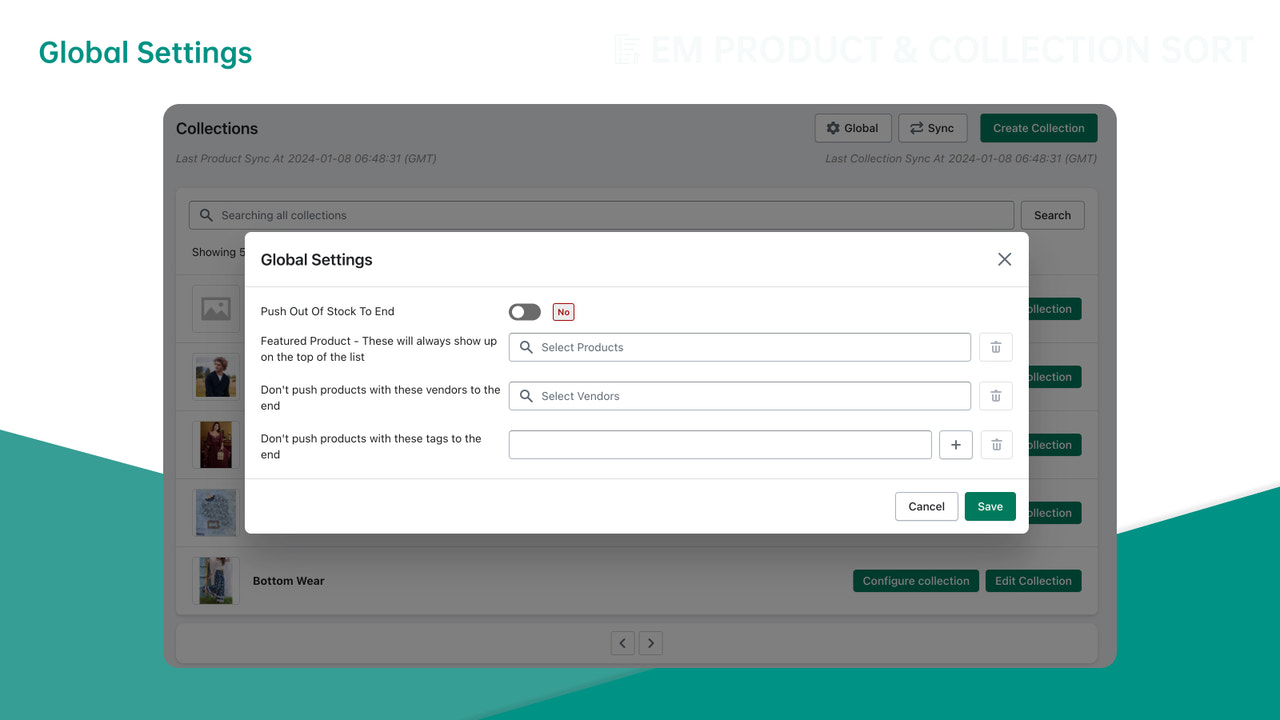
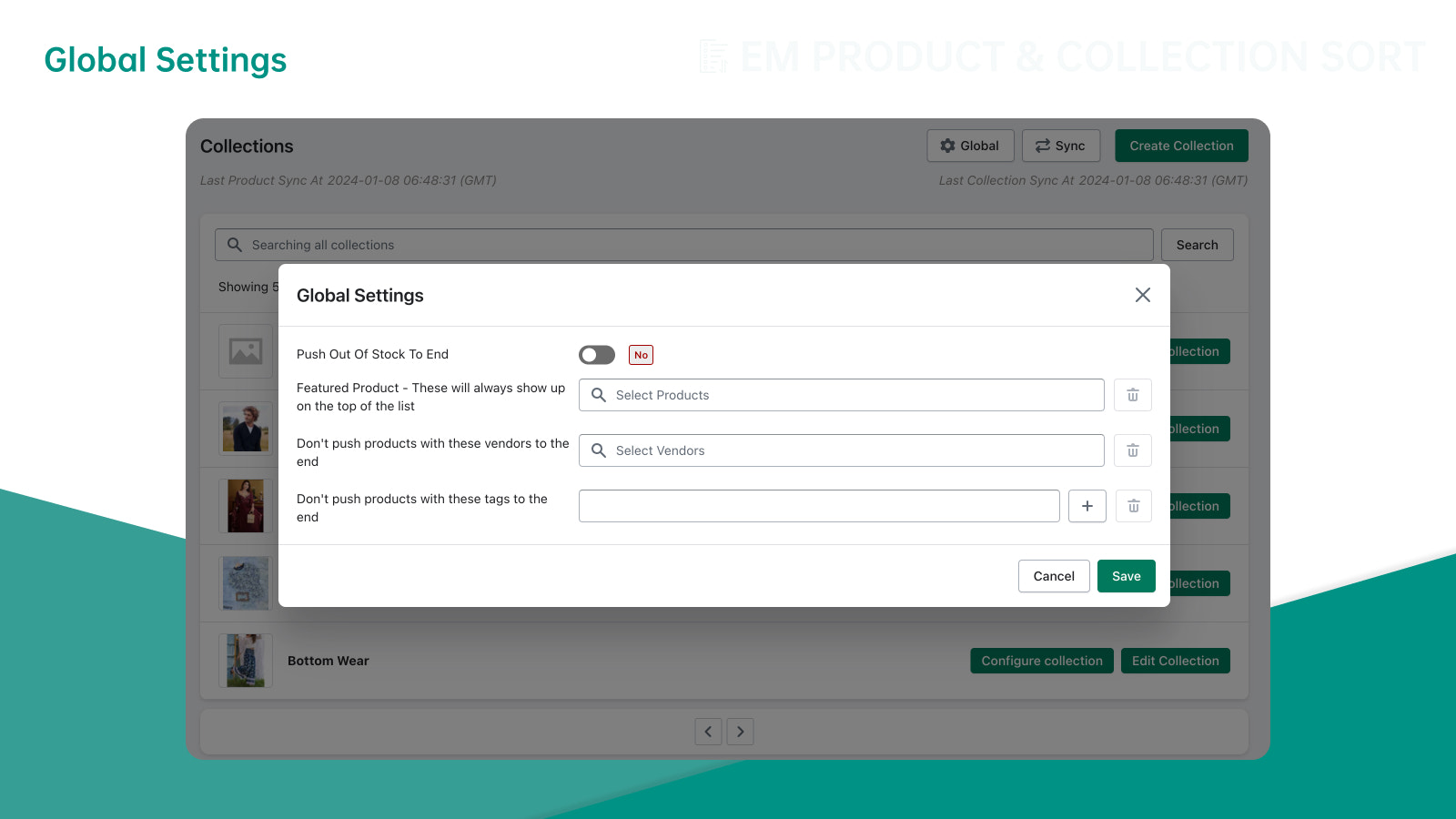
- Automatically push out-of-stock products to the bottom to organize your storefront!
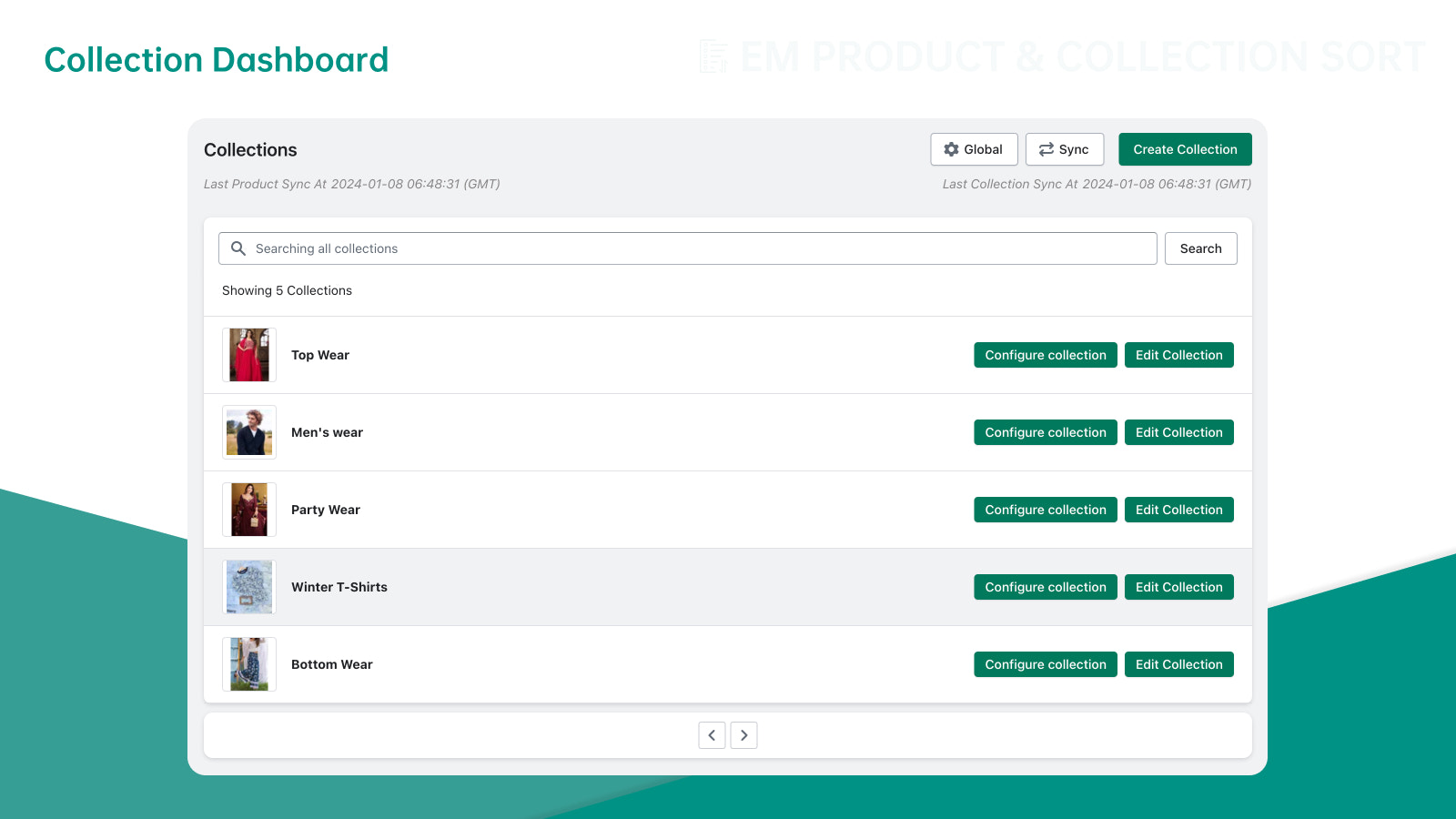
- Sort and manage unlimited products in your collections, organizing like a pro.
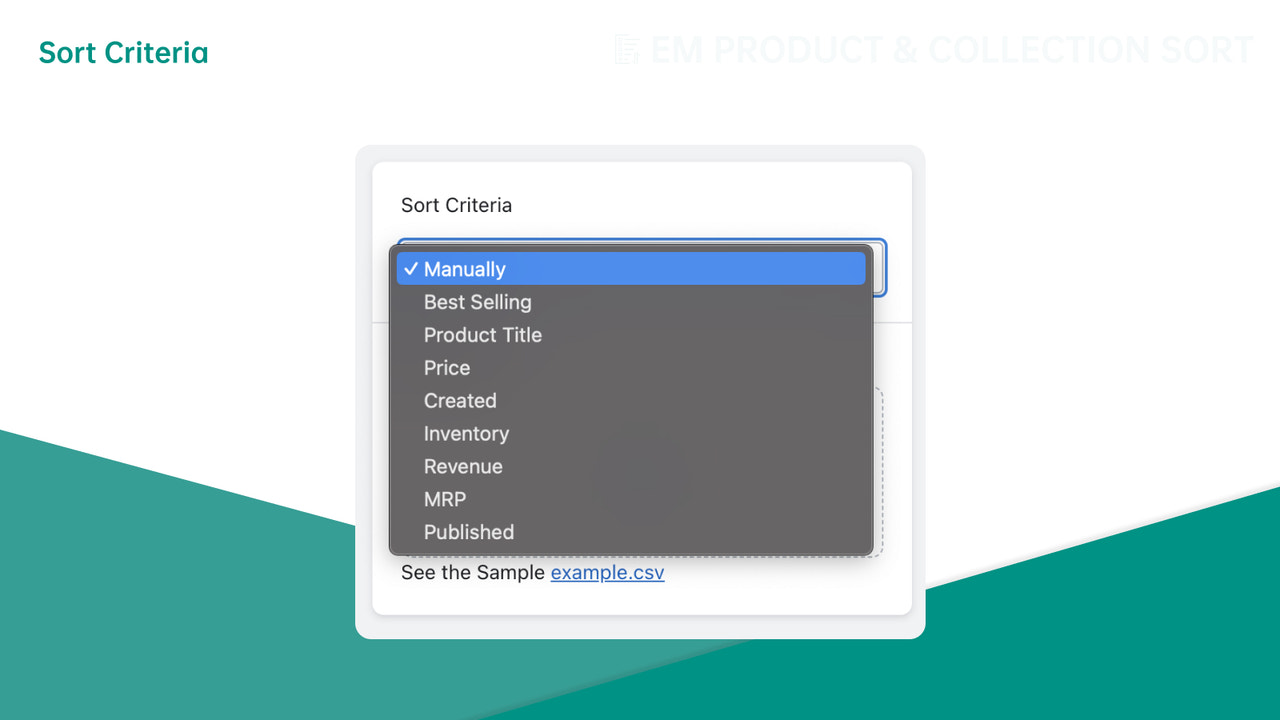
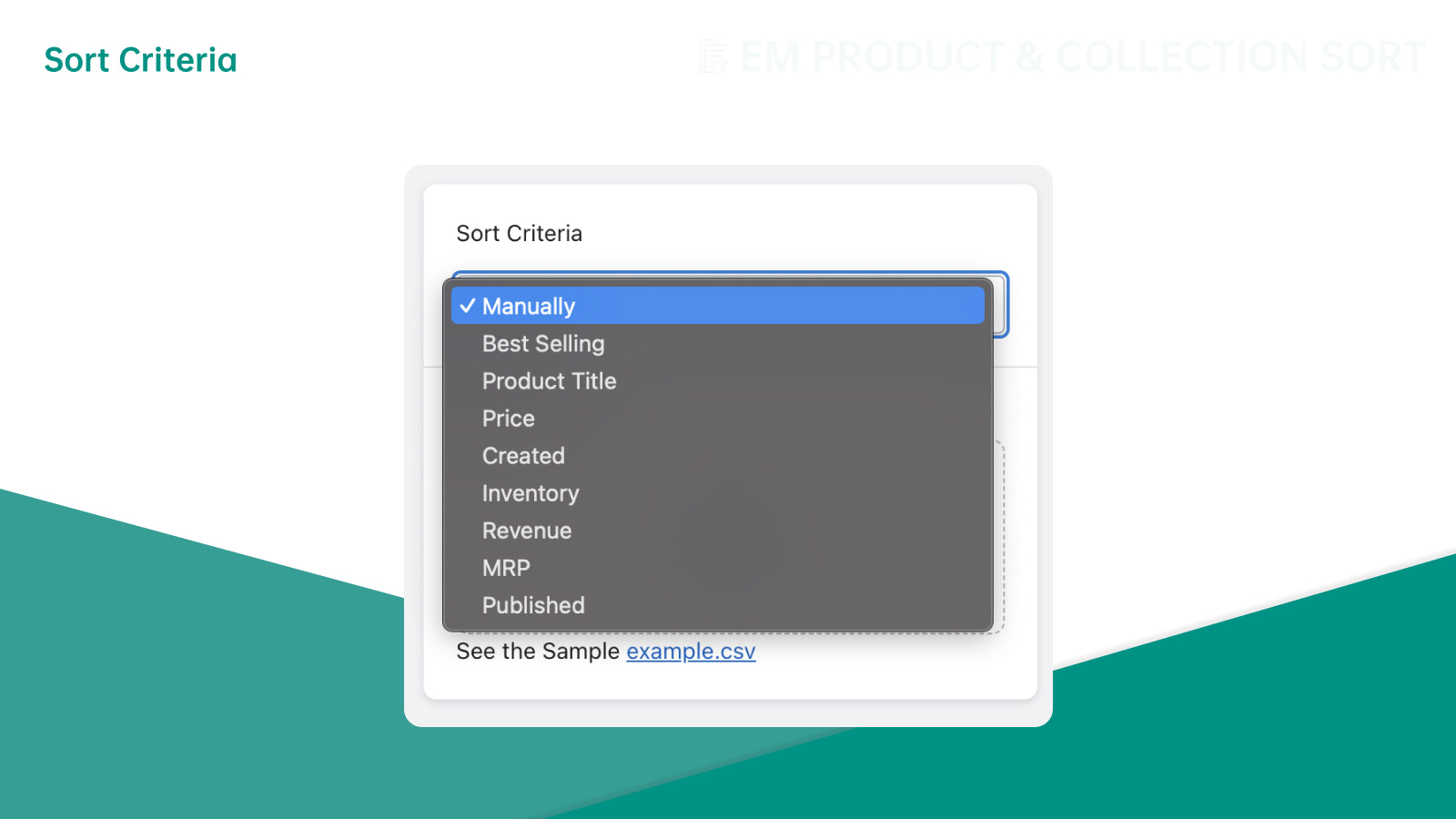
- Organize collections with auto-sort features - revenue, inventory, highest retail price & more!
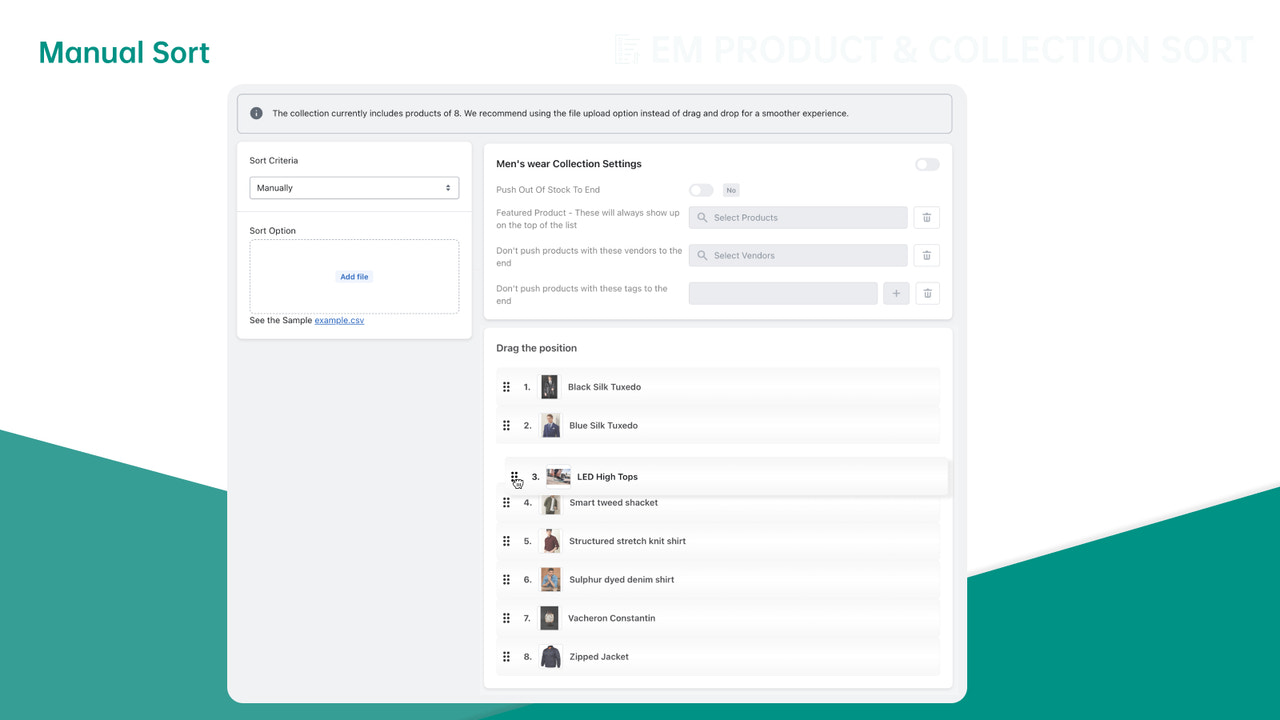
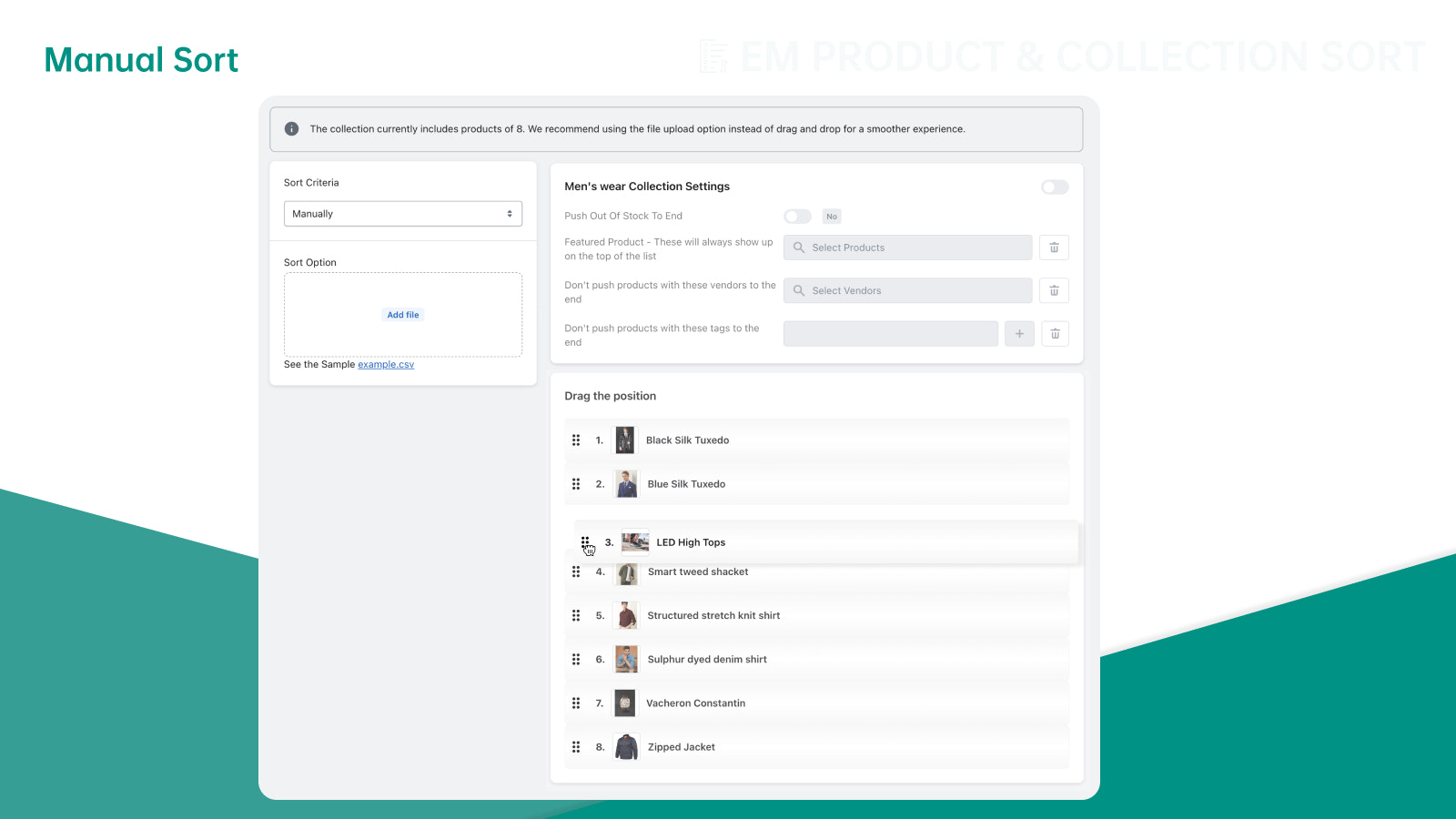
- Easily sort your products using our manual collection sorting feature.
- Boost sales and visibility with supplier & product tag priority features.
Merchant-Friendly
- Independent Station Merchants
- Multi-category E-commerce
- Inventory-intensive Merchants
- Supplier-partnered Merchants
- Tag-marketing Merchants
Basic Information
- Developer:EM Softech LLP
- Address:EM Softech India (P) Limited, Kochi, KL, 682037, IN
- Price: Free / Free plan
- Rating:0 / 5
- Comment Count:0 comment
- Release Date:2024-1-8
- Supported languages:English
- Compatible products:Shopify
Application Screenshot
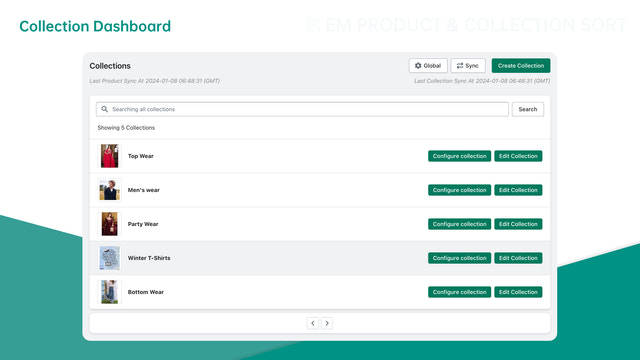
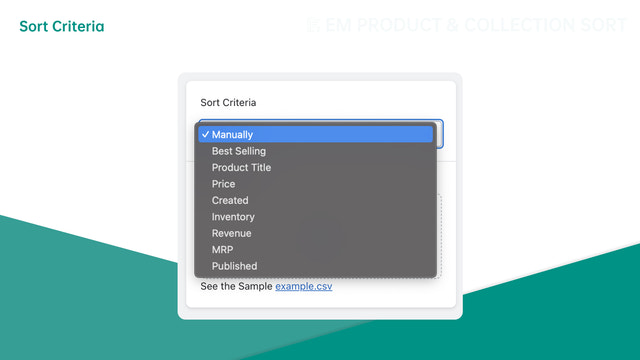
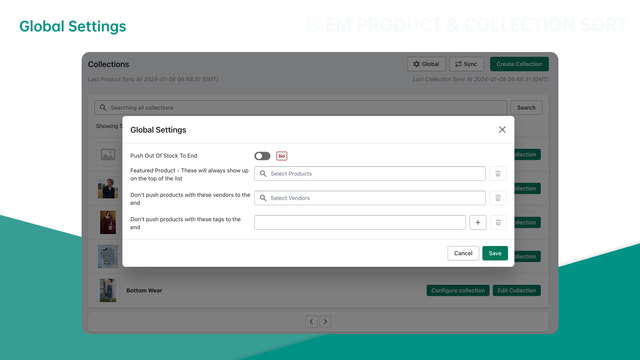
Price Plan
免费
- Push Out of Stock
- Manual Sync
- Collection Sort Count 1
- Infinite Products
基础
- Push Out-of-Stock
- Manual Sync
- Collection Sort Count 20
- Unlimited Products
- Auto Sync Once/Week
- Revenue Calculation 7-Day Data
高级
- Backorder Push
- Manual Sync
- Bulk Count 100
- Unlimited Products
- Auto Sync Twice/Week
- Revenue Calculation (7/14-Day Data)
超级
- Back in Stock Push
- Manual Sync
- 100+ Collection Count
- Unlimited Products
- Auto Sync Once/Day
- Revenue Calculation (7/14/30-Day Data)
User Location & Comments
User Location
Comments
Shopify API Used
- POST /admin/api/collections/{collection_id}/sort.json
- PUT /admin/api/collections/{collection_id}.json
- GET /admin/api/collections/{collection_id}/products.json
Permission:write_collections,read_collections,manage_products
- POST /admin/api/collections/{collection_id}/sort.json
- PUT /admin/api/collections/{collection_id}/products/reorder.json
- GET /admin/api/collections/{collection_id}/products.json
Permission:write_collections,read_collections,manage_products
- POST /admin/api/collections/{collection_id}/sort.json
- PUT /admin/api/collections/{collection_id}.json
- GET /admin/api/collections/{collection_id}/products.json
Permission:write_collections,read_collections,manage_products
- PUT /admin/api/collections/{collection_id}/products/reorder.json
- GET /admin/api/collections/{collection_id}/products.json
- POST /admin/api/collections/{collection_id}/sort.json
Permission:write_collections,read_collections,manage_products
- PUT /admin/api/collections/{collection_id}/sort.json
- GET /admin/api/products.json?supplier={supplier}
- GET /admin/api/products.json?tag={tag}
Permission:write_collections,read_products,manage_products



