
App Introduction
Synchronize orders and inventory with QuickBooks effortlessly using Ecomigrator’s seamless integration. Ecomigrator streamlines e-commerce order integration with QuickBooks accounting software. Transfer customer details, order history, and more easily—no technical expertise required. Automate and accelerate the integration process with a user-friendly interface and data previews. Seamlessly support multiple currencies and languages for global expansion. Track orders and make informed decisions via the QuickBooks integration. Experience simplified workflows and enhanced data accuracy.
Core Functionality
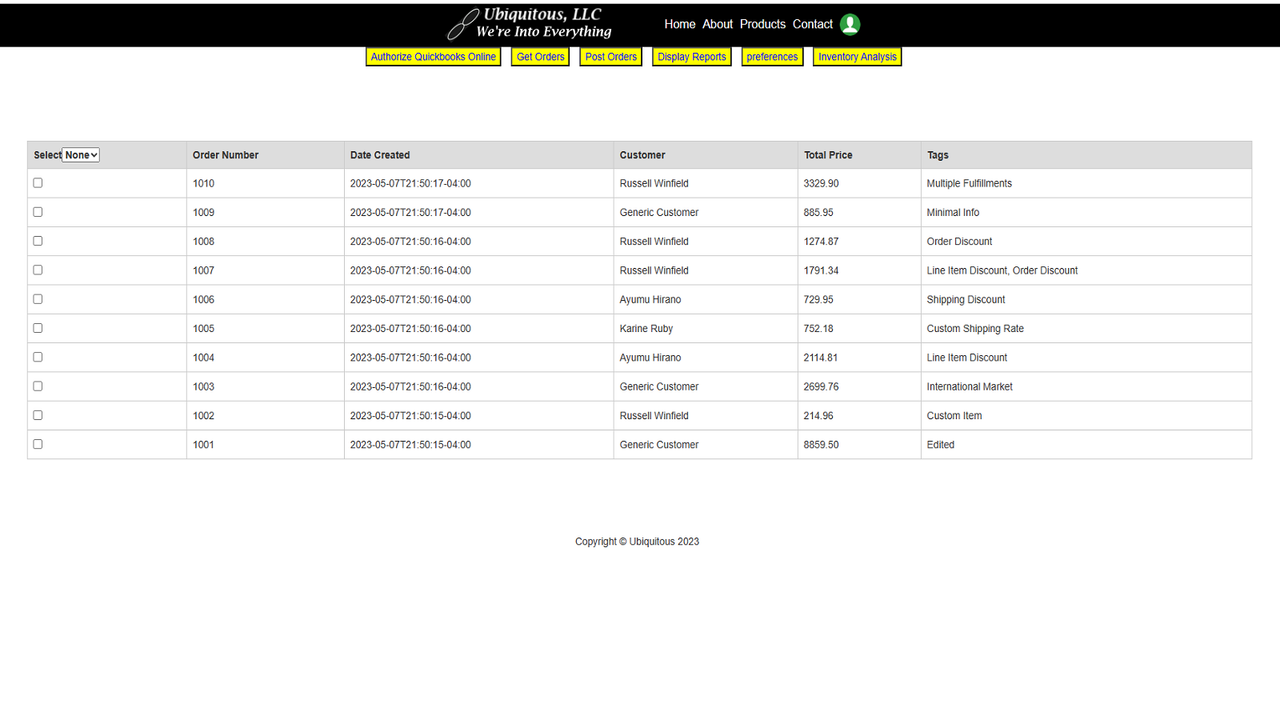
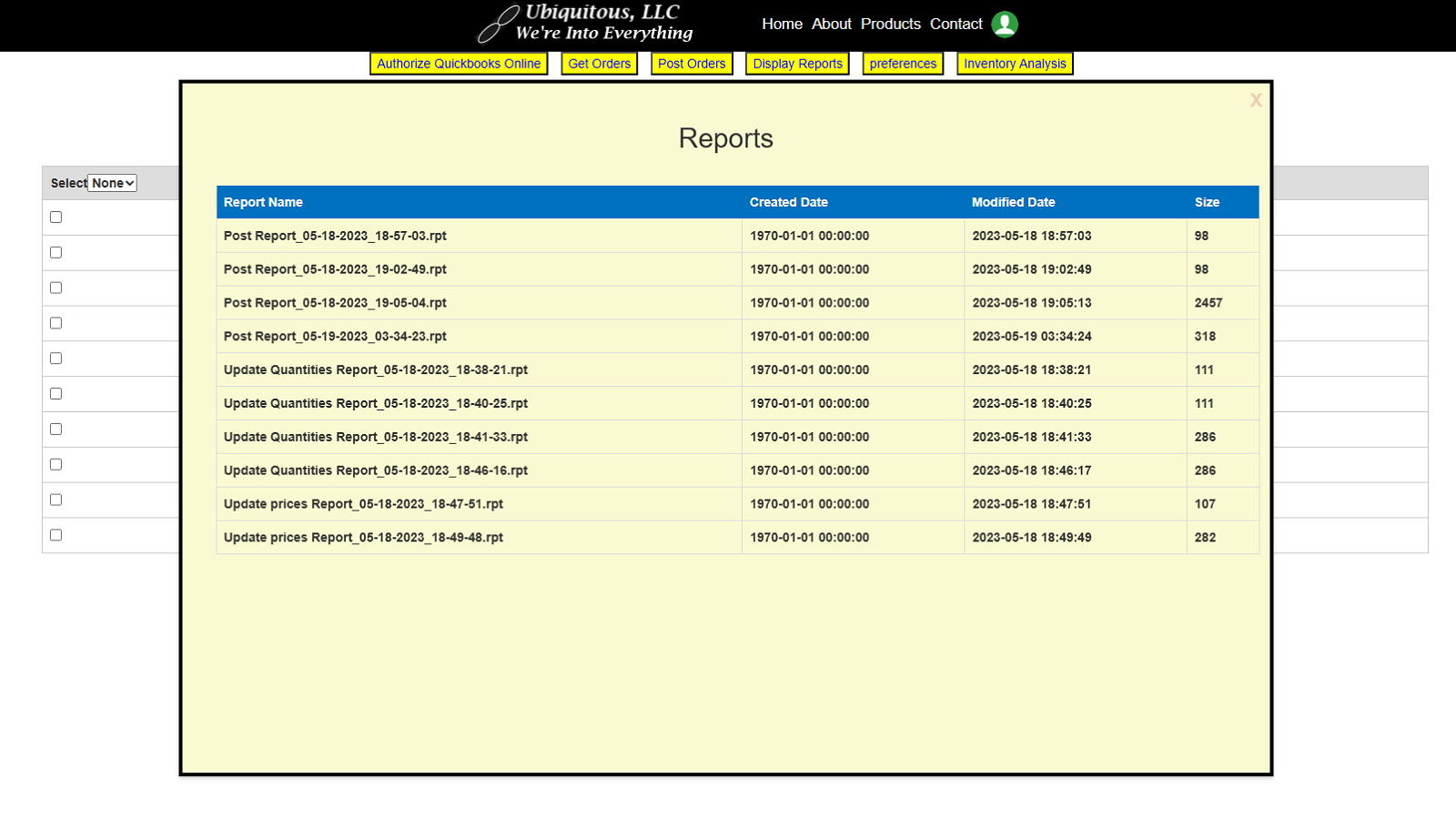
- Seamlessly integrate sales data with the QuickBooks accounting platform.
- Automatically import sales data using advanced real-time support.
- Supports multiple tax jurisdictions.
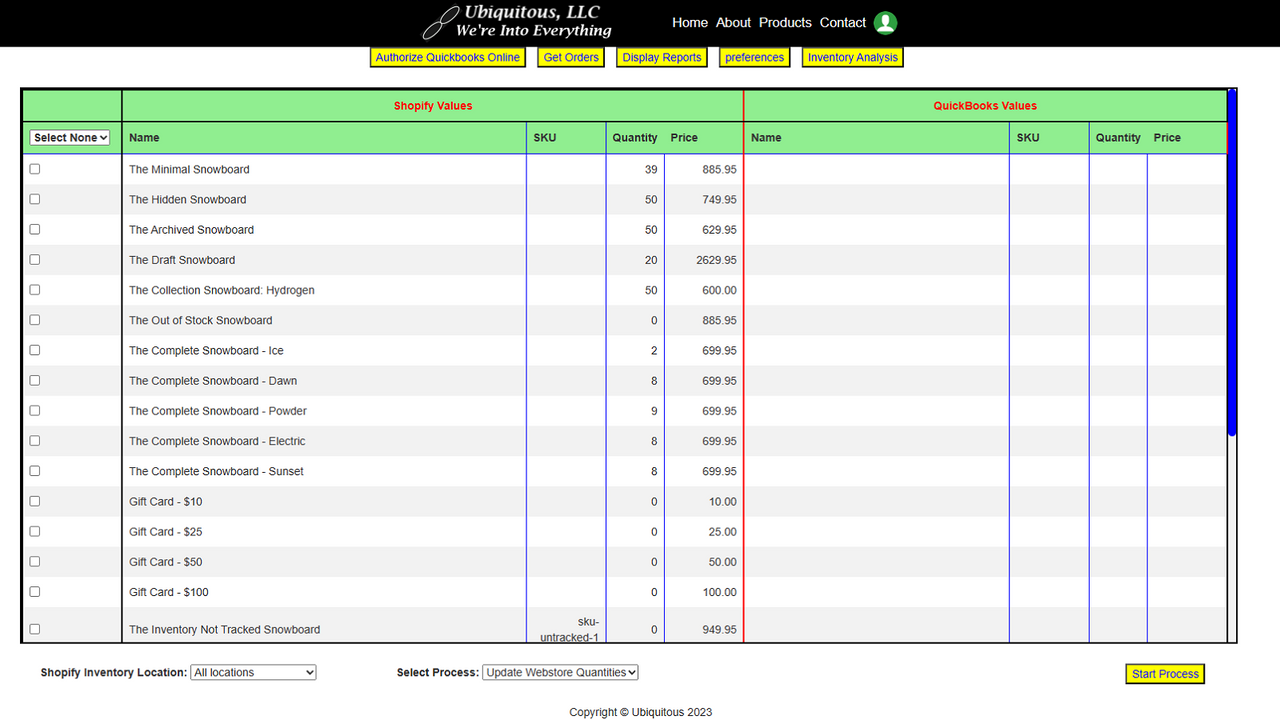
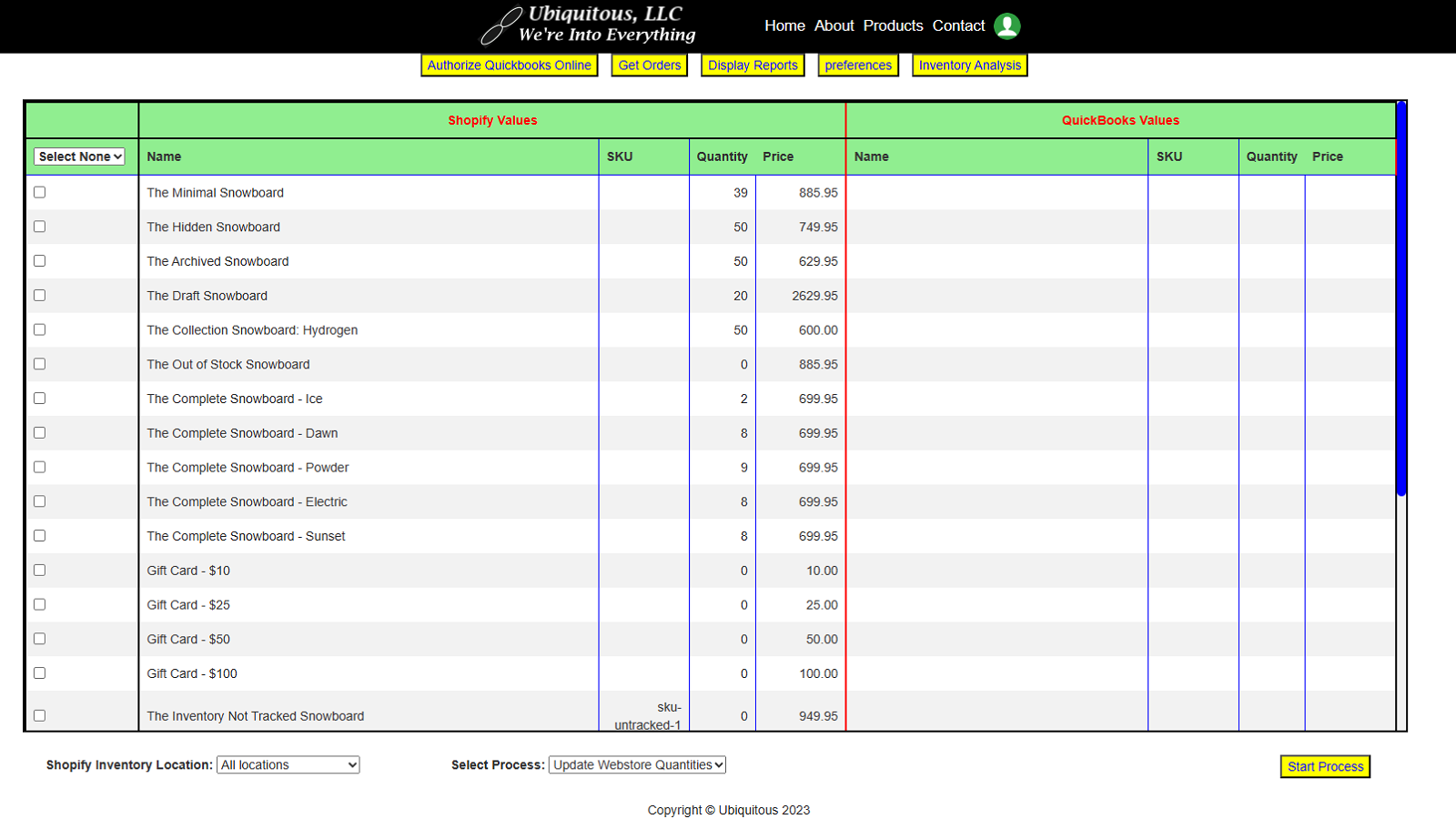
- Inventory analysis and management.
- Unattended real-time order processing and inventory synchronization.
Merchant-Friendly
- Cross-border E-commerce Merchants
- Multi-channel Retailers
- SMB E-commerce Sellers
- Merchants Needing Accounting Integration
Basic Information
- Developer:Ubiquitous, LLC
- Address:239 State Route 39, New Fairfield, CT, 06812, US
- Price: Free / Free plan
- Rating:5 / 5
- Comment Count:1 comment
- Release Date:2023-10-16
- Supported languages:English
- Compatible products:Shopify
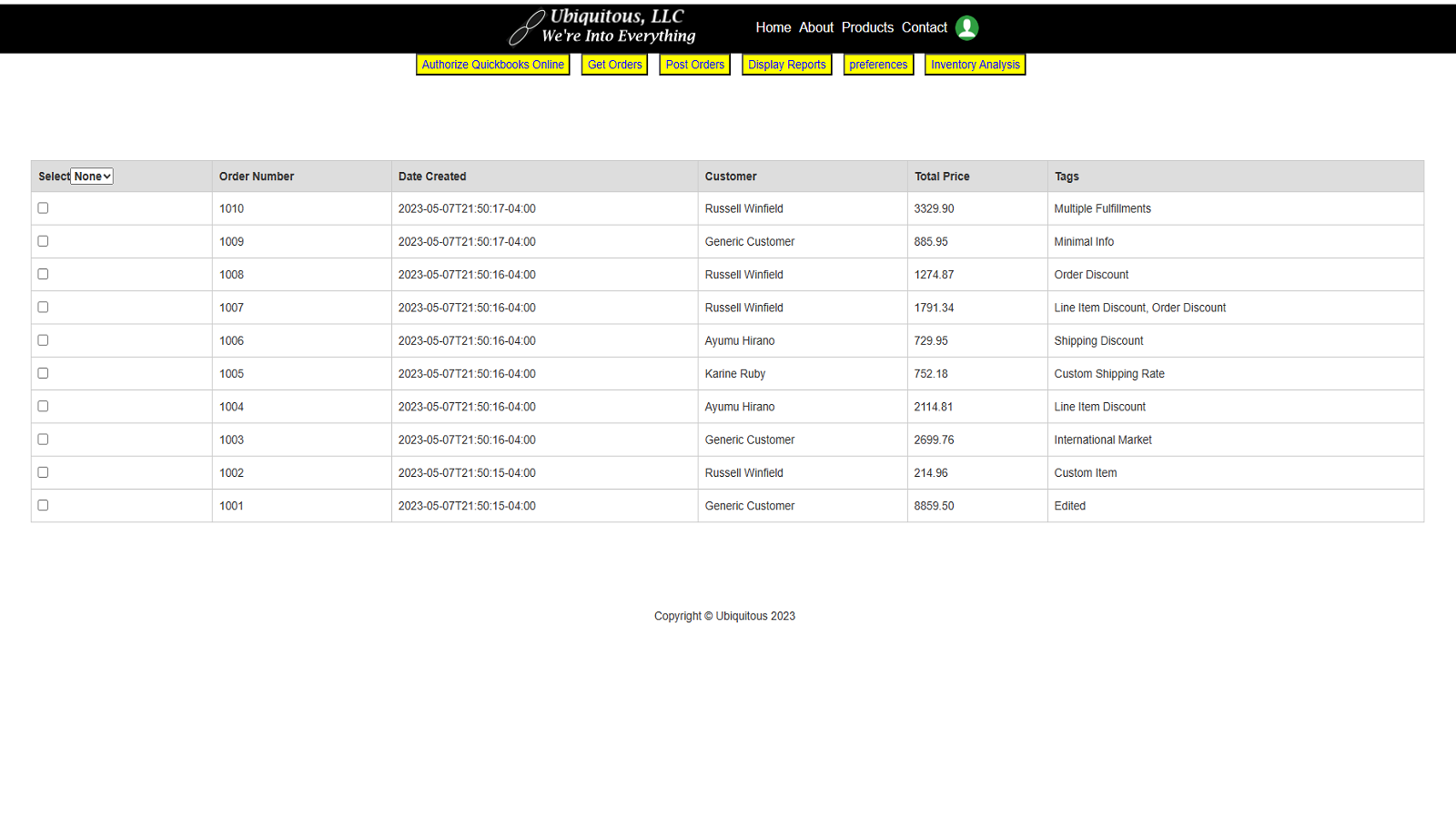
Application Screenshot
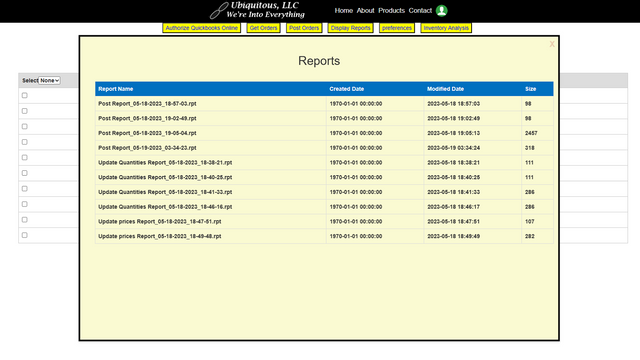
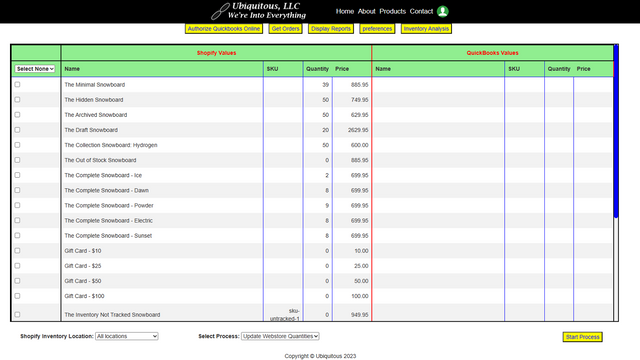
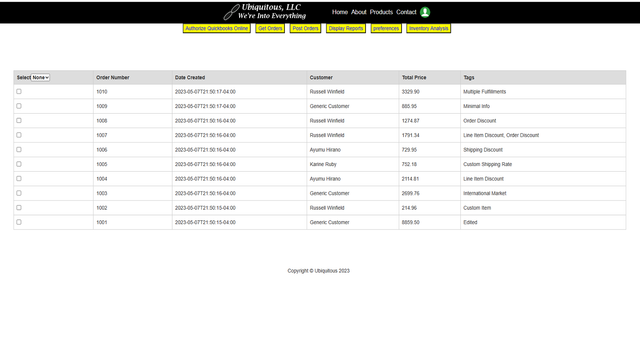
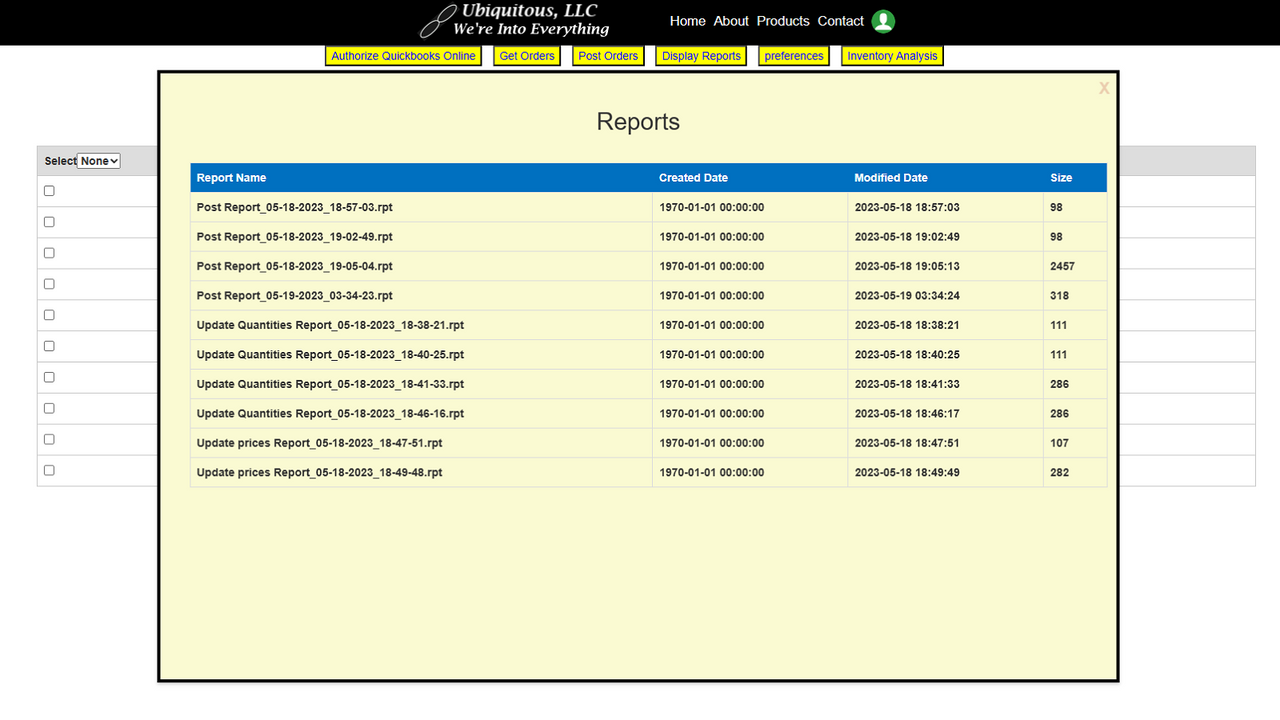
Price Plan
Ecomigrator Free
- Sync up to 50 orders monthly
- 9/5 Email Support
- Free Setup Call
Ecomigrator Basic
- Sync up to 100 orders per month
- 9/5 Email Support
- Free Setup Call
Ecomigrator Pro
- Sync up to 500 orders monthly
- 9/7 Email Support
- Free Setup Call
Ecomigrator Power
- Sync up to 1,00 orders monthly
- Nightly sync
- Stocky PO to QBO sync
- 9/7 email support
- 9/5 phone support
User Location & Comments
User Location
Comments
Shopify API Used
- POST /admin/api/quickbooks/connection.json
- PUT /admin/api/quickbooks/connection/{id}.json
- GET /admin/api/quickbooks/connection.json
Permission:write_quickbooks,read_quickbooks,manage_orders
- POST /admin/api/quickbooks/sales/import.json
- PUT /admin/api/quickbooks/sales/import/{job_id}.json
- GET /admin/api/quickbooks/sales/import/status.json
Permission:write_quickbooks,read_quickbooks,manage_orders
- POST /admin/api/tax/jurisdiction.json
- PUT /admin/api/tax/jurisdiction/{id}.json
- GET /admin/api/tax/jurisdiction.json
Permission:write_taxes,read_taxes,manage_orders
- GET /admin/api/inventory/analysis.json
- PUT /admin/api/inventory/levels.json
- POST /admin/api/inventory/adjustment.json
Permission:write_inventory,read_inventory,manage_products
- POST /admin/api/orders/inventory/sync.json
- GET /admin/api/orders/inventory/sync/status.json
- PUT /admin/api/orders/inventory/sync/settings.json
Permission:write_orders,write_inventory,read_orders