App Introduction
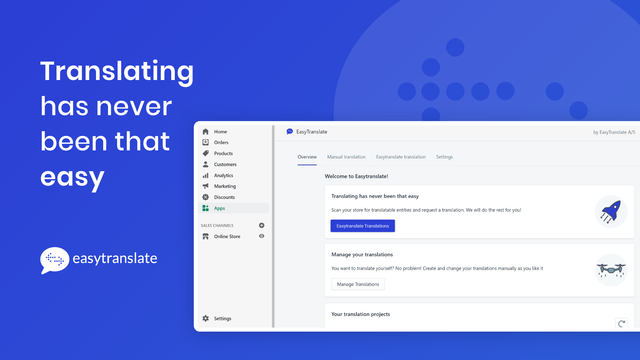
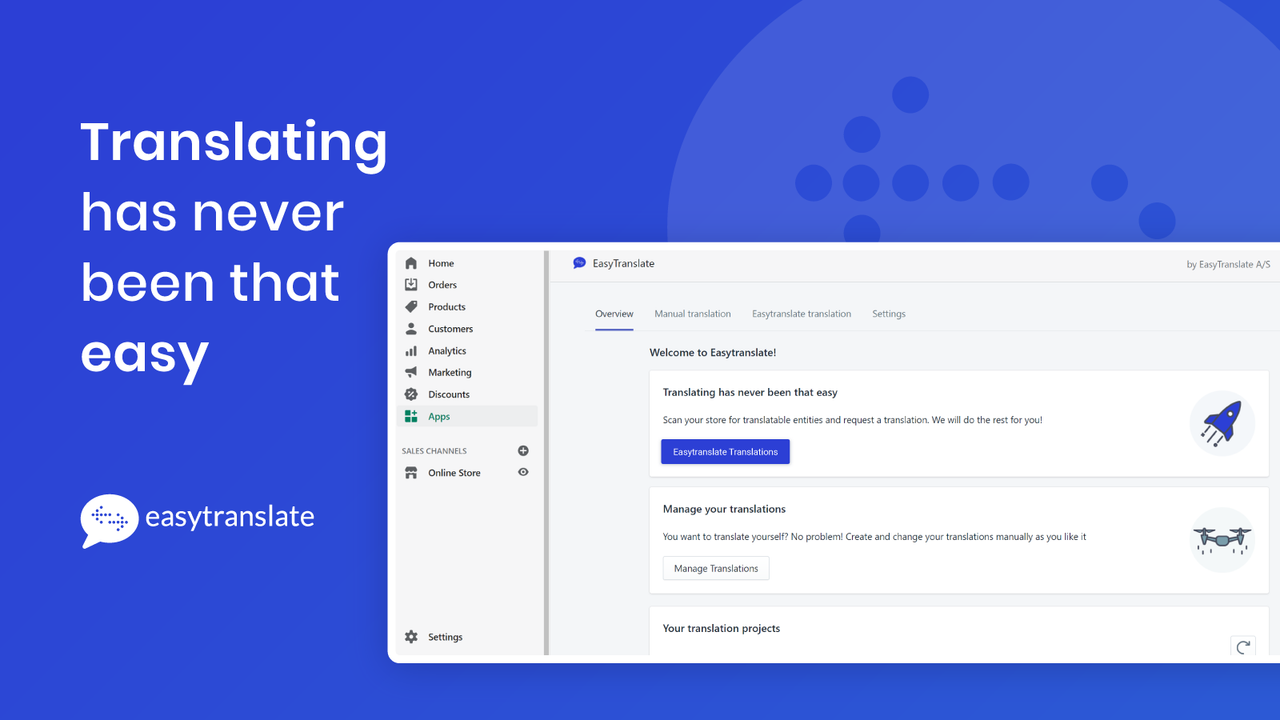
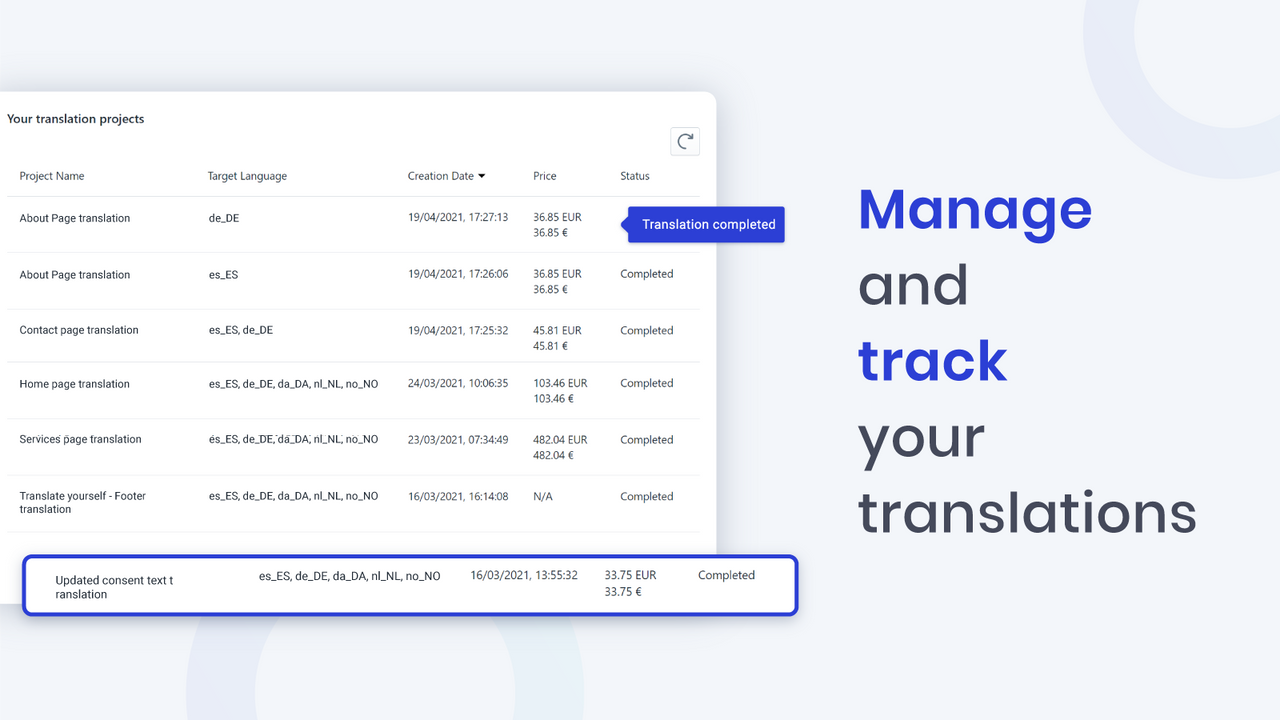
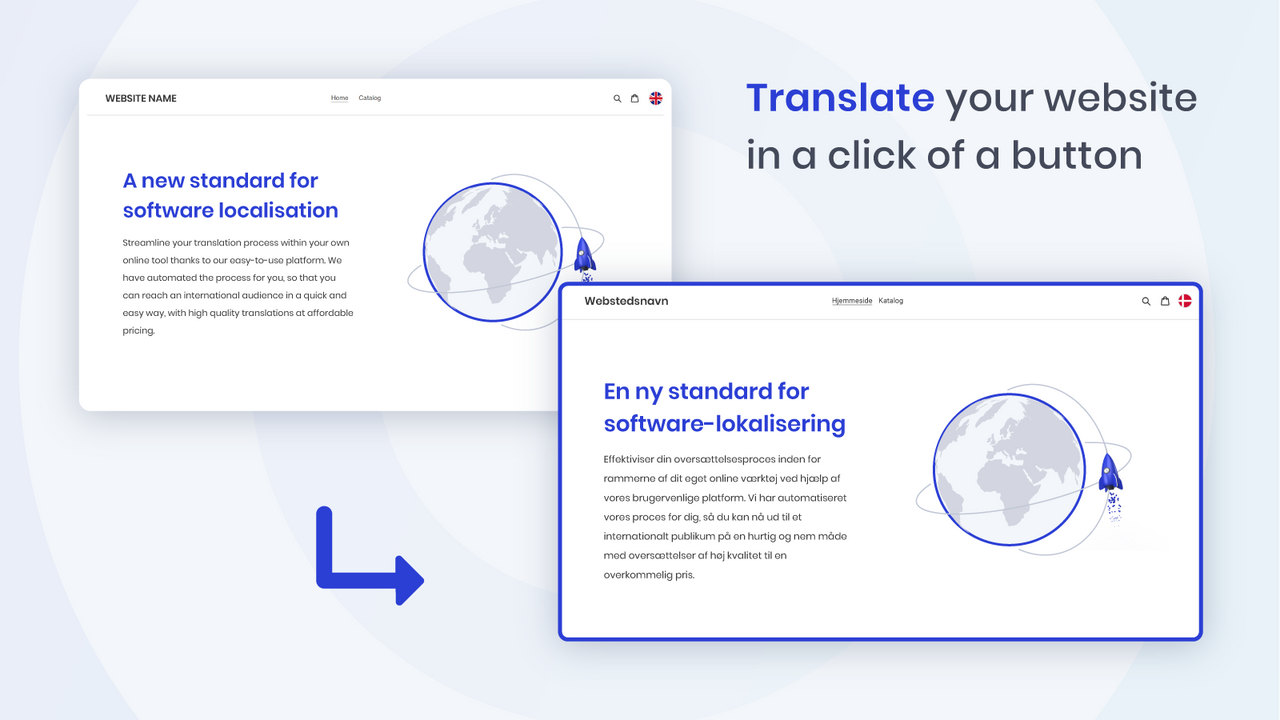
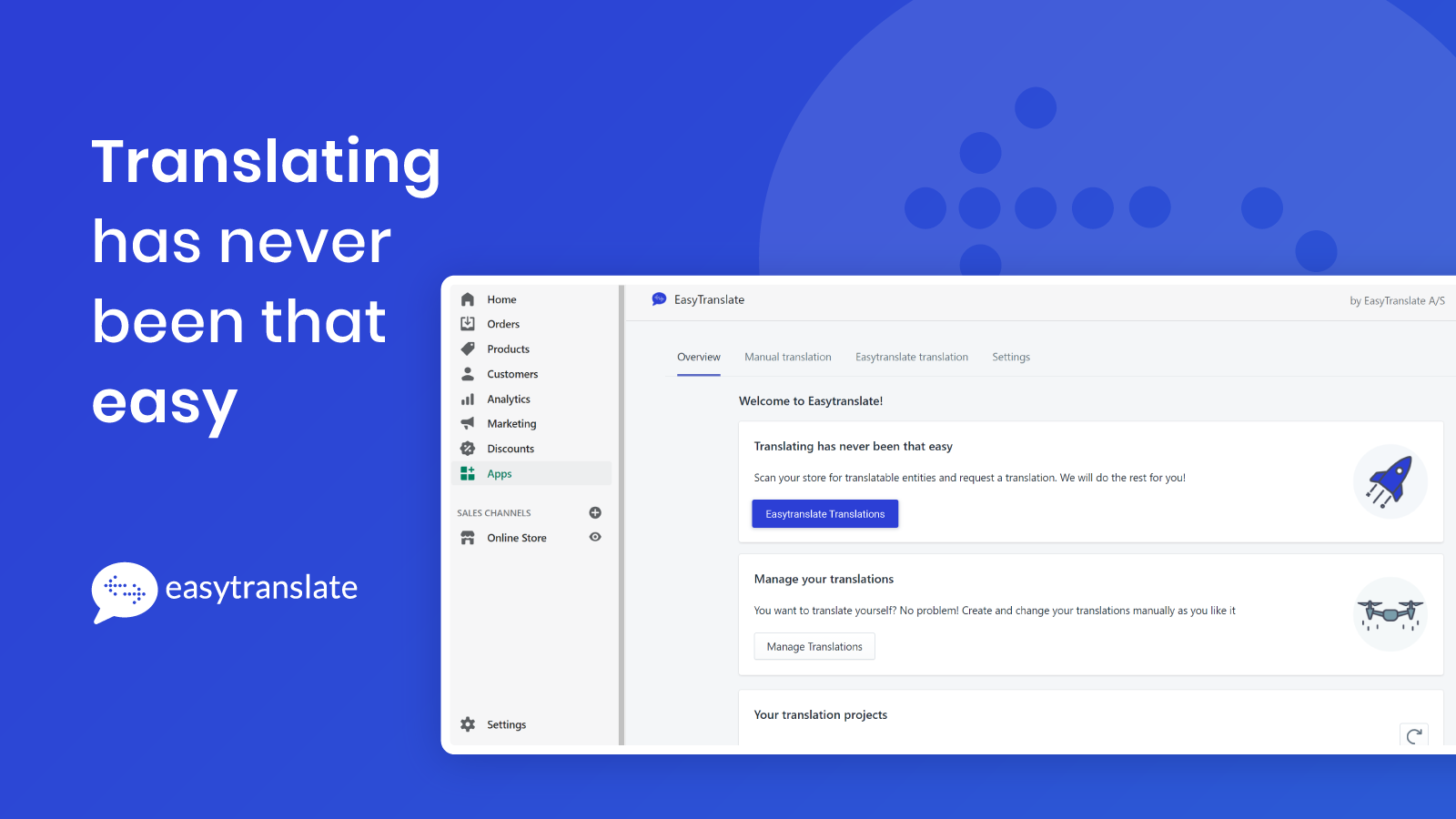
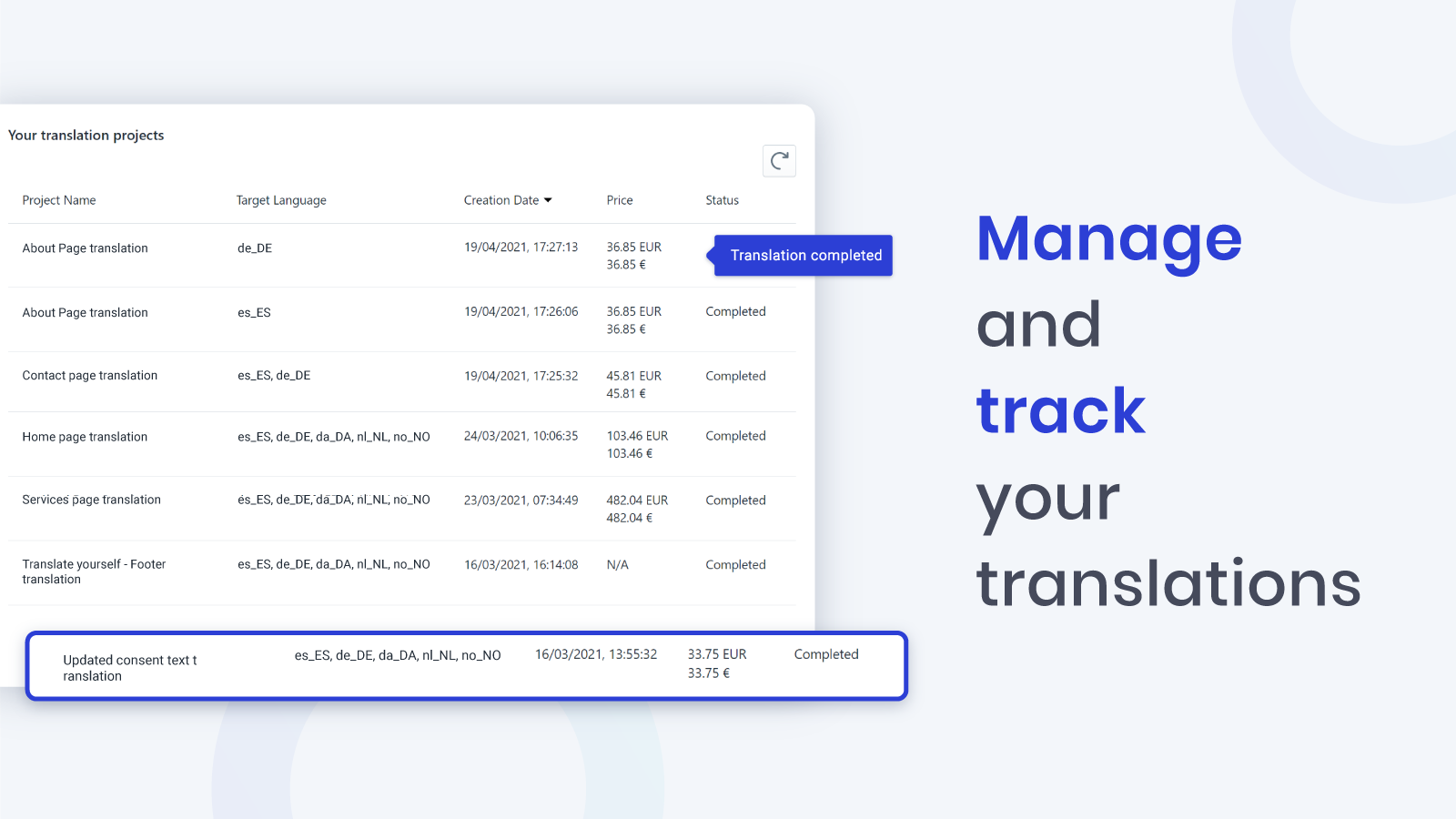
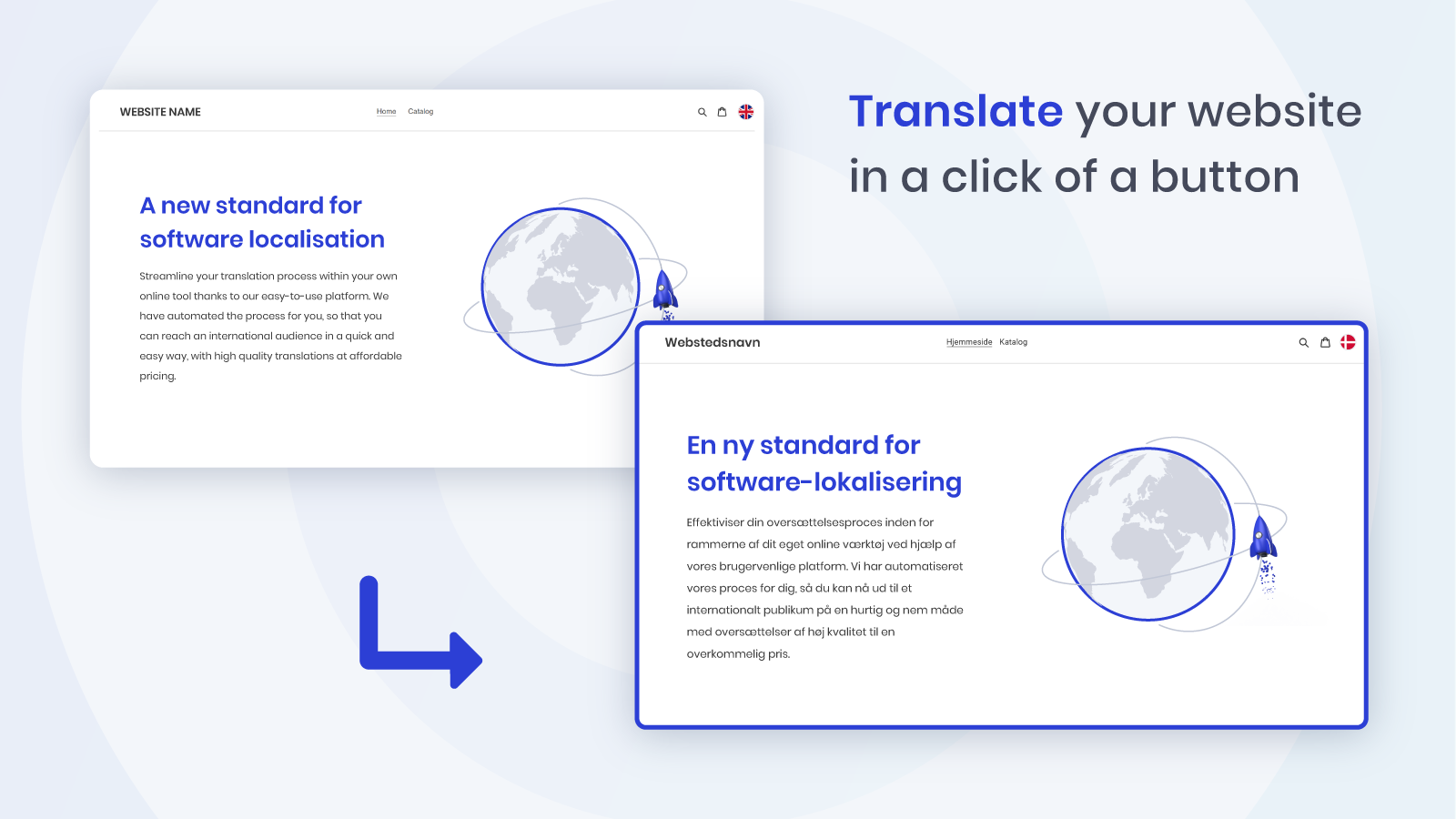
EasyTranslate creates a workflow for all your content, automating time-consuming tasks Translate your store content and sell your products globally. EasyTranslate’s no-code app lets you automatically trigger and receive translations without leaving Shopify. As soon as you request a translation, translators are immediately notified and start working. Once translations are complete, you’ll receive them in the correct place—ready to go live. Of course, you can also choose to machine-translate all or part of your content.
Core Functionality
- Custom Machine Translation
- Thousands of Freelance Translators
- Automated Workflows
- Multi-Store Translation
- Translation Memory
Merchant-Friendly
- Cross-border E-commerce Stores
- Multilingual Brand Stores
- Chain Retail Stores
- Foreign Trade Independent Stations
Basic Information
- Developer:EasyTranslate A/S
- Address:Bygmestervej 10, 2nd floor, Nordvest, 2400, DK
- Price: Free / Free plan
- Rating:4.6 / 5
- Comment Count:3 comment
- Release Date:2021-6-23
- Supported languages:English
- Compatible products:Shopify
Application Screenshot
Price Plan
Free
User Location & Comments
User Location
Comments
Shopify API Used
- POST /admin/api/translation/custom_machine.json
- PUT /admin/api/translation/custom_machine/{id}.json
- GET /admin/api/translation/custom_machine.json
Permission:write_translation,read_translation,manage_languages
- POST /admin/api/translation/translators.json
- PUT /admin/api/translation/translators/{id}.json
- GET /admin/api/translation/translators.json
Permission:write_translation,read_translation,manage_users
- POST /admin/api/translation/workflow.json
- PUT /admin/api/translation/workflow/{id}.json
- GET /admin/api/translation/workflow.json
Permission:write_translation,read_translation,manage_workflows
- POST /admin/api/translation/multi_store.json
- PUT /admin/api/translation/multi_store/{store_id}.json
- GET /admin/api/translation/multi_store.json
Permission:write_translation,read_translation,manage_multistores
- POST /admin/api/translation/memory.json
- PUT /admin/api/translation/memory/{id}.json
- GET /admin/api/translation/memory.json
Permission:write_translation,read_translation,manage_memory