
App Introduction
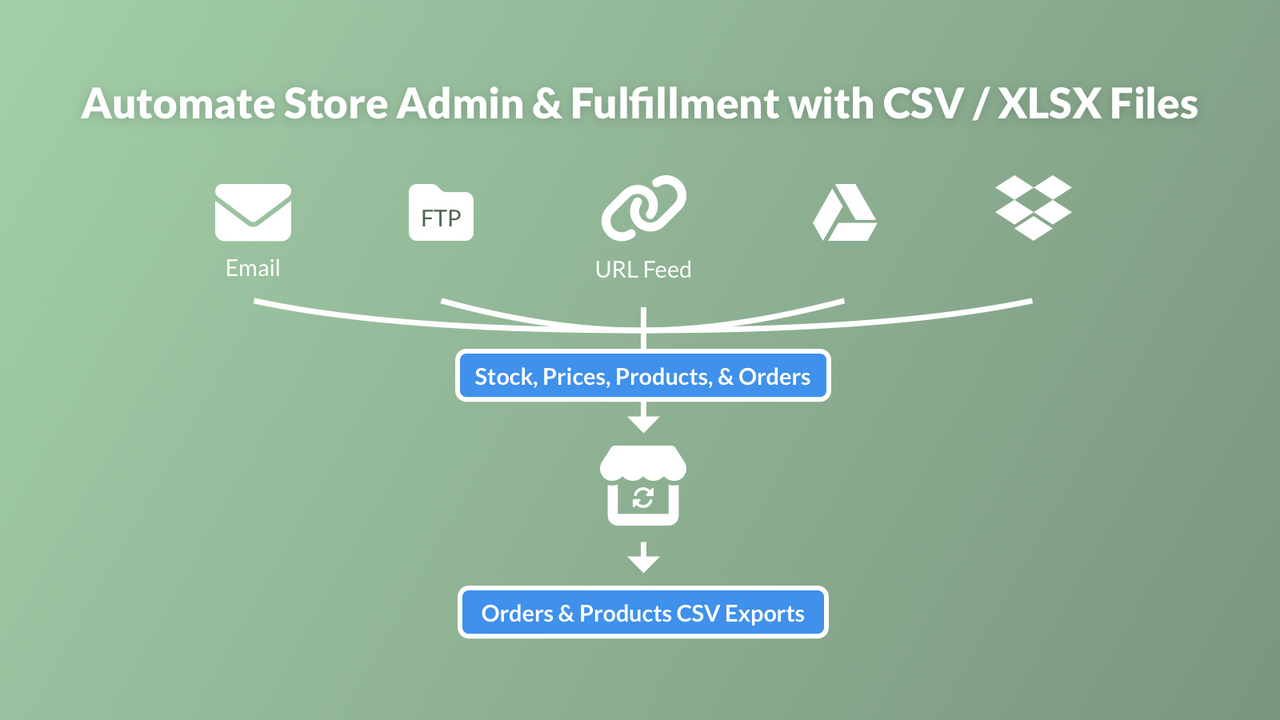
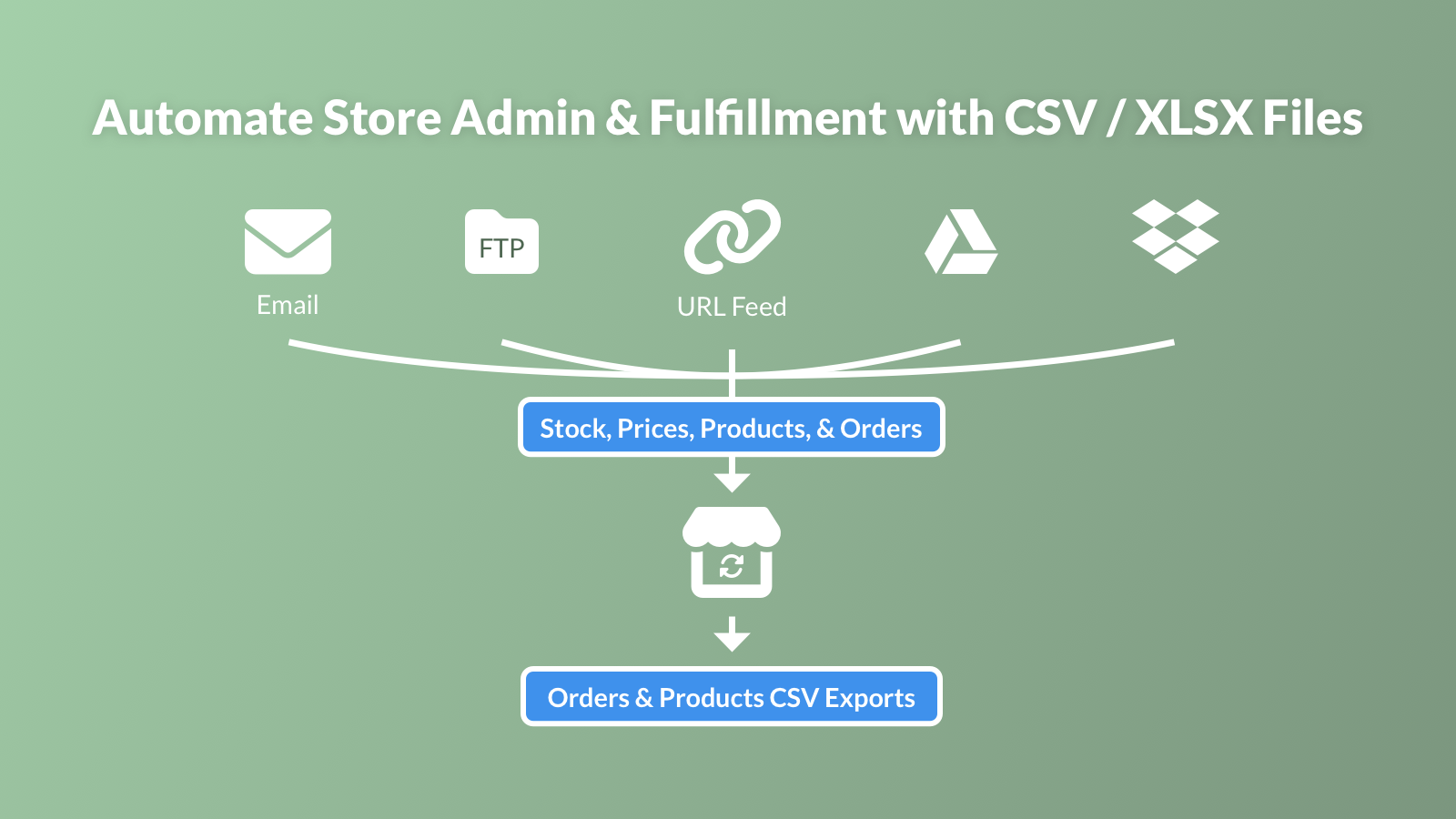
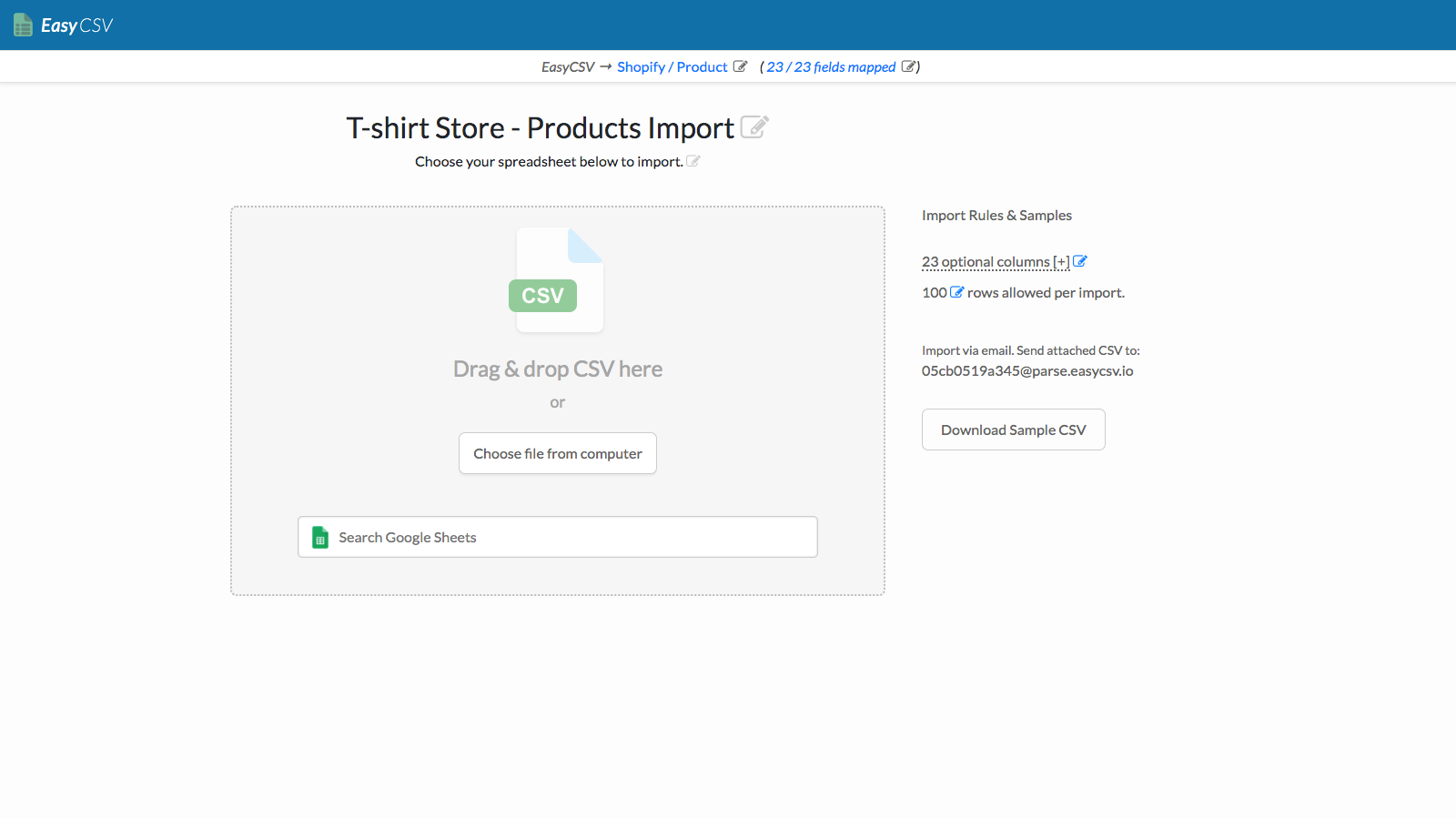
Automate inventory sync, price sync, order export, or order creation via FTP, email, links, URLs, and more! Do you receive product information from suppliers in spreadsheets? Do you need to sync inventory/quantities from CSV or XLSX files? Do you need to update your product pages based on CSV or XLSX files? Do you need to send CSV or XLSX files to suppliers every time an order is placed? Do you need to create new orders from CSV or XLSX? B2B pricing? Set up in 2 minutes and let automation power your business operations. Easily sync and send files to/from suppliers automatically.
Core Functionality
- Update product SKU / barcode (compare price, cost, tags, and 10 other fields)
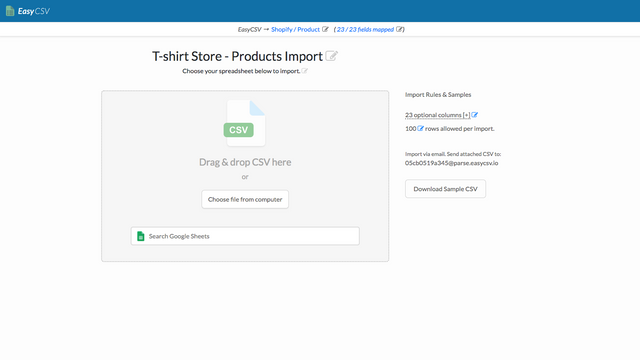
- Sync inventory and prices (via FTP, email, links, URLs, Google Sheets, etc.)
- Send CSV or XLSX files when orders are generated (delivery methods: email, FTP/SFTP, etc.)
- Create orders from other systems (via FTP/SFTP, email, B2B, etc.)
- Bulk import order tracking numbers, tags, and metafields from CSV and XLSX files
Merchant-Friendly
- Independent Station Merchants
- Multi-category E-commerce
- Wholesale Retailers
- Cross-border E-commerce Merchants
Basic Information
- Developer:EasyCSV
- Address:2605 Thayer St, Evanston, IL, 60201, US
- Price: Free / Free plan
- Rating:5 / 5
- Comment Count:21 comment
- Release Date:2020-5-25
- Supported languages:English
- Compatible products:Shopify
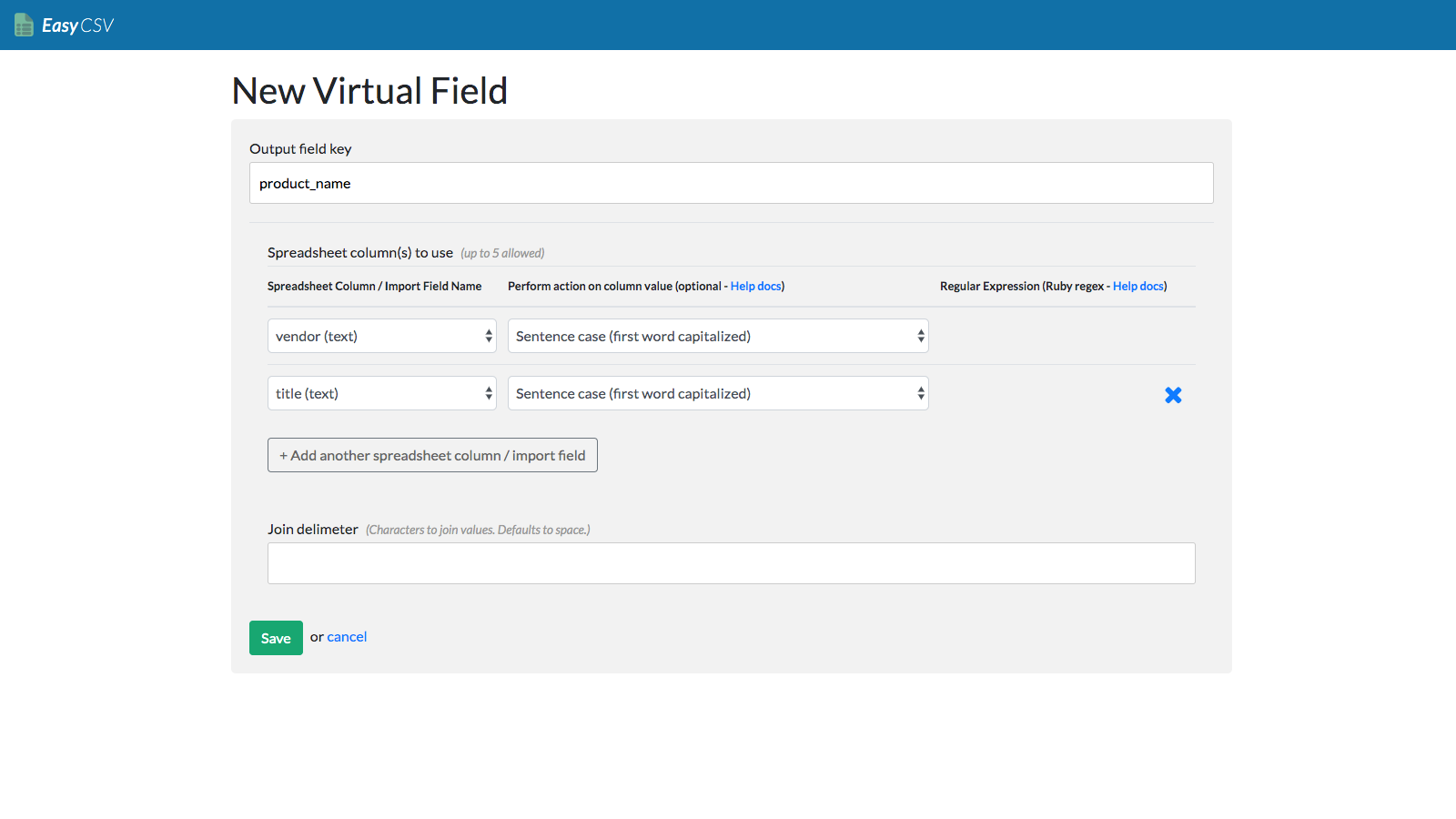
Application Screenshot
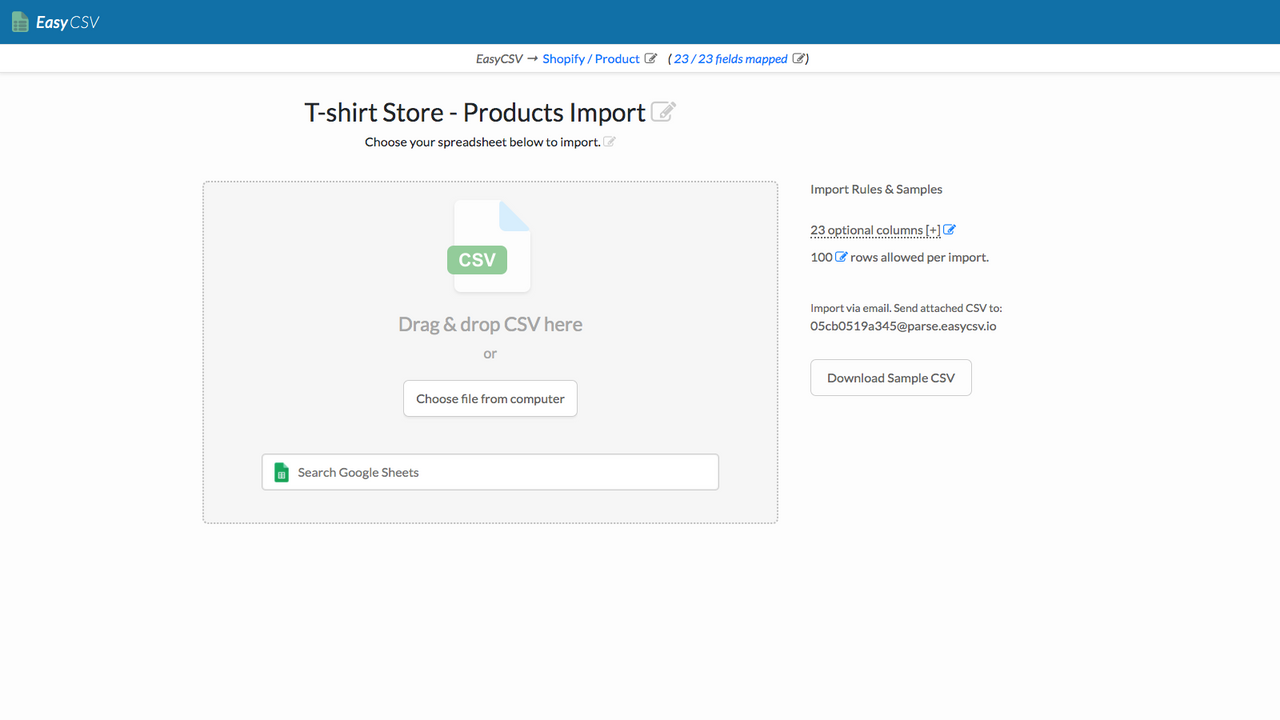
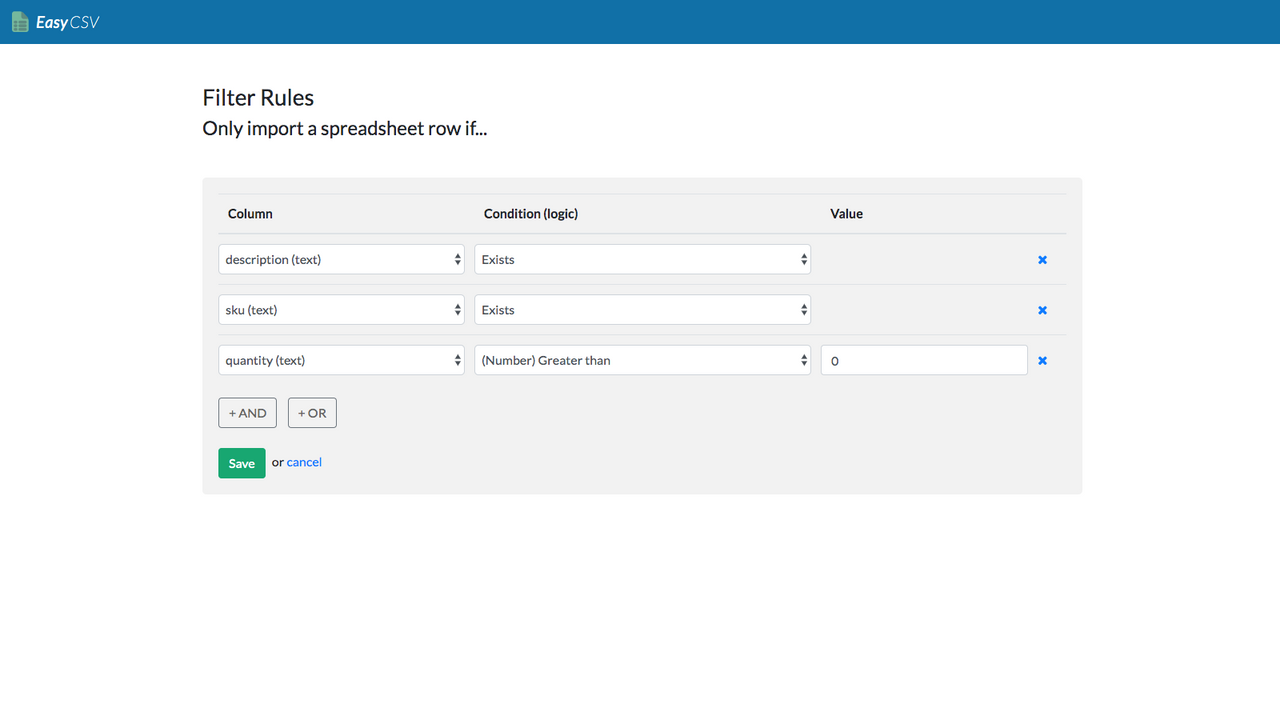
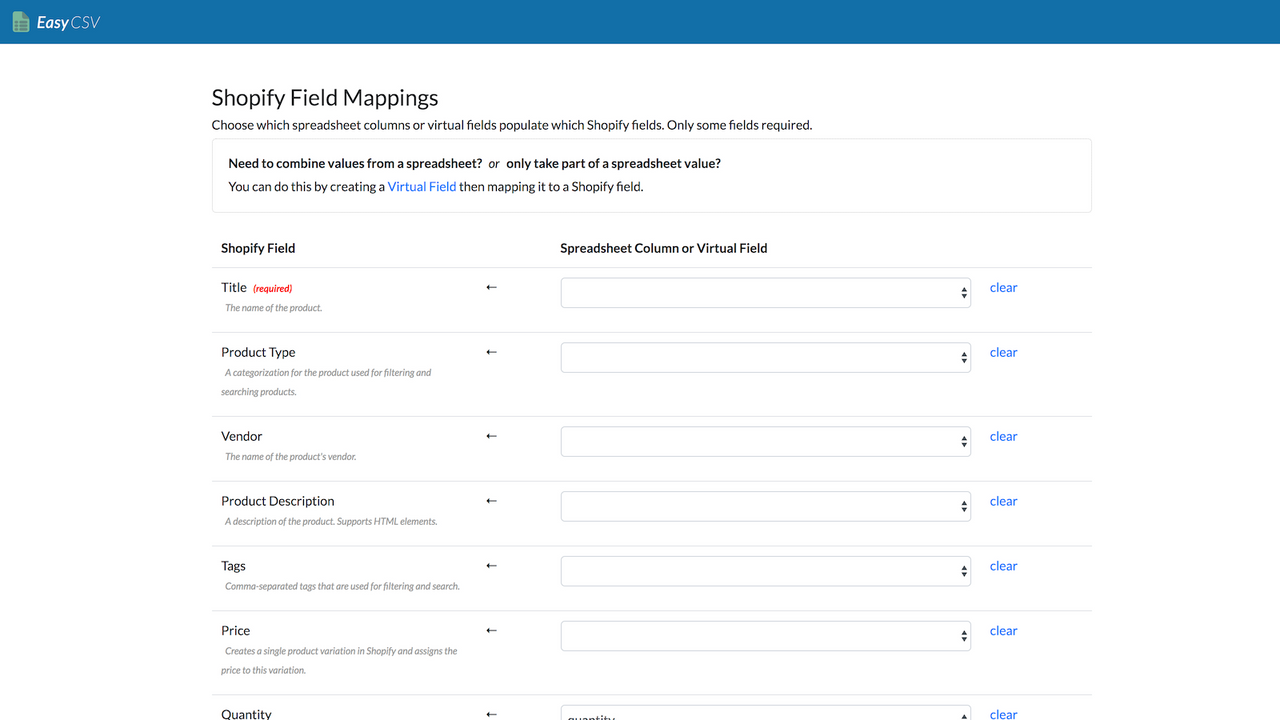
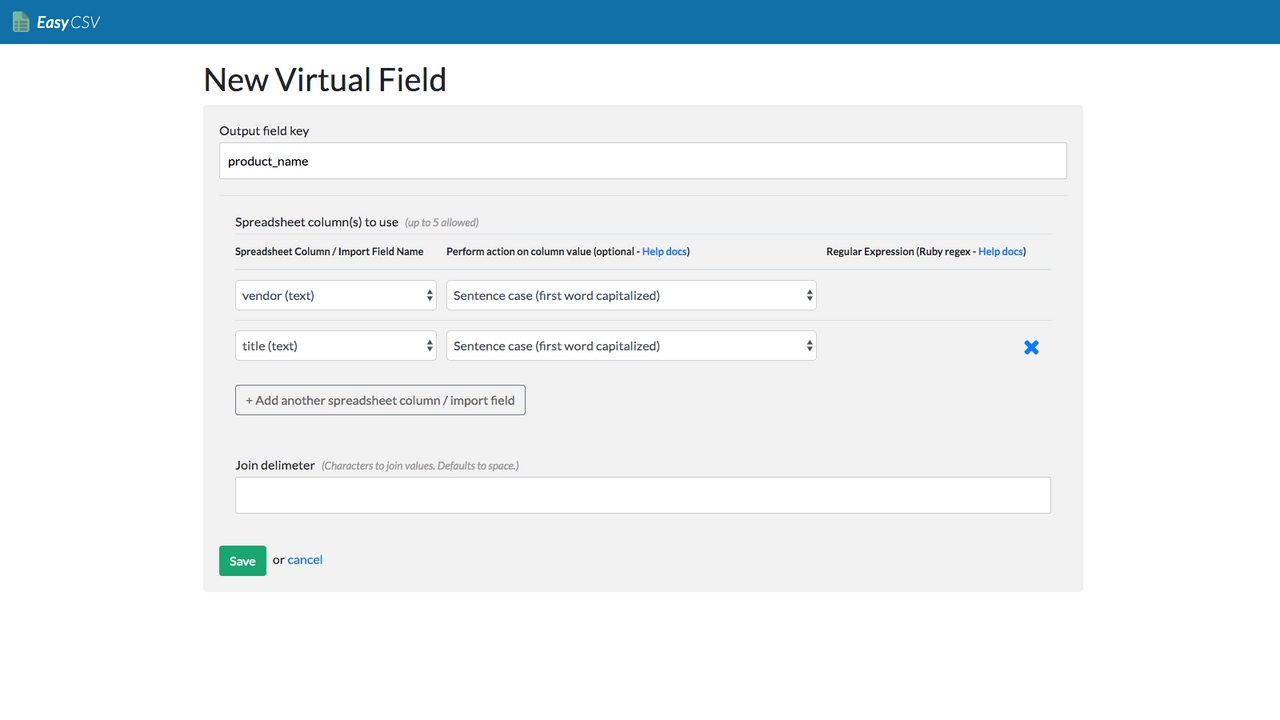
Price Plan
Free Plan
- 1 Import or Export Flow
- 3 Rows per Import
- Upload CSV File
- Export Orders to CSV or XLSX
- Auto-Import Email Addresses from CSV/XLSX
Project Plan
- 1 Import/Export Flow
- Up to 5,000 Rows per Import
- Upload CSV File
- Export Orders to CSV or XLSX
- Auto-Import Email Addresses from CSV/XLSX
Business
- All features of the Basic Plan
- 3 import or export processes
- Up to 10,00 rows per import
- B2B/Wholesale Catalog Price Synchronization
- Import orders from CSV or XLSX
Custom Plan
- All features of the Basic Plan
- More than 4 import or export processes
- More than 10,000 rows per import
- Product and variant metafield synchronization
User Location & Comments
User Location
Comments
Shopify API Used
- PUT /admin/api/products/{product_id}.json
- PUT /admin/api/products/{product_id}/variants/{variant_id}.json
- GET /admin/api/products/{product_id}.json
Permission:write_products,read_products,manage_inventory
- POST /admin/api/inventory_levels/batch.json
- PUT /admin/api/products/{product_id}/variants/{variant_id}.json
- GET /admin/api/inventory_levels.json
Permission:write_inventory,read_inventory,manage_products
- POST /admin/api/webhooks.json
- GET /admin/api/orders/{order_id}.json
- POST /admin/api/orders/{order_id}/metafields.json
Permission:write_webhooks,read_orders,manage_orders
- POST /admin/api/orders.json
- POST /admin/api/orders/batch.json
- GET /admin/api/orders.json
Permission:write_orders,read_orders,manage_orders
- POST /admin/api/orders/{order_id}/fulfillments.json
- POST /admin/api/orders/{order_id}/metafields.json
- GET /admin/api/orders.json
Permission:write_orders,read_orders,manage_fulfillments



