
App Introduction
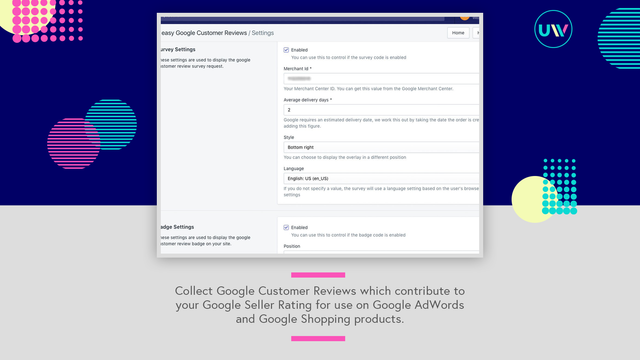
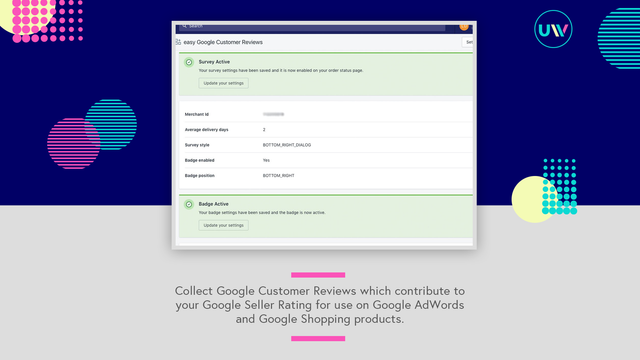
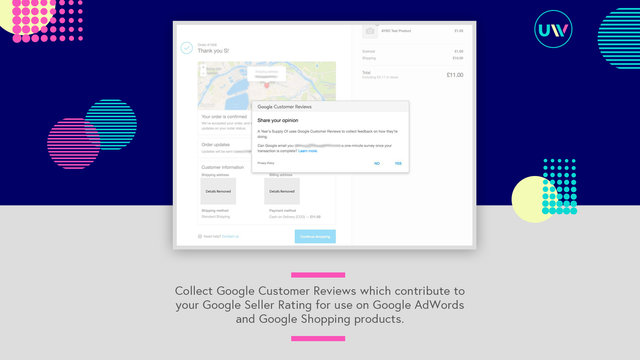
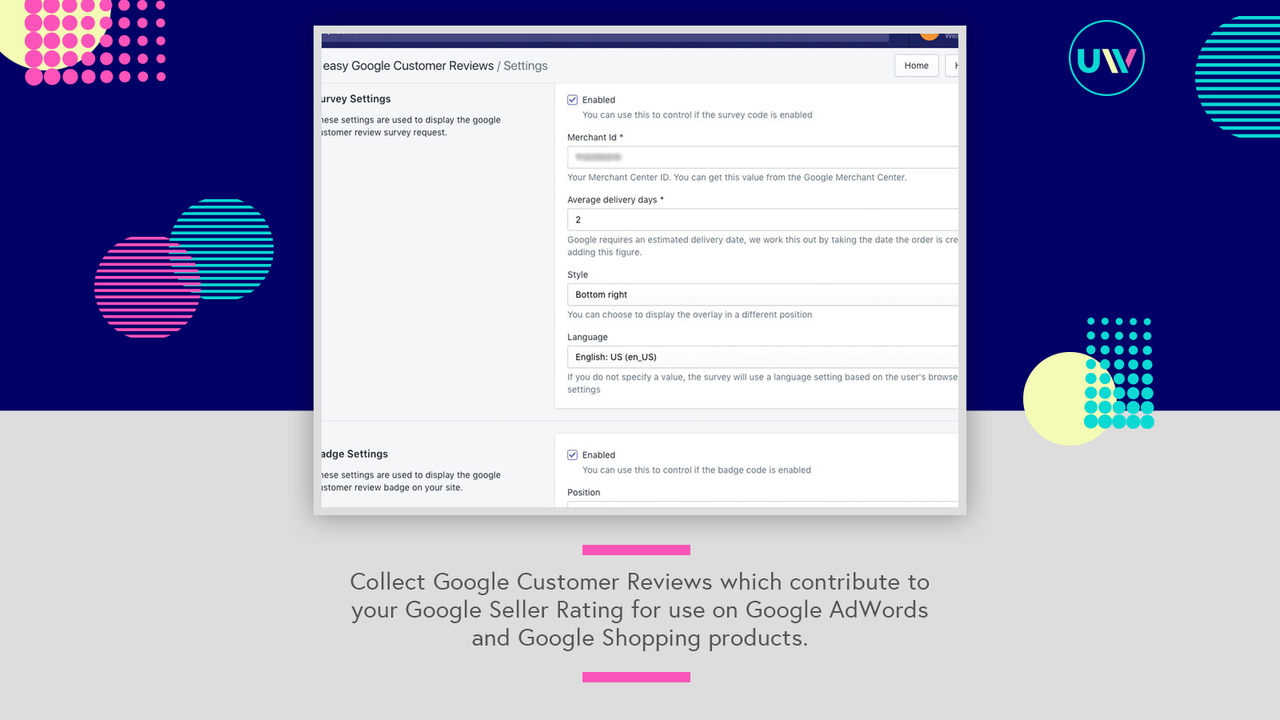
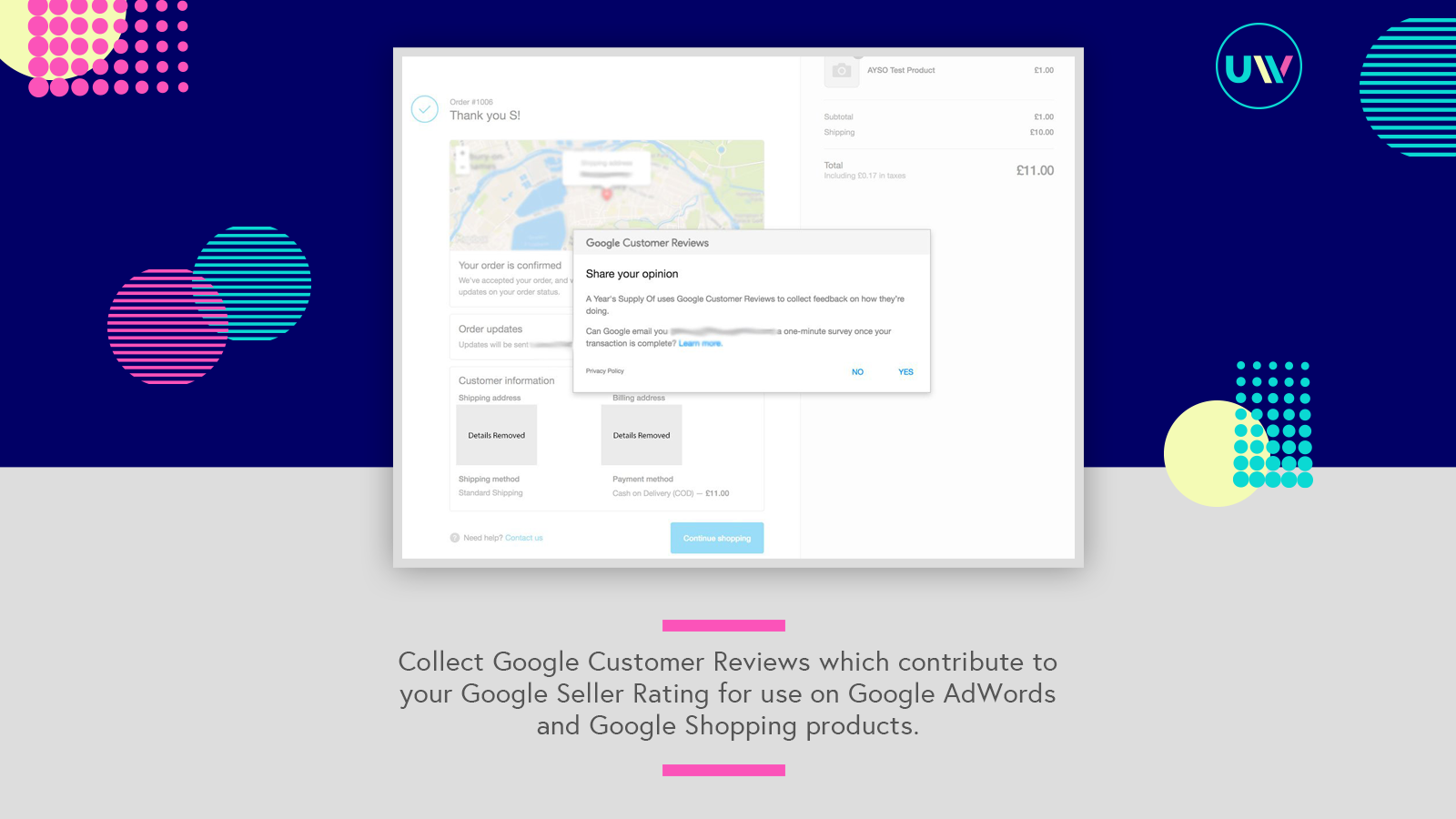
Add Google Customer Reviews surveys and website badges to your store without coding. The Google Customer Reviews program lets you collect verified reviews from customers. These reviews, in turn, help other shoppers make informed decisions about your store’s shopping experience and the products they purchase. The easy Google Customer Reviews app handles the code required to display the survey opt-in pop-up and Google Seller Ratings badge on your store. You can set everything up in minutes—all you need is your Google Merchant Center ID.
Core Functionality
- Google Reviews help shoppers easily identify your website with the Google brand
- No coding required—set up Google Customer Reviews in just a few clicks
- Collect Google Customer Reviews via app block-compatible post-purchase pages
Merchant-Friendly
- Independent Station Merchants
- E-commerce Retail Merchants
- Brand Export Merchants
- Cross-border E-commerce Merchants
Basic Information
- Developer:Union Works Apps
- Address:86-90 Paul Street, London, EC2A 4NE, GB
- Price: Free / Free plan
- Rating:5 / 5
- Comment Count:18 comment
- Release Date:2017-8-11
- Supported languages:English
- Compatible products:Shopify
Application Screenshot

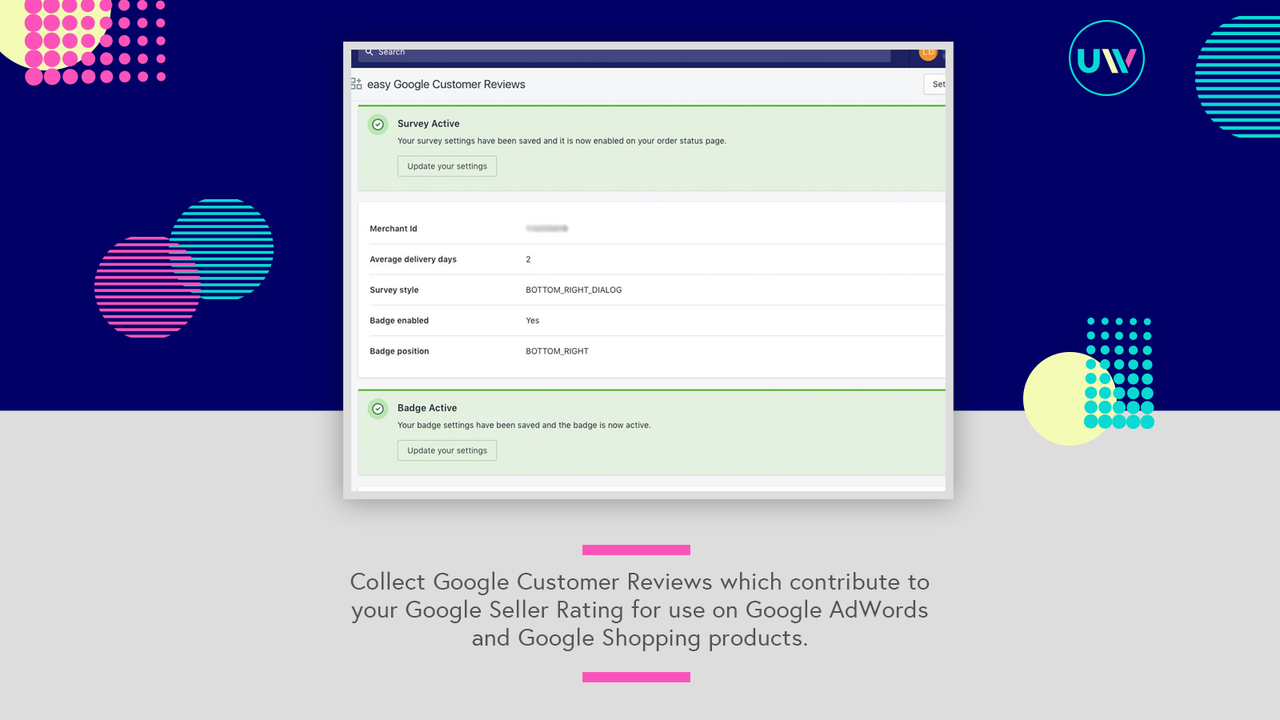
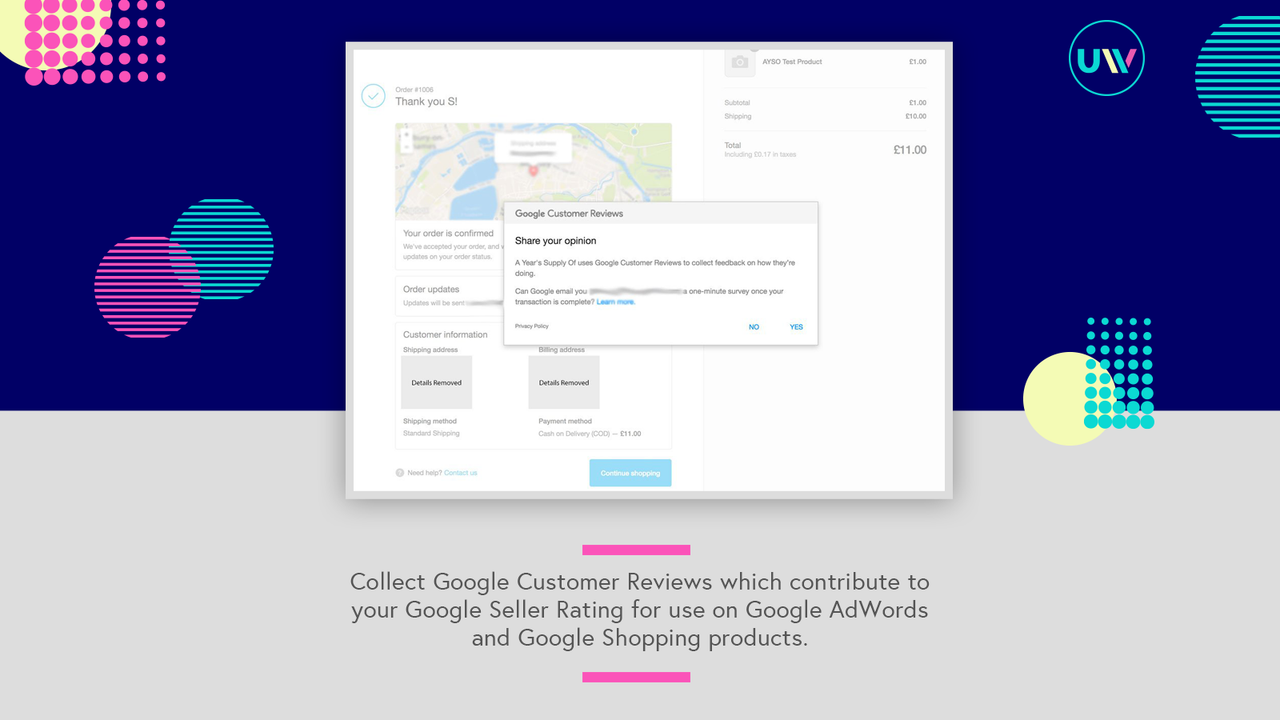

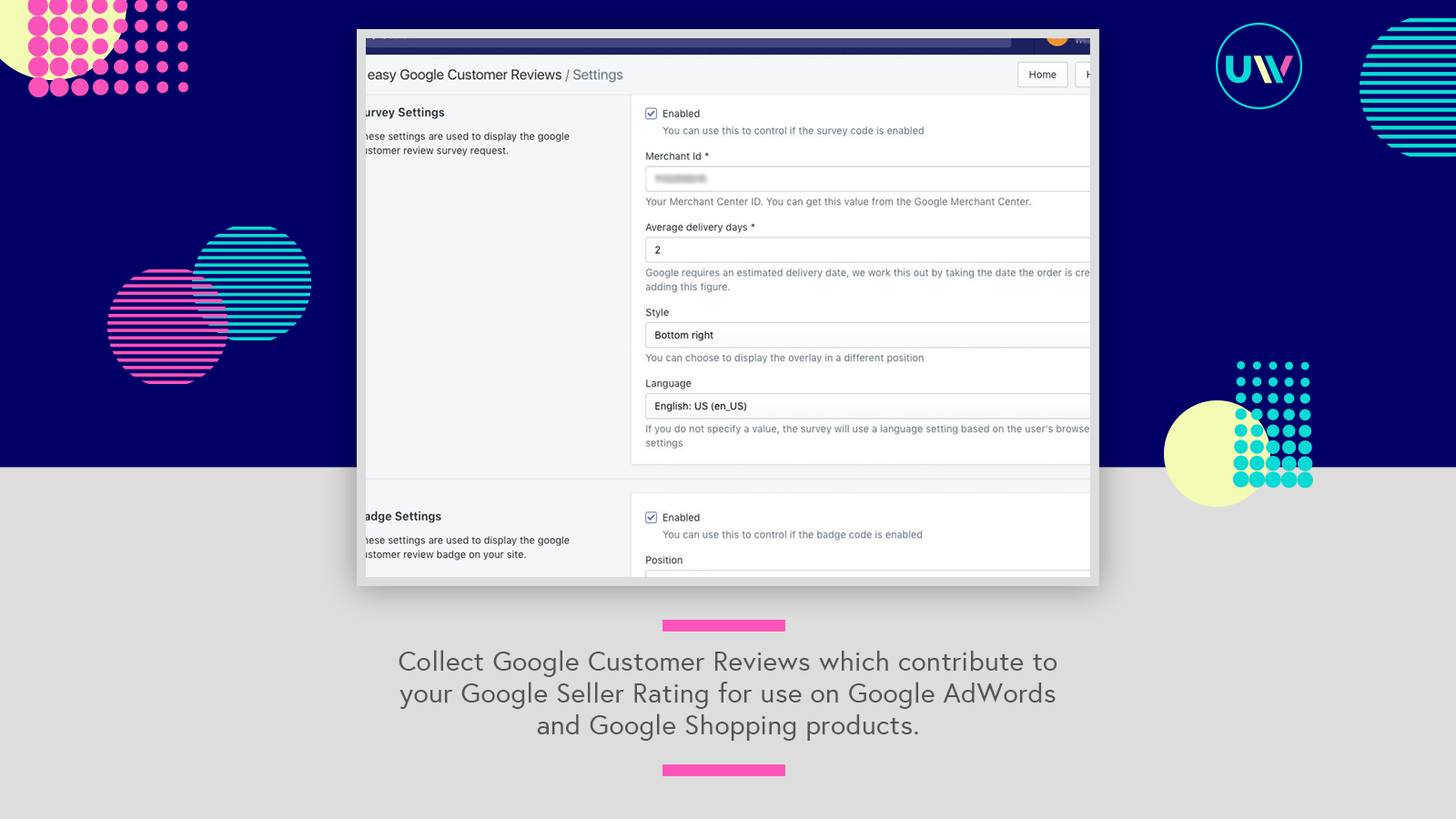
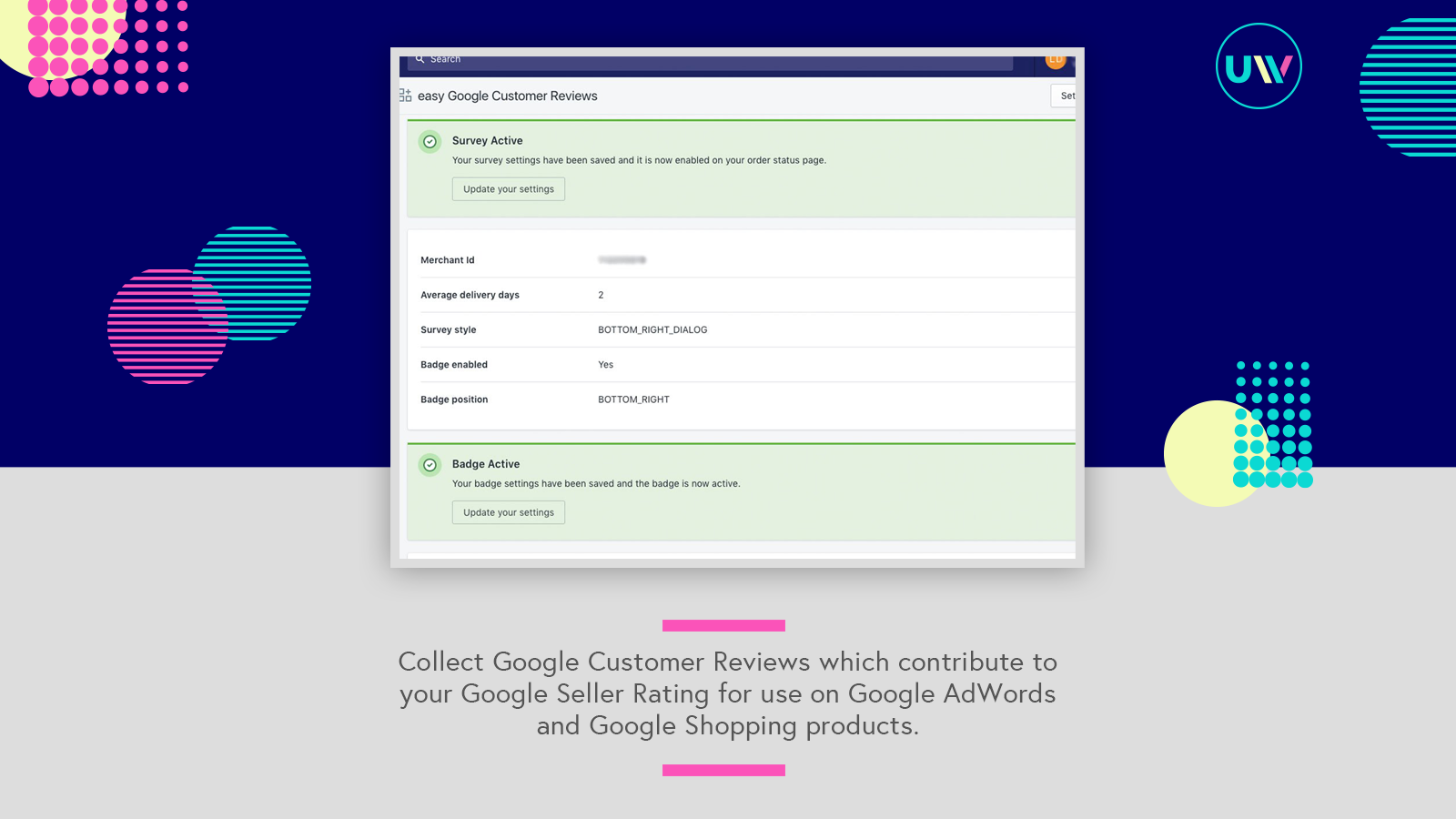
Price Plan
Basic
- Capture Google Customer Reviews
- Boost Your Google Merchant Ratings
- Compatible with Checkout Extensibility
User Location & Comments
User Location
Comments
Shopify API Used
- POST /admin/api/google_reviews/settings.json
- PUT /admin/api/google_reviews/settings/{id}.json
- GET /admin/api/google_reviews/settings.json
Permission:write_google_reviews,read_google_reviews,manage_apps
- POST /admin/api/google_reviews/collect.json
- GET /admin/api/google_reviews/collected.json
- PUT /admin/api/google_reviews/collect/settings.json
Permission:write_google_reviews,read_google_reviews,manage_online_store
- POST /admin/api/google_reviews/brand.json
- PUT /admin/api/google_reviews/brand/{id}.json
- GET /admin/api/google_reviews/brand.json
Permission:write_google_reviews,read_google_reviews,manage_branding